
Website and blog images
Match your hero, card, thumbnail, and CMS dimensions before you publish, so pages load fast and look sharp.
Resize photos to exact pixel dimensions
Resize JPEG, PNG, or WebP images to any width and height in pixels, keep the aspect ratio locked, and download with no watermark. Free with sign-in, and it never uses credits.
nano-banana-pro-resize-sample.webp
1200 × 900 · 171.4 KB · WebP
Output format
Quality
90%Your original never leaves your device — everything happens in your browser. Only a small preview is sent for a quick safety check, and it's deleted after an hour.
Add an image and pick your settings — the result shows up here, ready to download.
Get the exact pixel dimensions your website, social feeds, email, and documents call for — in a few seconds, right in your browser.
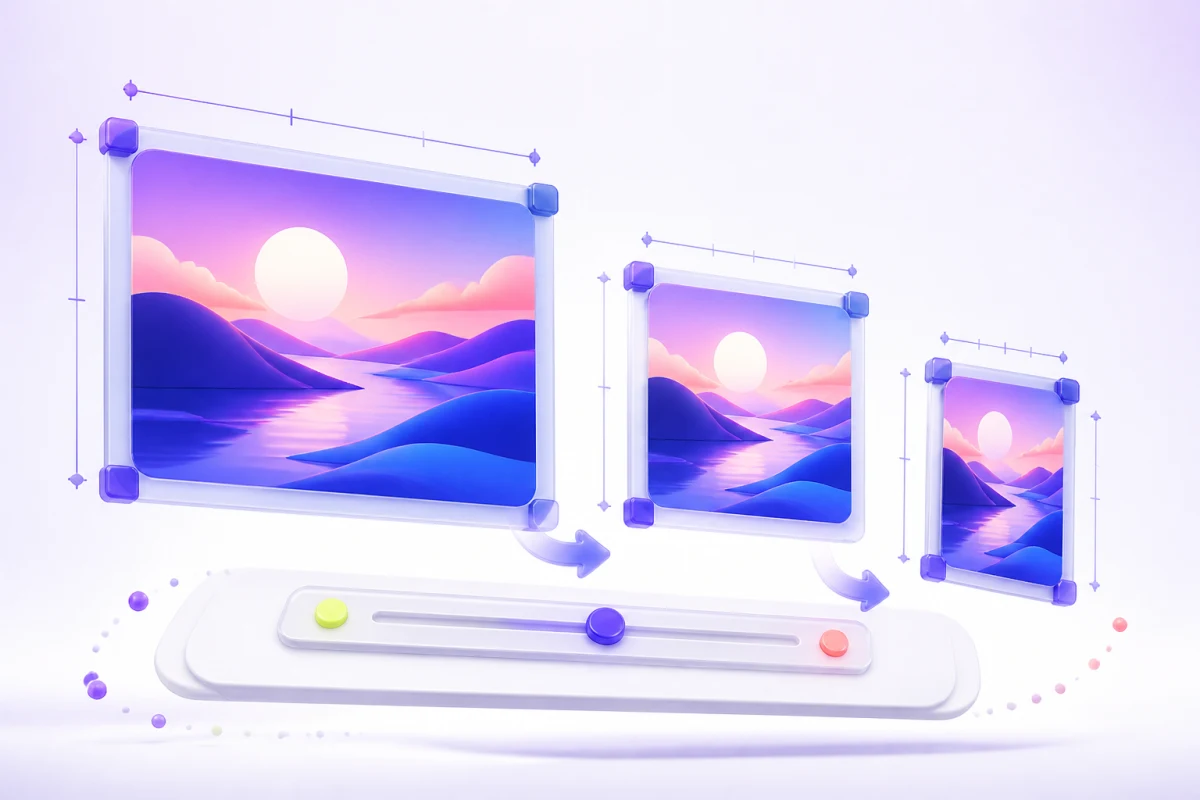
Match your hero, card, thumbnail, and CMS dimensions before you publish, so pages load fast and look sharp.
Prep posts, profile pictures, cover photos, and ad creatives at the exact size each platform expects — no surprise cropping.
Shrink oversized photos before dropping them into an email, slide deck, or Word document.
Three quick steps from choosing an image to downloading it.
Drop in a JPEG, PNG, or WebP, or try the sample image.
Type a new width or height — with the aspect ratio locked, the other side follows automatically.
Click Resize image, check the result, and download it straight to your device.
Type a size, lock the ratio, pick a format — that's all it takes.
Type any width and height up to 12,000 px per side — perfect for hitting a required size to the pixel.
Change one side and the other updates automatically, so nothing ends up stretched or squashed.
Open a JPEG, PNG, or WebP and save in whichever of the three you need. PNG and WebP keep transparent backgrounds intact.
Once the dimensions are right, open the result in Compress Image to cut the JPEG or WebP file size even further.
Answers about free image resizing, exact pixel sizes, social media dimensions, supported formats, privacy, and image quality.
Yes, it's free. You just need a Nano Banana Pro account — signing in takes a few seconds. Resizing doesn't use any credits and never adds a watermark. The optional AI Image Upscaler is a separate feature that does use credits.
Not the original. Resizing happens in your browser, and the resized file is created on your device. The only thing sent to our servers is a small preview for a quick safety check, and it's deleted after an hour.
Type the width or height you need. With the aspect ratio locked, the other side is worked out for you; unlock it when you need an exact width and height that don't match the original proportions.
Popular sizes: Instagram square posts 1080 × 1080 px, portrait posts 1080 × 1350 px, Stories and Reels 1080 × 1920 px; Facebook cover photos 820 × 312 px; YouTube thumbnails 1280 × 720 px; LinkedIn and most profile photos 400 × 400 px. If the proportions differ from your photo, crop it in your phone's photo app first, then resize it here so nothing gets stretched.
The tool works in pixels, which is what screens and websites use. To scale by percentage, enter that fraction of the current width — 50% of 4000 px is 2000 px — and the height follows. For print sizes, multiply inches by the print resolution: a 4 × 6 inch photo at 300 DPI is 1200 × 1800 px.
Resizing down removes pixels, but the image usually stays sharp at its intended display size, especially as PNG or a high-quality JPEG/WebP. Enlarging is different: resizing can't add detail that isn't there, so use AI Image Upscaler when you need a larger, sharper result.
You can open JPEG, PNG, and WebP files and save the result as JPEG, PNG, or WebP. That covers most phone photos, screenshots, and web graphics.
PNG and WebP keep transparency. JPEG doesn't support it, so if you export a transparent image as JPEG the see-through areas are filled with white.
Usually, yes — fewer pixels means a smaller file. If you need it even smaller, open the result in Compress Image and lower the quality.
No. The downloaded file is re-encoded in your browser, so it doesn't carry the original's EXIF metadata, including camera details and GPS location — handy if you're sharing photos publicly. Orientation is applied first, so the image still looks the right way up.
Not yet. Right now the tool handles JPEG, PNG, and WebP. Convert your file to one of those first — for iPhone photos, sharing or exporting as JPEG usually does it.
Not yet — it's one image at a time for now. Each resize only takes a few seconds, though.
The tool doesn't crop the image. Keep the aspect ratio locked to avoid distortion; if you unlock it and enter a different proportion, the image stretches to fit the exact width and height.
Yes. Open the page in Safari or Chrome on iPhone or Android, pick a photo from your camera roll, and download the resized copy — no app needed.
Sign in, choose a photo, enter the exact dimensions, and download a watermark-free JPEG, PNG, or WebP. No credits needed.