
Create a green phosphor CRT portrait
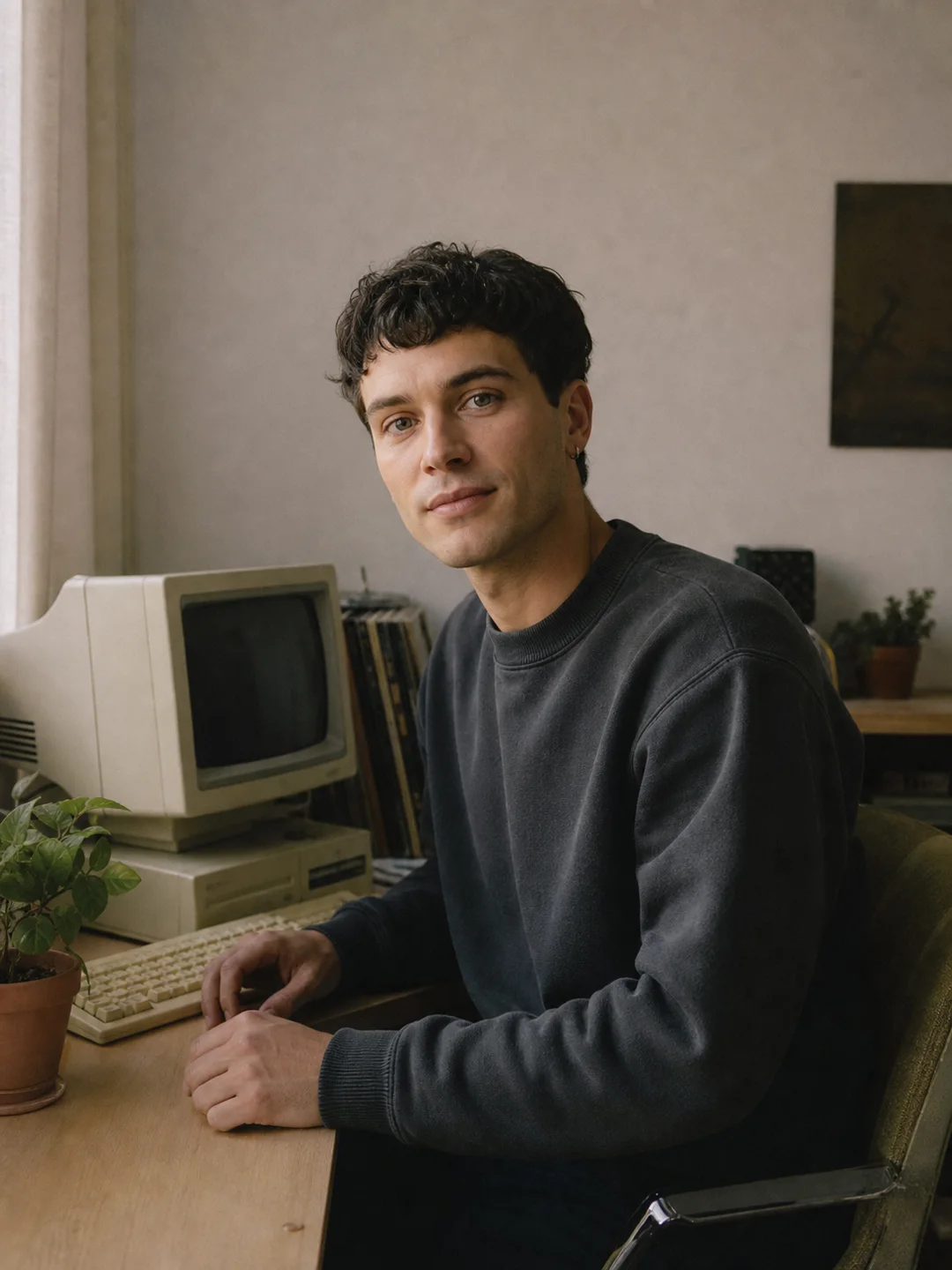
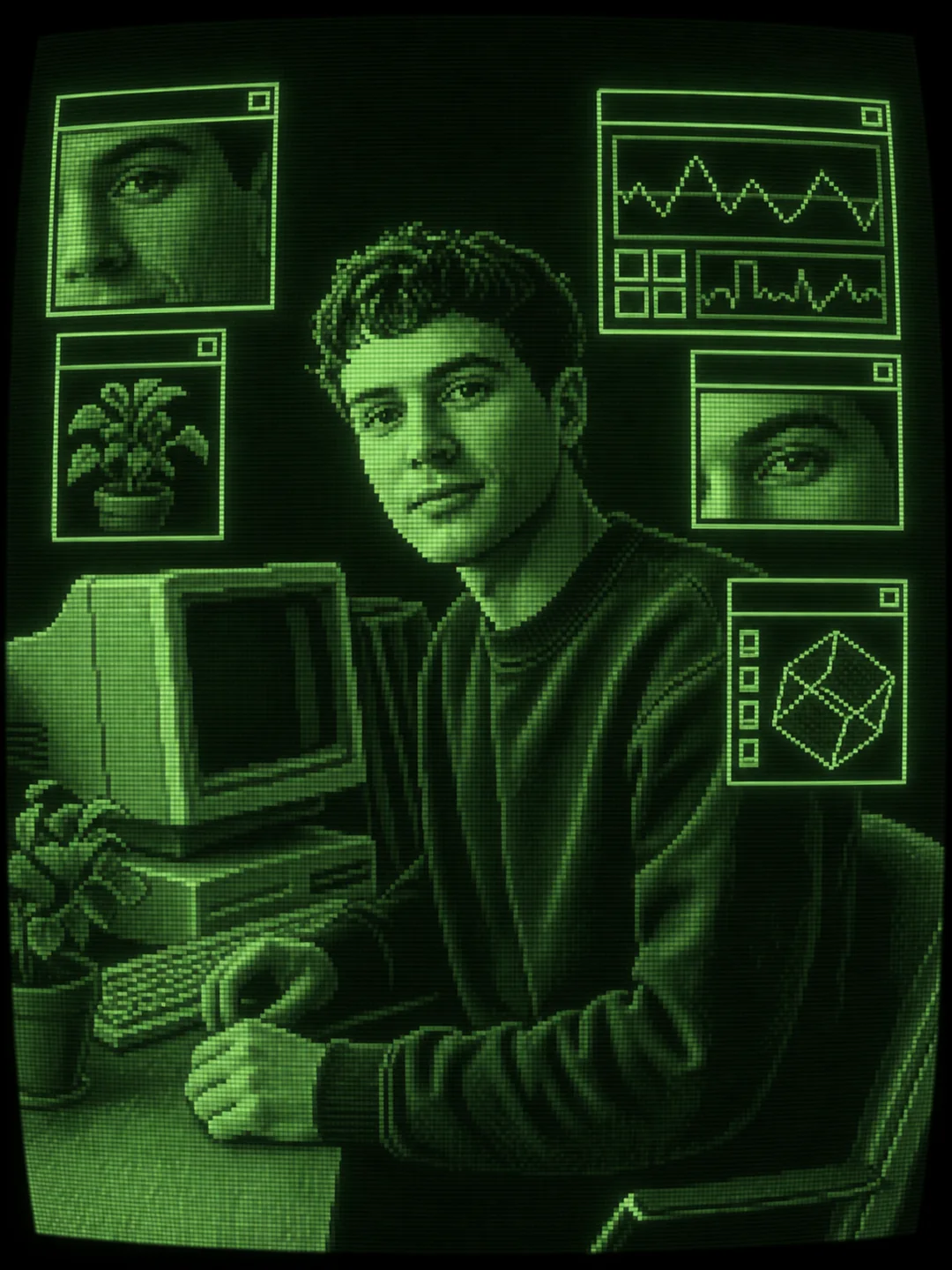
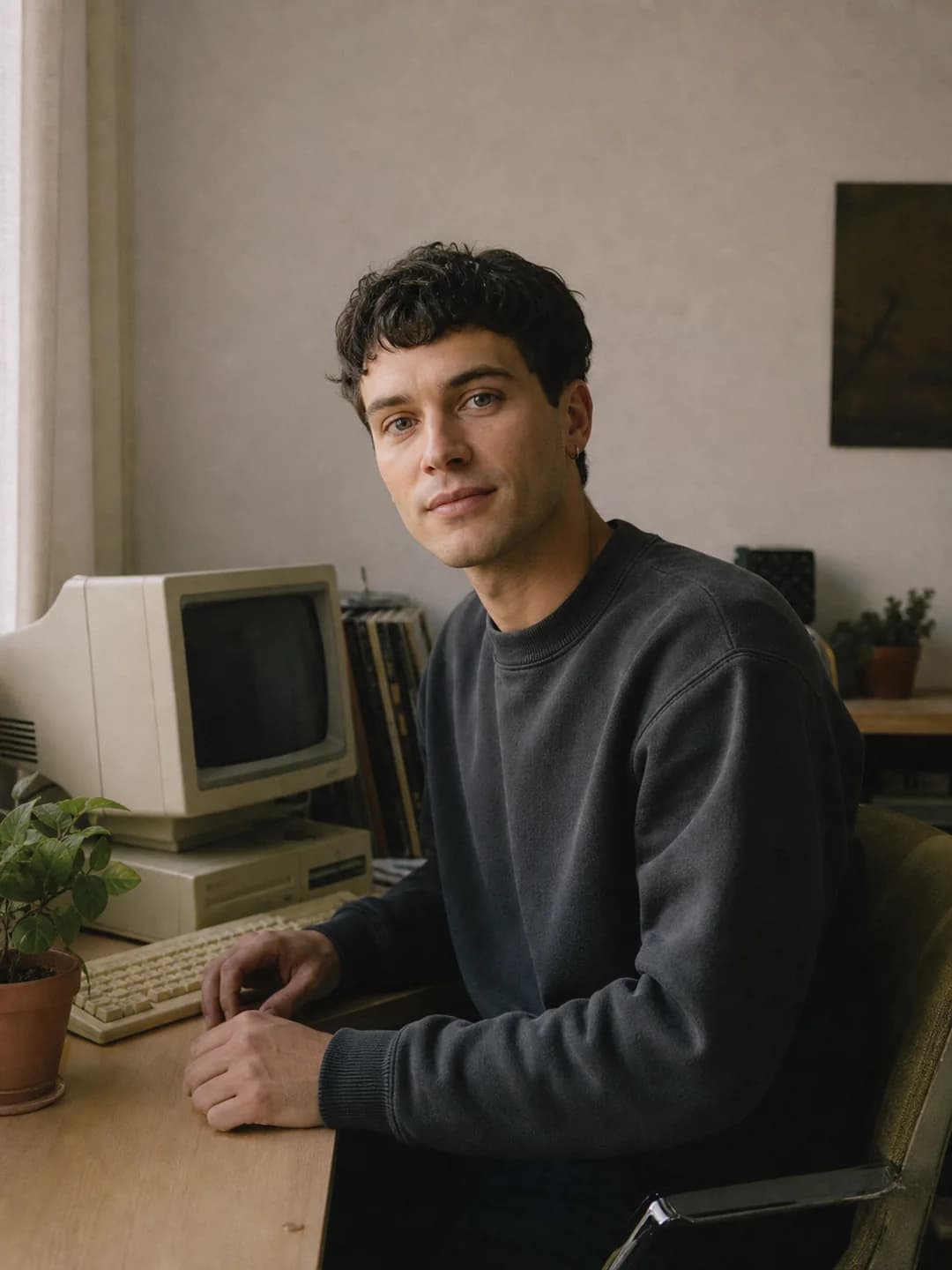
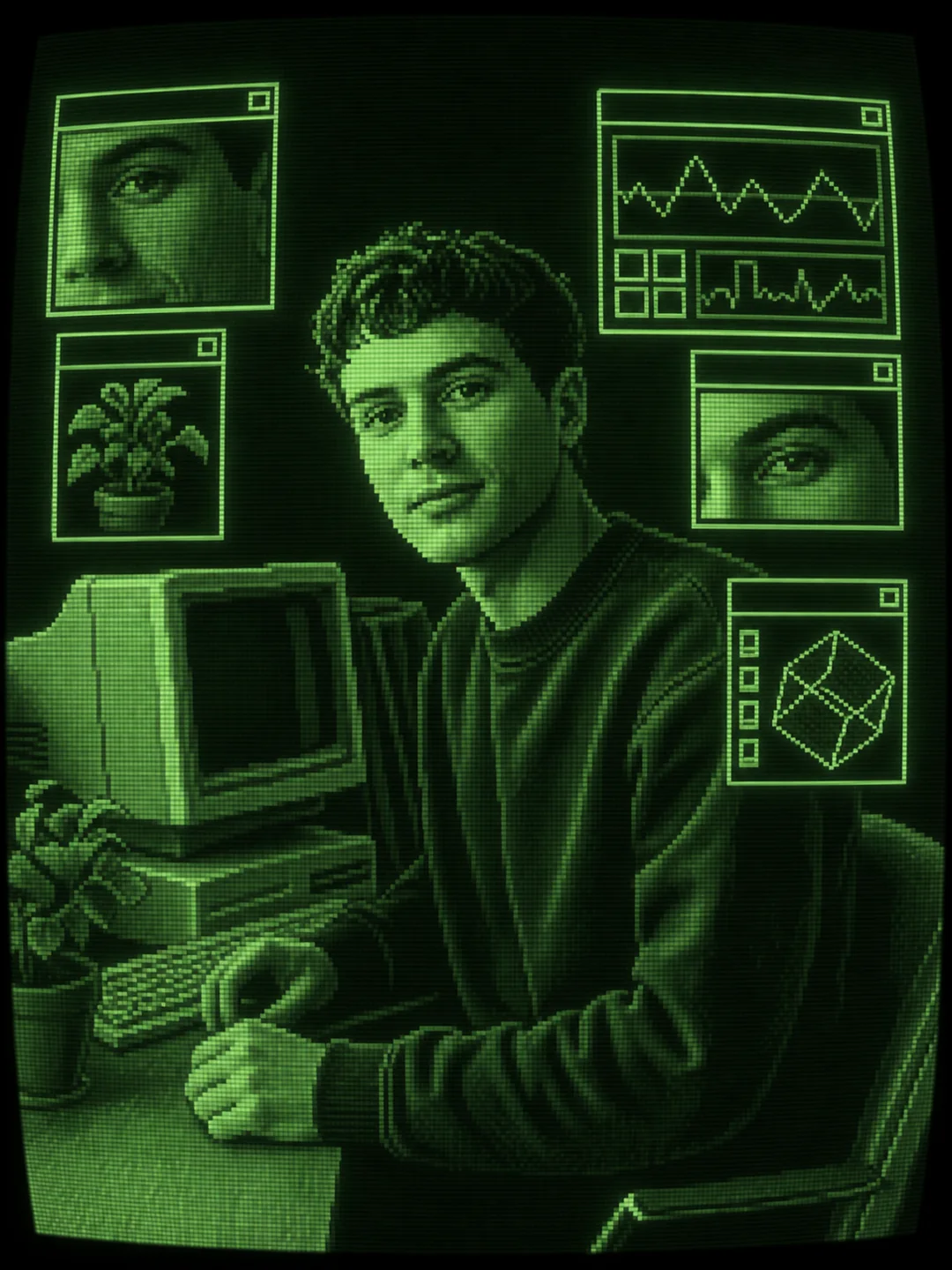
The face, dark sweatshirt, plant, and vintage computer stay recognizable while the scene becomes a monochrome pixel interface with detail windows and scanlines.
Create CRT artUpload a portrait, pet photo, product, or street scene and turn it into retro CRT artwork. Choose a phosphor palette, keep the subject recognizable, and create a polished pixel-style image online. Eligible new accounts can try it with free credits.
Apply an AI CRT filter to your photo
Upload one clear photo and choose a CRT palette. The tool recreates it as a finished retro screen illustration with pixels, scanlines, phosphor glow, and details inspired by the original scene.
Your CRT computer artwork
The same workflow works for people, pets, objects, and street scenes while giving each image its own interface details.
The face, dark sweatshirt, plant, and vintage computer stay recognizable while the scene becomes a monochrome pixel interface with detail windows and scanlines.
Create CRT art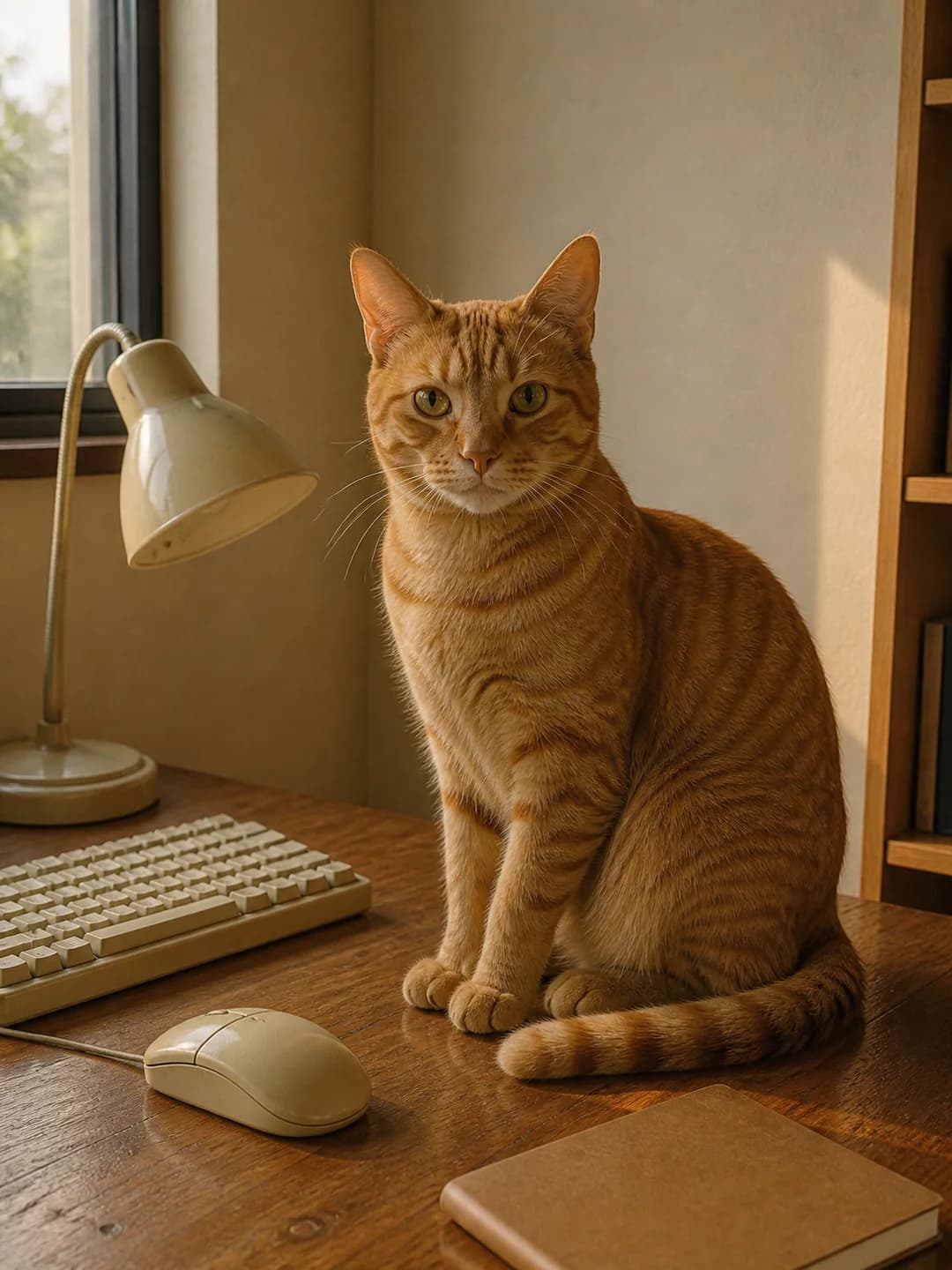
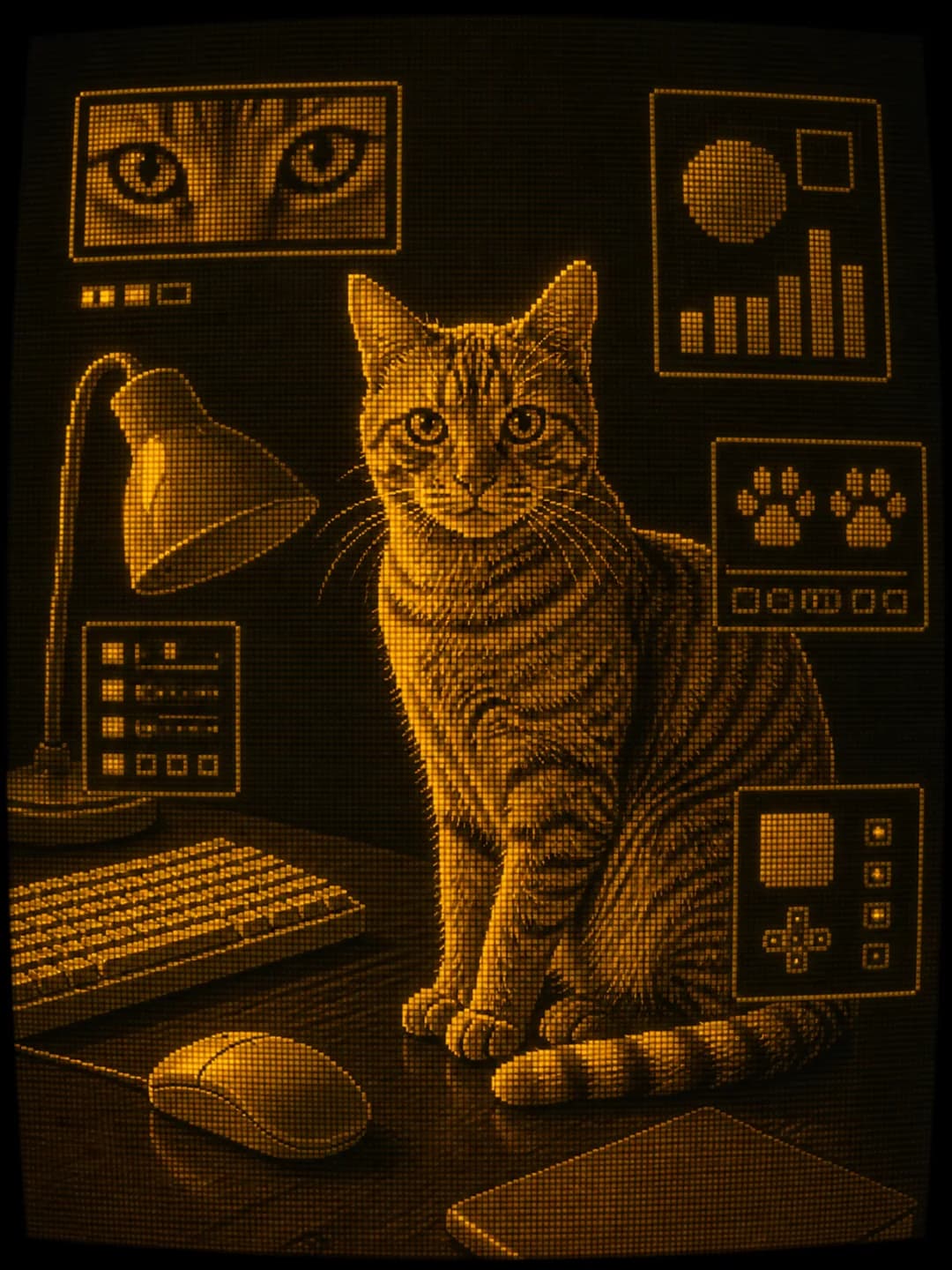
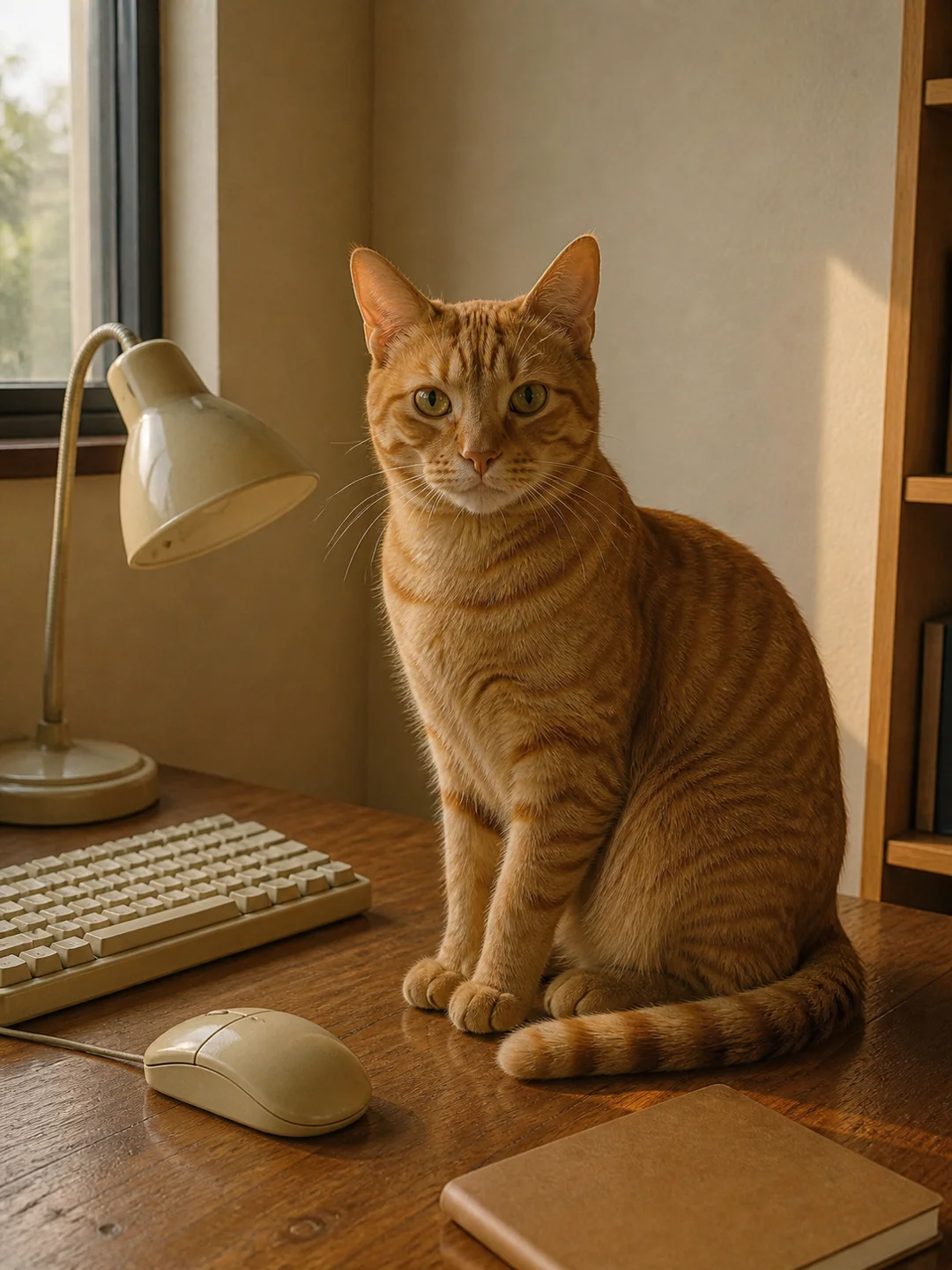
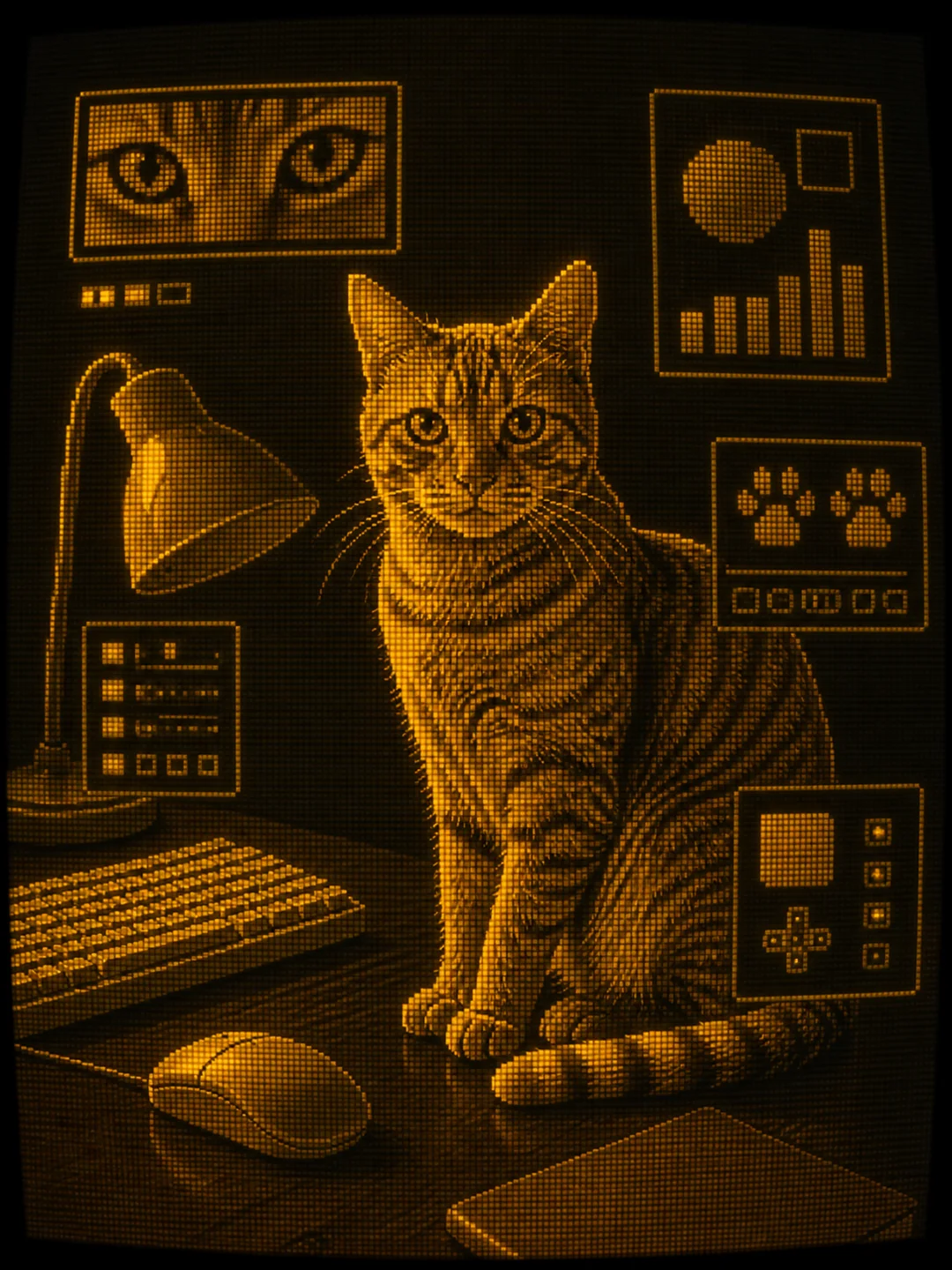
The cat's markings, upright pose, lamp, keyboard, and desk become warm amber pixel art with simple panels based on the original photo.
Create CRT art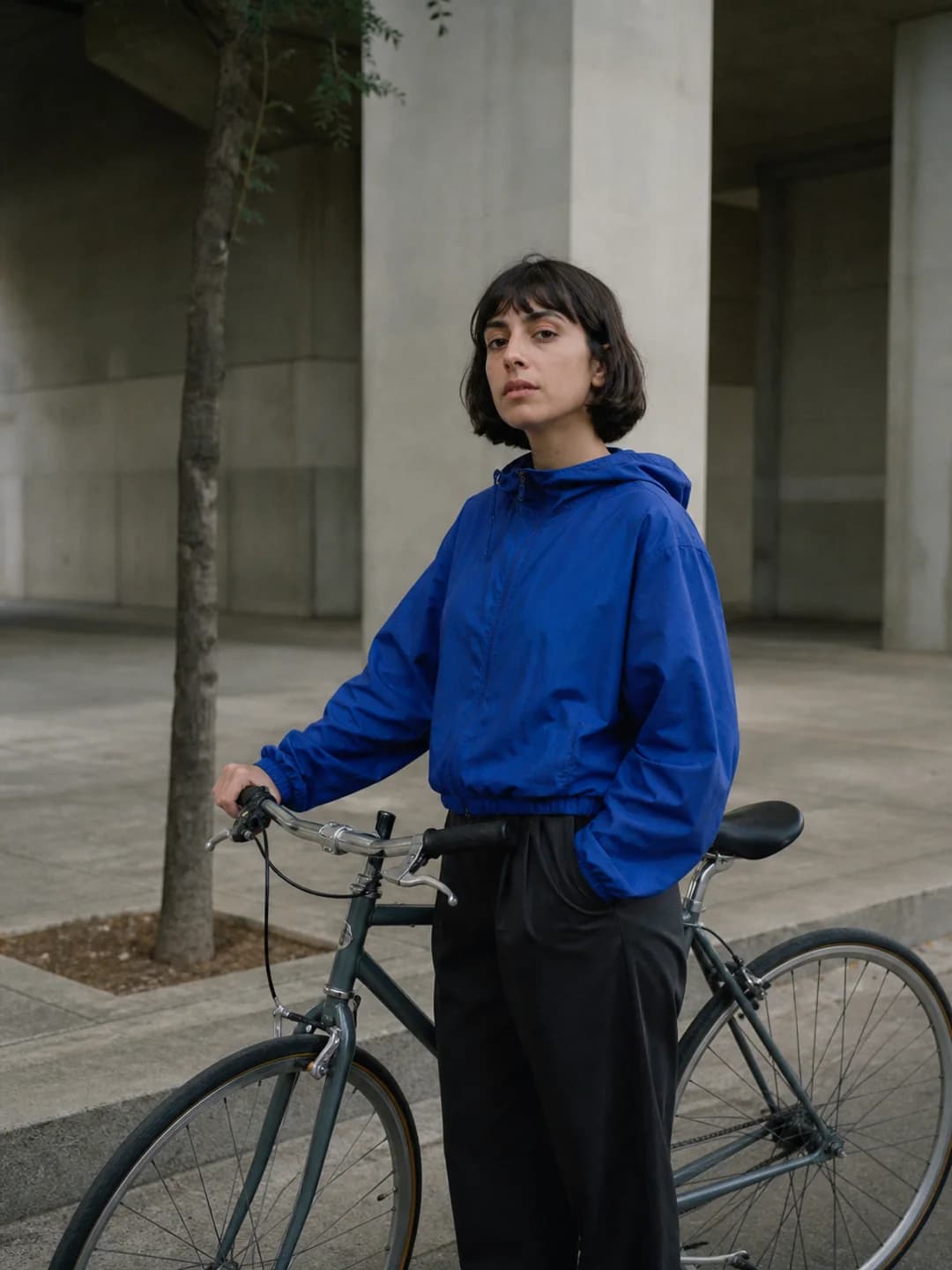
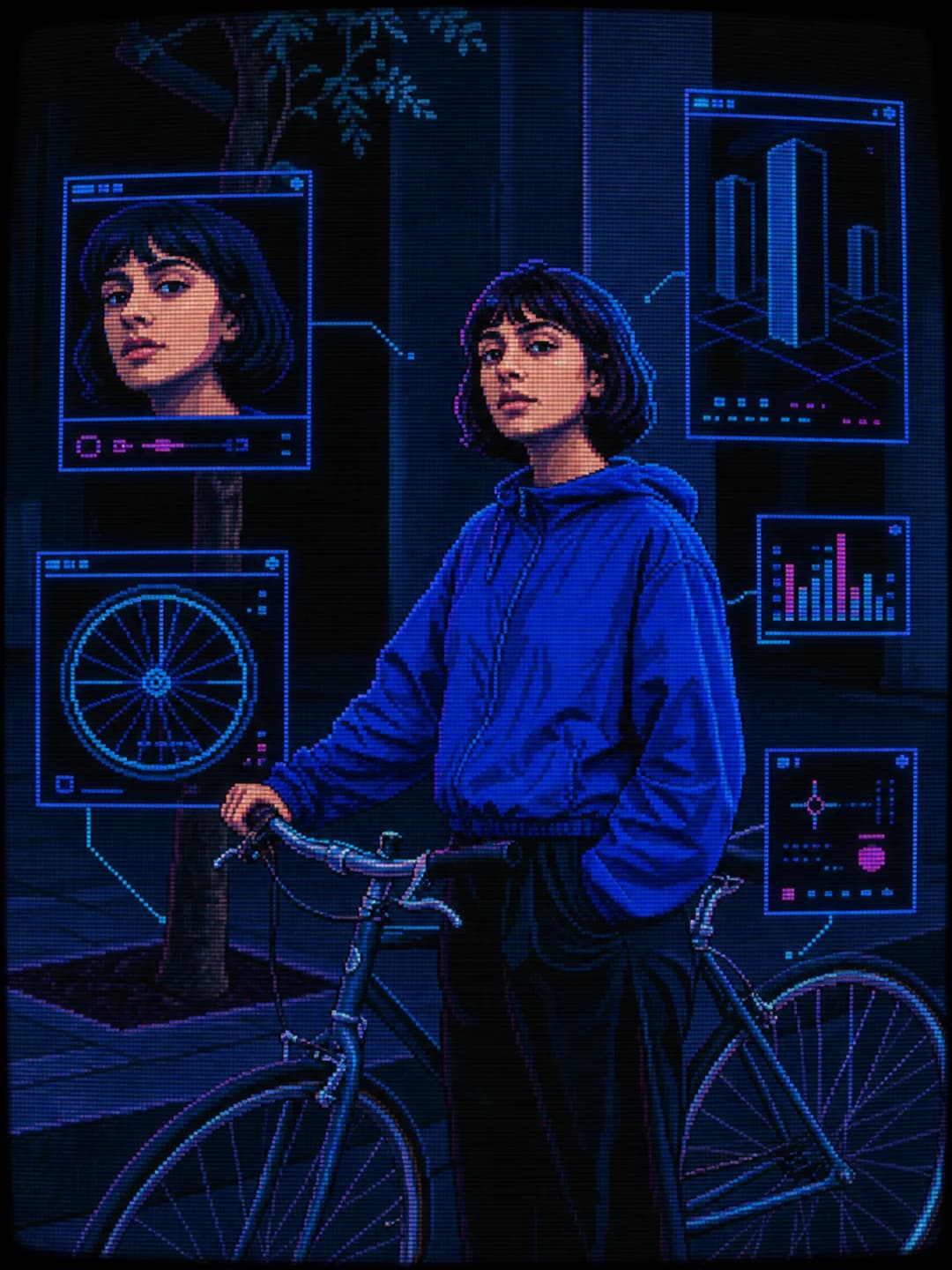
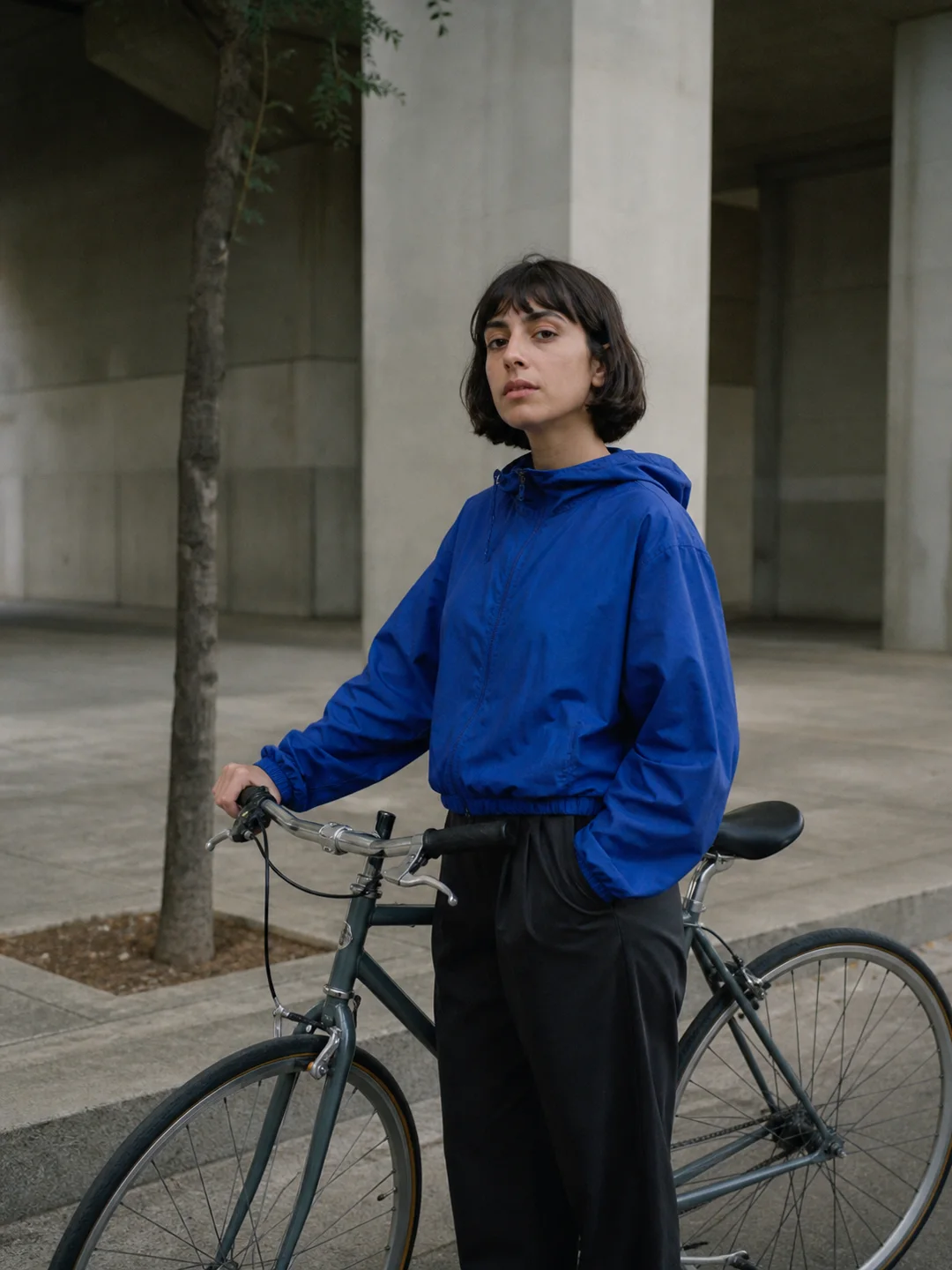
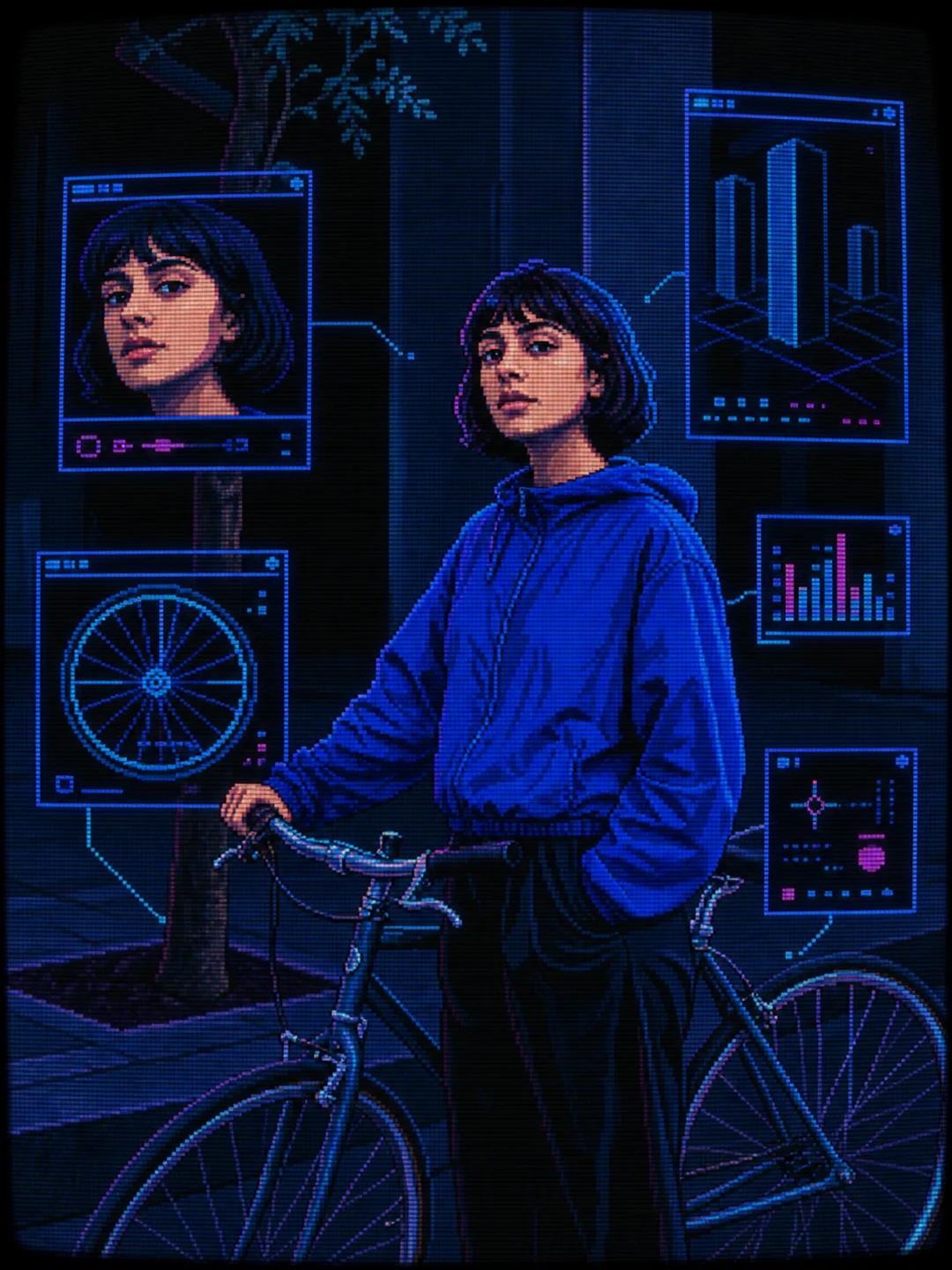
The cyclist, blue jacket, bicycle, and concrete setting become a limited-color CRT scene with wheel diagrams and geometric interface windows.
Create CRT artThe tool transforms the full photo into a cohesive retro screen design, so the effect feels built into the image rather than laid on top.
Faces, pets, poses, clothing, objects, and the scene details that matter remain the visual anchor.
Choose green phosphor, amber terminal, cobalt arcade, or a black-and-white desktop look.
Floating windows, close-up crops, diagrams, and controls are based on the people and objects in your image.
Create artwork for avatars, album covers, posters, wallpapers, game concepts, and social posts.
Create a retro computer image in three straightforward steps.
Choose a portrait, pet, object, vehicle, product, building, or street scene with a readable main subject.
Choose green, amber, cobalt, or monochrome depending on the computer-screen mood you want.
Review the subject, interface details, and screen texture, then download the image or try another palette.
Find out all the essential details about AI CRT Filter
An AI CRT filter rebuilds an uploaded photo as retro cathode-ray-tube computer art. This tool combines pixel graphics, scanlines, phosphor glow, curved-screen distortion, and interface windows while keeping the main subject recognizable.
You need an account to generate images. Eligible new accounts receive enough free signup credits to try one standard CRT image, which costs 2 credits. Free use is not unlimited; one-time credit packs are available for continued use without a subscription.
Upload one clear image, choose Green Phosphor, Amber Terminal, Cobalt Arcade, or Monochrome Desktop, and select Create Image. When the result is ready, review it and download it from your browser.
No. A normal filter usually adds scanlines, color fringing, and noise over the existing pixels. This tool recreates the subject and scene as new pixel-style artwork, so the composition may change slightly.
You can create green-phosphor monitor art, amber terminal graphics, cobalt-and-magenta arcade imagery, or restrained monochrome desktop illustrations. Each preset also adds source-specific interface panels.
Clear photos with one main subject work best. Portraits, pets, products, vehicles, buildings, and uncluttered street scenes give the AI enough structure to create useful pixel details and interface windows.
The tool tries to preserve the main face, pose, silhouette, colors, and important objects. Because the image is regenerated, check facial features, hands, product details, and bicycle or vehicle geometry before important use.
Commercial use depends on your rights to the uploaded photo, depicted people, products, and references. Use material you are allowed to transform and review the final image, applicable terms, and third-party rights before publishing commercially.
You can upload a JPG, JPEG, PNG, or WebP image up to 10 MB. A clear photo with one well-defined subject usually produces the cleanest CRT result.
Edit, repair, or restyle a photo with a focused AI workflow. Choose a tool, upload your image, and get the result without starting from a blank prompt.
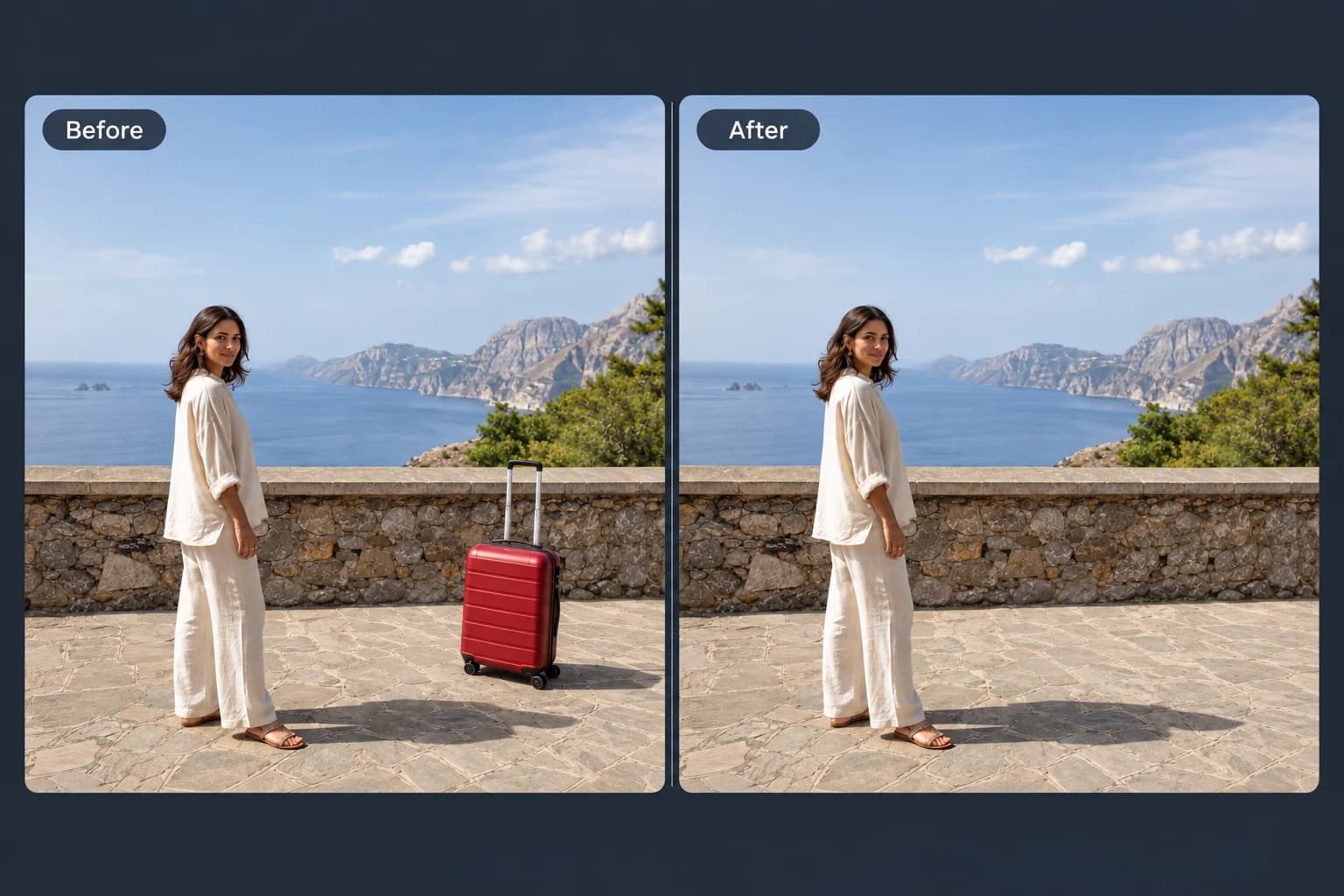 Before → After
Brush away unwanted objects, people and clutter from your photos.
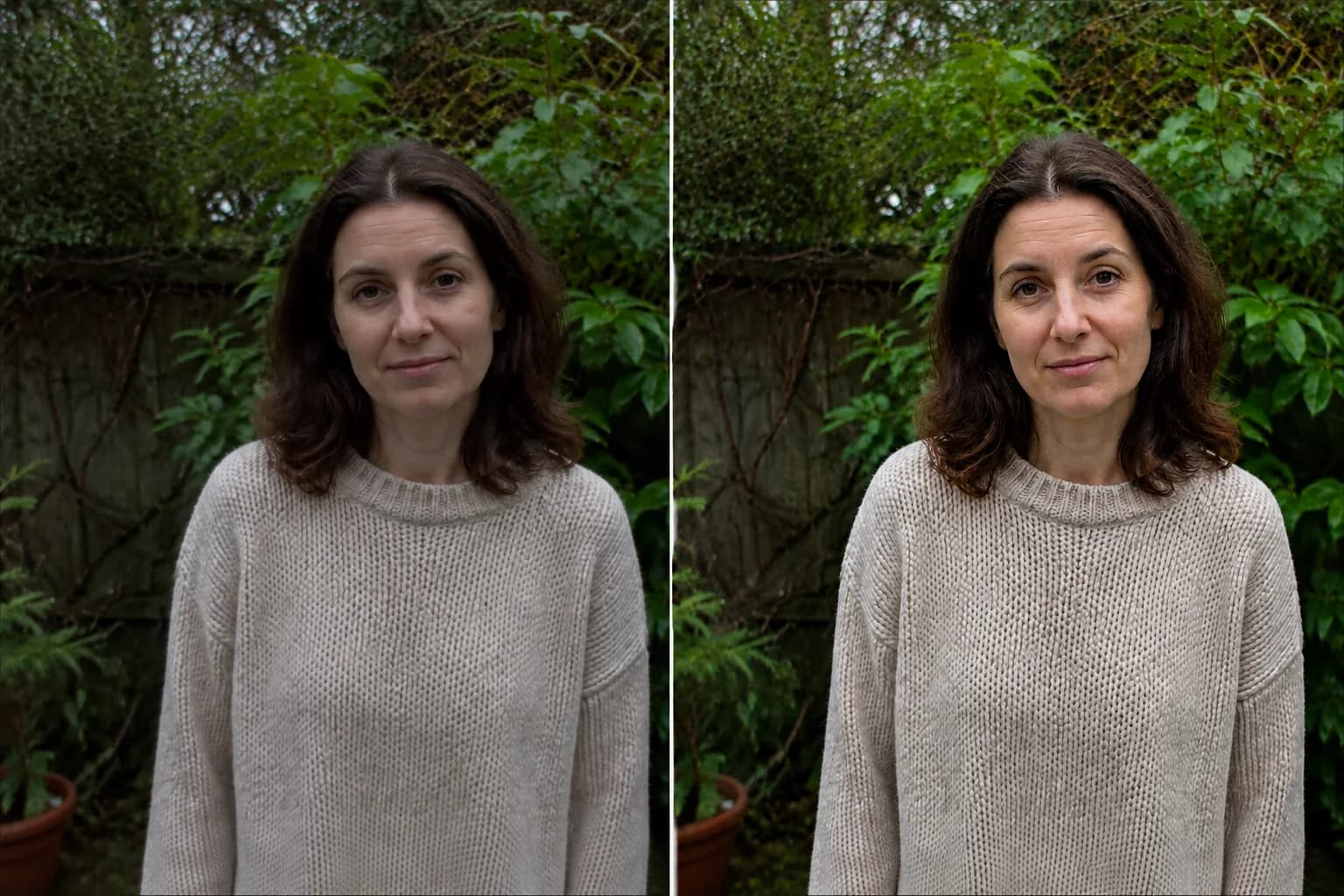 Before → After preview
Make blurry or dim photos look clearer with natural, portrait and low-light enhancement.
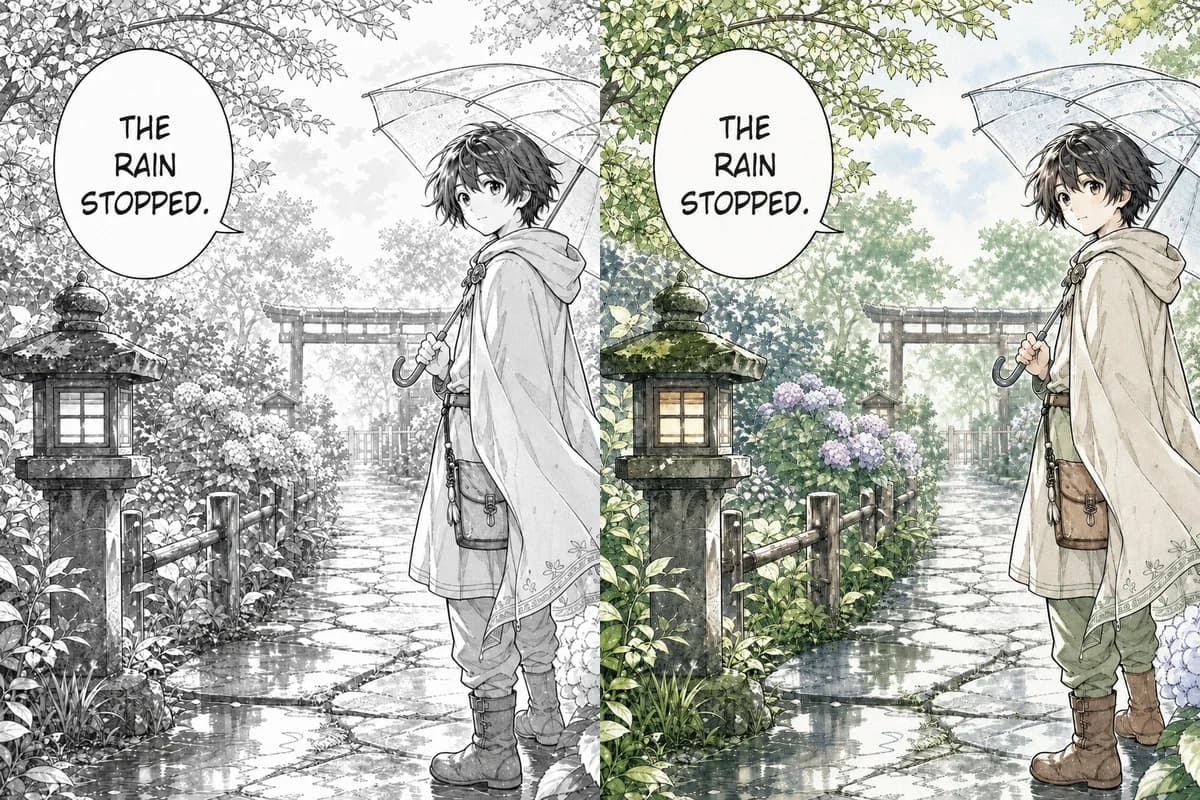 Line Art → Colored
Color black-and-white manga pages, webtoon panels, and line art with controls designed to retain ink lines, screentones, and speech bubbles.
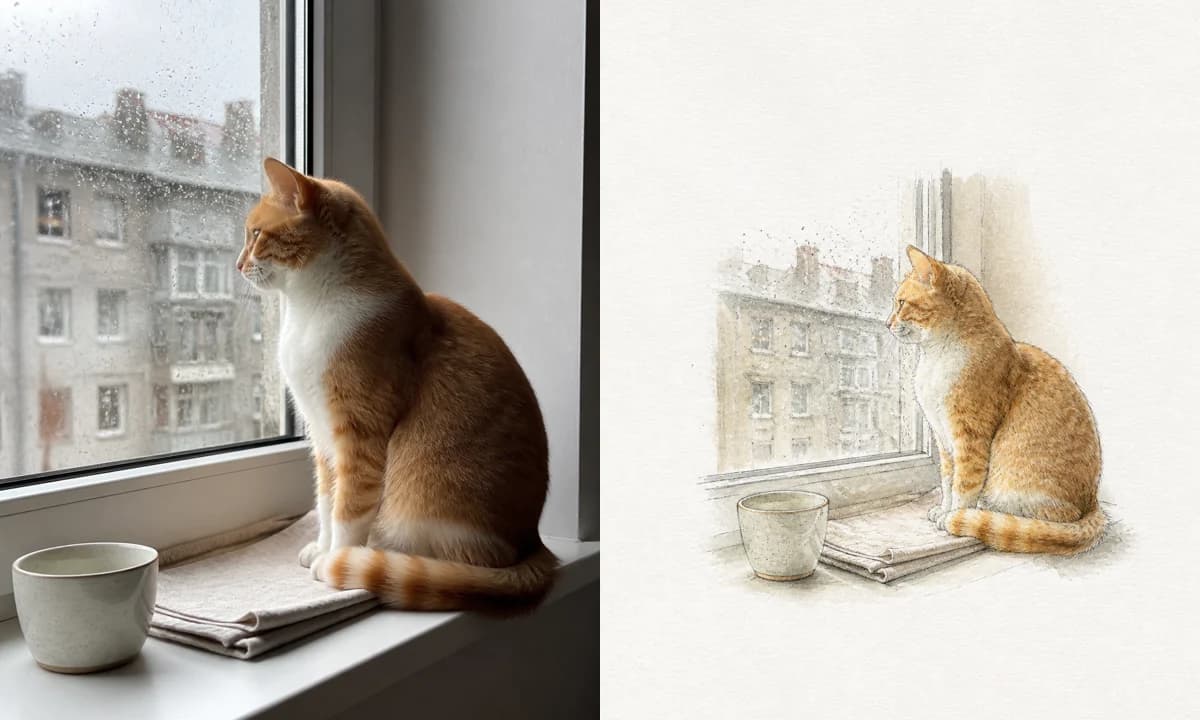 Photo → Illustration
Turn a photo into a watercolor, pencil, risograph, or ink illustration online.
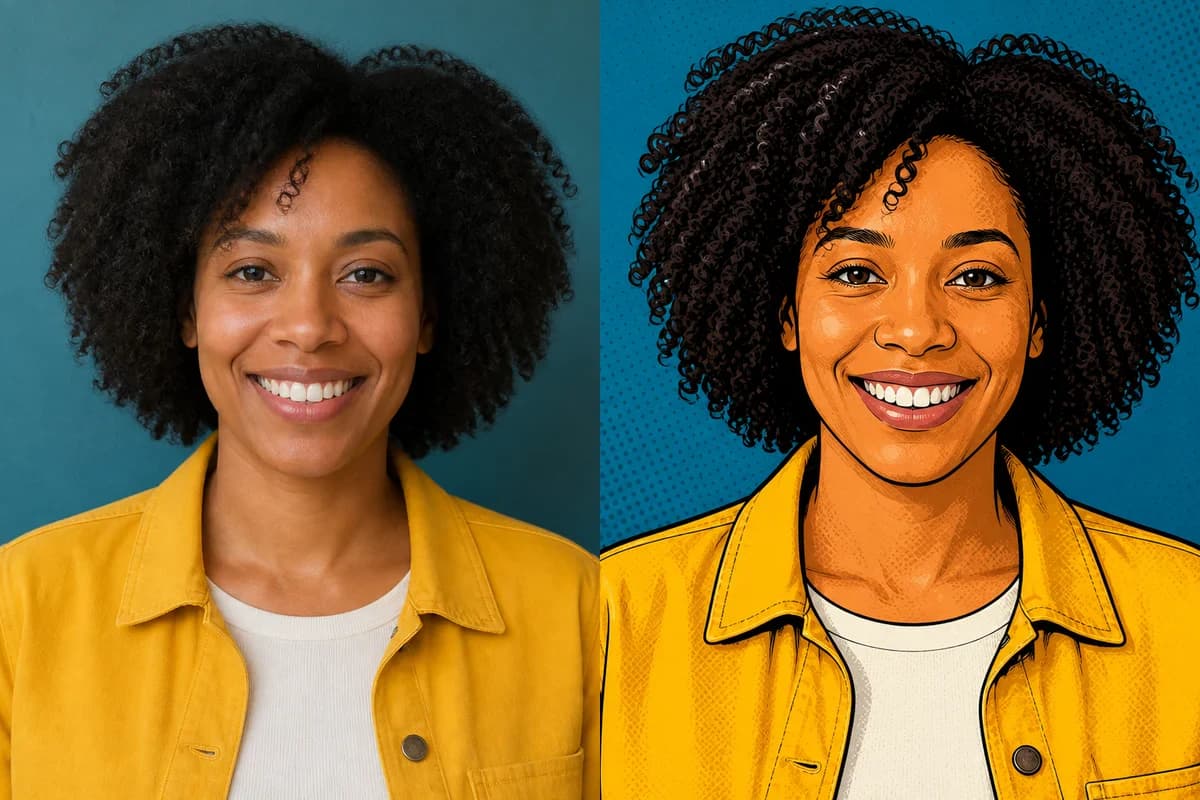 Photo → Cartoon
Turn any photo into a cartoon online with six one-click styles and an editable prompt.
 Before → After
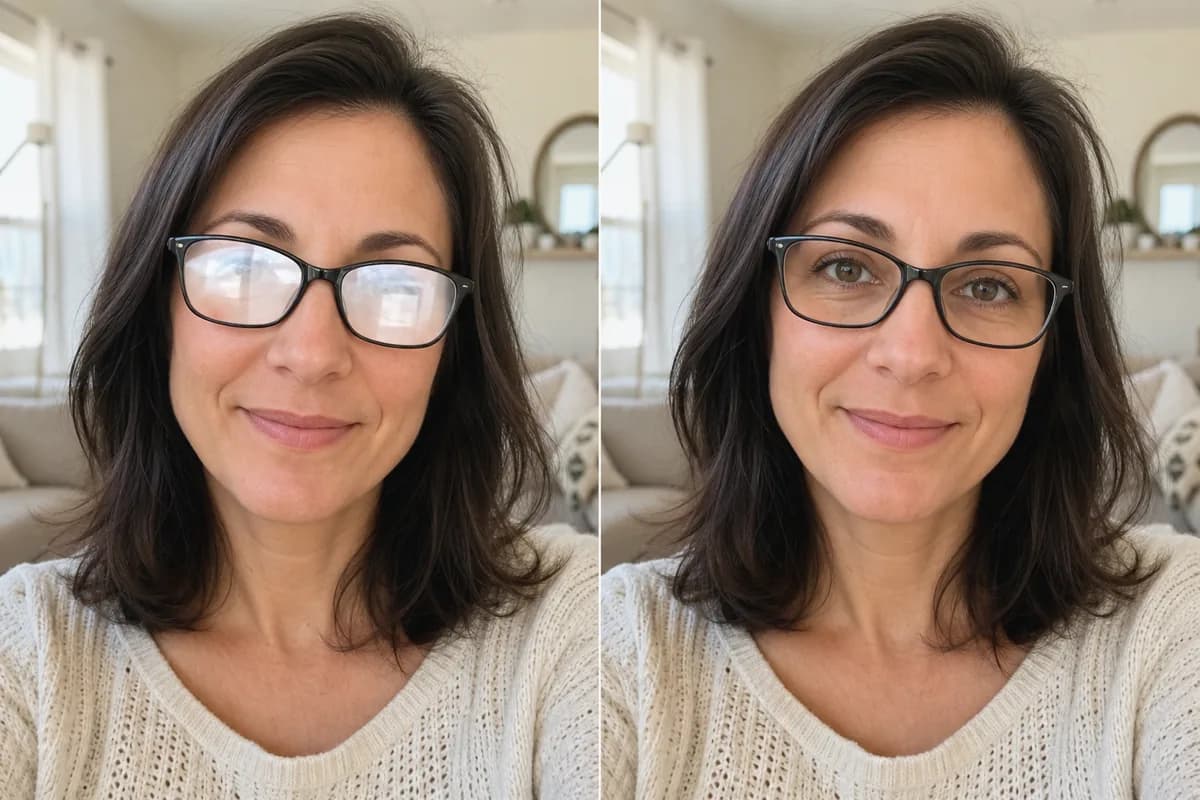
Remove glare and reflections from glasses in portraits and group photos—same eyes, same frames, same face.
 Before → After
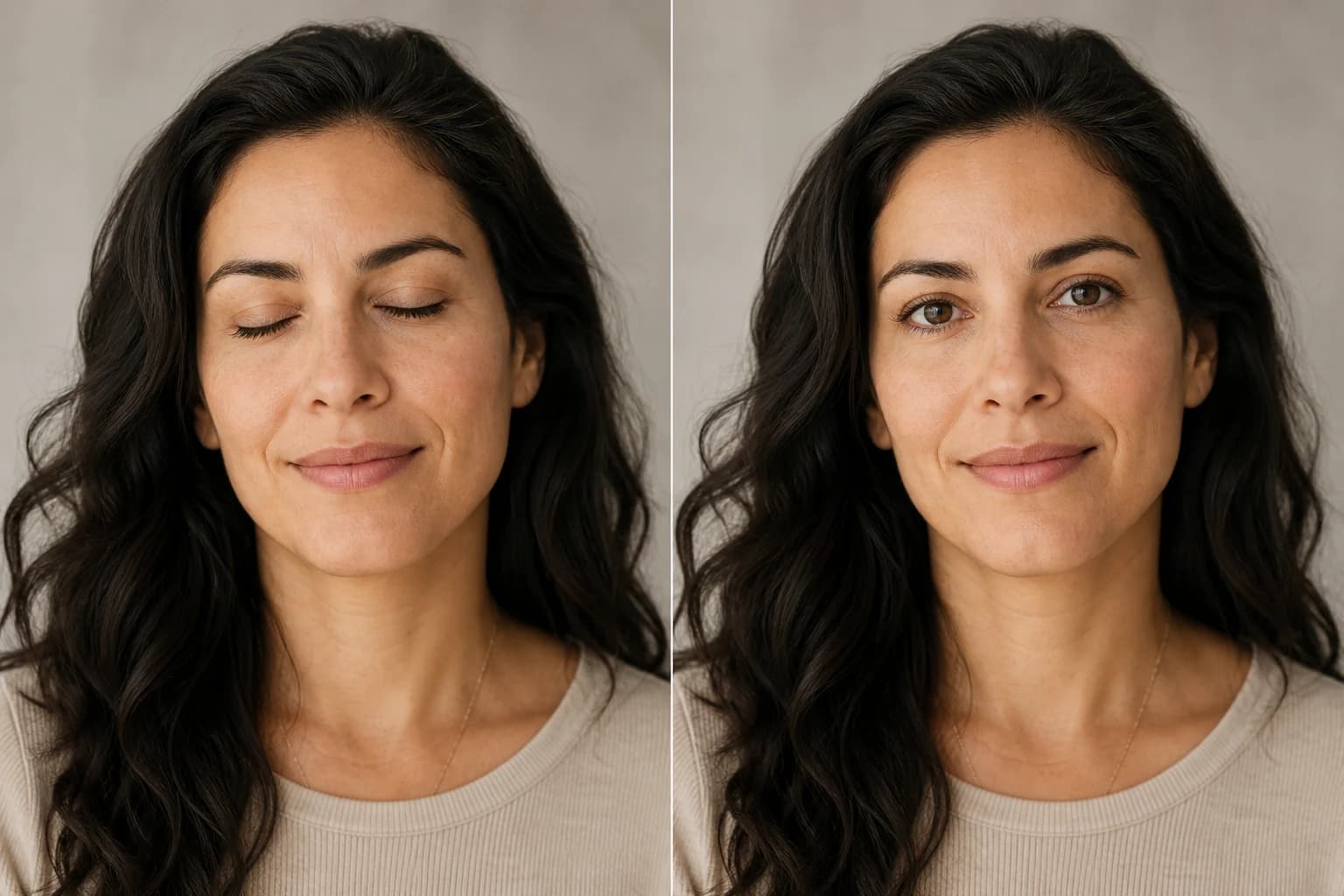
Open closed, blinking, or half-shut eyes in portraits and group photos—same face, natural look.
Upload one image, choose a pixel palette, and generate online. Eligible new accounts receive free credits to try a standard CRT image.