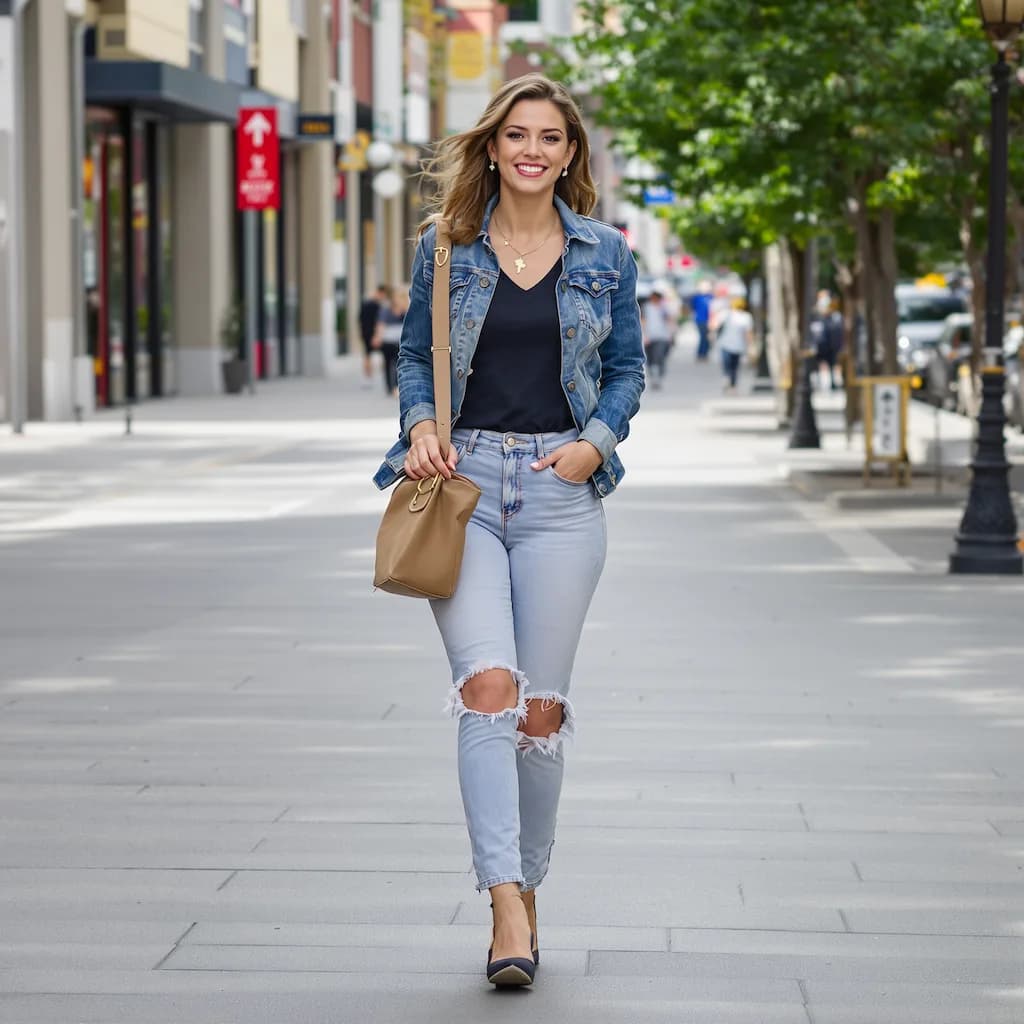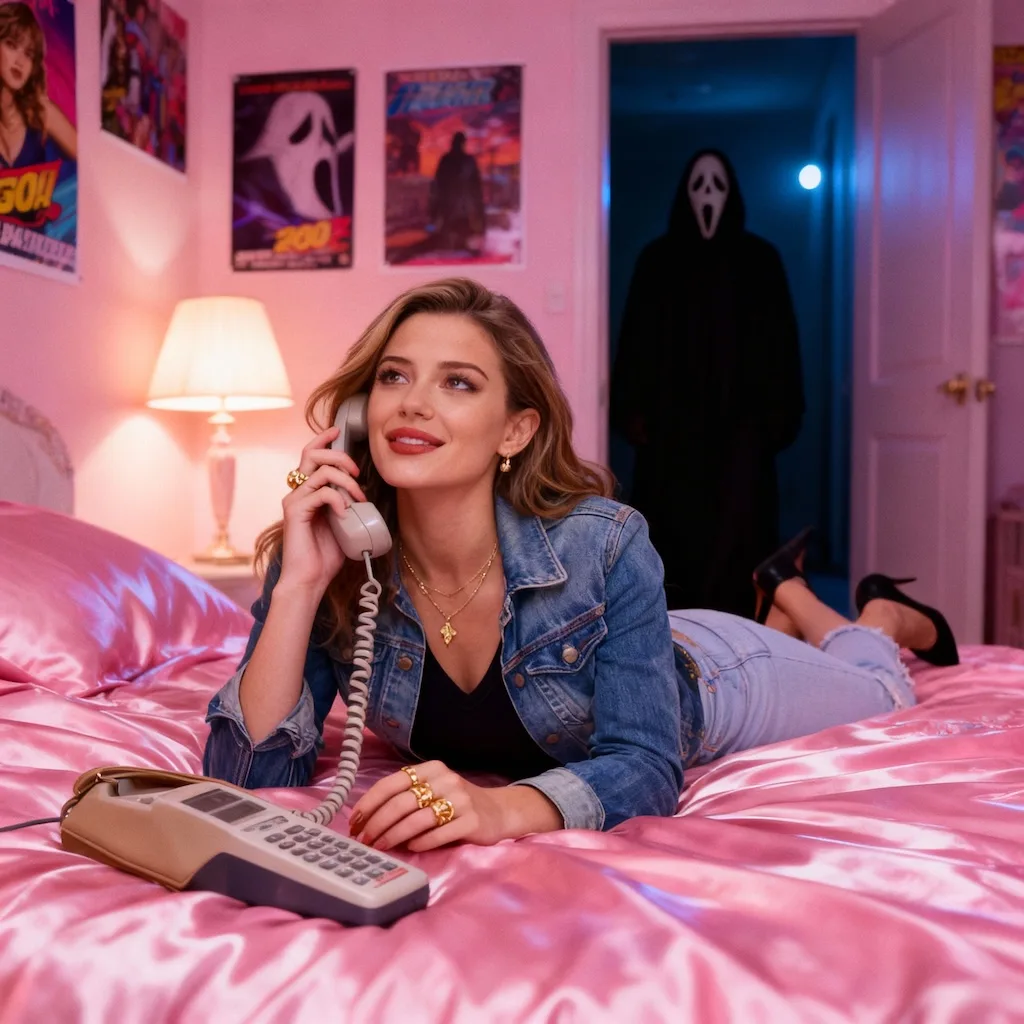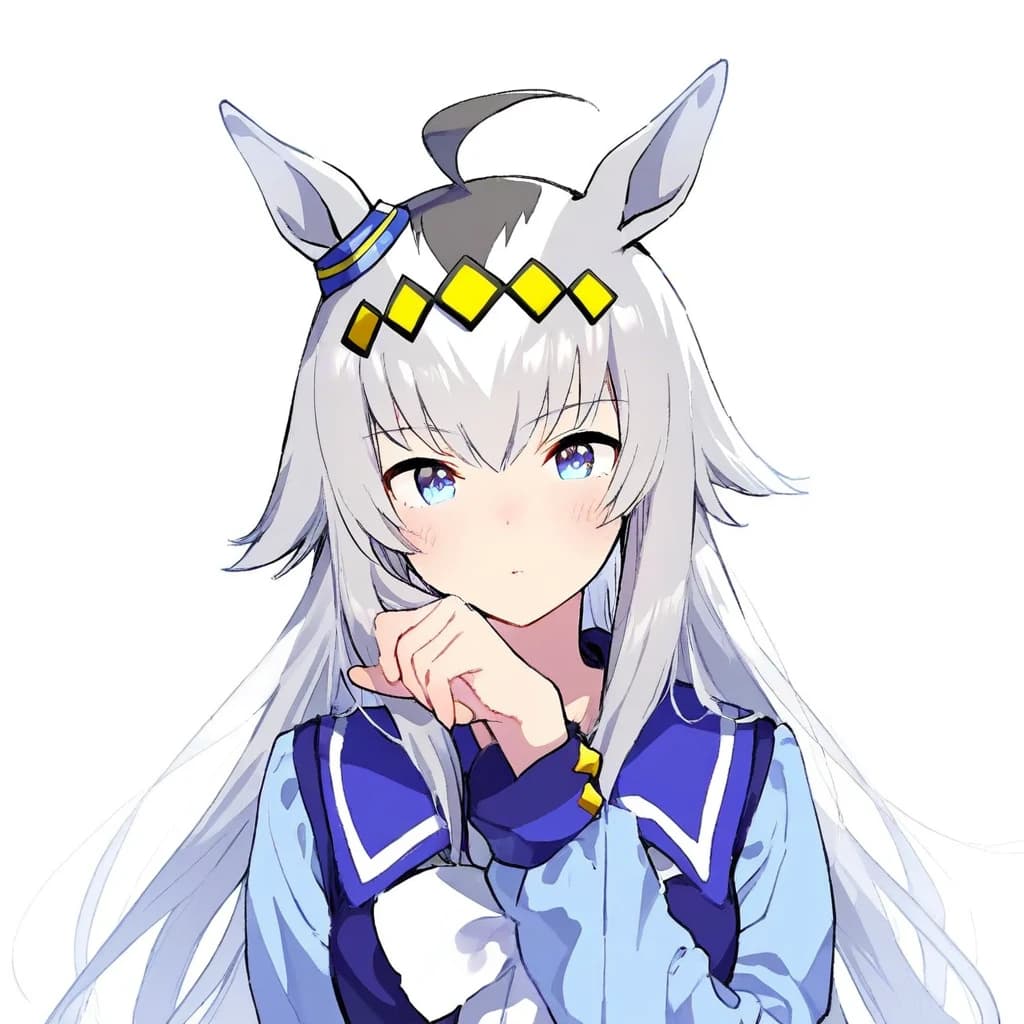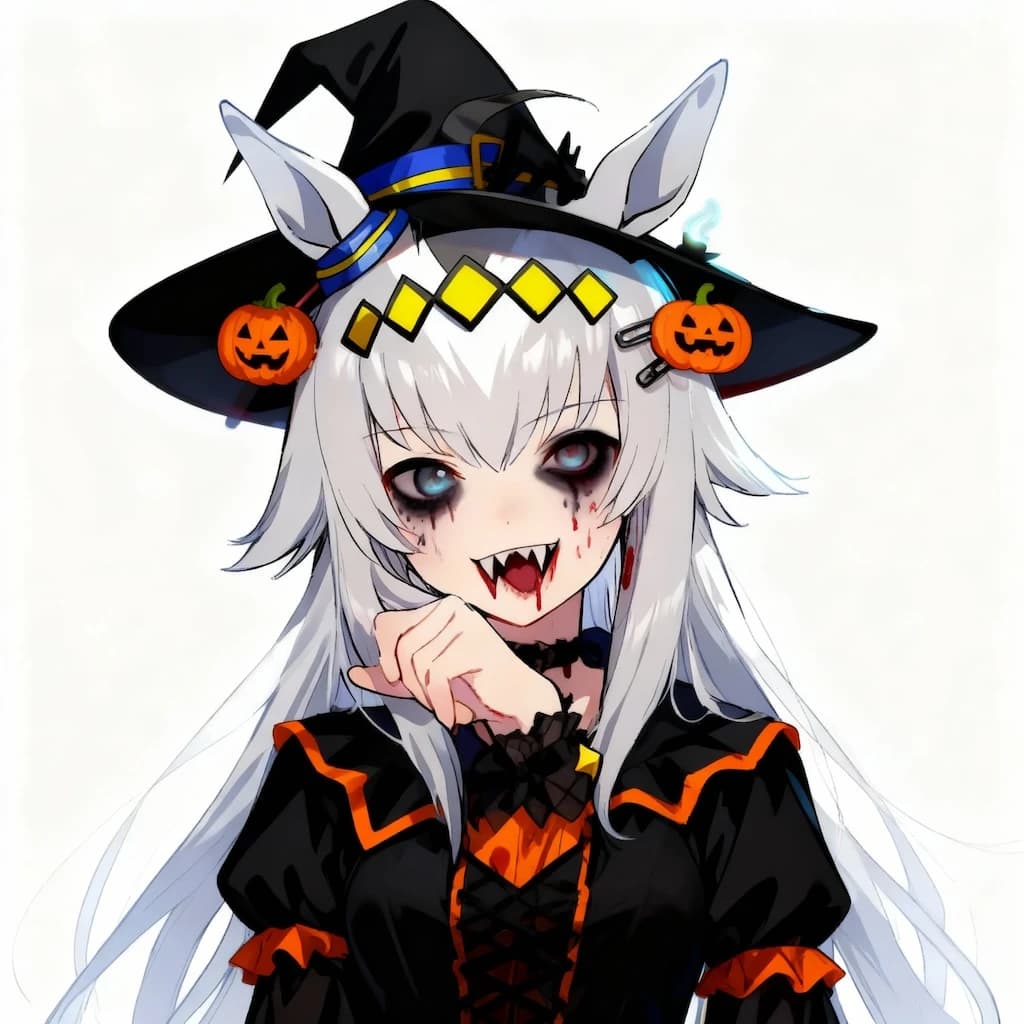
Pet to Human Generator

Upload a clear photo of your pet to create a photorealistic human version with Nano Banana Pro.

Pet-to-Human Portraits

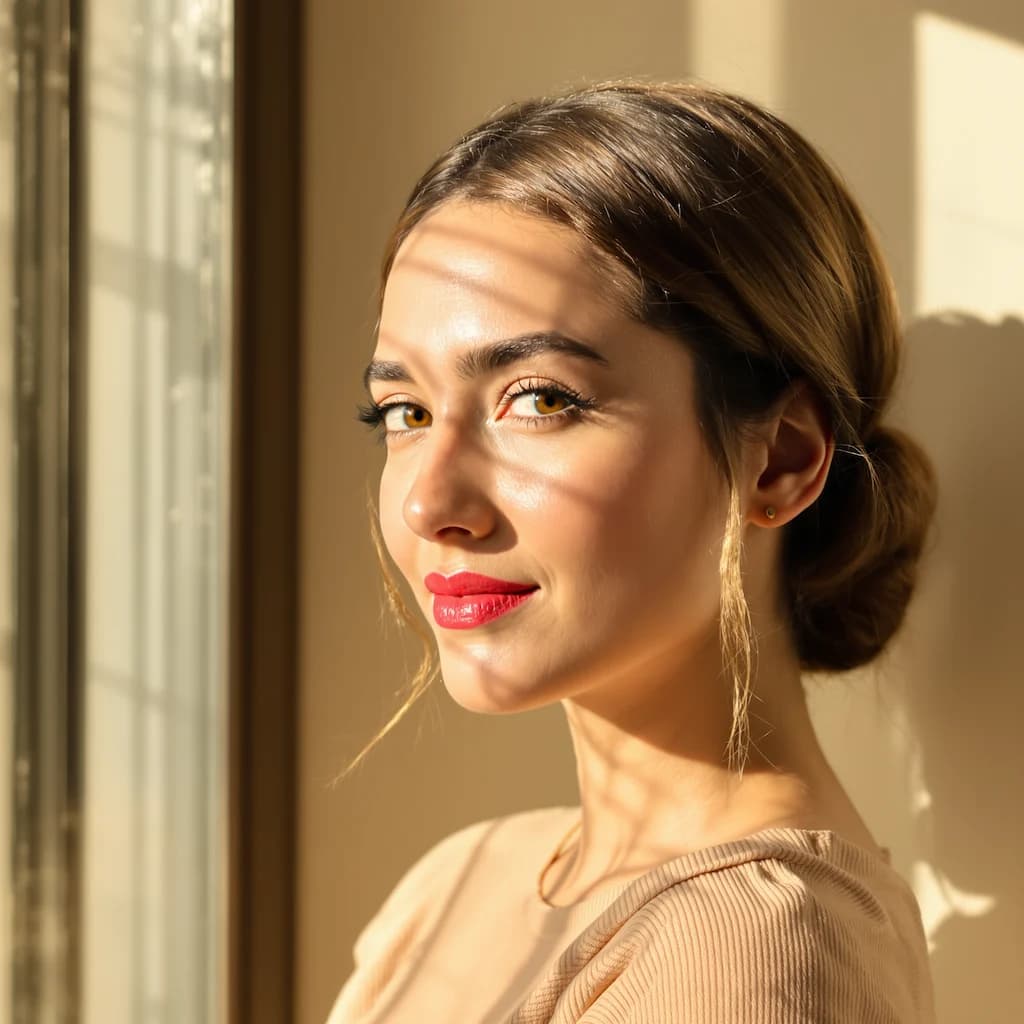
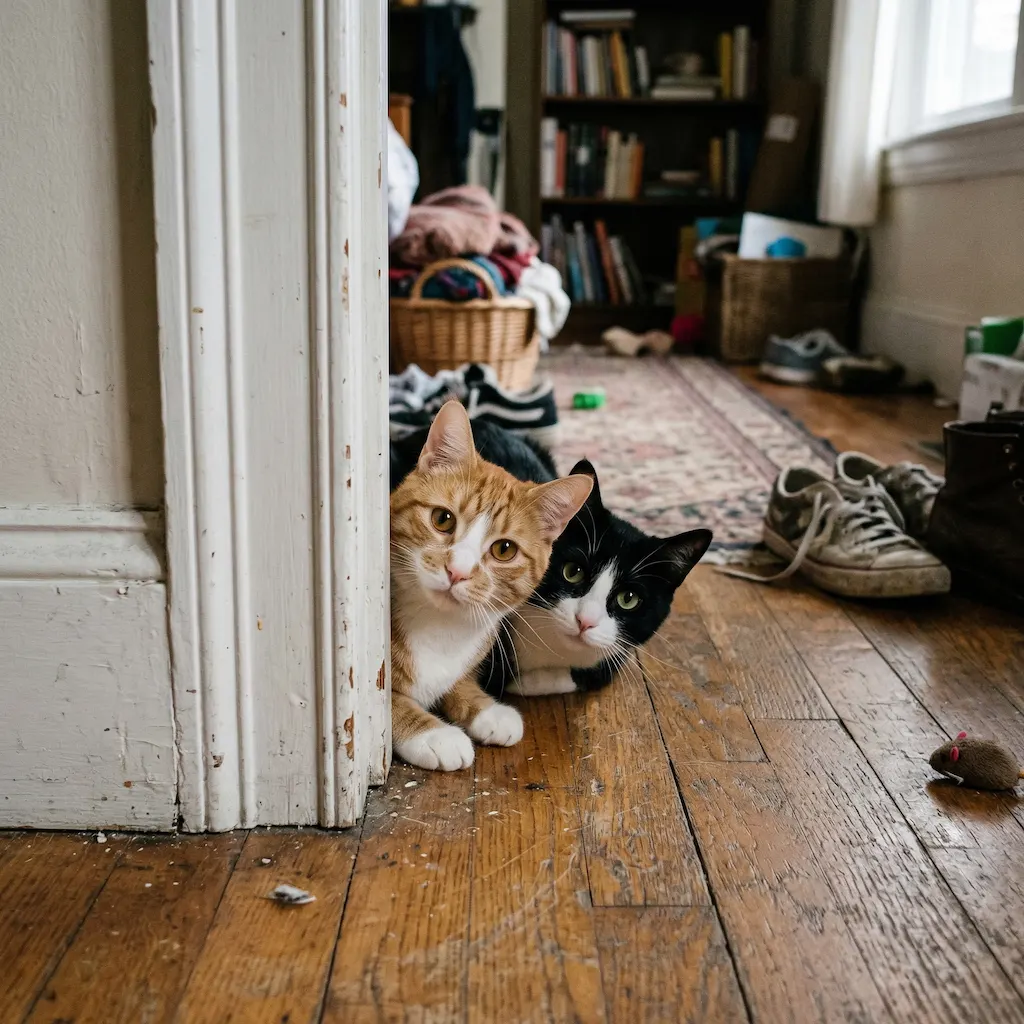
Original photo before AI transformation, example 1
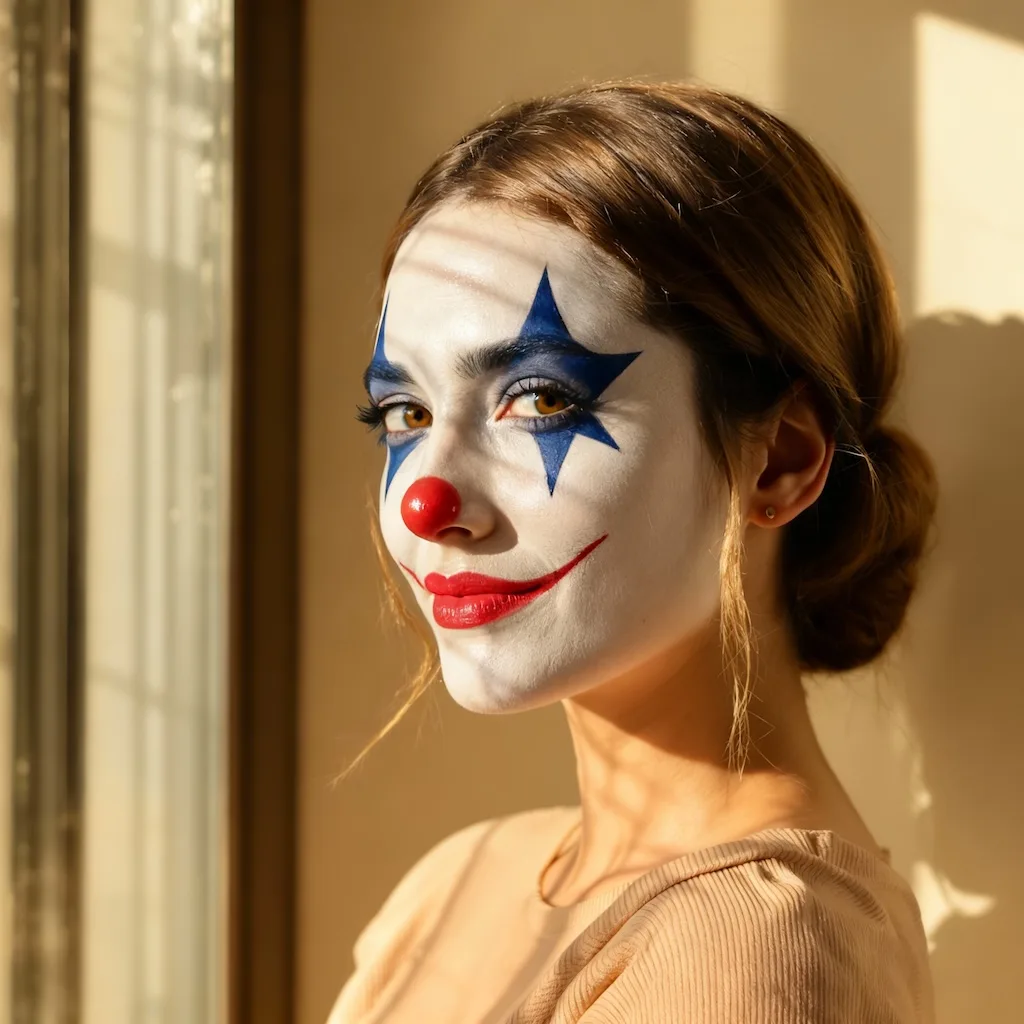
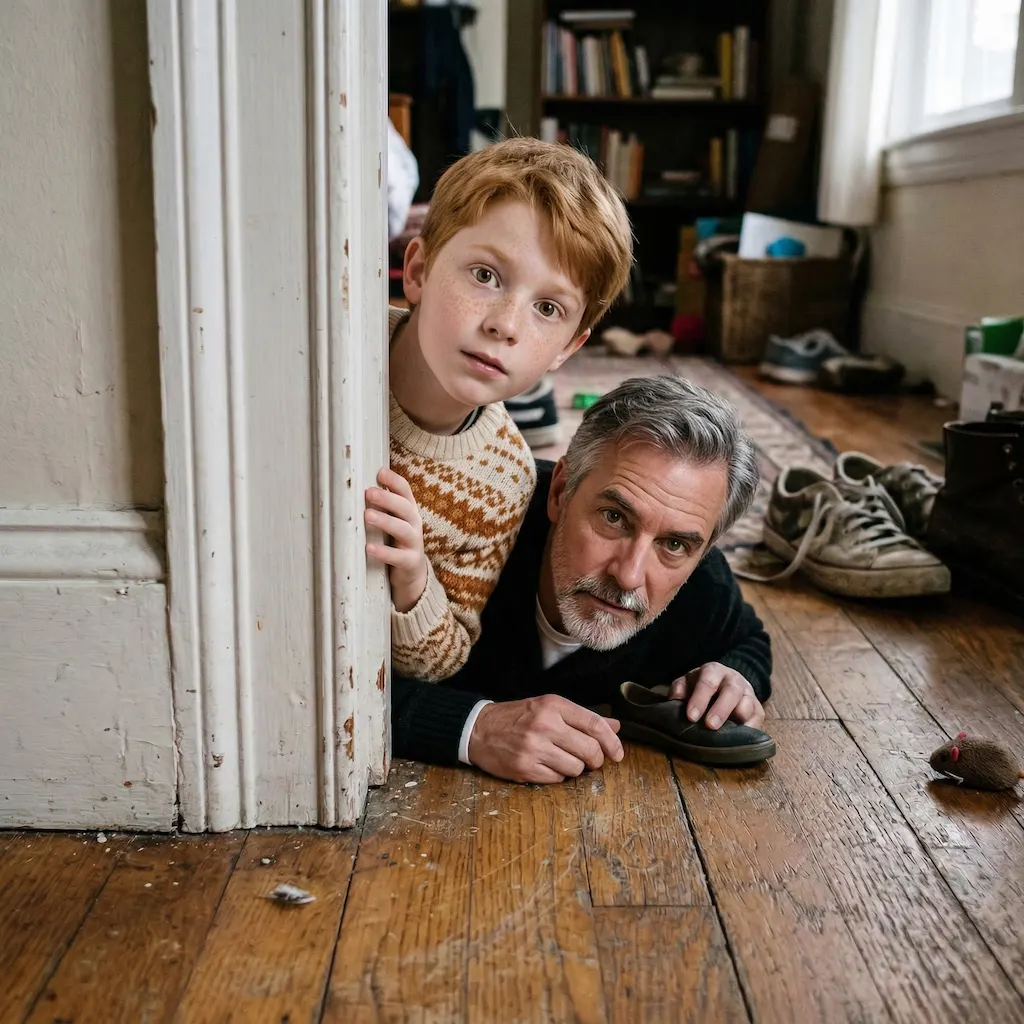
AI image generated with Nano Banana Pro, example 1
Before
After
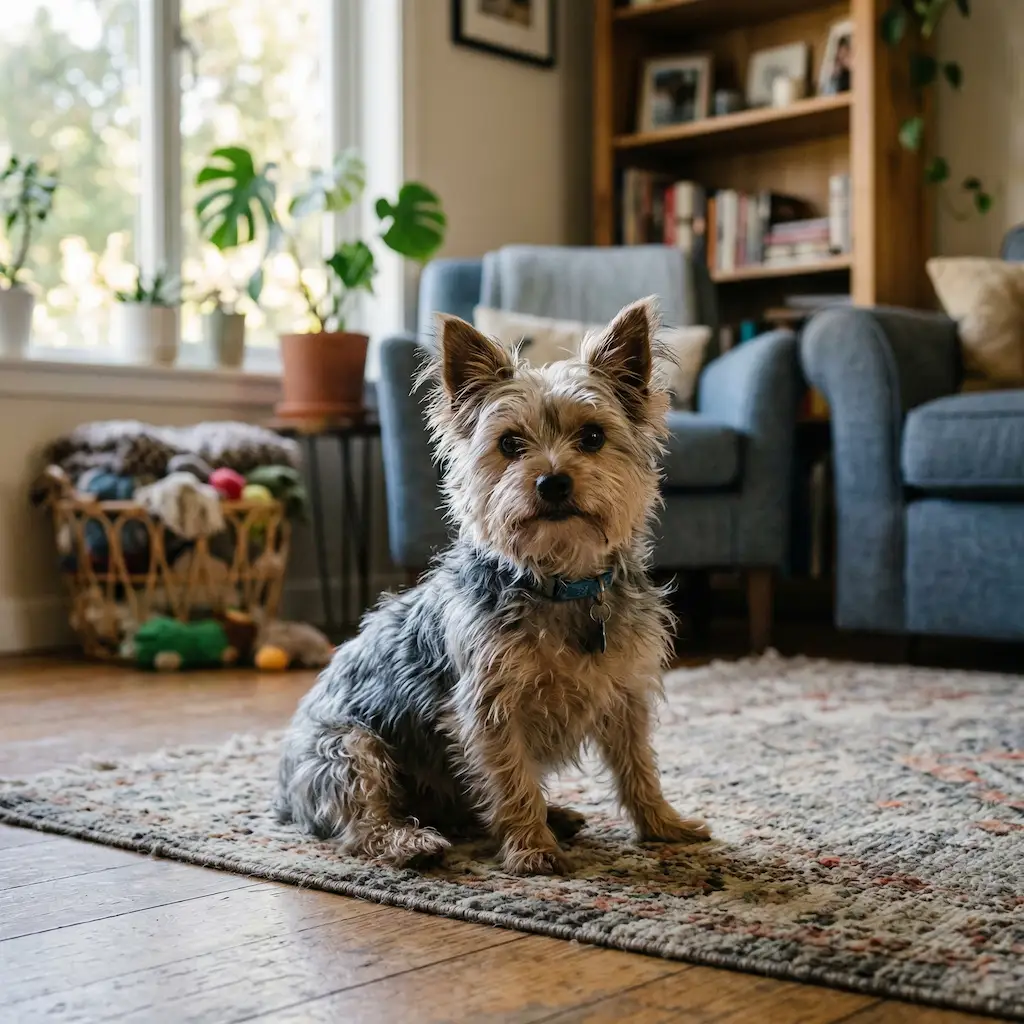
Original photo before AI transformation, example 2
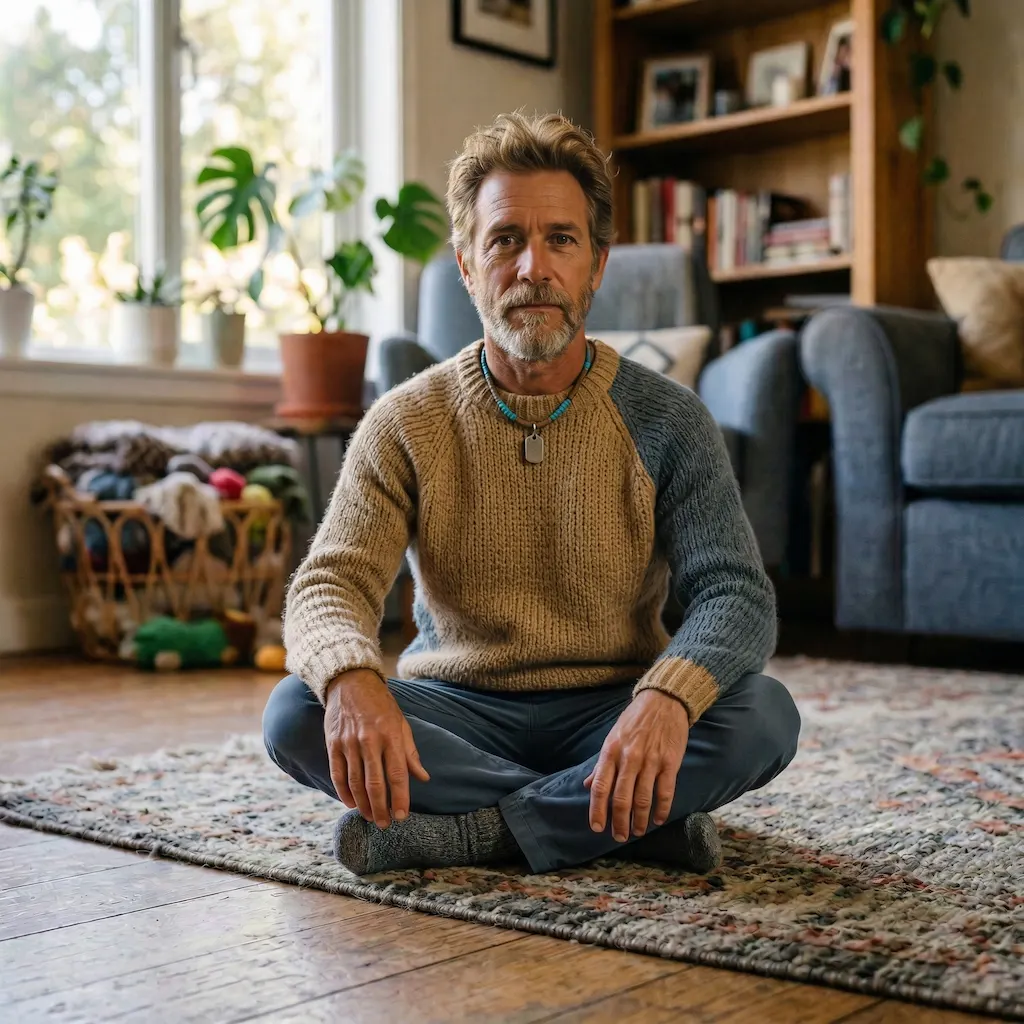
AI image generated with Nano Banana Pro, example 2
Before
After
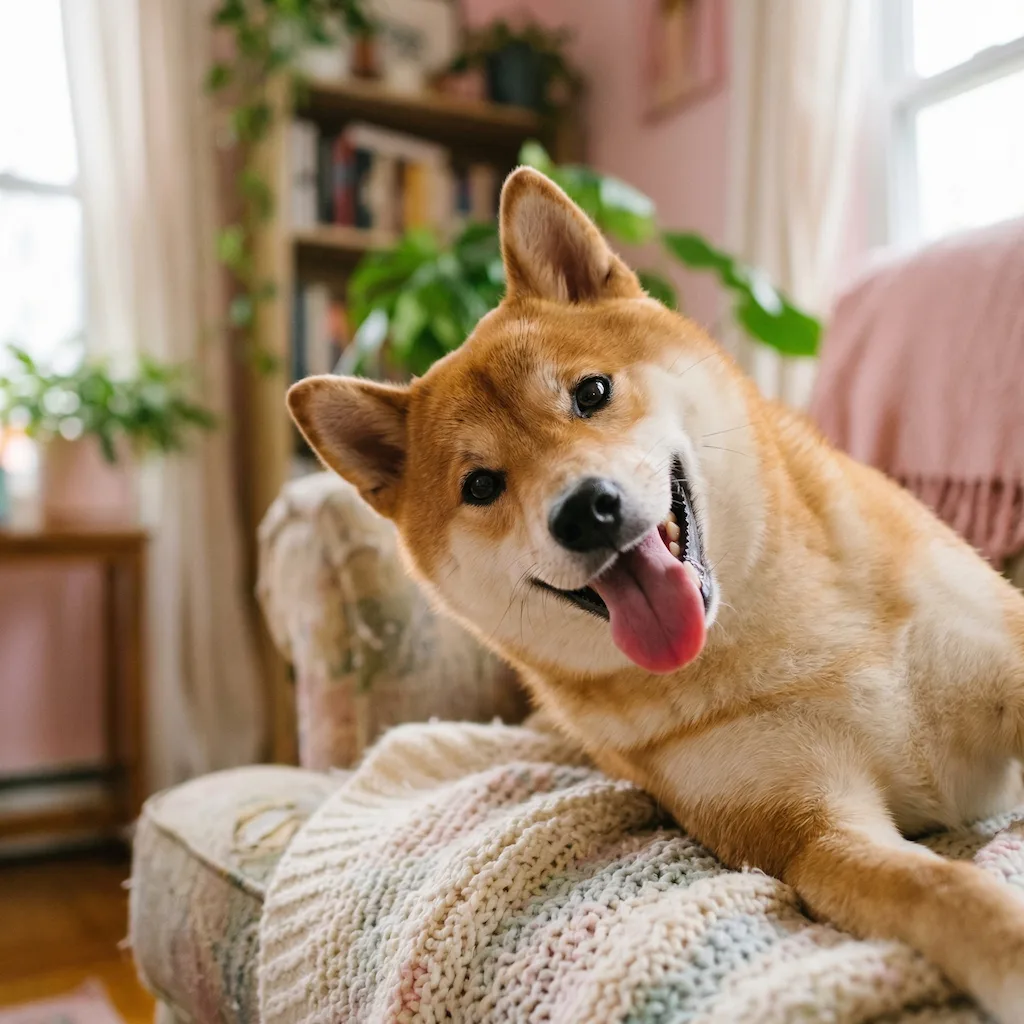
Original photo before AI transformation, example 3
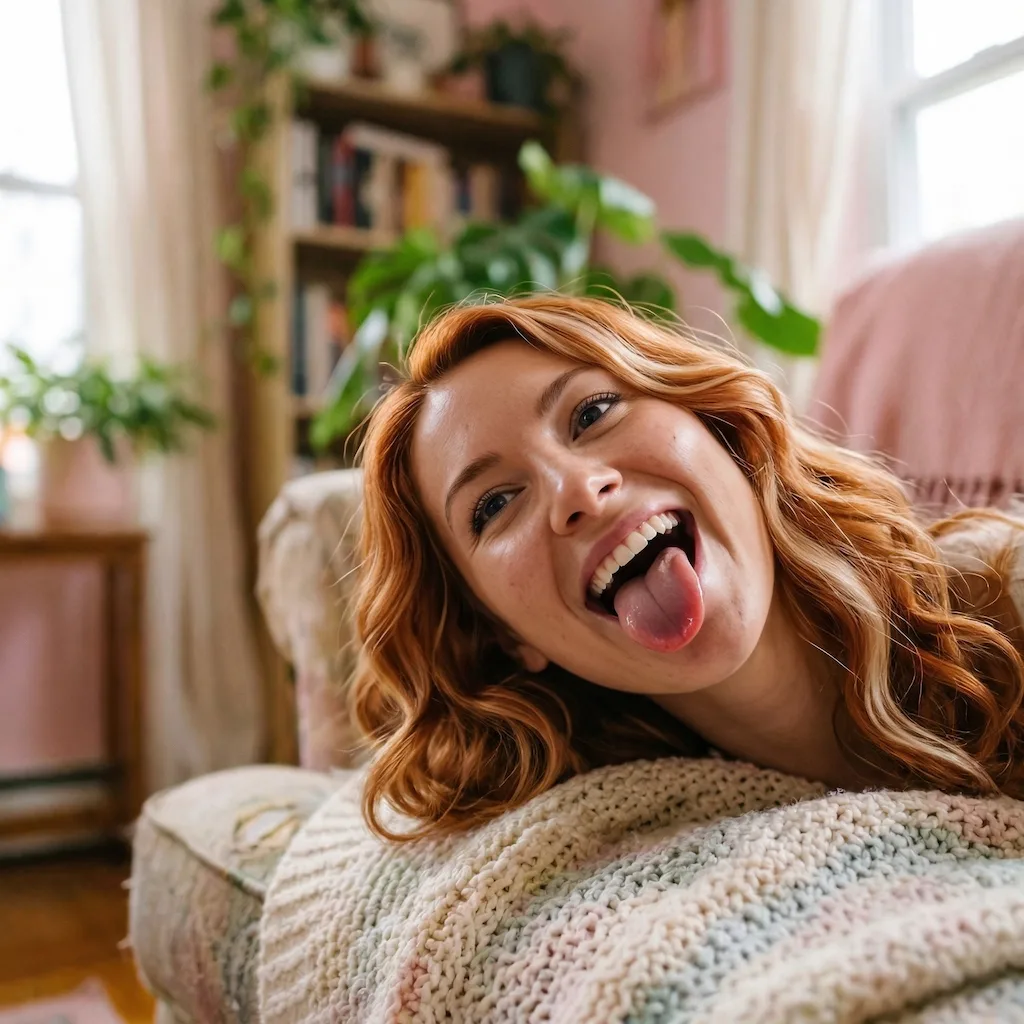
AI image generated with Nano Banana Pro, example 3
Before
After

Pet to Human

Turn your pet into a realistic human character with Nano Banana Pro while preserving the traits, personality, pose, lighting, and background that make it recognizable.

Pet to Human
Dog to Human
Cat to Human

Pet to human: what your dog or cat would look like as a person

A pet photo on one side, its human version on the other. Drag the slider to see which traits made the jump.

Original photo before Pet to Human transformation, example 1
Pet to Human result created with Nano Banana Pro, example 1
Before
After
01Transformations

Which traits carry across

Fur, ears and muzzle give way to human features, but eye shape, expression, coat coloring and the original pose and background all carry over — that's what keeps the person reading as your pet.
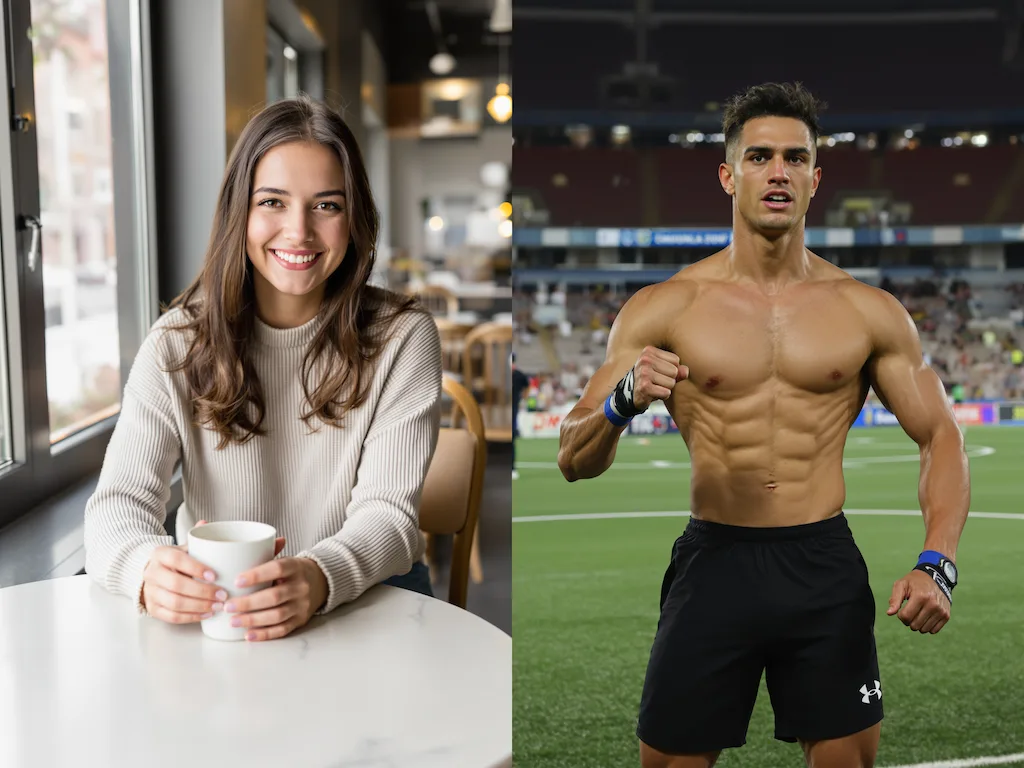
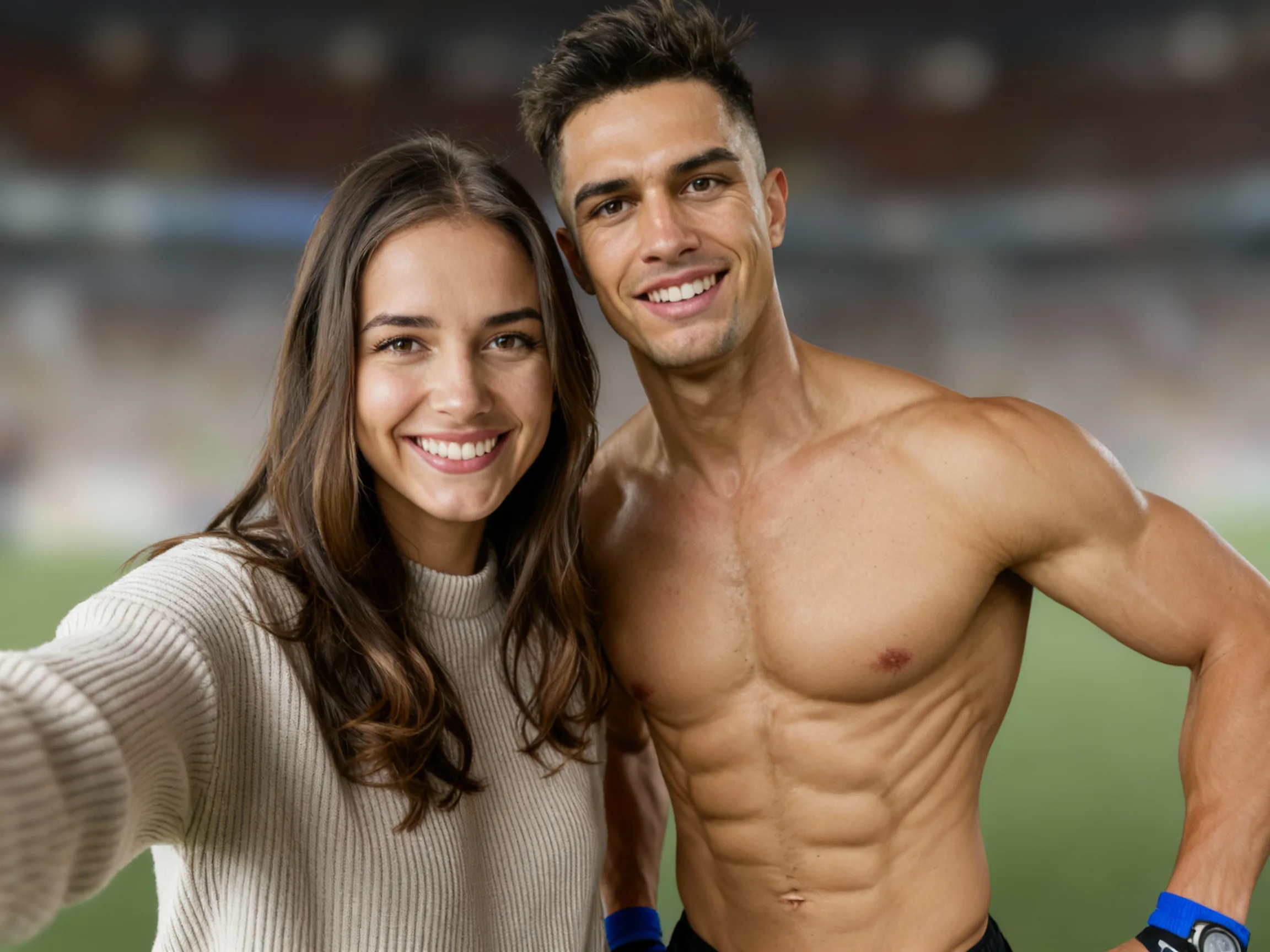
Original photo before Pet to Human transformation, example 2
Pet to Human result created with Nano Banana Pro, example 2
Before
After
02Transformations

Sharp eyes matter more than anything

A clear, front-facing shot with the eyes in focus gives the best result. The more personality visible in the original photo, the more of it survives the translation.

Original photo before Pet to Human transformation, example 3
Pet to Human result created with Nano Banana Pro, example 3
Before
After
03Transformations

Gifts, memorial portraits, profile pictures

A favorite for gifts between pet owners, memorial portraits of a pet that has passed, and profile pictures that come with a story.

How Pet to Human works

Three steps, no design skills required.

  1. Step 1

    Upload your photo

    Add a JPG, PNG or WebP file up to 10MB. A sharp, well-lit photo gives the best result.

  2. Step 2

    Generate with Nano Banana Pro

    Pet to Human handles the transformation automatically.

  3. Step 3

    Download your result

    Preview the generated image and download it, or run another variation.

Pet to Human FAQ

Common questions about using Pet to Human

Pet to Human turns a pet photo into a realistic human portrait. The AI removes animal features while keeping the pet recognizable through facial expression, color palette, pose, mood, and overall identity.

Use a clear photo of a single pet with visible eyes, face, and body posture. Sharp focus, natural lighting, and minimal motion blur help the AI preserve the animal's personality and produce a more believable human result.

The AI preserves the pet's eye shape and expression, emotional vibe, pose, composition, background, lighting direction, and overall color palette. Fur colors are translated into believable human hair, skin, and styling cues.

This effect works best with dogs and cats, but it can also work with other pets when one animal is clearly visible and the face and posture are easy to read. The clearer the source photo, the stronger the result.

Each generation uses 2 credits. You can create multiple humanized variations from different pet photos to explore different looks.

Yes. The generated images are yours to use for lawful personal or commercial projects. If the source photo includes copyrighted logos, branded items, or third-party property, make sure you have the necessary rights before publishing.

Still have questions? Contact support@nano-banana-pro.ai

More styles to try

Other Nano Banana Pro templates that work with the same photo.

View all styles