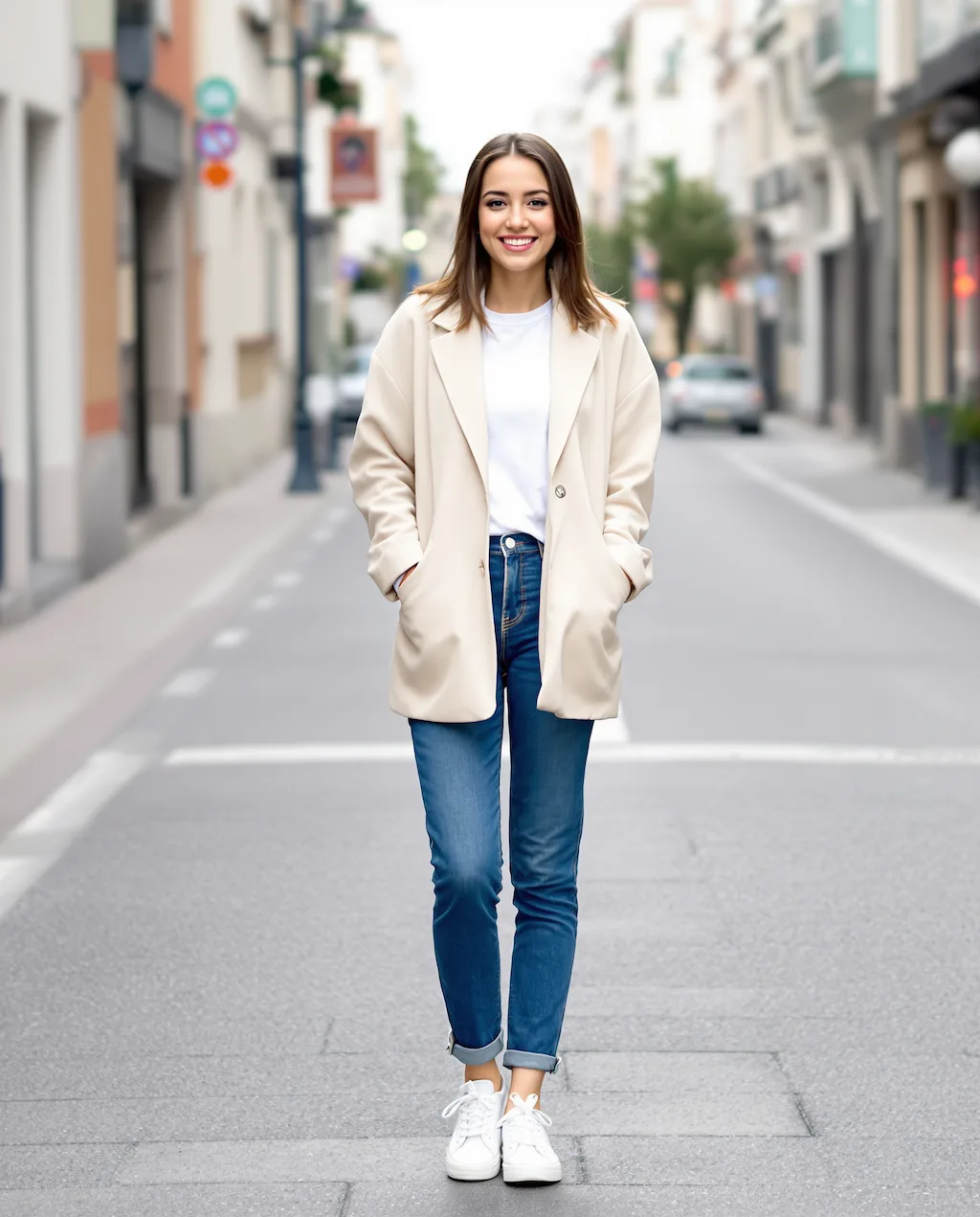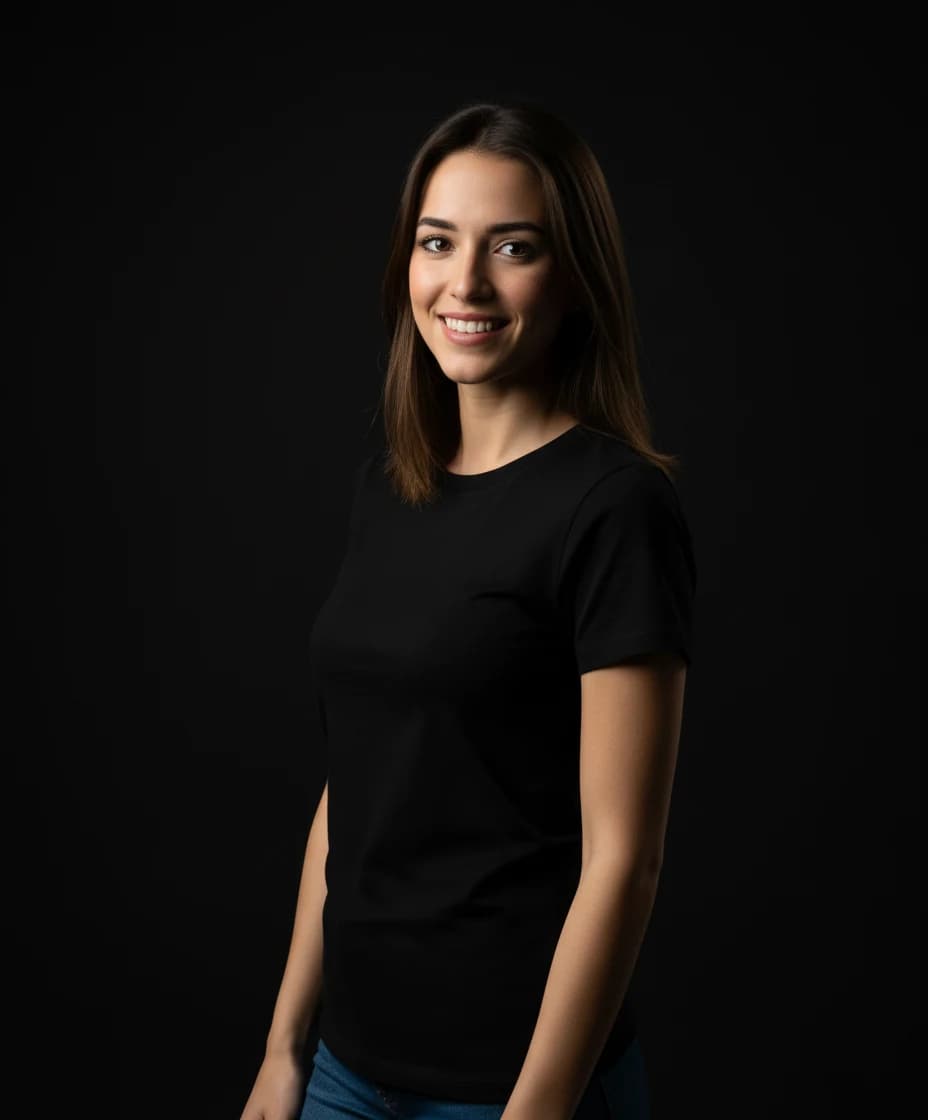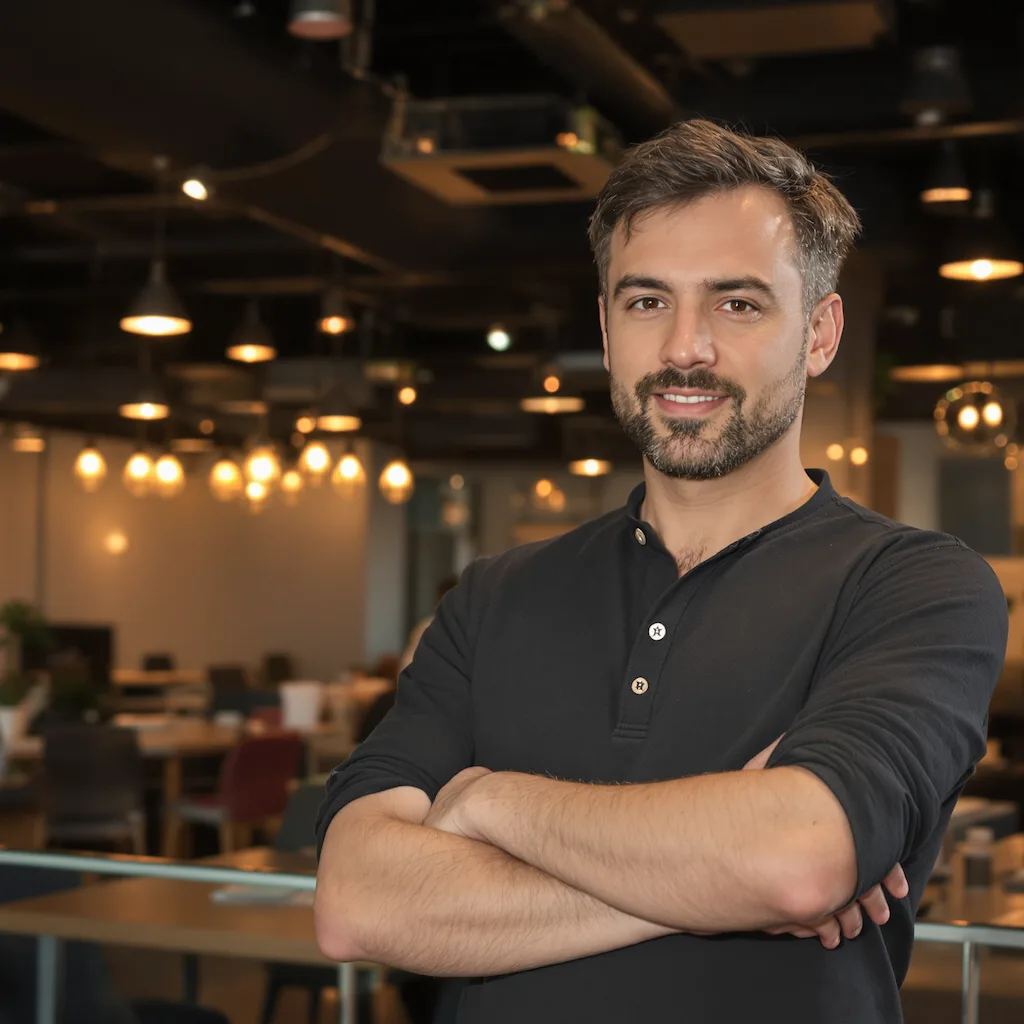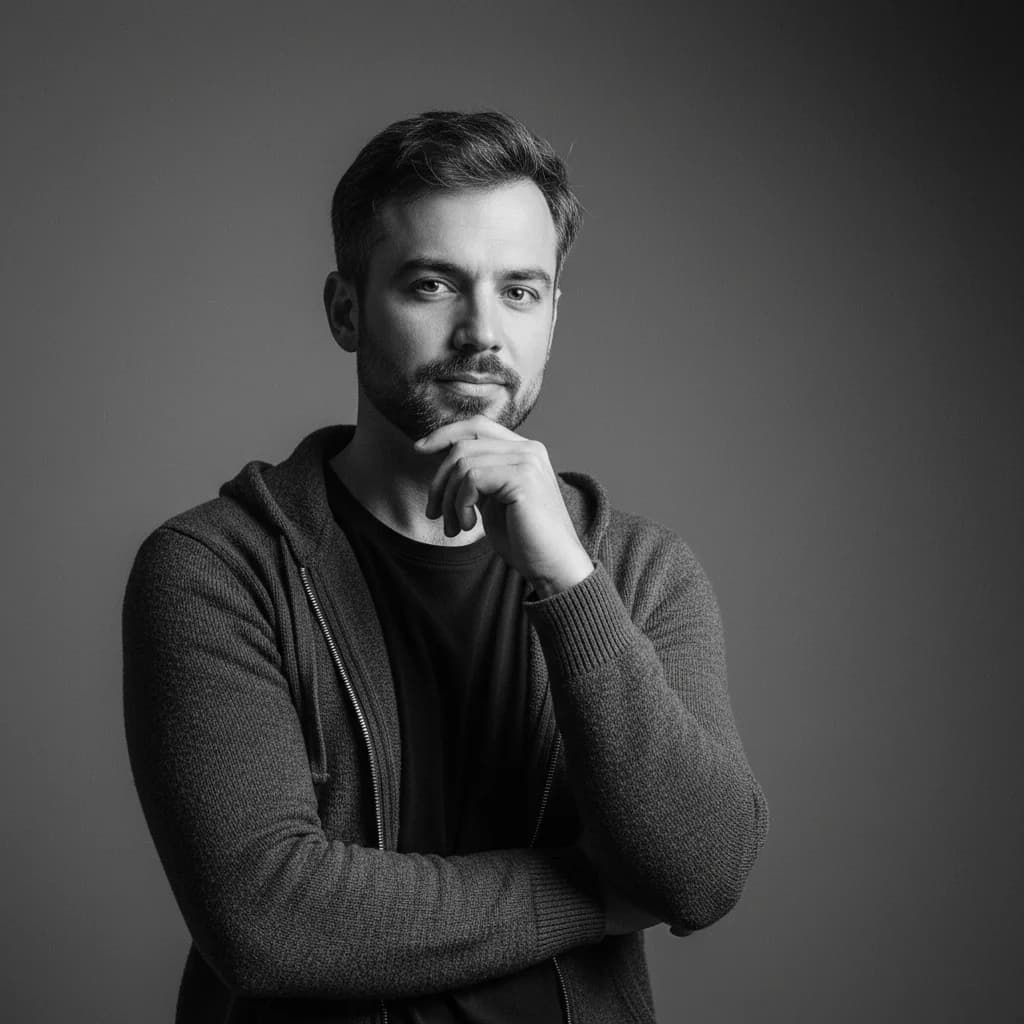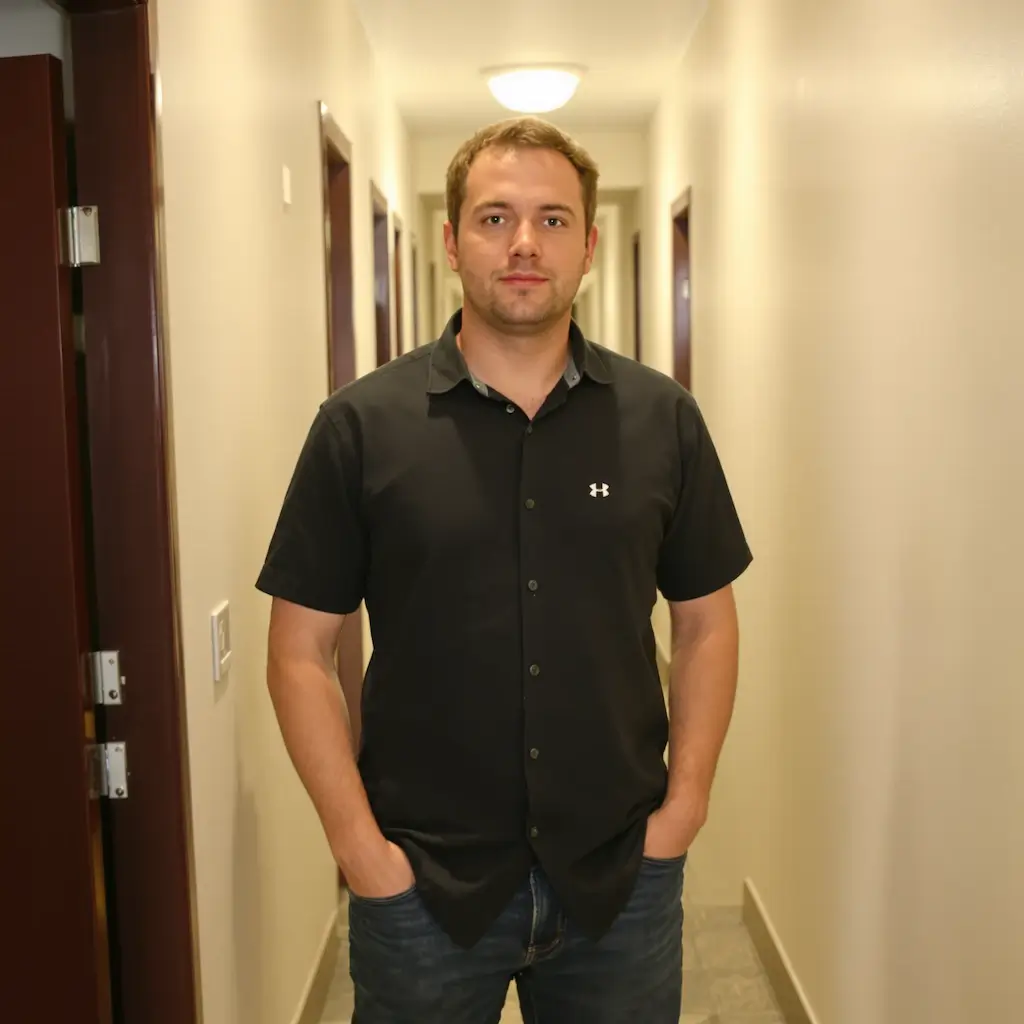
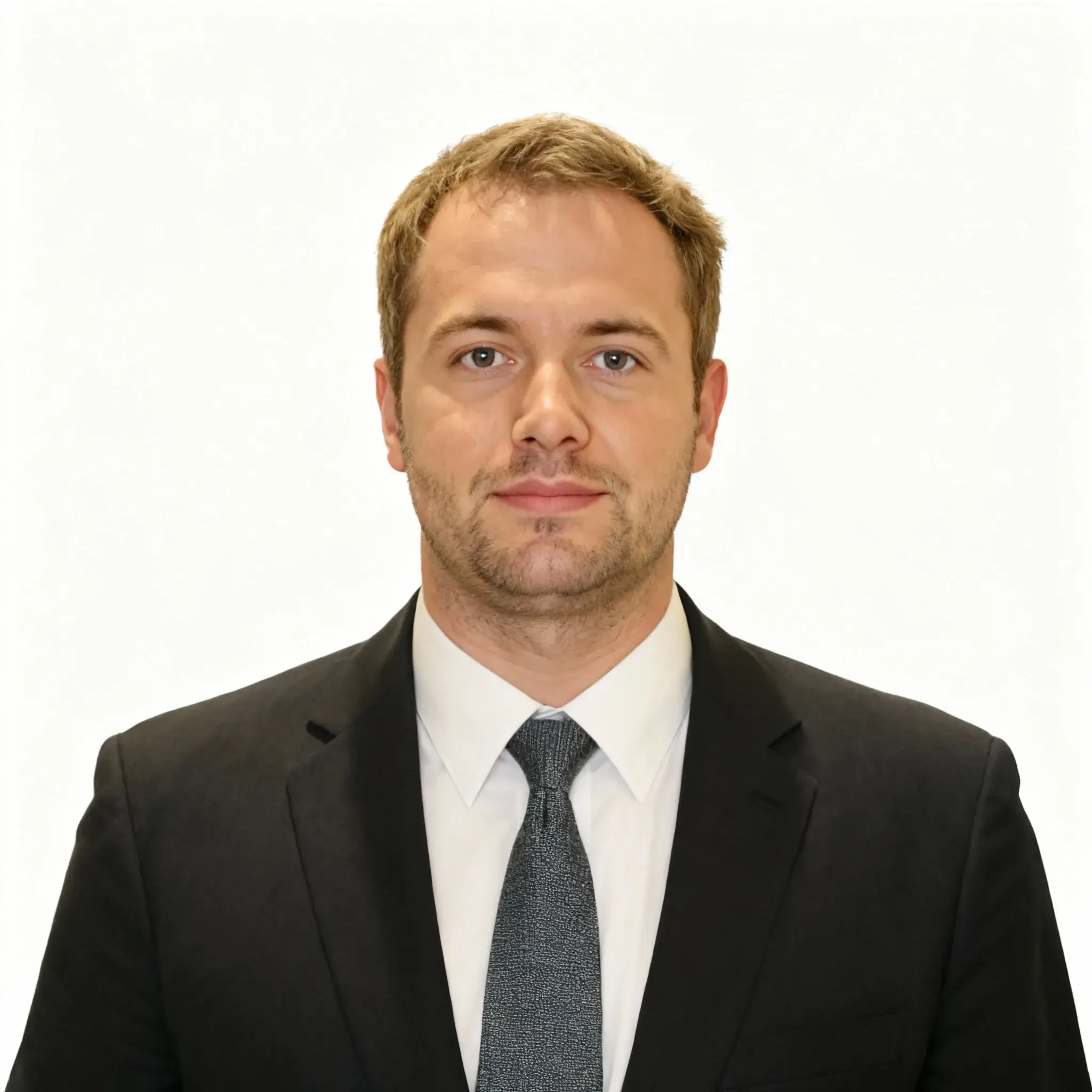
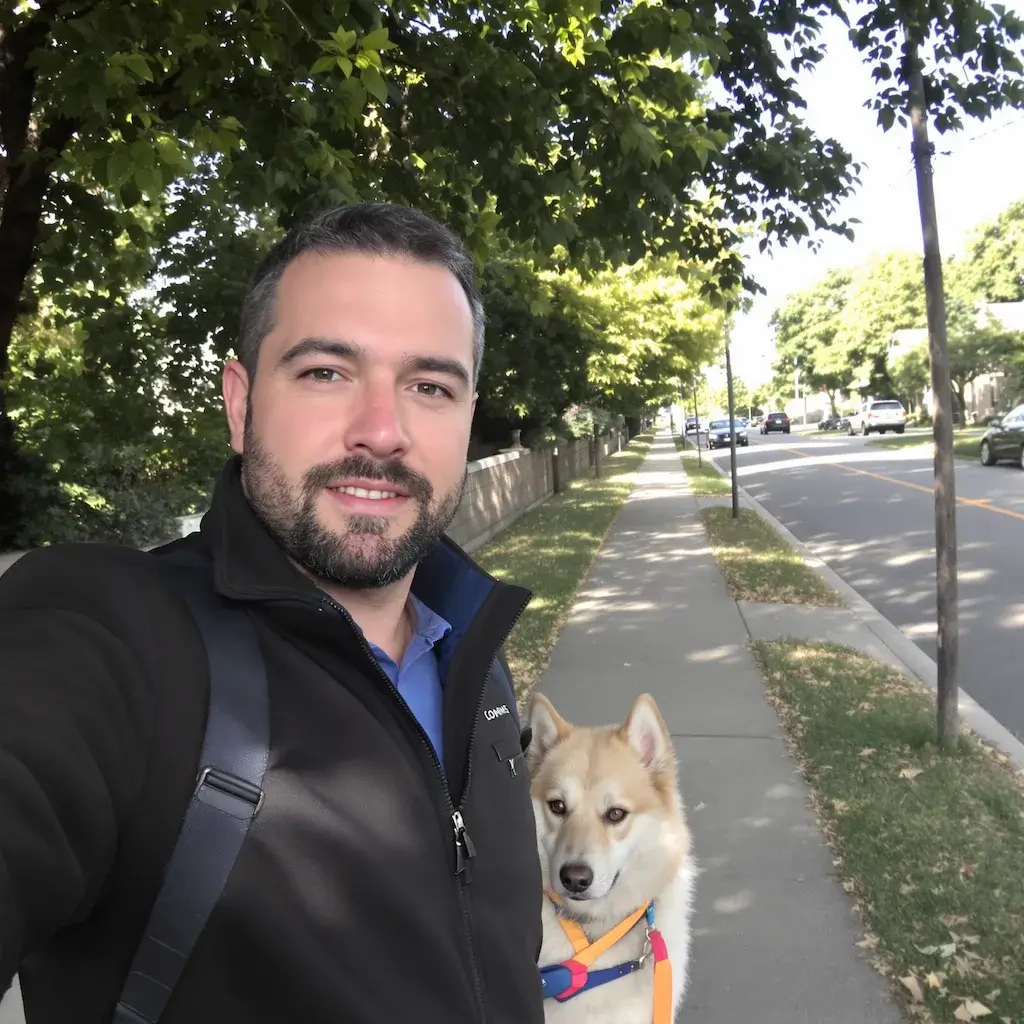


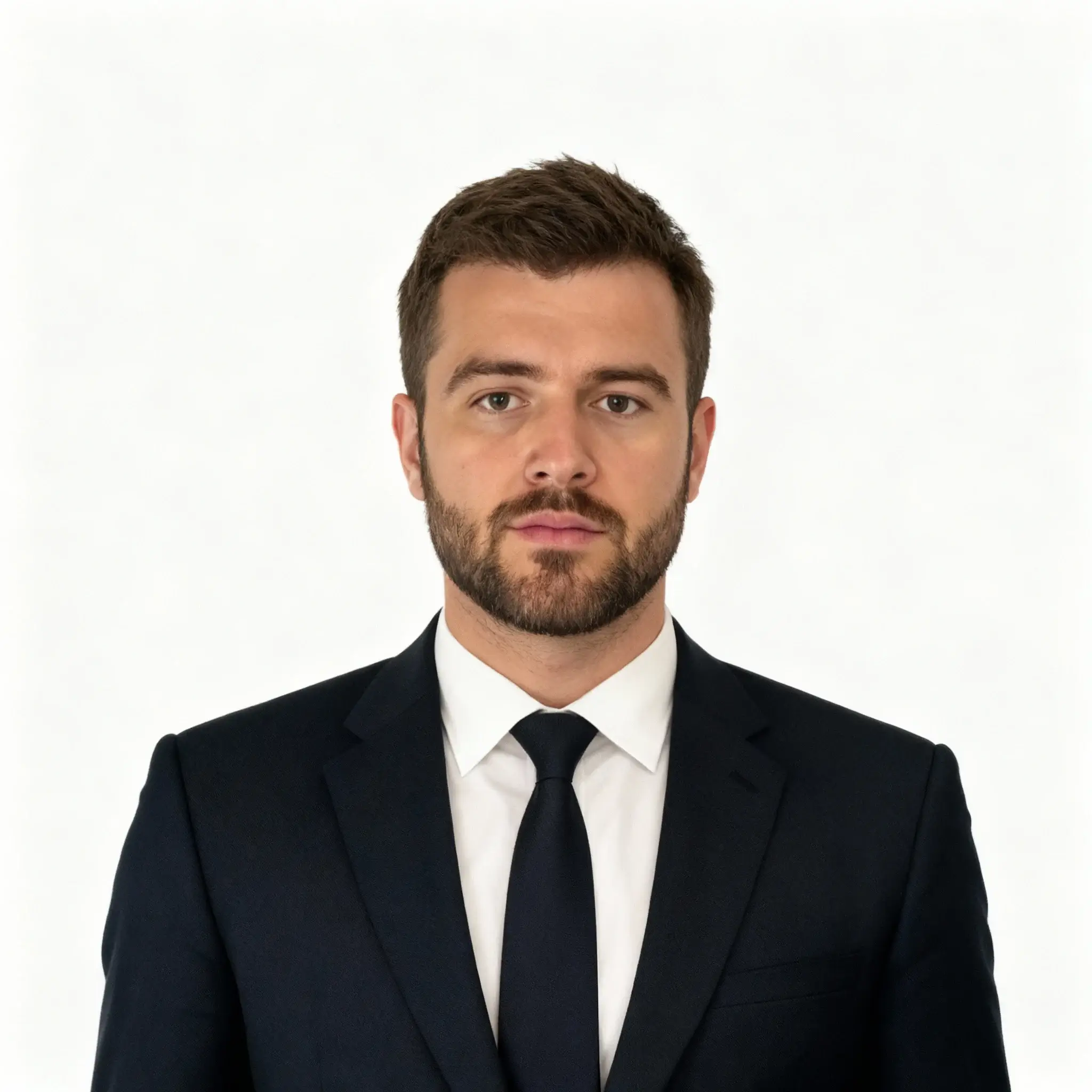
Before
After
01Transformations
What turns a selfie into a professional headshot
Studio lighting replaces phone lighting, the background becomes a clean neutral, and the clothing reads as business attire — while your face stays your face.
LinkedIn Headshot Tool
Upload your photo to create a professional LinkedIn headshot with Nano Banana Pro
Professional Headshots
Turn casual photos into professional LinkedIn headshots with Nano Banana Pro
Ordinary selfies on one side, finished business headshots on the other. Drag the slider to see the lighting and background change.
Studio lighting replaces phone lighting, the background becomes a clean neutral, and the clothing reads as business attire — while your face stays your face.
Shoot straight on, eyes visible, face out of shadow. Skip sunglasses, heavy filters and group shots: the generator needs one clear face, at least 512×512, to work from.
The same portrait carries over to your CV, a team page, a speaker bio and an email signature. Generate a few and keep the one that looks like you on a good day.
Three steps, no design skills required.
Add a JPG, PNG or WebP file up to 10MB. A sharp, well-lit photo gives the best result.
LinkedIn Headshot Generator handles the transformation automatically.
Preview the generated image and download it, or run another variation.
Common questions about using LinkedIn Headshot Generator
A professional LinkedIn headshot features formal posture, business attire, direct eye contact, and a clean background. Our AI automatically transforms your casual photos to meet these professional standards.
For best results, upload an image that's at least 512 × 512 pixels, with a clearly visible, unobstructed face. The photo should contain only one person for optimal results — our AI will handle the rest.
The AI adjusts your posture to formal centered positioning, add professional business attire, create a pure solid background, and ensure direct eye contact with studio portrait quality.
Yes. The generated headshots are optimized for LinkedIn profiles and meet all professional standards. They're yours to use on LinkedIn, resumes, company websites, or any professional platform.
No problem — the AI will automatically add appropriate business attire to your image, ensuring you look professional regardless of what you were wearing in the original photo.
Generation time varies with image complexity and server load — most results are ready within a minute and can go straight onto your LinkedIn profile.
Yes — the AI creates highly realistic transformations that maintain your facial features and identity while enhancing the professional aspects. The result looks like a genuine studio photograph.
Yes, you can generate multiple professional headshot variations from the same or different photos. Each generation uses 2 credits and provides a unique professional transformation.
Still have questions? Contact support@nano-banana-pro.ai
Other Nano Banana Pro templates that work with the same photo.