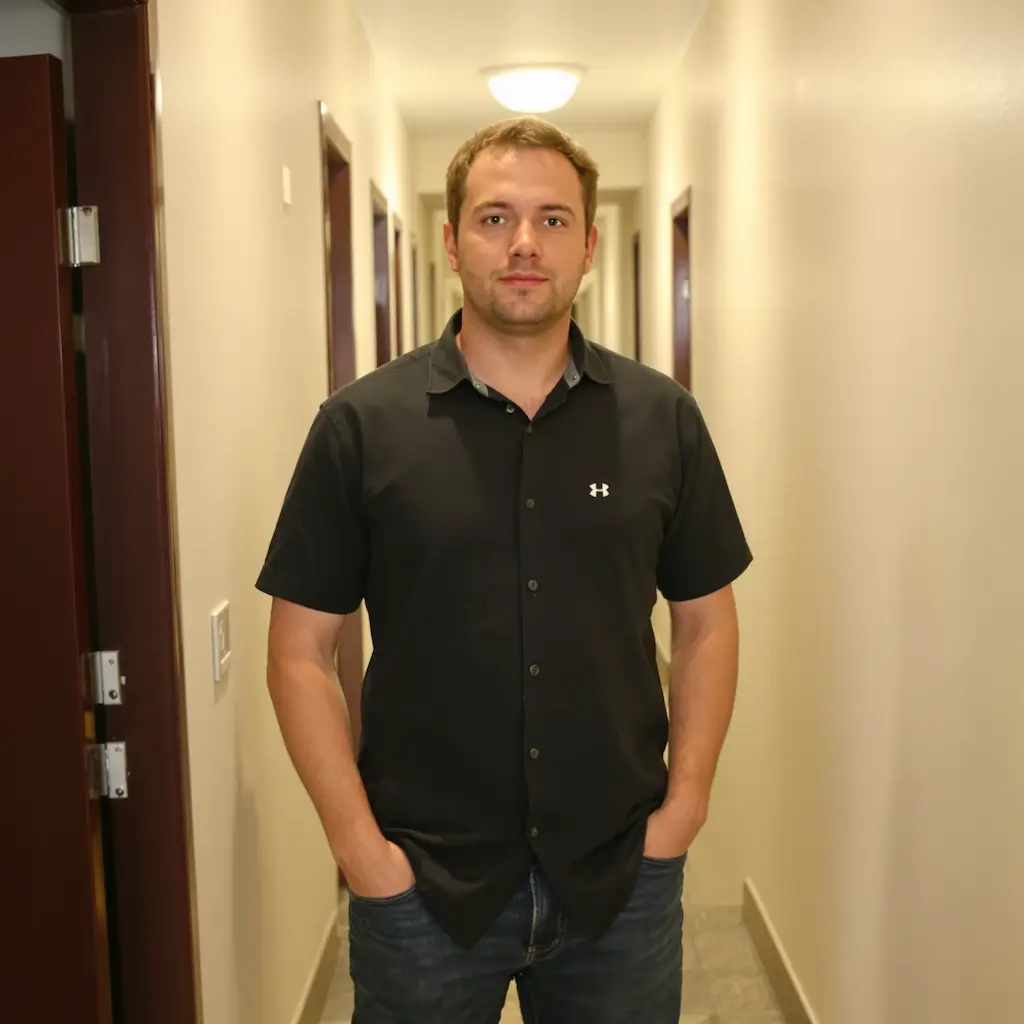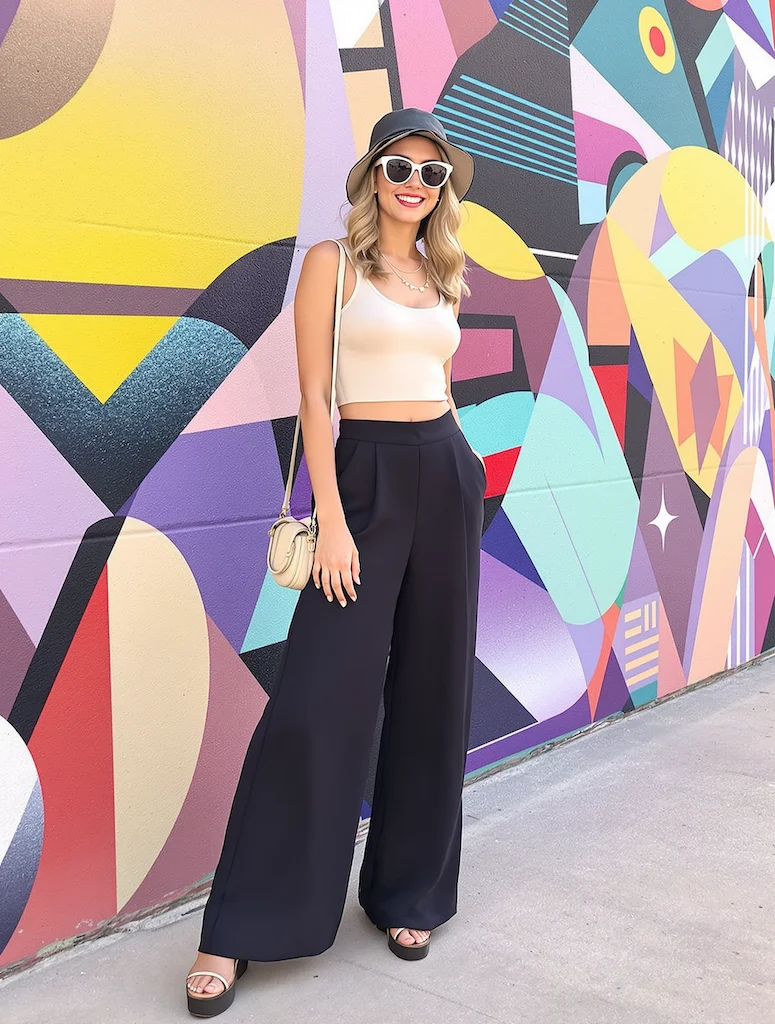
Before
After
01Transformations
How the outfit is broken down
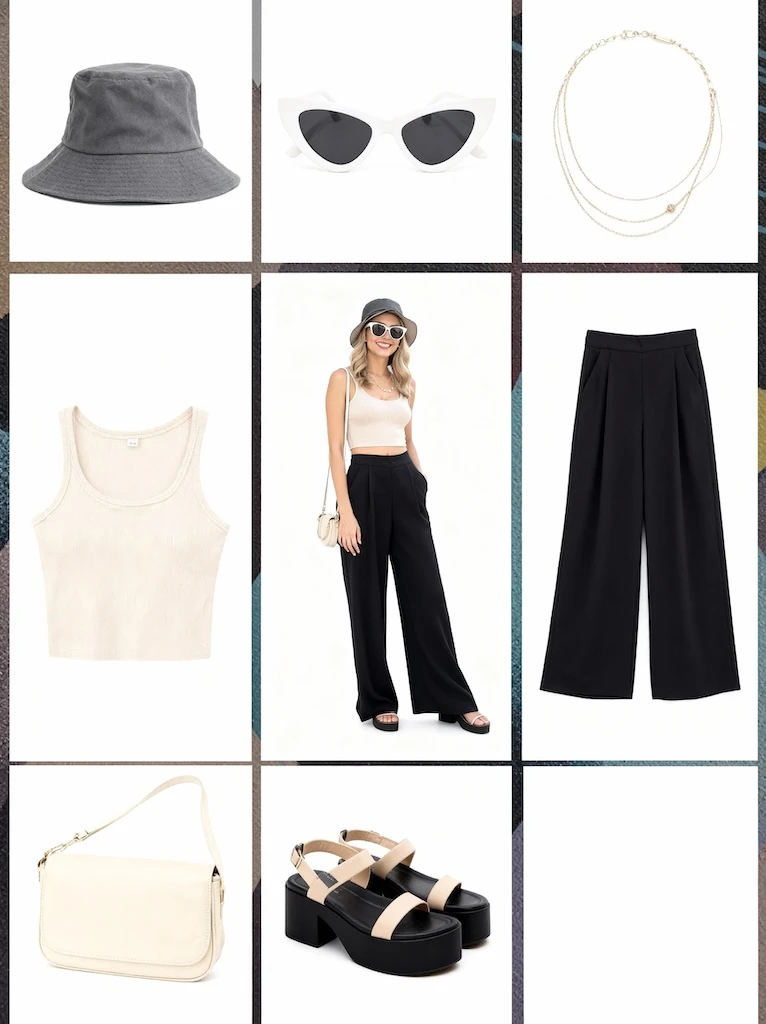
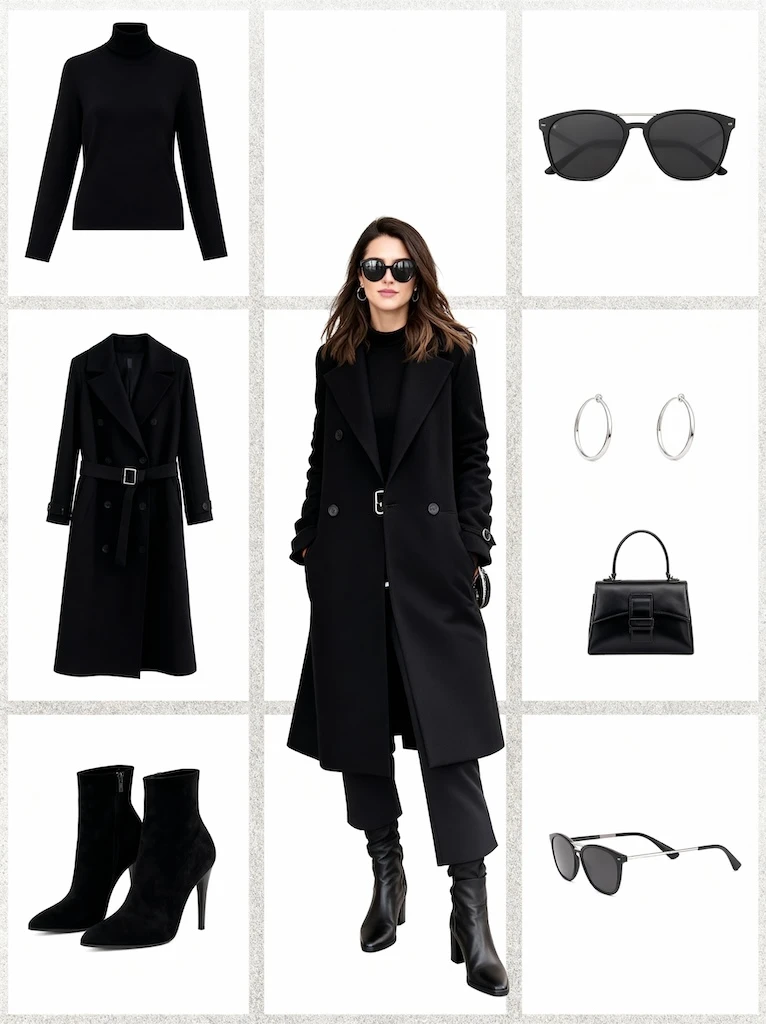
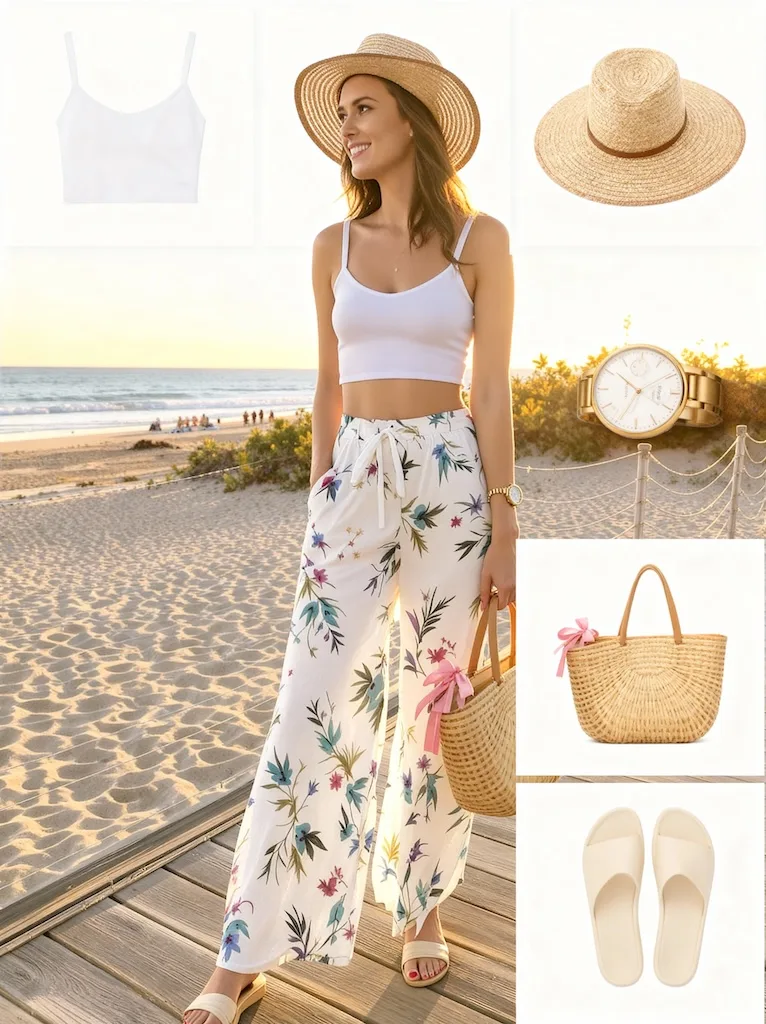
The center cell keeps your full look while the surrounding cells hold each garment and accessory, cut out on white with colors matched as closely as possible to the original.
Create Outfit Breakdown
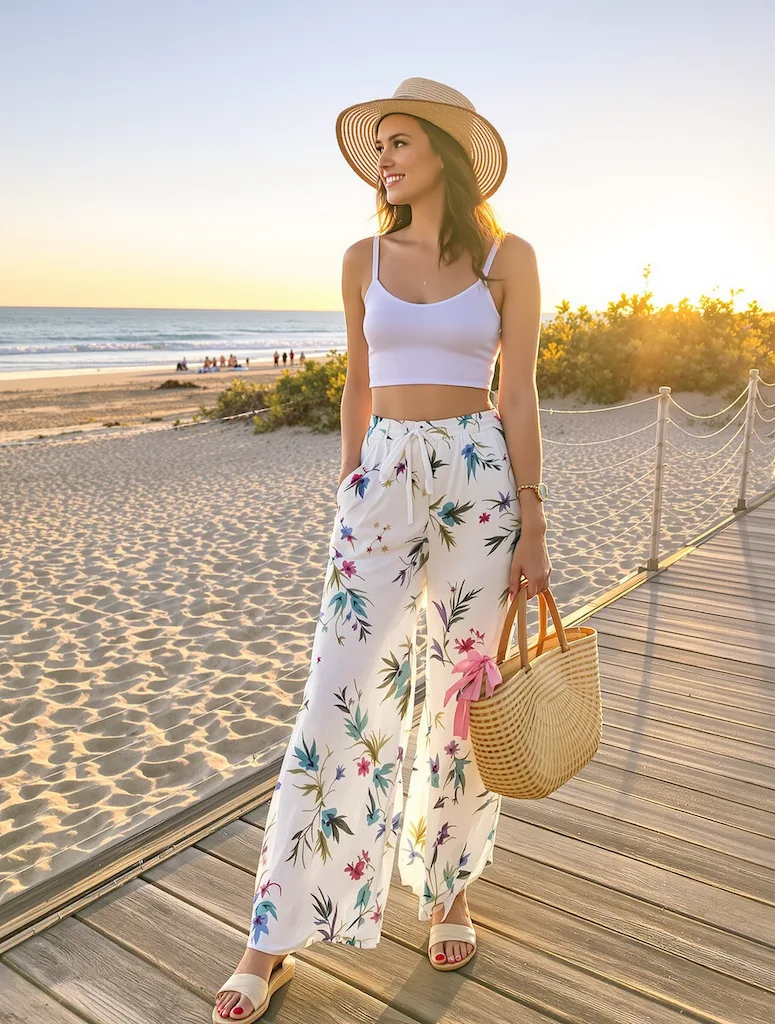
Upload your full-body outfit photo to generate a 3x3 grid layout with Nano Banana Pro. The center shows your complete look while surrounding grids display individual clothing items and accessories extracted from your outfit.
Outfit Breakdown Grid
Turn your outfit photos into professional 3x3 grid layouts with Nano Banana Pro. Automatically extract and showcase individual fashion items from your complete look, creating perfect outfit breakdowns for social media or fashion portfolios.
A full-body look on one side, the same outfit split into a 3x3 grid on the other. Drag across to see each piece separated out.
The center cell keeps your full look while the surrounding cells hold each garment and accessory, cut out on white with colors matched as closely as possible to the original.
Full-body shots where every piece is visible extract best. Items that overlap heavily — a coat over a dress over boots — are harder to separate cleanly.
The grid is built for outfit-of-the-day posts, lookbook pages, fashion portfolios and resale listings where buyers want to see each piece on its own.
Three steps, no design skills required.
Add a JPG, PNG or WebP file up to 10MB. A sharp, well-lit photo gives the best result.
OOTD Generator handles the transformation automatically.
Preview the generated image and download it, or run another variation.
Common questions about using OOTD Generator
OOTD Generator creates professional outfit breakdowns. It transforms your fashion photos into a 3x3 grid layout where the center displays your full outfit and surrounding grids showcase each individual clothing item and accessory on a clean white background.
Full-body photos with clear visibility of your complete outfit work best. Make sure all clothing items and accessories are clearly visible. The AI will extract each piece precisely as worn, maintaining exact colors, styles, and designs from your original outfit.
Each OOTD breakdown generation uses 2 credits. The result includes your complete outfit in the center plus all individual items displayed separately.
Commercial use may be permitted, subject to our Terms of Service, applicable law, and third-party rights. You are responsible for reviewing generated outputs before any commercial use.
Still have questions? Contact support@nano-banana-pro.ai
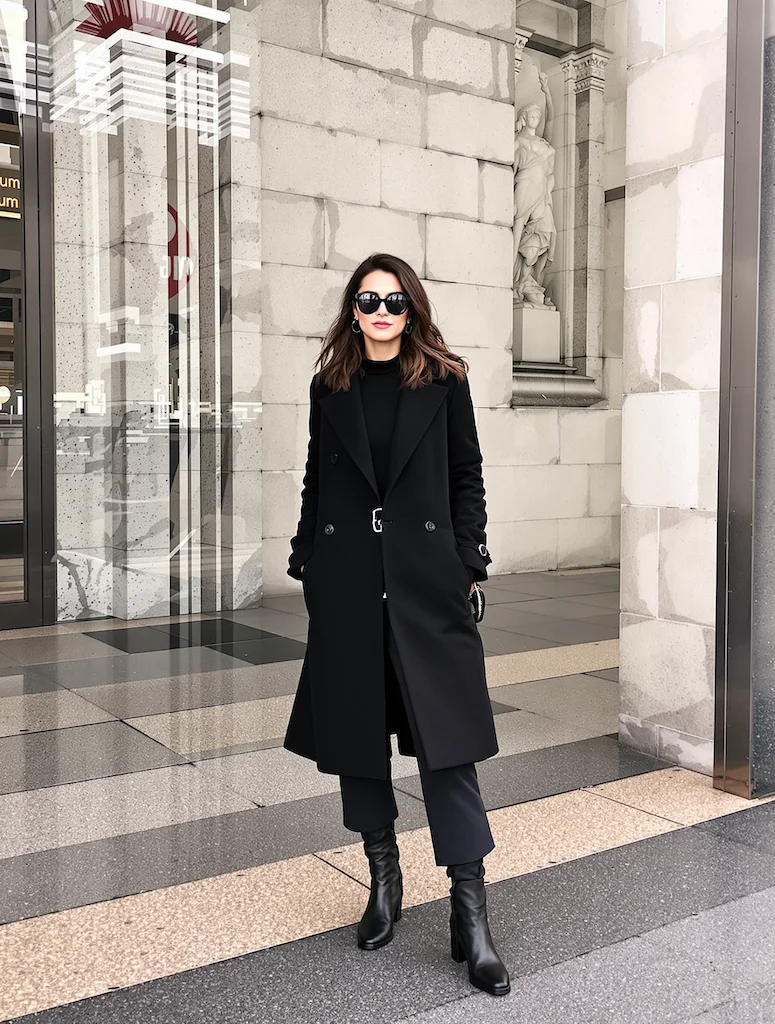
Other Nano Banana Pro templates that work with the same photo.