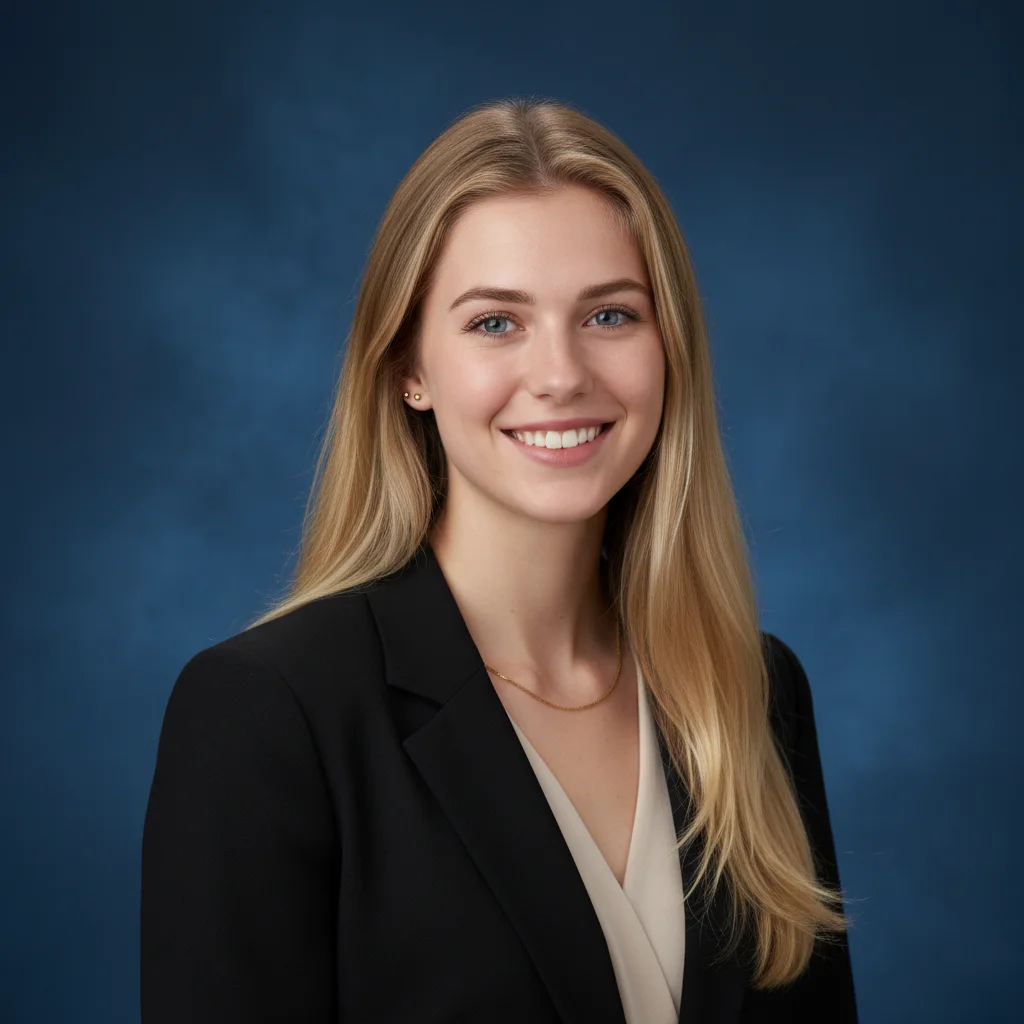

AI Corporate Headshot

Upload your portrait to generate a professional American-style corporate headshot with Nano Banana Pro.

Corporate Headshots

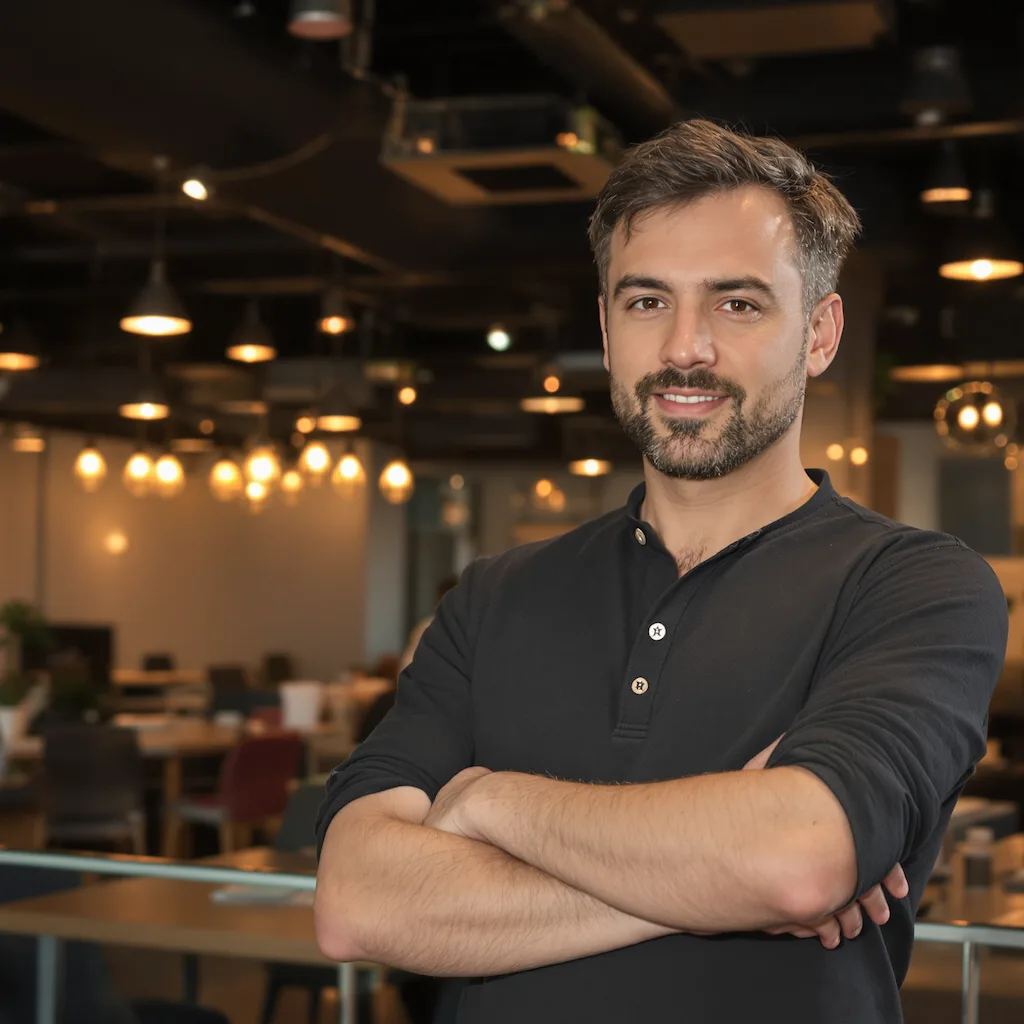
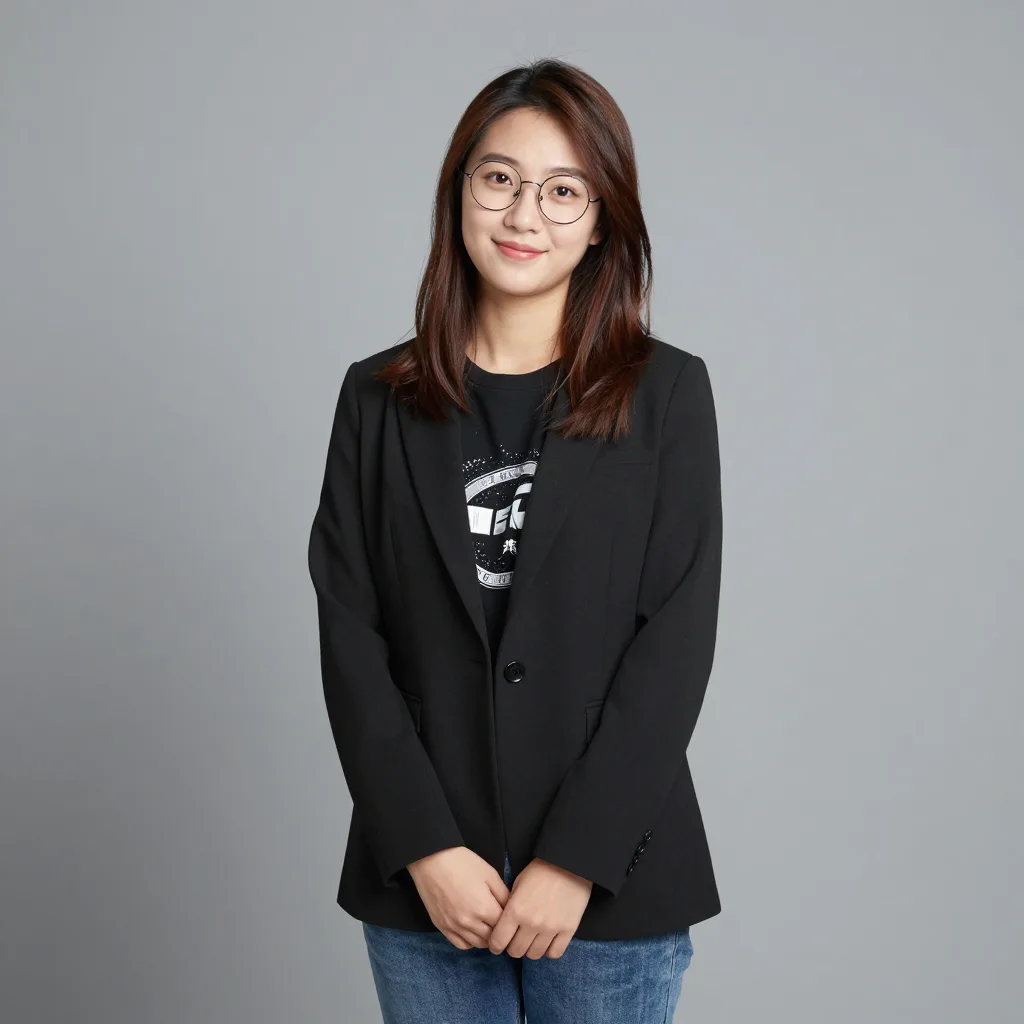
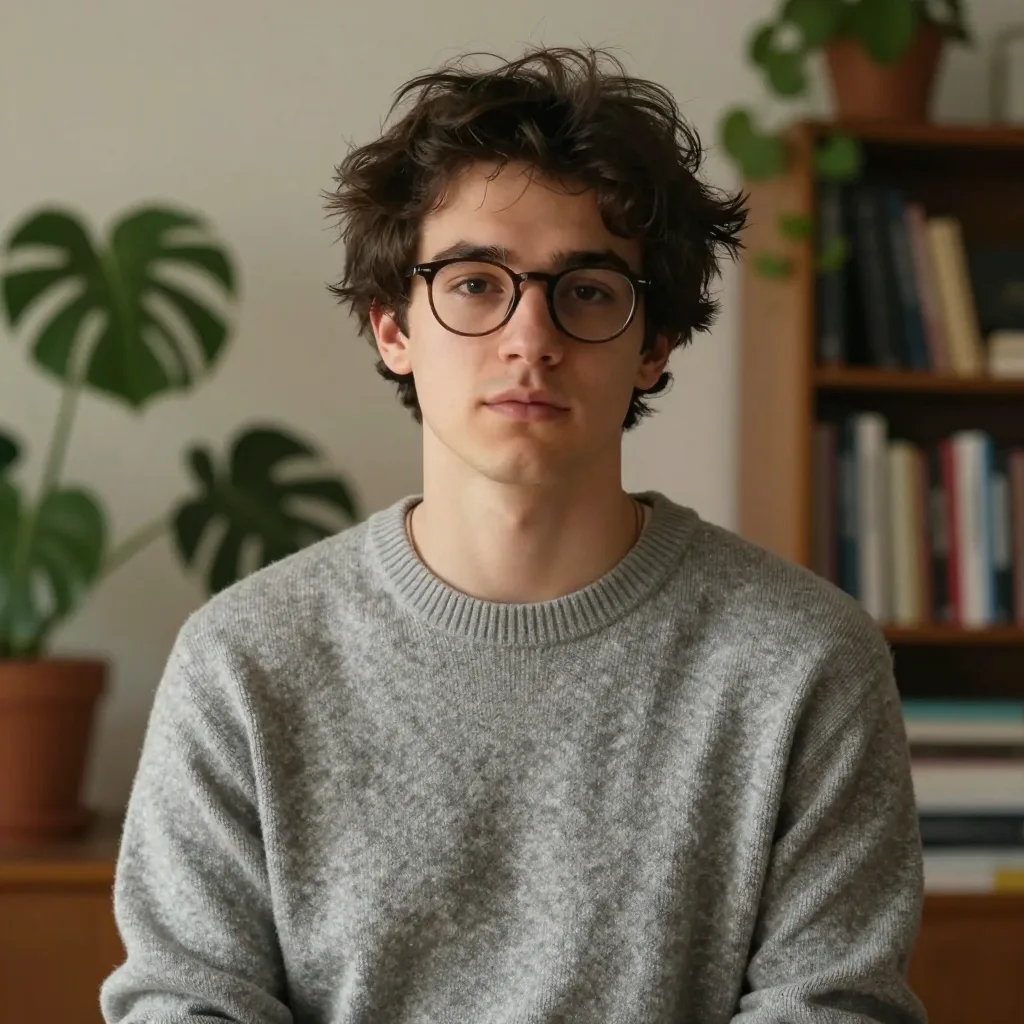
Original photo before AI transformation, example 1
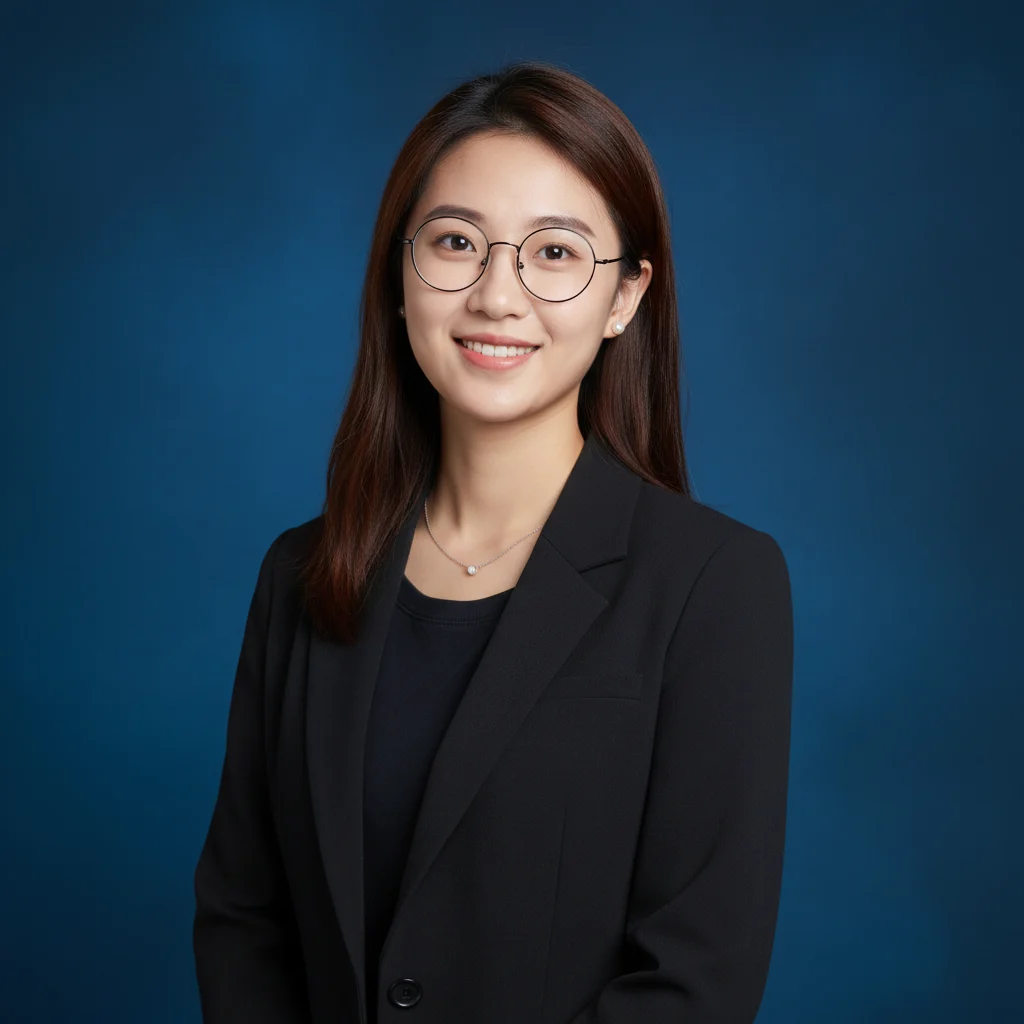
AI image generated with Nano Banana Pro, example 1
Before
After
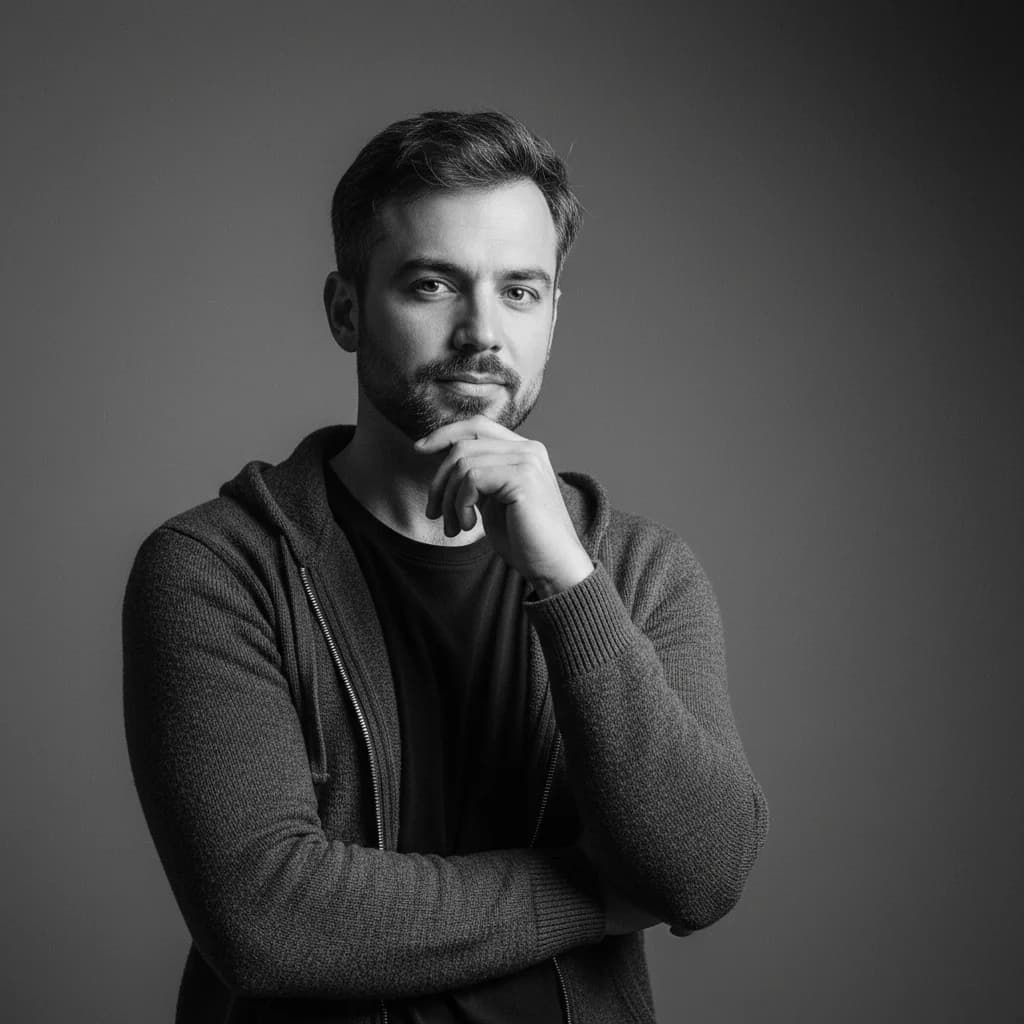
Original photo before AI transformation, example 2
AI image generated with Nano Banana Pro, example 2
Before
After
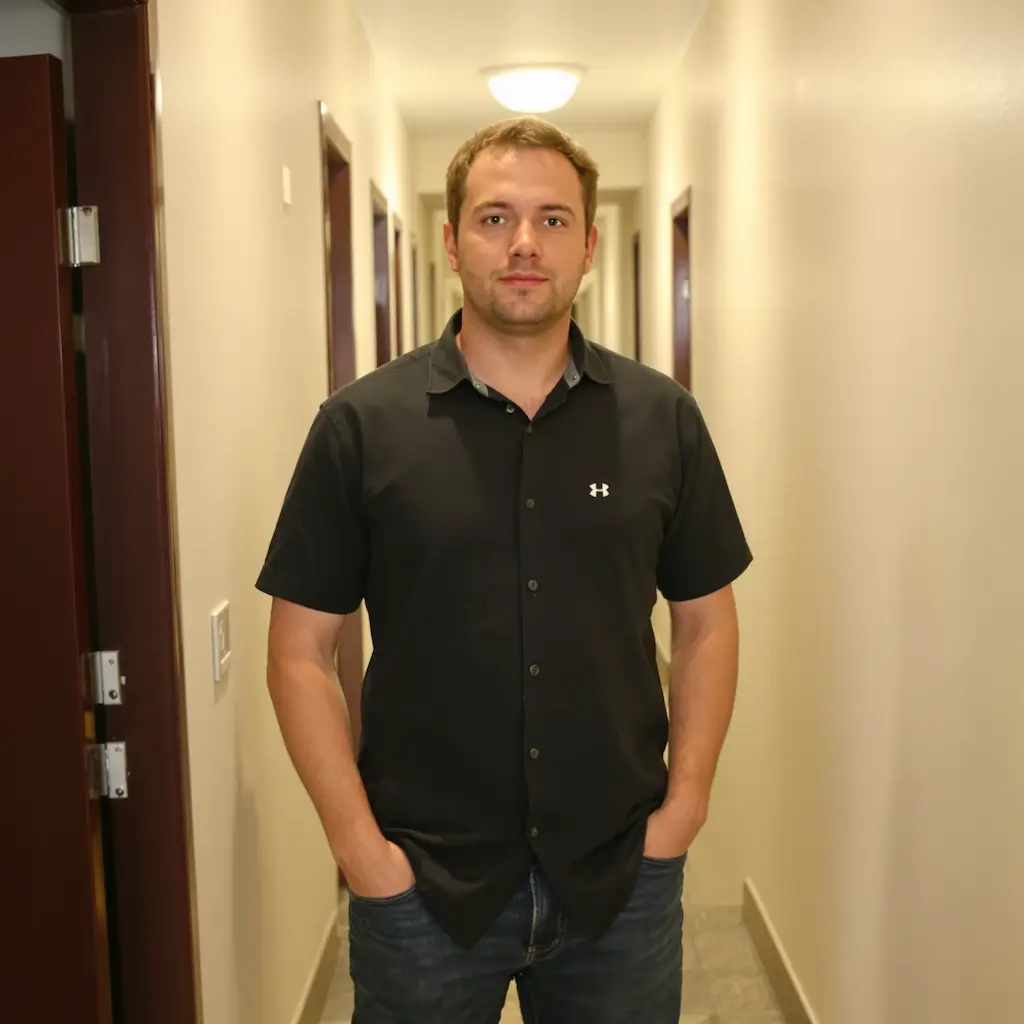
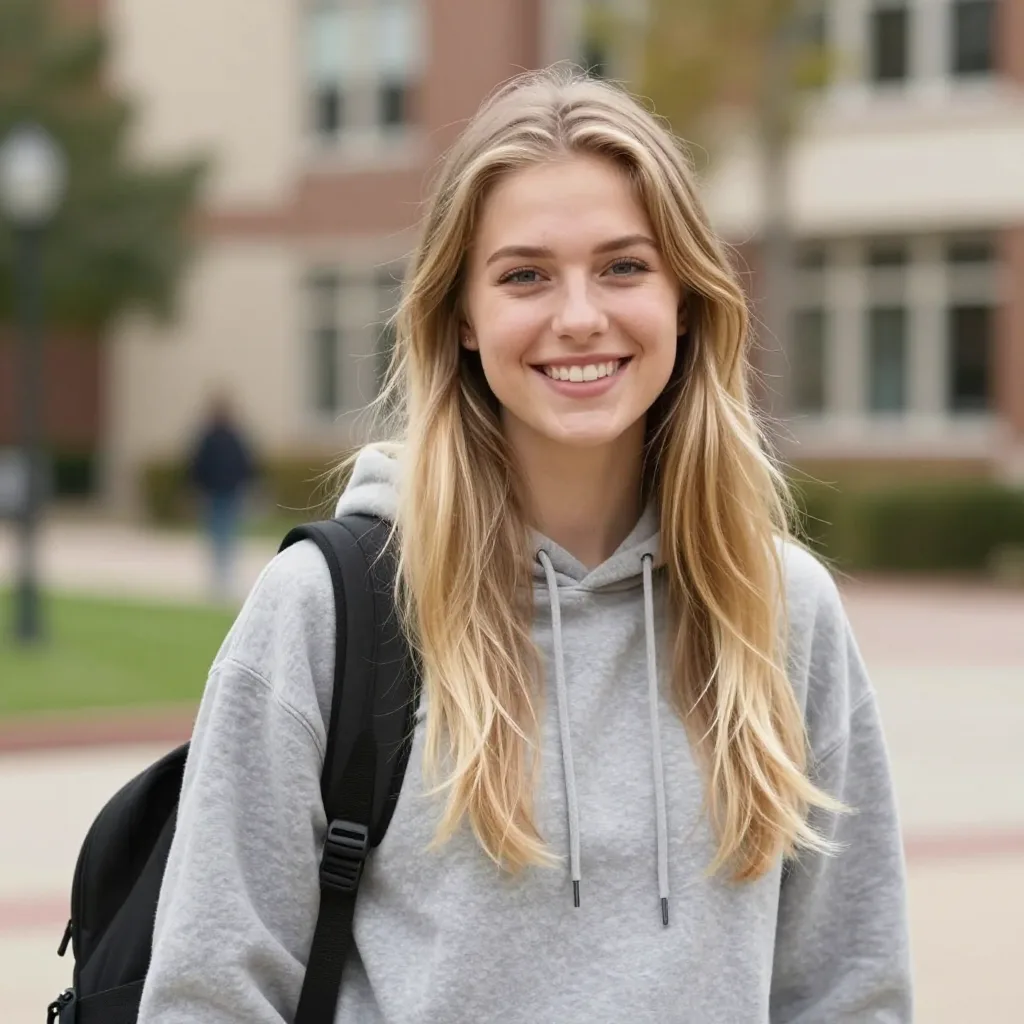
Original photo before AI transformation, example 3
AI image generated with Nano Banana Pro, example 3
Before
After

AI Corporate Headshot Generator

Turn casual photos into polished American-style corporate headshots with Nano Banana Pro.

AI Corporate Headshot
LinkedIn Headshot
Professional Portrait

AI corporate headshot: everyday photo to boardroom portrait

Ordinary photos on one side, finished corporate headshots on the other. Drag the slider to see suit, light and backdrop change.

Original photo before AI Corporate Headshot Generator transformation, example 1
AI Corporate Headshot Generator result created with Nano Banana Pro, example 1
Before
After
01Transformations

The three things that read as corporate

A dark suit, studio lighting with a soft key, and a blue textured backdrop — the combination that makes a portrait read as taken for work rather than cropped from a weekend photo.
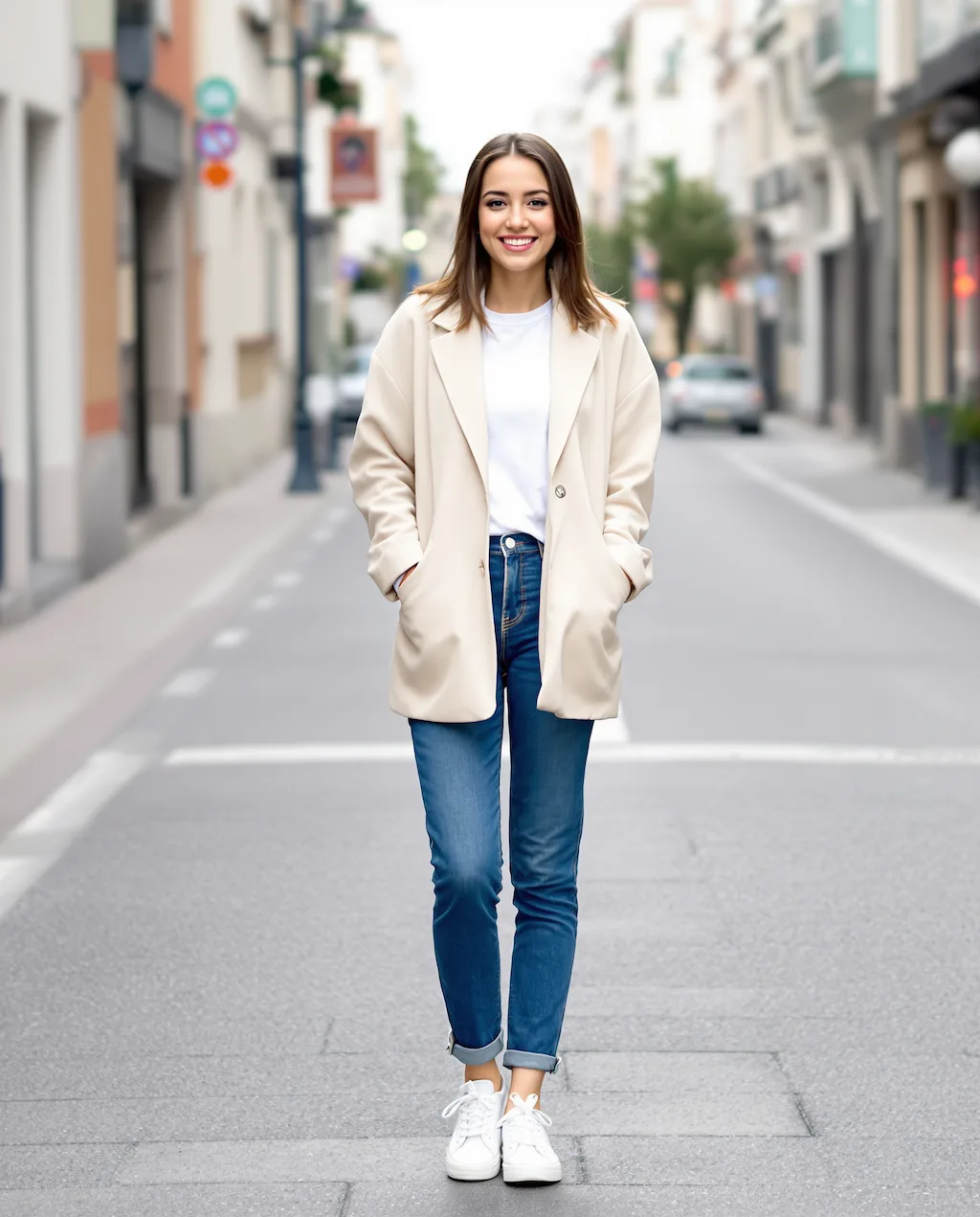
Original photo before AI Corporate Headshot Generator transformation, example 2
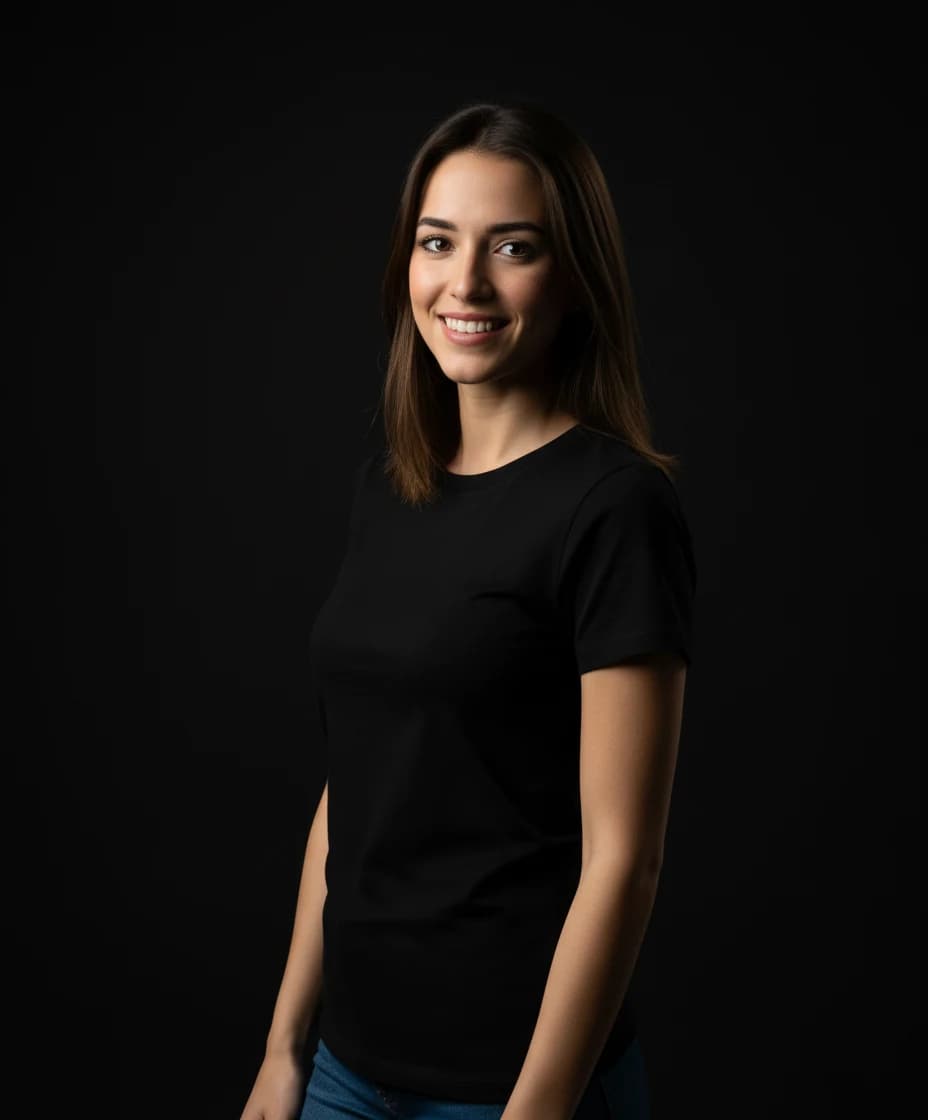
AI Corporate Headshot Generator result created with Nano Banana Pro, example 2
Before
After
02Transformations

What to upload, and what to skip

A front-facing photo of at least 512×512, eyes visible, face out of shadow. Keep glasses on if you wear them daily; sunglasses and group shots don't work.

Original photo before AI Corporate Headshot Generator transformation, example 3
AI Corporate Headshot Generator result created with Nano Banana Pro, example 3
Before
After
03Transformations

Team pages that look shot together

Running a whole team through the same settings gives a consistent set of headshots for an about page — the kind of consistency that normally means booking a photographer.

How AI Corporate Headshot Generator works

Three steps, no design skills required.

  1. Step 1

    Upload your photo

    Add a JPG, PNG or WebP file up to 10MB. A sharp, well-lit photo gives the best result.

  2. Step 2

    Generate with Nano Banana Pro

    AI Corporate Headshot Generator handles the transformation automatically.

  3. Step 3

    Download your result

    Preview the generated image and download it, or run another variation.

AI Corporate Headshot Generator FAQ

Common questions about using AI Corporate Headshot Generator

A strong corporate headshot combines clean composition, natural confident expression, professional wardrobe, and studio-grade lighting. This style is tuned for that exact business portrait look.

Yes. The transformation is designed to preserve your facial identity and key recognizable features while upgrading clothing, background, and overall professional finish.

Glasses are preserved only when they already exist in the source image. If no glasses are present, the model will not add them.

This template enforces a half-body corporate composition, blue textured studio background, soft natural studio lighting, realistic skin tones, and a polished professional look.

The output targets a dark-colored blazer with minimalist, elegant, modern professional styling for a polished corporate portrait feel.

You can try it for free — new users receive registration credits on signup. After that, each generation uses 2 credits. You can purchase credit packages for additional credits.

Yes. Generated images can be used for professional profiles, resumes, team pages, and other commercial contexts, subject to your platform and legal requirements.

Generation time varies with image complexity and server load — most results are ready within a minute.

Still have questions? Contact support@nano-banana-pro.ai

More styles to try

Other Nano Banana Pro templates that work with the same photo.

View all styles