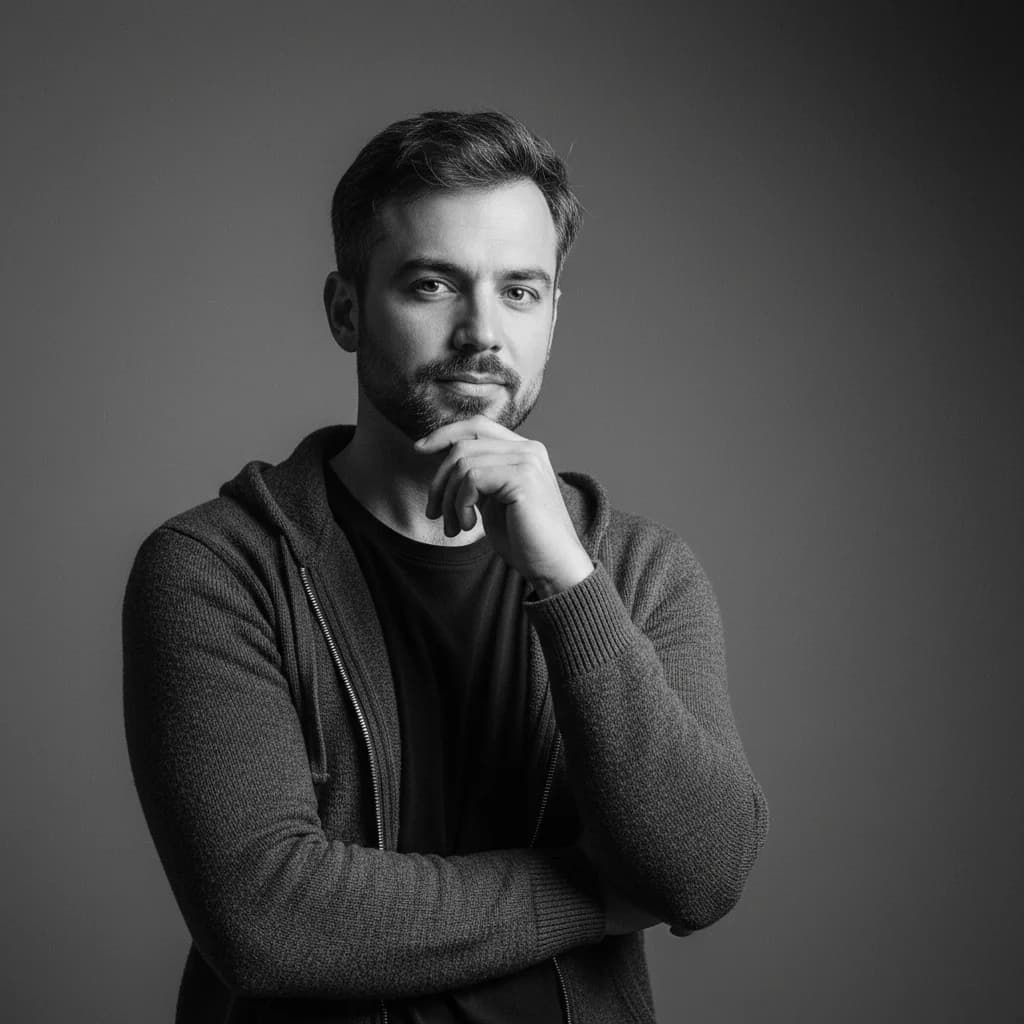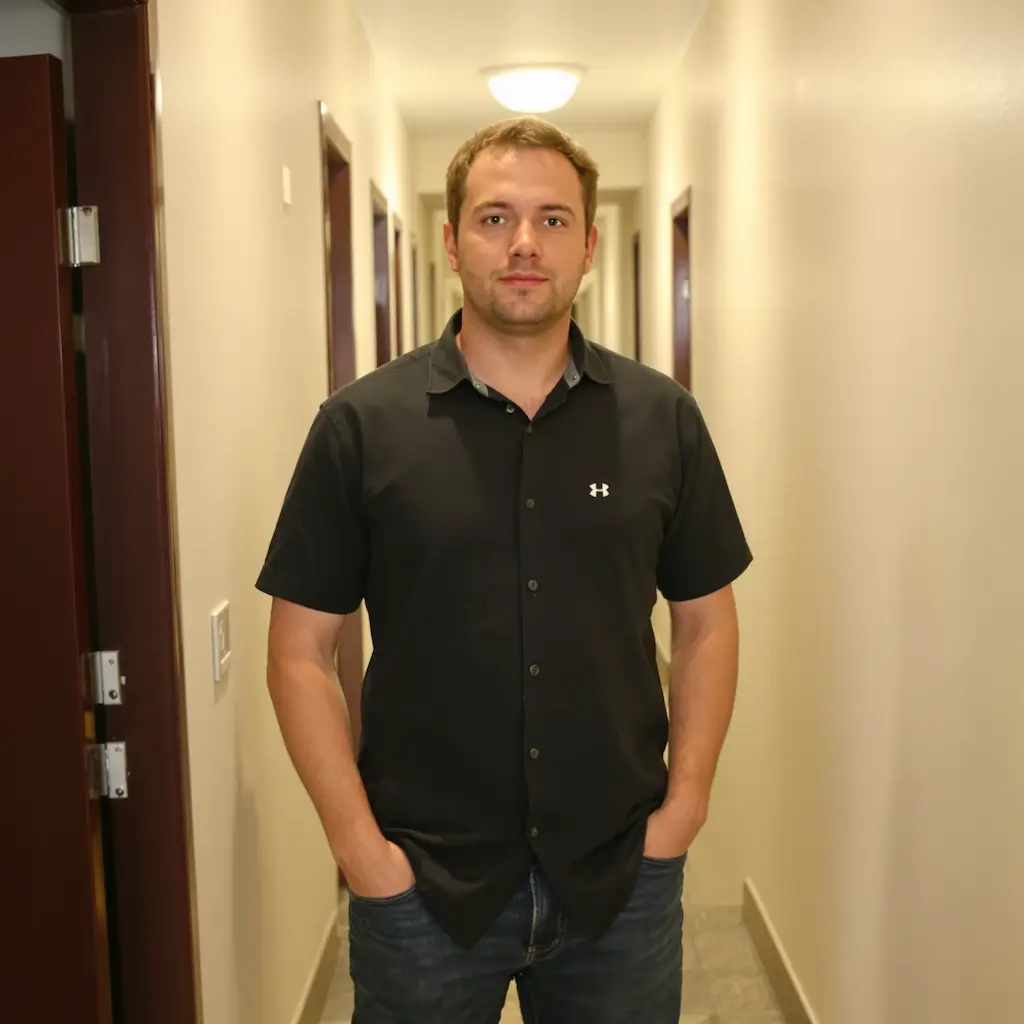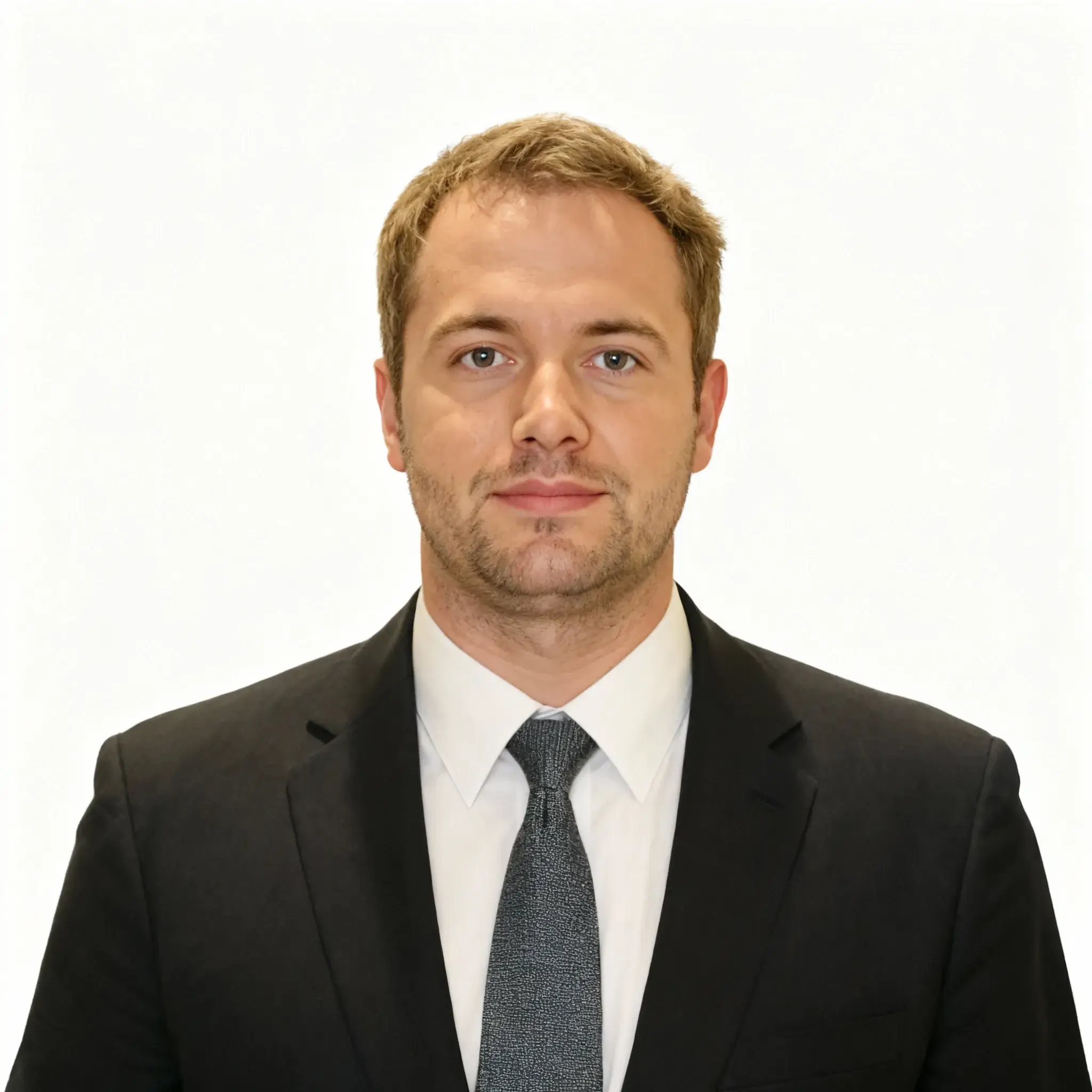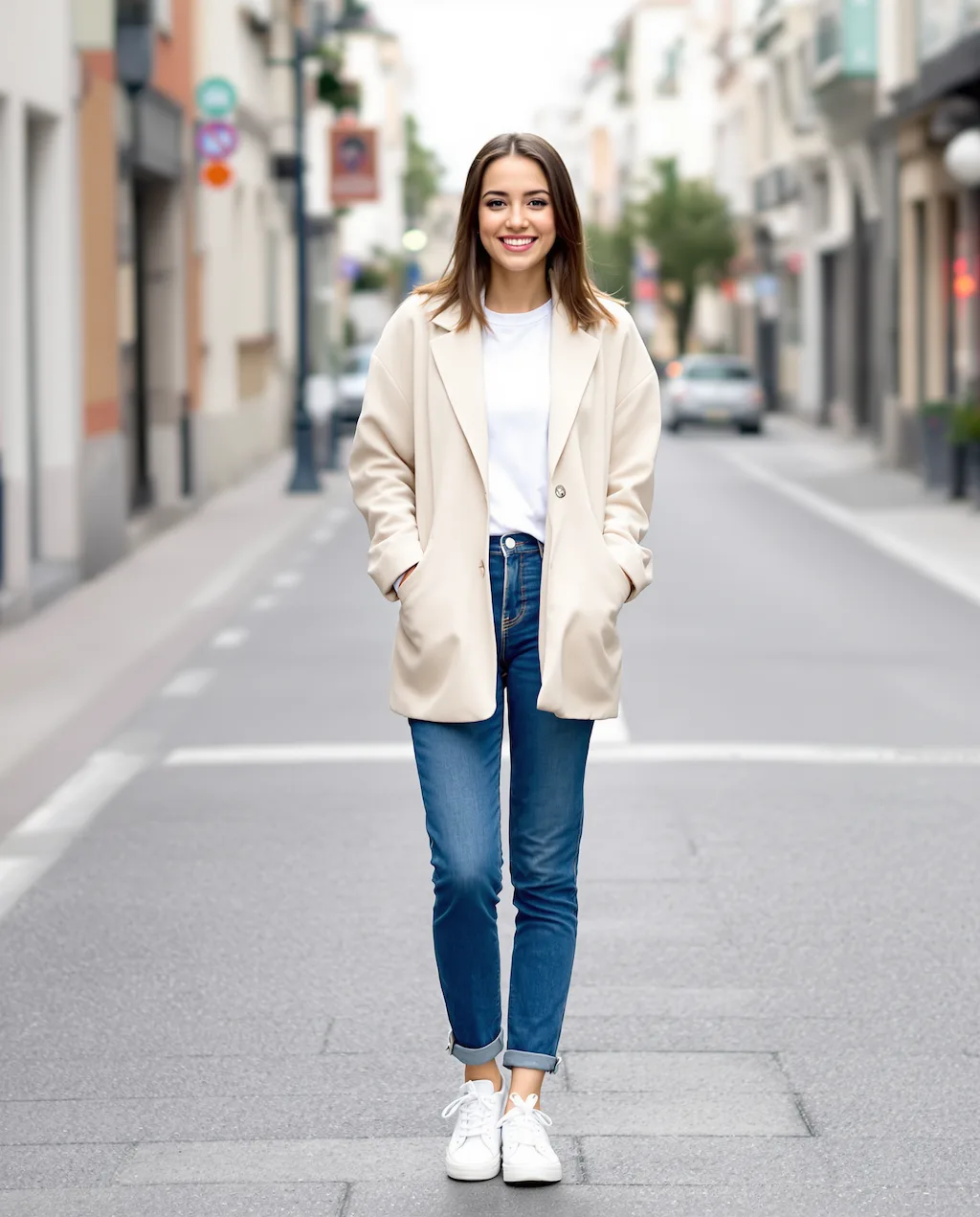
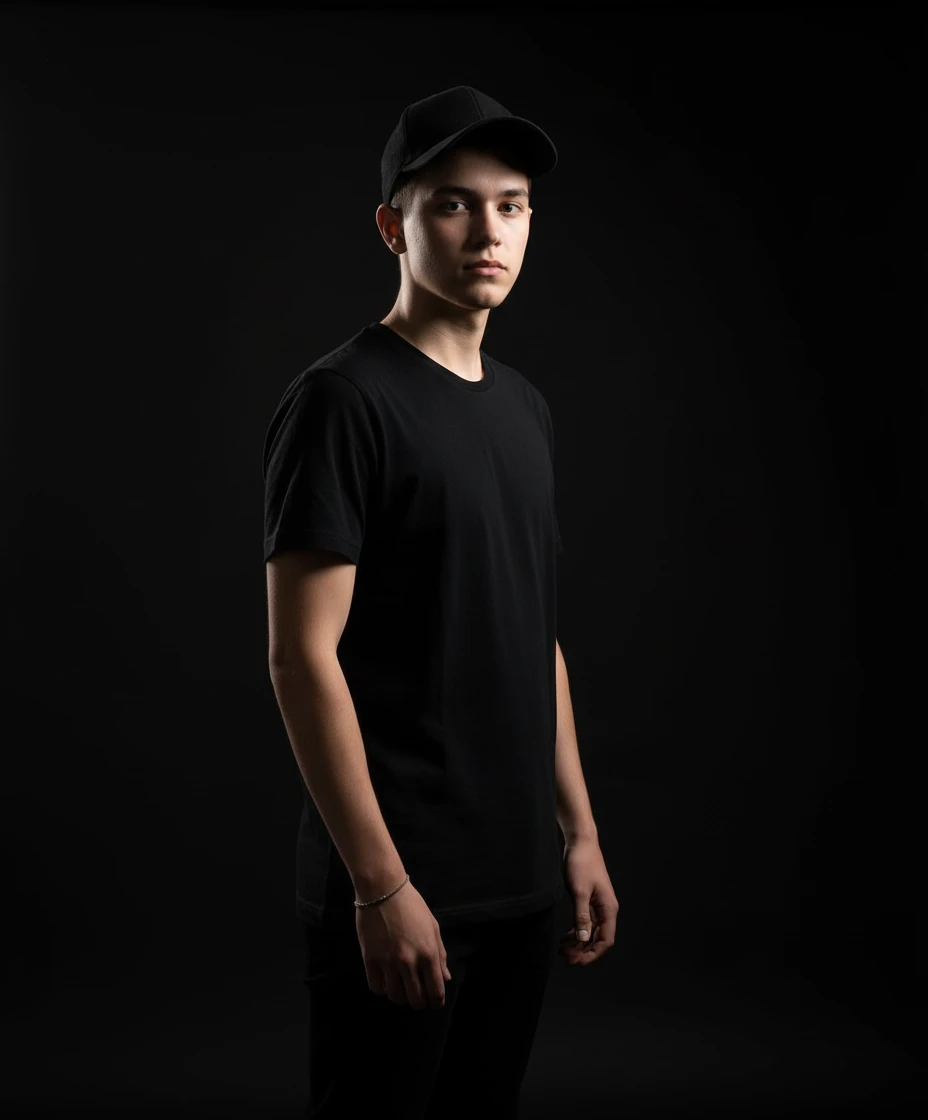
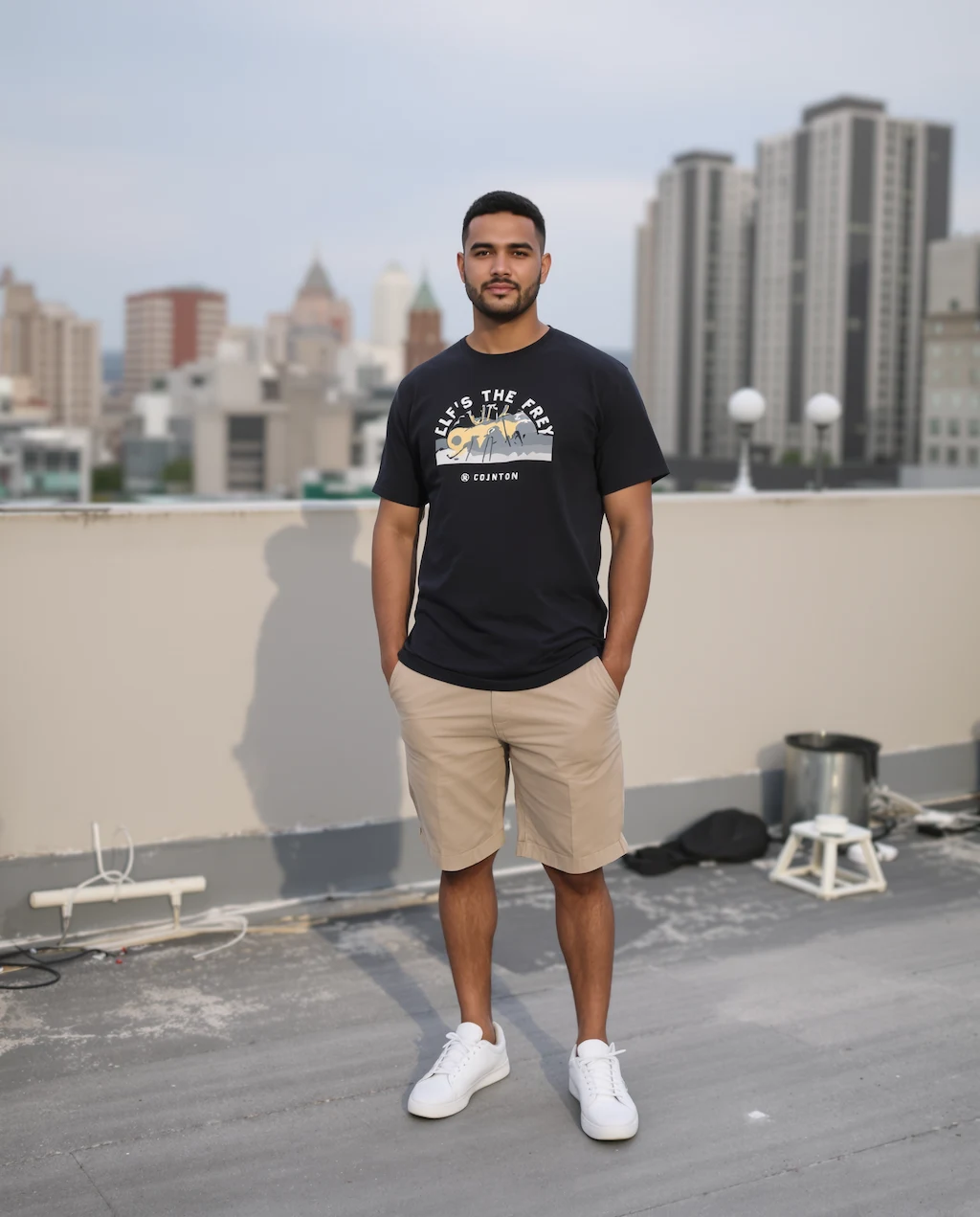
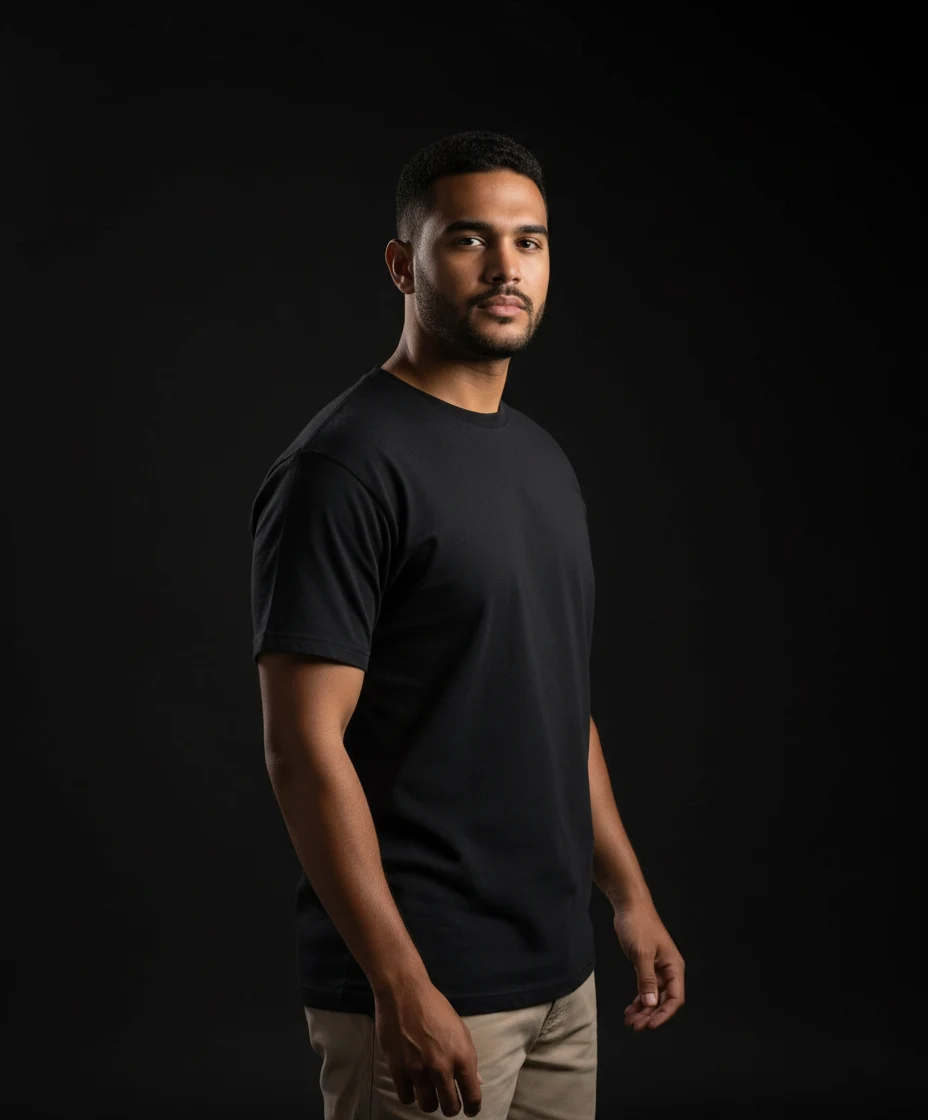
Before
After
01Transformations
The lighting that makes it look studio-shot
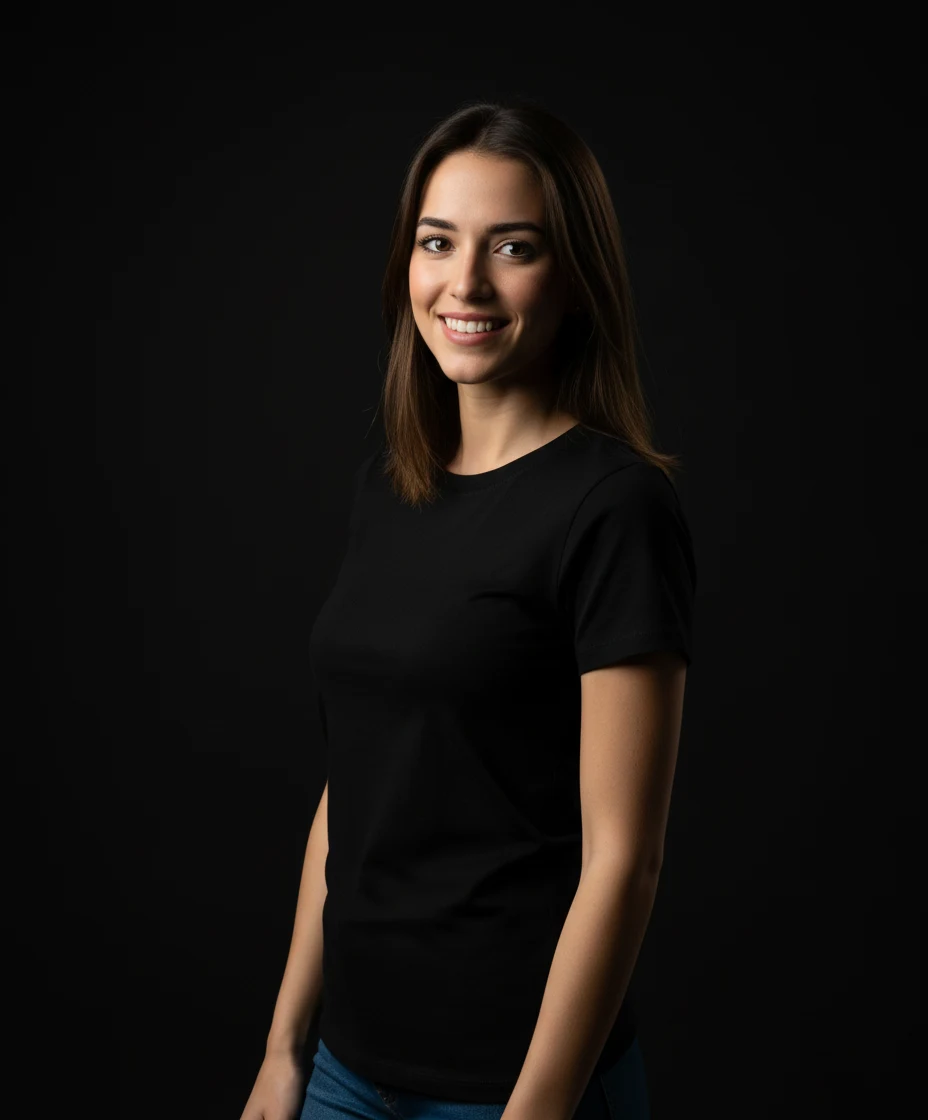
The background drops to deep black and a single directional light shapes the face, giving the soft falloff and defined shadow edge you'd get from a real softbox.
Studio Portrait Tool
Turn casual photos into professional studio portraits with black backgrounds and artistic lighting
Studio Portraits
Professional studio portraits with dramatic lighting using Nano Banana Pro
Phone snapshots on one side, black-background studio portraits on the other. Drag the slider to see what the lighting does.
The background drops to deep black and a single directional light shapes the face, giving the soft falloff and defined shadow edge you'd get from a real softbox.
Head-and-shoulders shots with the face unobstructed work best. Your original background barely matters — it gets replaced — so what counts is the light falling on your face.
The look fits actor and musician profiles, author photos on a book jacket, LinkedIn banners, and portraits meant to be printed and framed.
Three steps, no design skills required.
Add a JPG, PNG or WebP file up to 10MB. A sharp, well-lit photo gives the best result.
Studio Portrait Creator handles the transformation automatically.
Preview the generated image and download it, or run another variation.
Common questions about using Studio Portrait Creator
This Nano Banana Pro style creates professional studio photography with black backgrounds, black T-shirts, side lighting, and subtle body tilts for dramatic effect.
Any clear photo of a person works well. The AI will automatically adjust clothing, pose, and lighting to create a professional studio look.
Yes. These portraits are perfect for LinkedIn profiles, business cards, portfolios, or any professional use requiring high-quality headshots.
The AI creates highly realistic studio portraits that maintain the subject's natural features while adding professional lighting and composition.
Still have questions? Contact support@nano-banana-pro.ai
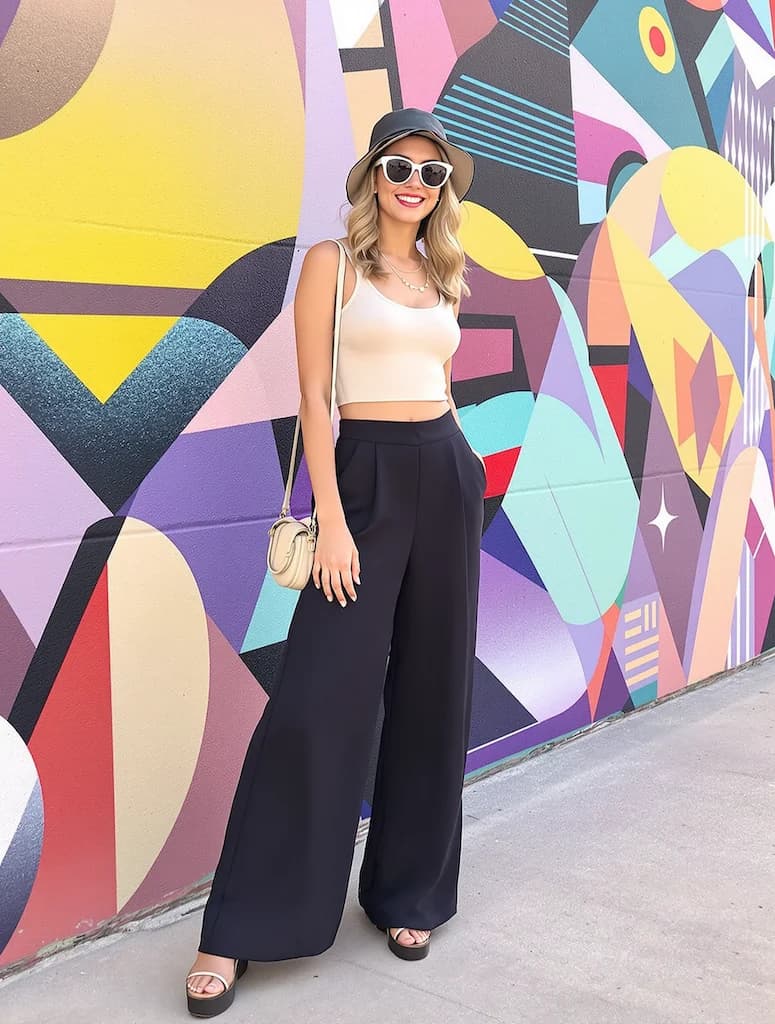
Other Nano Banana Pro templates that work with the same photo.