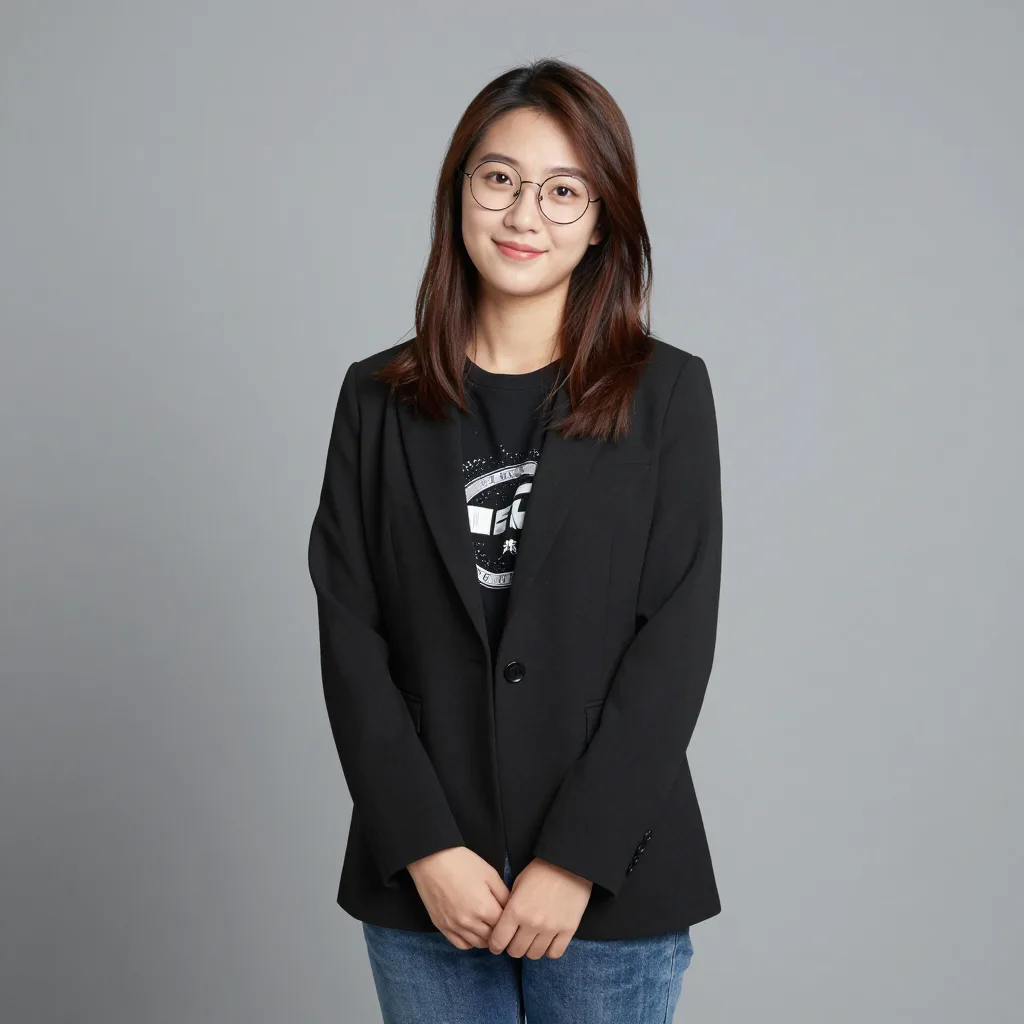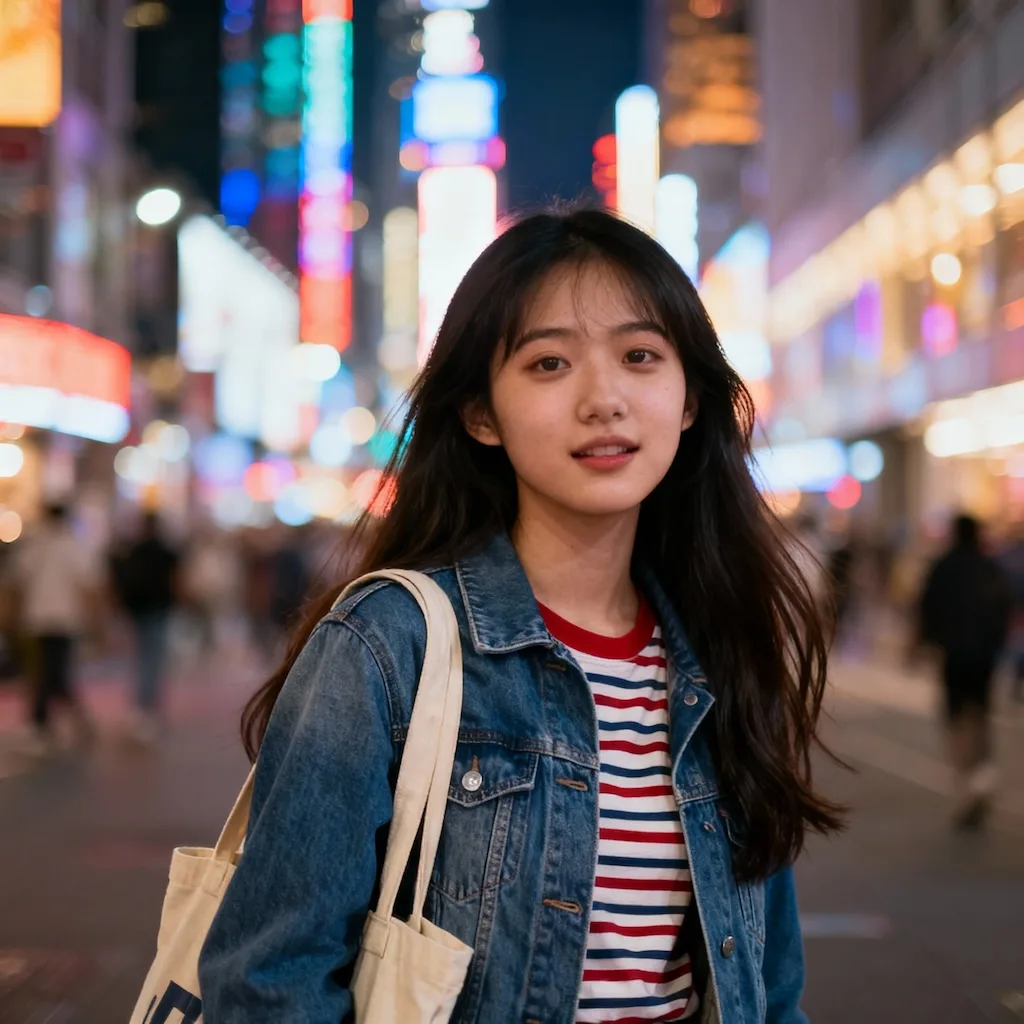
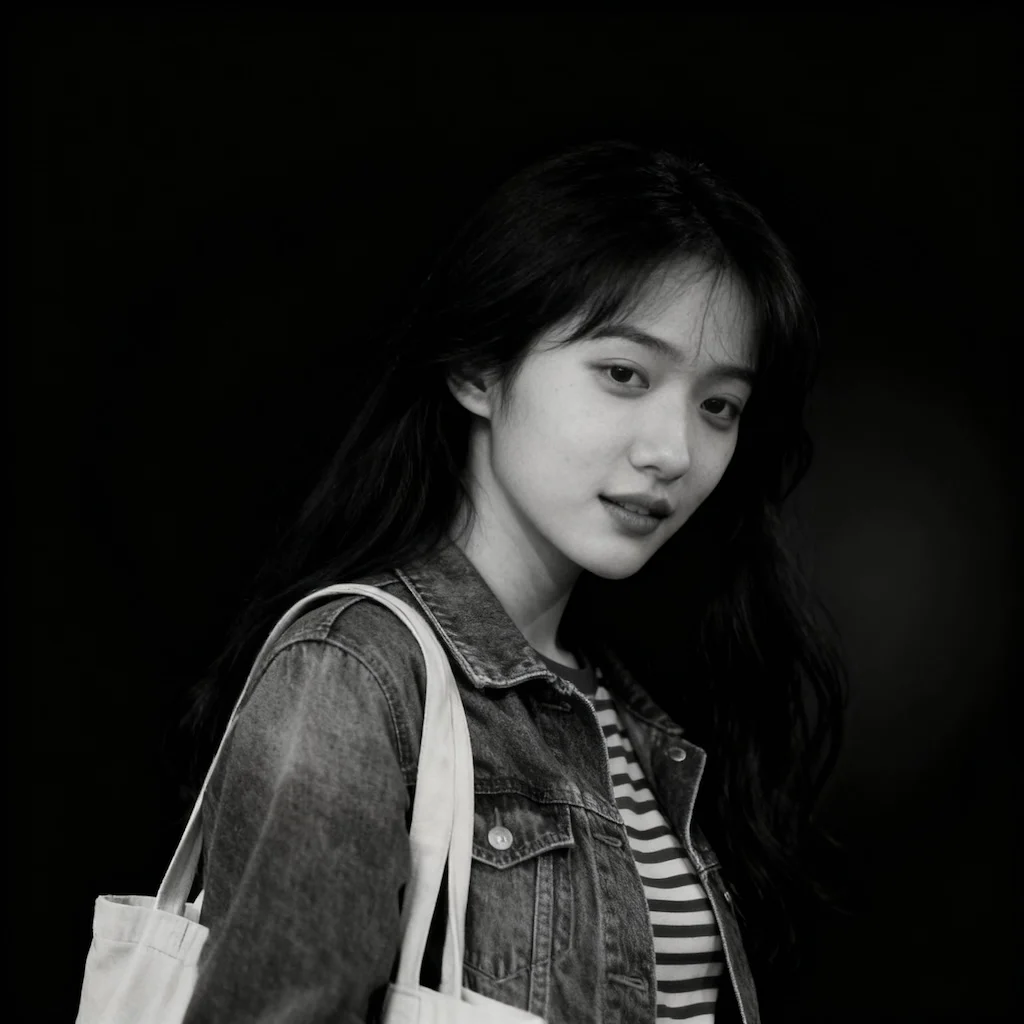

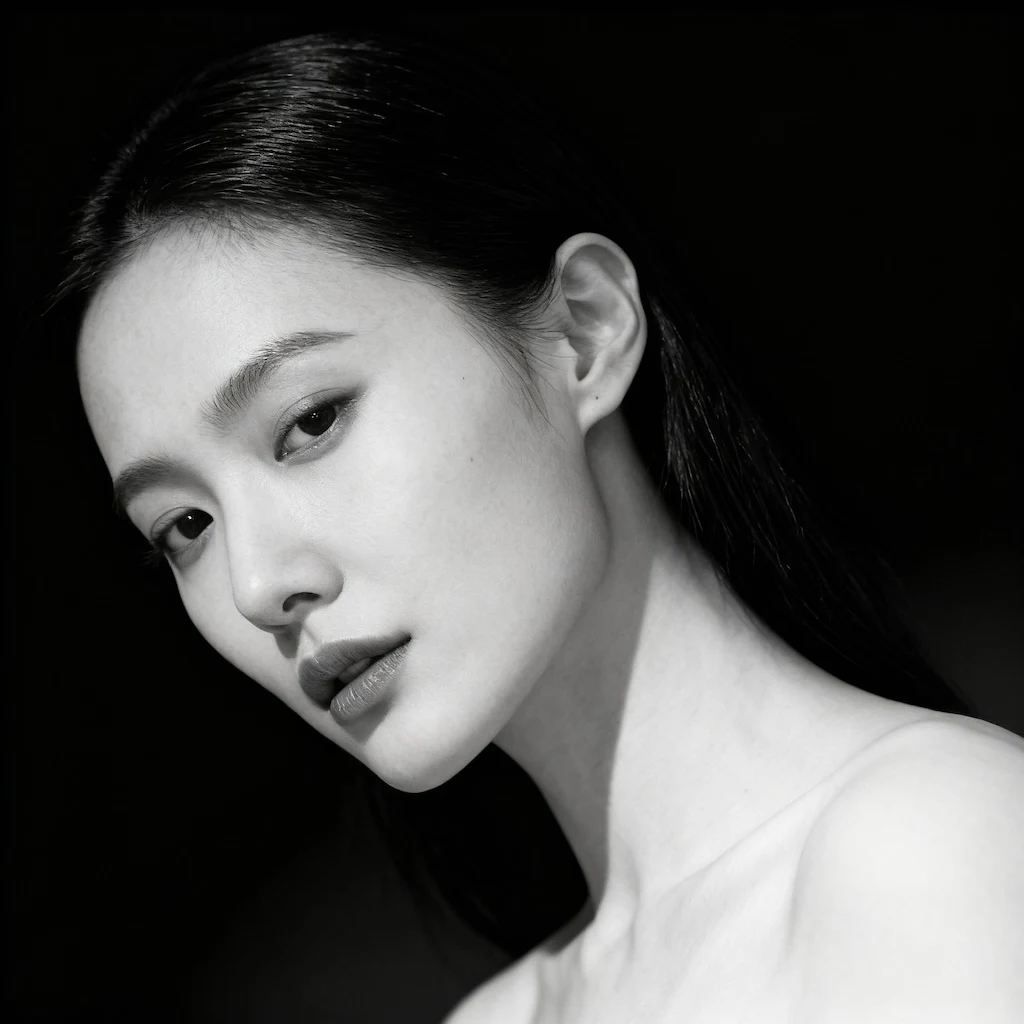
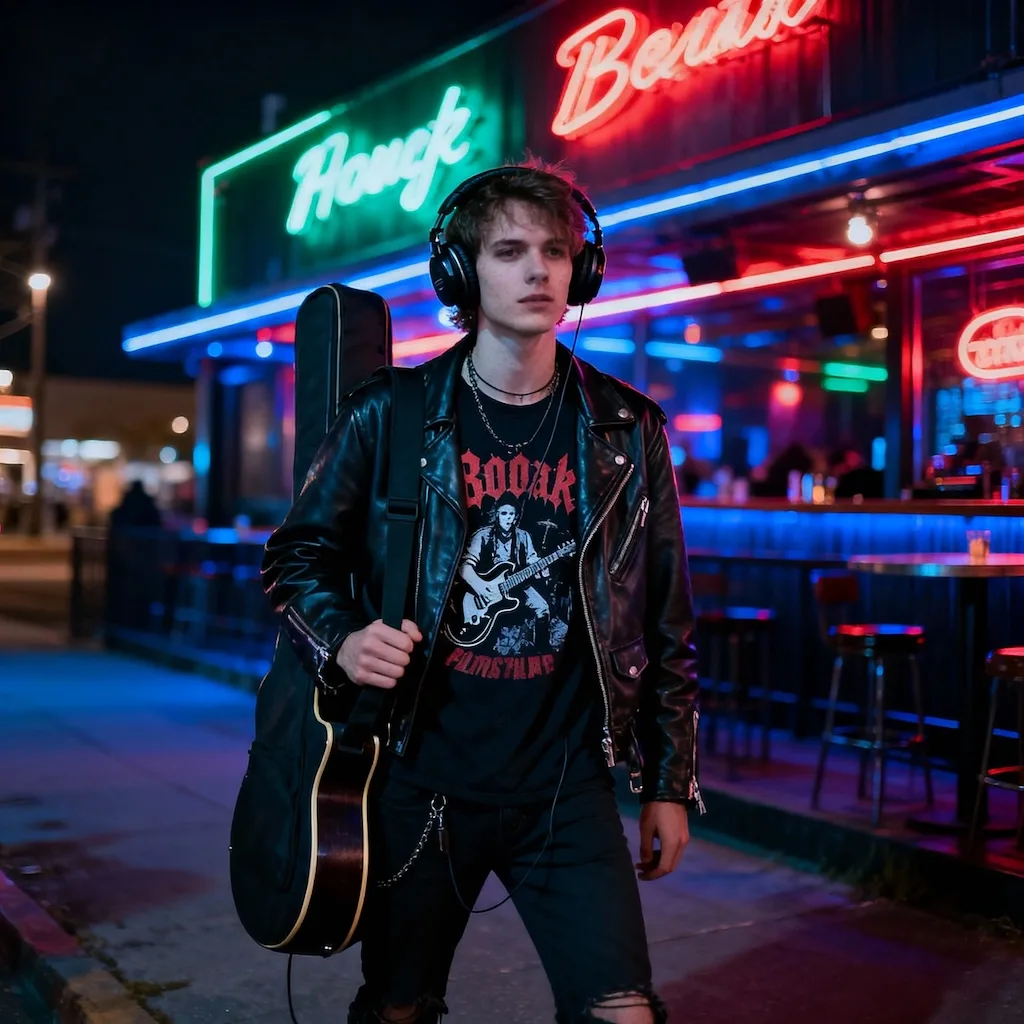
Before
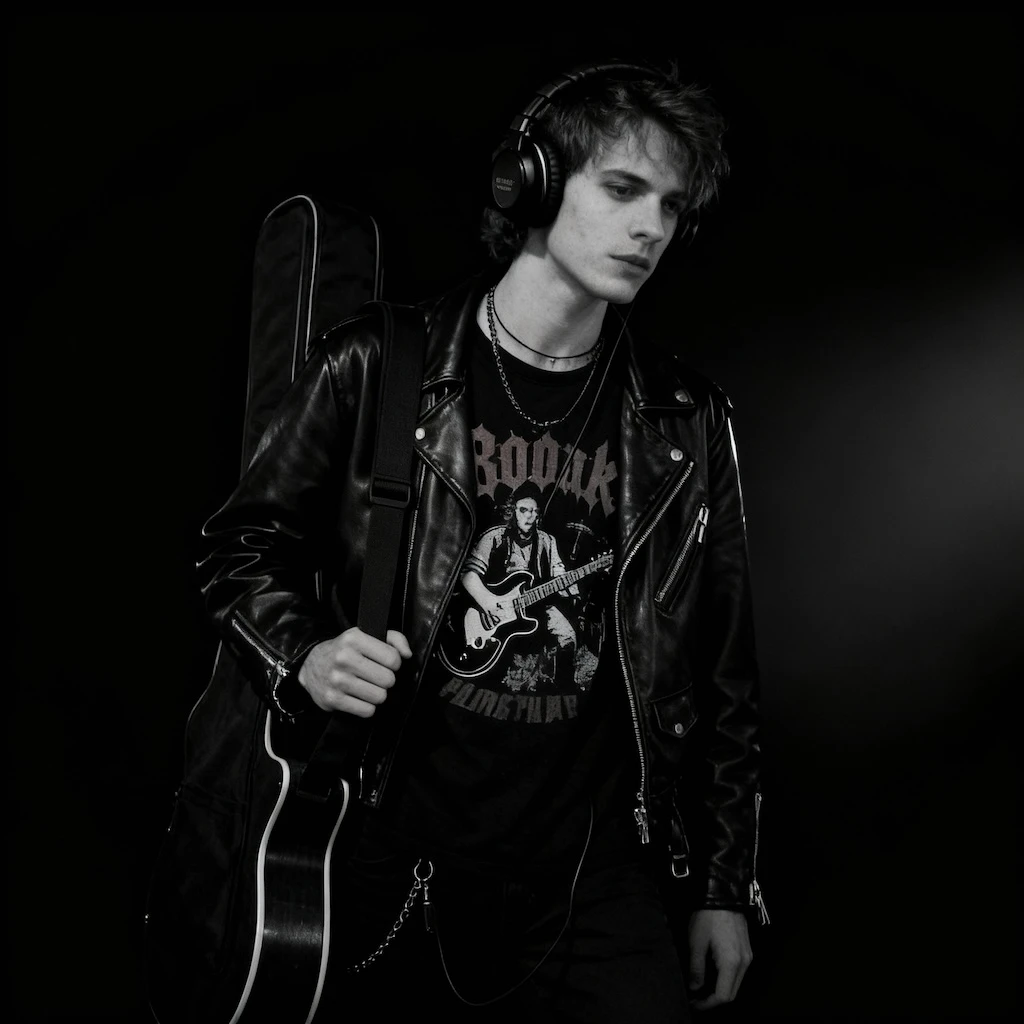
After
01Transformations
More than removing the color
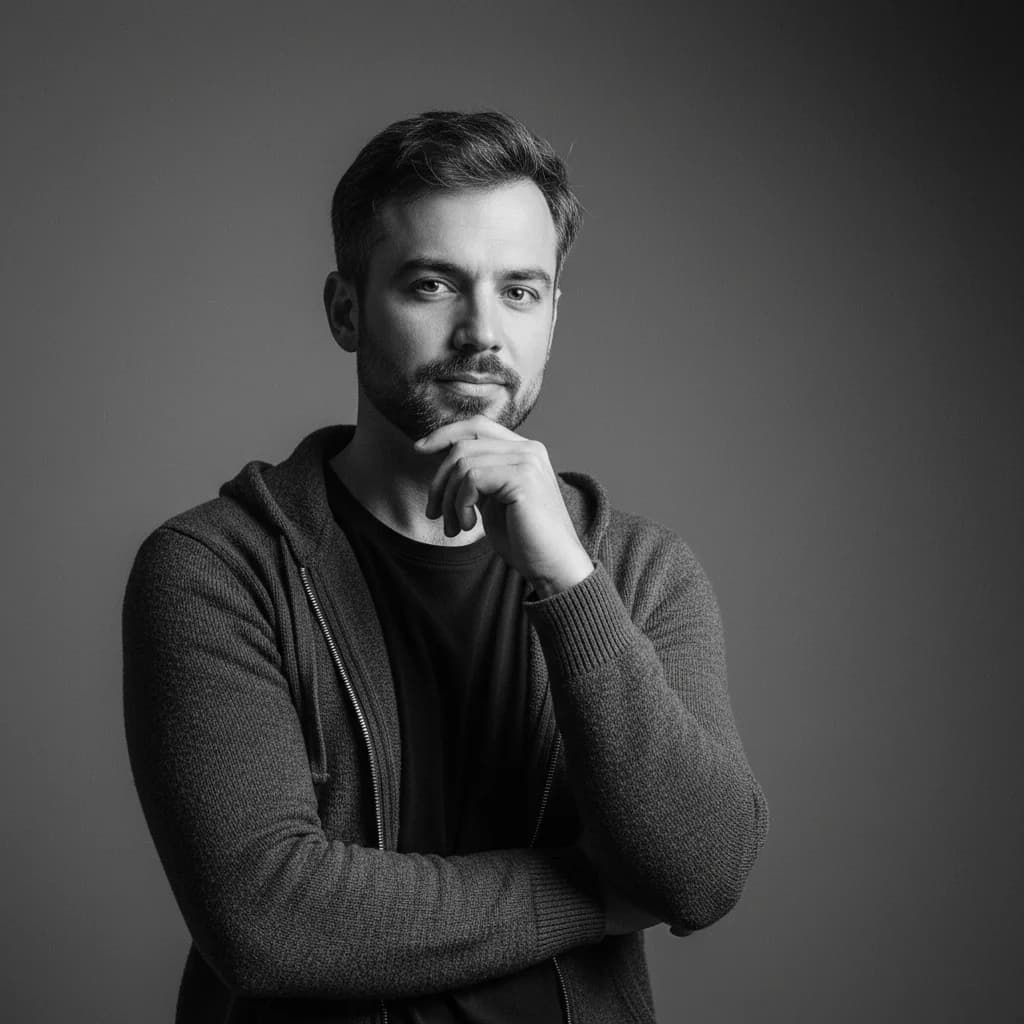
Color is replaced by tonal contrast rather than simply stripped: skin keeps its texture, highlights hold their shape, and shadows deepen instead of flattening into gray.
Black & White Portrait Creator
Upload your photos to create classic black and white portraits with dramatic lighting using Nano Banana Pro
Black & White Portraits
Generate classic black and white portraits with dramatic lighting and artistic composition using Nano Banana Pro
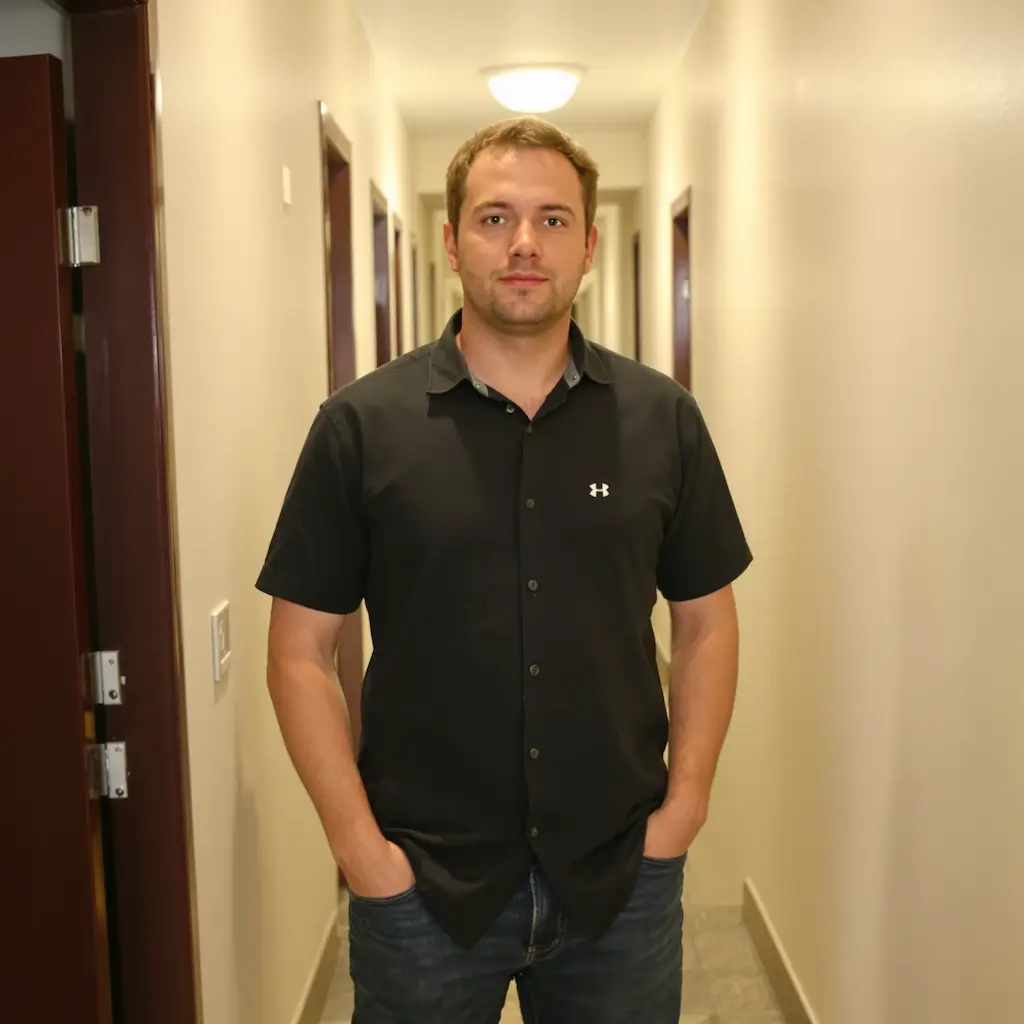
Color photos converted to tonal monochrome. Drag the slider to see how contrast is rebuilt once the color goes.
Color is replaced by tonal contrast rather than simply stripped: skin keeps its texture, highlights hold their shape, and shadows deepen instead of flattening into gray.
Directional light gives the conversion something to work with. Flat, evenly lit photos tend to go gray rather than dramatic once the color is gone.
A black and white portrait suits creative portfolios, framed prints, press photos and profile pictures that should look considered rather than casual.
Three steps, no design skills required.
Add a JPG, PNG or WebP file up to 10MB. A sharp, well-lit photo gives the best result.
Black and White Portrait handles the transformation automatically.
Preview the generated image and download it, or run another variation.
Common questions about using Black and White Portrait
Black and white portraits focus on emotion, composition, and lighting without the distraction of color. They create timeless, classic images that emphasize facial features, expressions, and artistic mood. Our AI generates professional studio-quality portraits with dramatic contrast and elegant posing.
The AI generates classic black and white portraits with professional studio quality, creating dramatic lighting and elegant atmosphere. The AI positions subjects at optimal angles with contemplative expressions and creates beautiful contrast with soft shadows.
Clear portrait photos with good lighting work best. The AI will transform any portrait into a classic black and white style with three-quarter positioning, lowered chin for dignity, and dramatic studio lighting against a deep black background.
Generation time varies with image complexity and server load — most results are ready within a minute.
Each generation uses 2 credits.
Commercial use may be permitted, subject to our Terms of Service, applicable law, and third-party rights. You are responsible for reviewing generated outputs before any commercial use.
Still have questions? Contact support@nano-banana-pro.ai
Other Nano Banana Pro templates that work with the same photo.