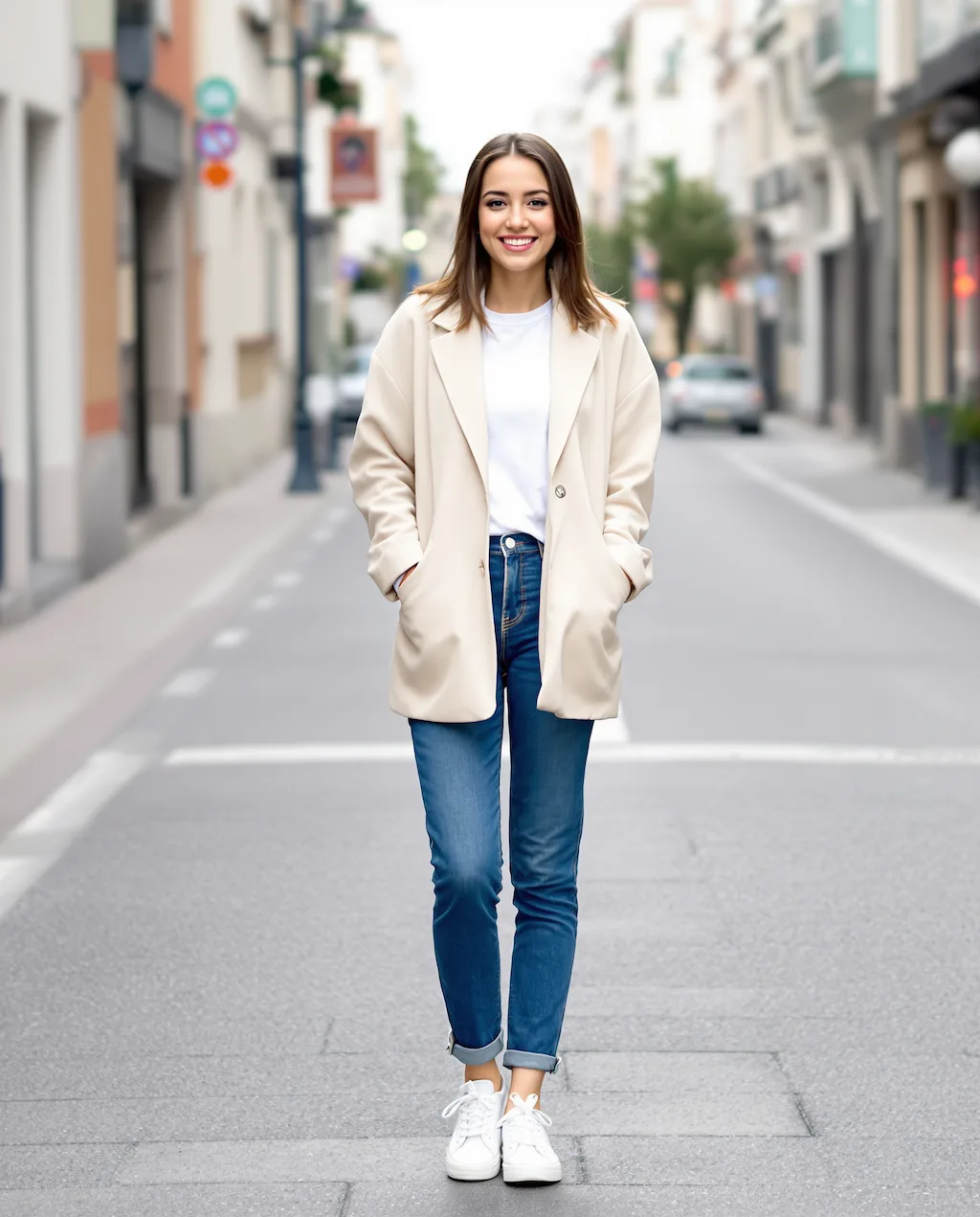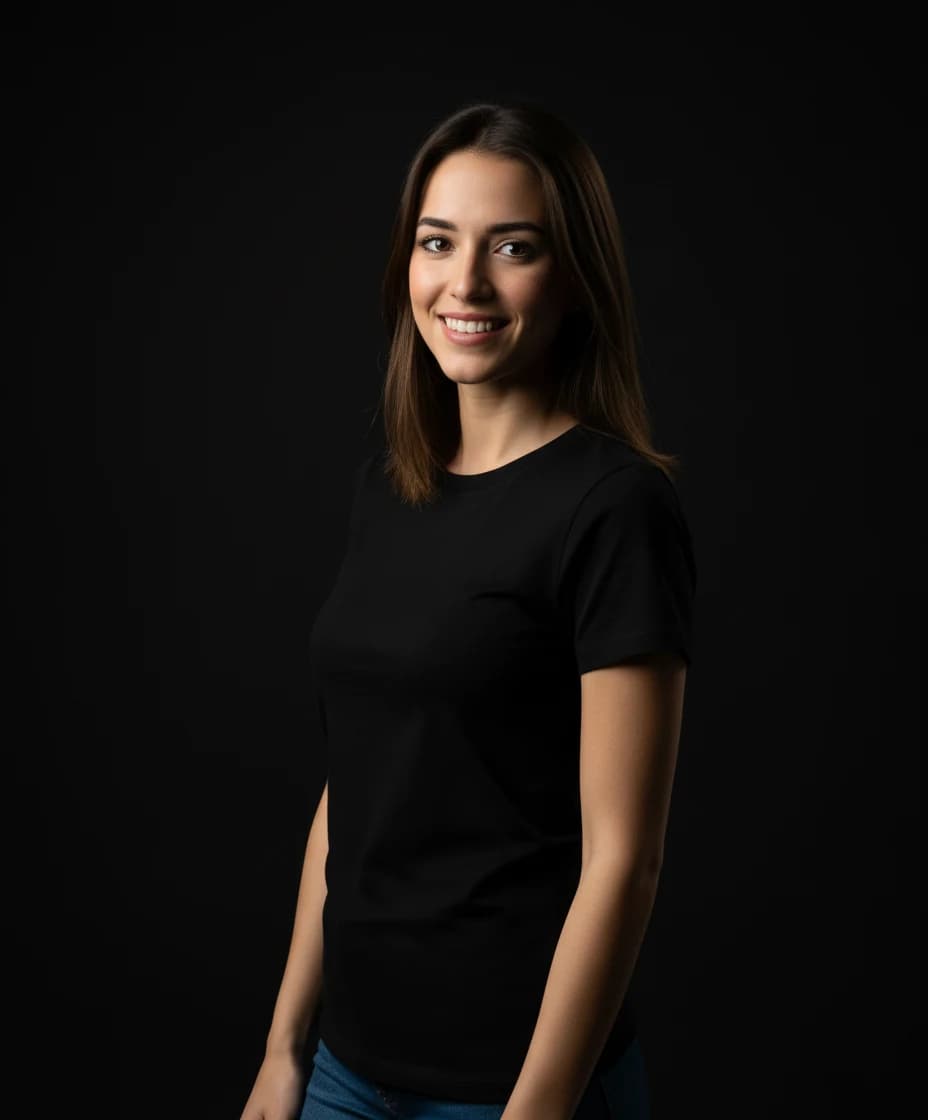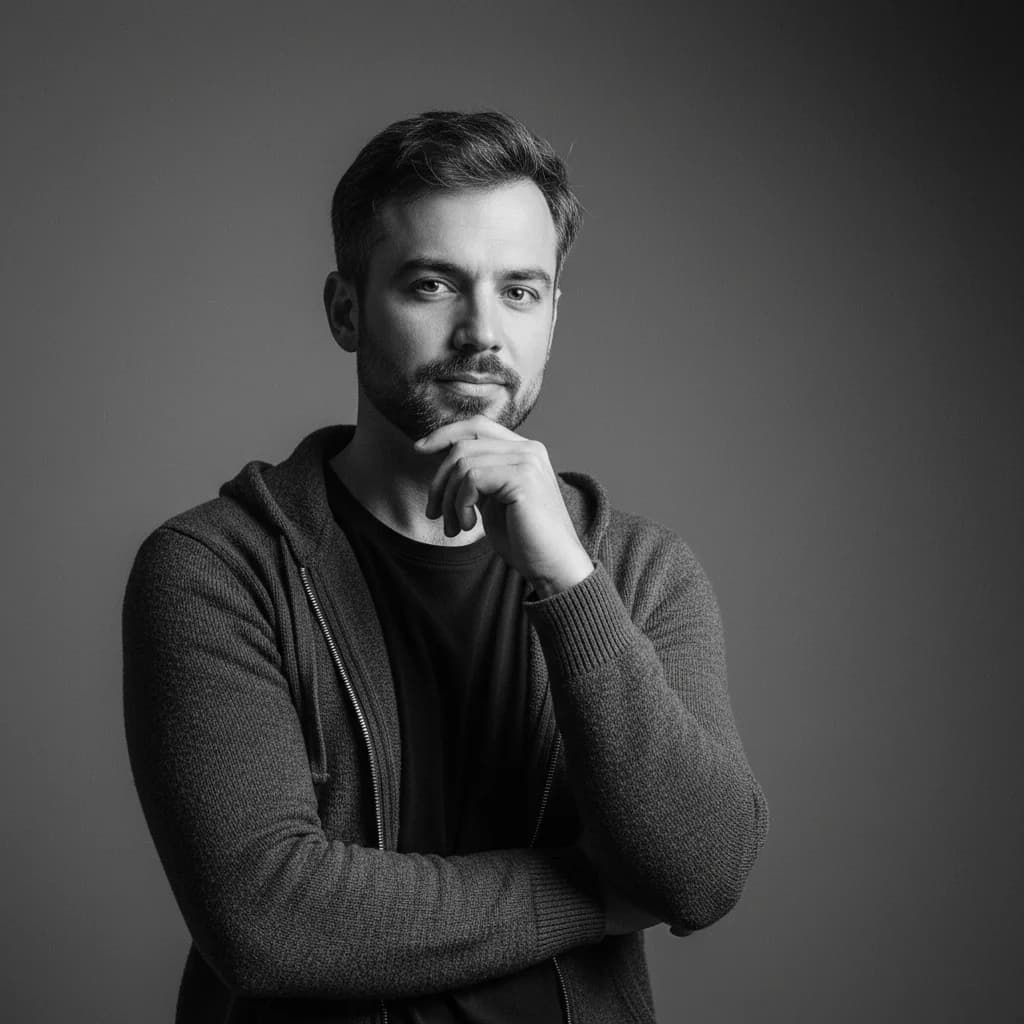
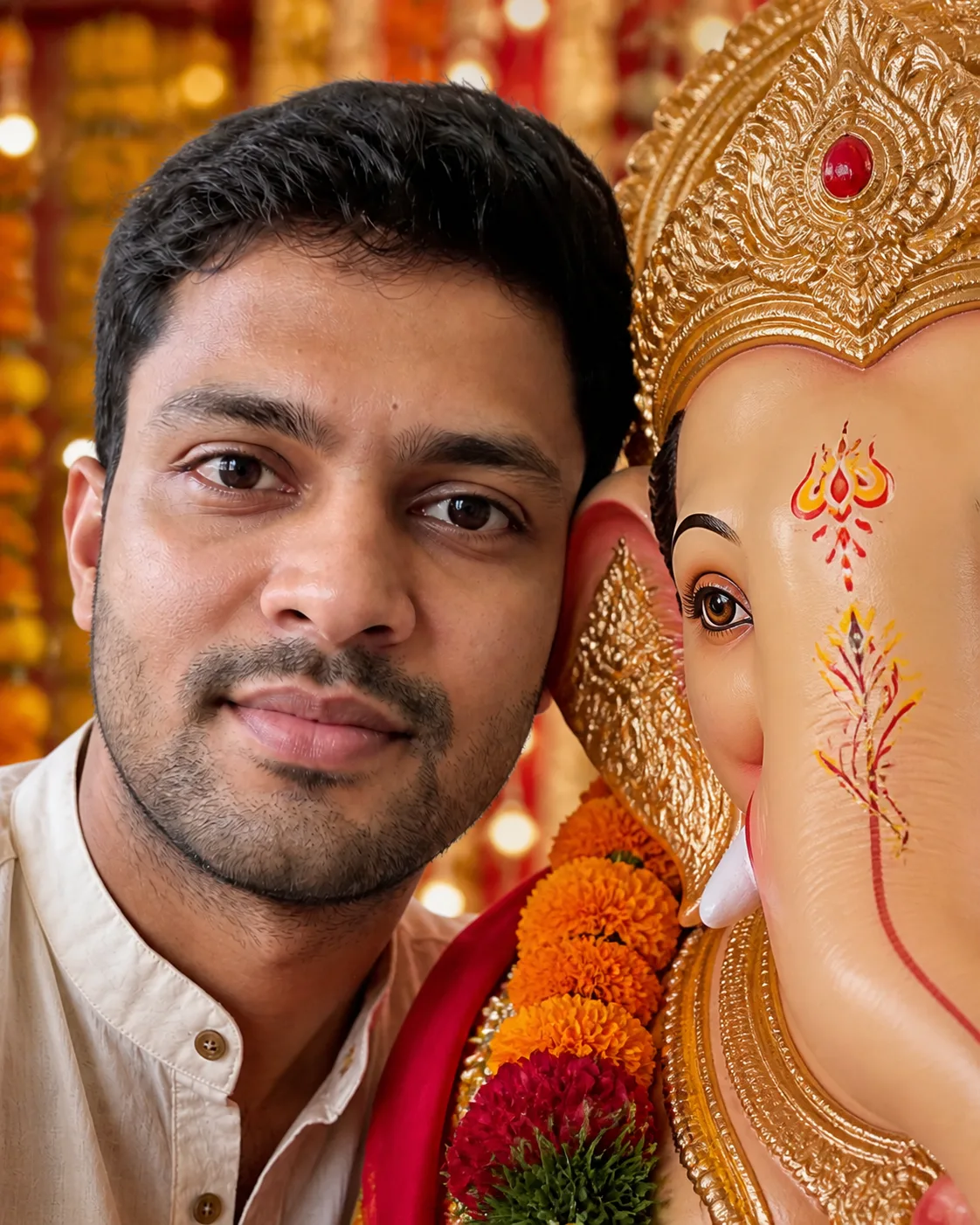
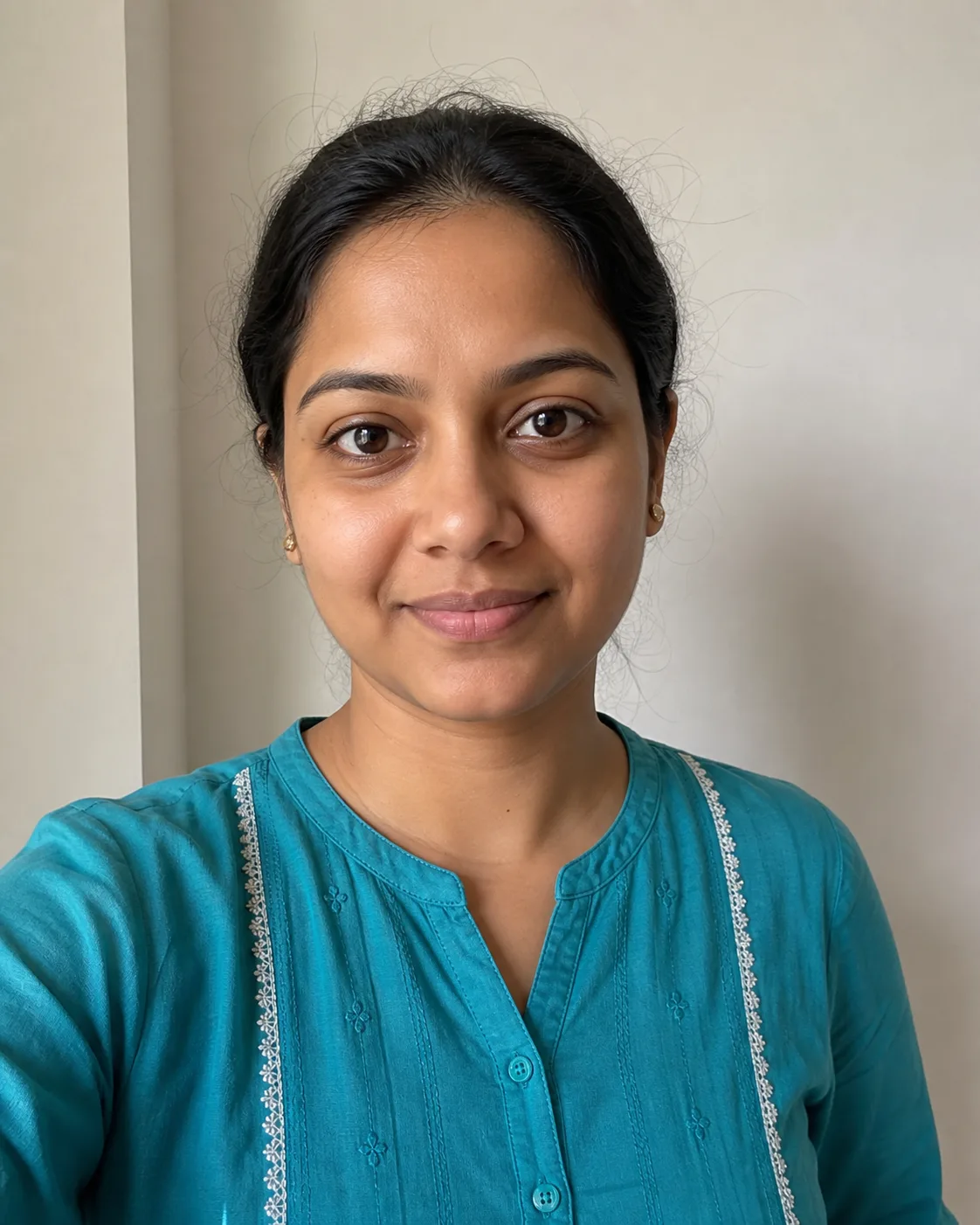
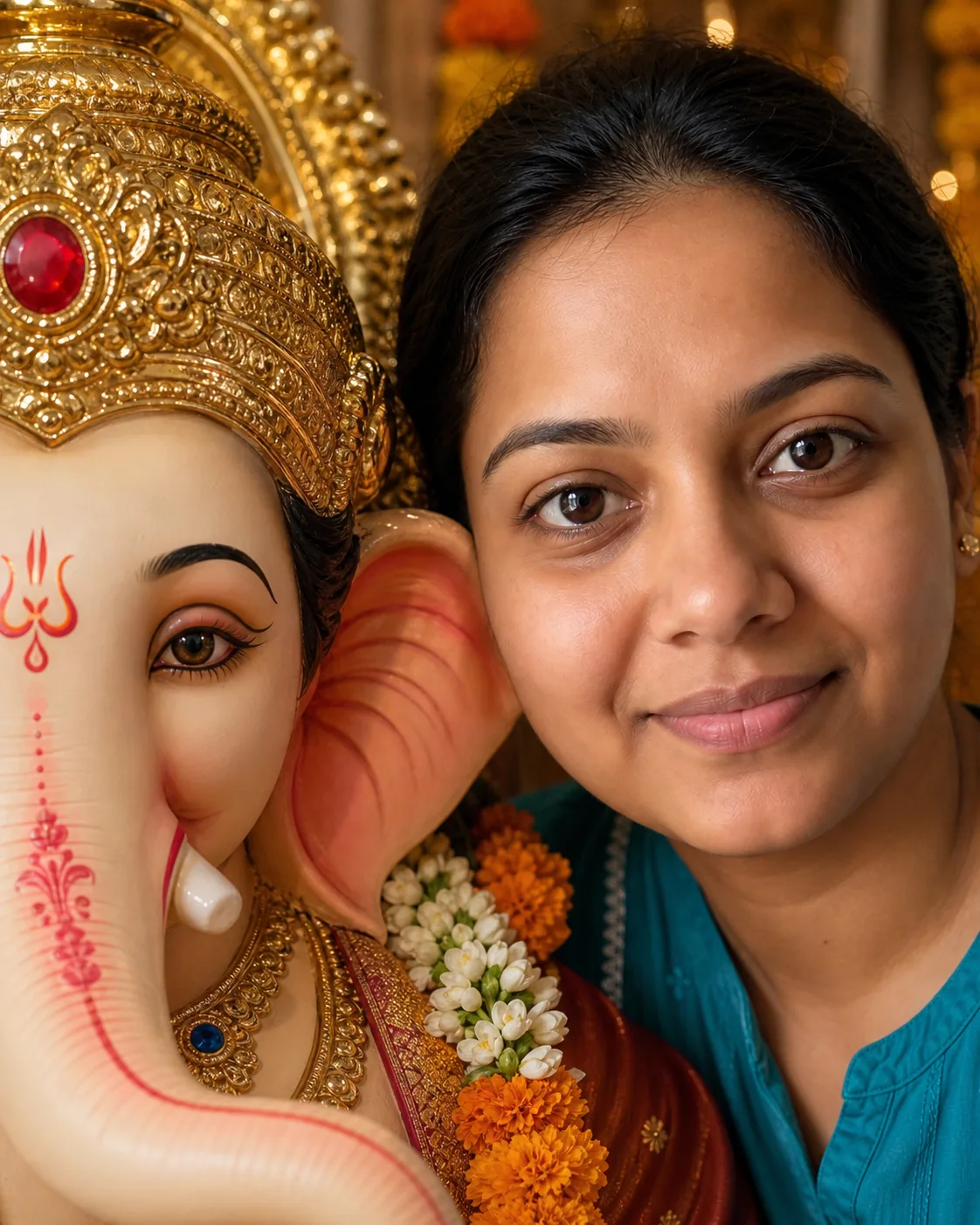
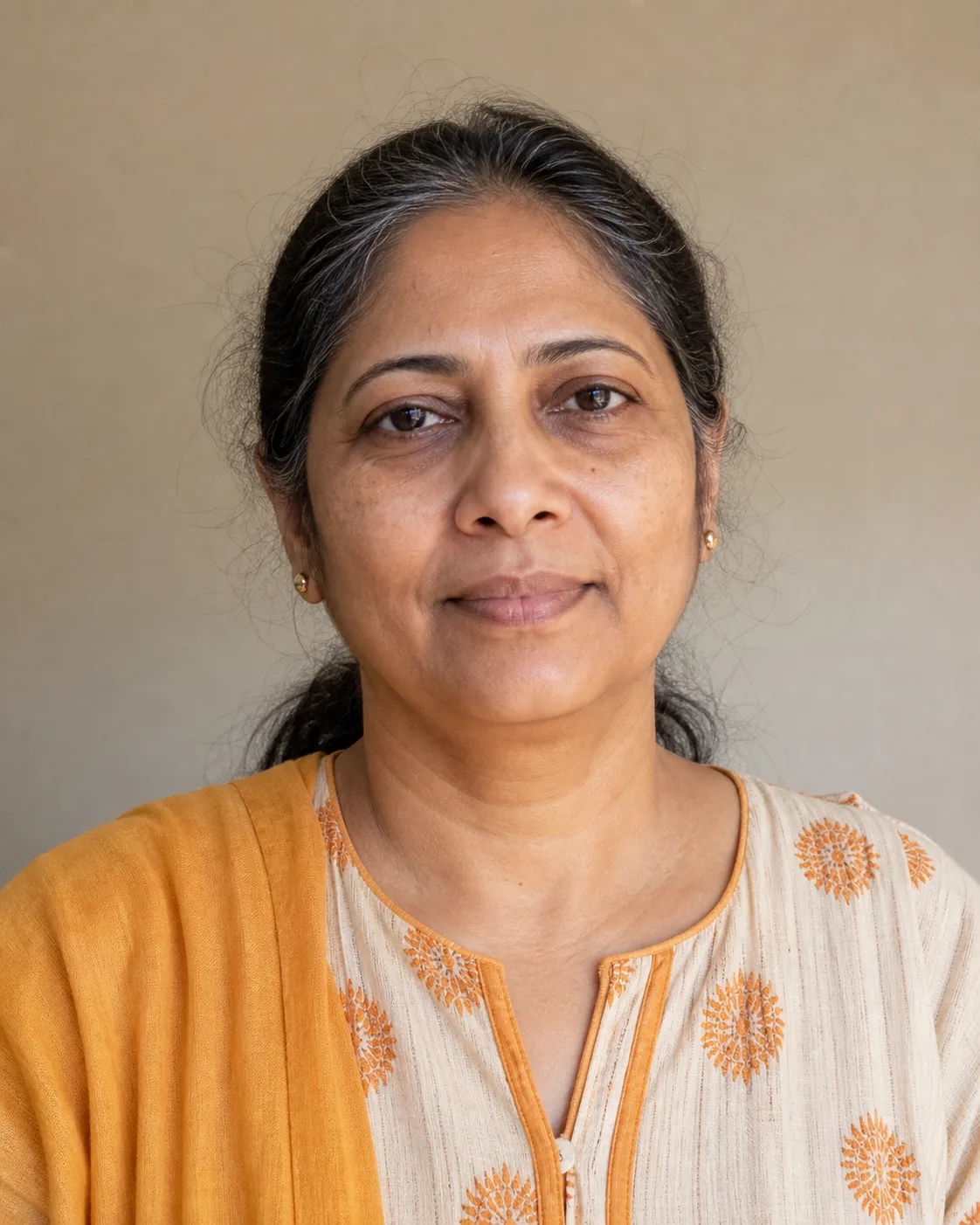
Before
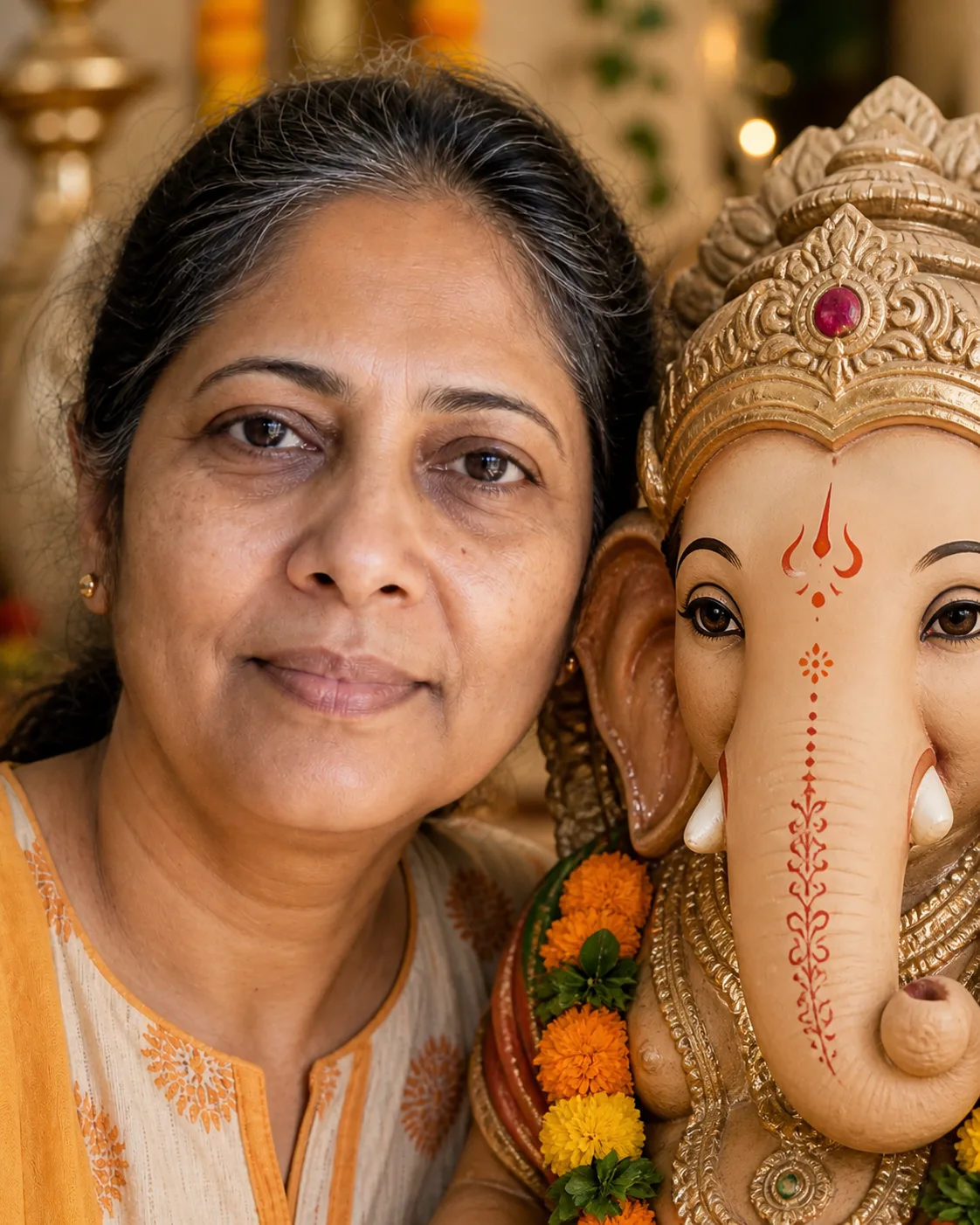
After
01Transformations
Half your face, half Ganpati Bappa's
The close crop brings your eye and the idol's eye to the same level, while the trunk and crown stay clearly recognizable as Ganpati.
Create Your Ganpati Close-Up Photo
Upload one clear, front-facing portrait. Nano Banana Pro places you cheek-to-cheek with a Ganpati Bappa idol, framed by flowers, gold ornaments and soft festival light.
Your Ganpati Close-Up Photos
Turn one selfie into a Ganpati close-up AI photo for Ganesh Chaturthi with Nano Banana Pro. Your face stays yours, while a handcrafted Ganpati Bappa idol, marigolds and warm festival light fill the rest of the frame — the tight, peaceful portrait you've seen all over Instagram.
Drag the slider on each example to compare the original selfie with the finished Ganesh Chaturthi close-up.
The close crop brings your eye and the idol's eye to the same level, while the trunk and crown stay clearly recognizable as Ganpati.
Marigolds, jasmine and gold ornaments frame the pair, and the softly blurred decoration keeps all the attention on the two faces.
A sharp, evenly lit selfie keeps real skin texture, gray strands and your own expression instead of smoothing everyone into the same face.
Three steps, no design skills required.
Add a JPG, PNG or WebP file up to 10MB. A sharp, well-lit photo gives the best result.
Ganpati Close-Up AI Photo handles the transformation. Add a prompt first if you want to fine-tune the look.
Preview the generated image and download it, or run another variation.
Get inspired with these creative prompts
Preserve the uploaded person's identity. Create a respectful vertical Ganesh Chaturthi portrait with half of the person's face and half of a handcrafted Ganpati Bappa idol's face filling the frame. Keep both visible eyes sharp and level, with marigolds, warm gold ornaments and soft festival lights. One person, one clearly sculpted idol, no text or watermark.
Place the uploaded person gently beside a handcrafted Lord Ganesha festival idol in a warm home celebration. Preserve the person's face and natural expression. Use a close 4:5 crop, jasmine and marigold garlands, brass accents and soft diya-like bokeh. Keep the scene peaceful, photorealistic and respectful.
Create an intimate close-up with the uploaded person and an eco-friendly hand-painted clay Ganpati murti. Preserve identity and natural skin texture. Use green leaves, orange flowers and gentle daylight. The idol must remain clearly sculpted and dignified; no comedy, distortion, extra people, text or logos.
💡 Tip: Click the copy button to use any prompt as a starting point for your own creation
Every Ganesh Chaturthi, one portrait style takes over Instagram and WhatsApp: a devotee's face and a Ganpati Bappa idol, side by side in one tight frame. No big pandal, no crowd — just one eye from each, level with the other, with marigolds and warm light melting into the background. It feels personal and calm, which is exactly why people love it as a festival DP.
This generator is built for that composition. Upload a selfie and Nano Banana Pro uses it as the identity reference, then adds a handcrafted festival idol, flowers and golden light around you. With Ganesh Chaturthi 2026 falling on September 14, yours can be ready in under a minute.
Pick a front-facing photo of one person with open eyes and even light across the face. Skip sunglasses, heavy shadows and group shots — a simple head-and-shoulders portrait gives the model enough detail to keep your face intact once it moves into the close crop.
The idol is always rendered as a lovingly crafted murti with a peaceful, devotional mood, so the result looks like something you'd proudly share with family. Want a different setting, like a home mandap or an eco-friendly clay Ganpati? Paste one of the prompts above or write your own.
Common questions about using Ganpati Close-Up AI Photo
It's an AI-made Ganesh Chaturthi portrait that places half of your face beside half of a Ganpati Bappa idol's face. The tight crop, eye-level framing, flowers and warm light give it the calm festival look you've seen across social media.
One clear, front-facing portrait with your eyes visible and even light on your face. A head-and-shoulders selfie works best. Avoid group photos, sunglasses, motion blur and strong shadows.
Yes. Nano Banana Pro keeps your identity, age, skin tone, hair and natural expression, so the person in the photo is clearly you. The sharper your source photo, the closer the match.
Yes. The preset already builds the close-up composition for you, but you can expand the System Prompt box in the generator and edit it, or paste one of the Ganesh Chaturthi AI photo prompts above to change the setting, flowers or lighting.
Each generation keeps exactly one person beside Ganpati Bappa, so the close-up stays clean and personal. To make photos for your family, run the generator once per person with their own selfie.
Always as a handcrafted festival murti — ornate, dignified and peaceful, the way an idol looks at a home or pandal celebration. The mood stays devotional, so it's an image you can share with family without a second thought.
Yes. Download the image and use it as your WhatsApp DP, Instagram post or Ganesh Chaturthi greeting. It's AI-generated artwork rather than a photo taken at a temple, so a quick “made with AI” note is a nice touch when you share it.
Yes, you can try it free. New users receive free registration credits, and each generation uses 2 credits. Need more? You can purchase credit packages for additional credits.
Most Ganpati close-up photos are ready within a minute. Generation time varies a little with image size and server load, especially in the days right before Ganesh Chaturthi.
Still have questions? Contact support@nano-banana-pro.ai
Other Nano Banana Pro templates that work with the same photo.