
 BeforeAfter
Fix a single blink or wink
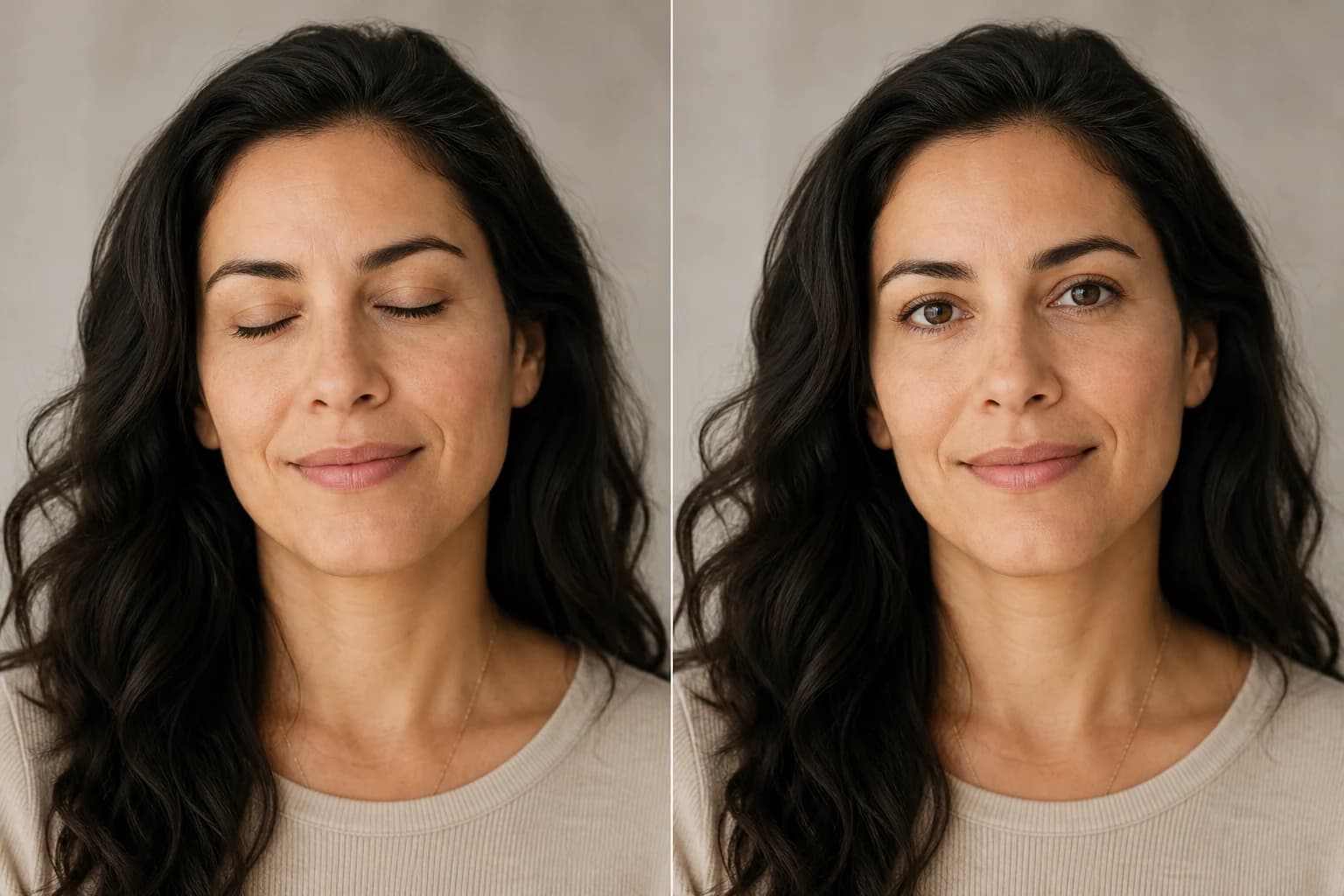
One eye caught mid-blink? Only that eye opens. The other eye, the smile, and the rest of the portrait stay untouched.
Open Eyes NowSomeone blinked? Upload the photo and Nano Banana Pro opens closed, half-shut, or blinking eyes while everything else—face, expression, light—stays exactly as it was. Free credits when you sign up.
 BeforeAfter
Fix closed eyes
Upload the photo you want to fix first. Want a closer match? Add a clear, eyes-open photo of the same person after it—free accounts can add one, Premium up to three.
Your eyes-open photo
From a single blink to a whole group shot, Nano Banana Pro opens the eyes and leaves the face, expression, and lighting exactly as they were. See what changes—and what doesn't.
BeforeAfterOne eye caught mid-blink? Only that eye opens. The other eye, the smile, and the rest of the portrait stay untouched.
Open Eyes Now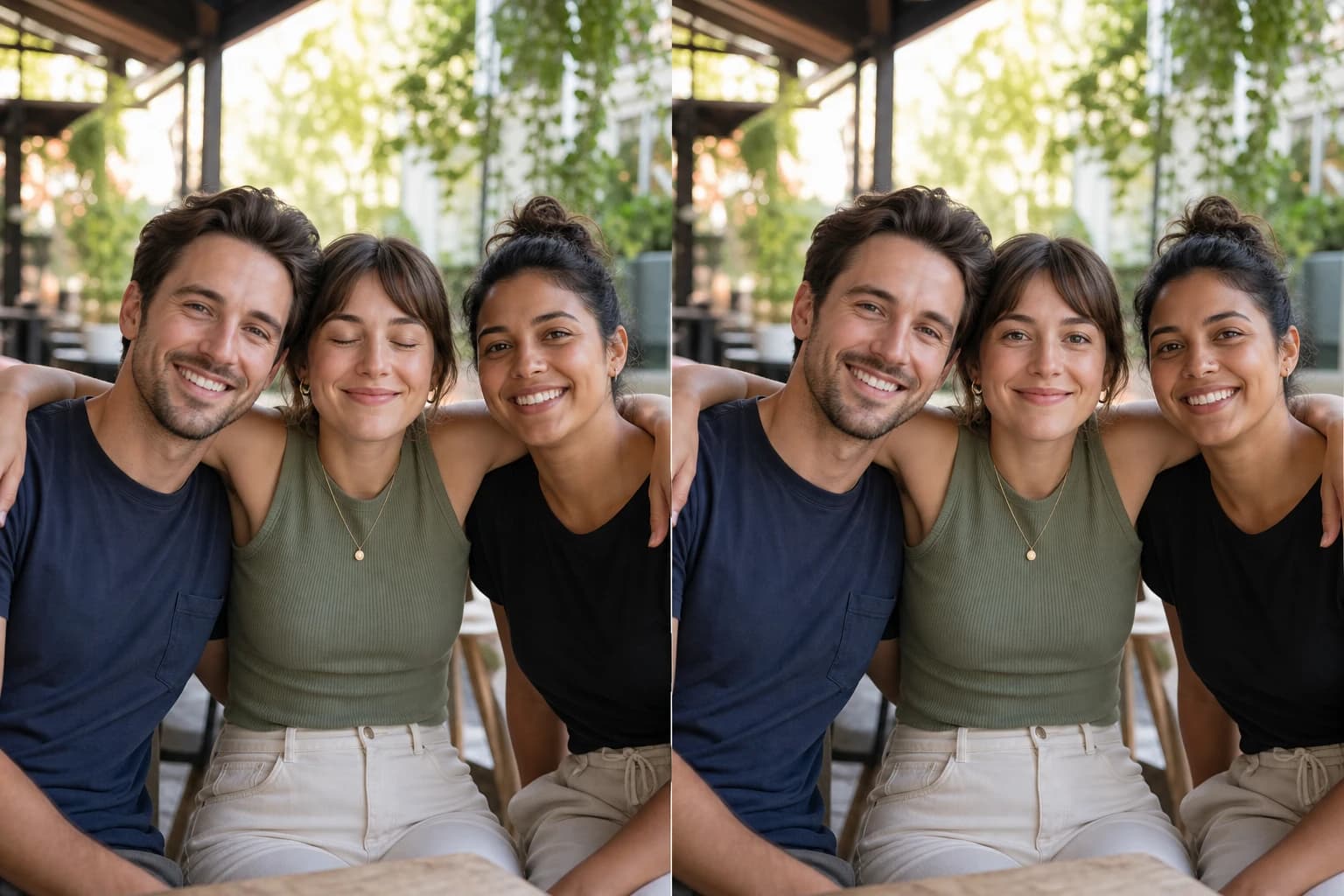 BeforeAfter
Someone blinked in the group shot? Nano Banana Pro fixes just that person—everyone else's faces, poses, and the background stay as they were.
Open Eyes Now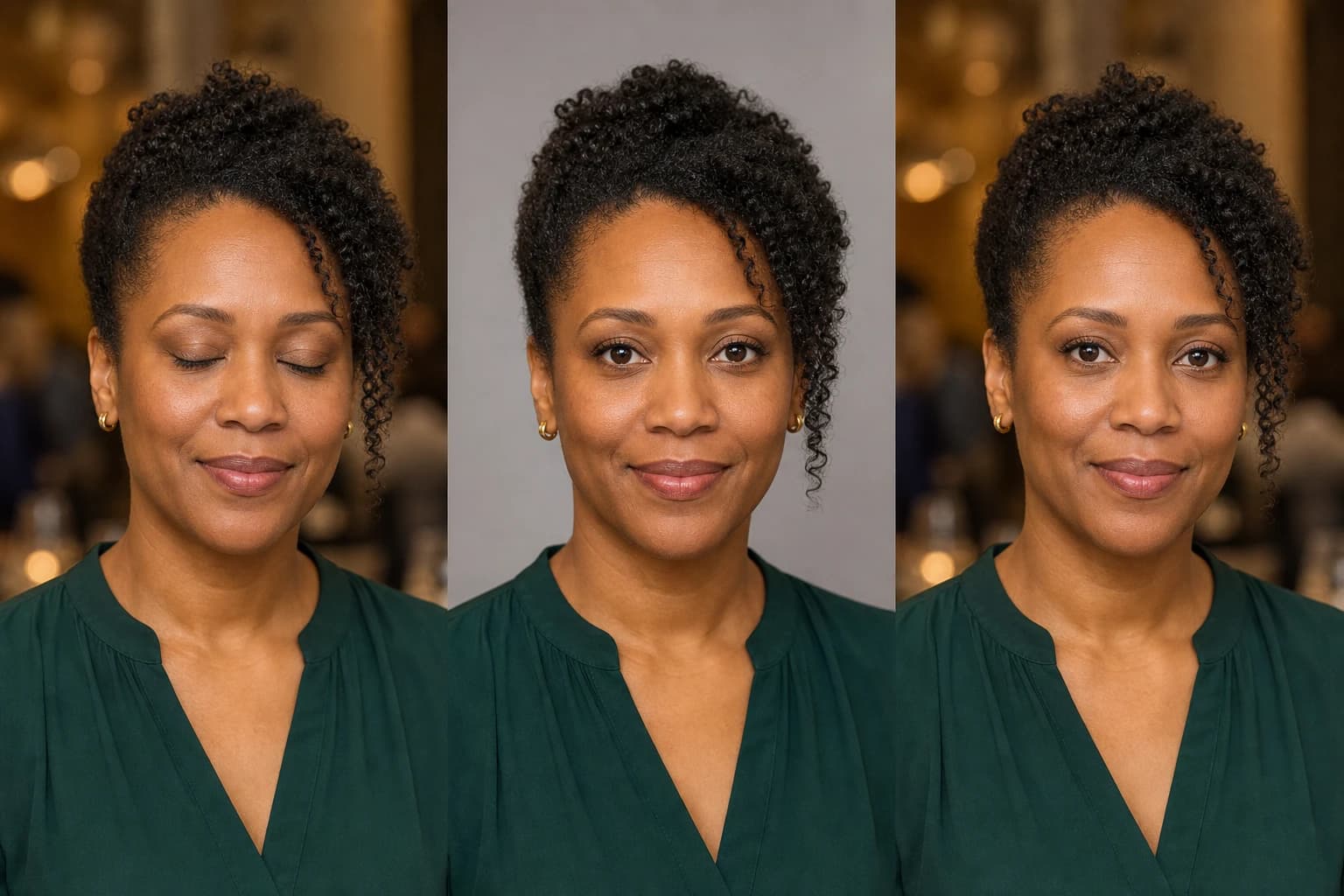 BeforeReferenceAfter
Add a clear eyes-open photo of the same person and the eye shape, iris color, and gaze follow the real thing instead of a generic guess.
Open Eyes NowAI Open Eyes only touches the eye area, so identity, expression, and every other detail stay exactly the way you shot them.
Identity, expression, skin texture, hair, clothing, lighting, and background stay as close to the original as possible.
With a reference photo, eye shape, iris color, eyelids, and catchlights are matched to the real person—no cookie-cutter AI eyes.
Fully closed, half-closed, or mid-blink eyes get fixed; eyes that are already open are left alone.
Your photo keeps its original framing, so it's ready for family albums, event galleries, or client delivery right after download.
Three quick steps—no editing skills or prompt writing needed.
Pick the portrait, selfie, or group photo where someone blinked. This first image is the one that gets fixed.
For the closest match, add a clear eyes-open photo of the same person. Skip this step and the AI works from the original alone.
Check the gaze and likeness, then download. Not quite right? Run it again—every result can differ slightly.
Find out all the essential details about AI Open Eyes
Yes, you can try it for free. Every new account gets free credits on signup, and each open-eyes edit uses 2 credits. Need more? You can purchase credit packages anytime—no subscription required.
Sign in, upload the photo with closed or blinking eyes, optionally add a reference photo of the same person, and click Create Image. Your eyes-open photo is usually ready to download within a minute.
That's the whole point. The AI matches the face, lighting, expression, eyelids, iris color, and gaze direction, so the result looks like the same person rather than a stock pair of eyes. Clear photos give the best results, and you can always regenerate if the first try isn't perfect.
No. The AI can open the eyes from the original photo alone. A clear eyes-open photo of the same person makes the eye shape and color more faithful. Free accounts can add one reference photo; Premium members can add up to three.
Yes. Only eyes that are closed, half-closed, or caught blinking are edited. An eye that's already open stays exactly as it is.
Yes. Every visible face is checked, and only the people who blinked are fixed. For the most important people, add their reference photos after the group photo for a closer match.
A clear JPG, PNG, or WebP up to 10 MB where the face is visible and not heavily blurred or covered. Reference photos should show the eyes clearly, ideally in similar lighting.
The edit is limited to the eye area, but generative AI can introduce tiny differences elsewhere. Give the full image a quick look before using it for anything professional or sensitive.
Edit, repair, or restyle a photo with a focused AI workflow. Choose a tool, upload your image, and get the result without starting from a blank prompt.
 Before → After
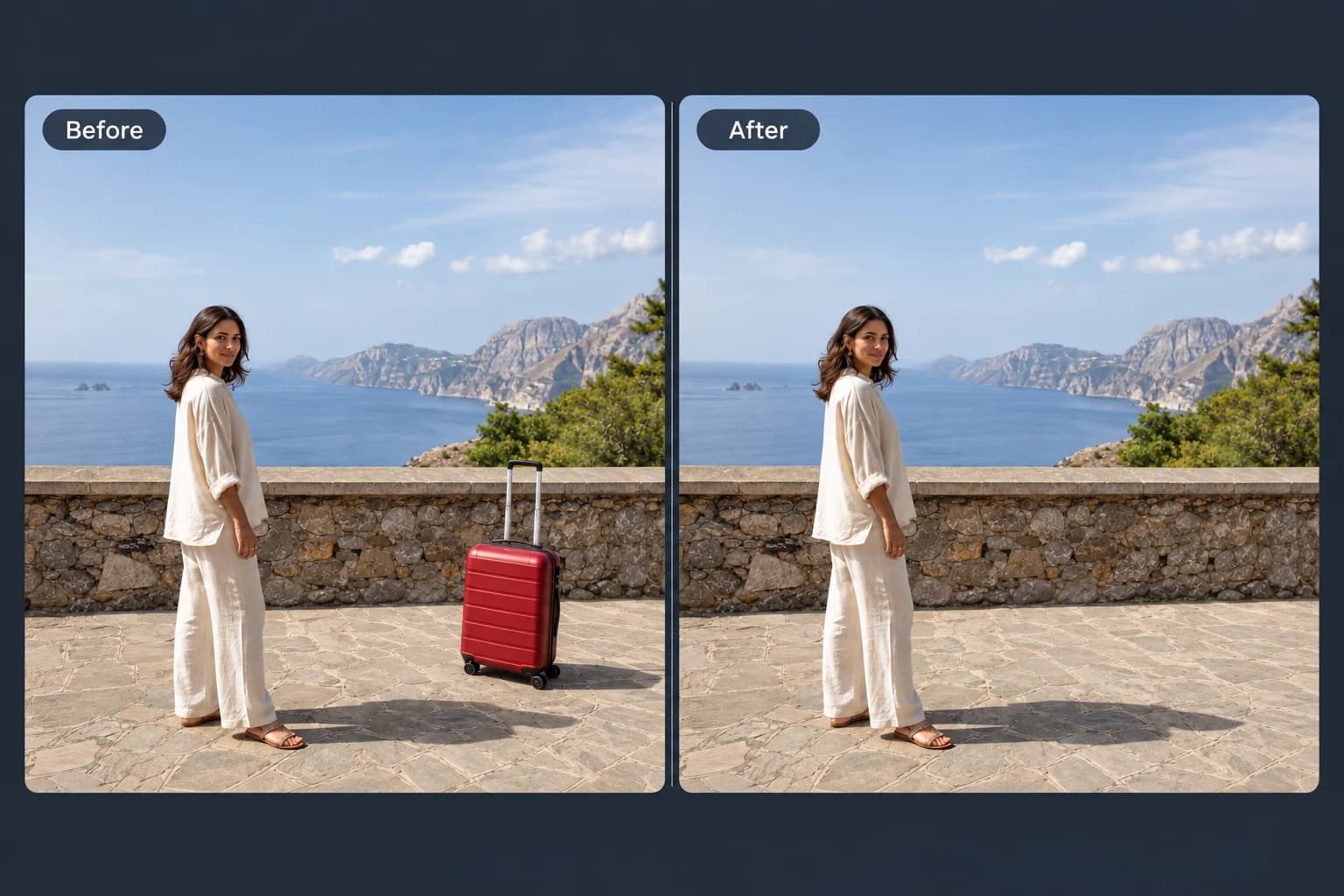
Brush away unwanted objects, people and clutter from your photos.
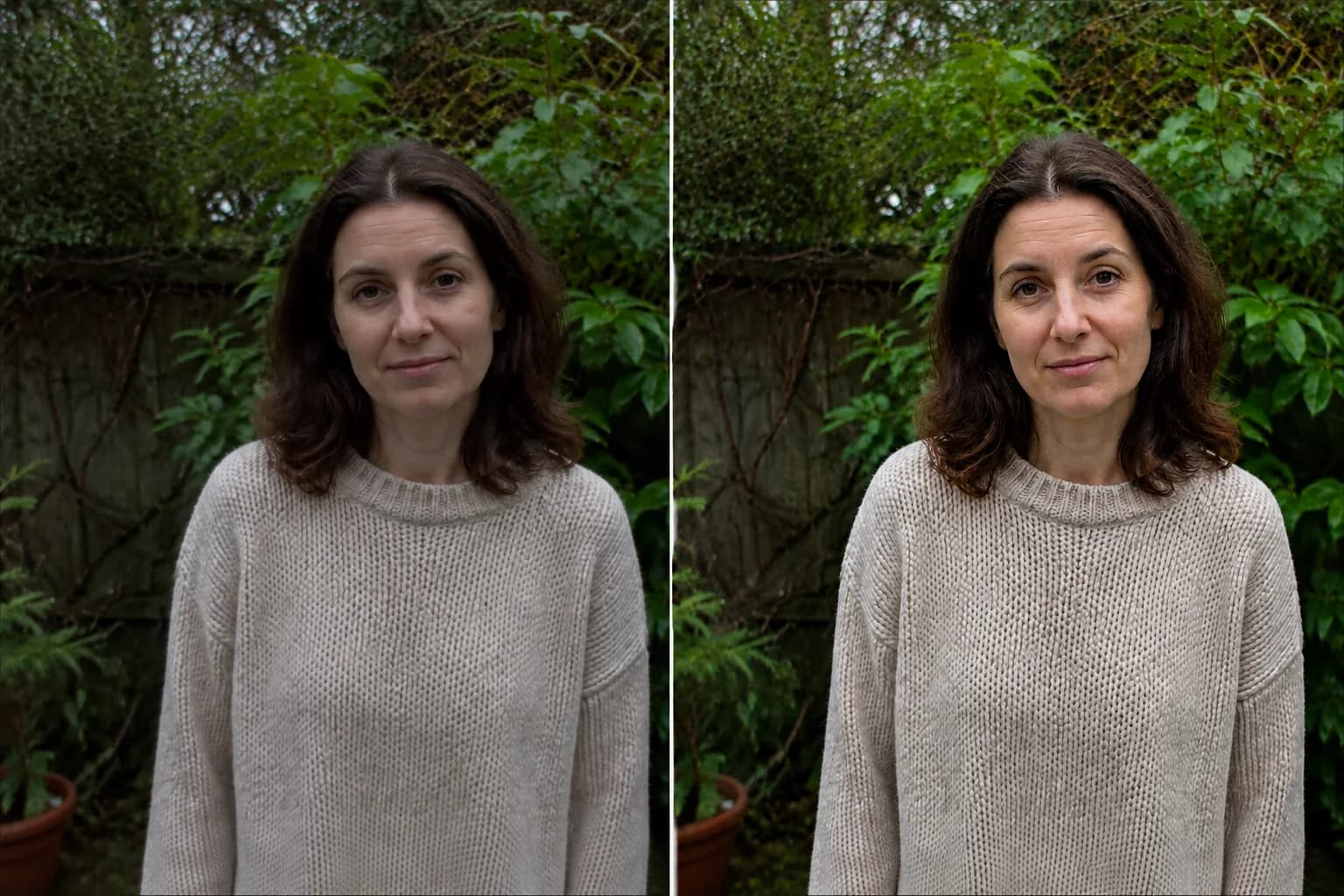 Before → After preview
Make blurry or dim photos look clearer with natural, portrait and low-light enhancement.
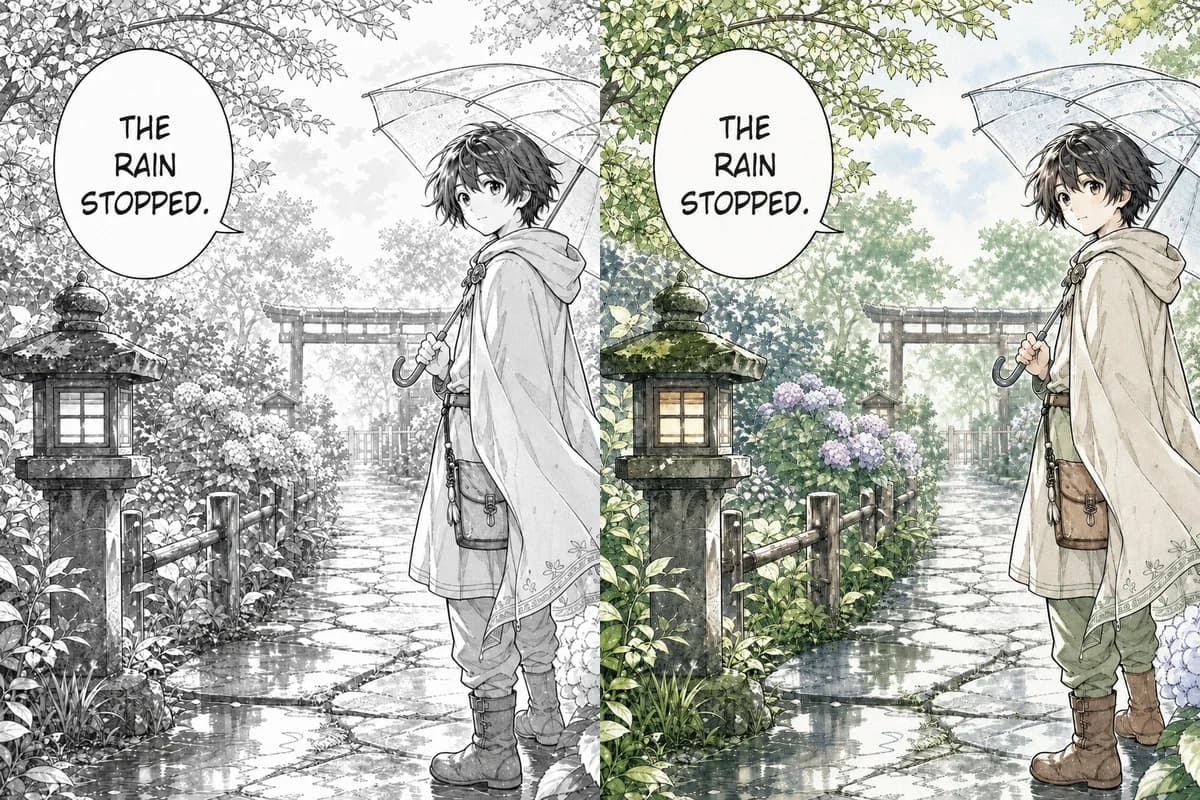 Line Art → Colored
Color black-and-white manga pages, webtoon panels, and line art with controls designed to retain ink lines, screentones, and speech bubbles.
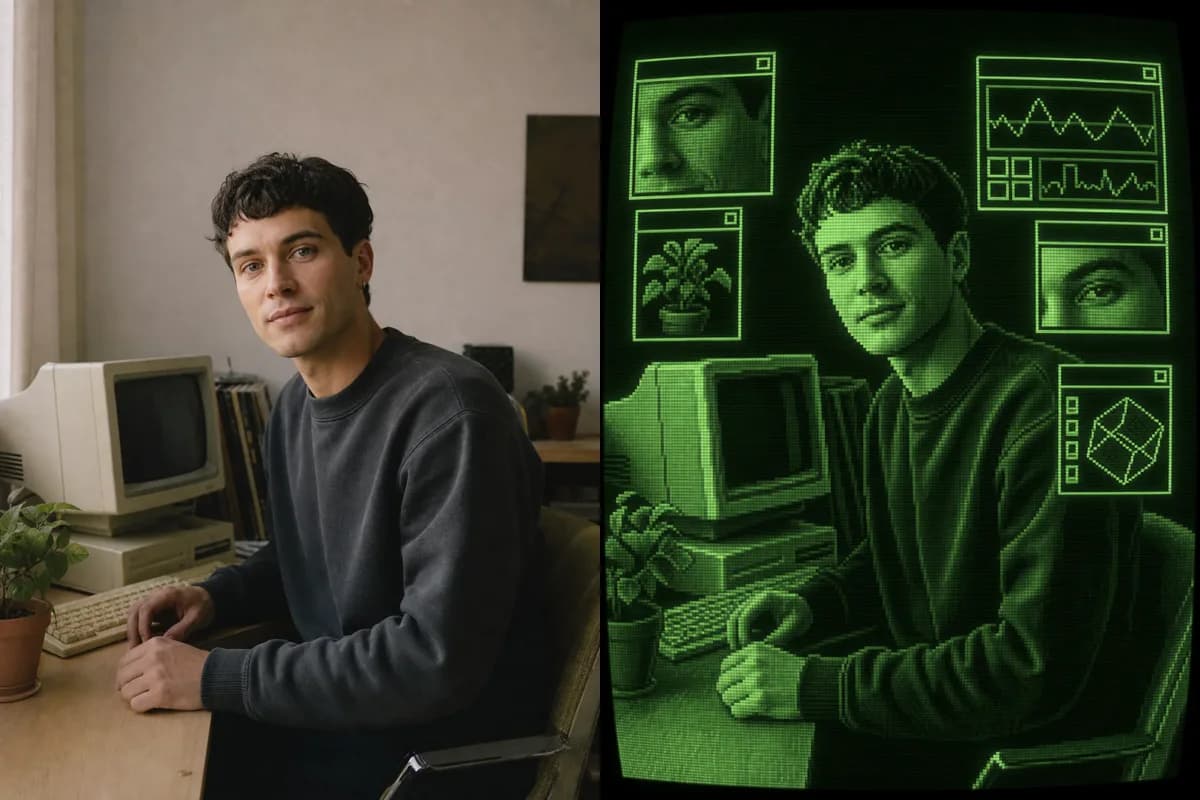 Photo → CRT Art
Turn a photo into retro CRT computer art with pixel palettes, scanlines, glow, and interface windows.
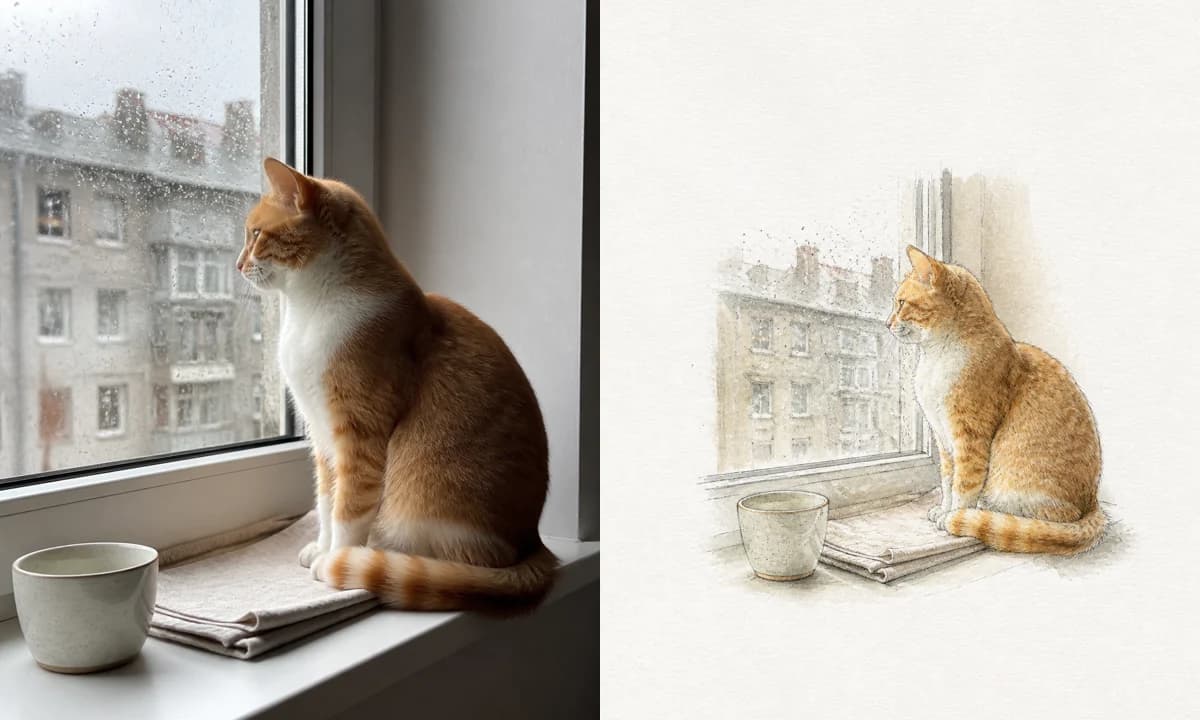 Photo → Illustration
Turn a photo into a watercolor, pencil, risograph, or ink illustration online.
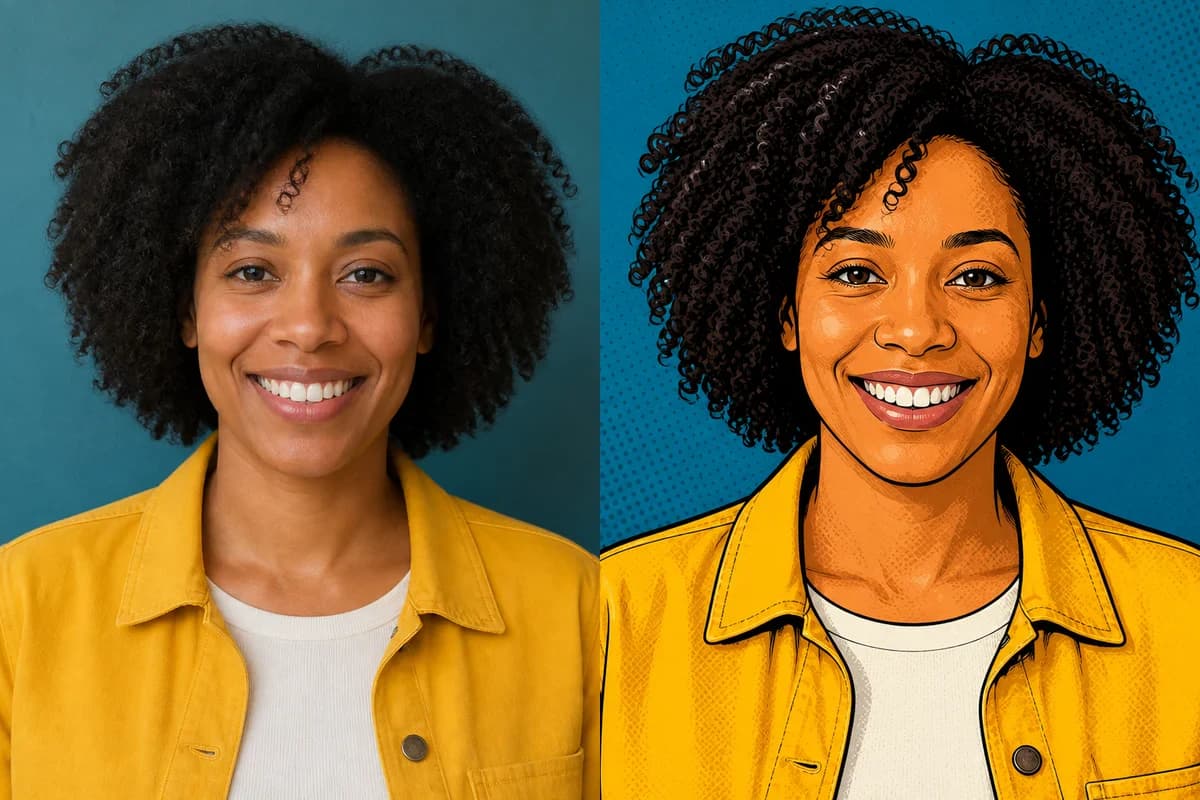 Photo → Cartoon
Turn any photo into a cartoon online with six one-click styles and an editable prompt.
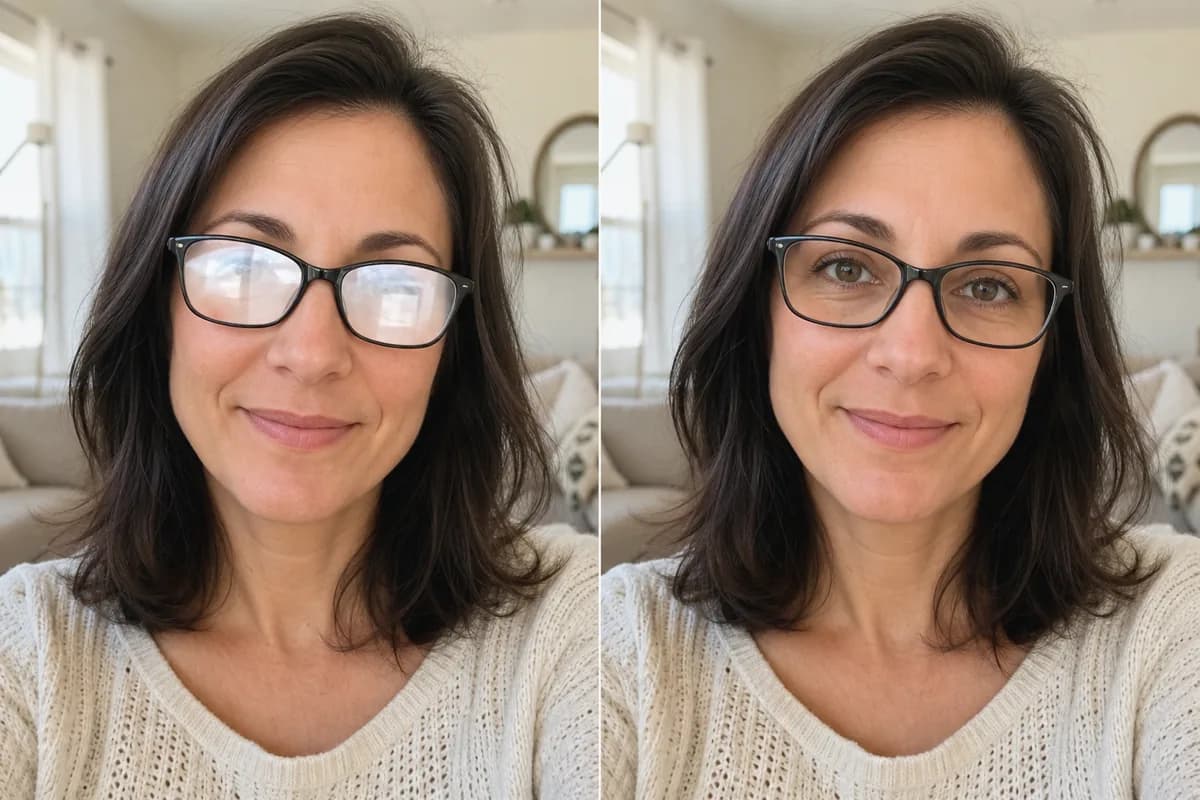 Before → After
Remove glare and reflections from glasses in portraits and group photos—same eyes, same frames, same face.
Upload it now—Nano Banana Pro opens the eyes and keeps everything else just the way it was. Free credits on signup.