
Colorize a full manga page without losing the line art
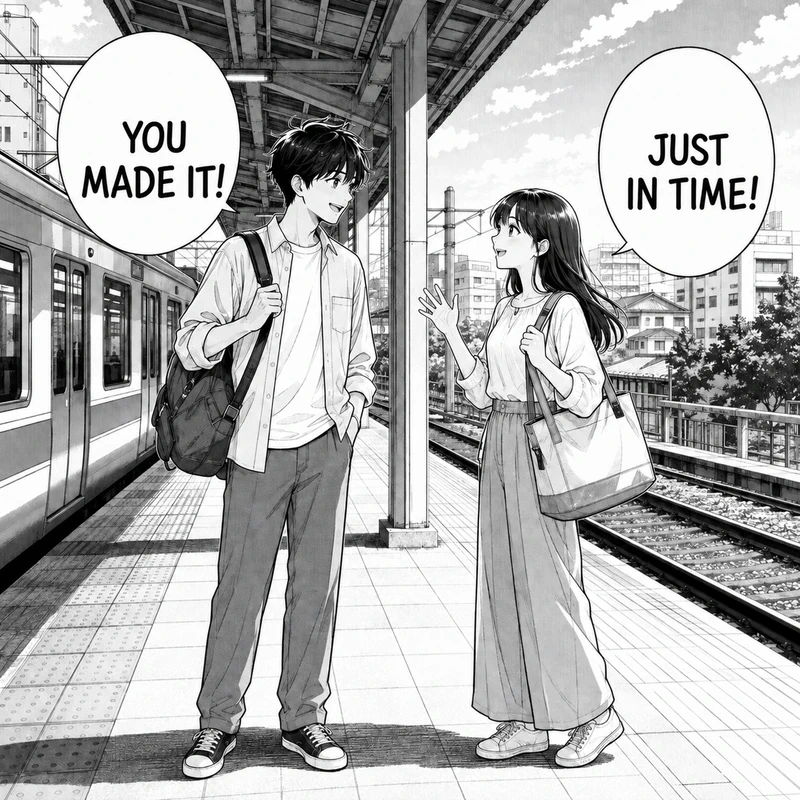
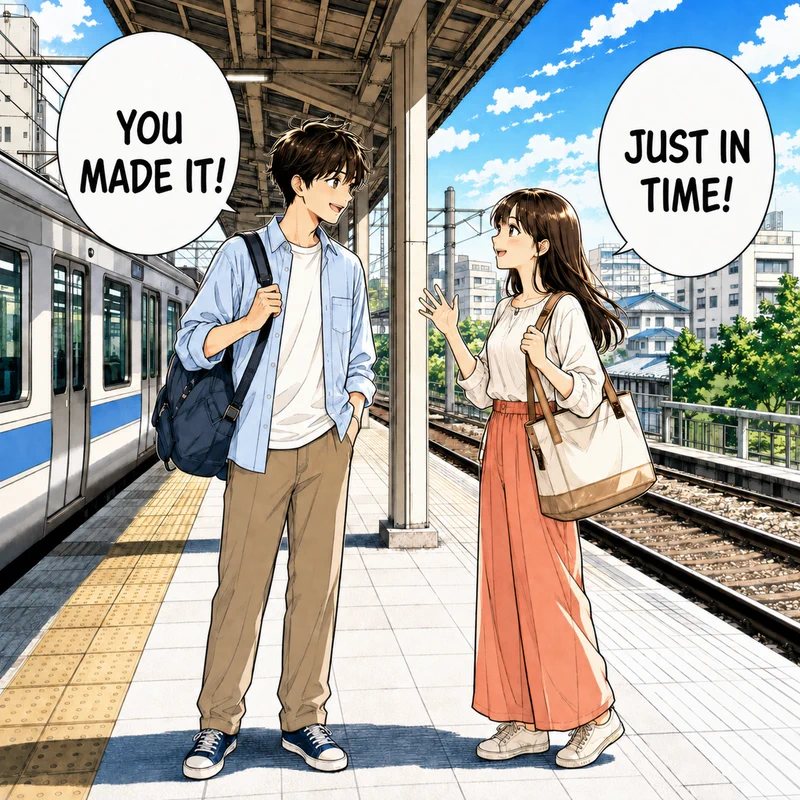
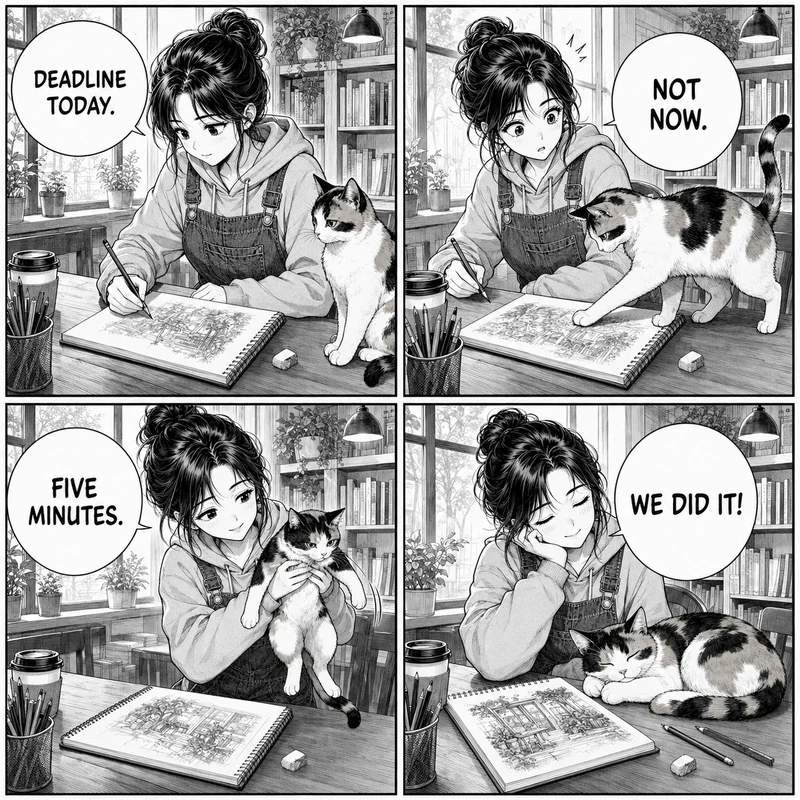
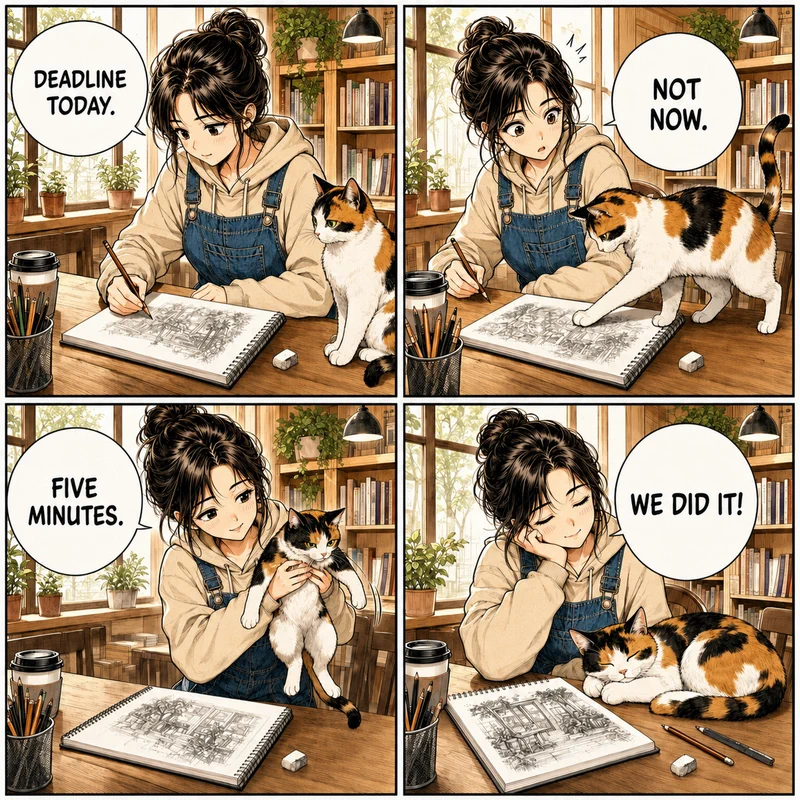
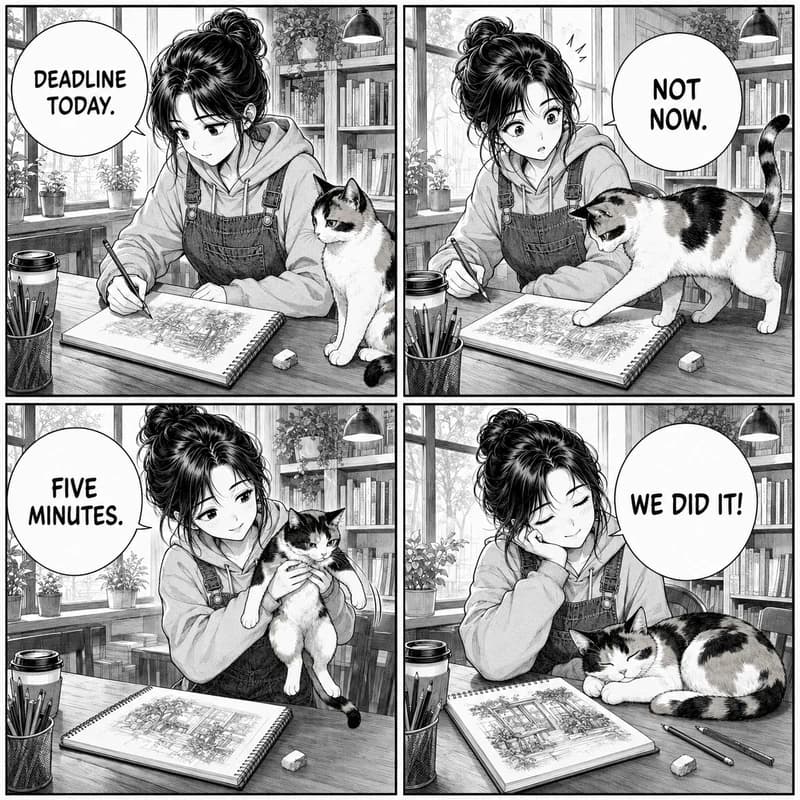
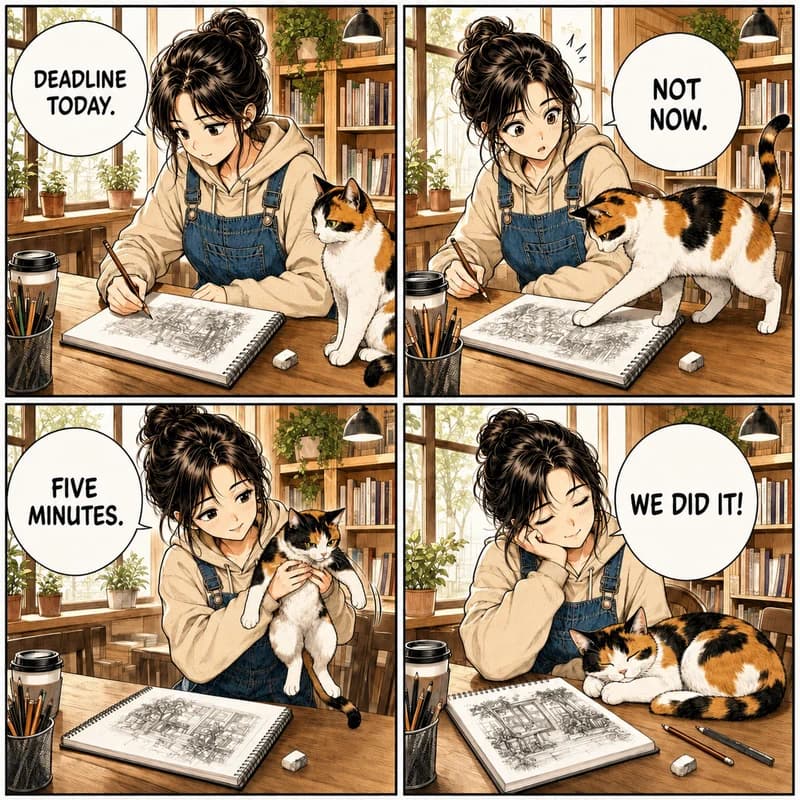
Warm anime color separates the sketchbook, café shelves, hoodie, overalls, and calico cat while the ink work and four dialogue bubbles remain easy to read.
Colorize mangaUpload a black-and-white manga page, comic panel, webtoon strip, or clean line drawing, then choose one of six coloring styles. Add a second image when you want recurring character colors to follow a reference. The workflow is designed to preserve ink lines, screentones, panel borders, and lettering.
Colorize your manga page
Upload one manga page, panel, or line drawing and choose a coloring style. To repeat a character palette or guide specific colors, add a colored reference as the second image.
Your colorized manga
See how different finishes work on full manga pages, webtoon panels, and detailed line art while keeping the original drawing recognizable.
Warm anime color separates the sketchbook, café shelves, hoodie, overalls, and calico cat while the ink work and four dialogue bubbles remain easy to read.
Colorize manga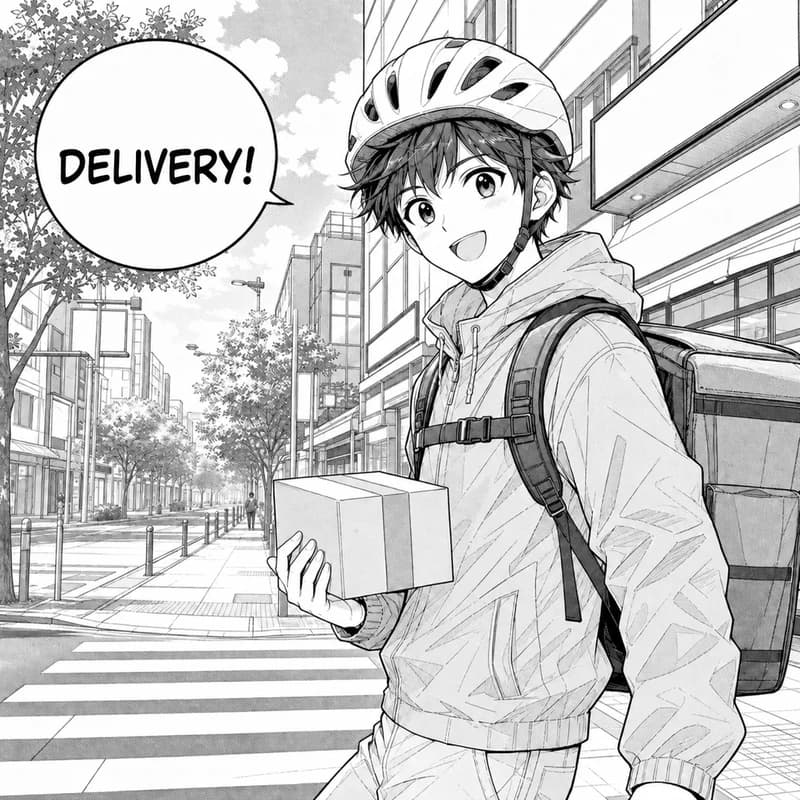
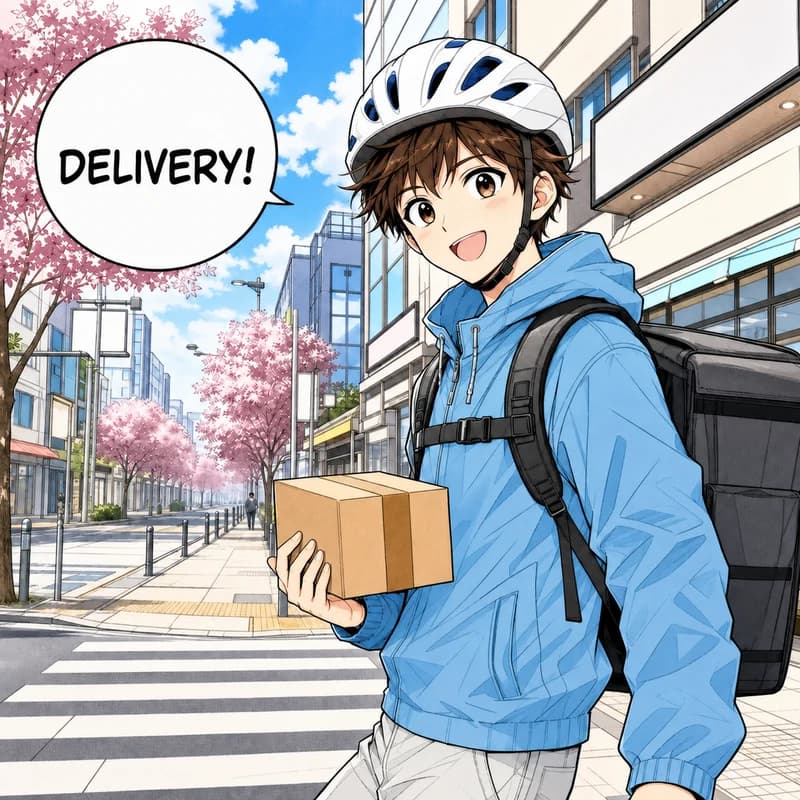
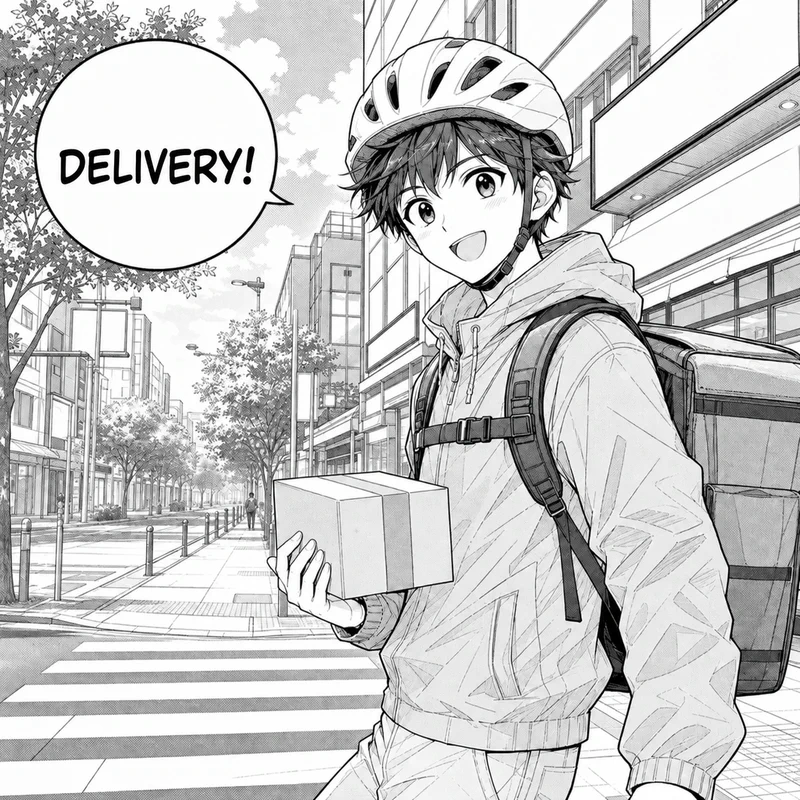
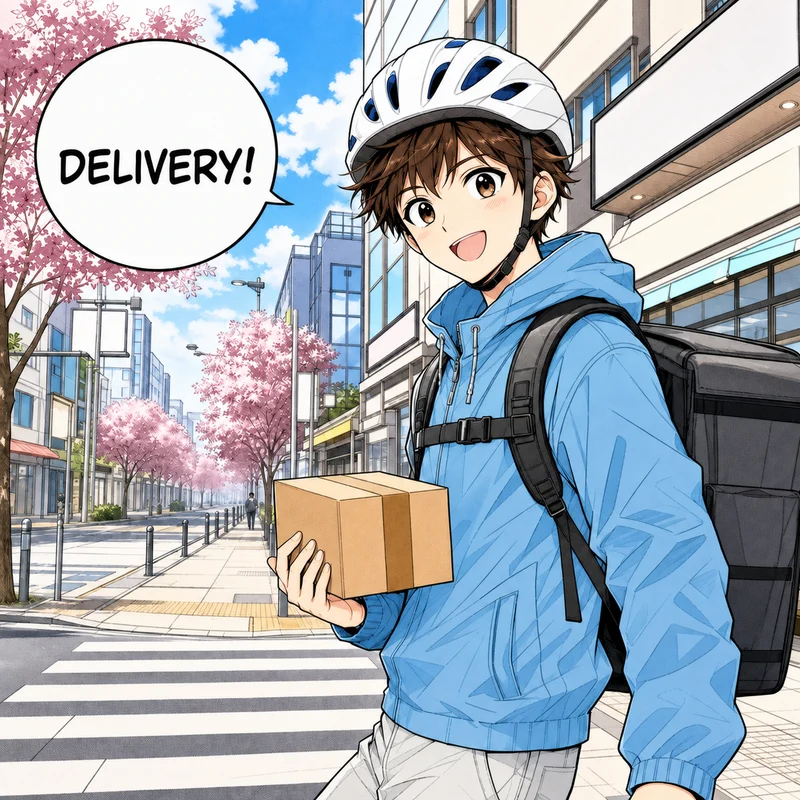
The courier's helmet, sky-blue hoodie, delivery bag, and cherry-tree street get the clean gradients and strong readability that webtoon readers expect on a phone.
Colorize manga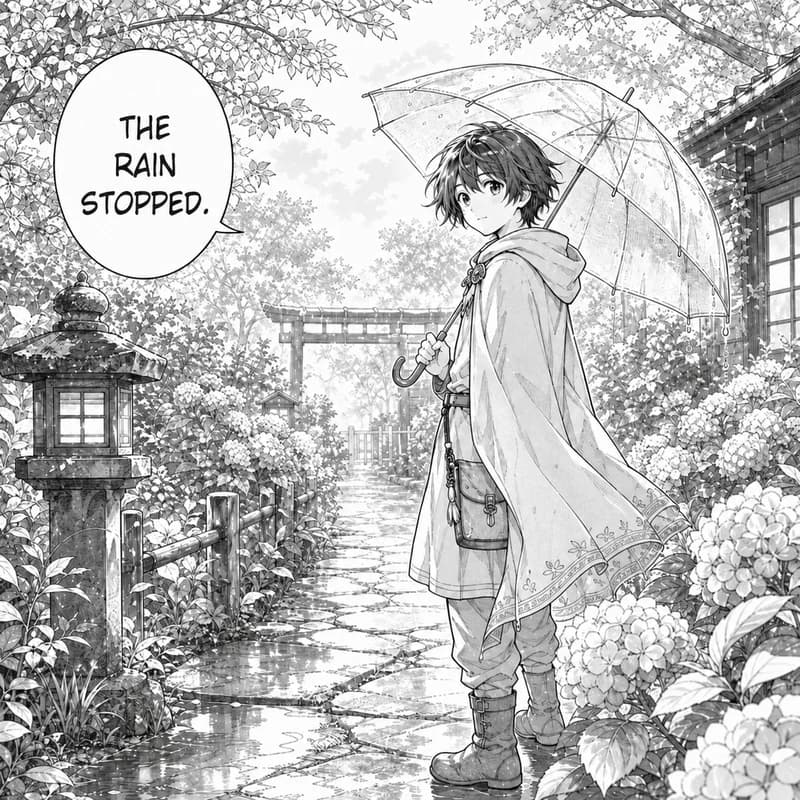
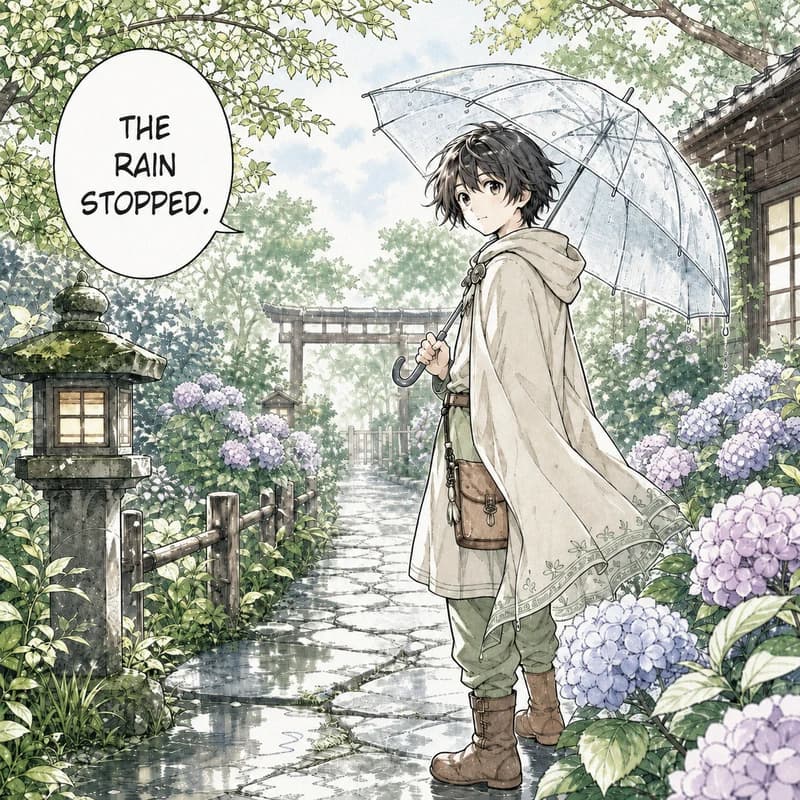
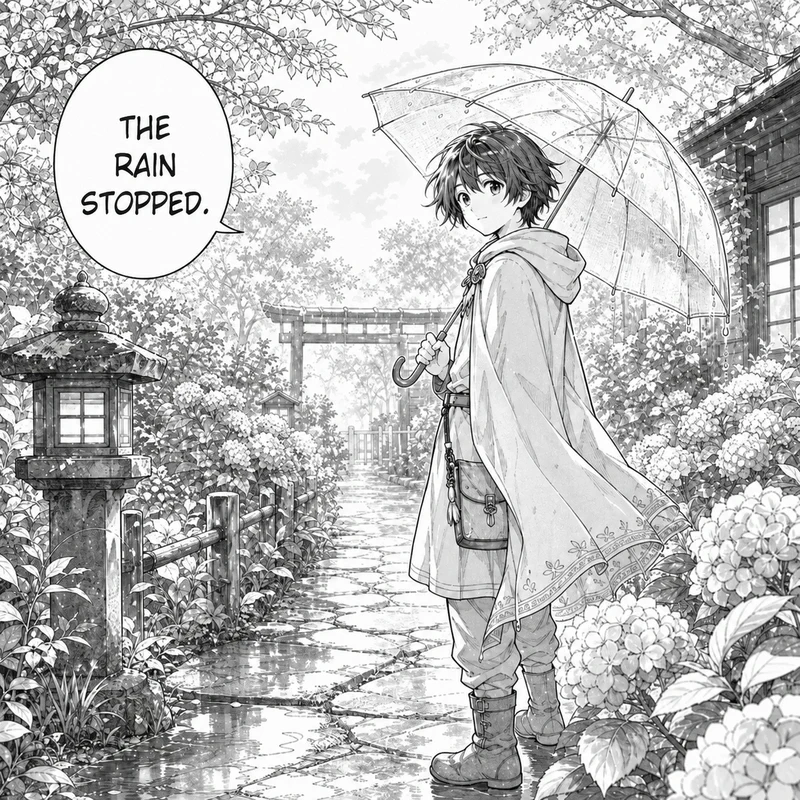
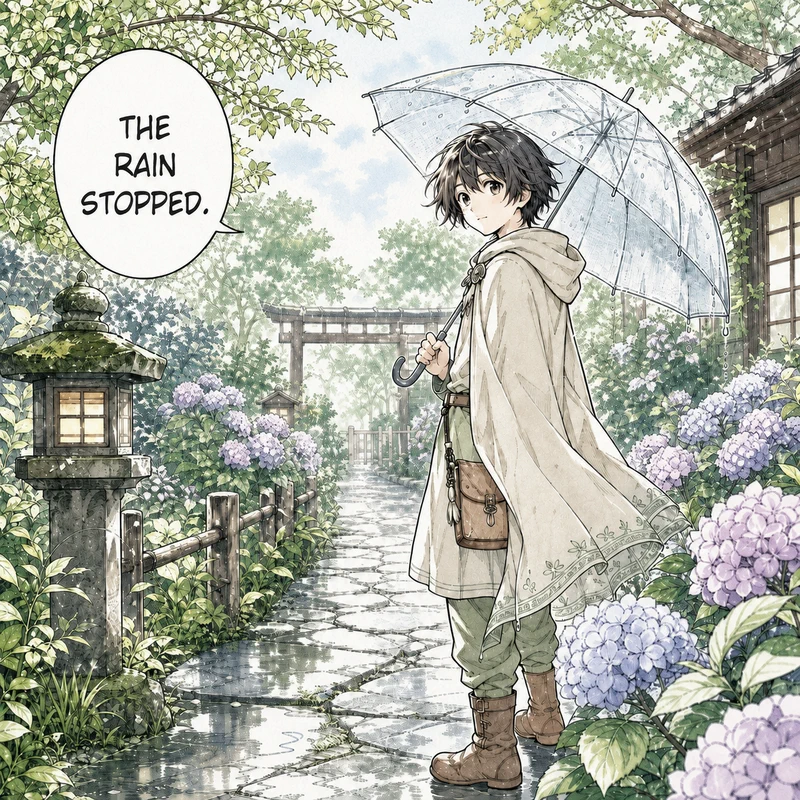
A rainy shrine garden with a stone lantern, hydrangeas, and a clear umbrella turns into gentle washes of green, violet, and blue without flattening the fine line detail.
Colorize manga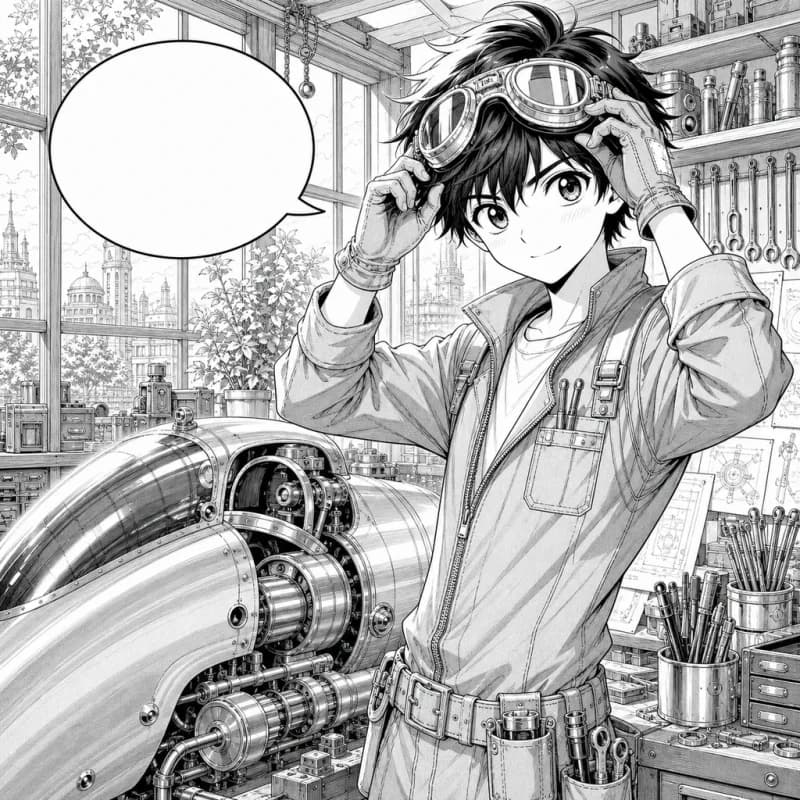
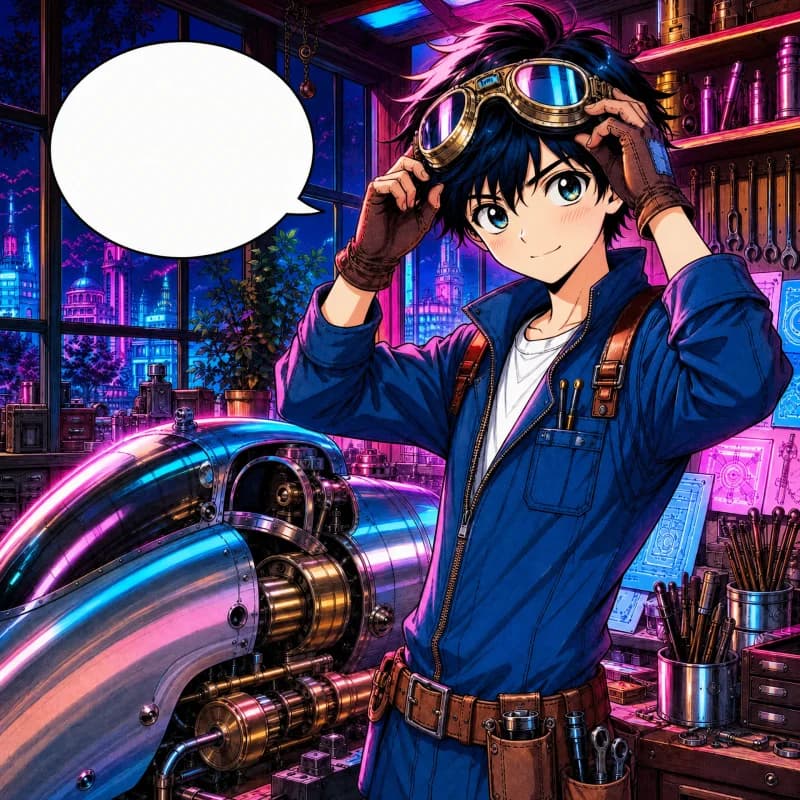
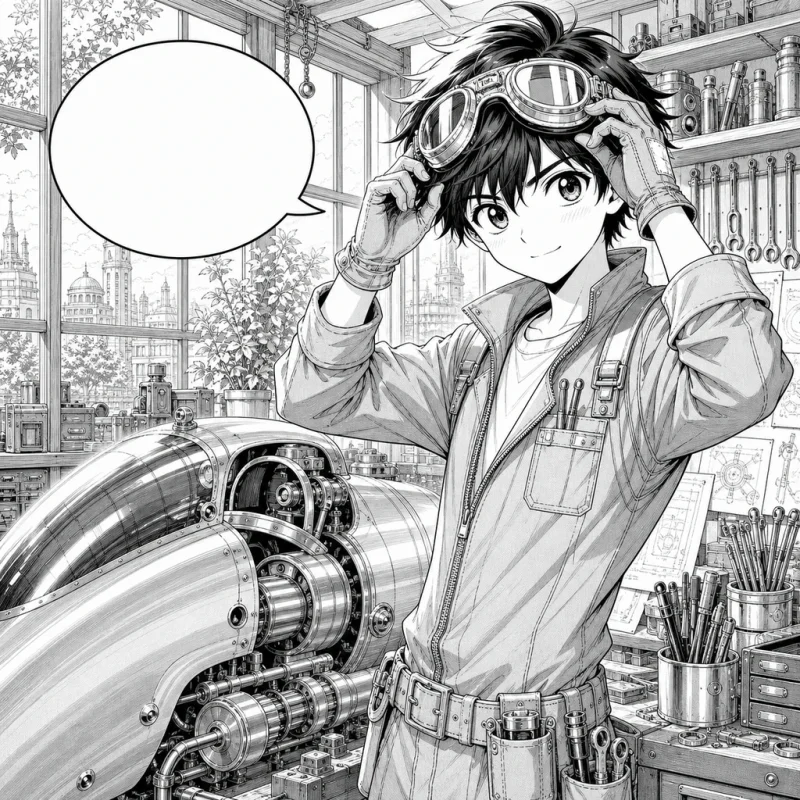
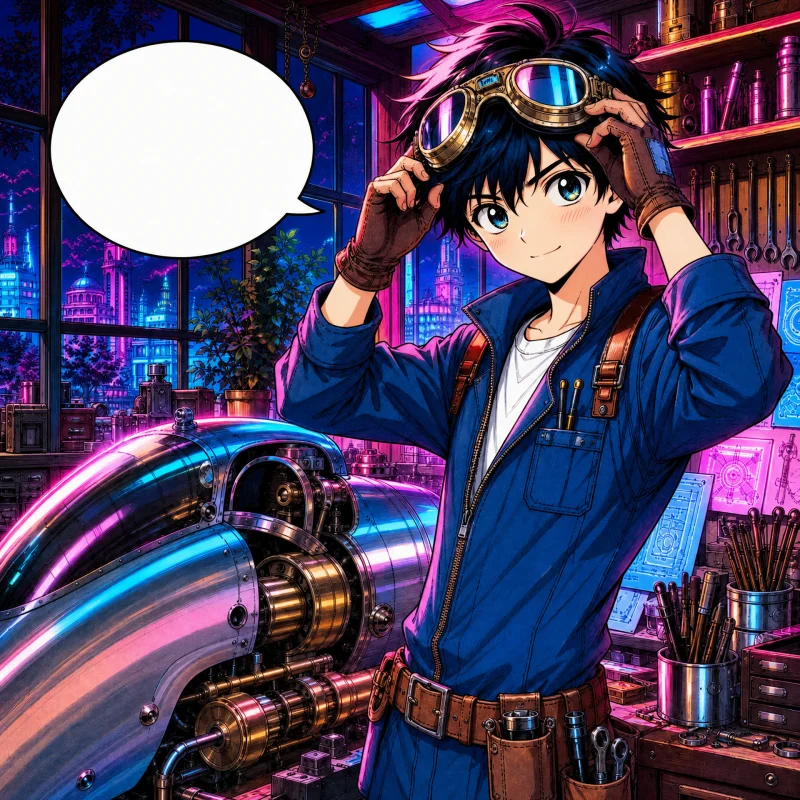
The workshop, goggles, blue coveralls, and chrome engine glow with magenta and cyan light while every gear, tool, and window frame keeps its original linework.
Colorize mangaPanel borders, screentones, fine ink work, and lettering need more care than an ordinary photo colorizer provides. This workflow keeps those details central to the result.
The coloring prompt prioritizes ink lines, hatching, screentones, and panel borders so the result keeps the character of the original drawing.
The tool is instructed to leave dialogue, captions, sound effects, and speech-bubble placement alone instead of translating or repainting them.
Choose anime cel, webtoon, watercolor, soft pastel, vintage print, or cyberpunk neon without rebuilding the prompt. Each generation uses credits.
Upload a colored reference as the second image to guide recurring hair, skin, and outfit colors from one page to the next.
Three steps from a black-and-white scan to a finished color page.
Choose a clean black-and-white manga page, comic panel, webtoon strip, or line drawing up to 10 MB.
Select Anime Cel, Webtoon, Watercolor, Soft Pastel, Vintage Print, or Cyberpunk Neon. Add a colored reference as the second image if you need specific colors.
Select Create Image, check the lines, bubbles, and colors, then download the page or try another style.
Find out all the essential details about AI Manga Colorizer
An AI manga colorizer adds color to black-and-white manga, comic pages, webtoon panels, sketches, and line art. Nano Banana Pro applies the style you choose while its editing instructions prioritize the original linework, screentones, panel layout, speech bubbles, and lettering.
You need an account to generate images. Eligible new accounts receive free signup credits to try it; each colorized page costs 2 credits. Free use is not unlimited, and one-time credit packs are available for continued use without a subscription.
Upload one black-and-white page, panel, or line drawing, choose a coloring style such as Anime Cel or Webtoon, and select Create Image. When the result is ready, compare it with the original and download it from your browser.
It is designed to add color, lighting, and shading without deliberately changing the drawing or lettering. Because AI output can still drift on fine lines or small text, compare the result with the original before publishing. Clean, high-resolution inputs give the model the best chance of preserving those details.
Both. Full pages with several panels work well when the scan is sharp. For a page with dense detail or small lettering, upload the highest-resolution version you have, or crop it into a few larger panels so fine lines and tones get more room.
Add a colored image of the same characters as the second upload. The prompt uses it as a reference for skin, hair, and outfit colors rather than composition. This helps keep a recurring palette, although you should still review each result for consistency.
Six one-click styles: Anime Cel with clean flats and crisp highlights, Webtoon with bright readable gradients, Watercolor with soft washes, Soft Pastel with light airy tones, Vintage Print with warm retro pigments, and Cyberpunk Neon with glowing accent light. Generate with one, check the result, and switch to another in a click.
Clean black-and-white line art, digital manga pages, sharp scans, and screentone artwork give the best results. You can upload a JPG, JPEG, PNG, or WebP file up to 10 MB. Avoid blurry photos of printed pages, heavy JPEG compression, and very small images.
Use artwork you created, own, or have permission to modify. Whether you may colorize or share someone else's manga depends on the rights involved, your intended use, and the law where you live; personal use is not automatically exempt. If you plan to publish, distribute, or sell the result, obtain permission when required and seek legal advice if you are unsure.
Edit, repair, or restyle a photo with a focused AI workflow. Choose a tool, upload your image, and get the result without starting from a blank prompt.
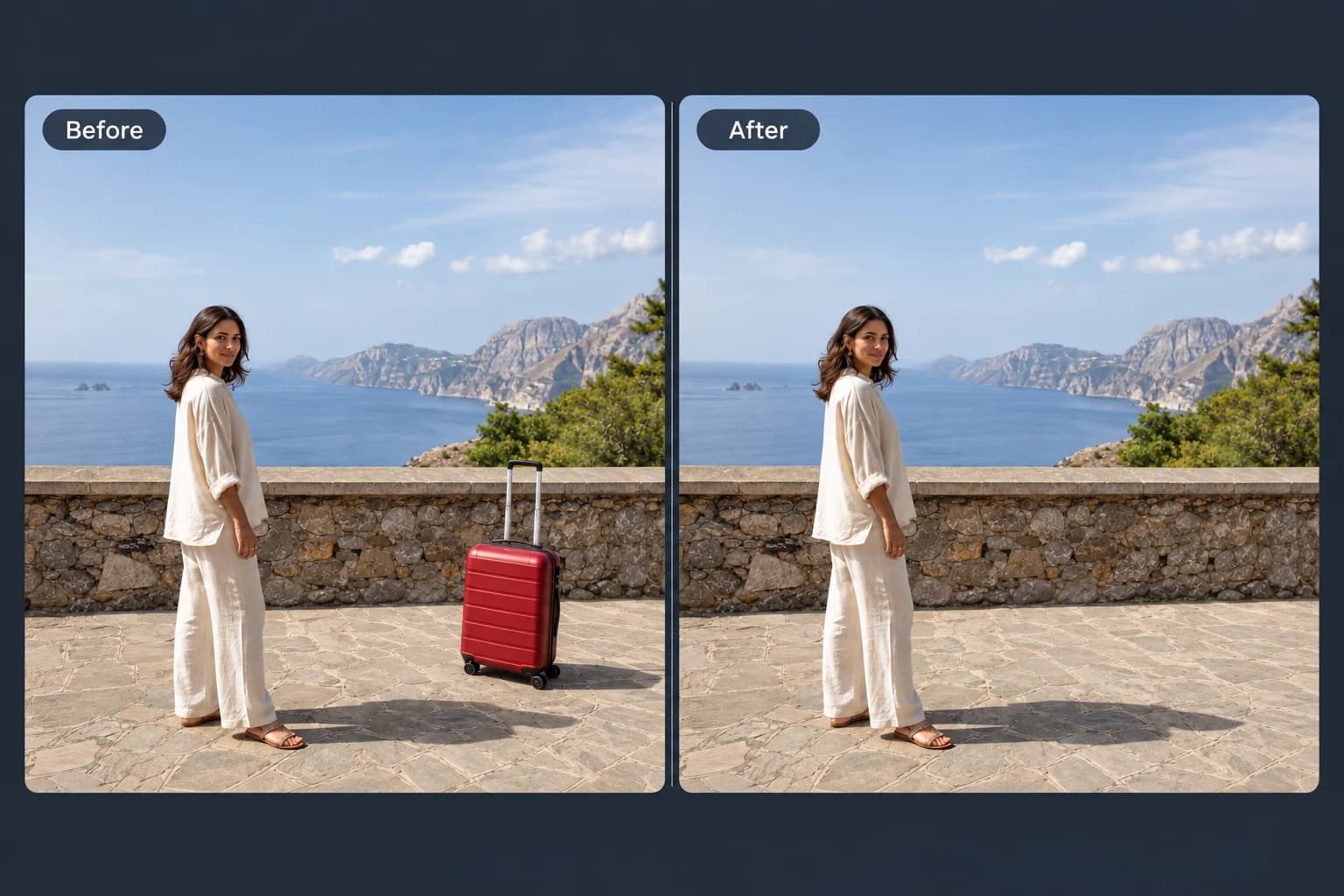 Before → After
Brush away unwanted objects, people and clutter from your photos.
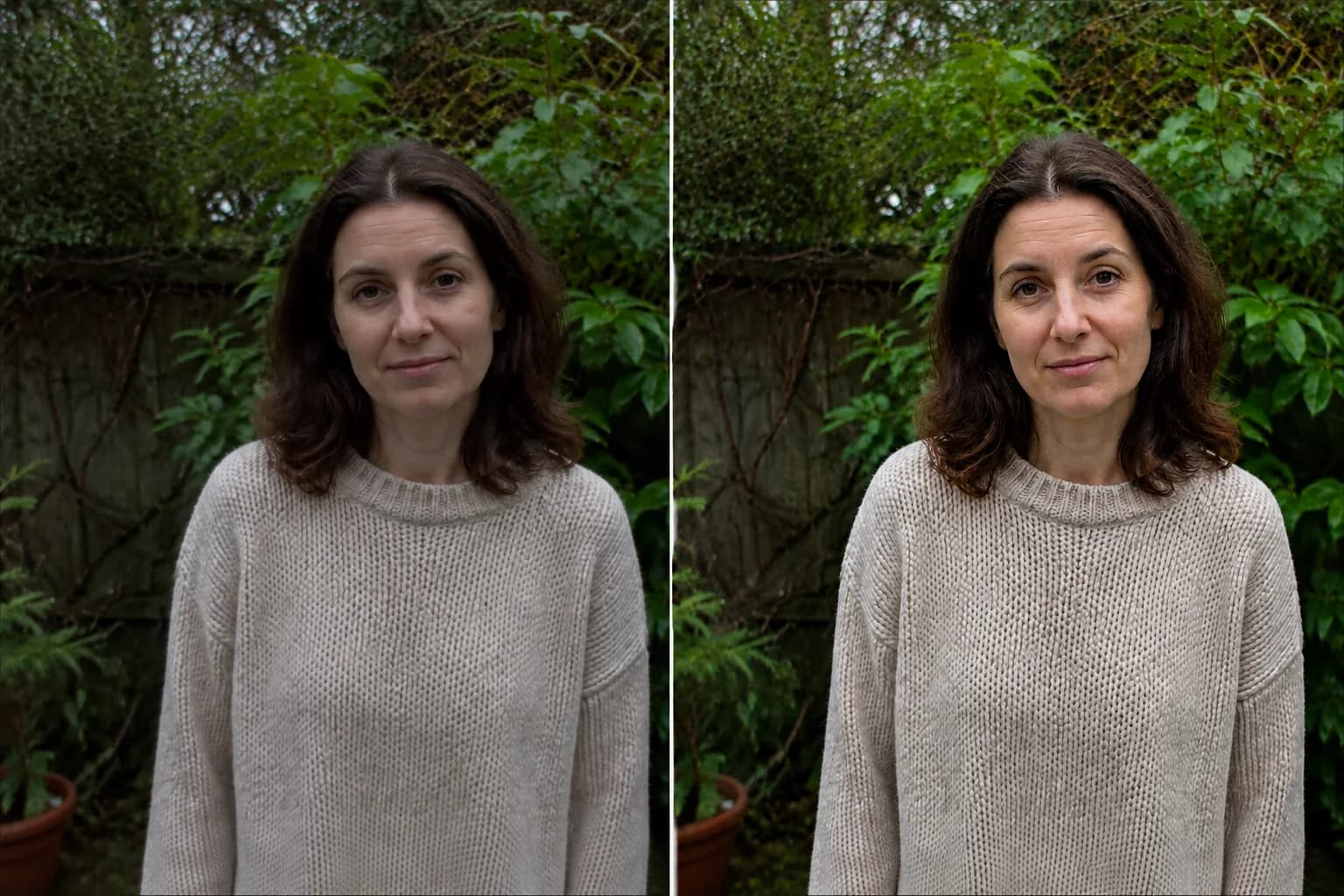 Before → After preview
Make blurry or dim photos look clearer with natural, portrait and low-light enhancement.
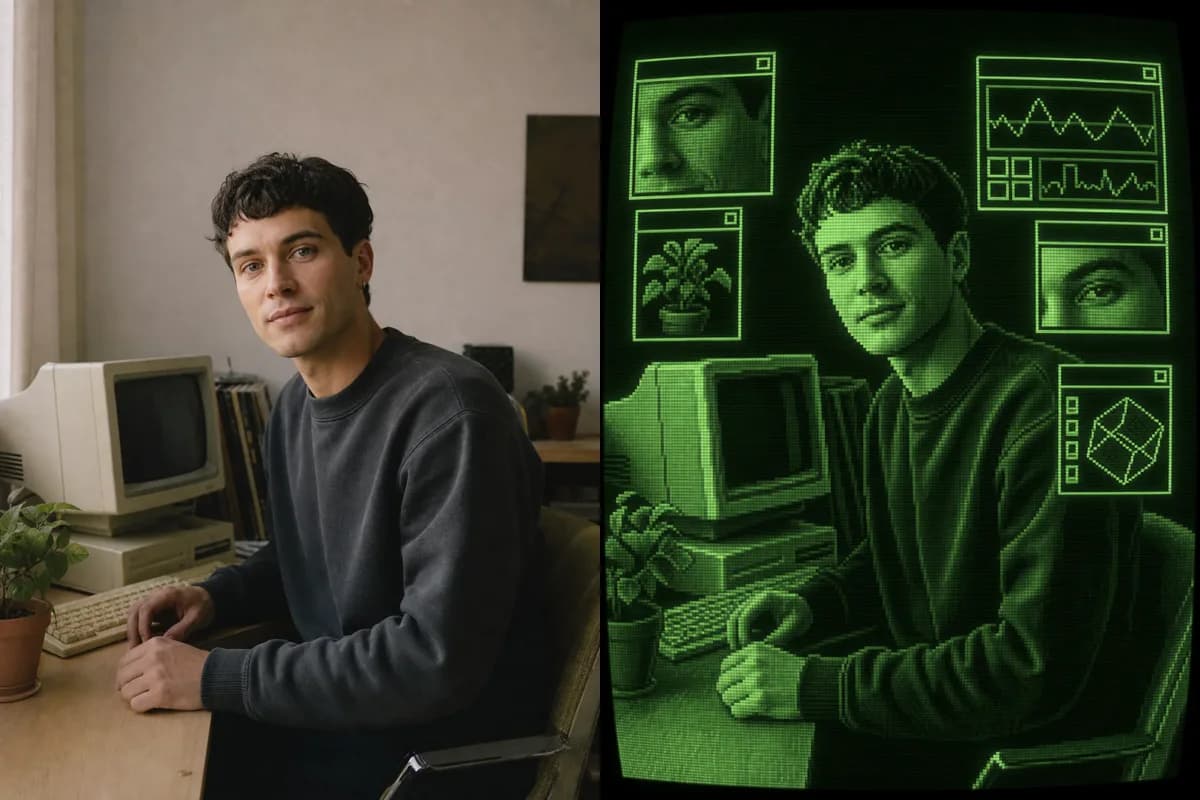 Photo → CRT Art
Turn a photo into retro CRT computer art with pixel palettes, scanlines, glow, and interface windows.
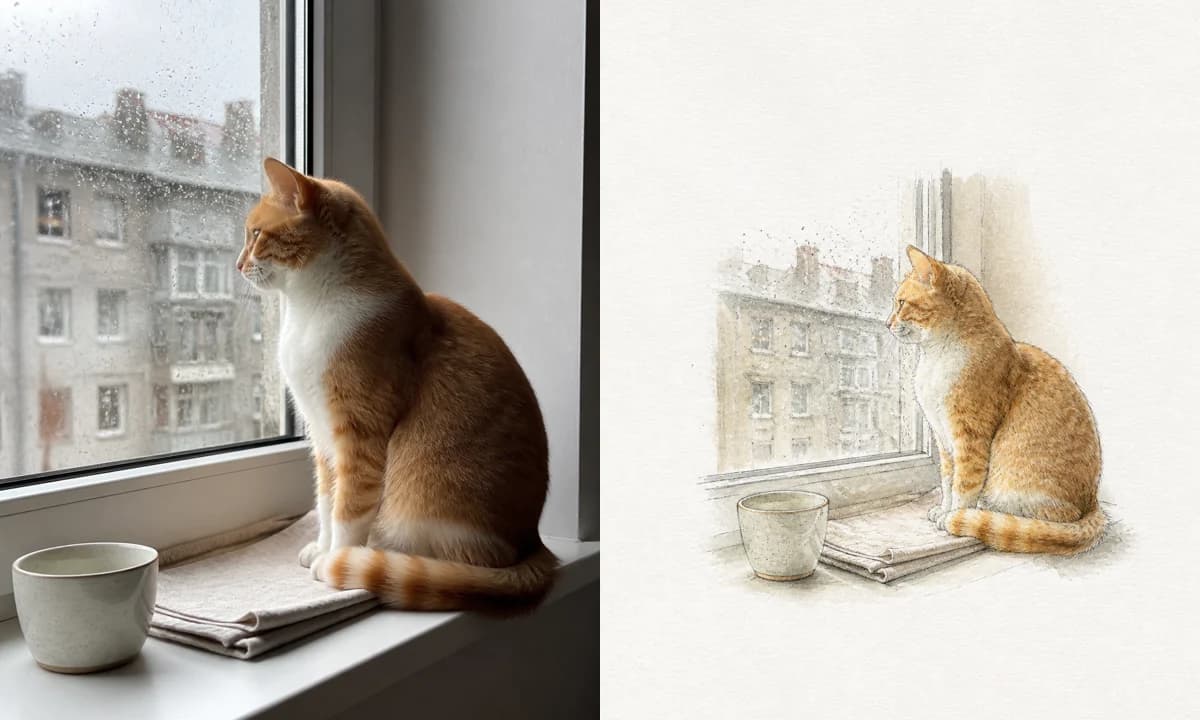 Photo → Illustration
Turn a photo into a watercolor, pencil, risograph, or ink illustration online.
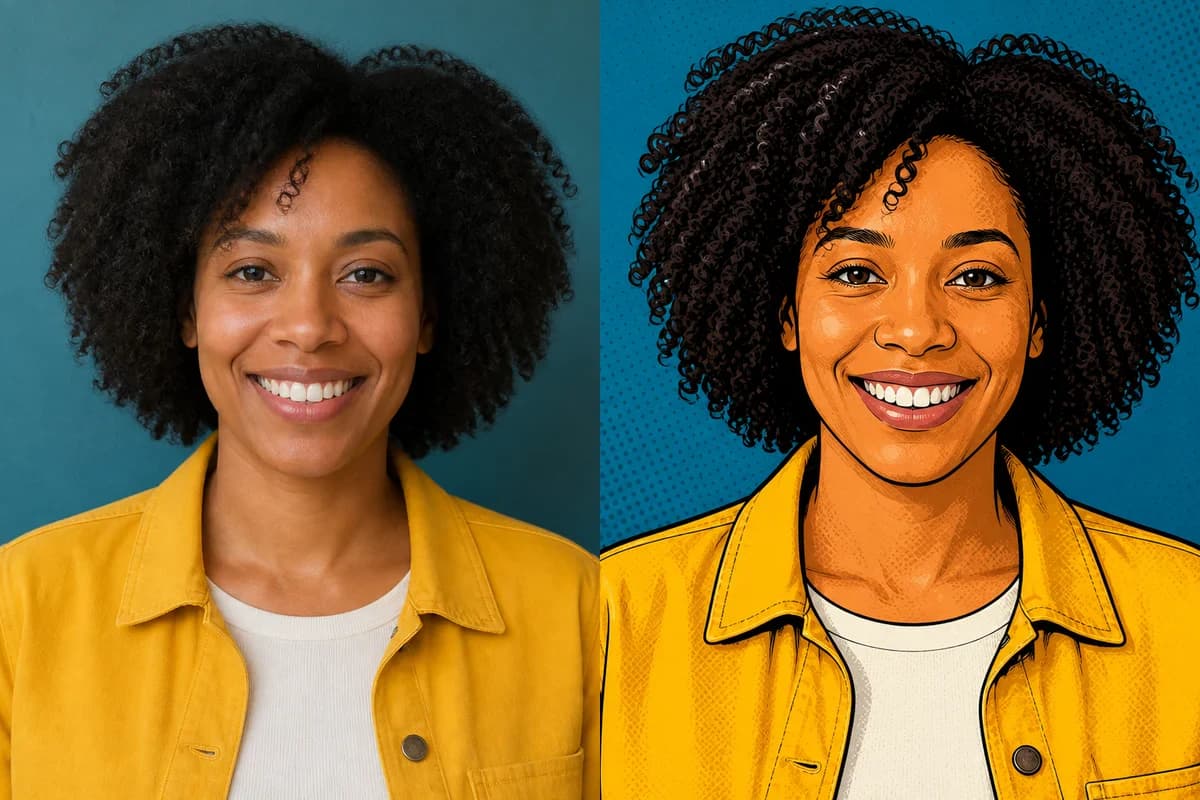 Photo → Cartoon
Turn any photo into a cartoon online with six one-click styles and an editable prompt.
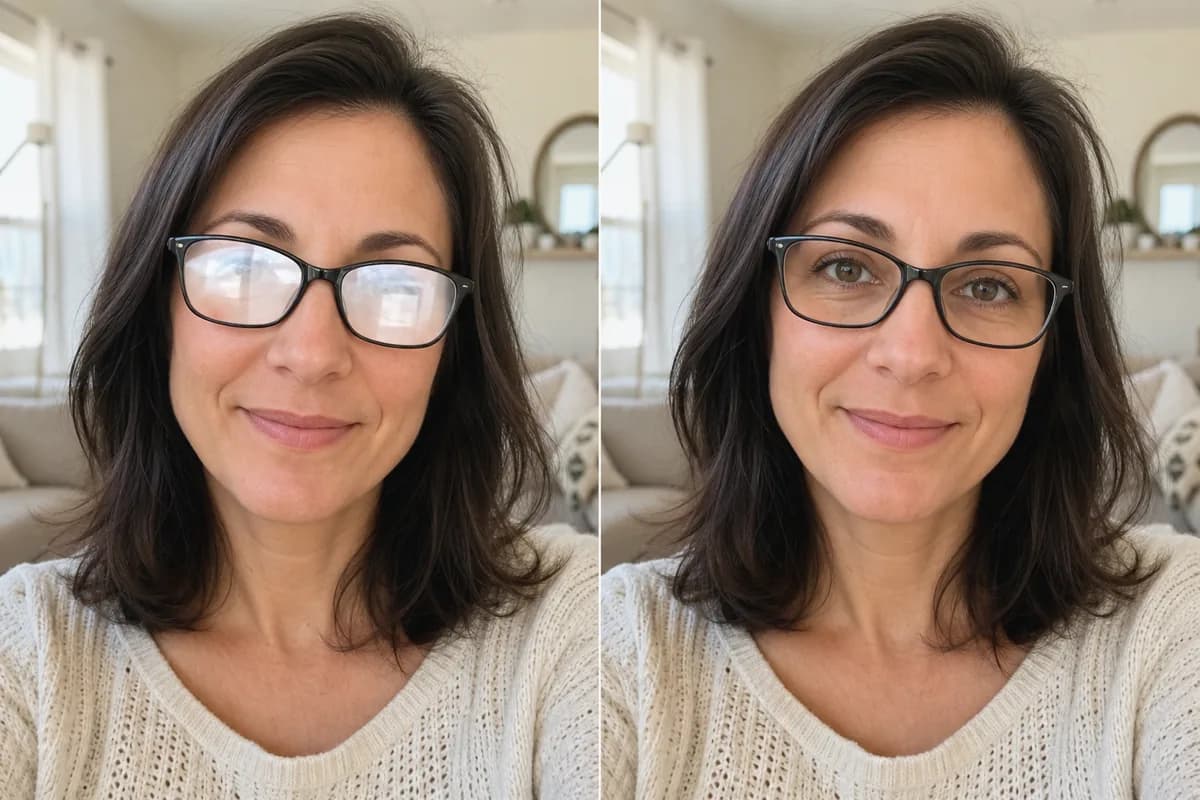 Before → After
Remove glare and reflections from glasses in portraits and group photos—same eyes, same frames, same face.
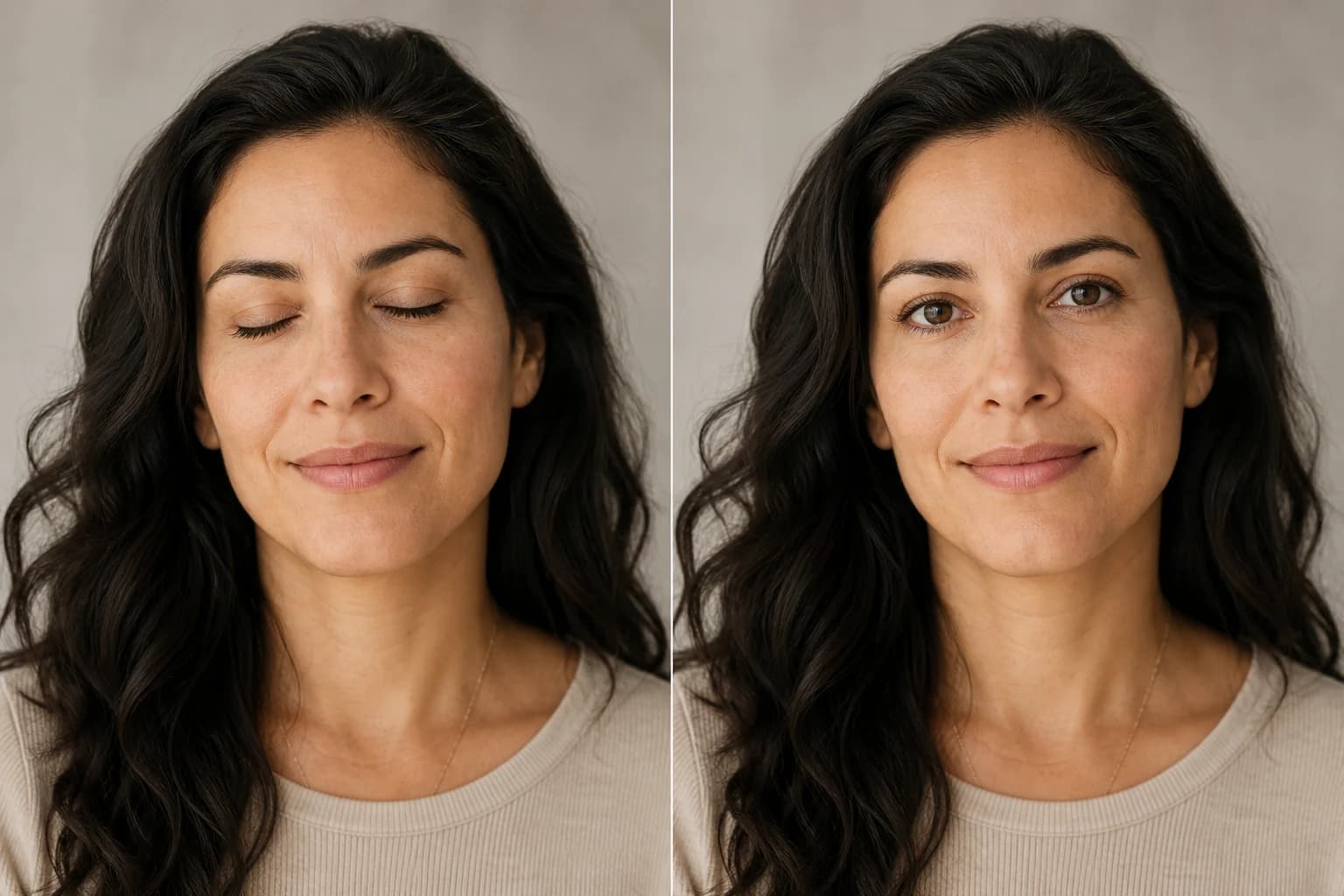 Before → After
Open closed, blinking, or half-shut eyes in portraits and group photos—same face, natural look.
Upload a black-and-white page, choose a style, and compare the color result with your original linework. Eligible new accounts receive free credits to try it.