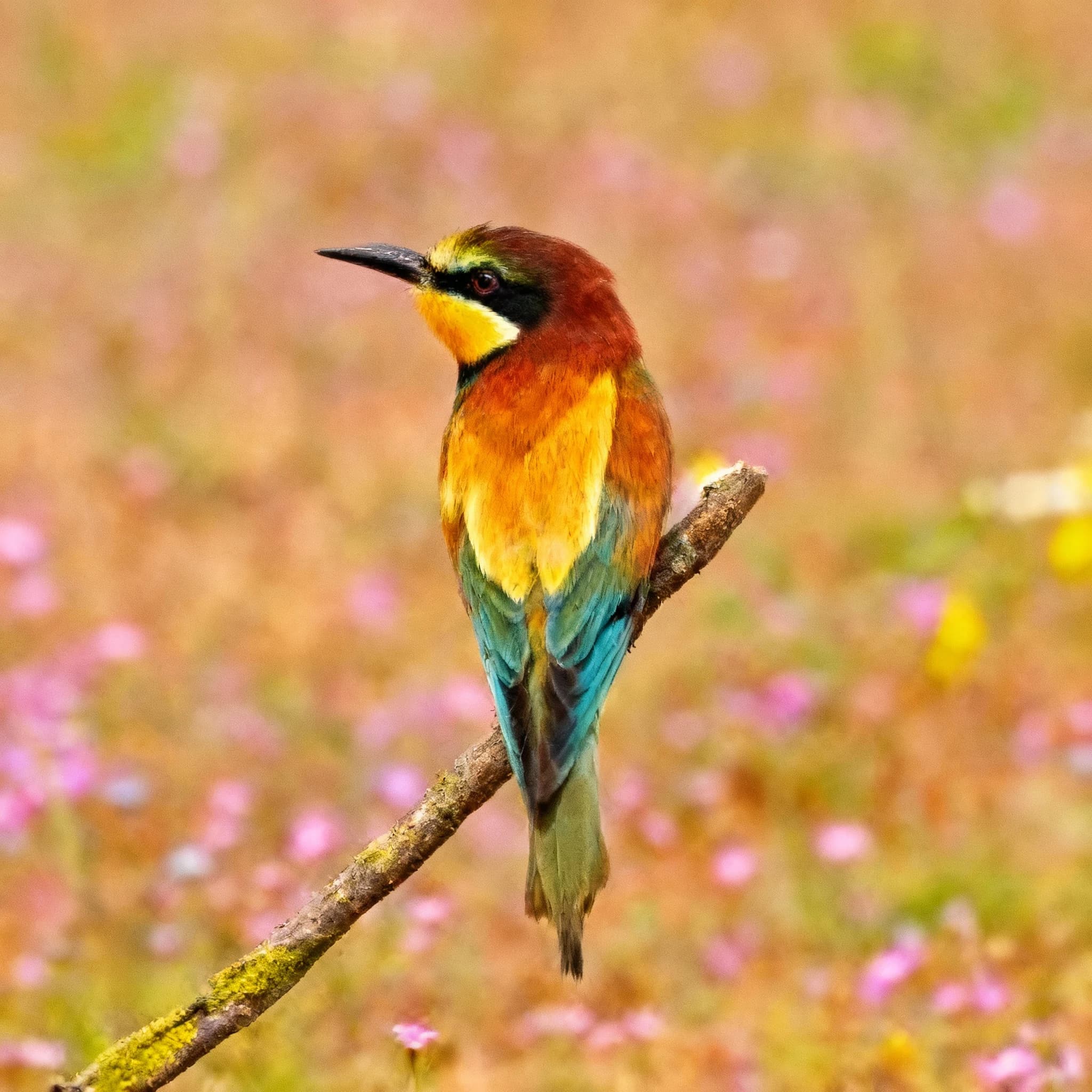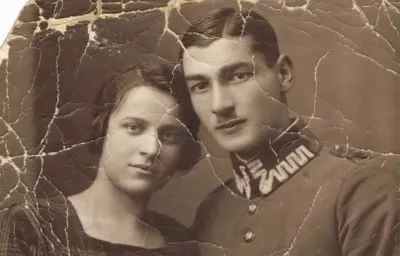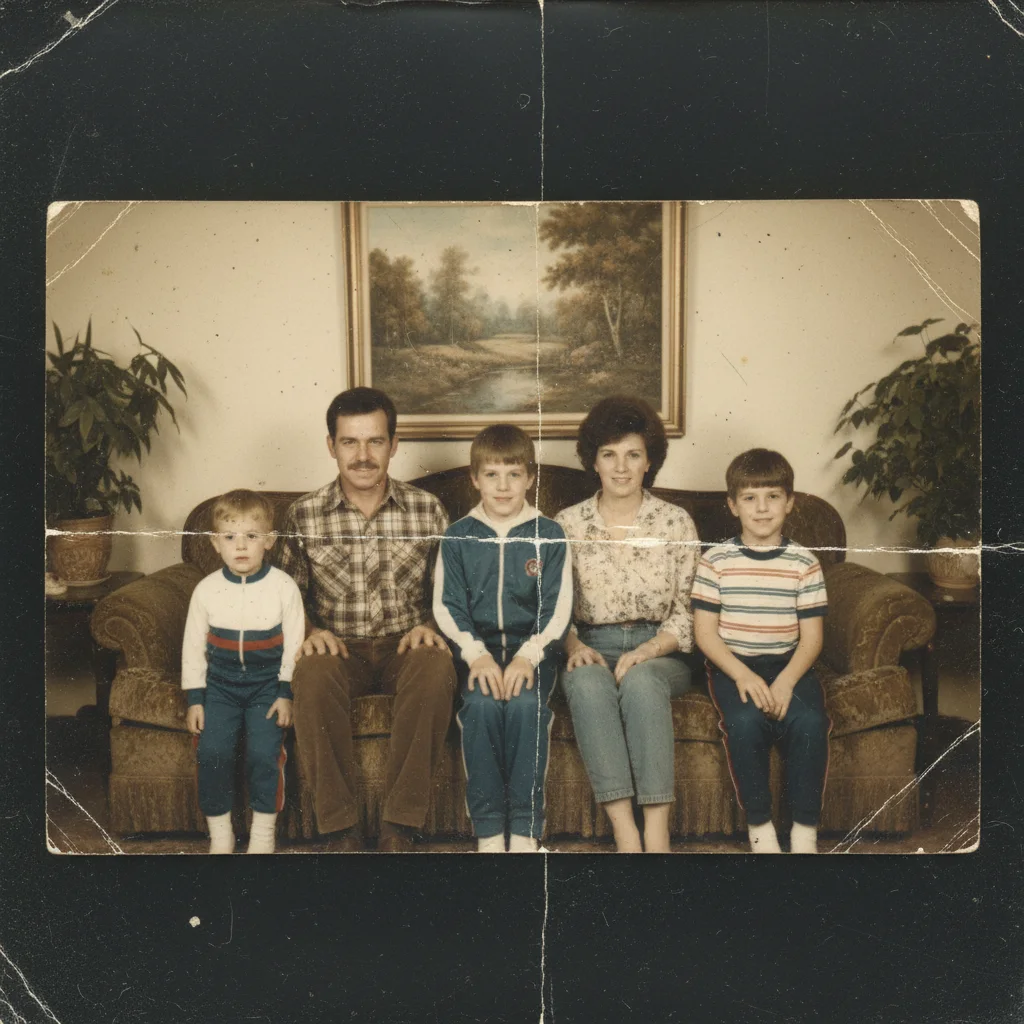
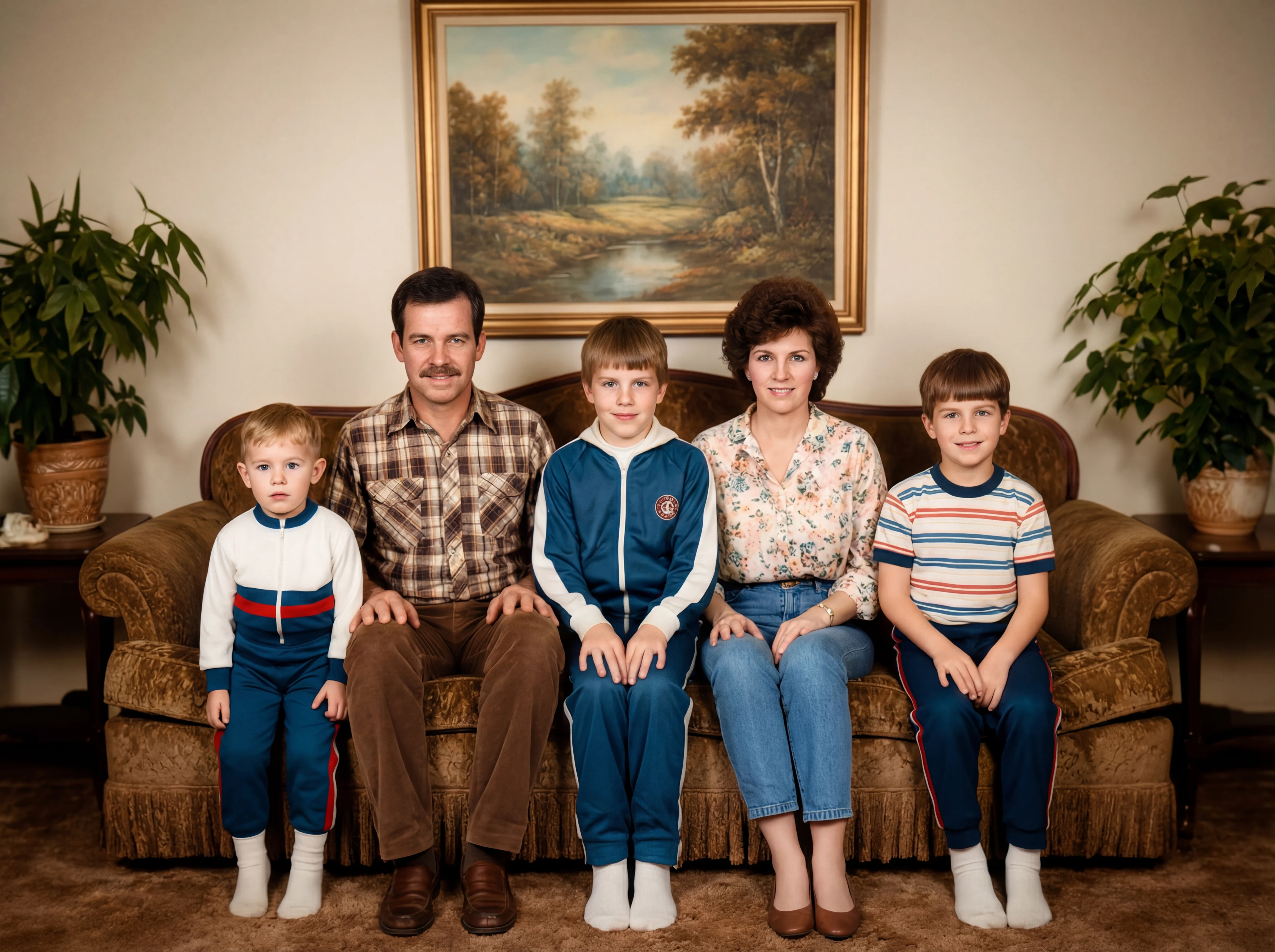
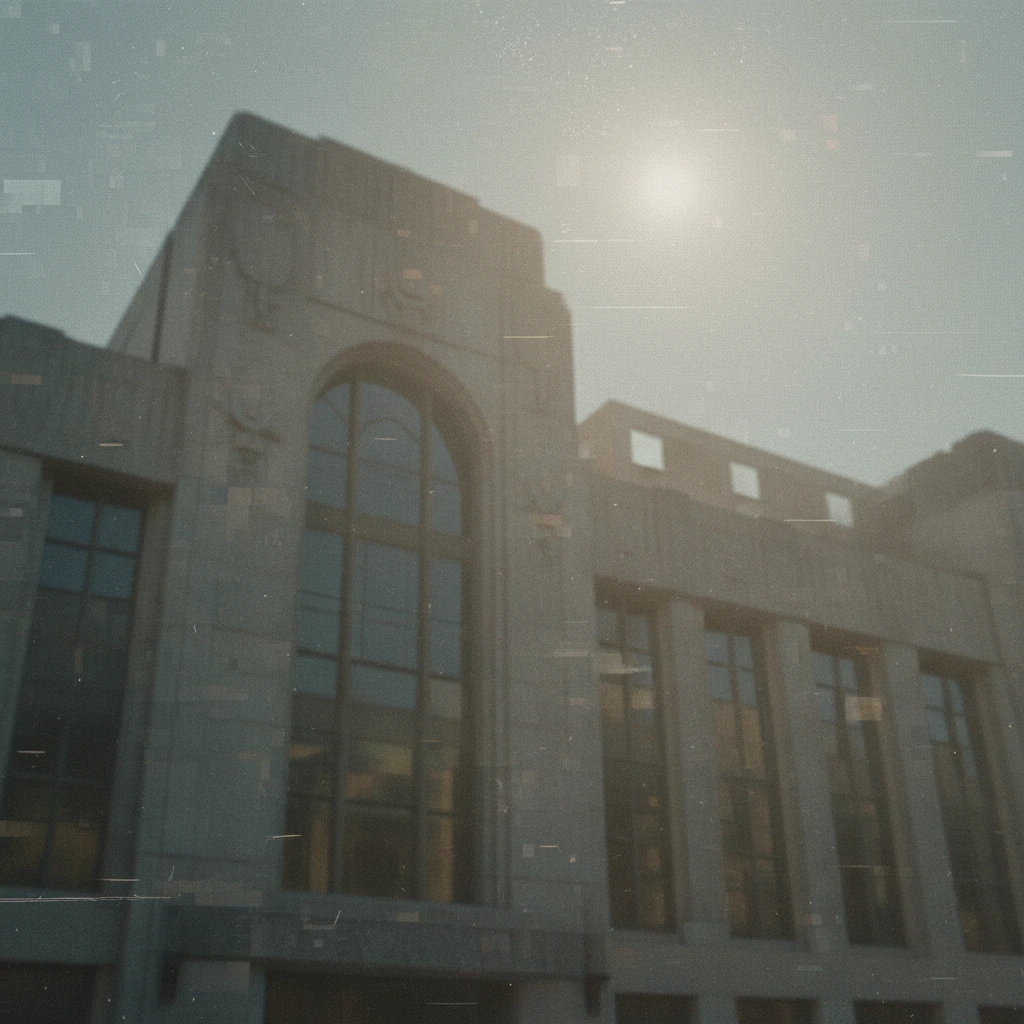
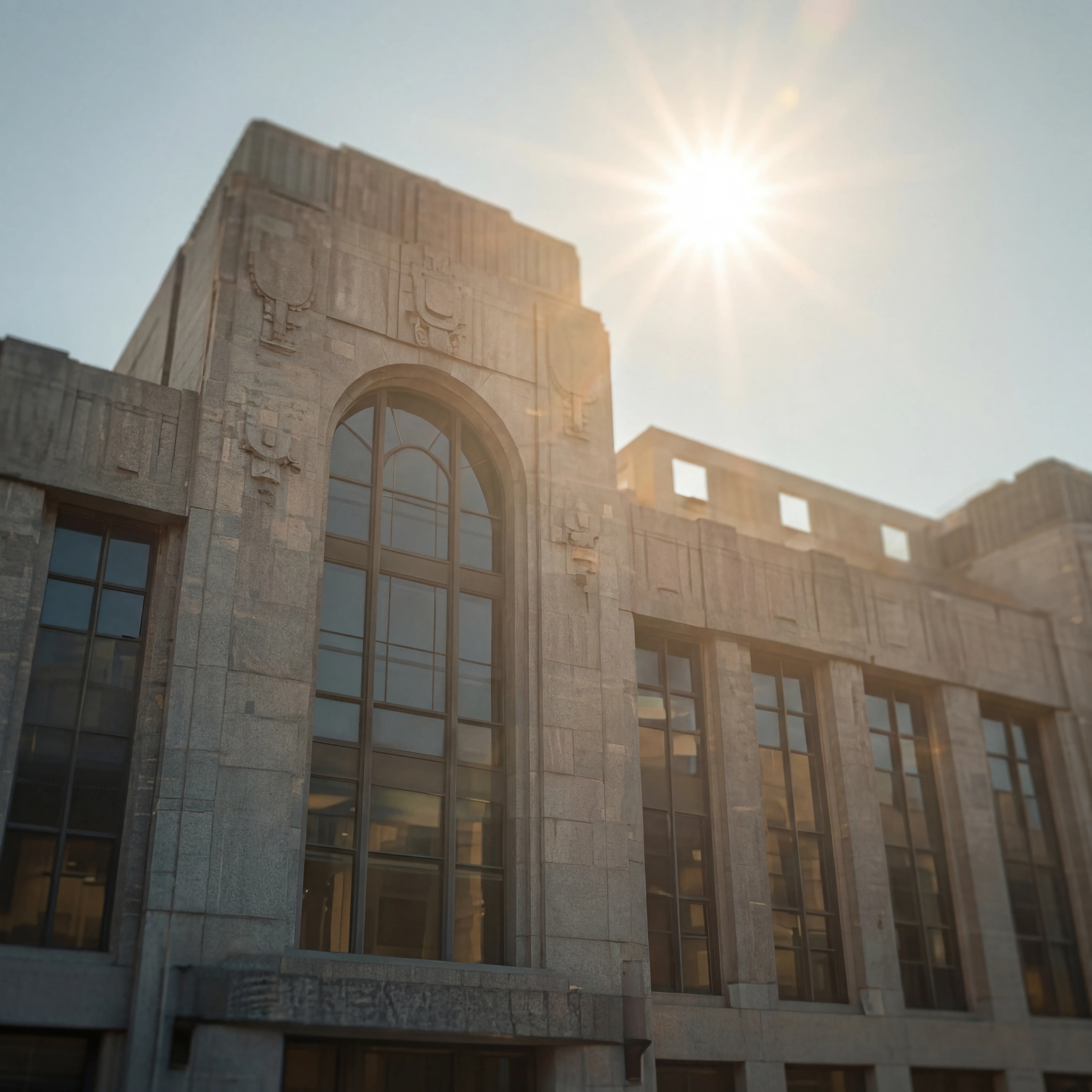
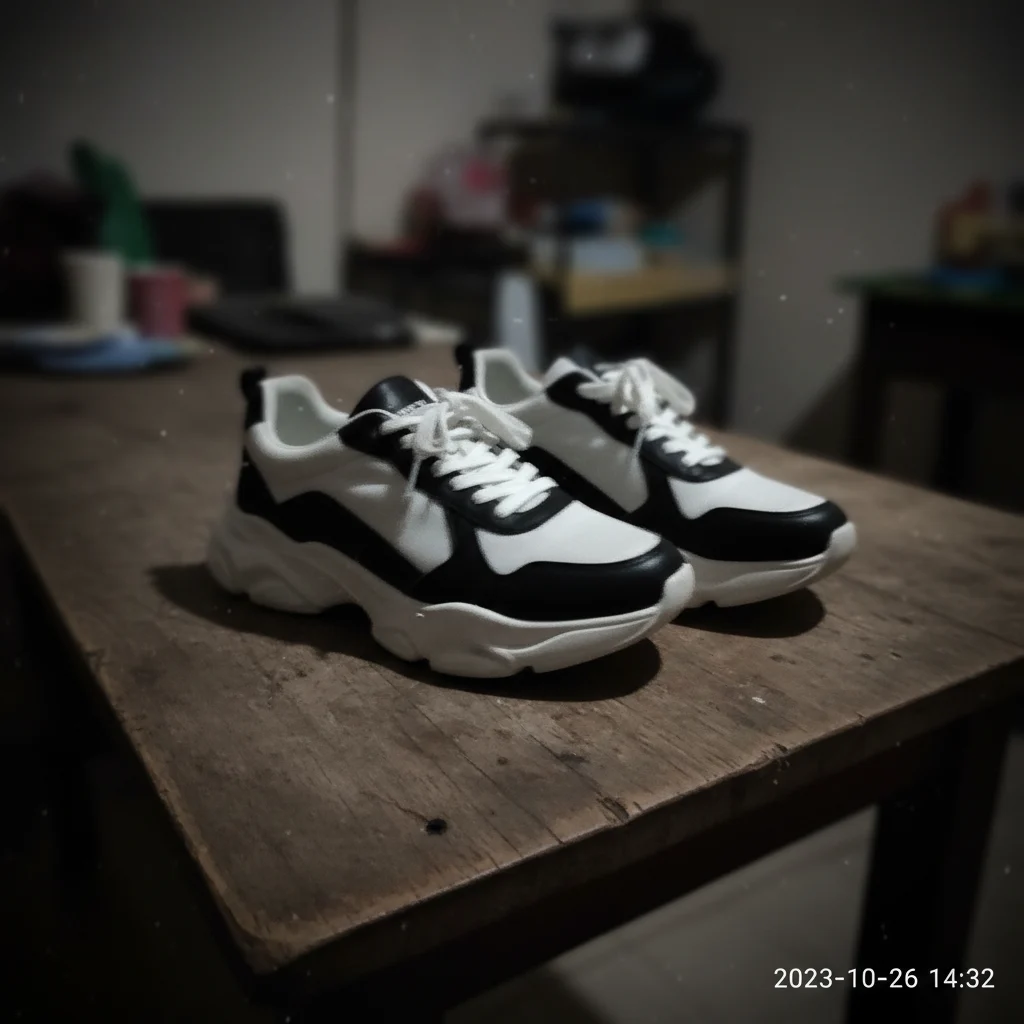
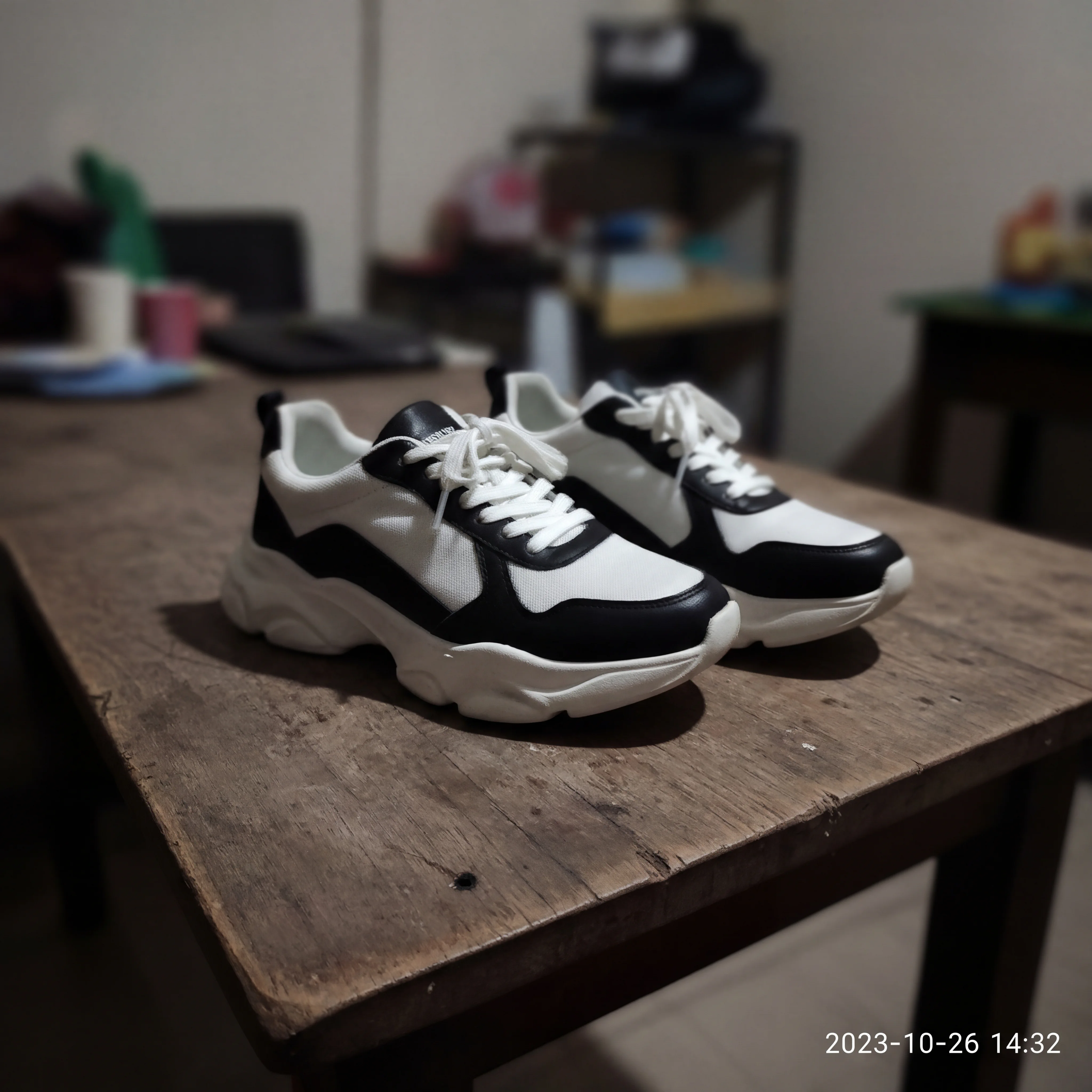
Before
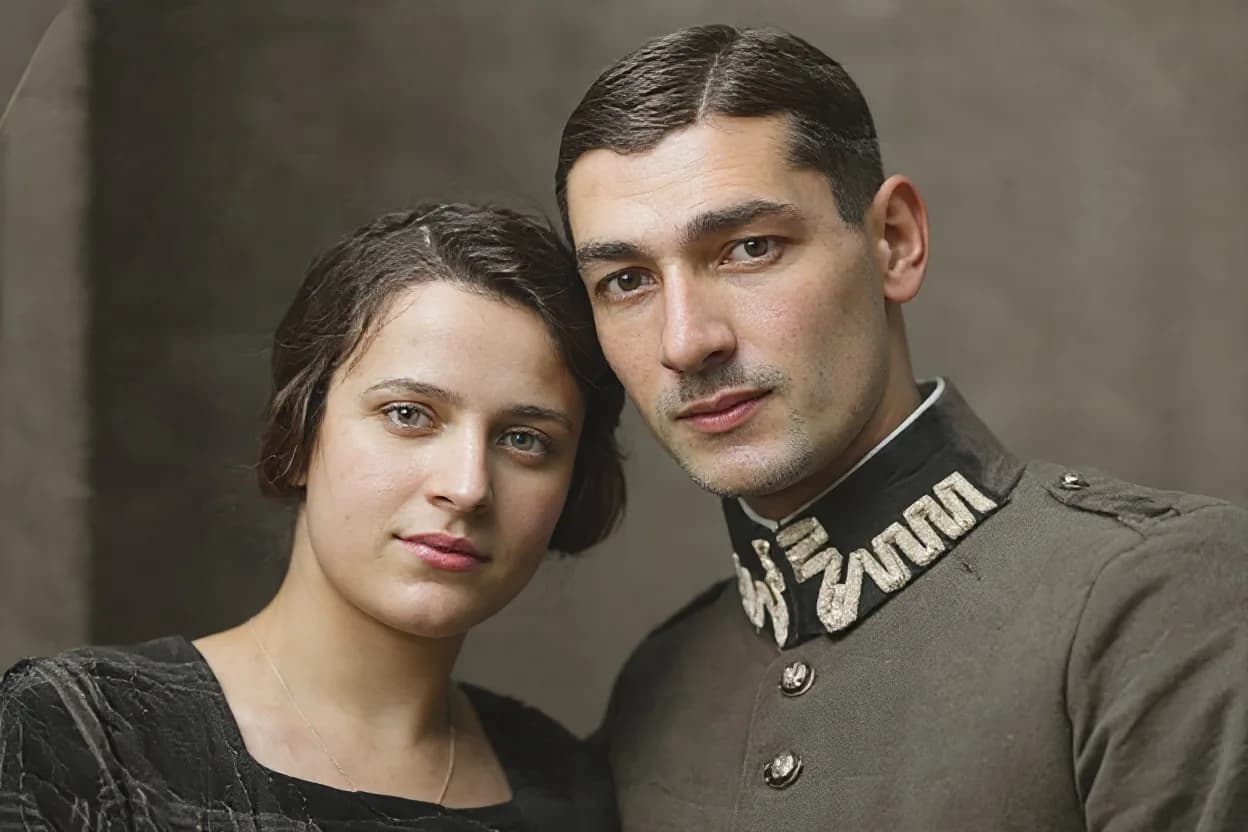
After
01Transformations
Damage repaired, detail rebuilt to 4K
Tears, creases, stains and heavy grain are repaired, and the result is rebuilt at 4K so the recovered detail holds up when you print it or zoom in.
AI Photo Restoration Pro
Upload a blurry, low-resolution, or old photo to unblur, denoise, reduce JPEG artifacts, and recover natural detail.
AI Restored Photos (4K)
Restore old photos, fix blurry images, and upscale to 4K with AI Photo Restoration Pro by Nano Banana Pro.
Genuinely damaged originals on one side, 4K repairs on the other. Drag the slider to see the tears and stains disappear.
Tears, creases, stains and heavy grain are repaired, and the result is rebuilt at 4K so the recovered detail holds up when you print it or zoom in.
Scratches, fading and missing corners repair well. Where a face is torn away entirely there is nothing left to reconstruct from, and the model will invent rather than restore.
Restored files are processed securely and saved to your private gallery, to download or delete anytime. Keep the physical original: this makes a better copy, not a replacement.
Three steps, no design skills required.
Add a JPG, PNG or WebP file up to 10MB. A sharp, well-lit photo gives the best result.
AI Photo Restoration Pro handles the transformation automatically.
Preview the generated image and download it, or run another variation.
Common questions about using AI Photo Restoration Pro
AI Photo Restoration Pro is an online AI photo restoration tool that helps restore old photos, fix blurry images, reduce noise, and improve low-quality pictures while keeping a natural look.
Yes. The workflow is optimized for photo unblur and detail enhancement with 4K-ready output quality. Final quality still depends on your source image resolution and damage level.
The model is tuned to preserve identity, facial structure, proportions, and composition, then improve clarity and texture without heavy style changes.
Yes. It performs well on old photo scans, faded family photos, and compressed images with JPEG artifacts. It can recover detail and improve overall readability for before/after use.
Still have questions? Contact support@nano-banana-pro.ai
Other Nano Banana Pro templates that work with the same photo.