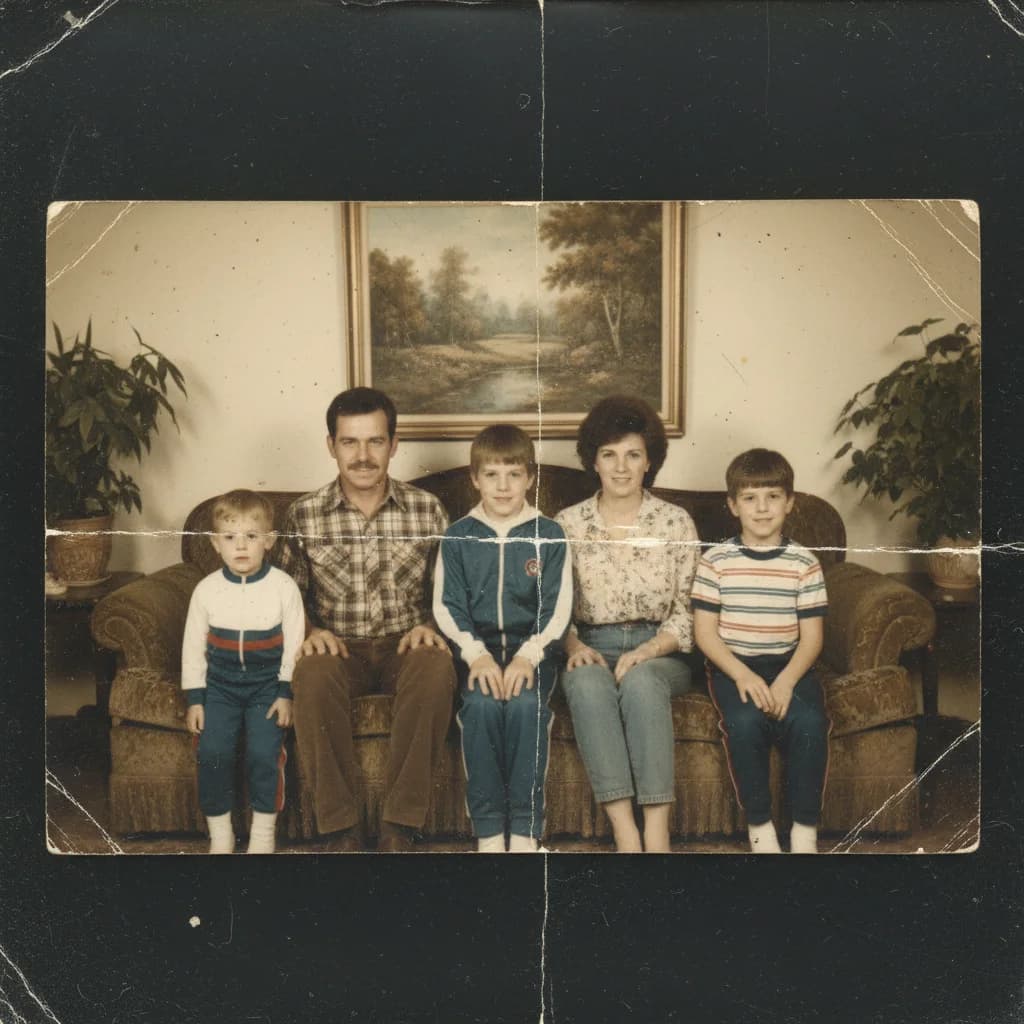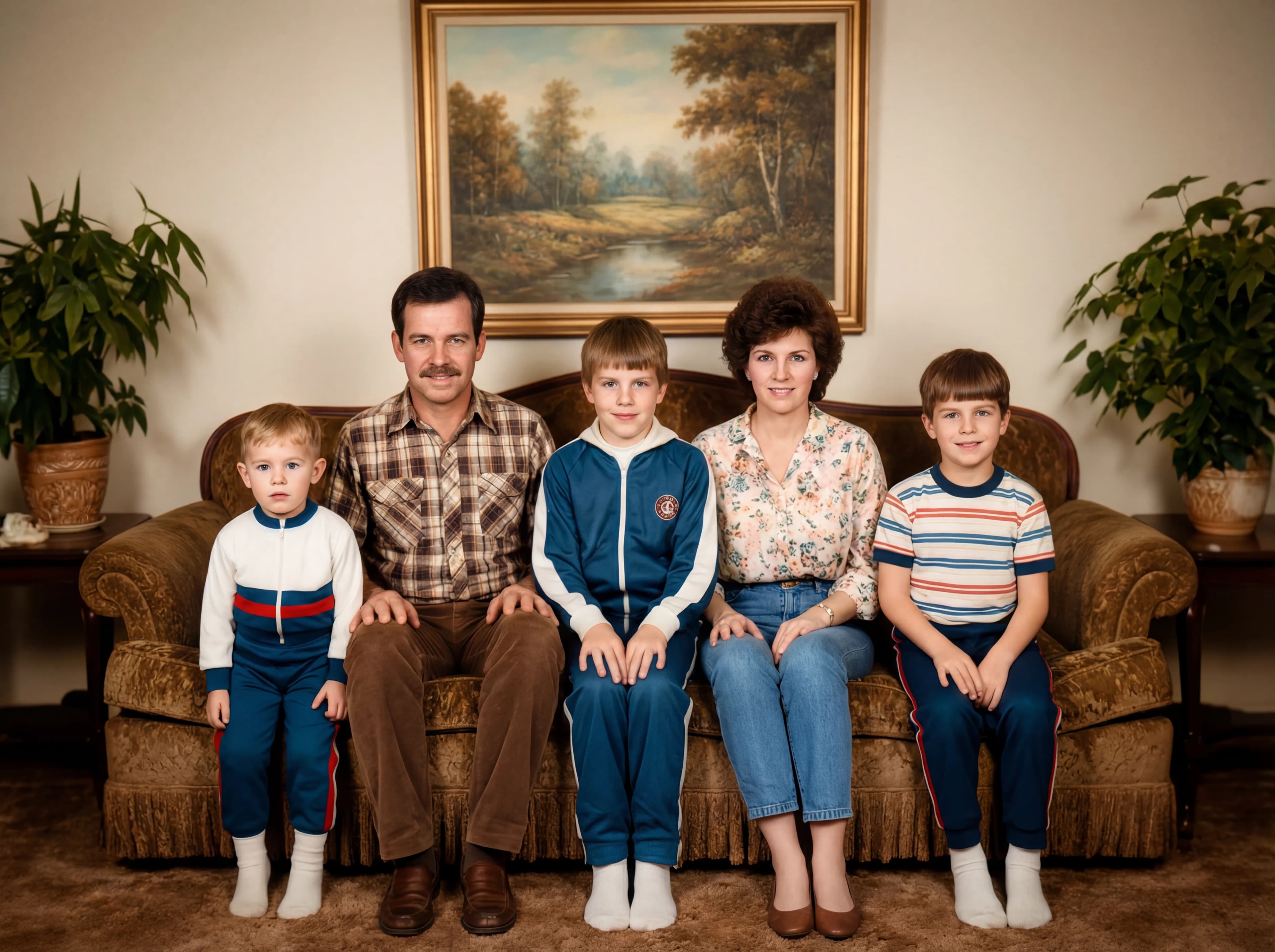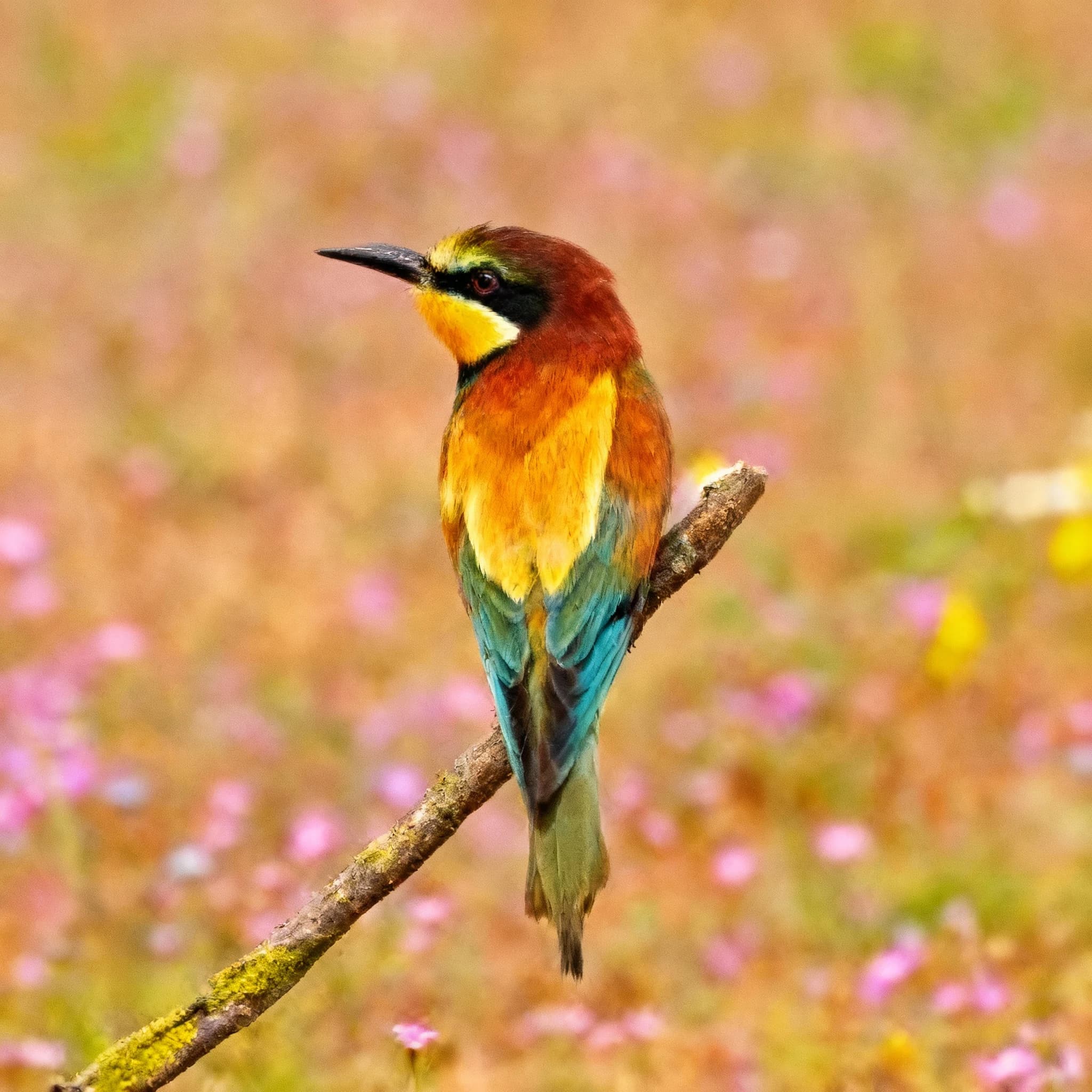
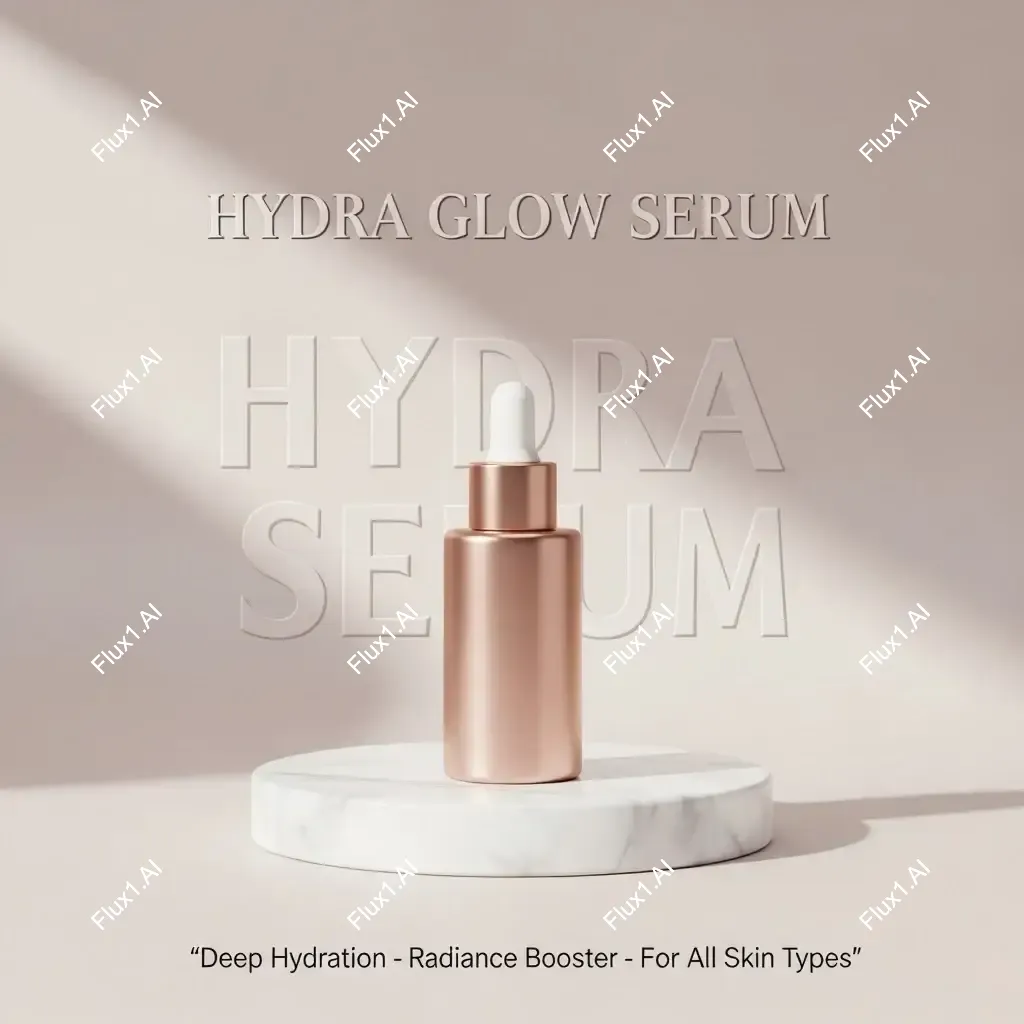
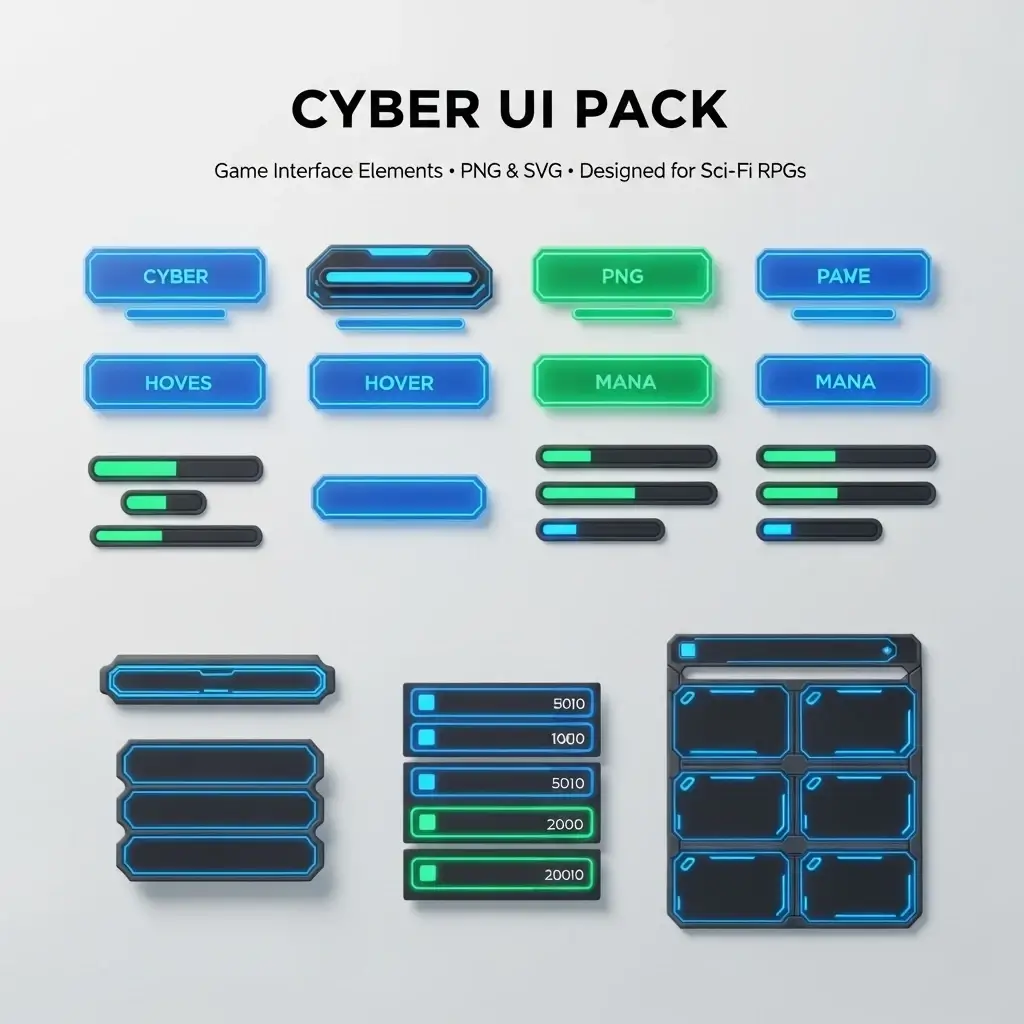
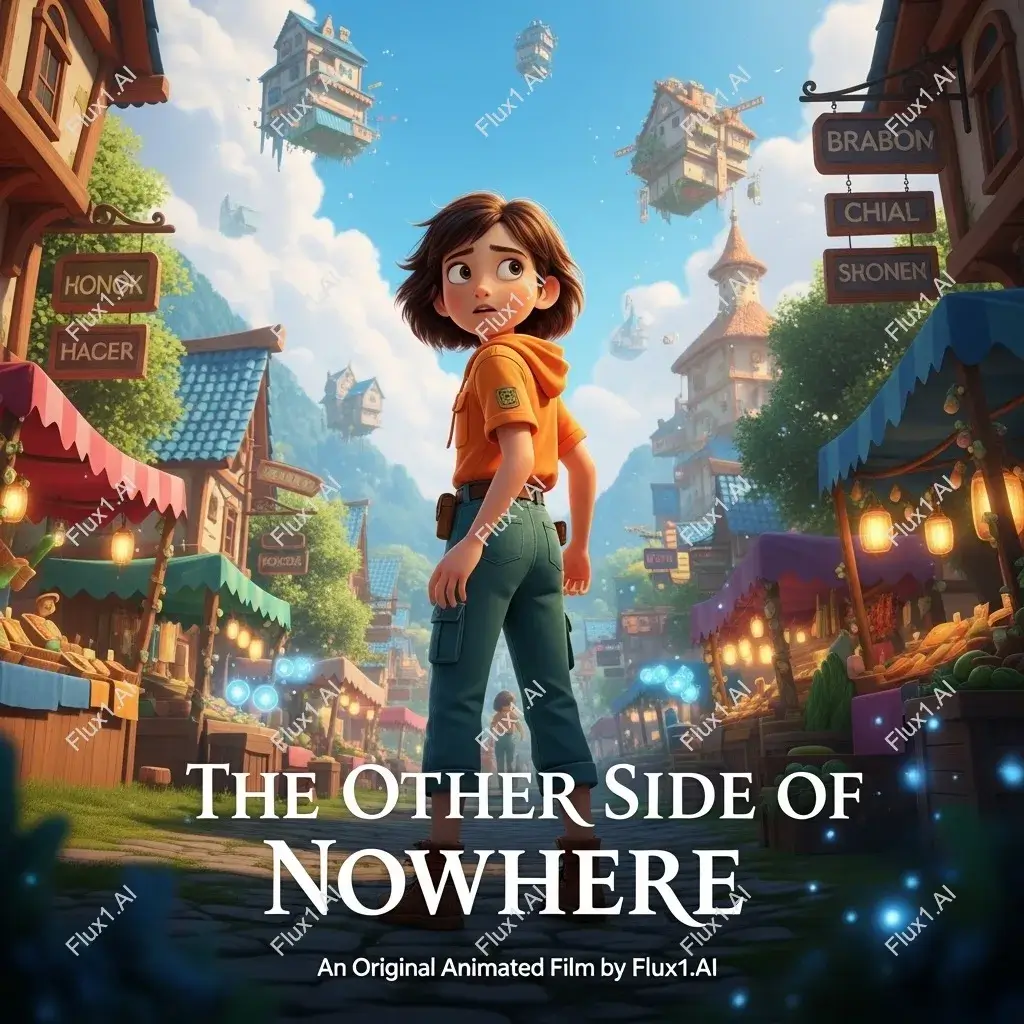
Before
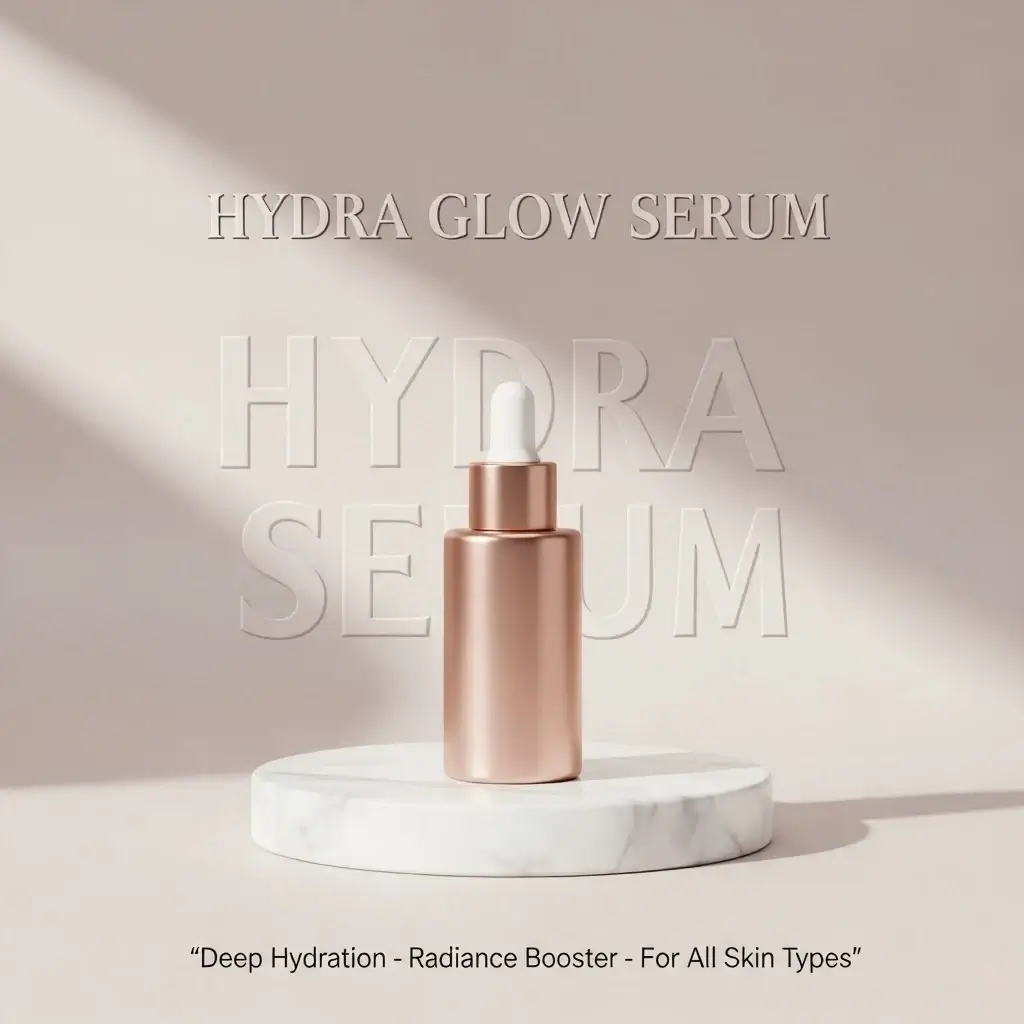
After
01Transformations
Regenerated, not blurred over
The area is rebuilt from the surrounding texture, gradient and color, so the patched region doesn’t read as a repair.
AI Watermark Remover
Upload an image with a visible watermark to generate a cleaner version while preserving the main content.
Clean Images
Create a cleaner version of your image by regenerating it without visible watermarks.
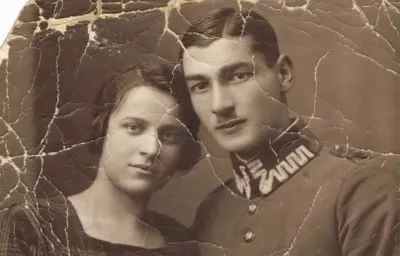
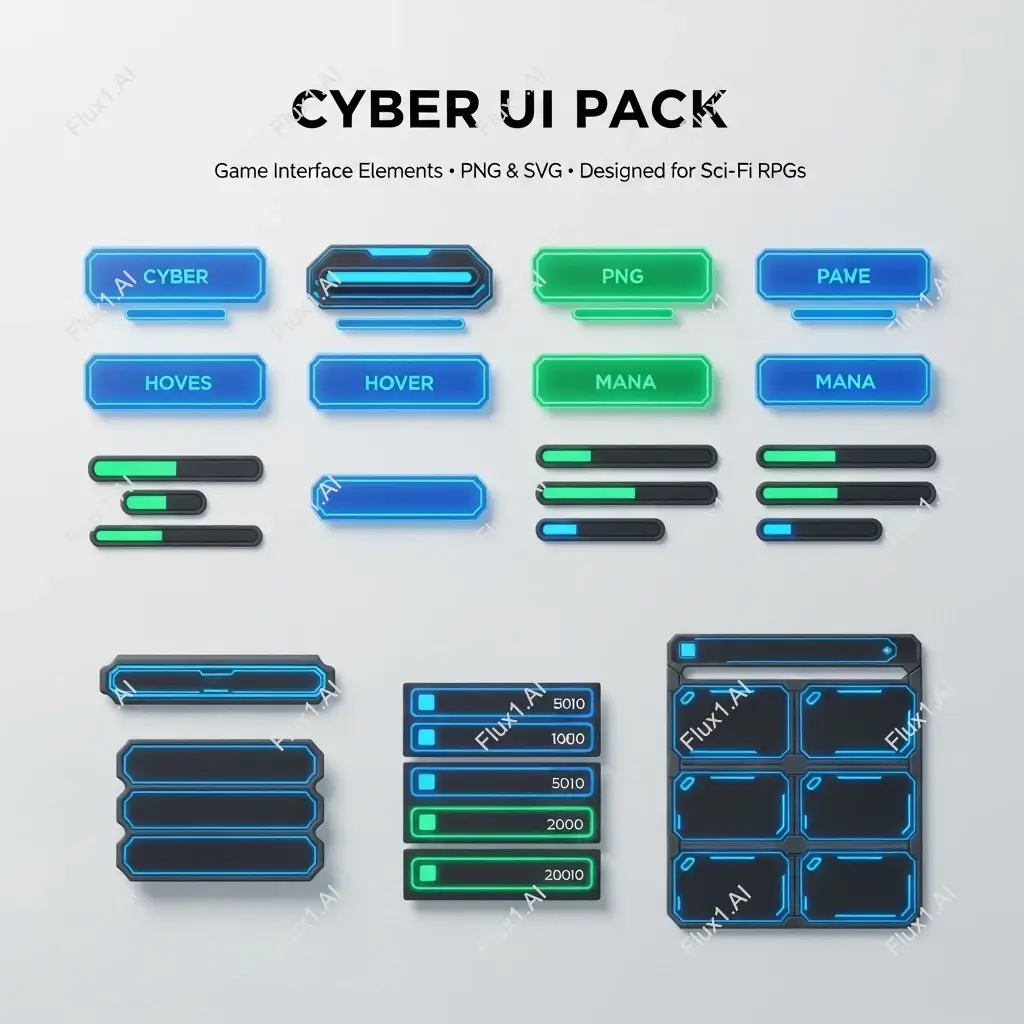
Each pair starts from a file the owner had the rights to. Drag across to see the regenerated version.
The area is rebuilt from the surrounding texture, gradient and color, so the patched region doesn’t read as a repair.
Flat areas — sky, a wall, plain fabric — are usually easier to rebuild cleanly. A detailed face or a repeating pattern underneath is the hardest case.
Use it on your own exports, stock you have licensed, or your own draft mockups. Regenerating someone else’s protected work does not grant you any rights to it.
Three steps, no design skills required.
Add a JPG, PNG or WebP file up to 10MB. A sharp, well-lit photo gives the best result.
AI Watermark Remover handles the transformation automatically.
Preview the generated image and download it, or run another variation.
Common questions about using AI Watermark Remover
It helps create a cleaner version of your image by regenerating it without visible watermarks while preserving the main content.
No. It does not erase pixels from the original file. Instead, it generates a new cleaner version based on the visible content.
It works best with visible text marks, logos, and common overlays when the source content can be reconstructed clearly.
No. This workflow only targets visible marks. Invisible identifiers or provenance markers are not removed.
Still have questions? Contact support@nano-banana-pro.ai
Other Nano Banana Pro templates that work with the same photo.