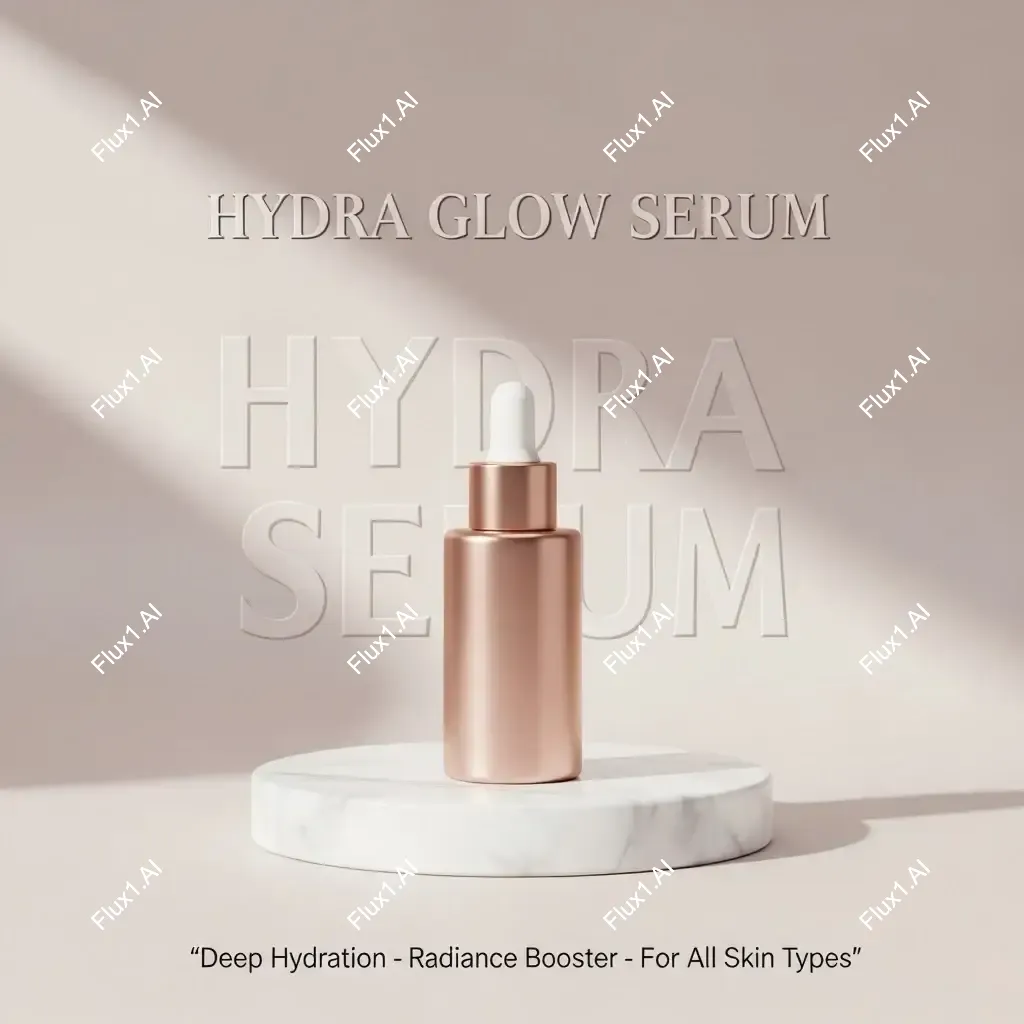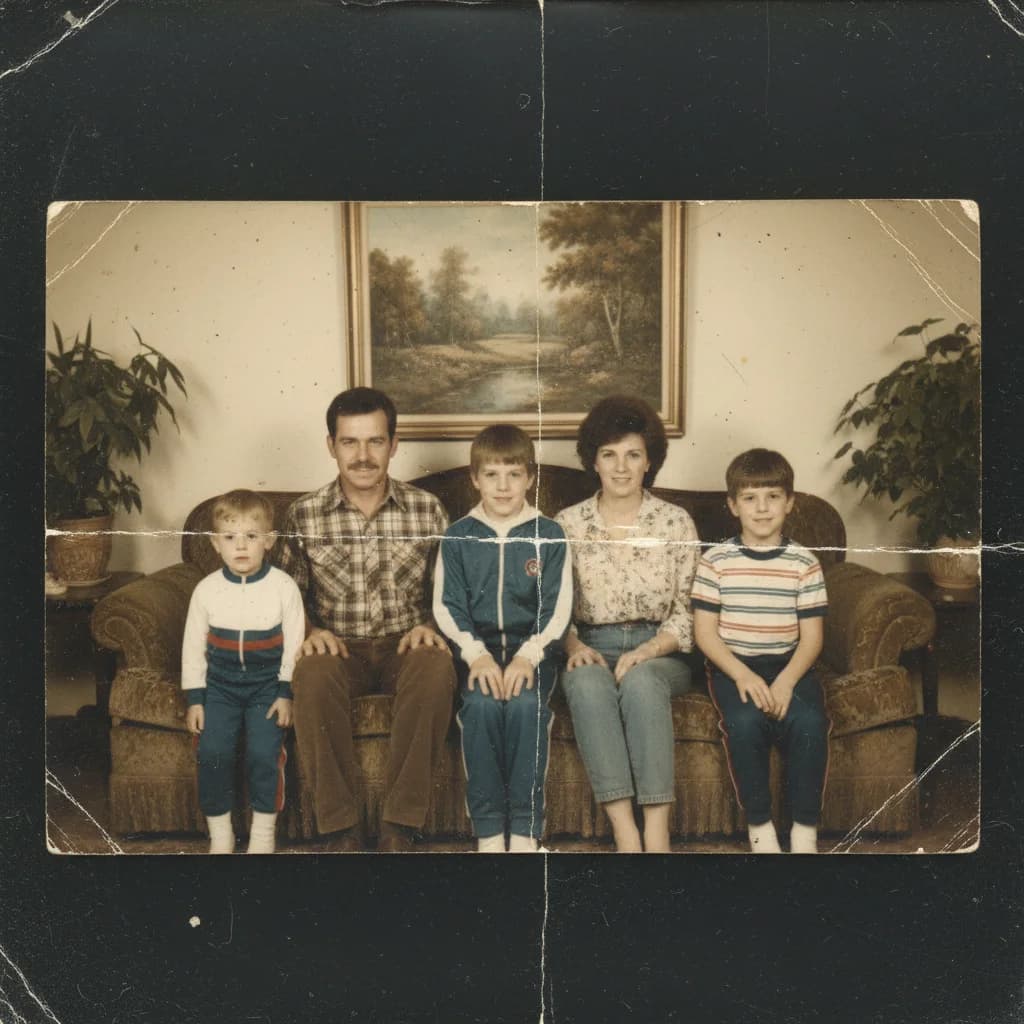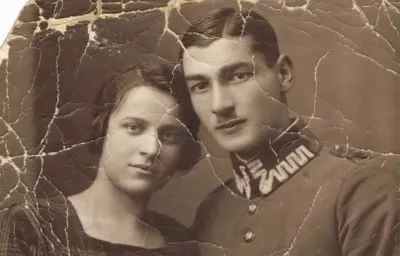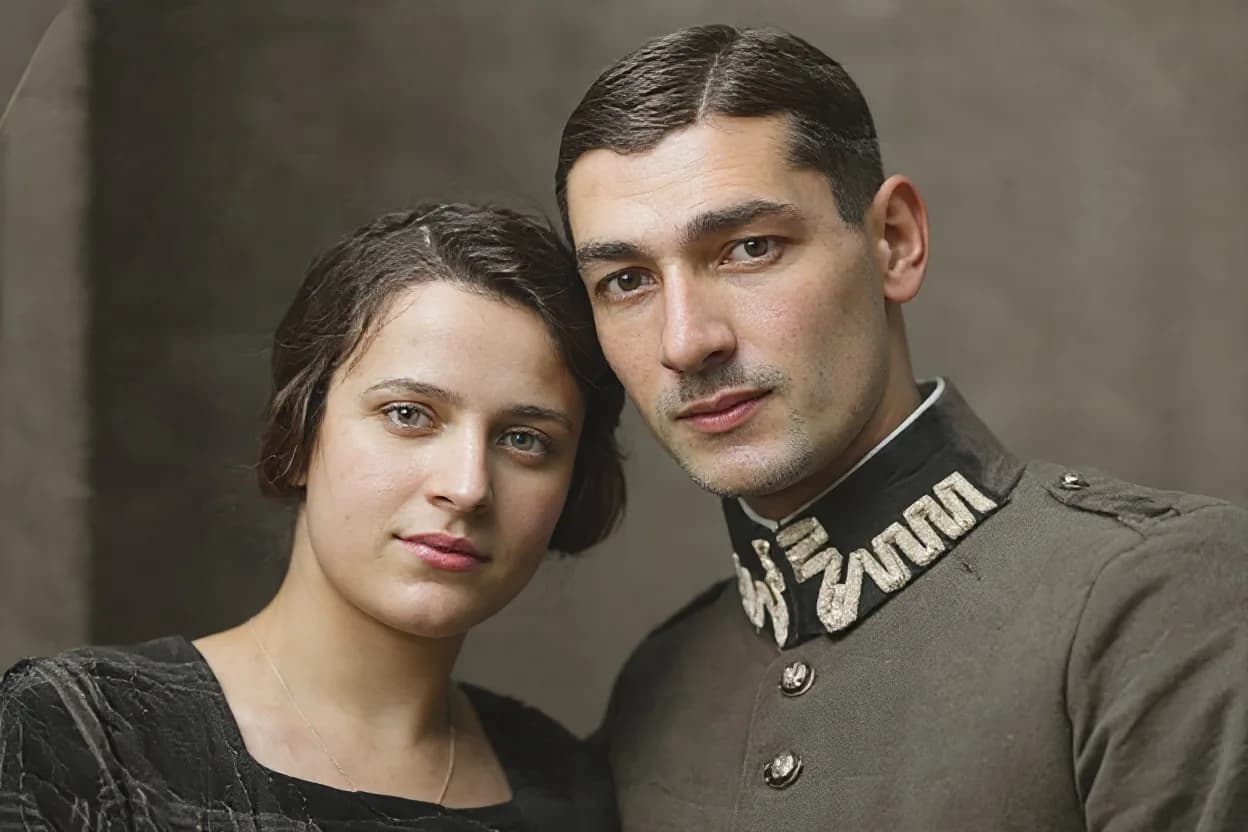
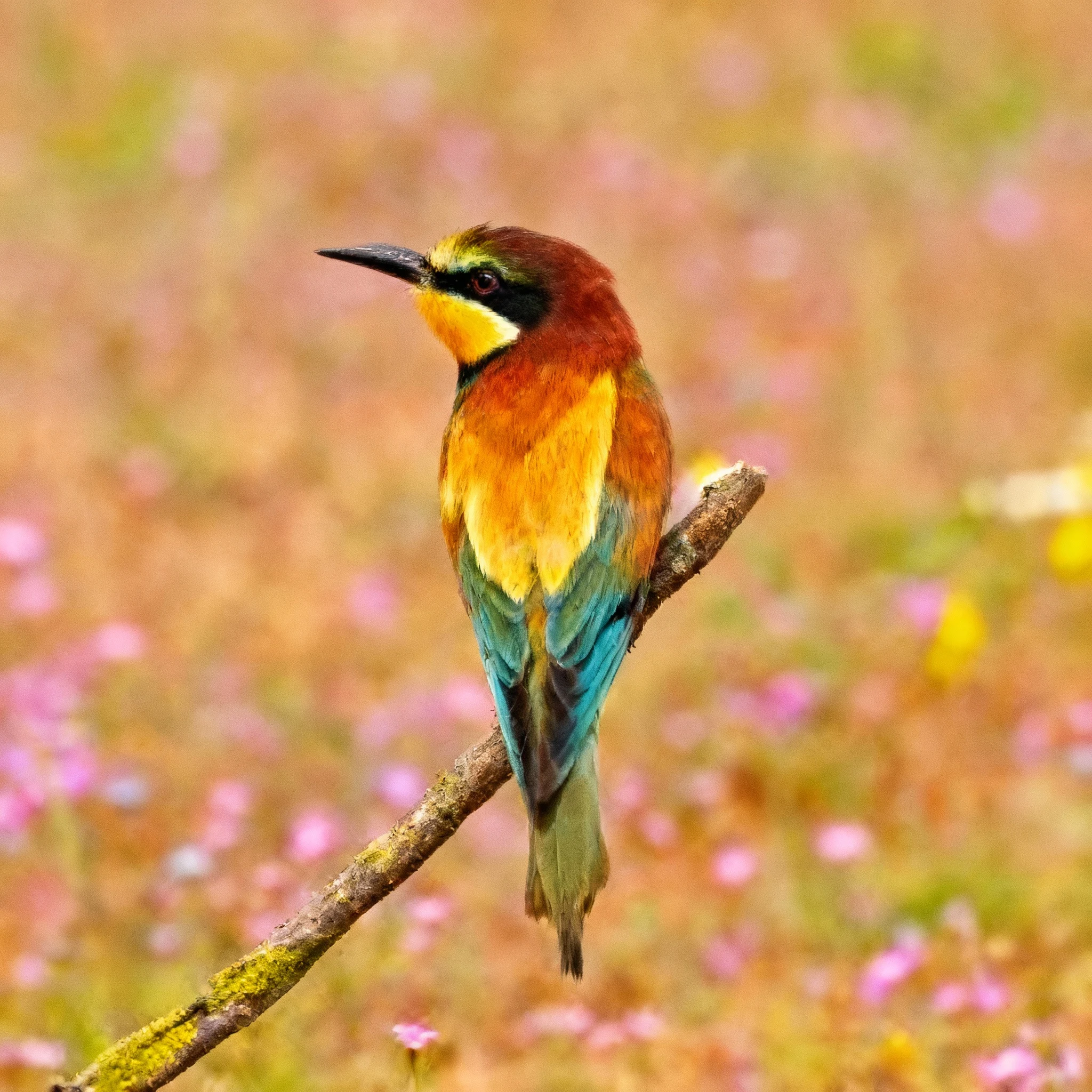
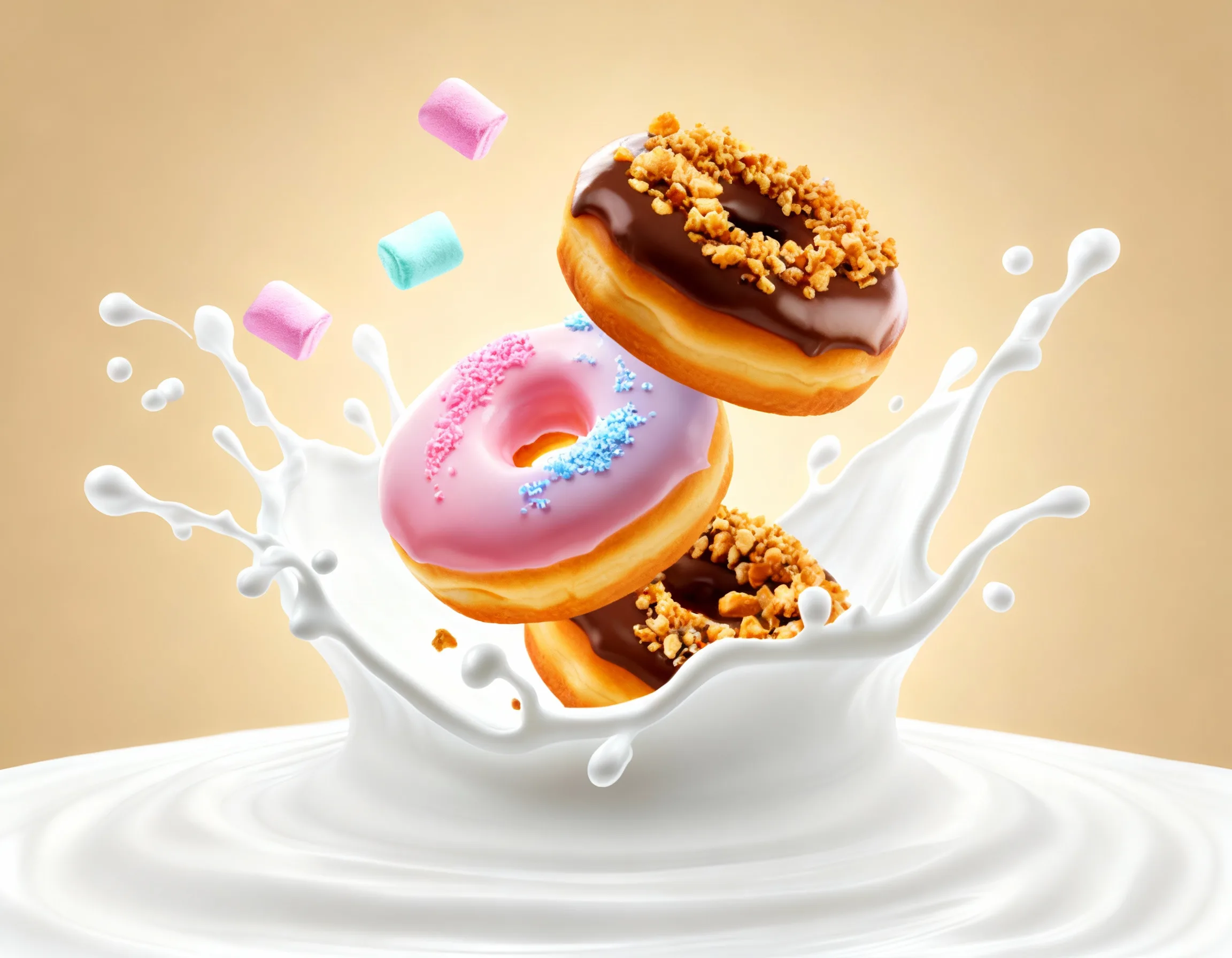
Before
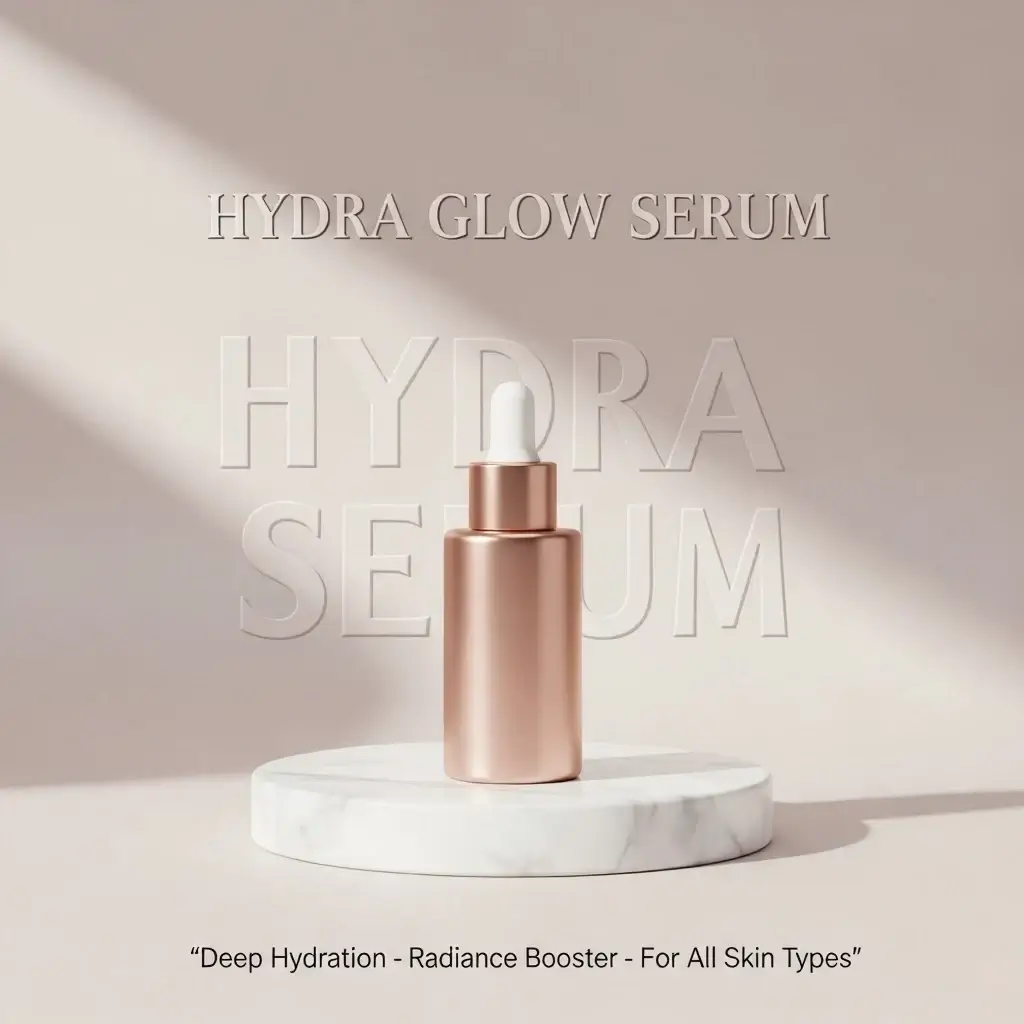
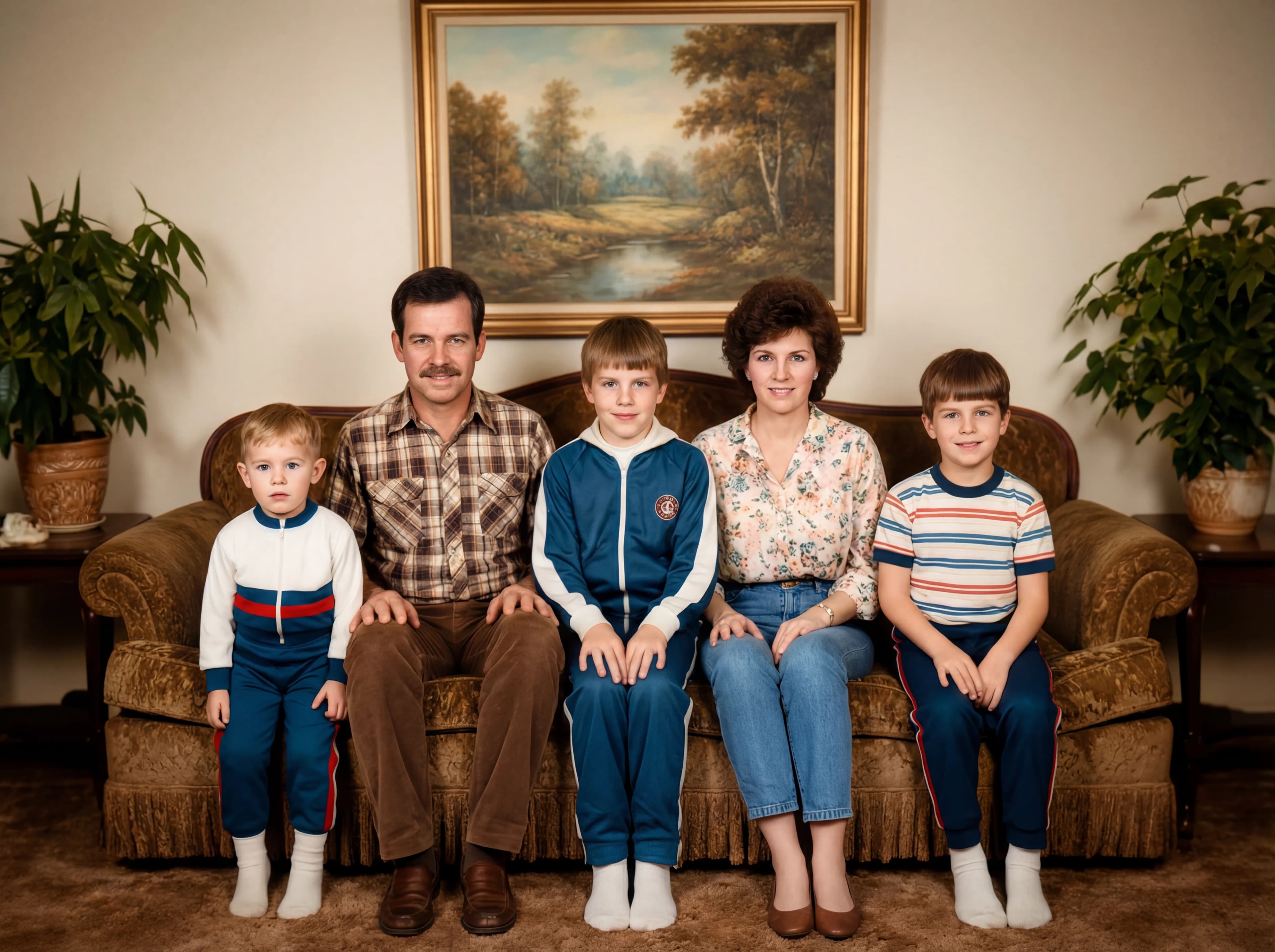
After
01Transformations
Resolution rebuilt, not stretched
Enlarging a small file normally just makes the blur bigger. Here the detail is reconstructed: edges tighten, fine texture returns, and the enlargement stops looking blocky.
Photo Enhancement Tool
Upload any photo to enhance it to crystal-clear 4K quality with AI-powered detail enhancement and clarity improvement
Enhanced Photos
Enhance photo quality to 4K resolution with Nano Banana Pro's AI super-resolution technology
Small, soft originals on one side, 4K upscales on the other. Drag the slider to see how much detail gets reconstructed.
Enlarging a small file normally just makes the blur bigger. Here the detail is reconstructed: edges tighten, fine texture returns, and the enlargement stops looking blocky.
Small exports, heavy crops and old low-resolution photos gain the most. The original doesn't have to be sharp, but the subject should still be identifiable.
An enhanced photo survives being printed large, cropped in tight, or reposted on a platform that recompresses everything you upload.
Three steps, no design skills required.
Add a JPG, PNG or WebP file up to 10MB. A sharp, well-lit photo gives the best result.
AI Photo Enhance handles the transformation automatically.
Preview the generated image and download it, or run another variation.
Common questions about using AI Photo Enhance
AI Photo Enhance can upscale images up to 4K resolution, dramatically improving clarity, sharpness, and detail visibility. Even heavily pixelated or blurry photos can be transformed into crisp, professional-quality images.
Old family photos, low-resolution social media images, screenshots, compressed photos, and any image where you need to see fine details like facial features, text, or distant objects work exceptionally well.
Unlike basic resizing which just stretches pixels, AI Photo Enhance actually reconstructs missing details, reduces noise, corrects colors, and intelligently enhances textures - creating new pixel information that didn't exist in the original.
Yes. The AI excels at recovering details from challenging sources - whether it's a decades-old photo, a tiny thumbnail, or a blurry mobile shot. It intelligently fills in missing information based on advanced pattern recognition.
AI Photo Enhance can dramatically improve the visibility of fine details — text, faces, and small objects often come out much clearer, though results depend on the quality of the original image.
Commercial use may be permitted, subject to our Terms of Service, applicable law, and third-party rights. You are responsible for reviewing generated outputs before any commercial use.
AI Photo Enhance works with all common formats and excels with photos, artwork, documents, and screenshots. It automatically adjusts color, contrast, and brightness while preserving the original image's character.
Generation time varies with image complexity and server load — most results are ready within a minute.
Still have questions? Contact support@nano-banana-pro.ai
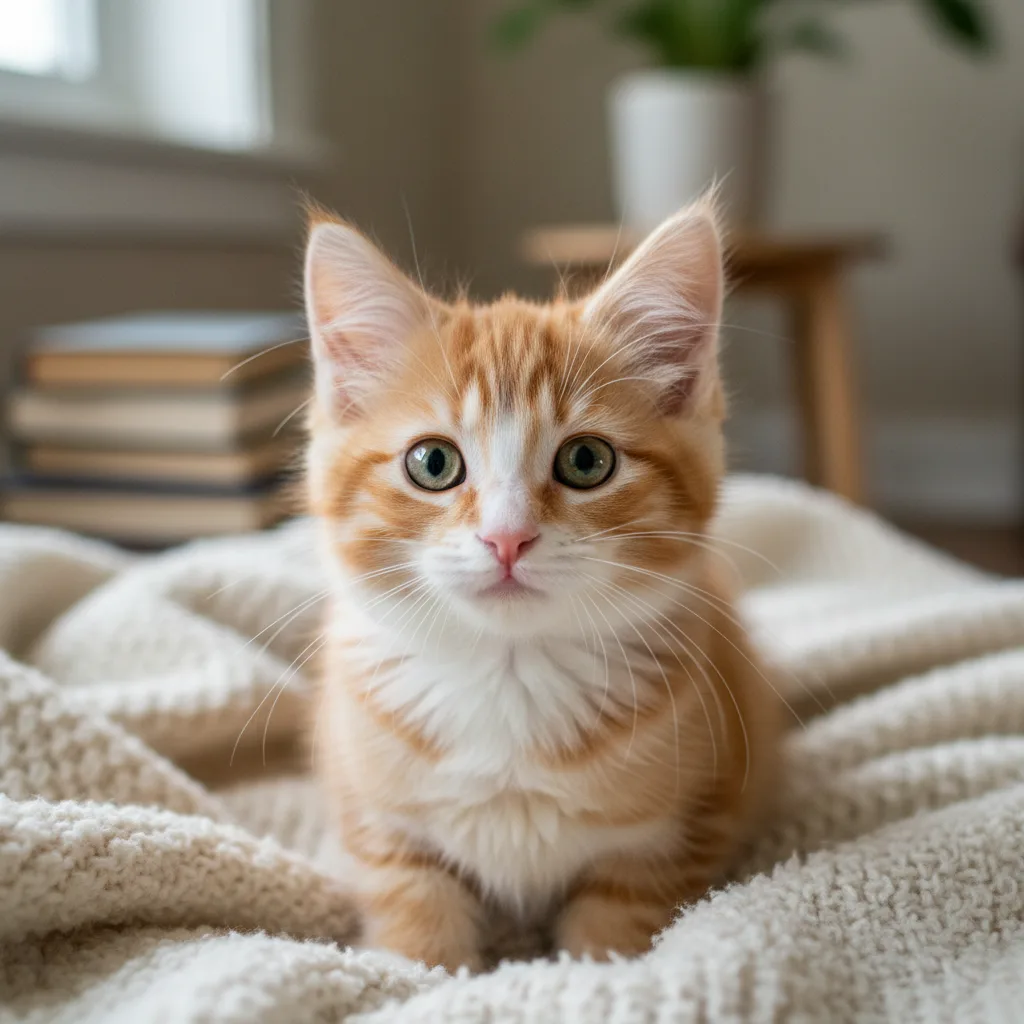
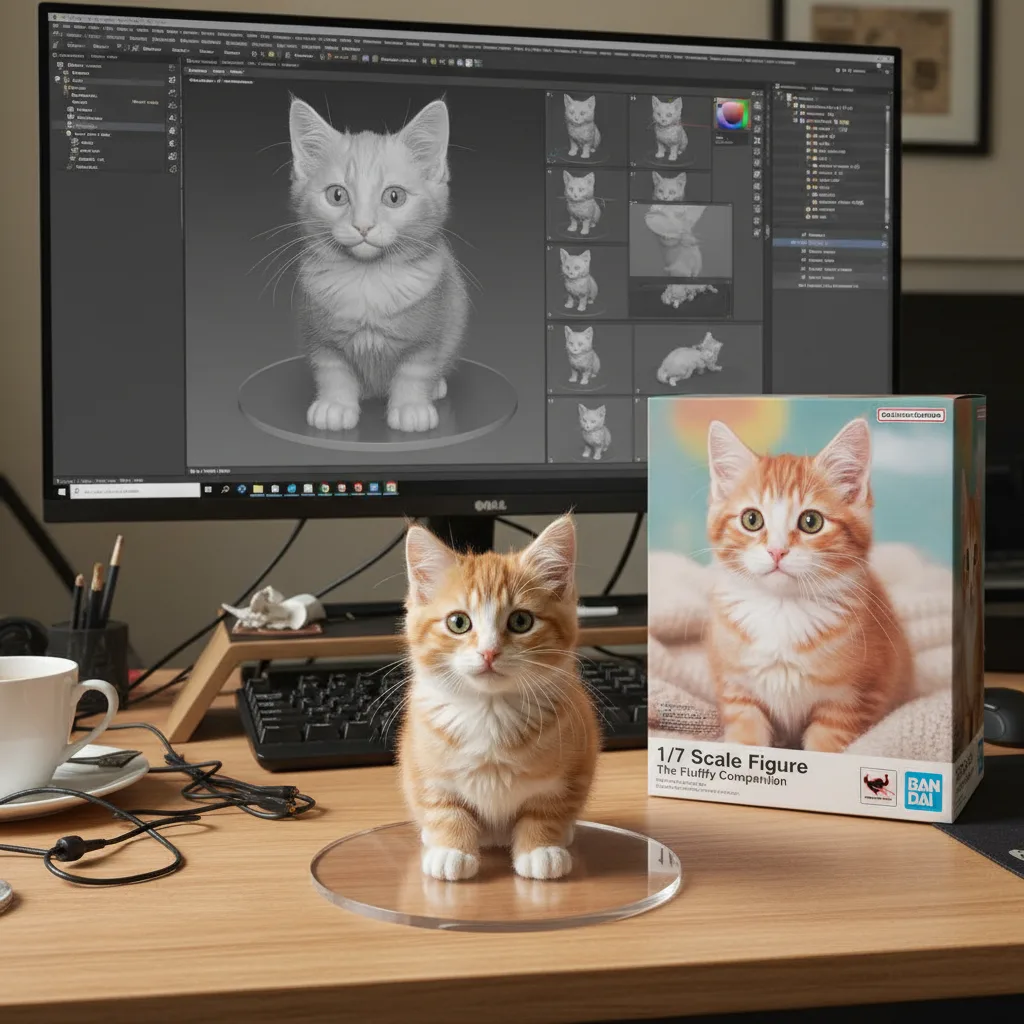
Other Nano Banana Pro templates that work with the same photo.