
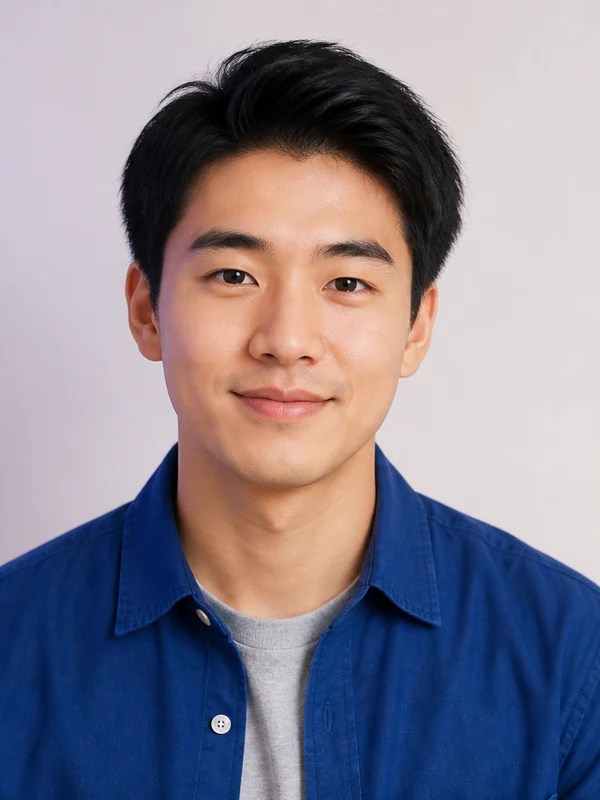
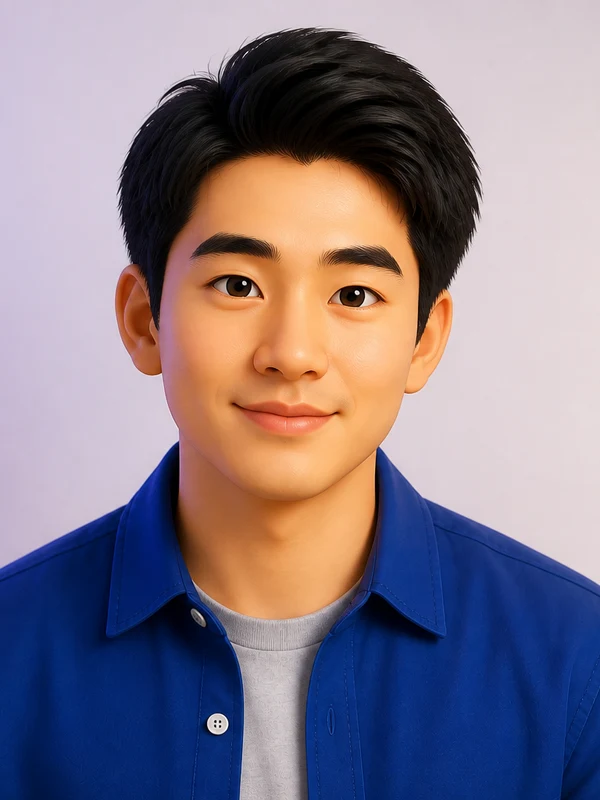
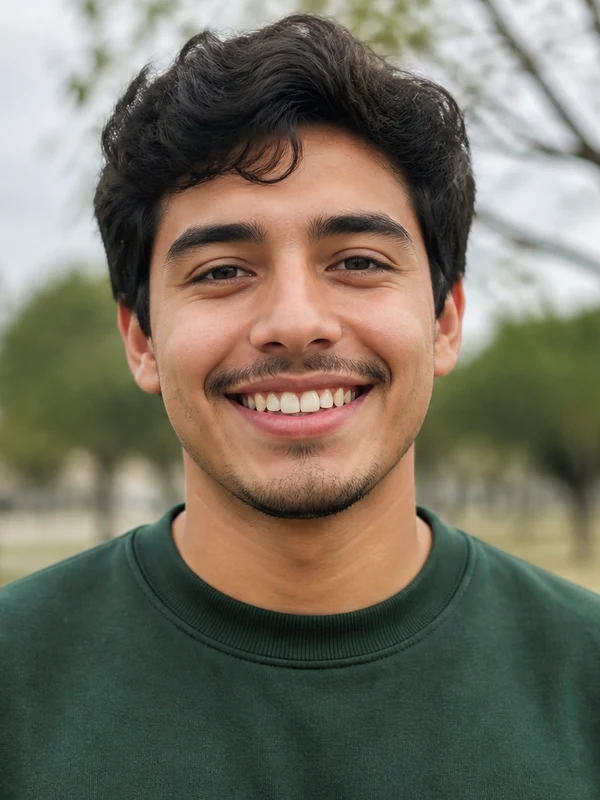
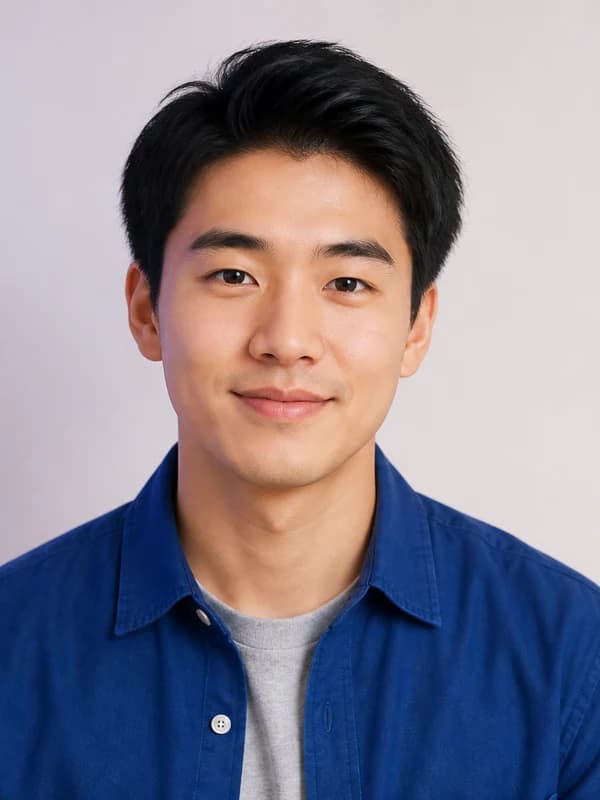
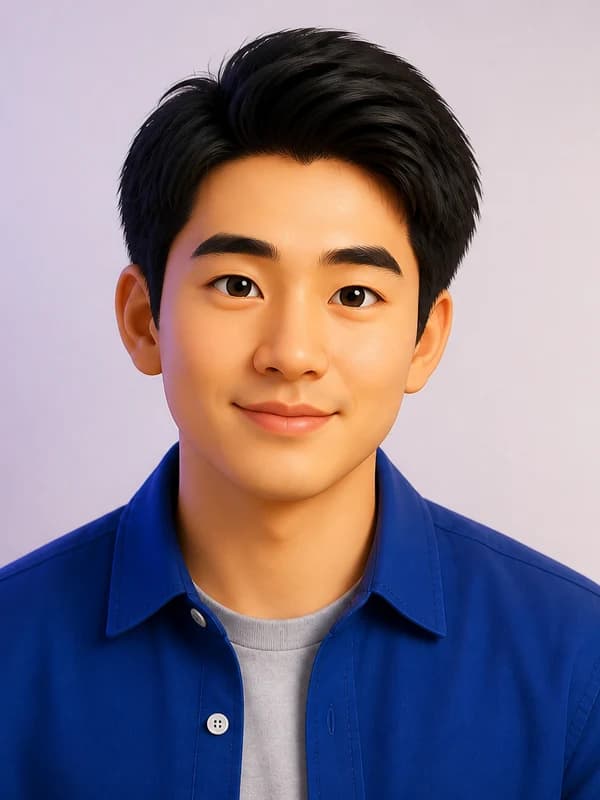
3D cartoon portrait from a photo
Soft lighting and rounded features turn a headshot into a polished 3D character — a favorite for profile pictures and playful avatars.
Create My CartoonUpload a selfie, portrait, pet, couple, or family photo and cartoonize it in one click. Nano Banana Pro gives you six looks — 2D, 3D, comic, anime-inspired, pop art, and sticker — plus an editable prompt whenever you want more control.
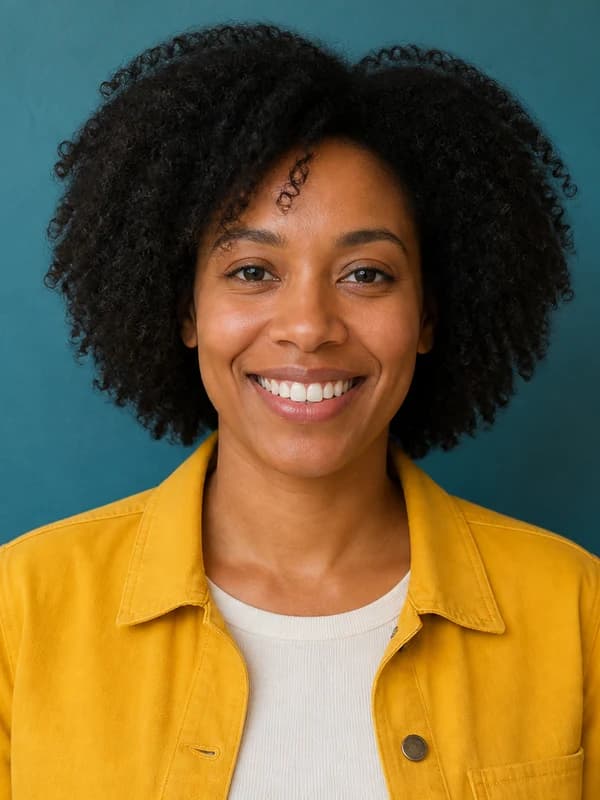
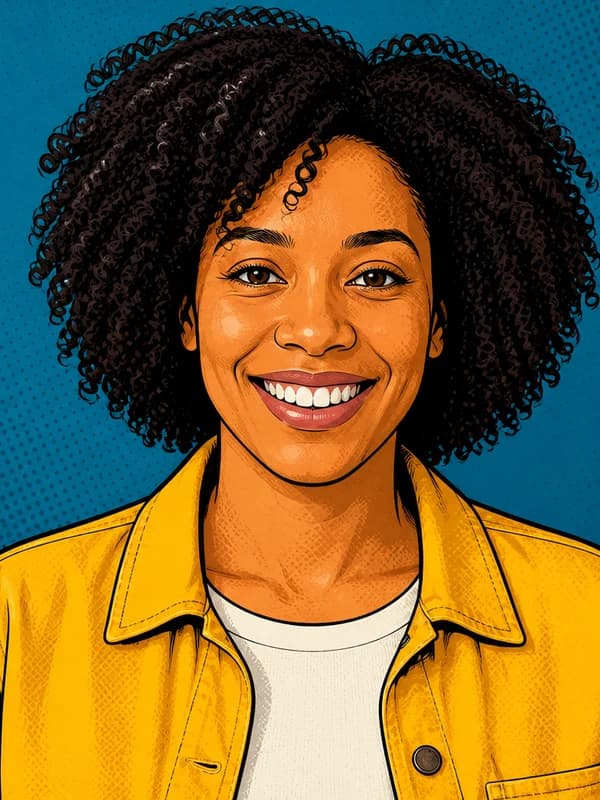
Turn your photo into a cartoon
Upload one clear photo, choose a cartoon style, and generate. Want something more specific? Open the prompt and describe the colors, mood, background, or level of detail.
Your cartoon image
Start with the look you already have in mind, then make it yours. Every style is an original art direction you can push further in the prompt.
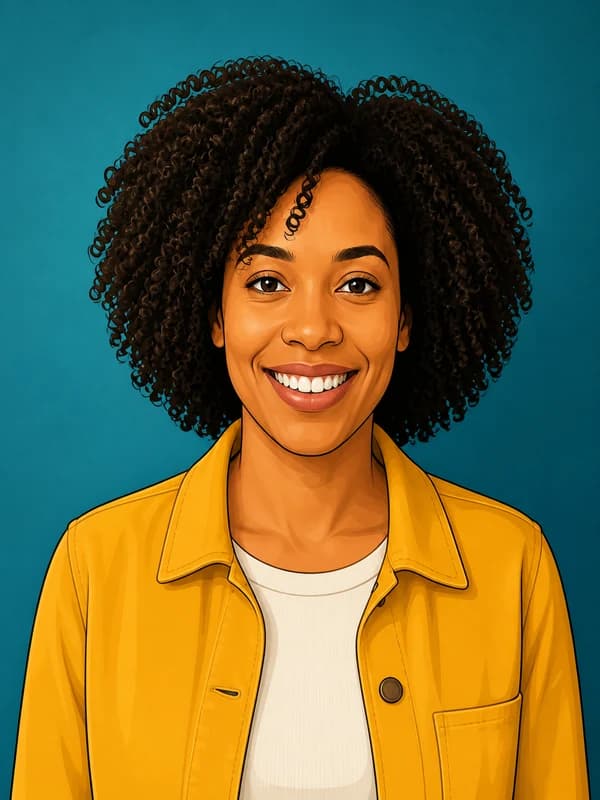
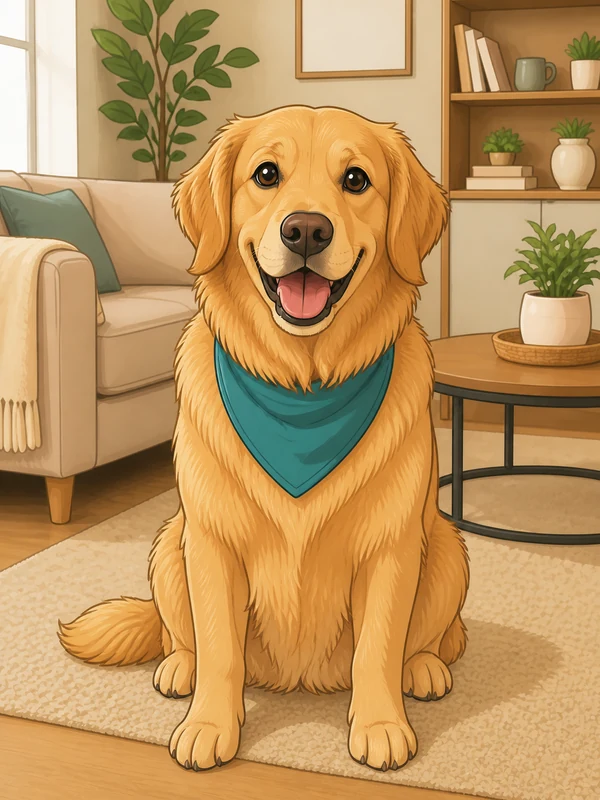
Bold outlines, flat colors, and gentle cel shading for a clean animated portrait.
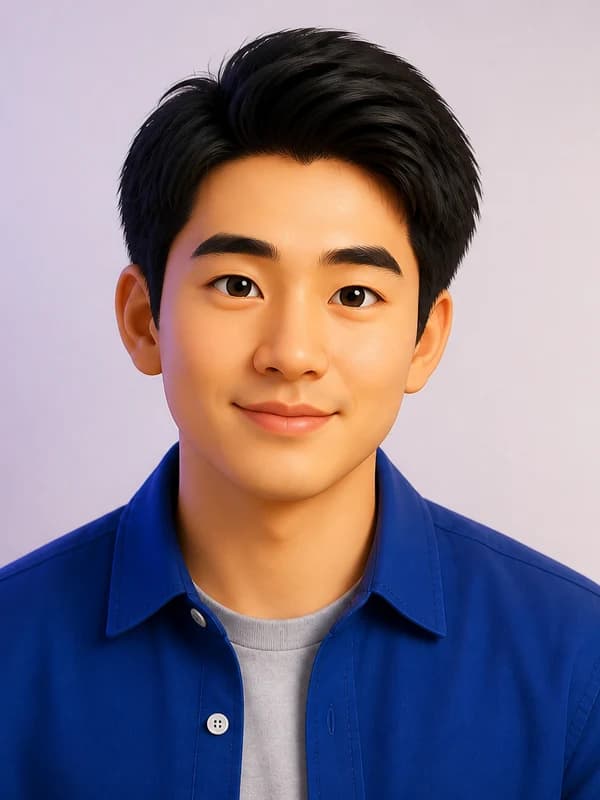
Rounded forms, soft cinematic light, and expressive character detail.
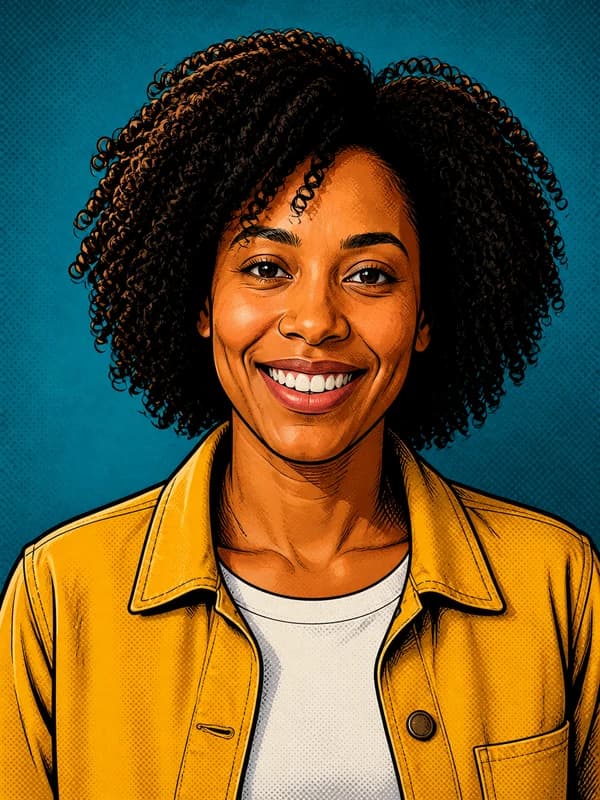
Crisp ink, bold color blocks, and controlled halftone texture.
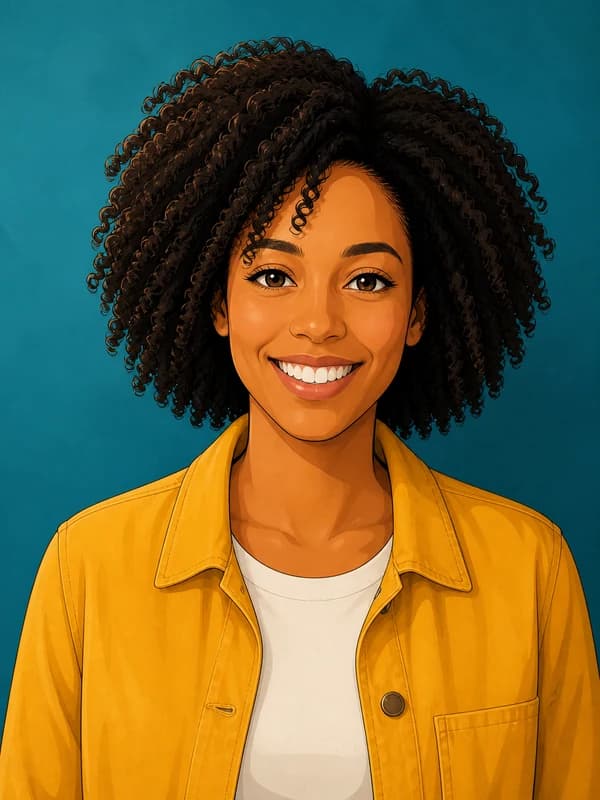
Elegant line art, refined cel shading, and an original illustrated look.
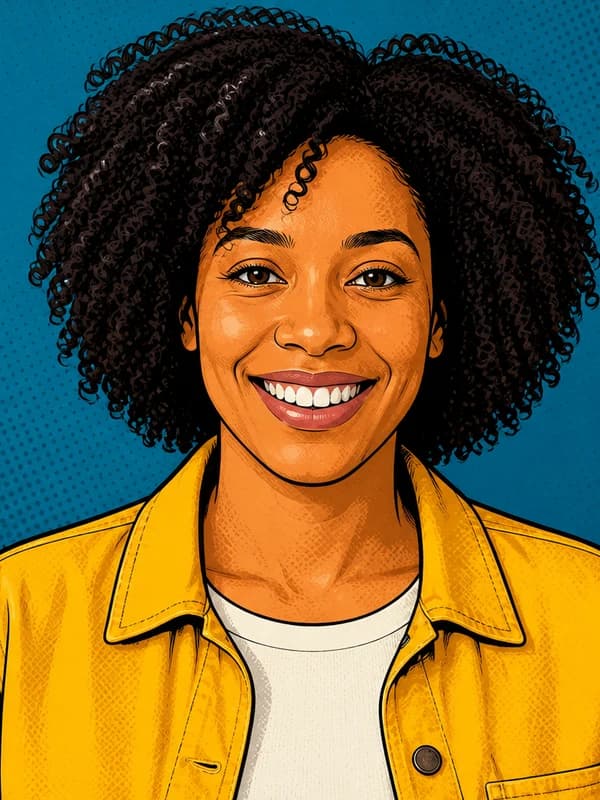
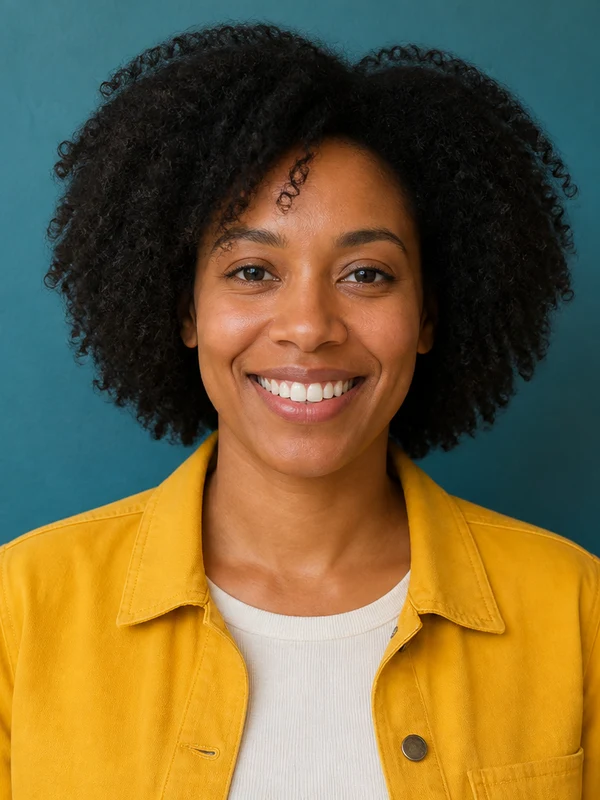
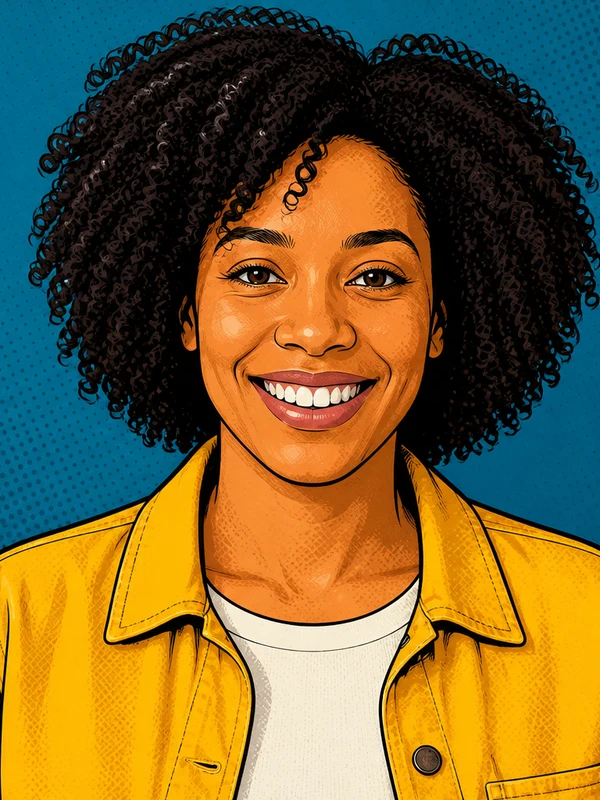
Graphic outlines, vibrant color, and energetic contrast for posters and posts.
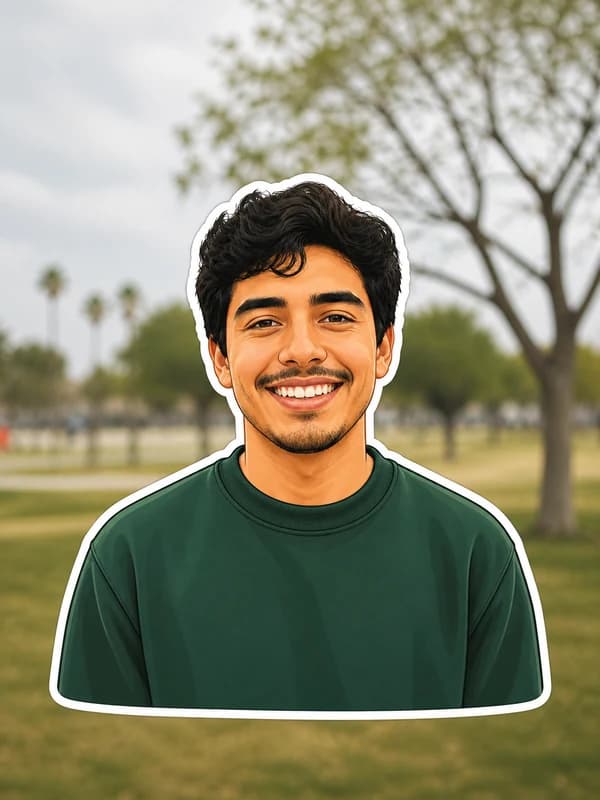
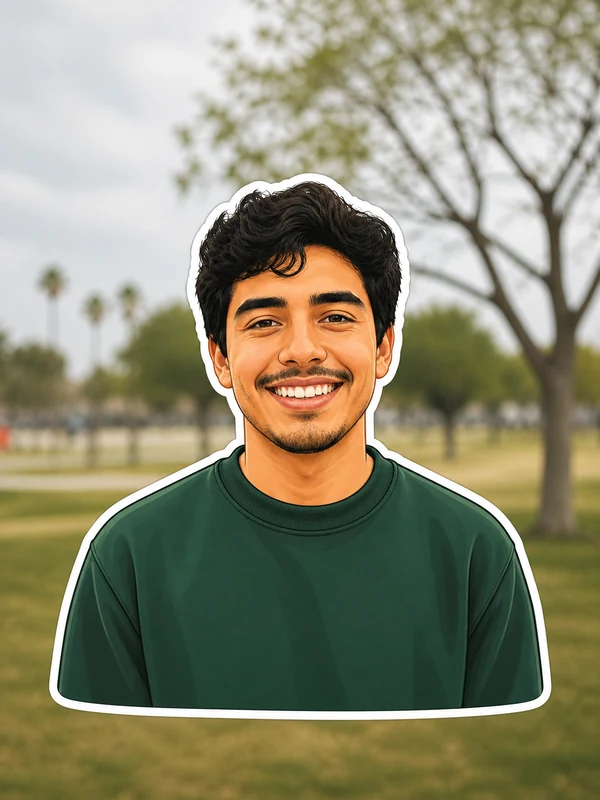
Simplified shapes, bright color, and a clean white border for a sticker-style portrait.
The same workflow covers subtle portrait restyling and bold character art. Clear faces, good lighting, and uncluttered backgrounds give the most consistent results.
Soft lighting and rounded features turn a headshot into a polished 3D character — a favorite for profile pictures and playful avatars.
Create My CartoonGraphic outlines and saturated color push a portrait into poster territory, ready for social feeds, prints, and event graphics.
Create My Cartoon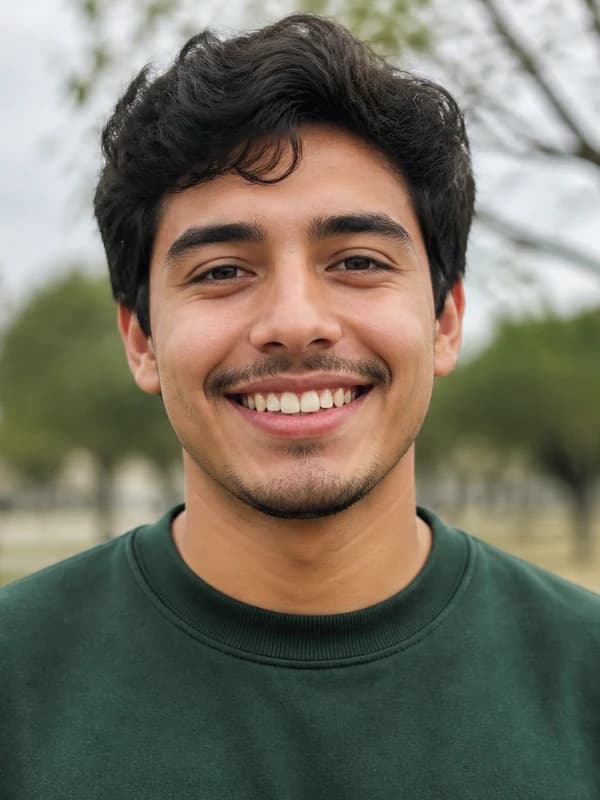
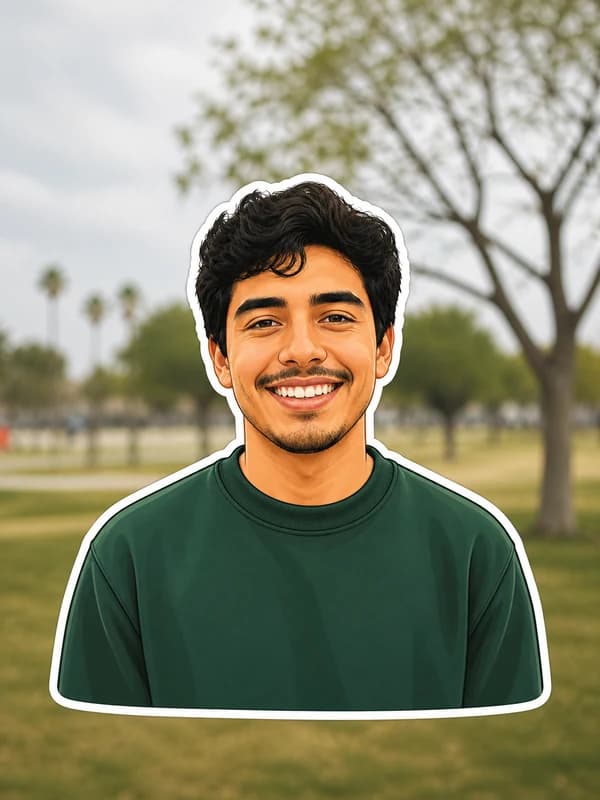
Simplified shapes and a clean white border turn a selfie into a bold sticker-style portrait for avatars, social graphics, and merch previews.
Create My Cartoon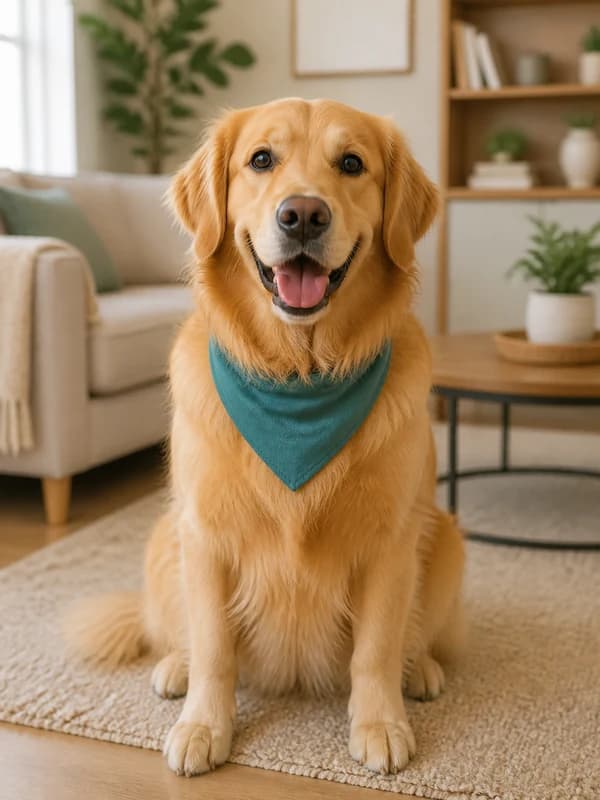
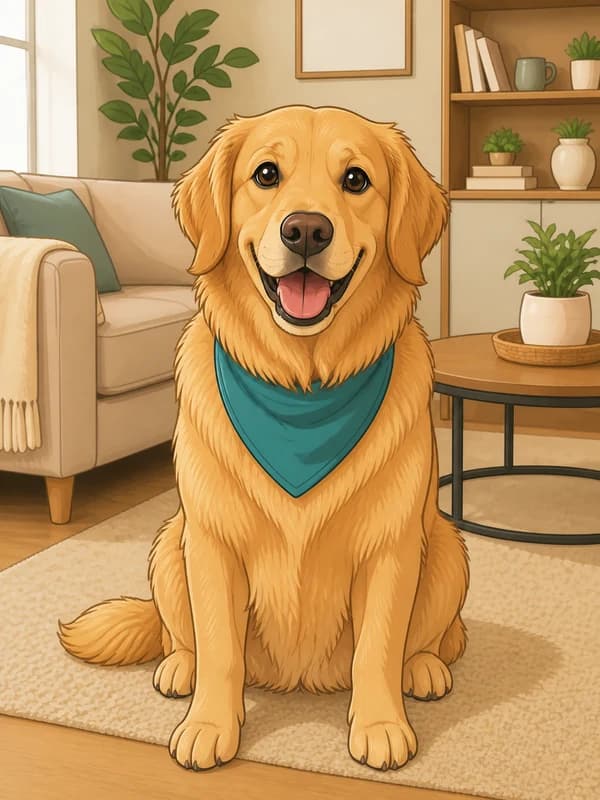
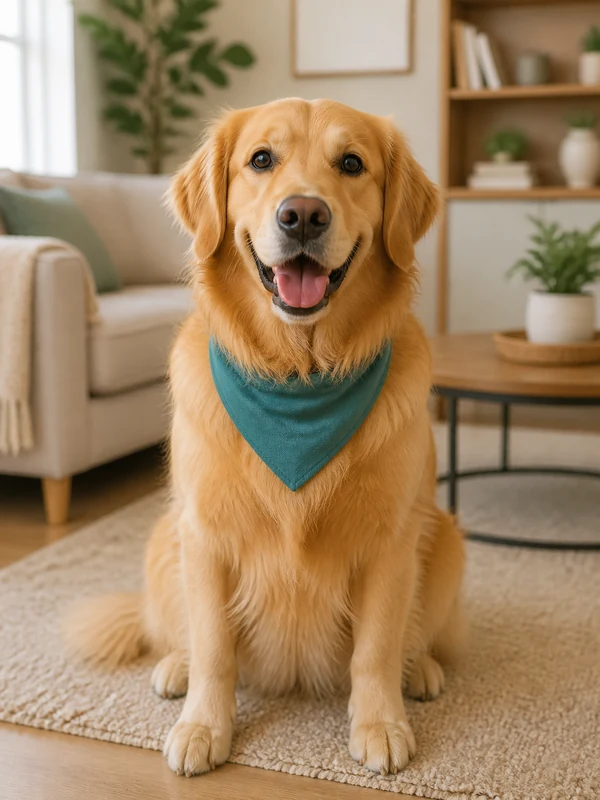
Clean linework and gentle cel shading keep the pet recognizable while giving the whole scene a warm illustrated finish.
Create My Cartoon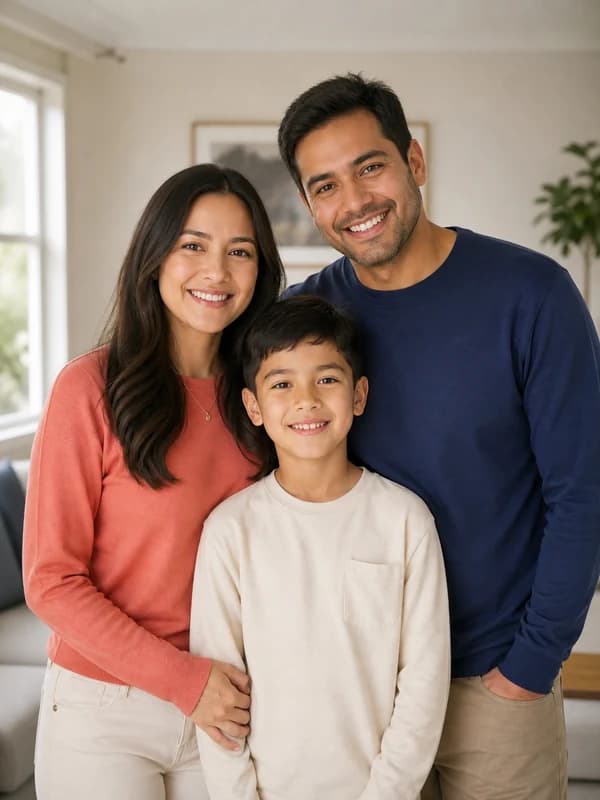
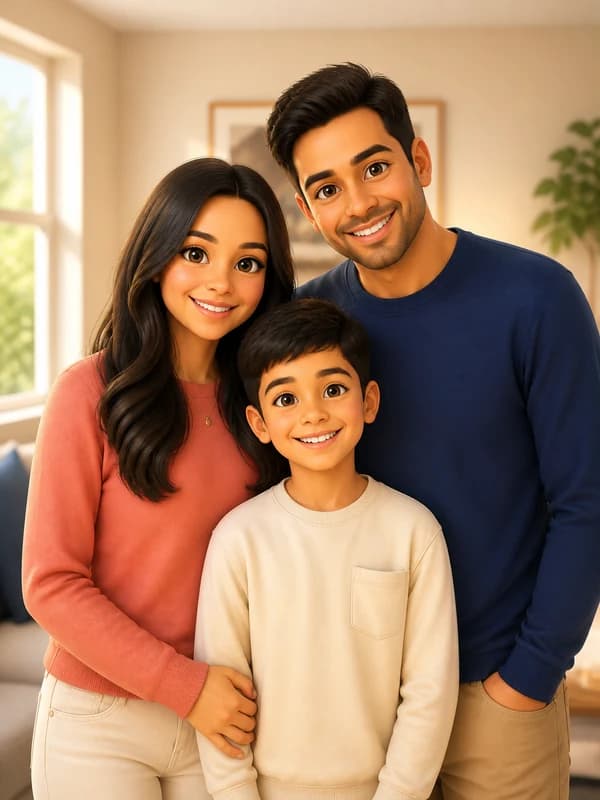
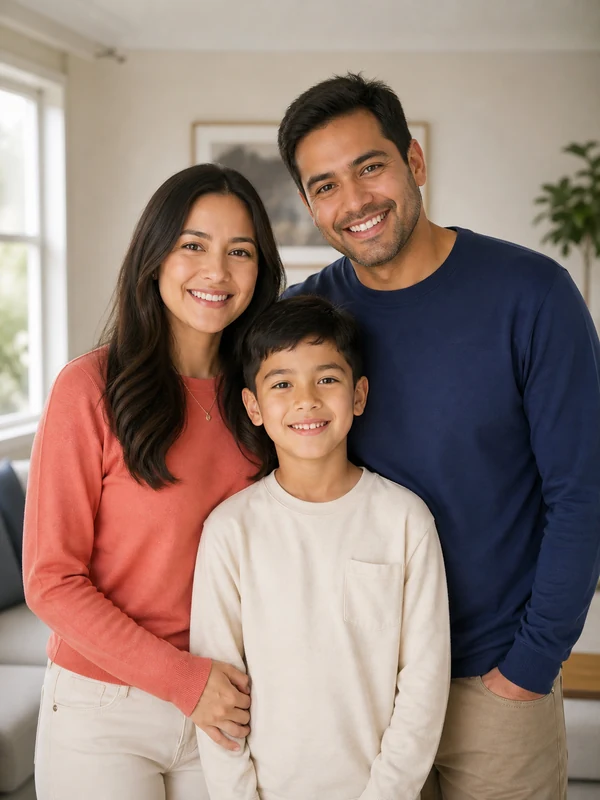
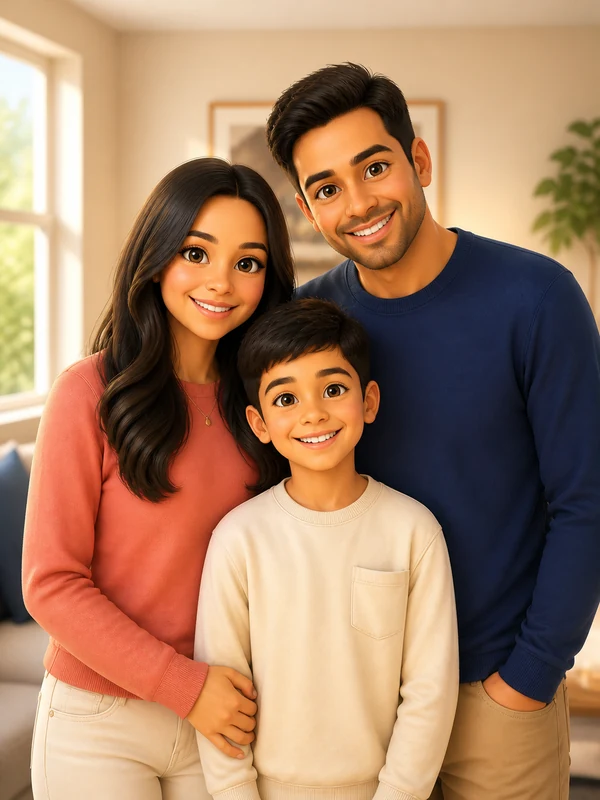
A close family portrait becomes a polished 3D scene while preserving each face, outfit, and place in the group.
Create My Cartoon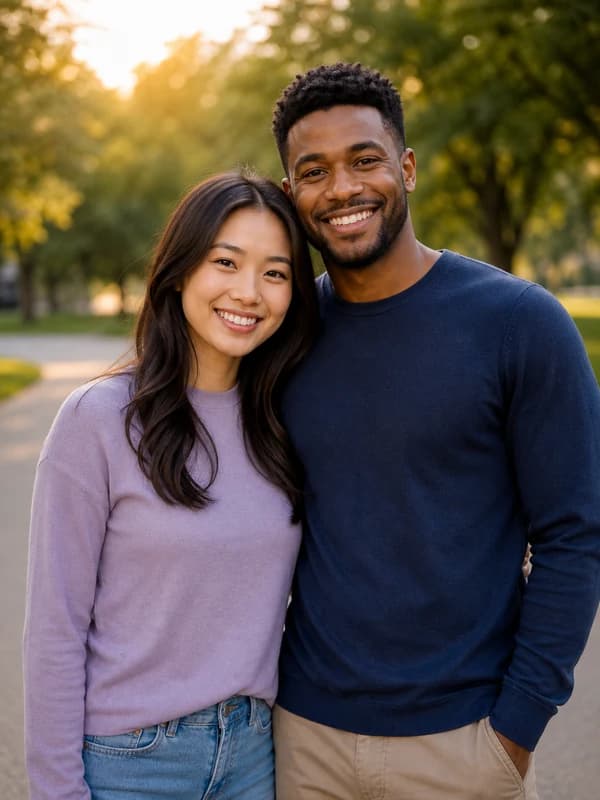
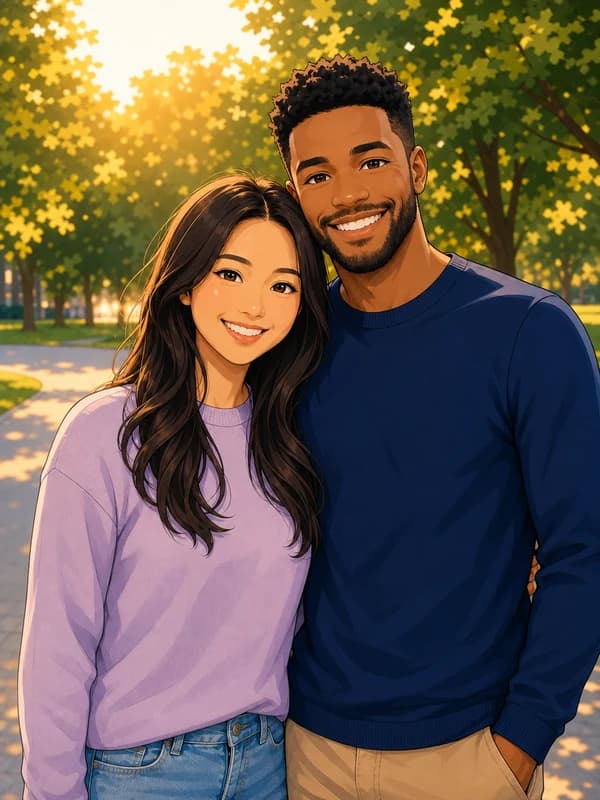
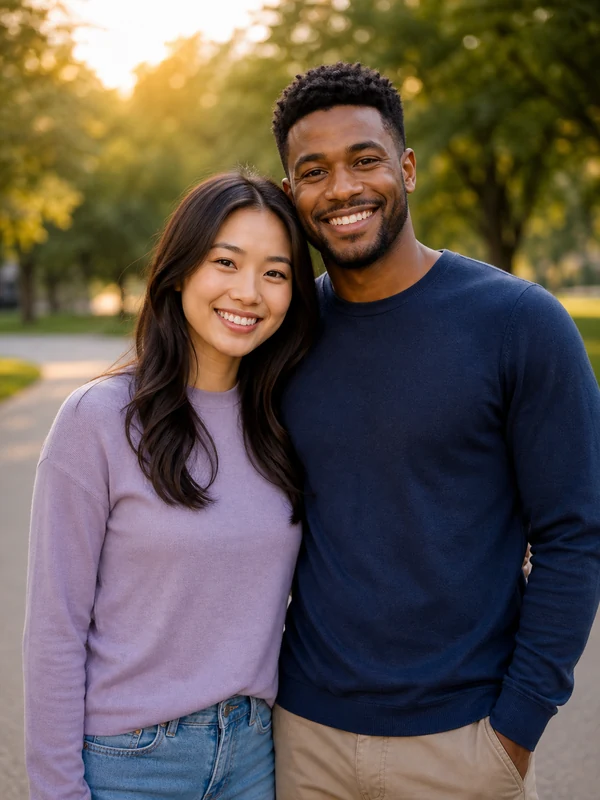
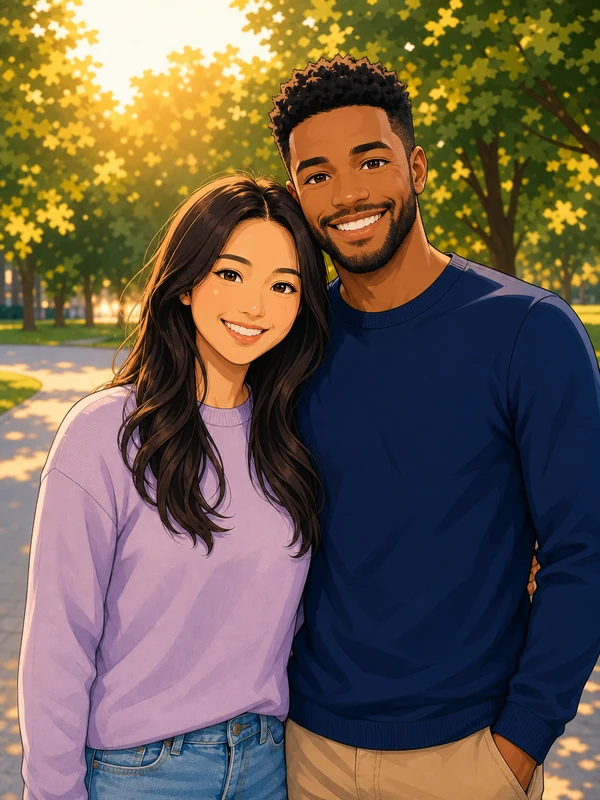
An original anime-inspired treatment keeps both people recognizable while preserving their pose, outfits, and the warm mood of the photo.
Create My CartoonGo from upload to a finished cartoon in seconds, and keep control of both the style and the details that make the subject recognizable.
Faces, expression, clothing, pose, and the scene details that matter stay recognizable.
Use a ready-made style straight away, or edit the prompt for a more specific art direction.
Cartoonize portraits, couples, families, pets, profile pictures, and social content.
Download the result and use it as a profile picture, print, or social post.
Three steps — no drawing or photo-editing skills needed.
Choose a JPG, PNG, or WebP with the subject clearly visible. One to three people and a simple background are easiest to transform.
Choose 2D, 3D, comic, anime-inspired, pop art, or sticker. Open the prompt if you want to change the mood, colors, or background.
Create the cartoon, check faces and small details, then download it. Refine the prompt and run it again for a different interpretation.
Need more cartoon prompt ideas?
Explore our practical guide to cartoon-style prompts for more control over linework, shading, composition, and mood.
Find out all the essential details about AI Cartoon Generator
An AI cartoon generator reads an uploaded photo and redraws it with illustrated shapes, lines, colors, and shading. Nano Banana Pro keeps the subject recognizable while applying the cartoon style you choose.
Upload a clear photo, choose one of the six cartoon styles, and click Create Image. Open the prompt first if you want to change the colors, mood, background, or amount of detail.
Yes. Eligible new accounts receive free signup credits, so you can create a cartoon before deciding whether to buy more. Each cartoon uses 2 credits, and one-time credit packs are available without a subscription.
No. The cartoon photo maker runs in your browser, so there is nothing to install, no layers to manage, and no drawing experience required. Upload a photo and the cartoon is ready in seconds.
Use a sharp, well-lit JPG, PNG, or WebP where faces are not hidden or heavily blurred. Portraits with one to three people and a simple background are the most reliable, although pets and wider scenes also work.
Yes. A front-facing or three-quarter selfie with even light works especially well for cartoon profile pictures. Crop to a square before uploading if the image is for an avatar.
Yes. Couple shots, small family photos, and pet portraits all work with the same styles. Keep it to around three subjects so every face still gets enough detail.
Yes. Pick a preset for a strong starting point, then open the prompt and describe the palette, line weight, lighting, background, expression, or level of detail you want.
Faces, pose, and composition stay close to the original, but generative AI can reinterpret small features, hands, text, and background details. Check the full result and regenerate when accuracy matters.
That depends on the source photo, your prompt, and the rights involved. Use photos you are allowed to edit, avoid protected characters and artist imitation, and read our terms before commercial use.
Edit, repair, or restyle a photo with a focused AI workflow. Choose a tool, upload your image, and get the result without starting from a blank prompt.
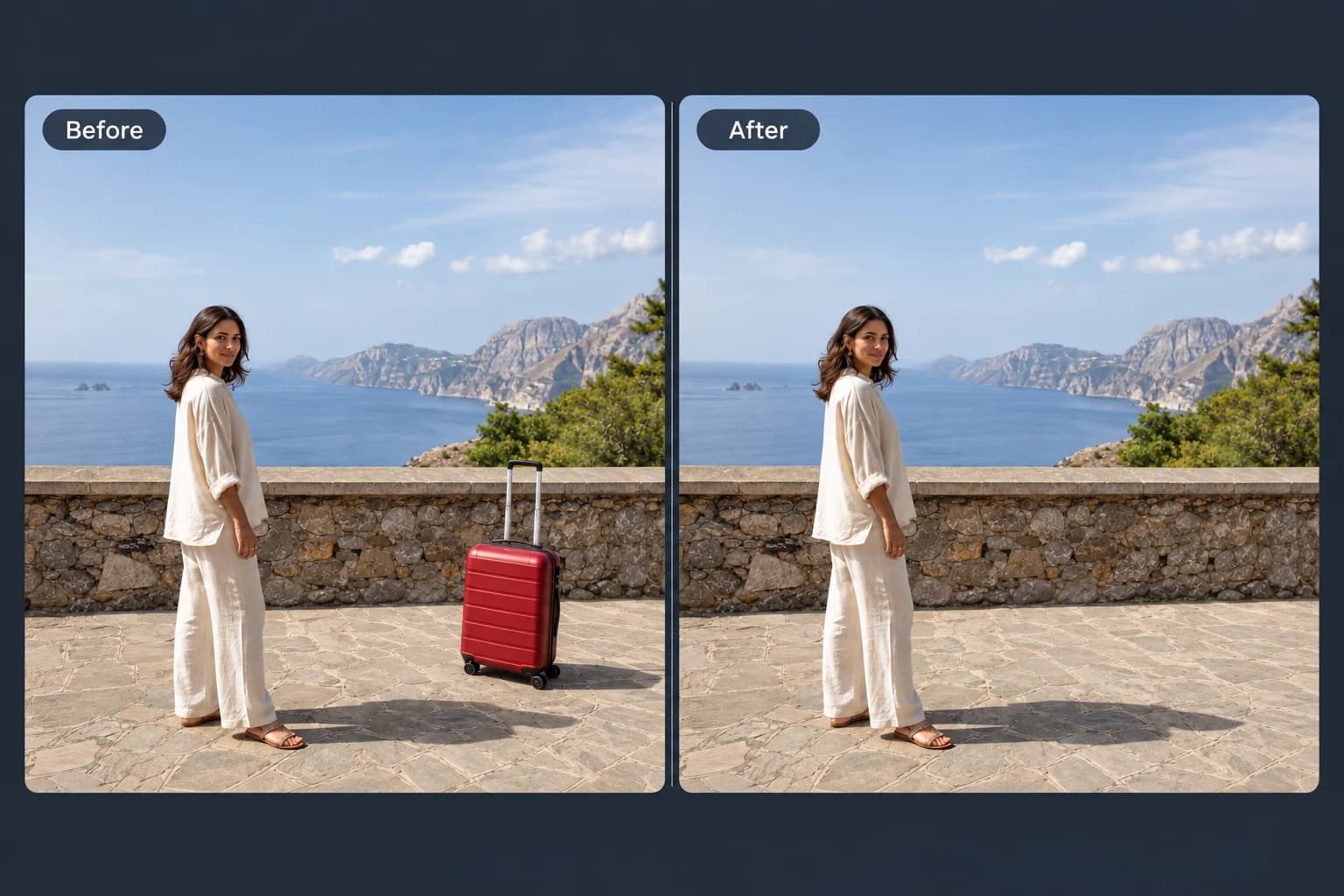 Before → After
Brush away unwanted objects, people and clutter from your photos.
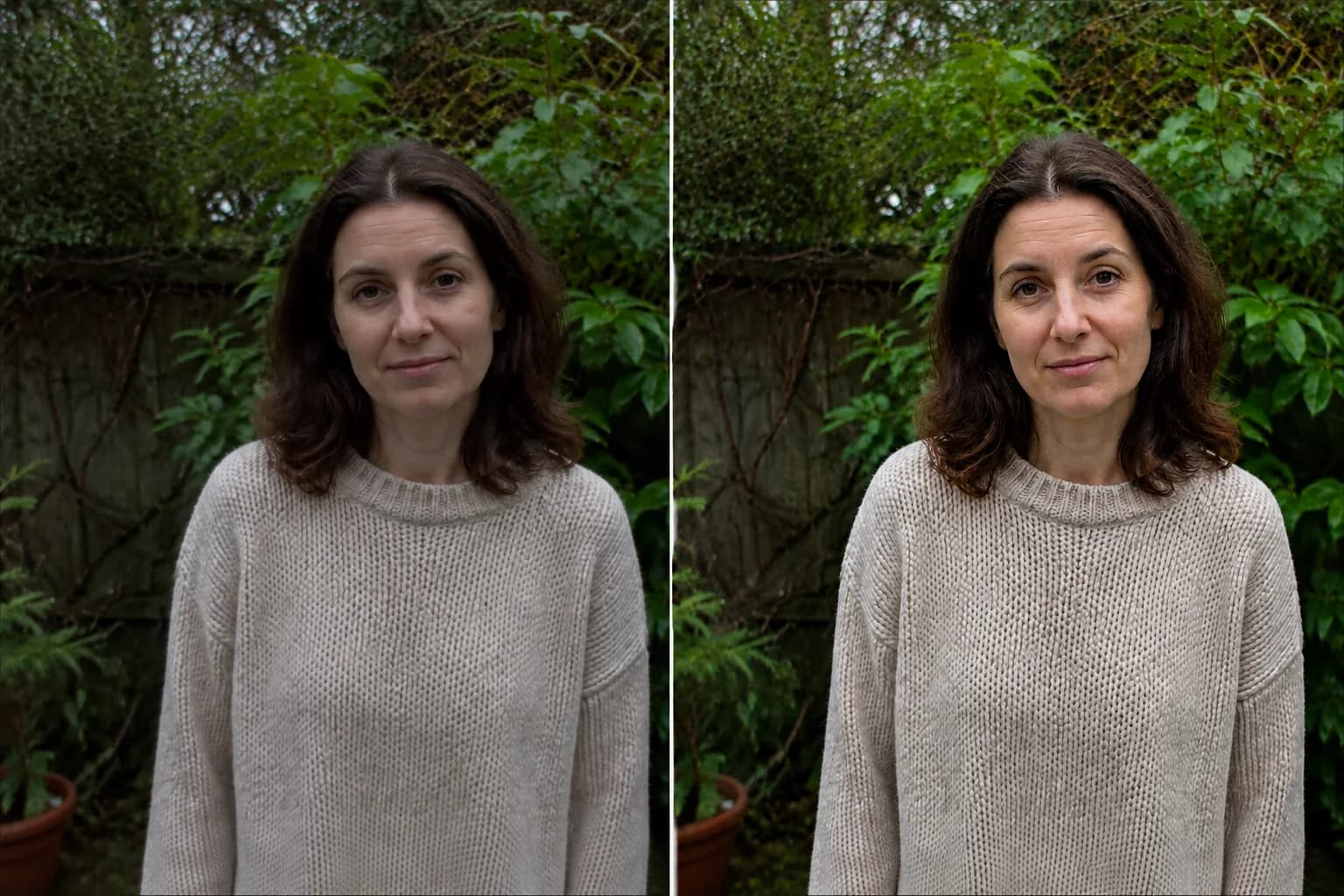 Before → After preview
Make blurry or dim photos look clearer with natural, portrait and low-light enhancement.
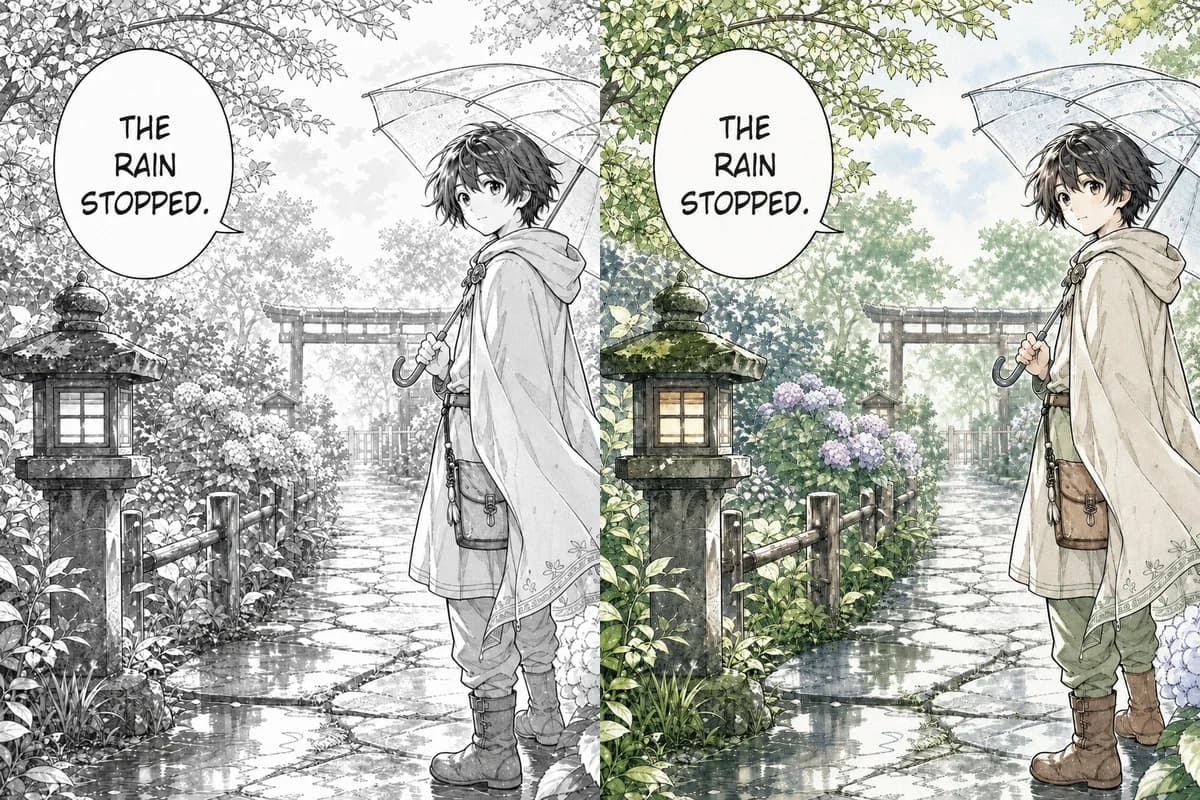 Line Art → Colored
Color black-and-white manga pages, webtoon panels, and line art with controls designed to retain ink lines, screentones, and speech bubbles.
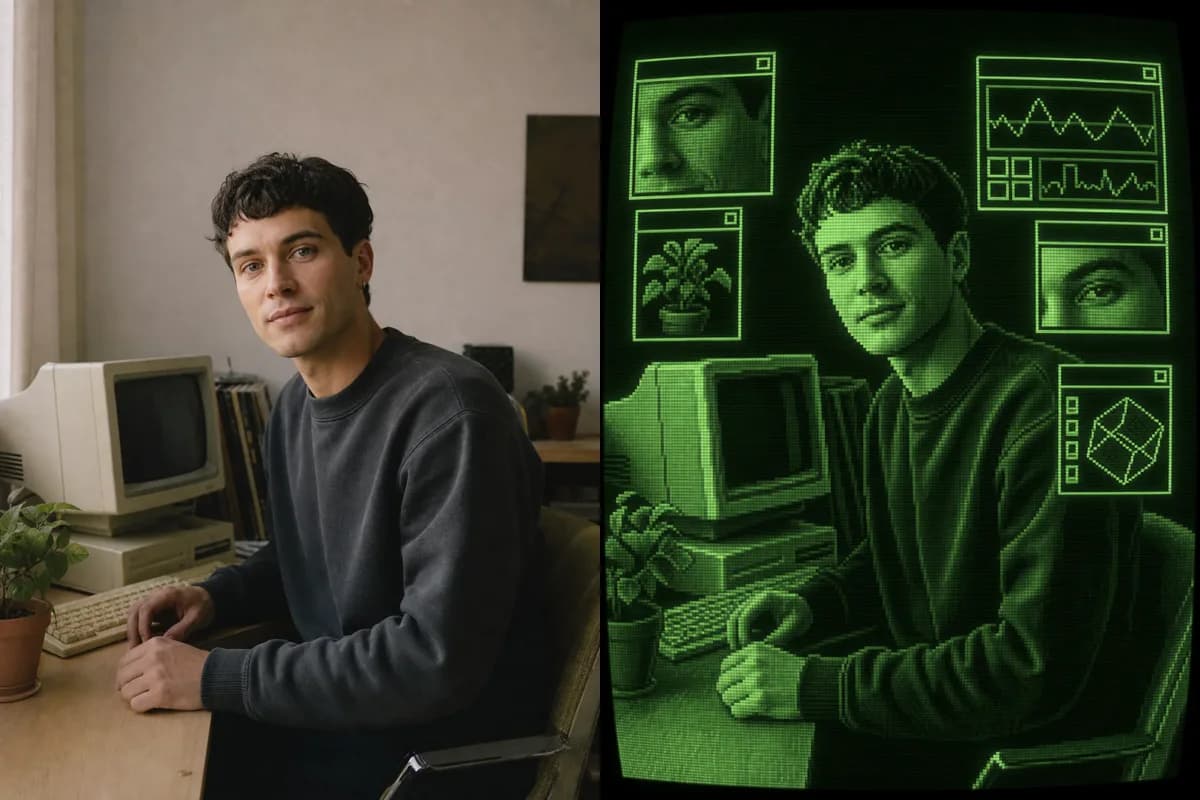 Photo → CRT Art
Turn a photo into retro CRT computer art with pixel palettes, scanlines, glow, and interface windows.
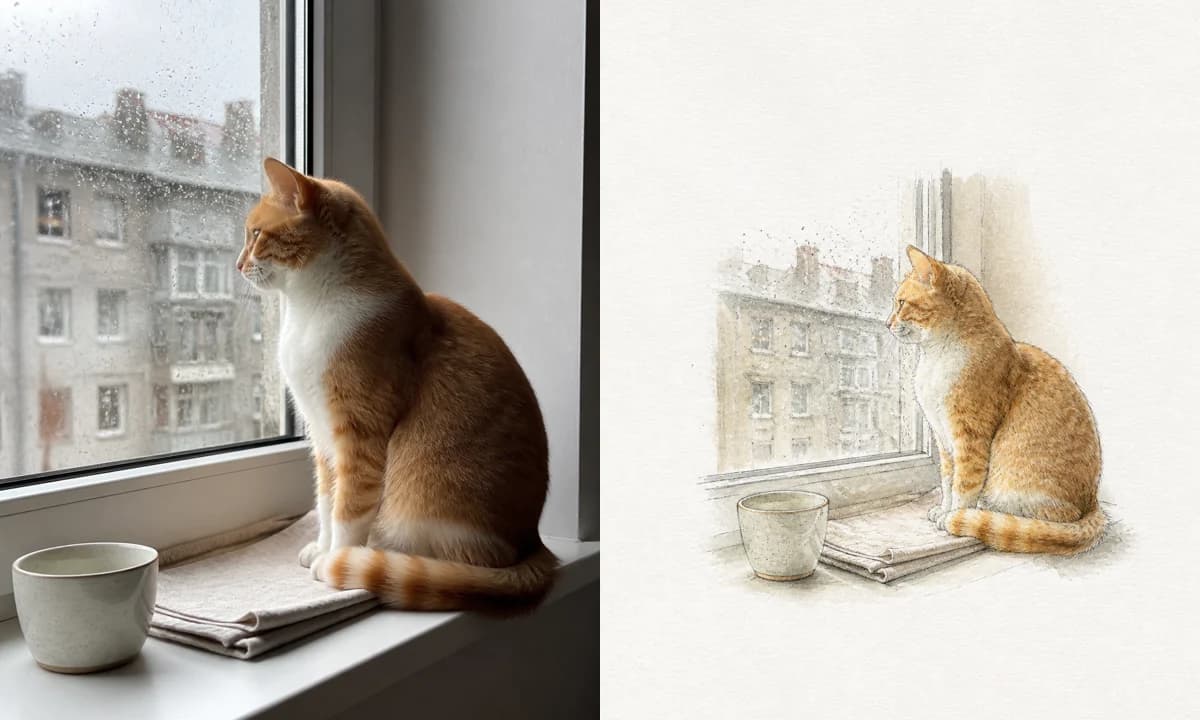 Photo → Illustration
Turn a photo into a watercolor, pencil, risograph, or ink illustration online.
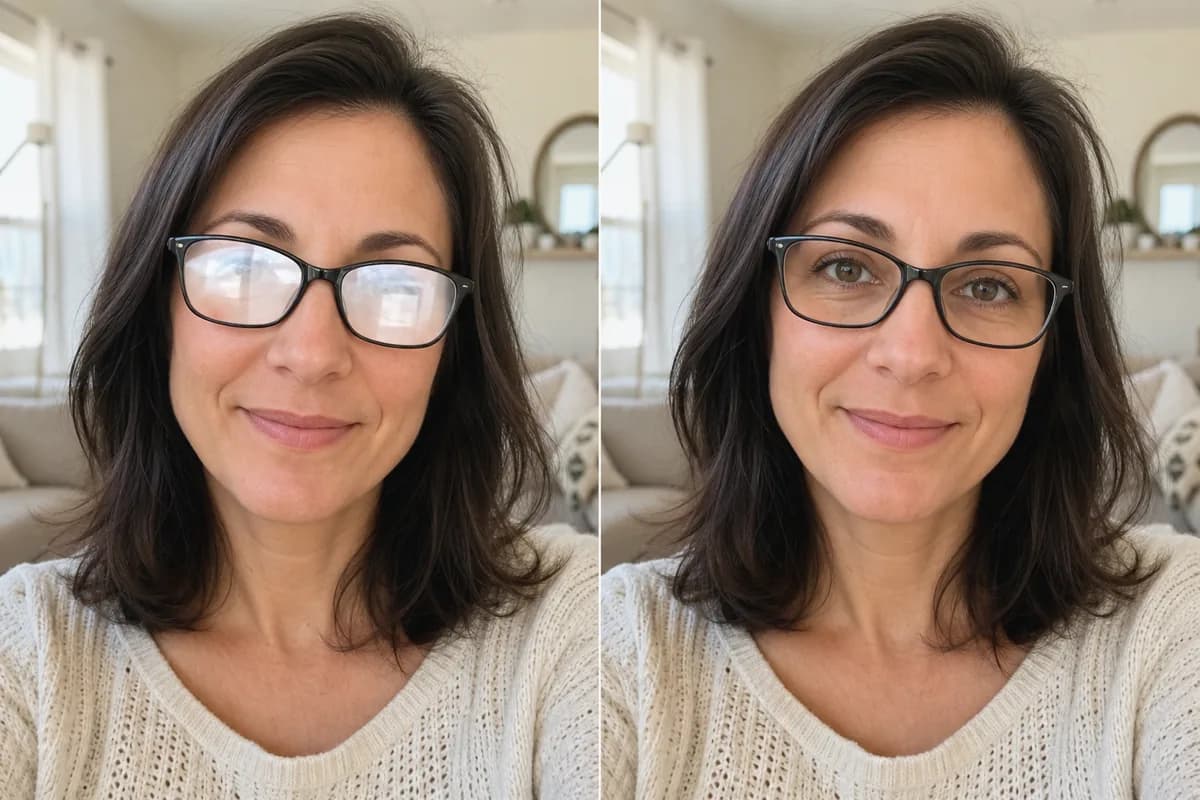 Before → After
Remove glare and reflections from glasses in portraits and group photos—same eyes, same frames, same face.
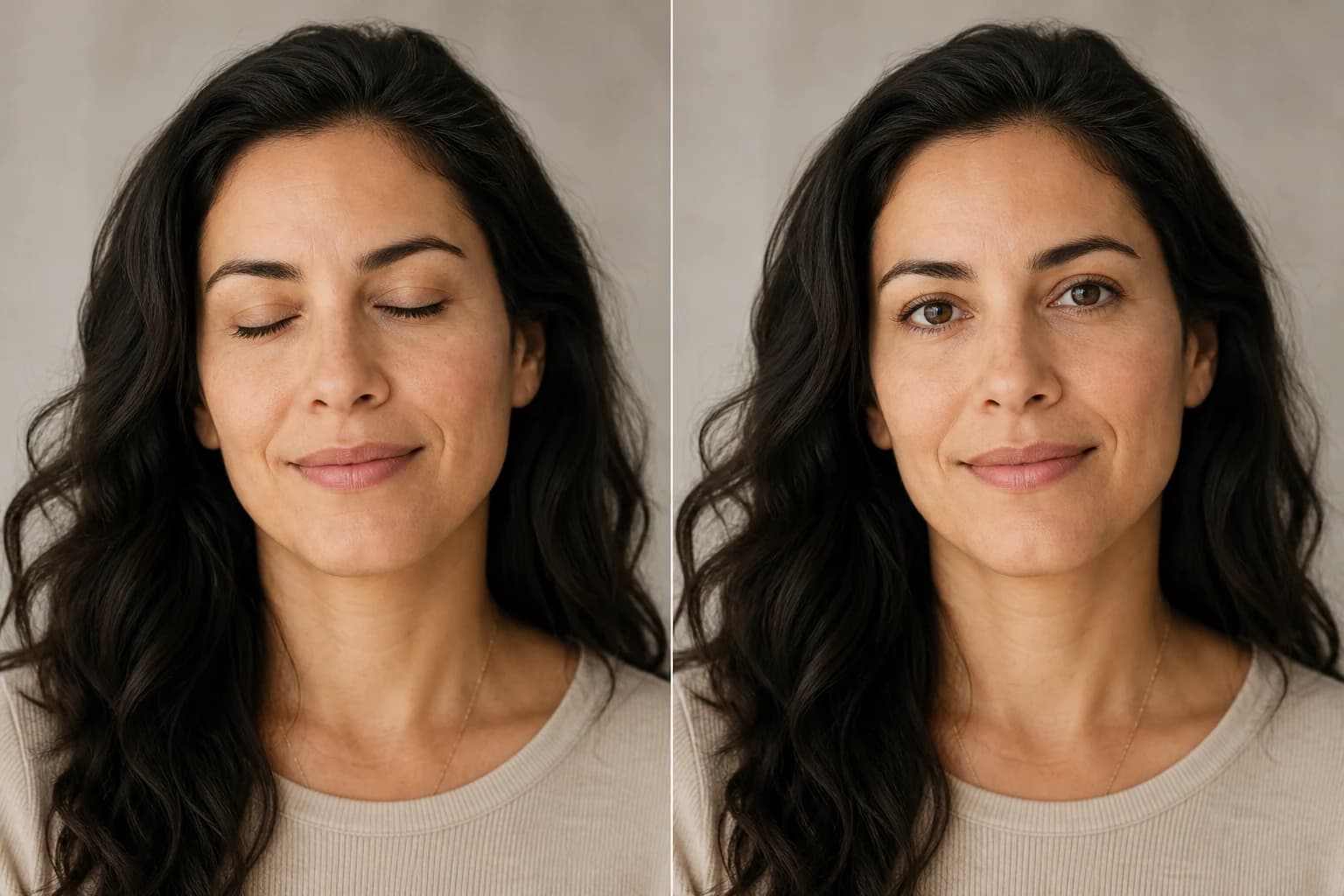 Before → After
Open closed, blinking, or half-shut eyes in portraits and group photos—same face, natural look.
Upload a photo, pick a style, and let Nano Banana Pro create a cartoon that still looks like you. Eligible new accounts receive free signup credits.