
Turn a street photo into a watercolor illustration
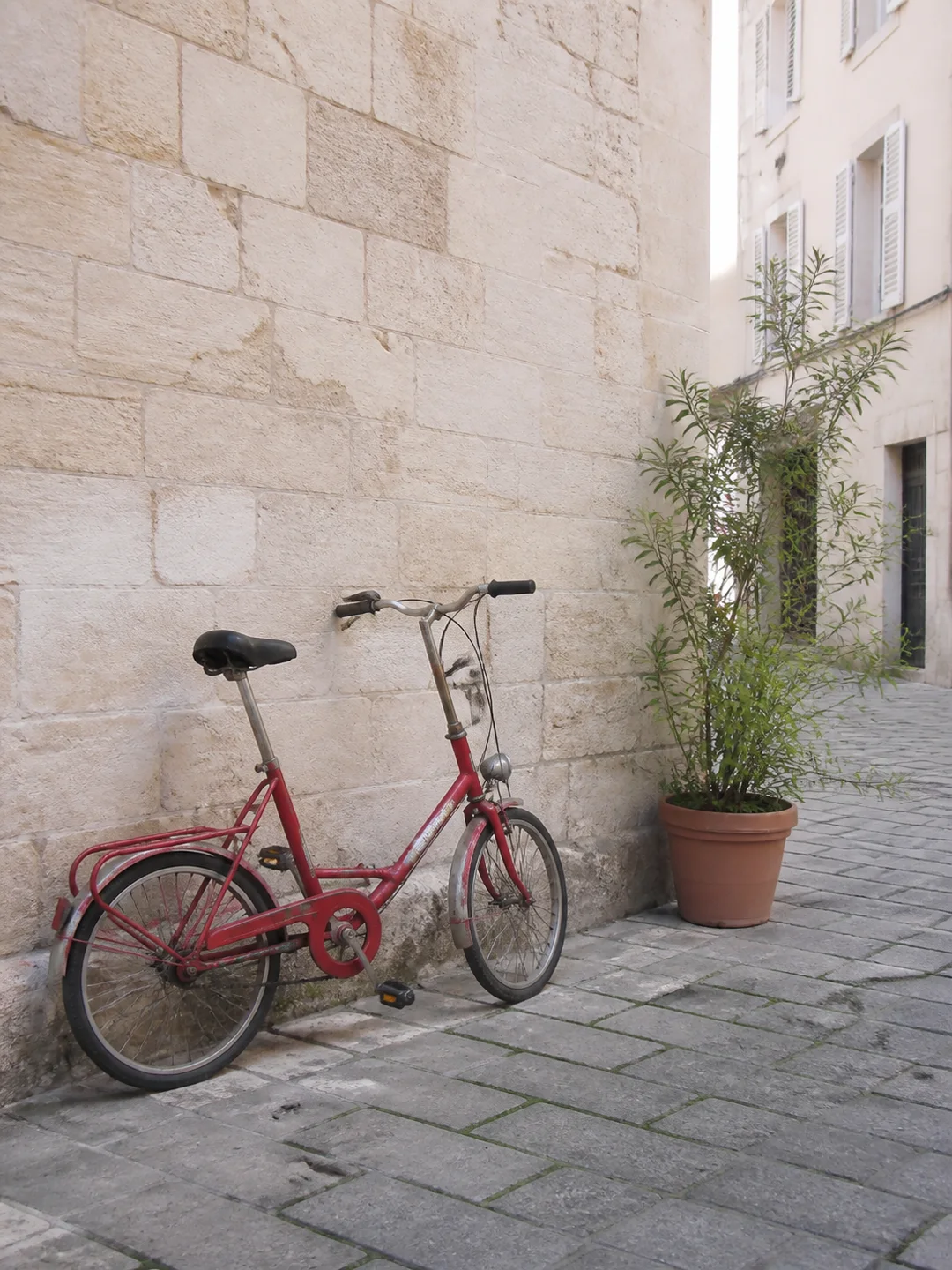
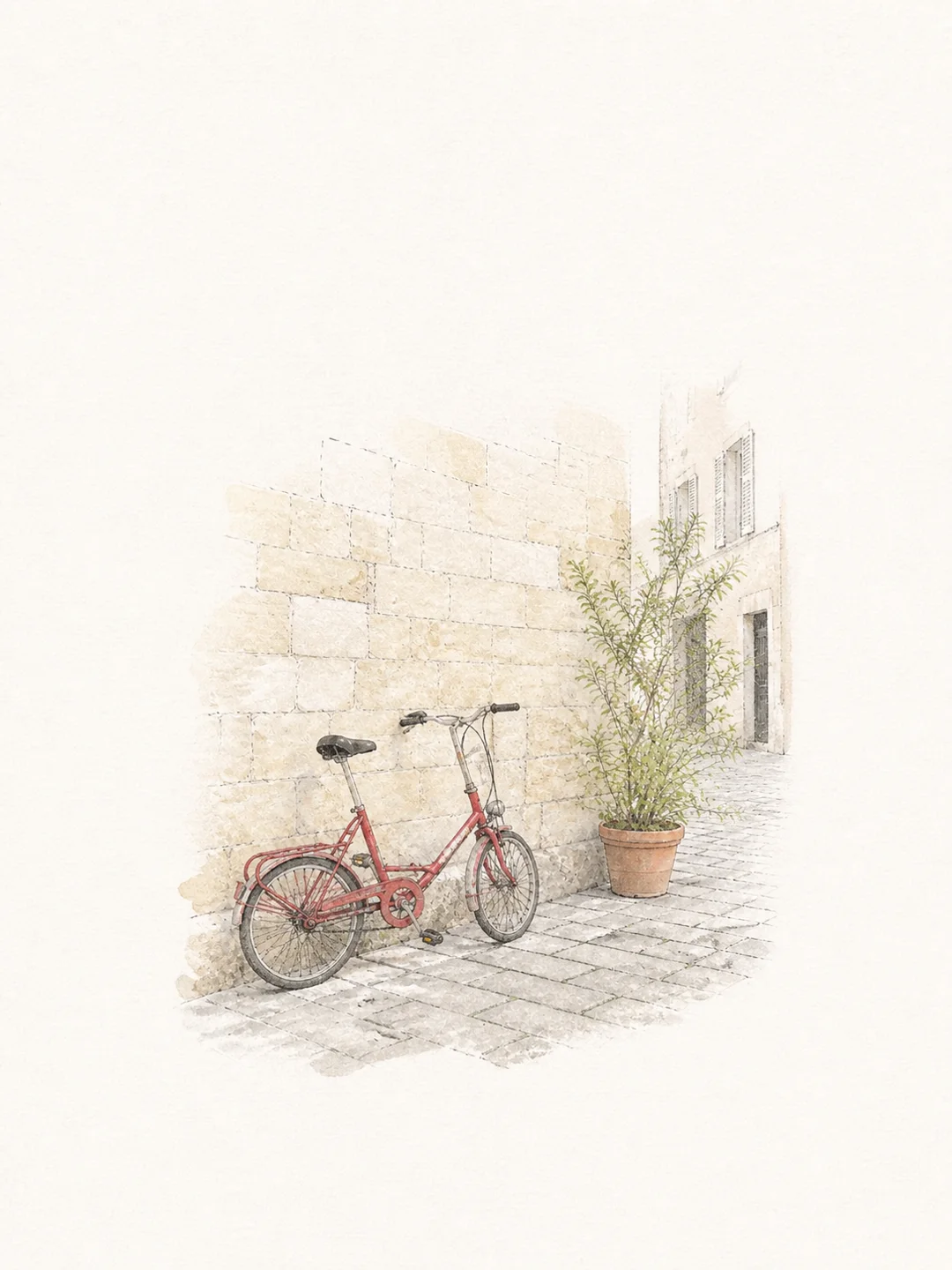
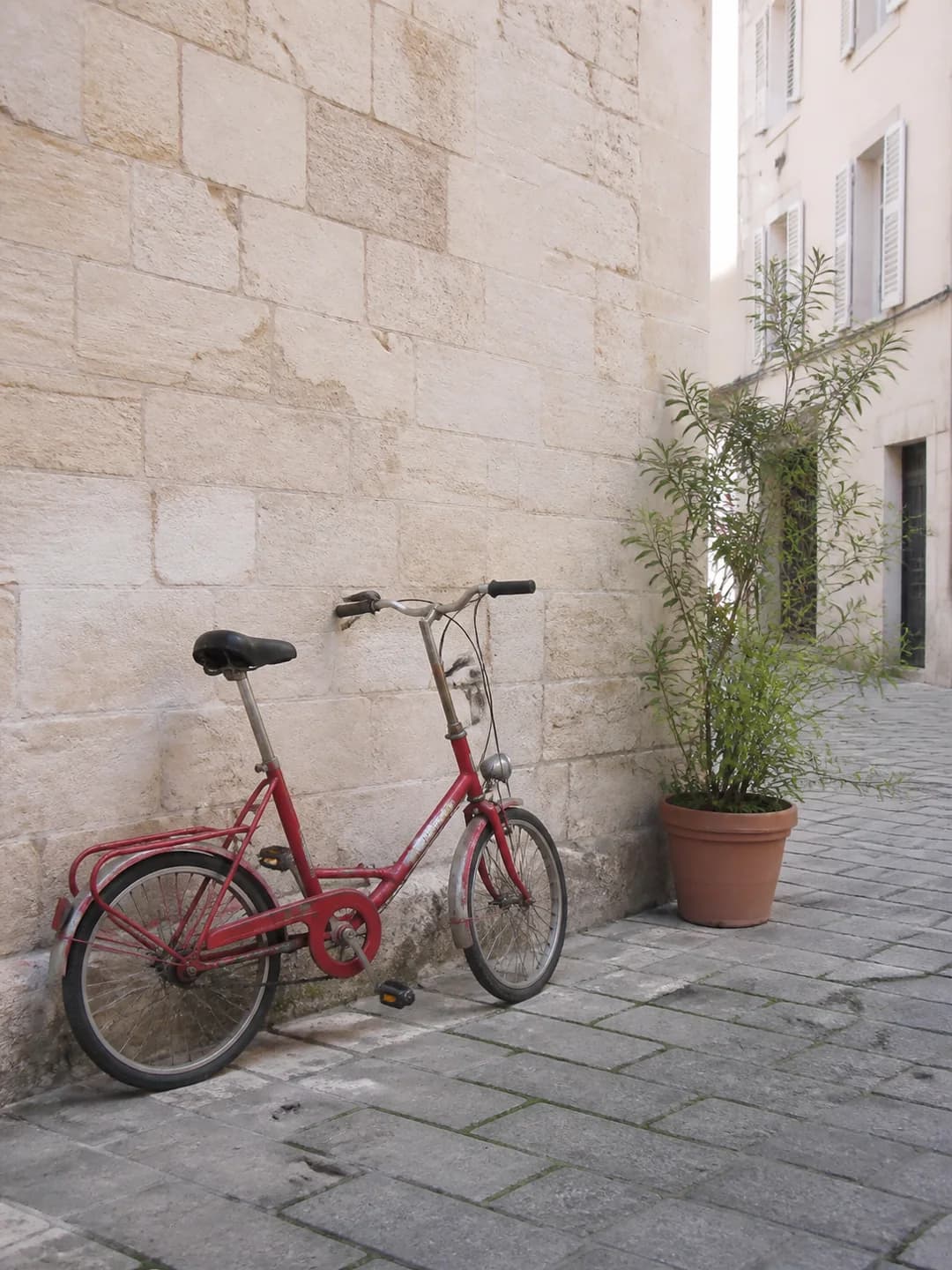
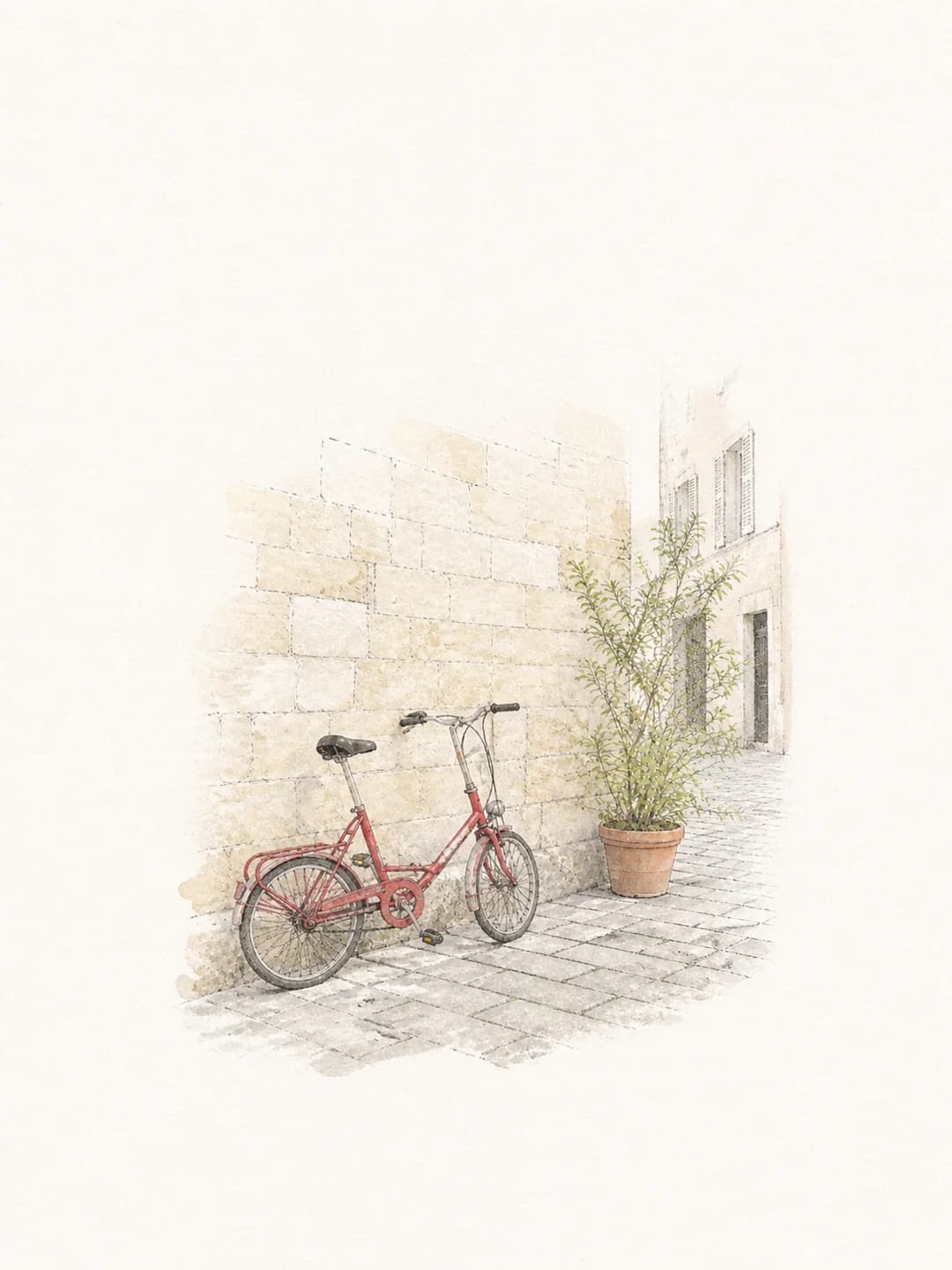
The bicycle, stone wall, and plant remain recognizable while the scene is simplified into a light watercolor drawing.
Create my illustrationUpload a photo and turn it into a clean hand-drawn illustration in watercolor, pencil, risograph, or ink. Choose a style, generate online, and download the result. Eligible new accounts can try it with free credits.
Turn your photo into an illustration
Upload one clear photo, choose a style, and generate a 3:4 illustration. The tool keeps the main subject recognizable and simplifies the scene for a cleaner hand-drawn result.
Your hand-drawn illustration
See how the tool redraws pets, places, and simple objects while keeping the subject easy to recognize.
The bicycle, stone wall, and plant remain recognizable while the scene is simplified into a light watercolor drawing.
Create my illustration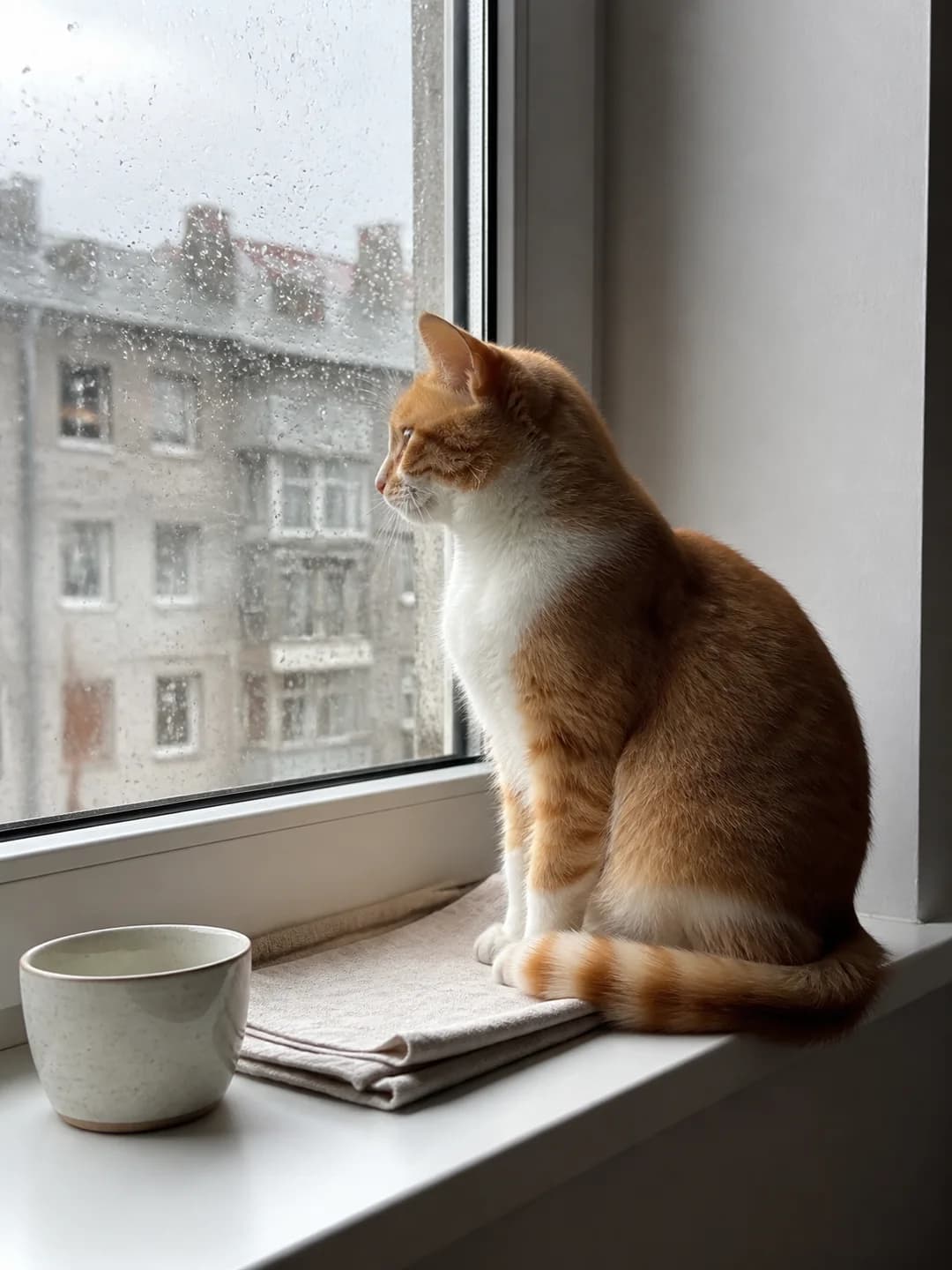
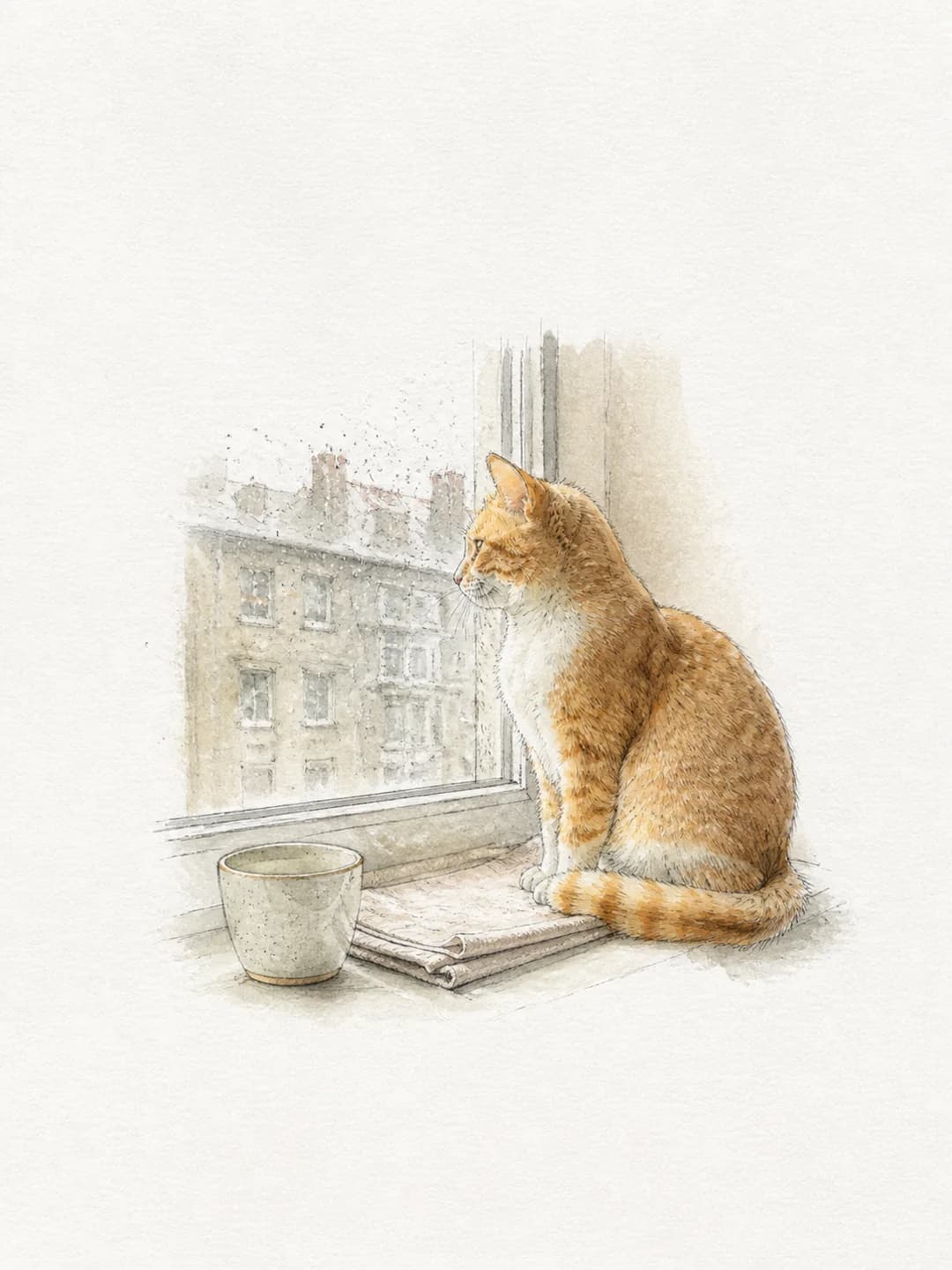
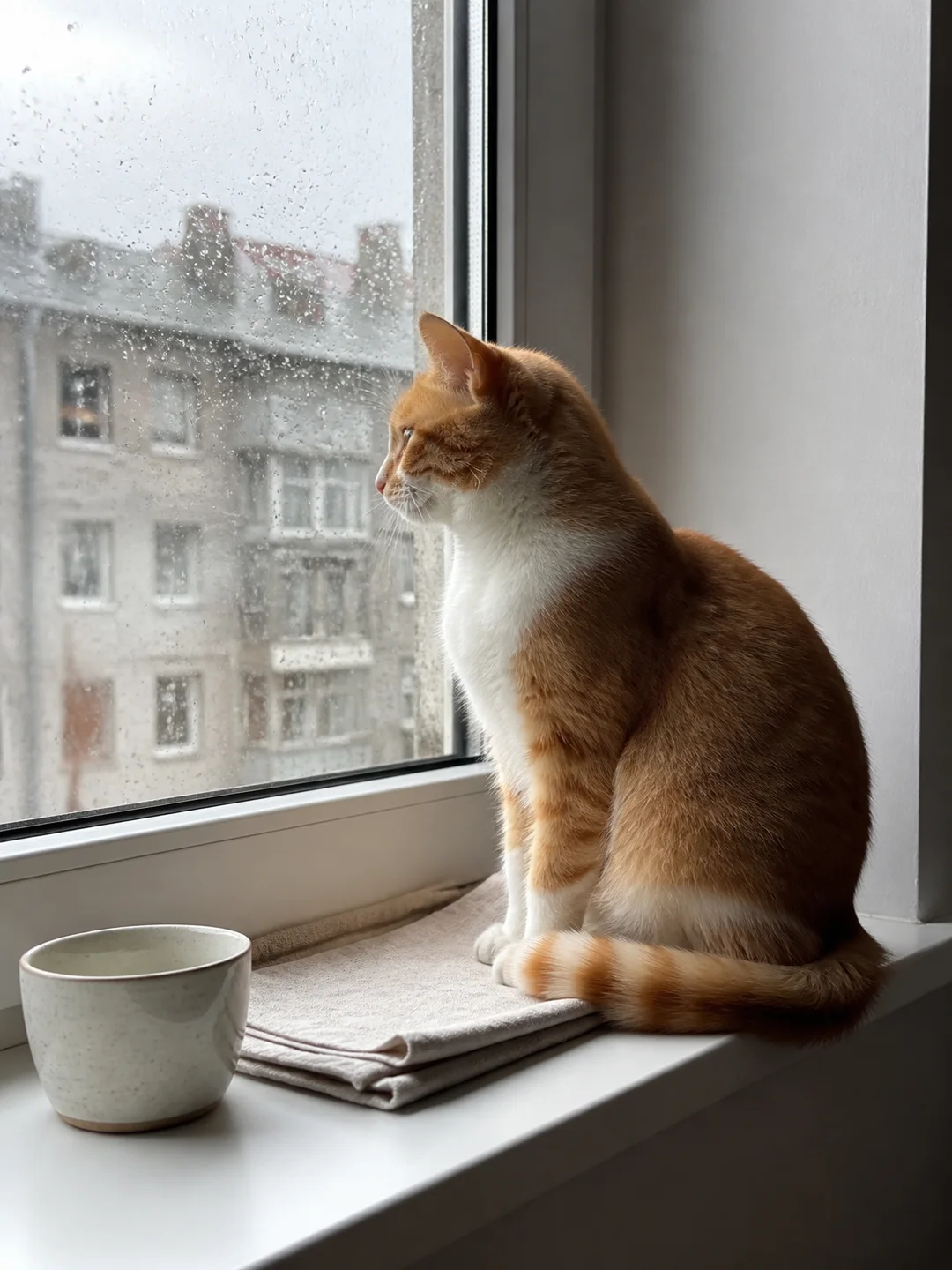
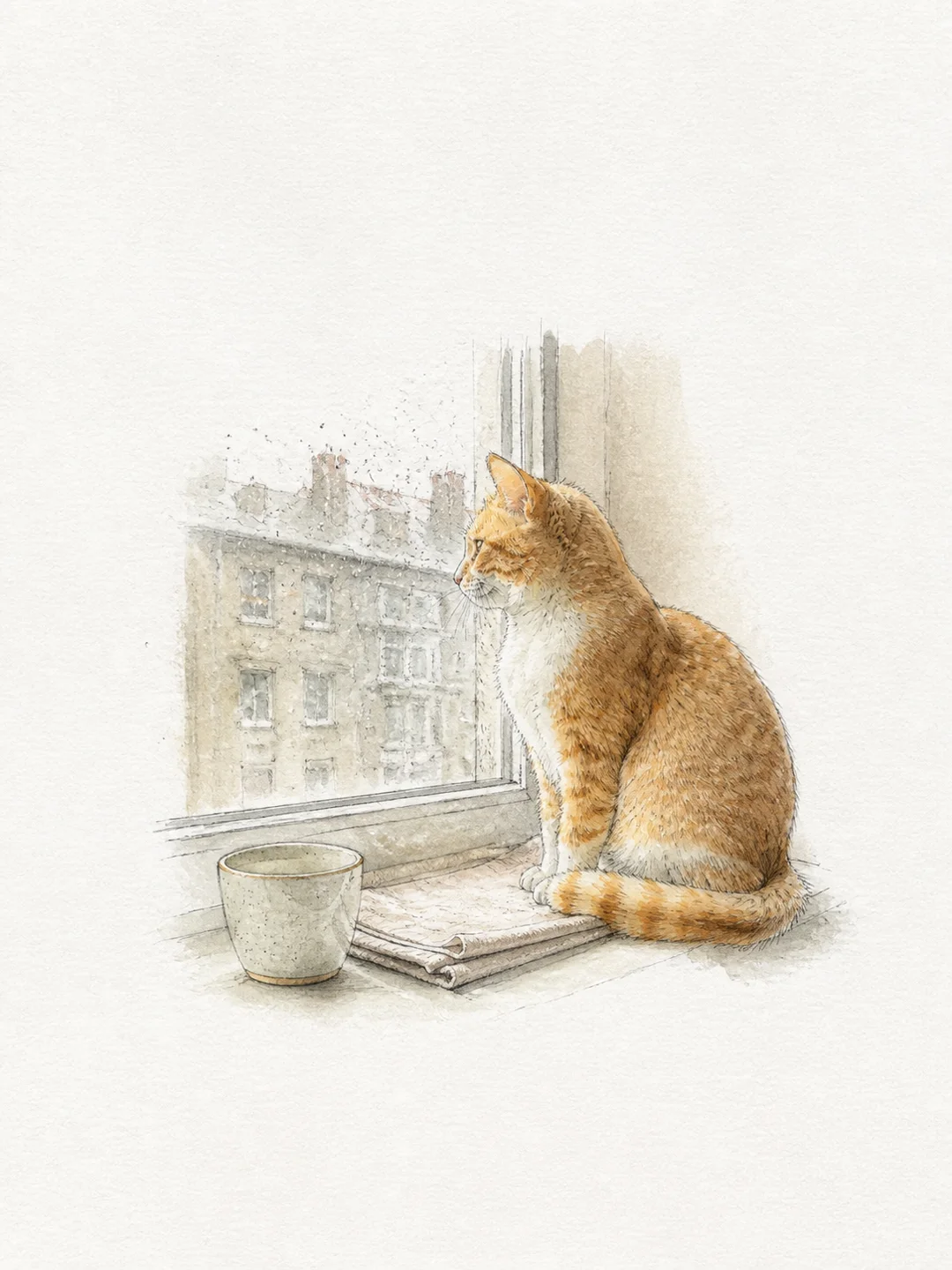
The cat's pose, markings, cup, and rainy window are redrawn with pencil lines and soft watercolor.
Create my illustration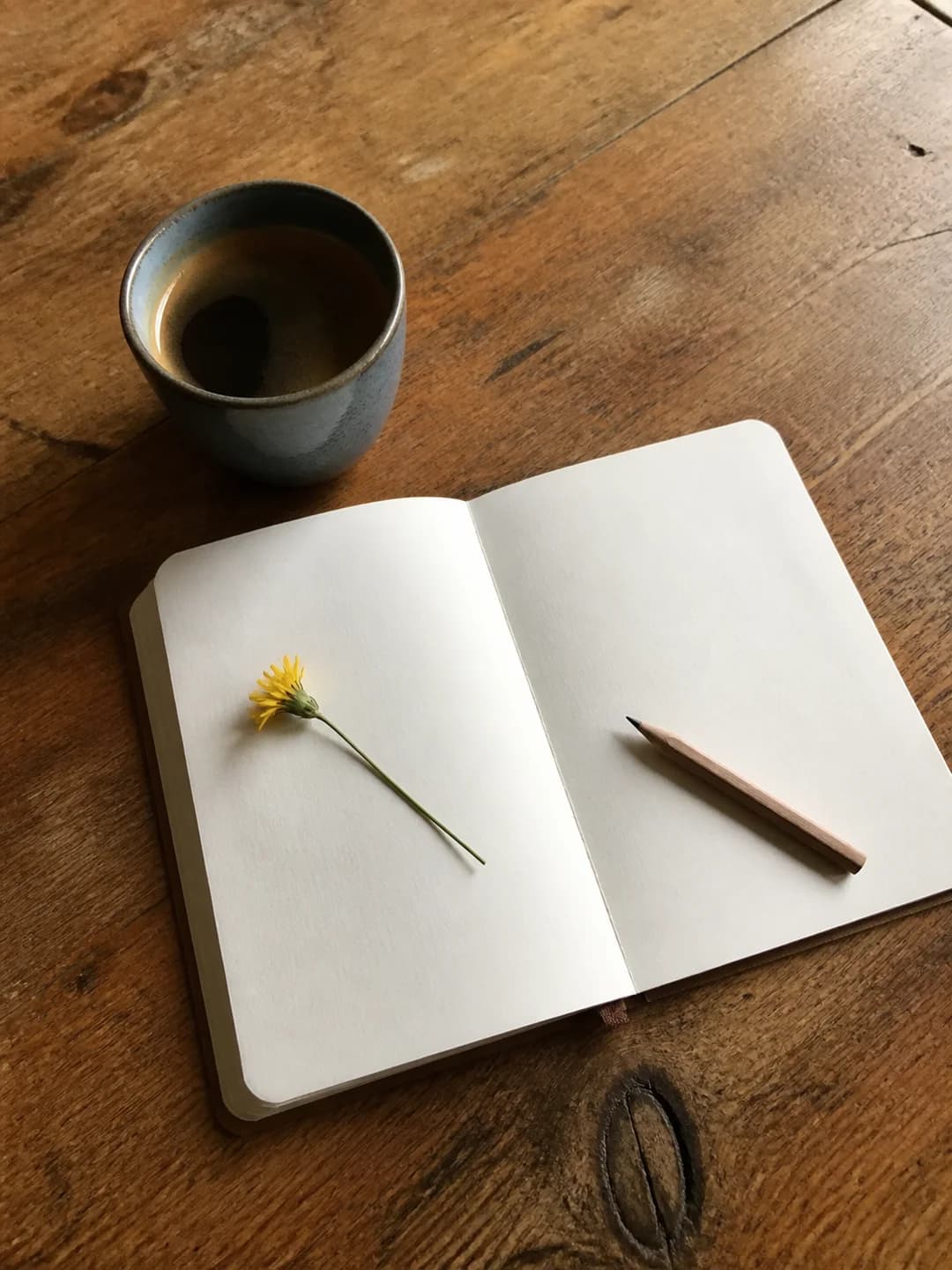
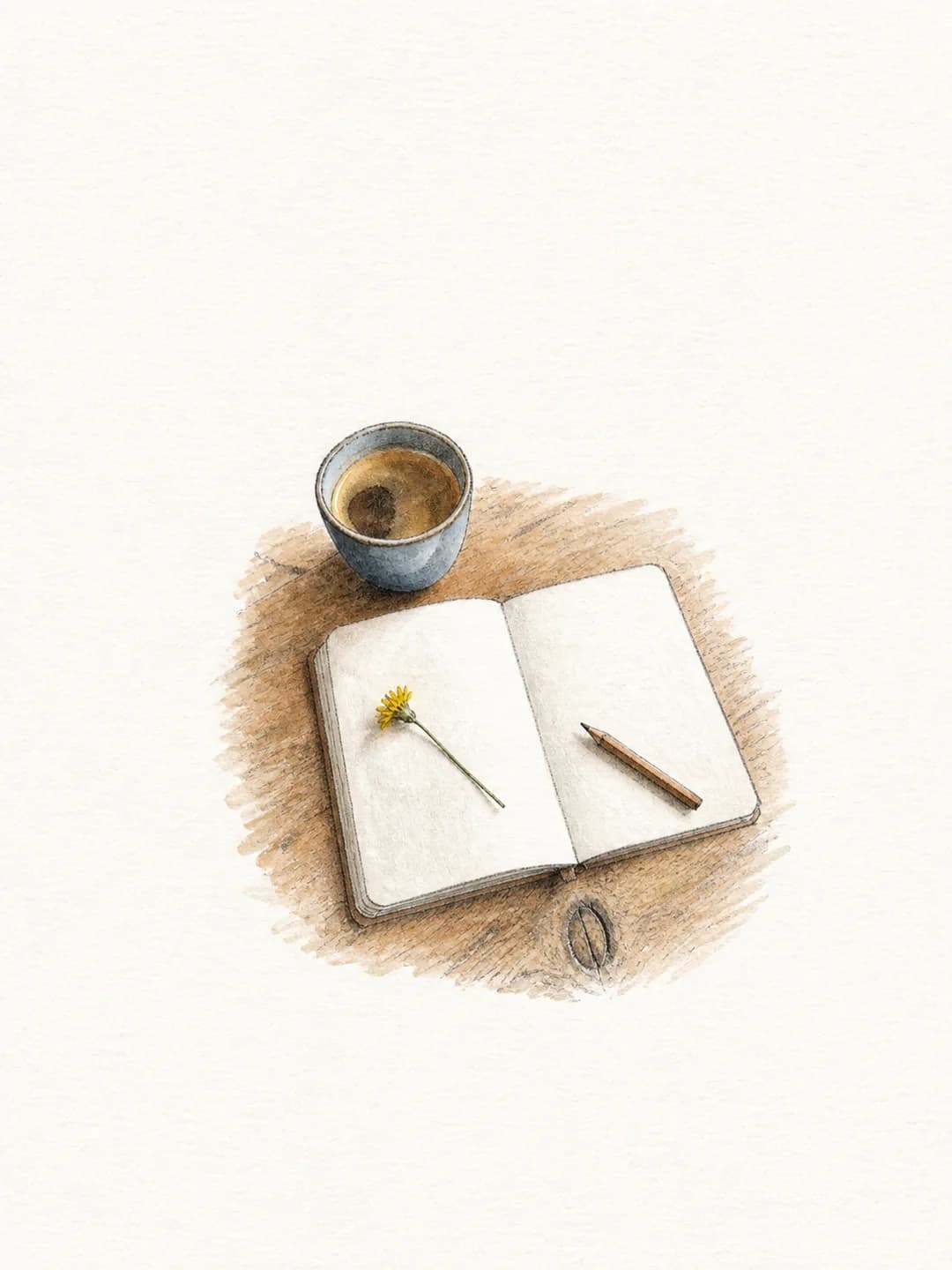
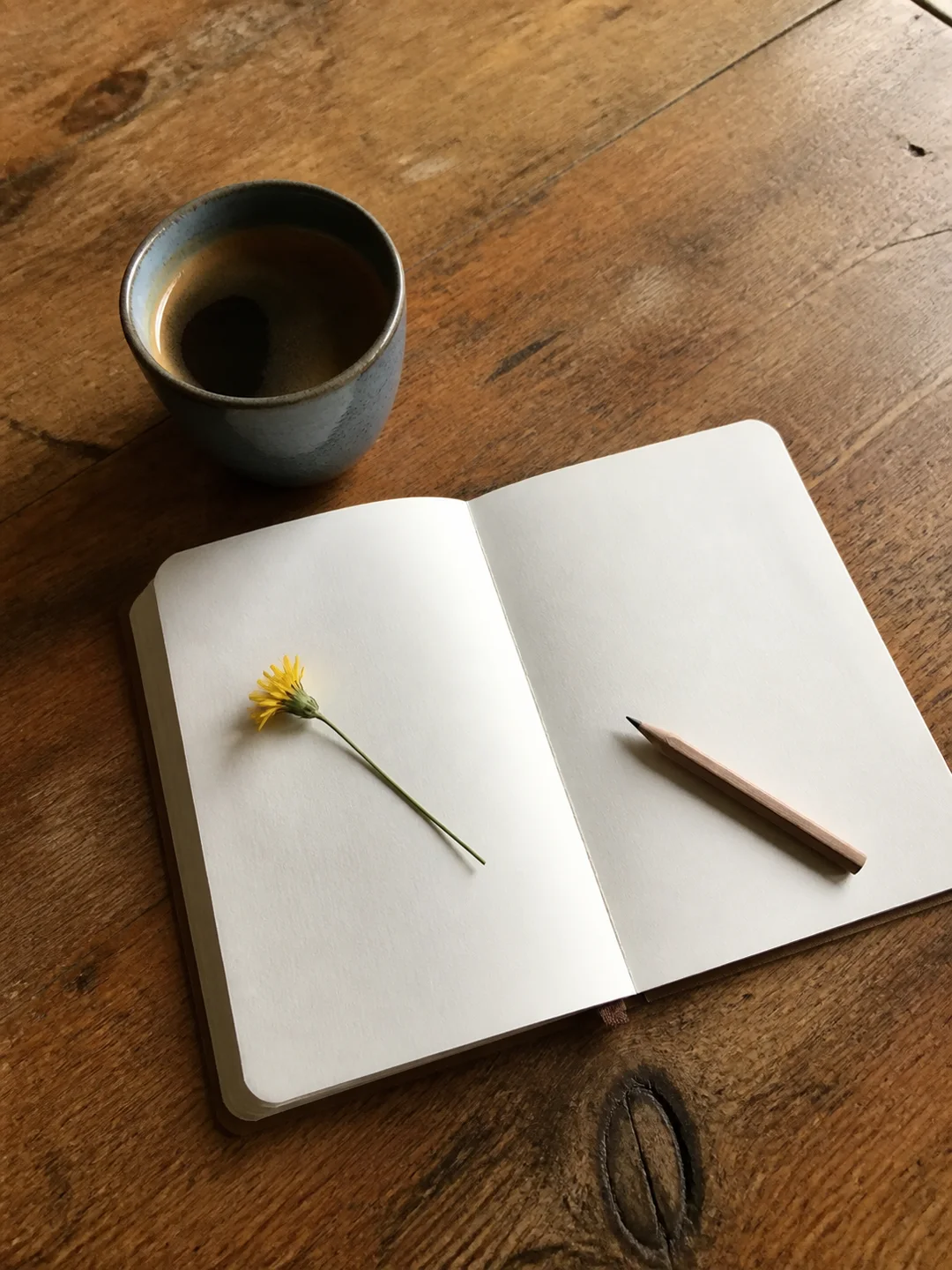
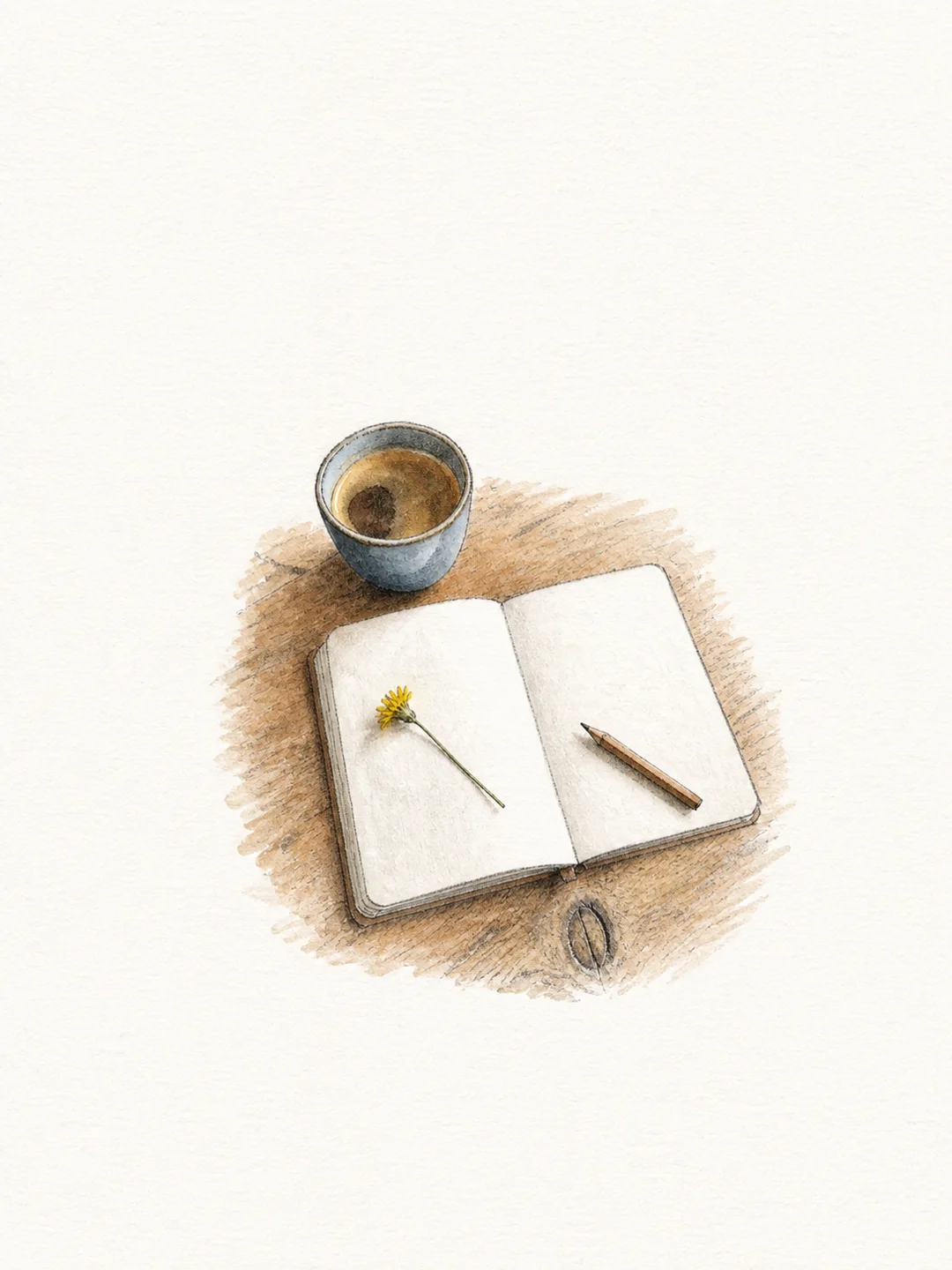
The cup, notebook, pencil, and flower become a clean illustration suitable for journals, posts, or personal projects.
Create my illustrationUpload a photo, choose a style, and create a finished illustration without drawing software or manual editing.
The tool follows the main subject, pose, key objects, and distinctive colors from the uploaded photo.
Choose poetic watercolor, pencil field note, soft risograph, or minimal ink.
The subject is redrawn on a clean portrait canvas with enough space around the illustration.
Use the result in journals, travel notes, gifts, social posts, moodboards, and personal projects.
Create a hand-drawn result in three straightforward steps.
Choose a photo with one main subject, such as a person, pet, object, meal, building, or travel scene.
Pick watercolor, pencil, risograph, or ink to set the look of the result.
Review the subject and important details, then download the illustration or try another style.
Find out all the essential details about AI Photo to Illustration
It is an online tool that redraws an uploaded photo as an illustration. Nano Banana Pro offers watercolor, pencil, risograph, and ink styles for people, pets, places, and everyday objects.
Eligible new accounts receive free signup credits. Each standard illustration uses 2 credits, so eligible users can try one generation before purchasing more. One-time credit packs are available without a subscription.
Upload a clear photo, choose one of the four illustration styles, and select Create Image. When the result is ready, review it and download the image directly from your browser.
Yes. Choose Poetic Watercolor for soft color washes or Pencil Field Note for a lighter graphite look. Soft Risograph and Minimal Ink are also available.
Clear photos with one main subject and a few supporting details work best. Pets, portraits, street scenes, food, buildings, plants, and travel objects are all suitable.
The tool tries to preserve the main subject, pose, important objects, and distinctive colors. Because the image is regenerated, check faces, hands, small text, and exact product details before important use.
A filter changes the surface of the original photo. This tool redraws the scene as a new illustration and simplifies the composition to match the selected art style.
Commercial use depends on your rights to the uploaded photo, depicted people, products, and references. Use material you are allowed to transform and review the terms and applicable rights before publishing commercially.
Edit, repair, or restyle a photo with a focused AI workflow. Choose a tool, upload your image, and get the result without starting from a blank prompt.
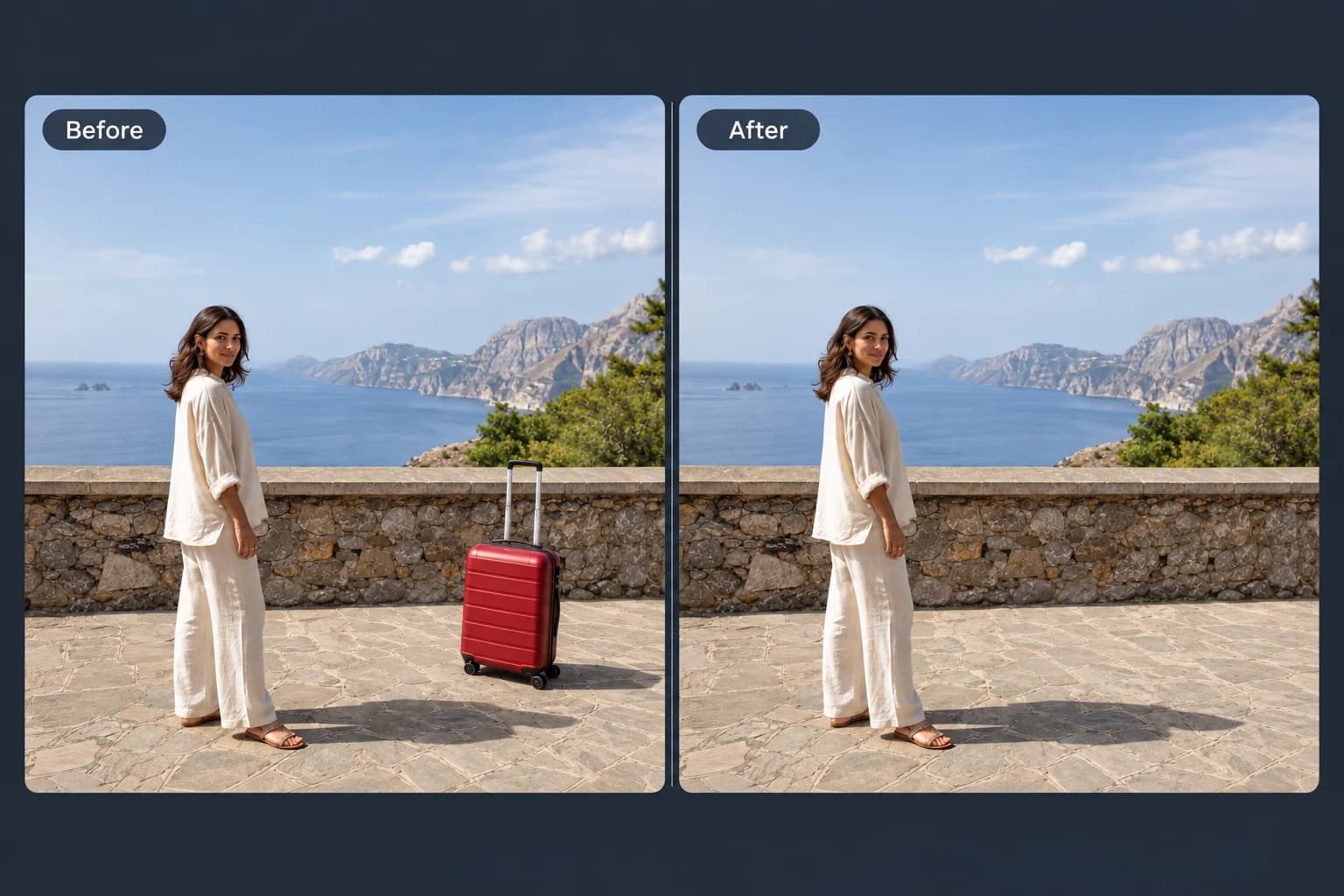 Before → After
Brush away unwanted objects, people and clutter from your photos.
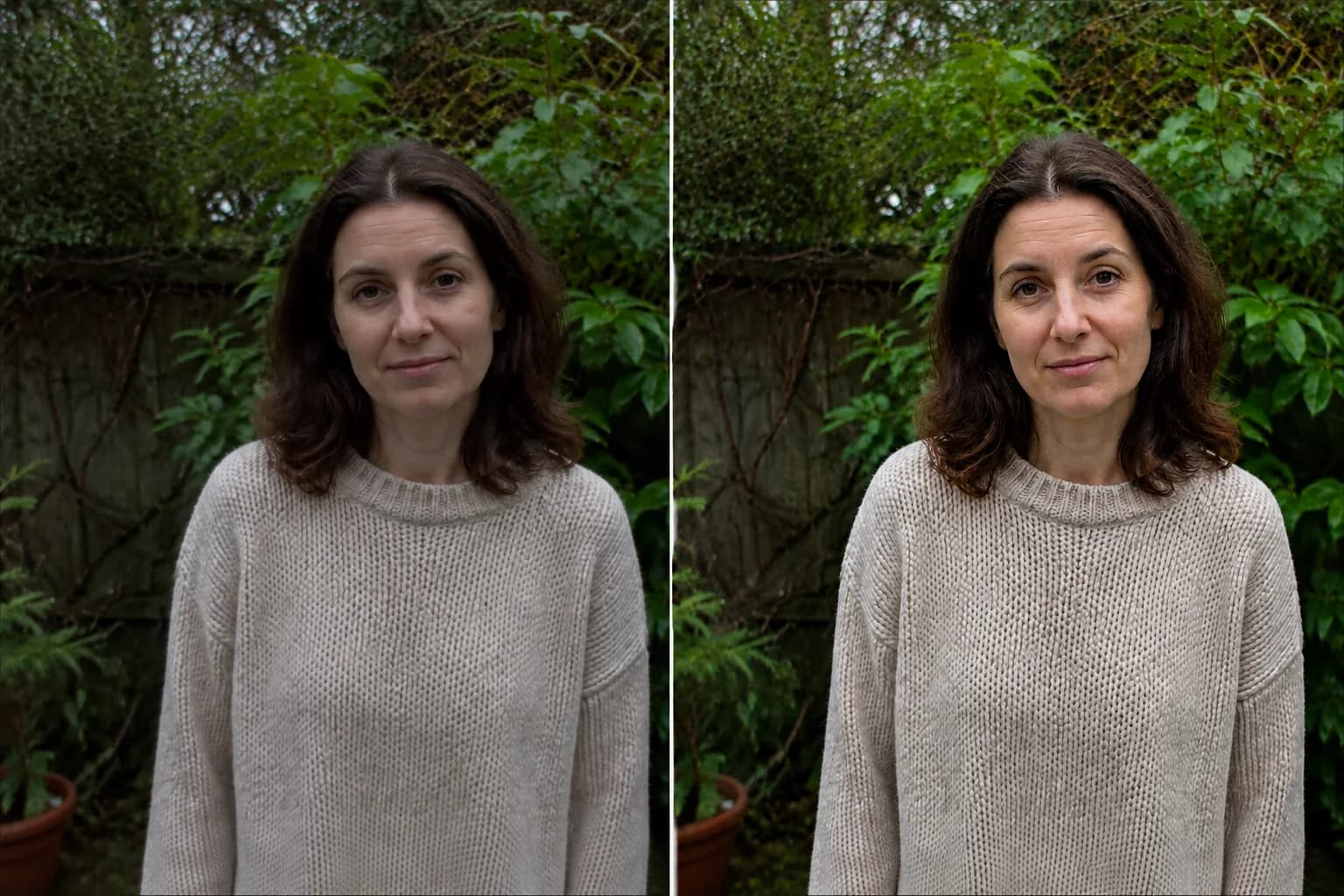 Before → After preview
Make blurry or dim photos look clearer with natural, portrait and low-light enhancement.
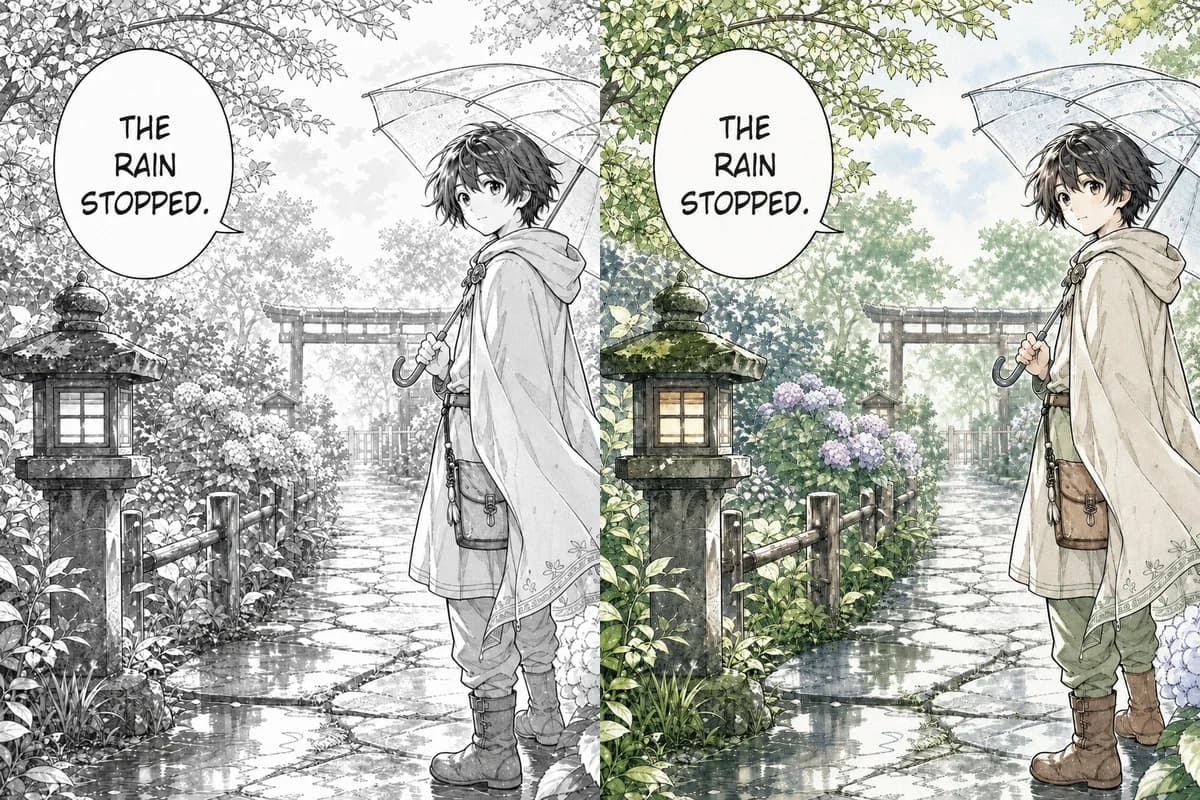 Line Art → Colored
Color black-and-white manga pages, webtoon panels, and line art with controls designed to retain ink lines, screentones, and speech bubbles.
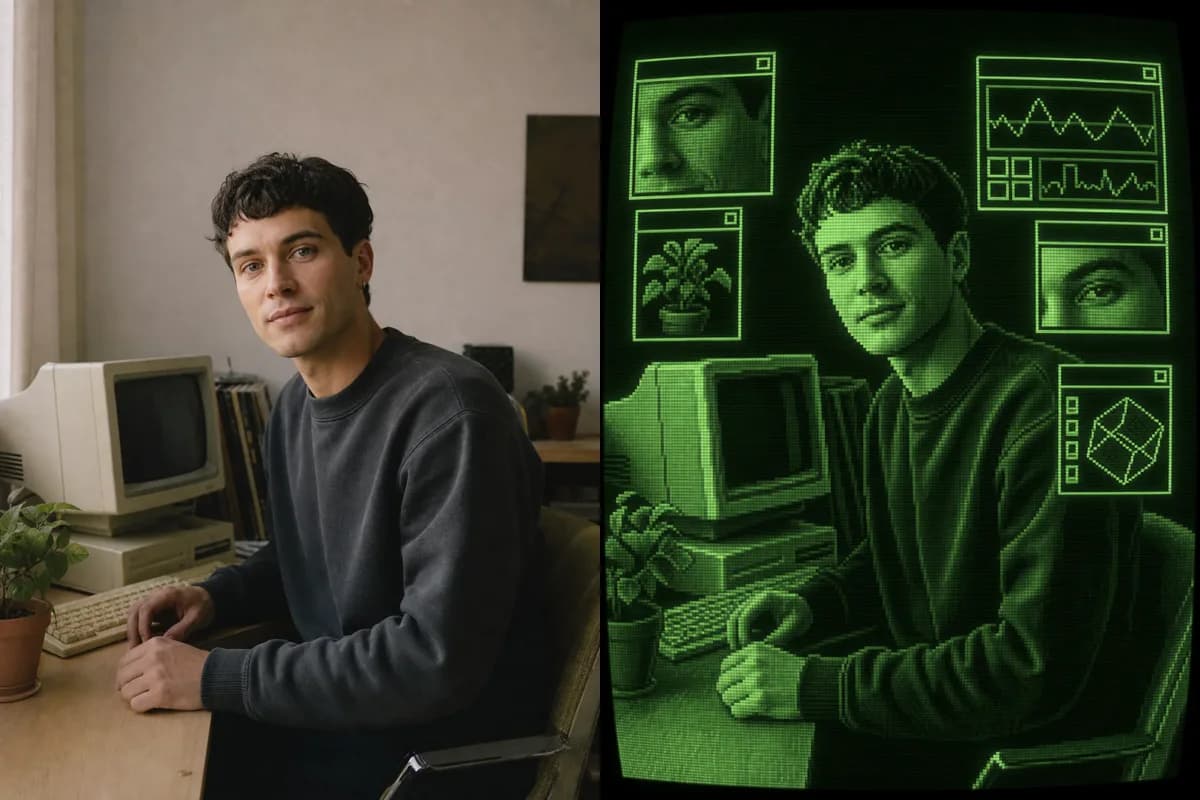 Photo → CRT Art
Turn a photo into retro CRT computer art with pixel palettes, scanlines, glow, and interface windows.
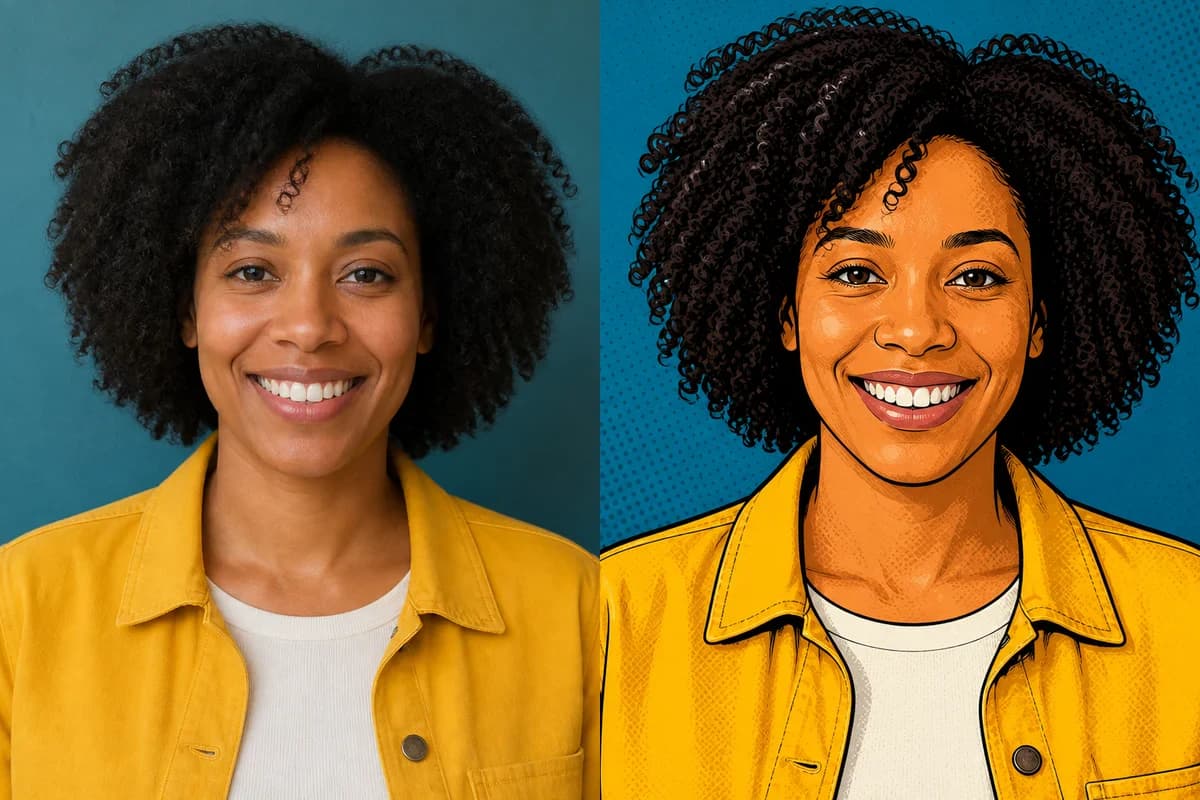 Photo → Cartoon
Turn any photo into a cartoon online with six one-click styles and an editable prompt.
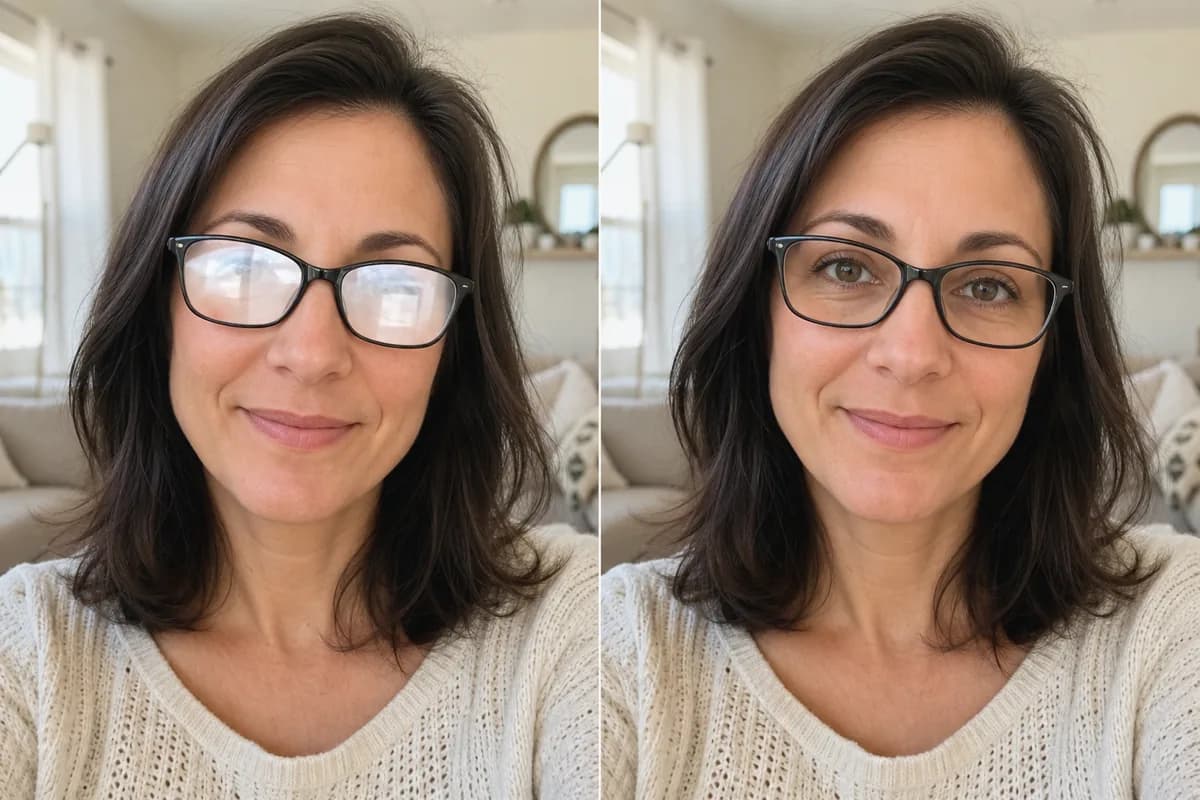 Before → After
Remove glare and reflections from glasses in portraits and group photos—same eyes, same frames, same face.
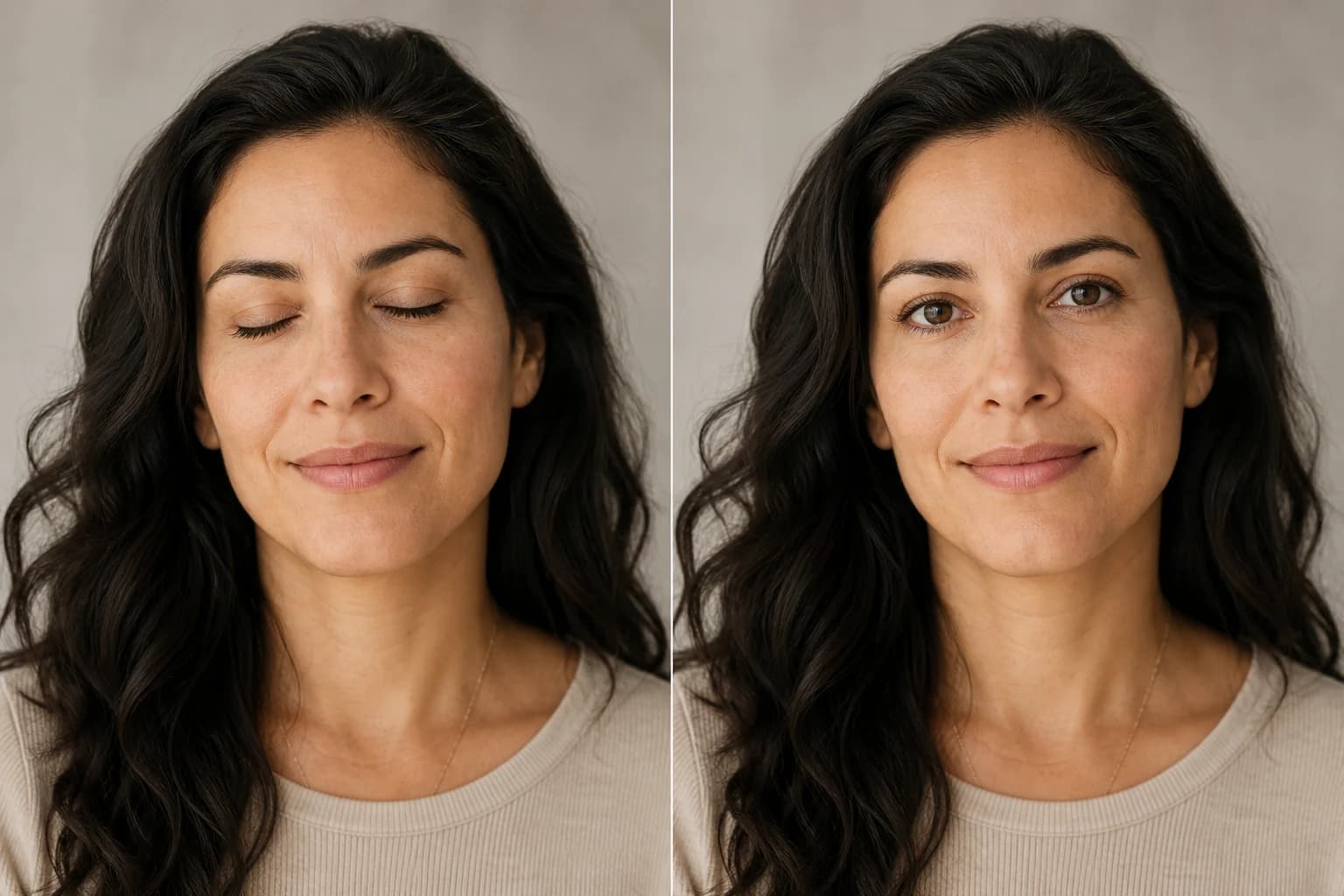 Before → After
Open closed, blinking, or half-shut eyes in portraits and group photos—same face, natural look.
Upload a photo, choose an illustration style, and create online. Eligible new accounts receive free credits to try a standard generation.