BeforeAfter preview
Bring out the details in pet photos
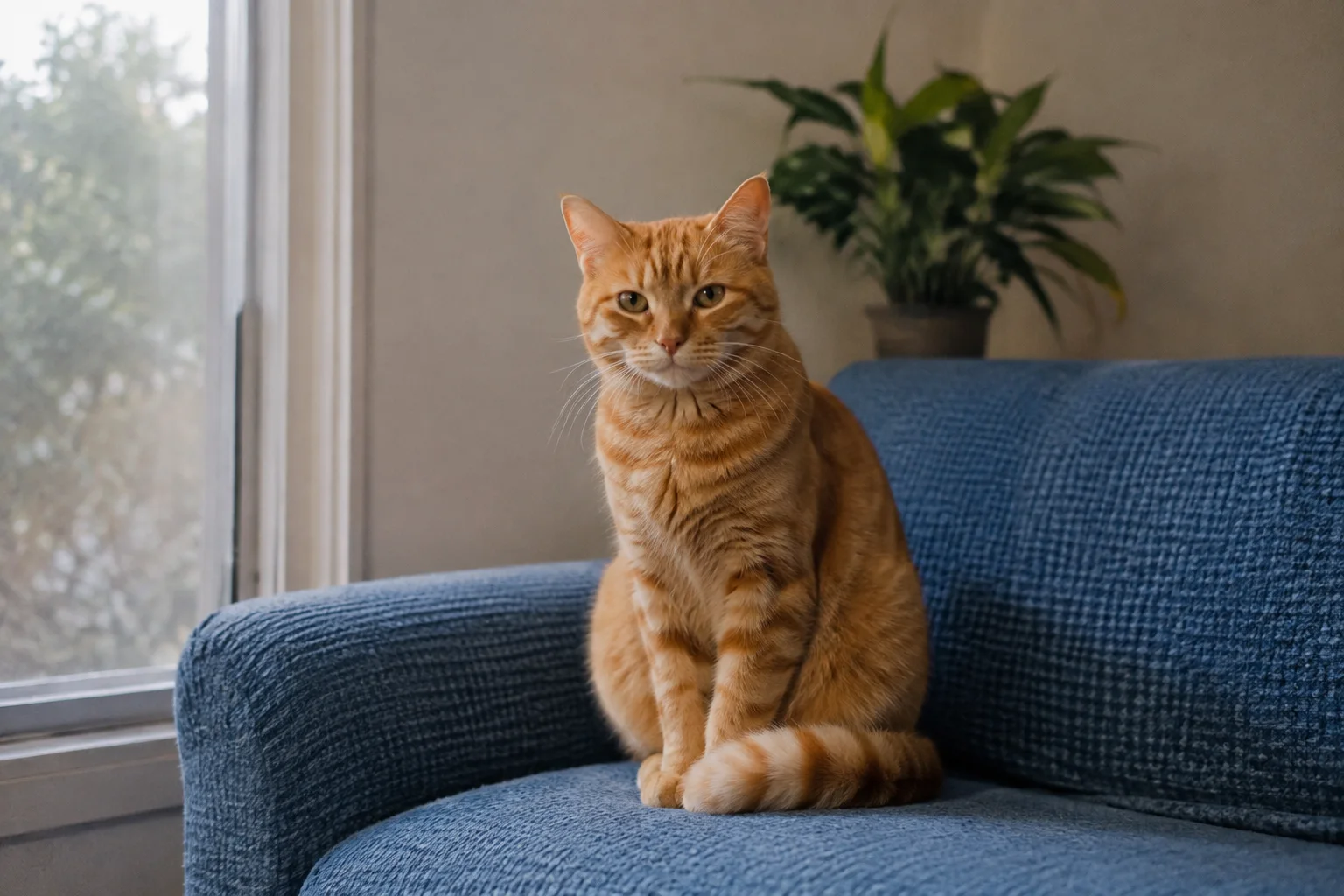
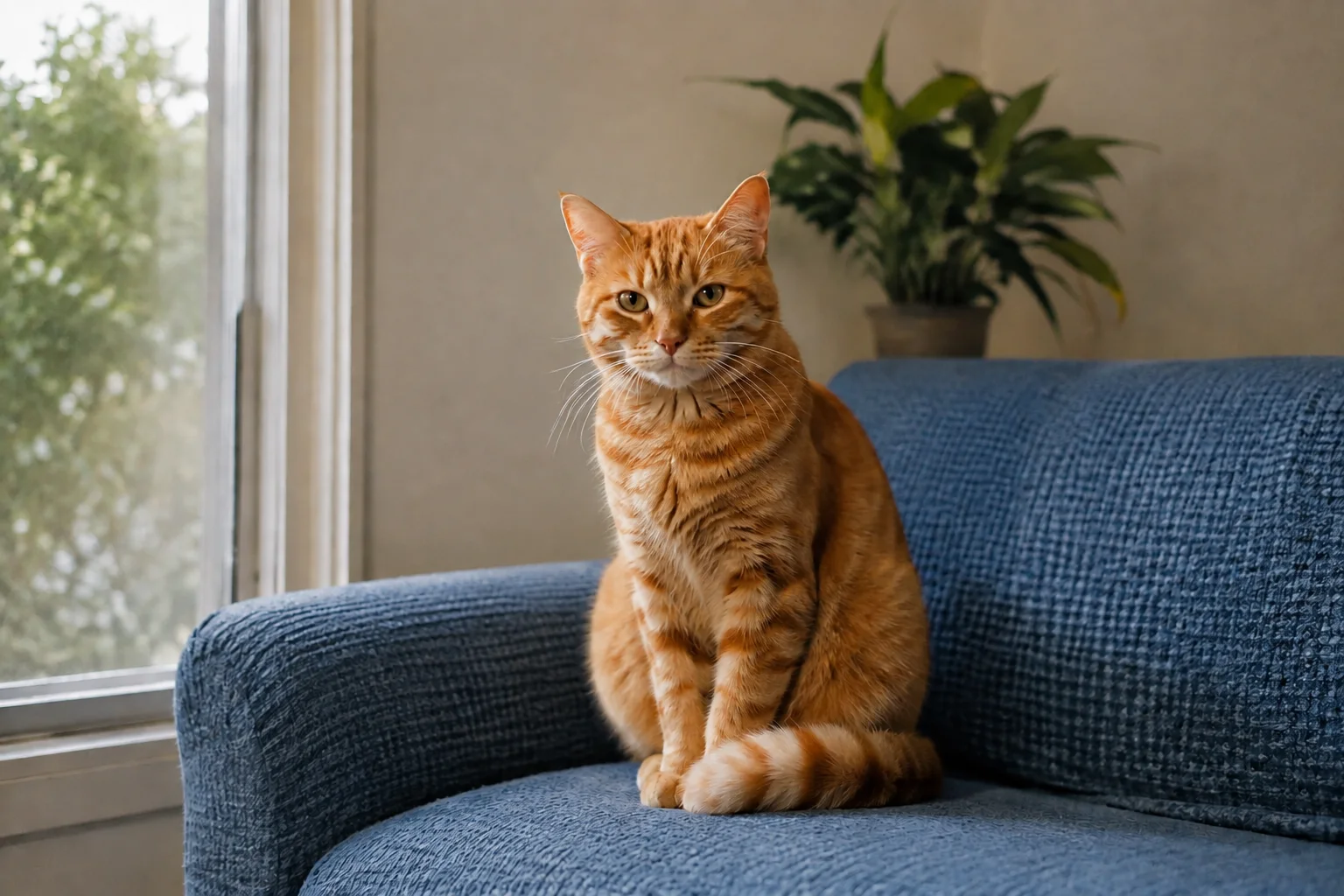
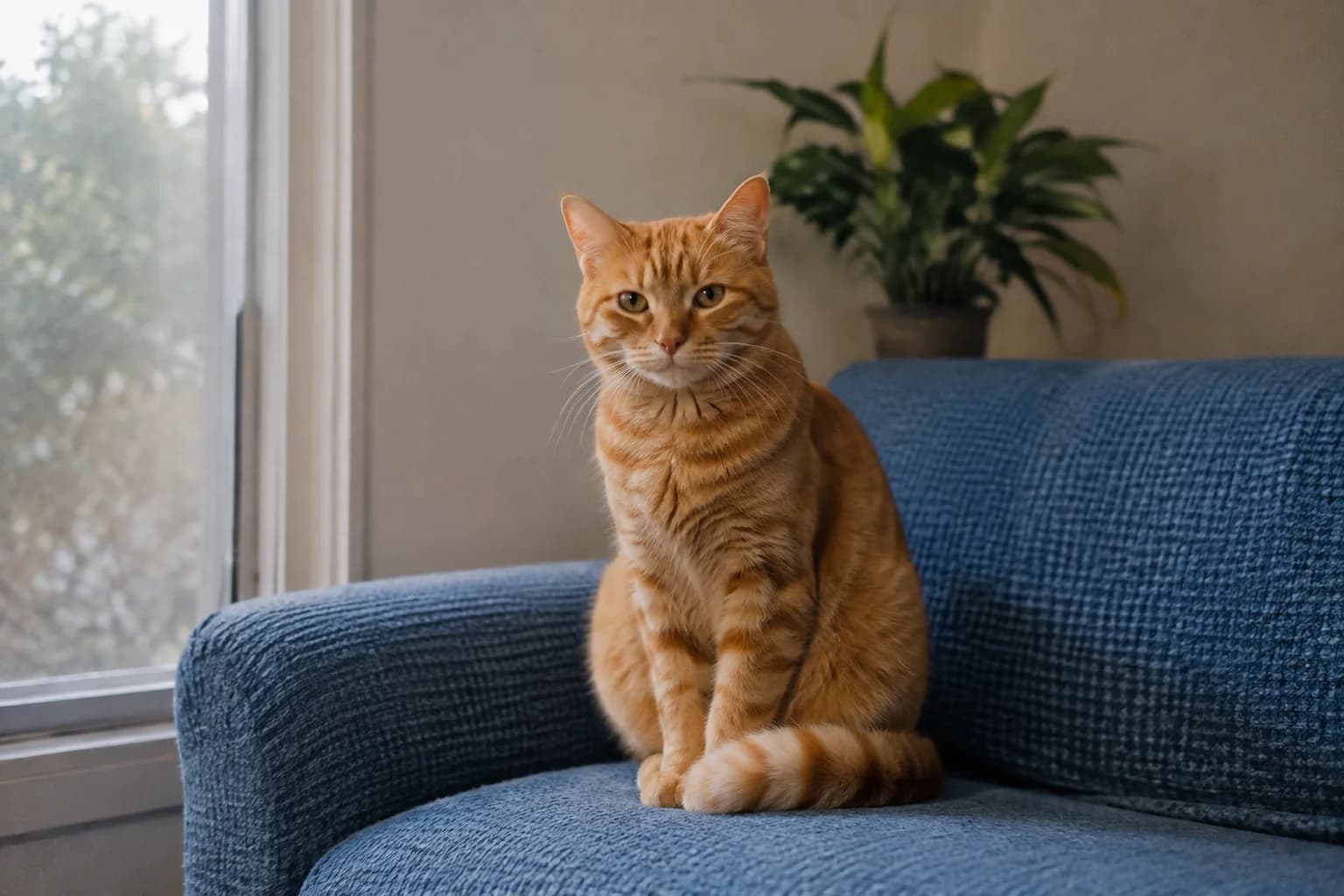
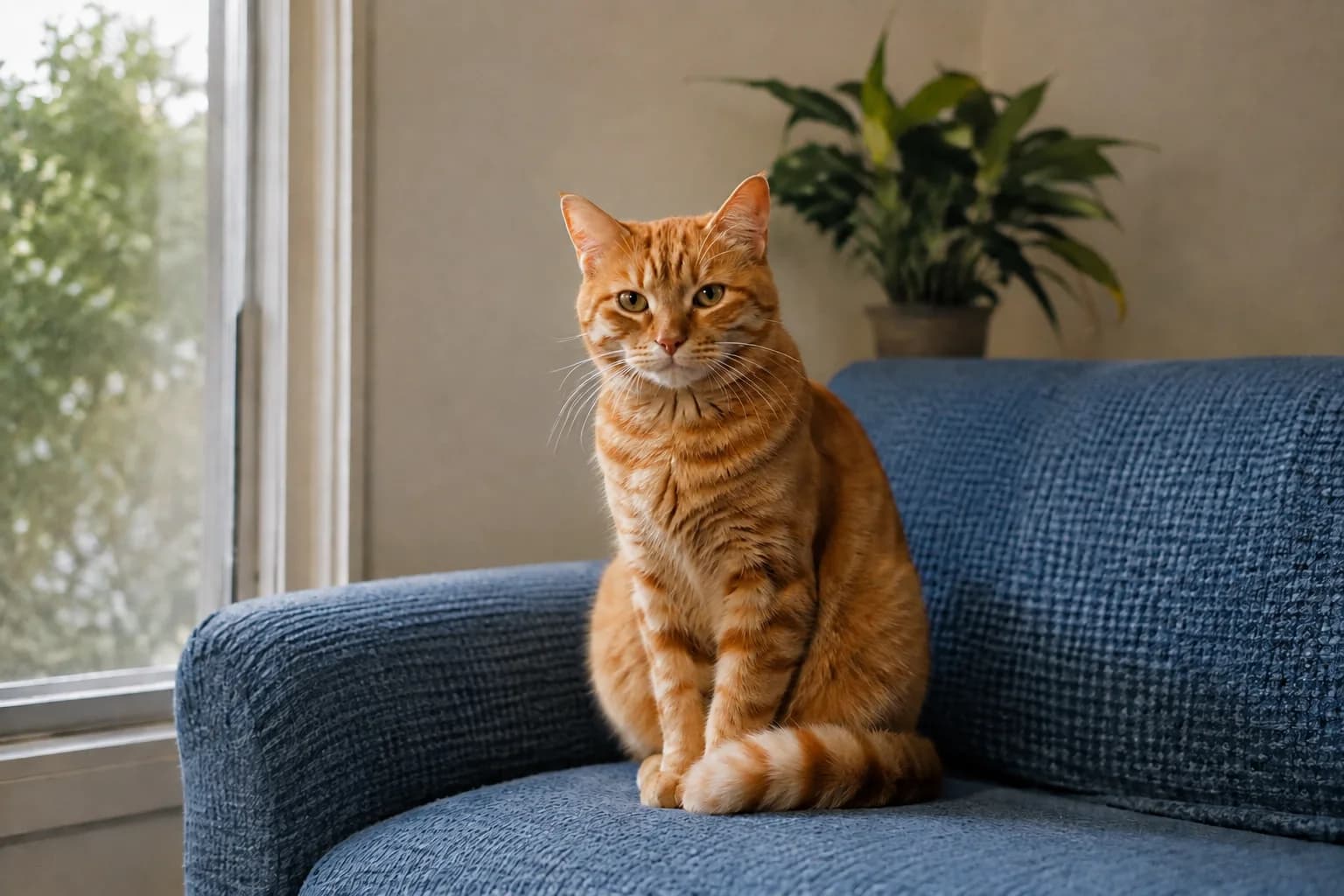
Make fur and whiskers look clearer, with balanced color for a more natural pet portrait.
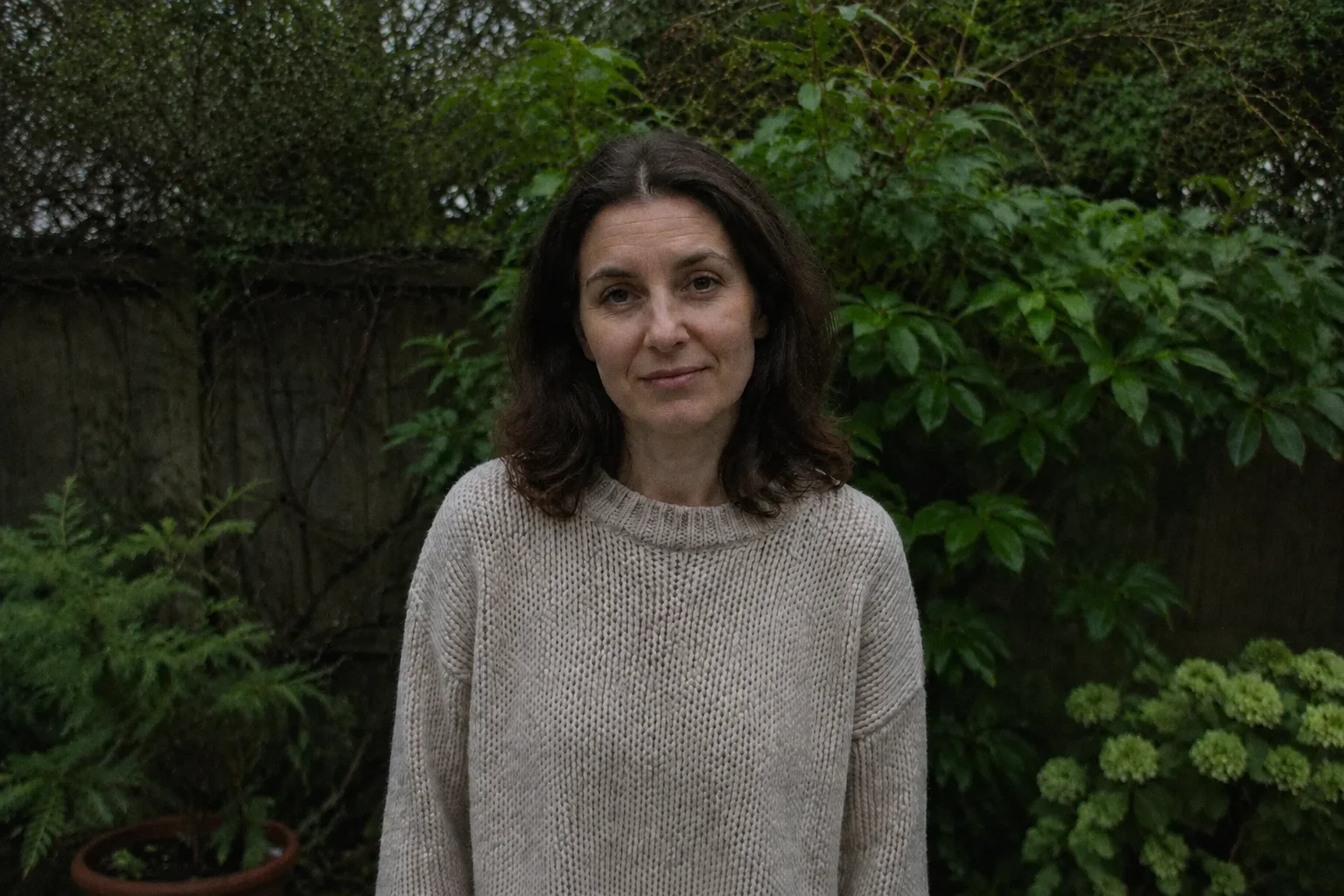
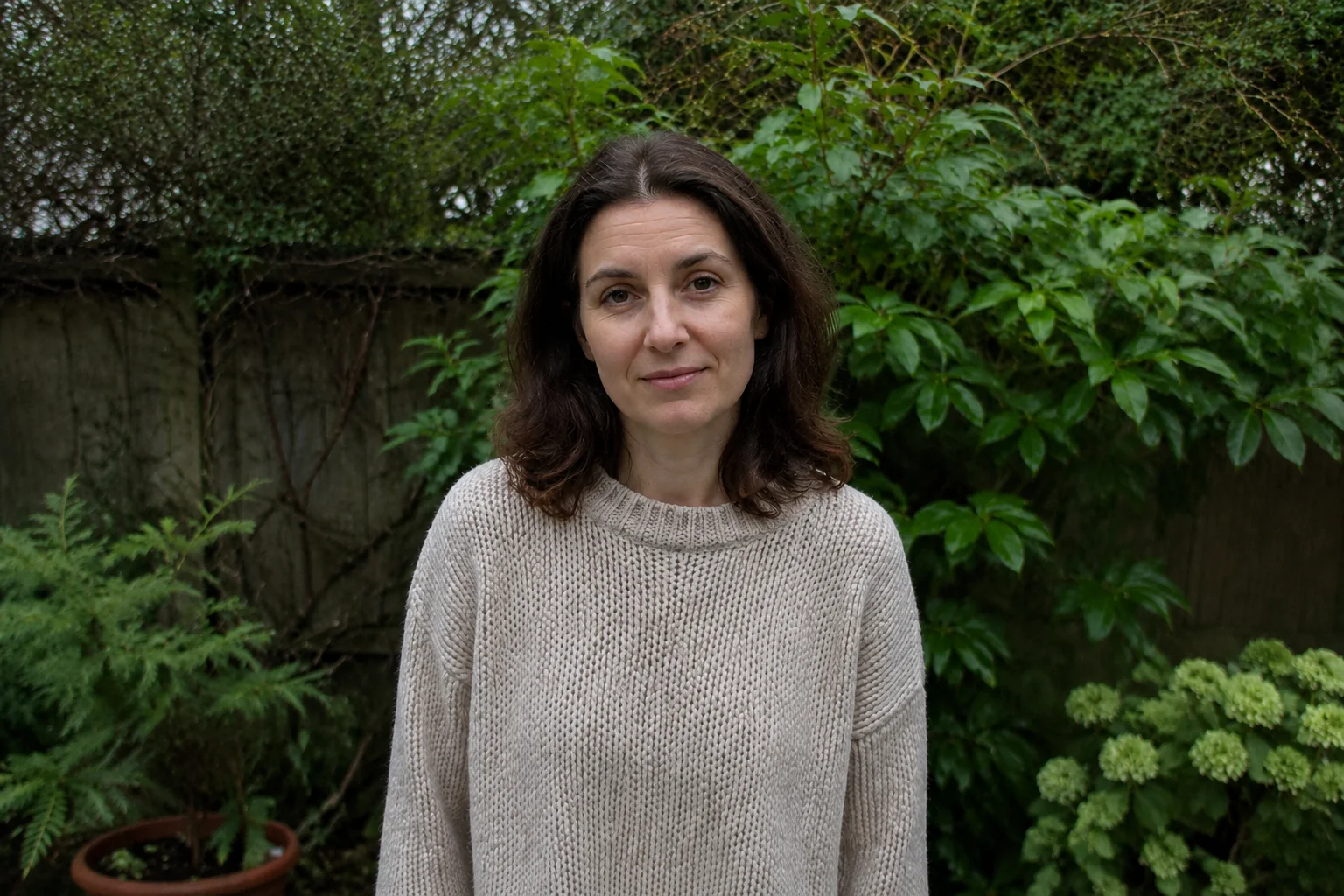
Enhance my photoBring out the details in a favorite portrait or brighten a photo taken in poor light. Choose a mode and give your photo a fresh look, right in your browser.
Improve your photo quality
Upload a photo and choose the look it needs: natural, portrait detail or low light.
Your enhanced photo
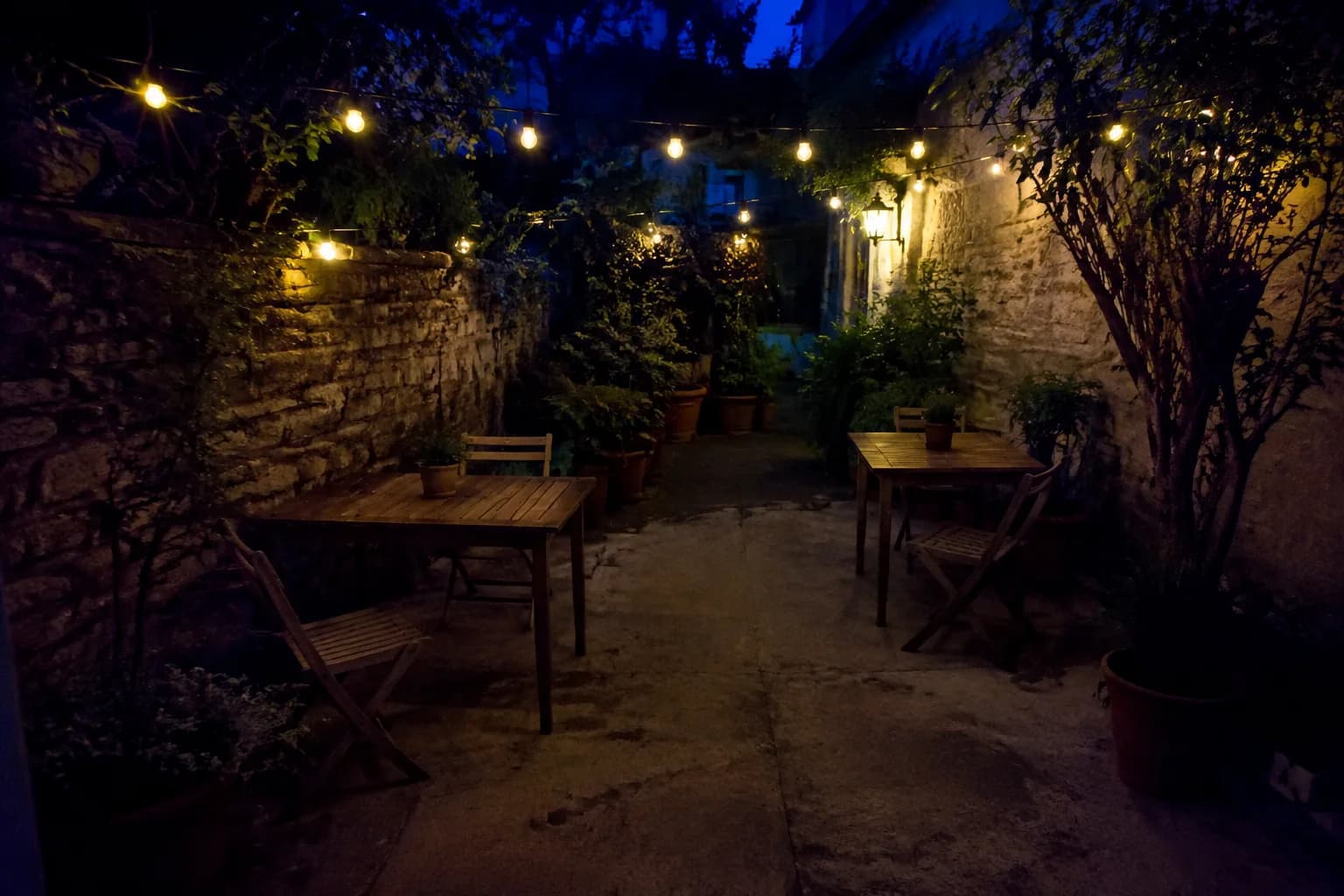
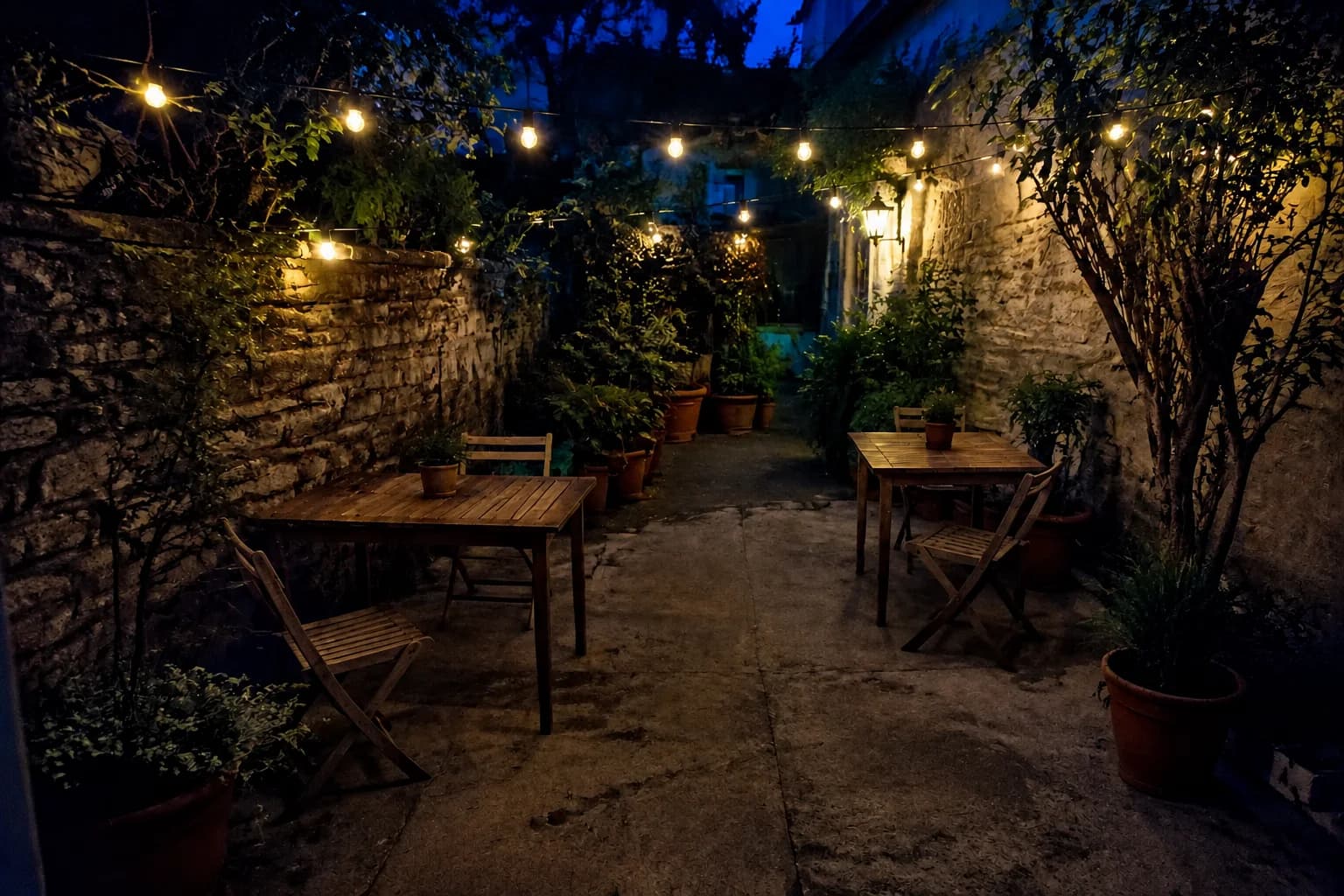
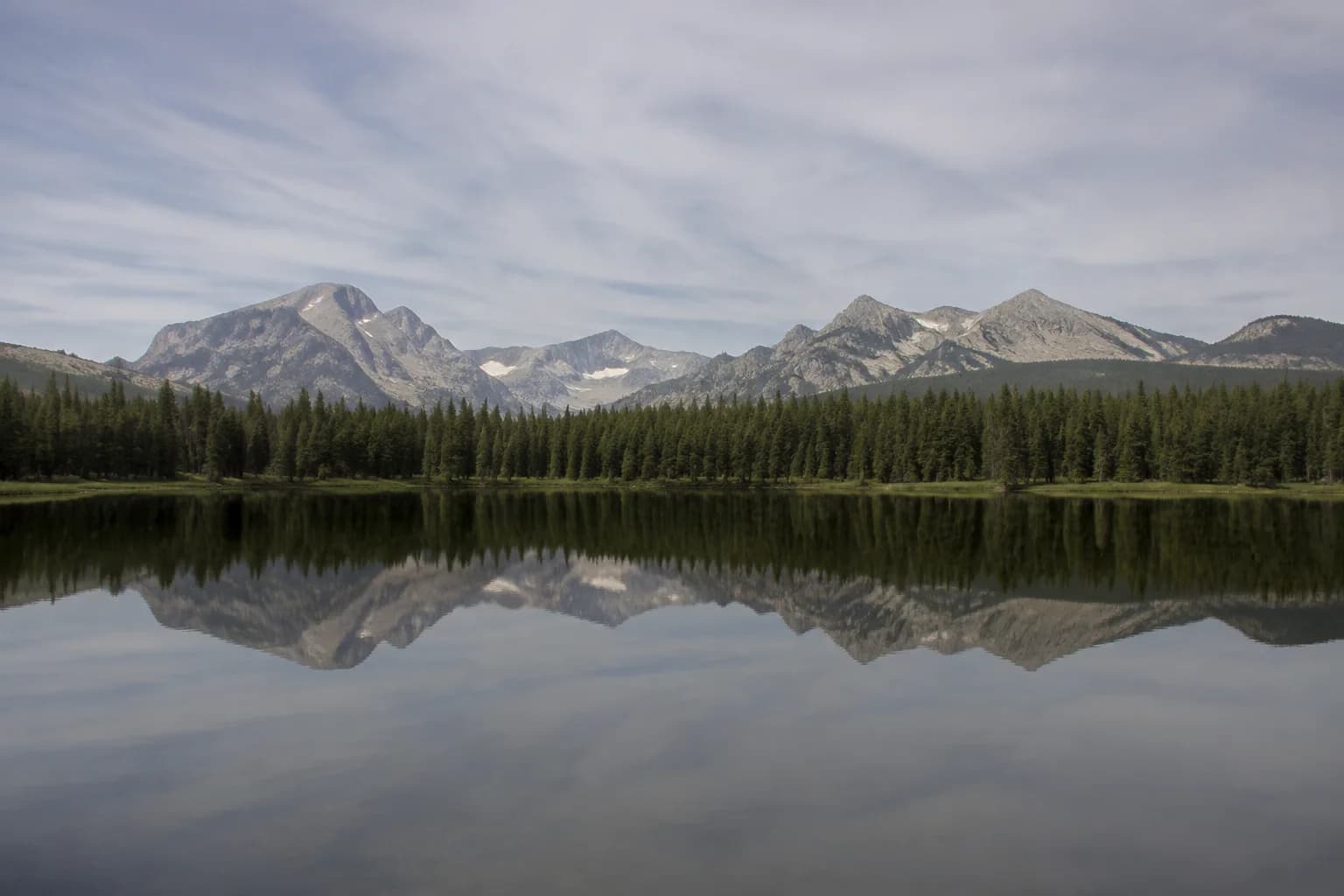
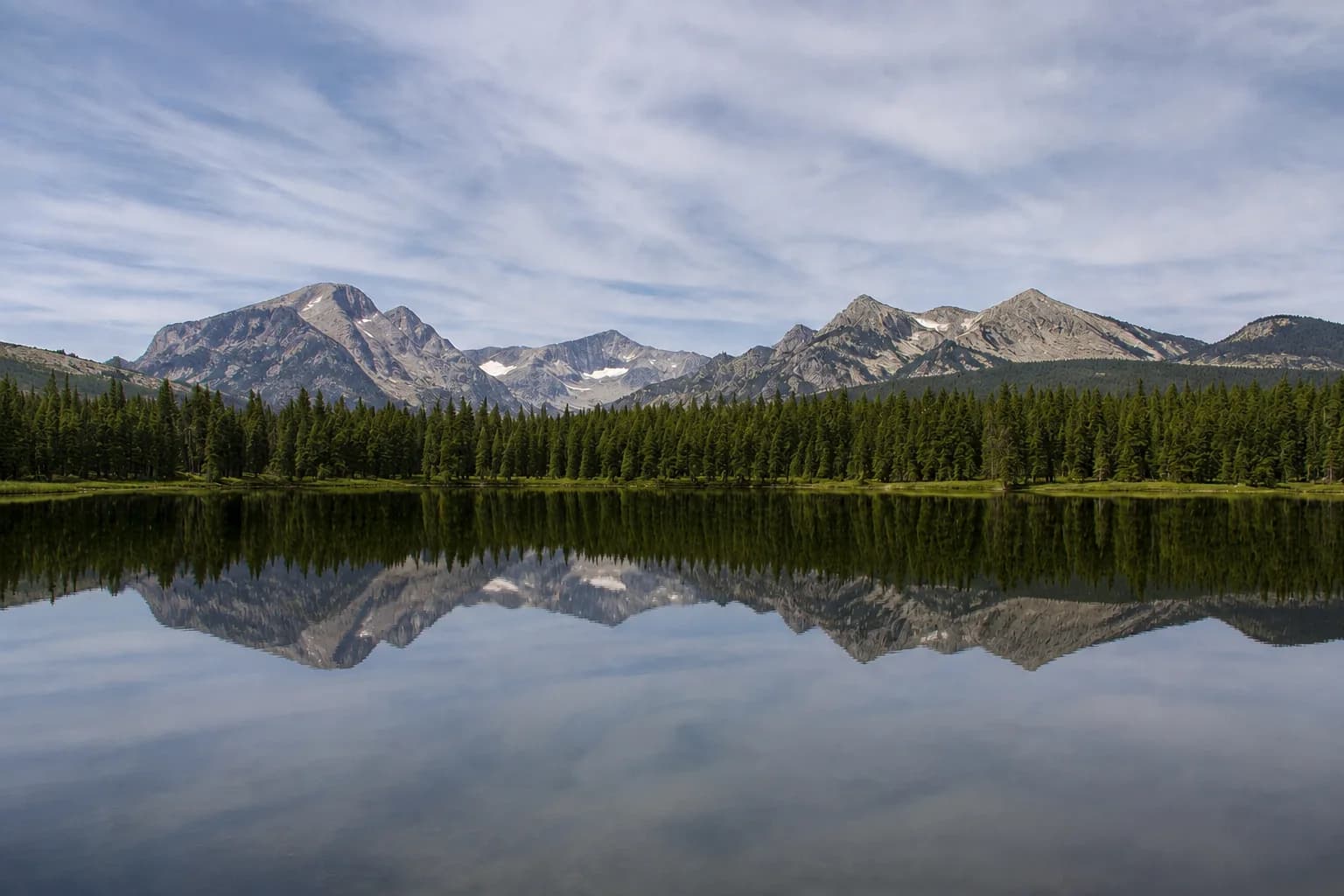
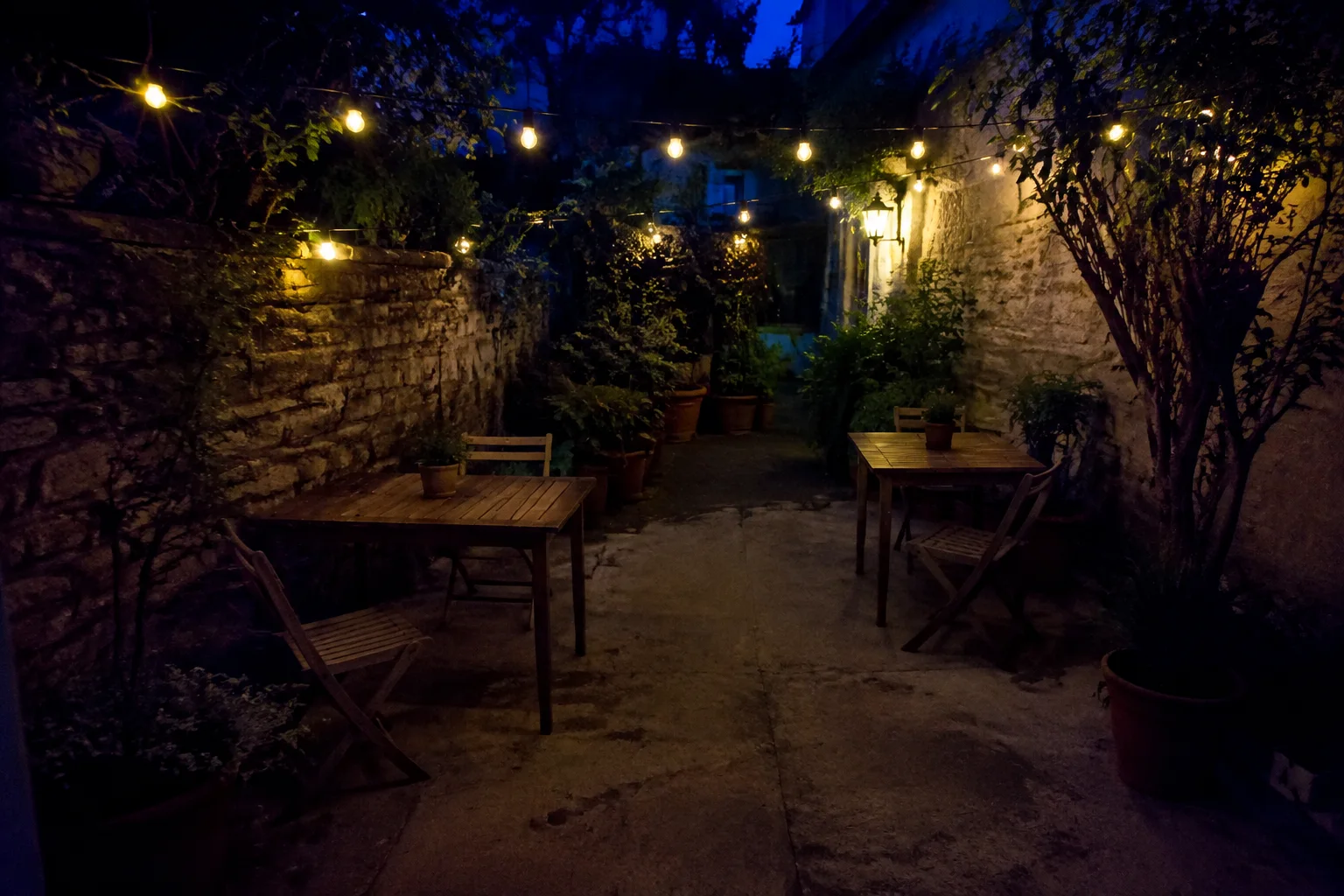
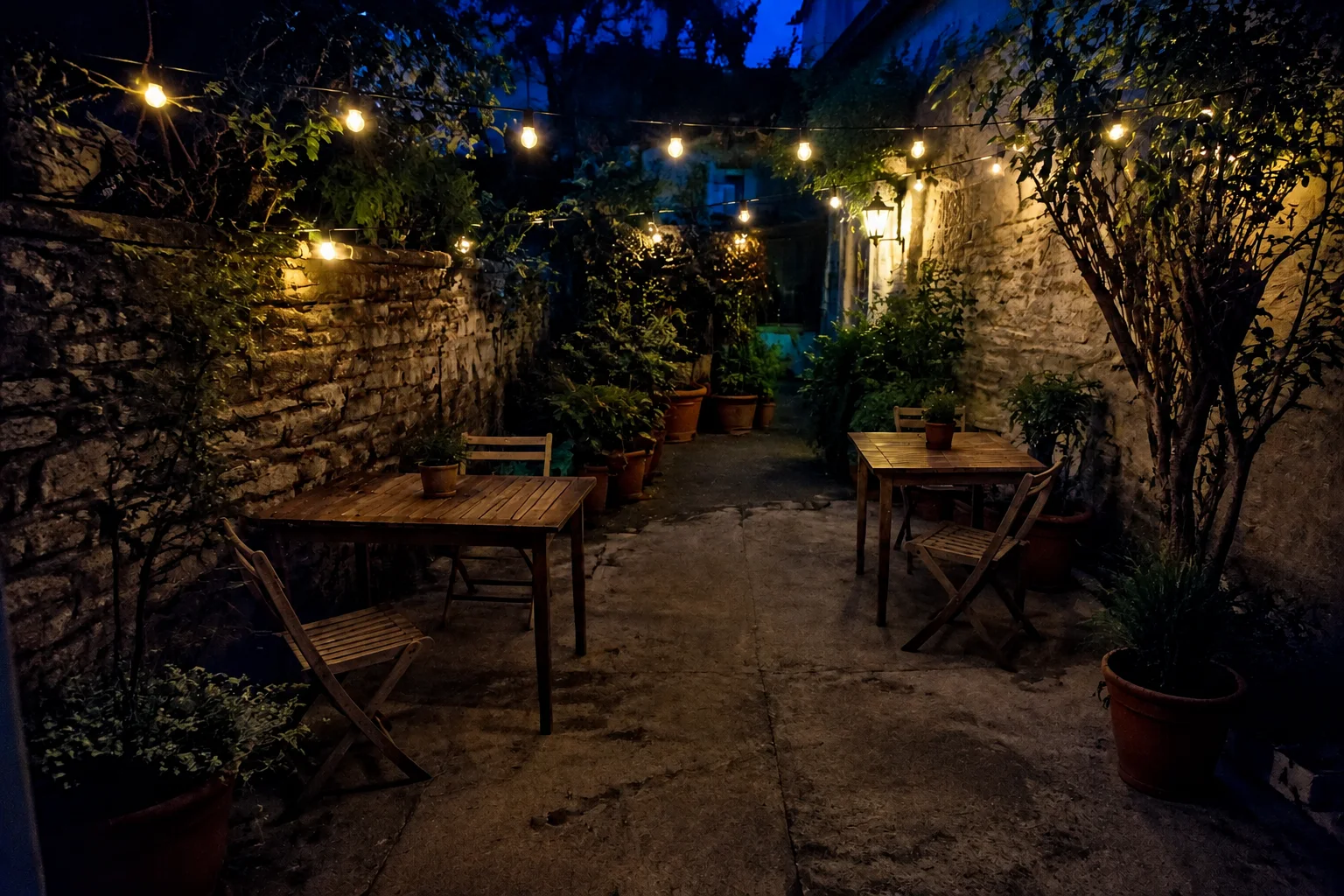
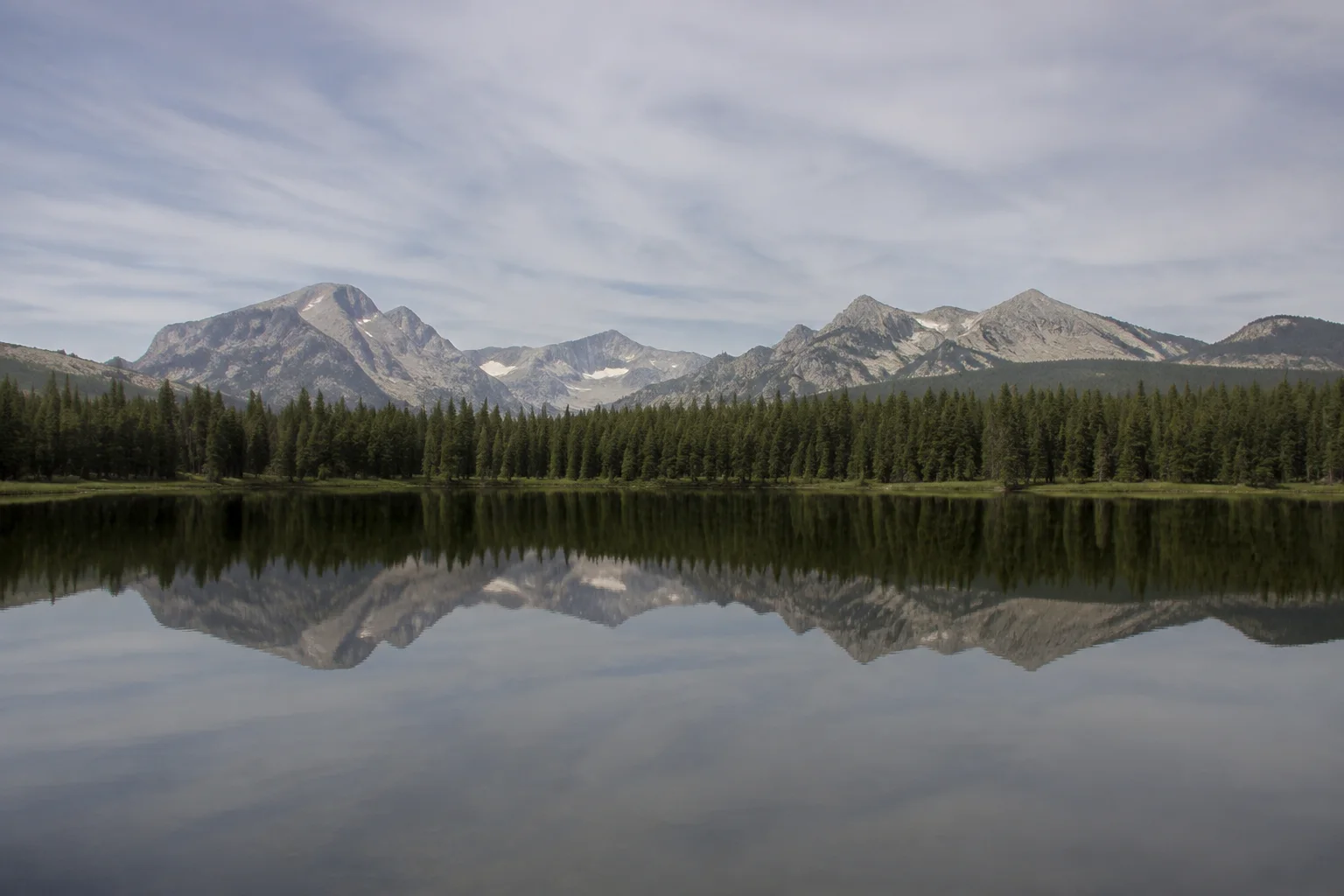
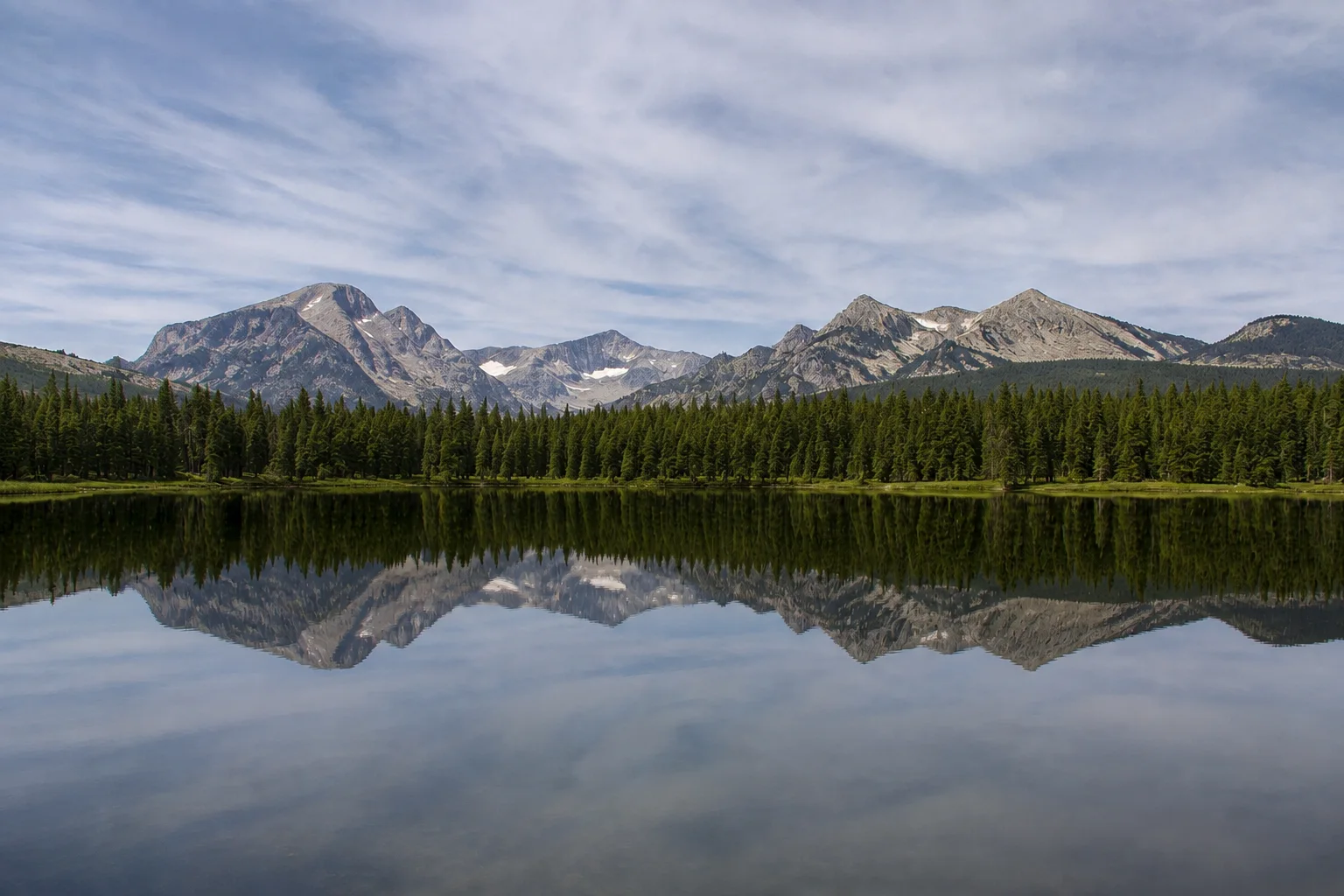
Explore ideas for clearer, brighter photos. These comparisons are illustrations, not actual results from this tool.
Make fur and whiskers look clearer, with balanced color for a more natural pet portrait.
Enhance my photoMake dim scenes easier to see and soften distracting noise, with warm evening light still at the heart of the photo.
Enhance my photoAdjust flat light and muted colors to bring more definition to landscapes and holiday snapshots.
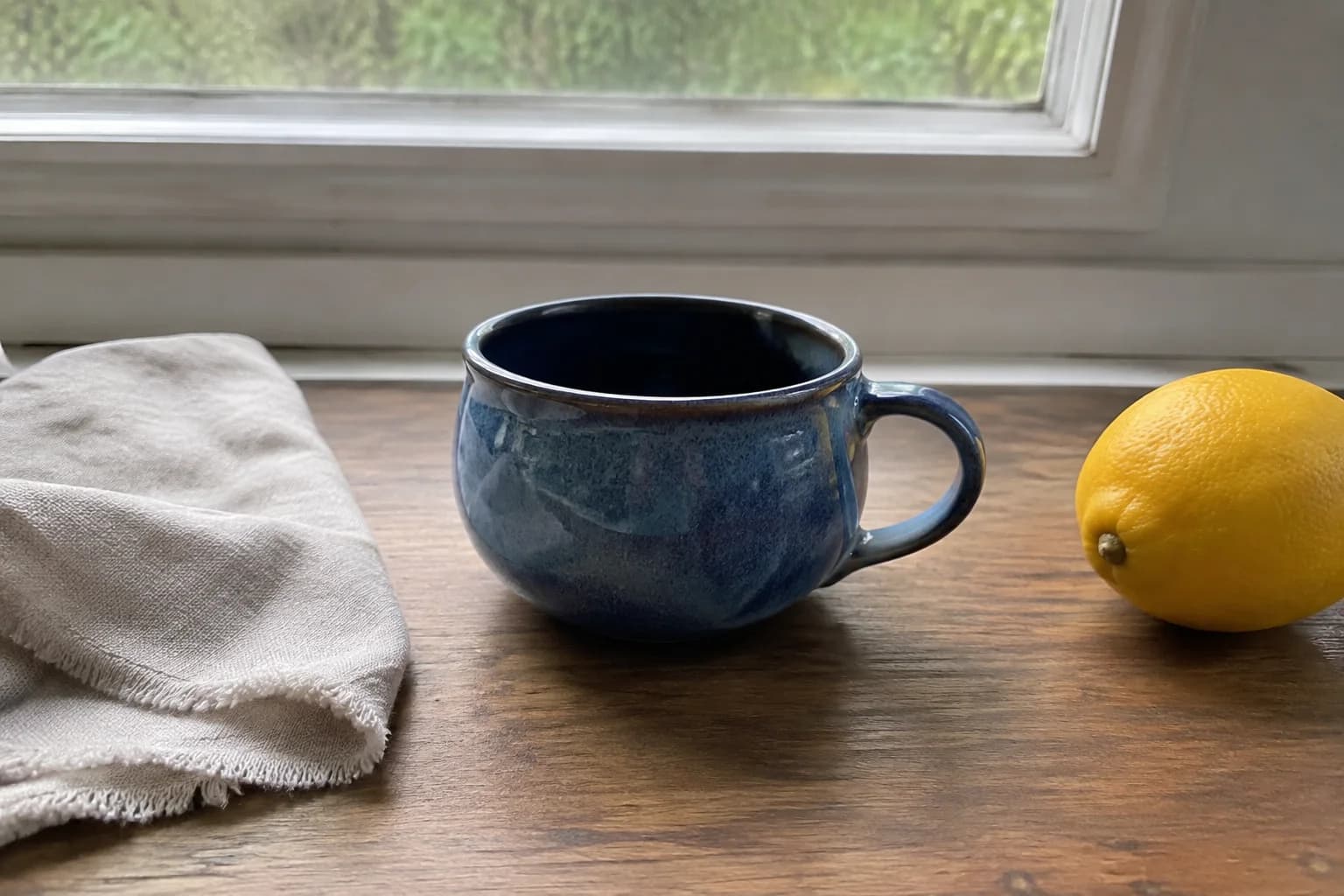
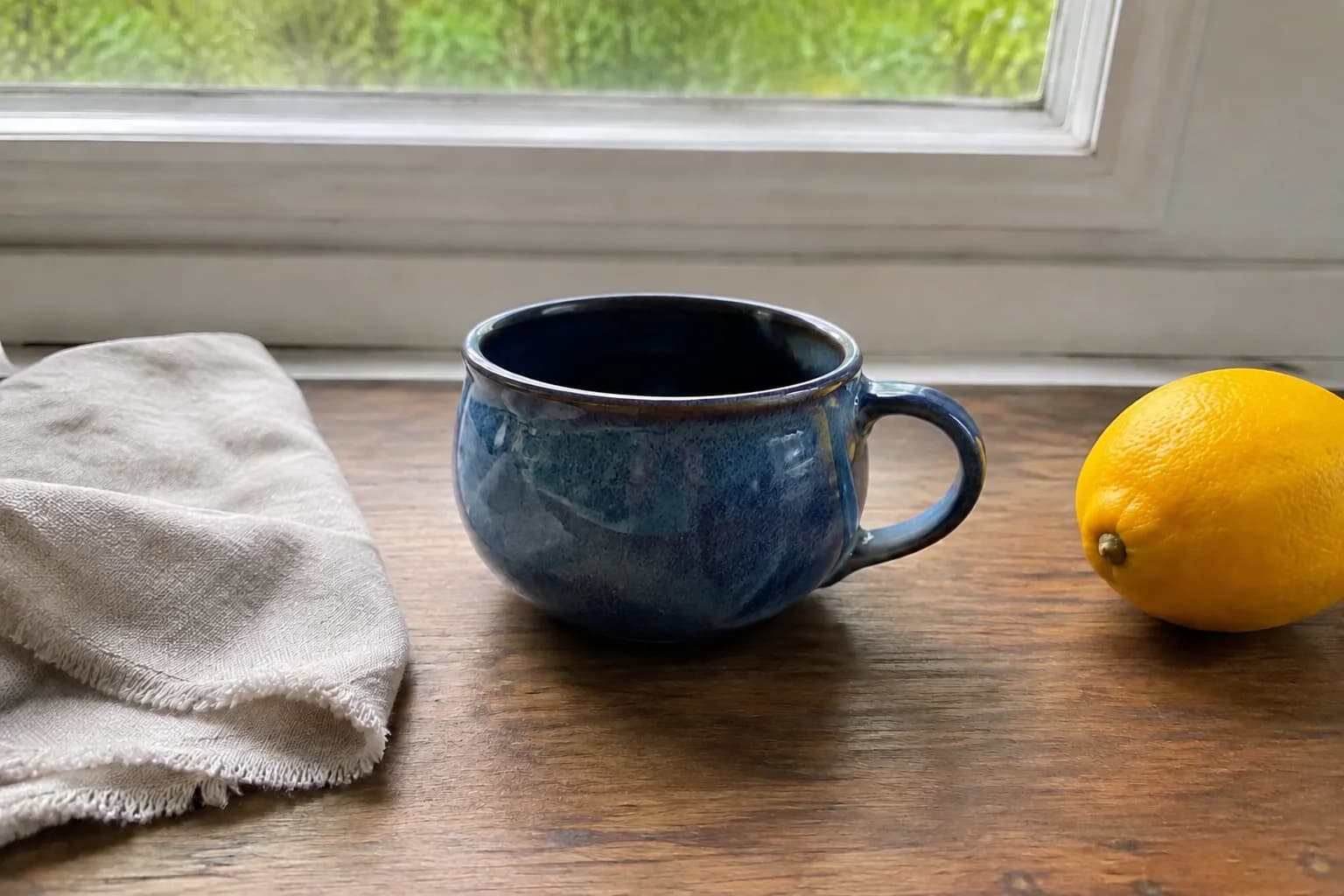
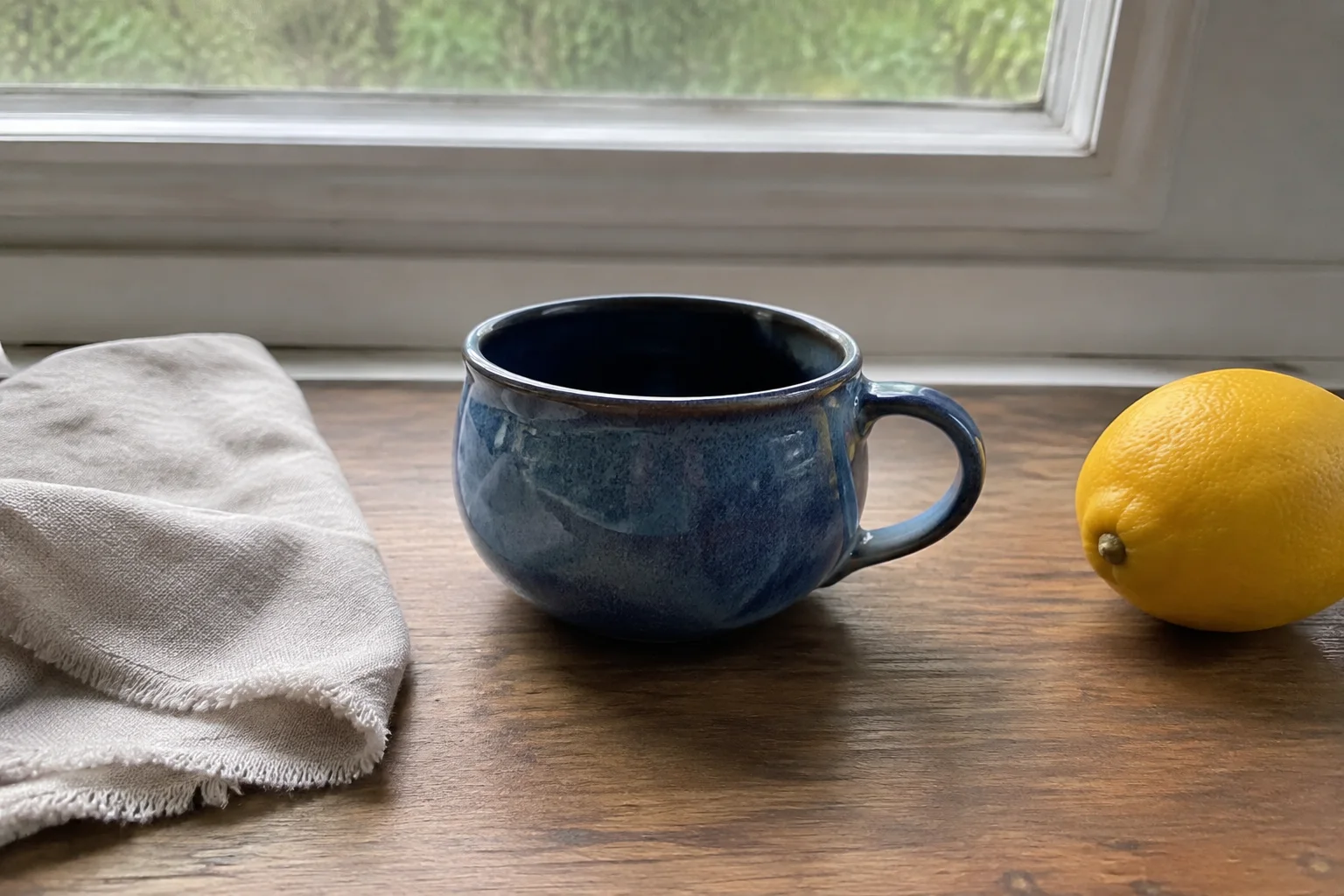
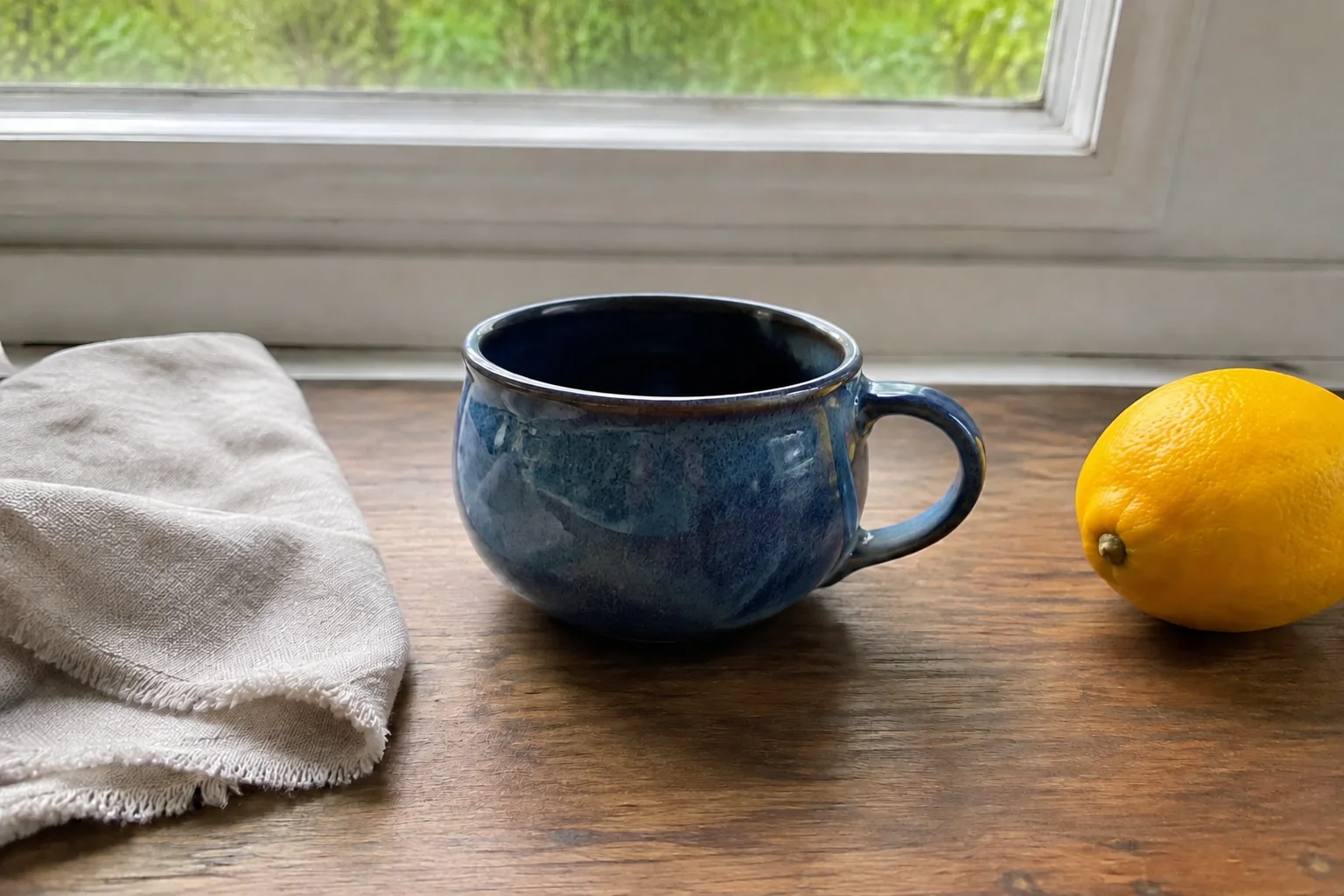
Enhance my photoBring more clarity to ceramics, fabrics and everyday objects with balanced light and gentle sharpening.
Enhance my photoThree modes for everyday snapshots, portraits and dark scenes. Pick the one that fits your photo and compare the result right away.
A simple starting point for everyday photos that need clearer detail, more balanced light or a little more color.
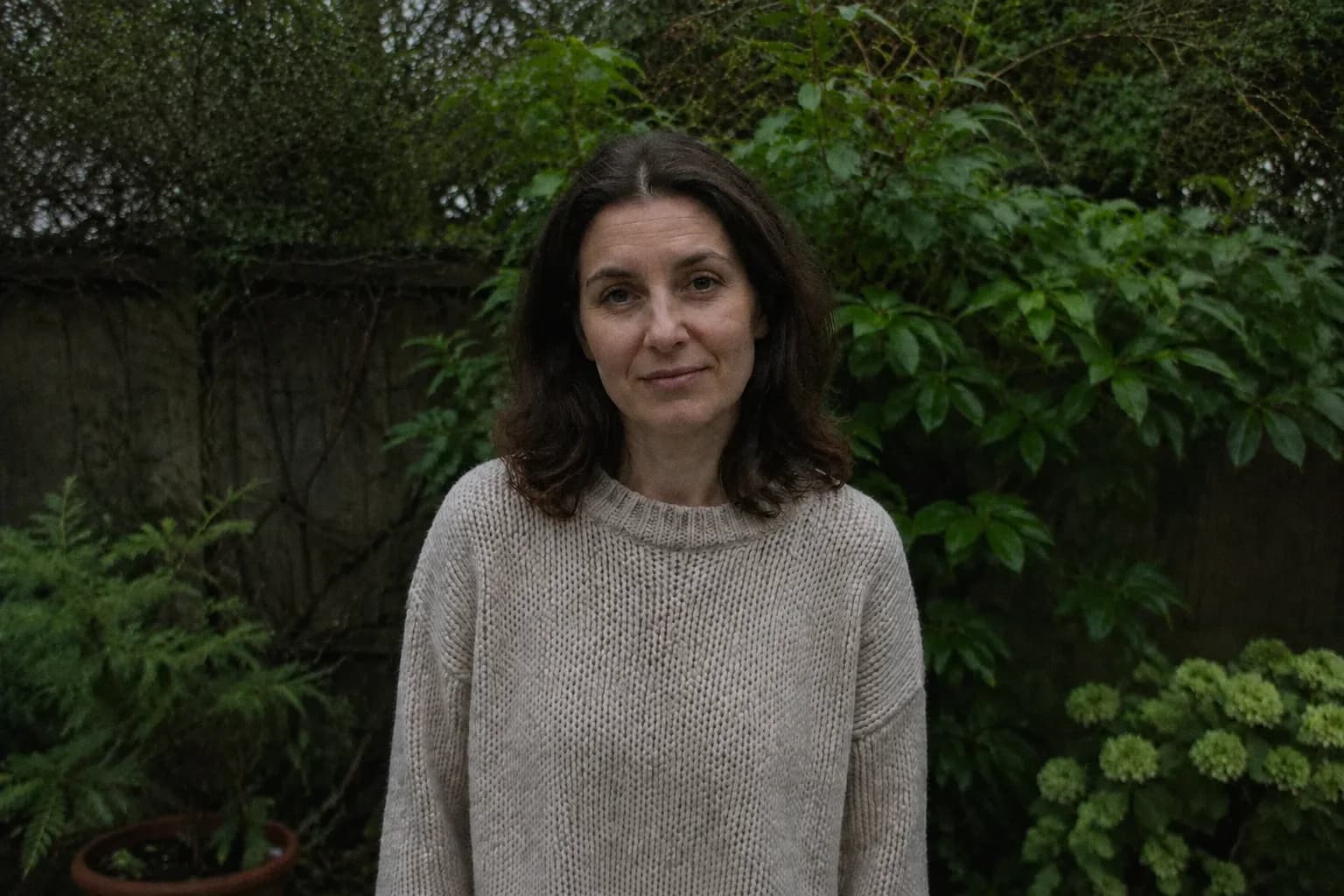
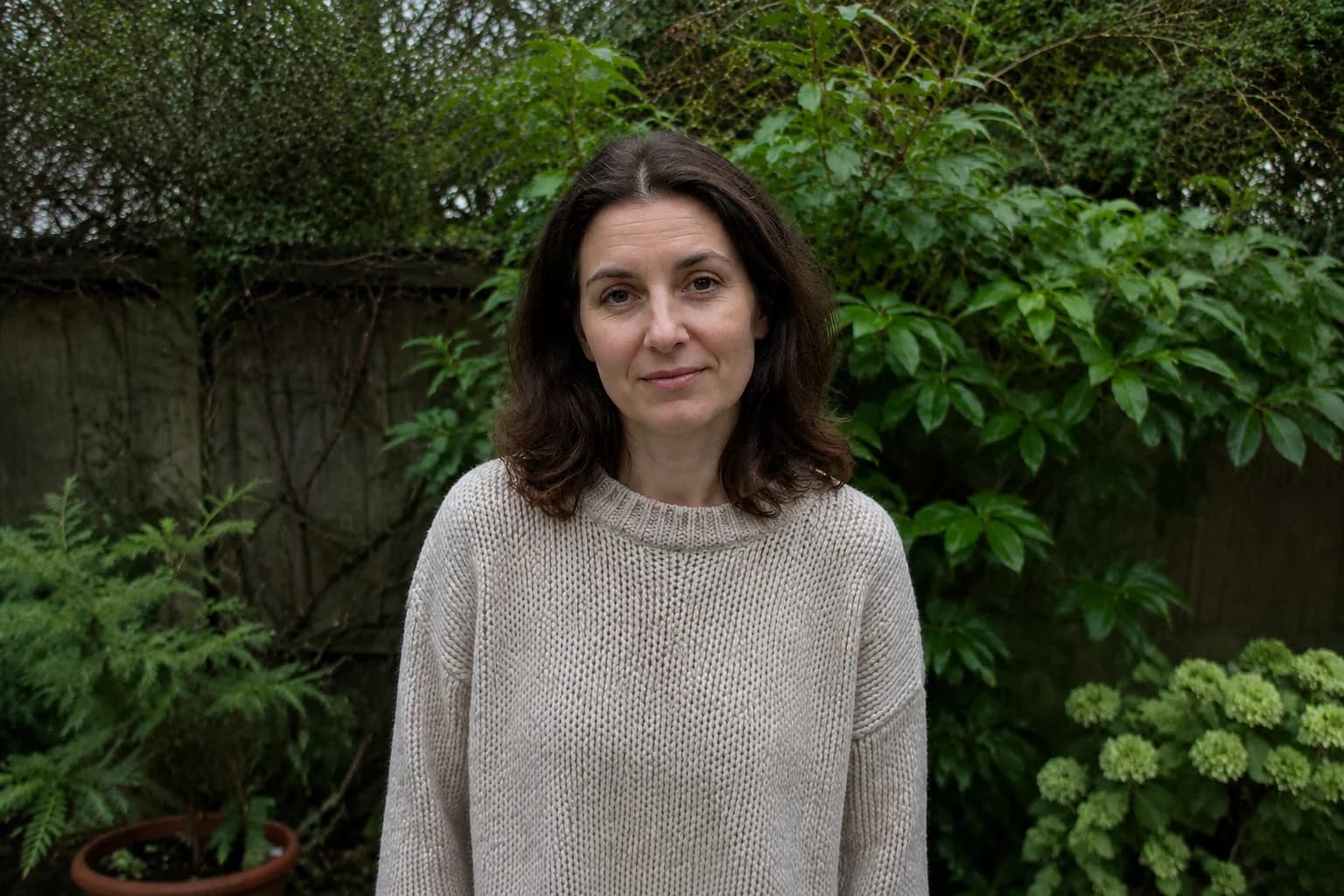
Give faces, hair and clothing a clearer look, with an emphasis on natural skin texture.
Brighten shadows and reduce visible noise in indoor photos and evening shots.
Three steps from upload to a clearer, brighter photo. No editing skills needed.
Choose a JPG, PNG or WebP file up to 10 MB. For the best starting point, use the original photo.
Choose Natural for everyday photos, Portrait detail for people, or Low light for dark scenes.
Take a closer look at the result, then download it when you’re ready to share.
Need a bigger image?
Enhancing focuses on clarity, light and color rather than size. If you mainly need a larger file for print or a layout, run your photo through our AI Image Upscaler.
Free trials, blurry photos and what to expect from your edit.
Eligible new accounts can receive limited free credits to try the tool. Sign in to check your balance. Each enhancement uses 2 credits; further use requires enough available credits.
It can help with mild blur and soft details. Heavy motion blur or badly out-of-focus photos are harder to improve, and AI may fill in details rather than recover the original ones.
Yes. Try Low light for dim indoor photos or evening shots. It aims to brighten shadows and reduce visible noise. Detail lost in fully black or overexposed areas may not be recoverable.
Portrait detail is designed for a natural look, but AI can change facial features, skin texture or small details. Compare the result with your original before using it for anything where accuracy matters.
This tool focuses on clarity, light and color. It does not guarantee a particular enlargement factor or 4K output. If you mainly need a larger image, use the separate AI Image Upscaler.
Upload one JPG, PNG or WebP photo up to 10 MB per enhancement. Batch processing is not available on this page.
Yes. Open this page in your phone or desktop browser, sign in, upload a photo and choose a mode. You don’t need to install an app.
Each enhancement uses 2 credits from your available balance. Credits are returned if processing fails. A completed edit still uses credits, even if you decide not to keep the result.
Edit, repair, or restyle a photo with a focused AI workflow. Choose a tool, upload your image, and get the result without starting from a blank prompt.
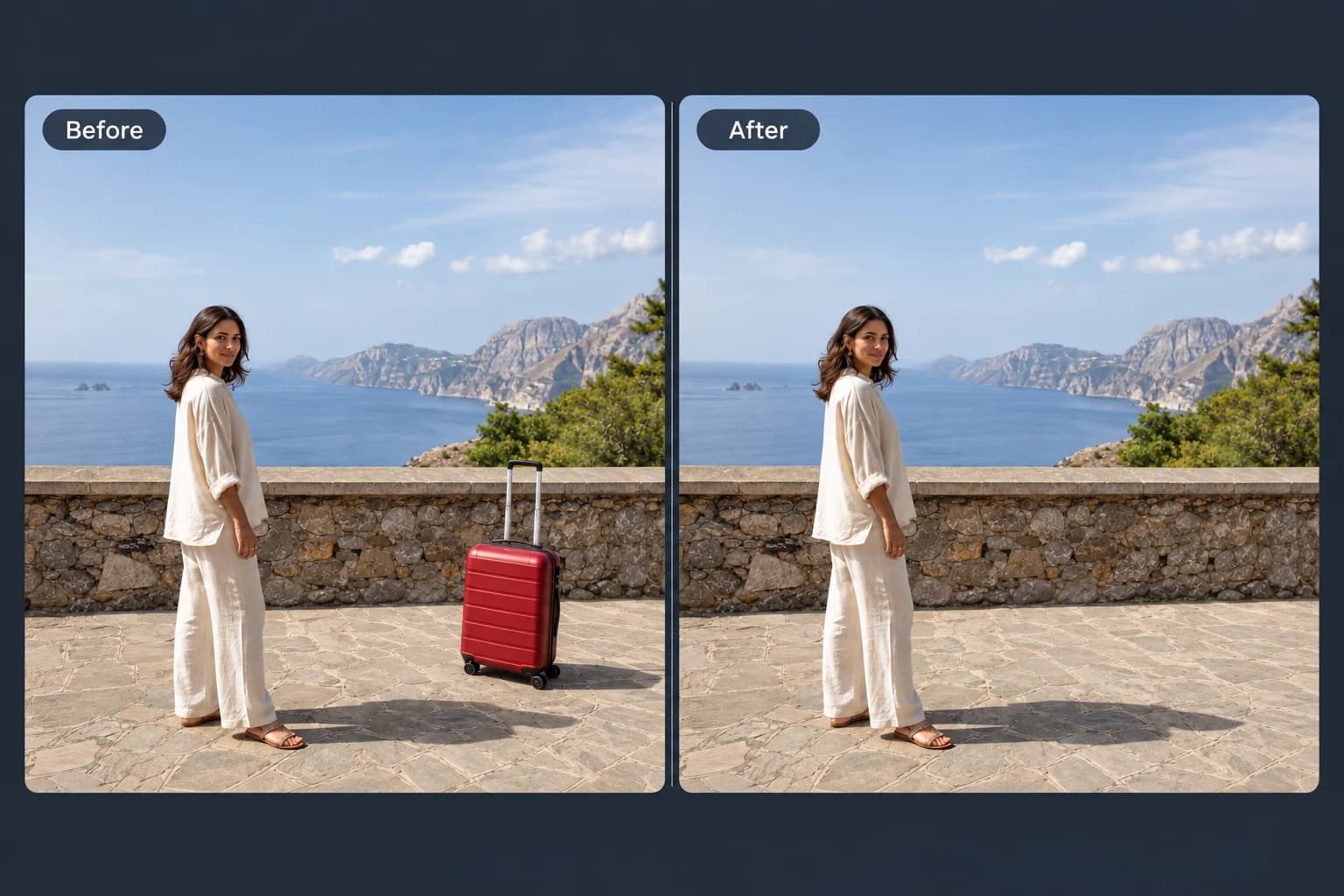 Before → After
Brush away unwanted objects, people and clutter from your photos.
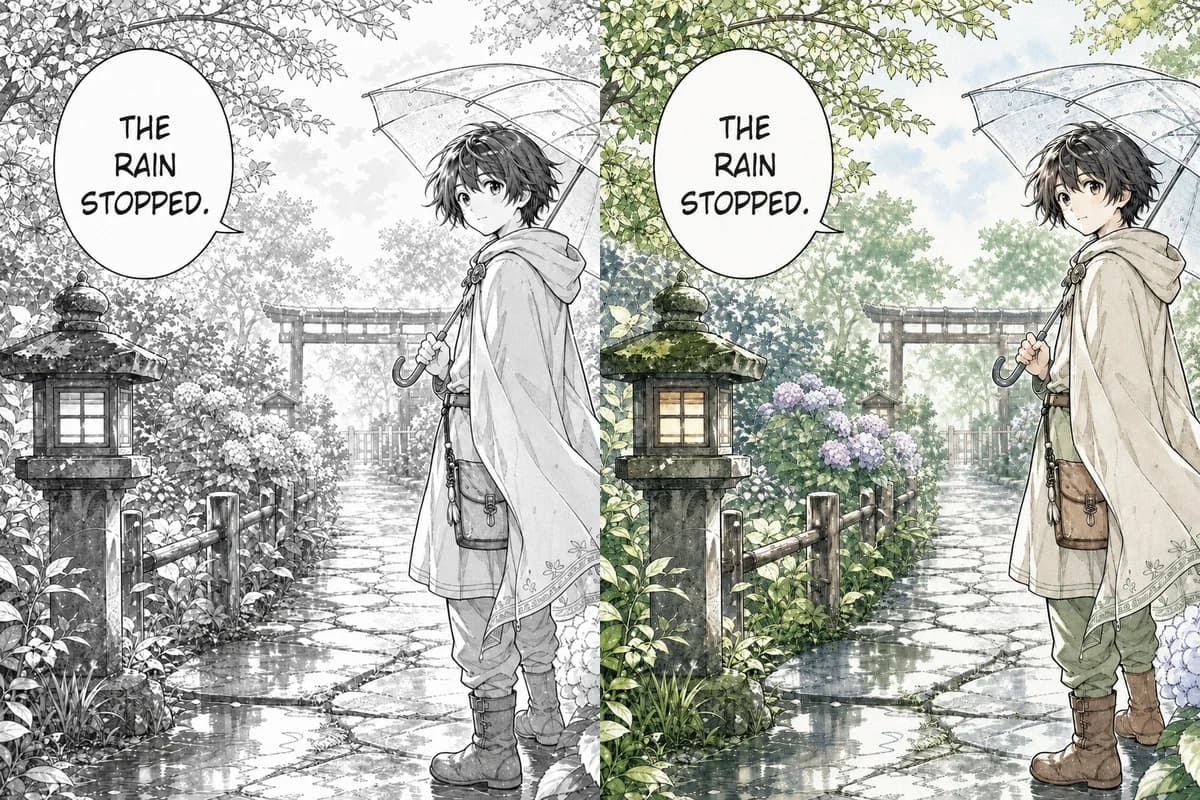 Line Art → Colored
Color black-and-white manga pages, webtoon panels, and line art with controls designed to retain ink lines, screentones, and speech bubbles.
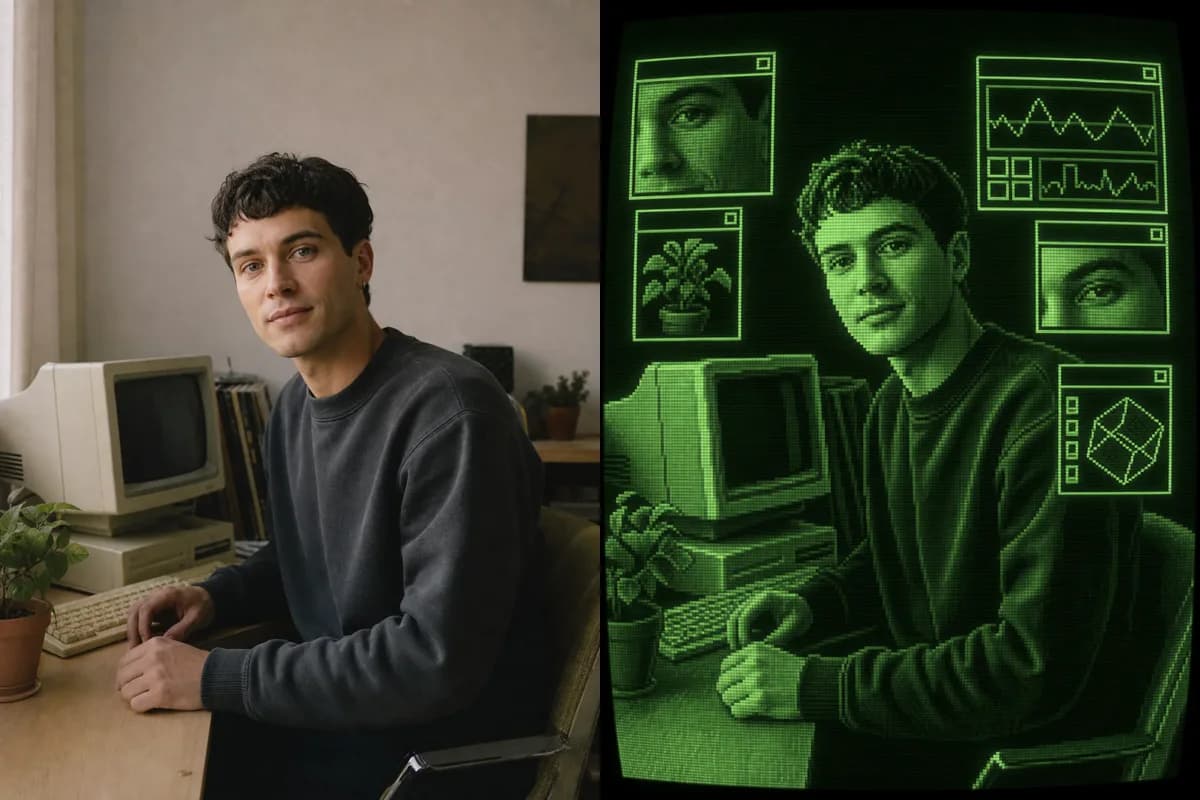 Photo → CRT Art
Turn a photo into retro CRT computer art with pixel palettes, scanlines, glow, and interface windows.
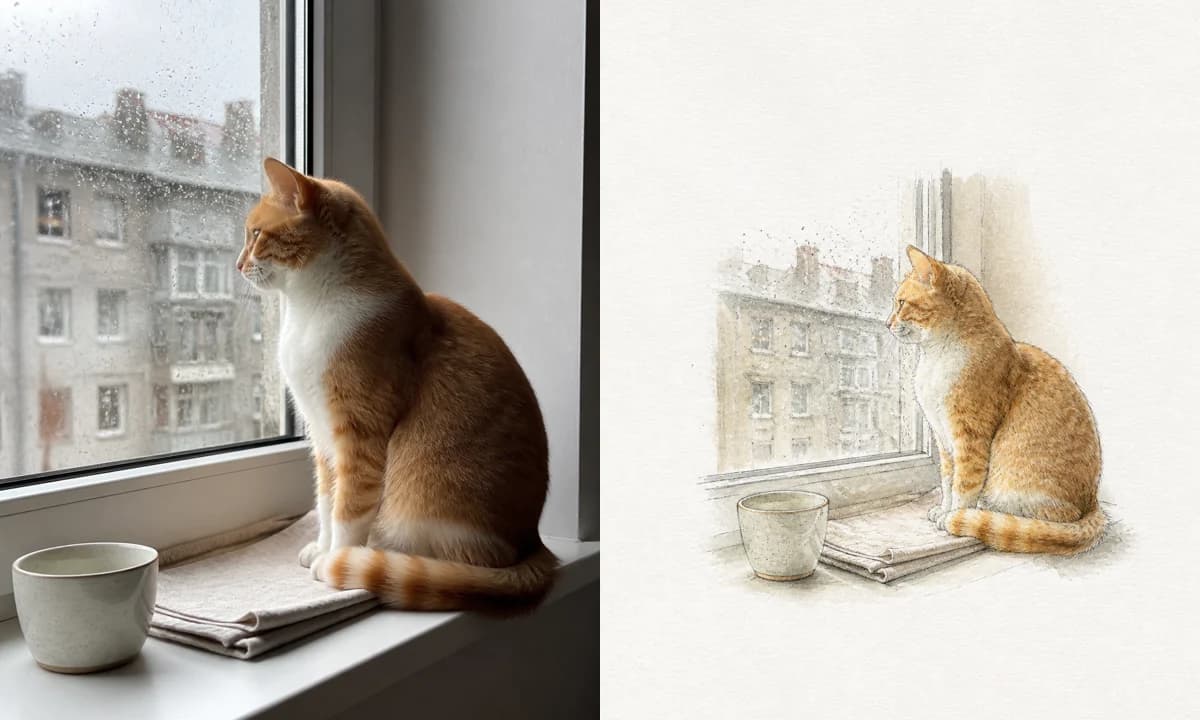 Photo → Illustration
Turn a photo into a watercolor, pencil, risograph, or ink illustration online.
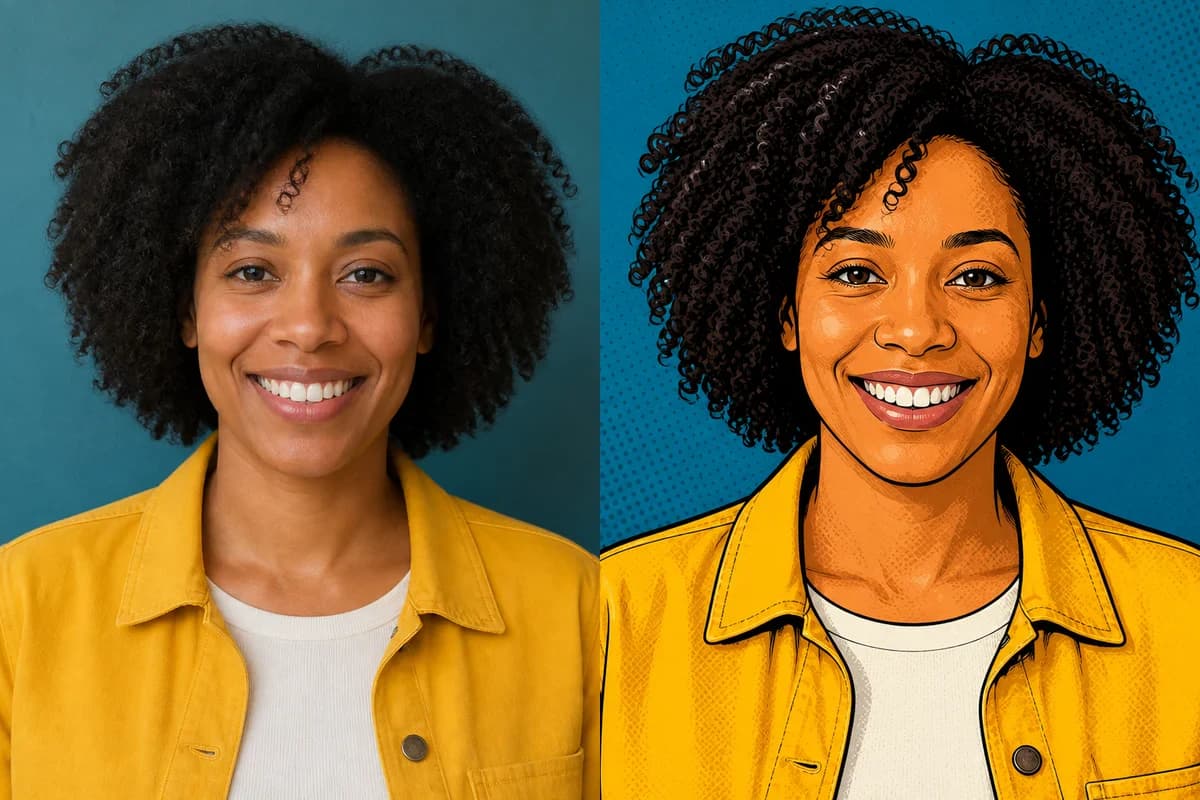 Photo → Cartoon
Turn any photo into a cartoon online with six one-click styles and an editable prompt.
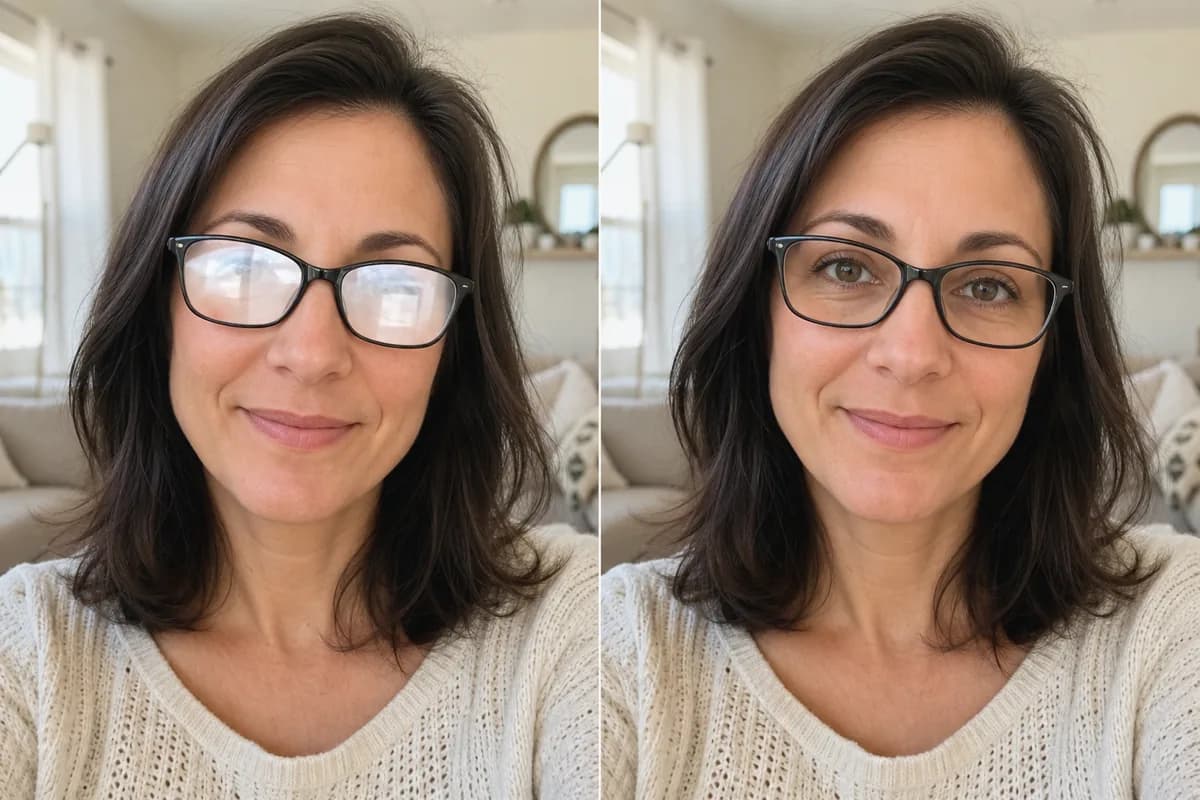 Before → After
Remove glare and reflections from glasses in portraits and group photos—same eyes, same frames, same face.
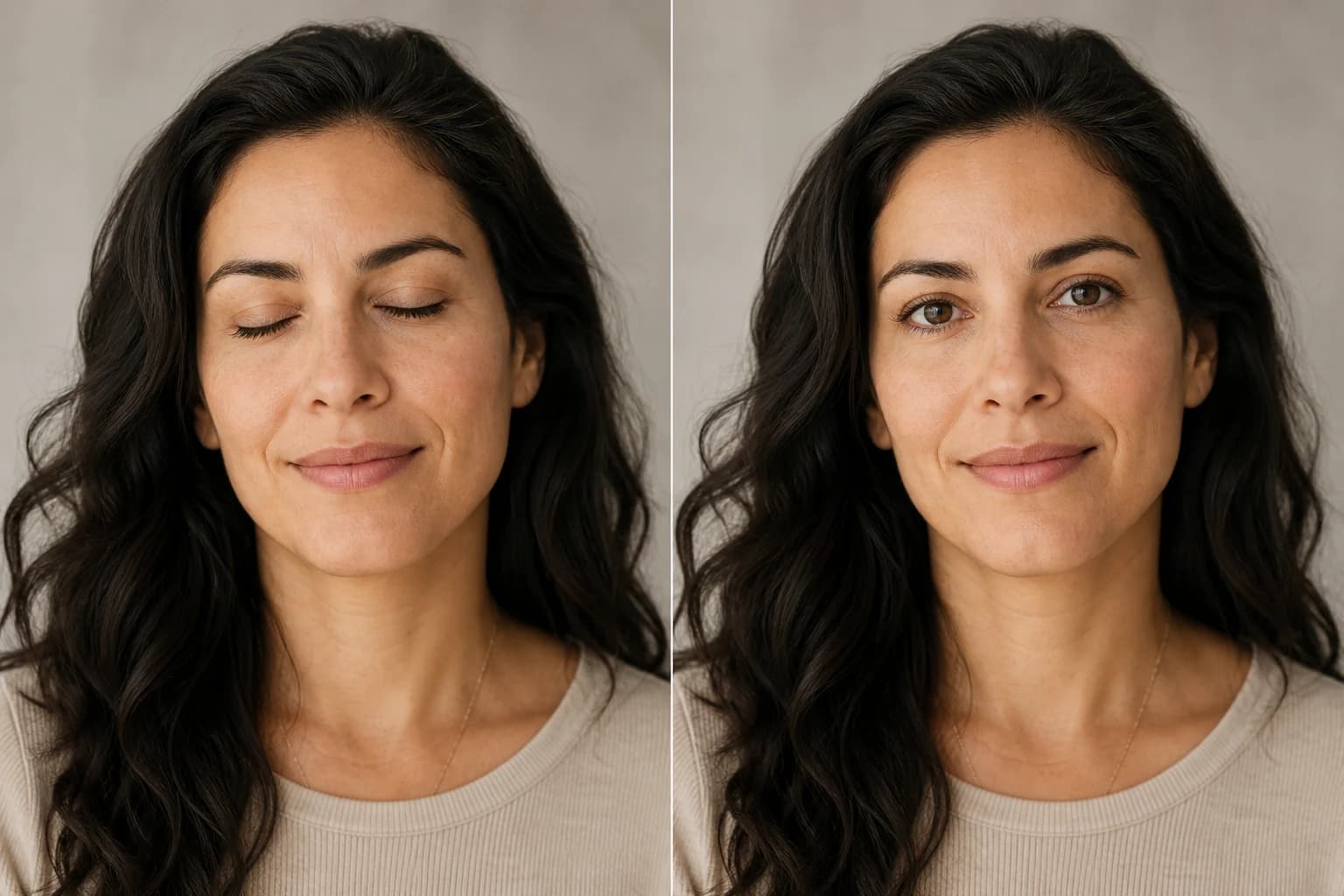 Before → After
Open closed, blinking, or half-shut eyes in portraits and group photos—same face, natural look.
Upload a photo, pick a mode and let Nano Banana Pro bring out the details while keeping it true to the original. Eligible new accounts receive free credits to try it.