Image Restoration Tool

Upload your old photos to restore, colorize, and enhance them with Nano Banana Pro technology

Restored Images

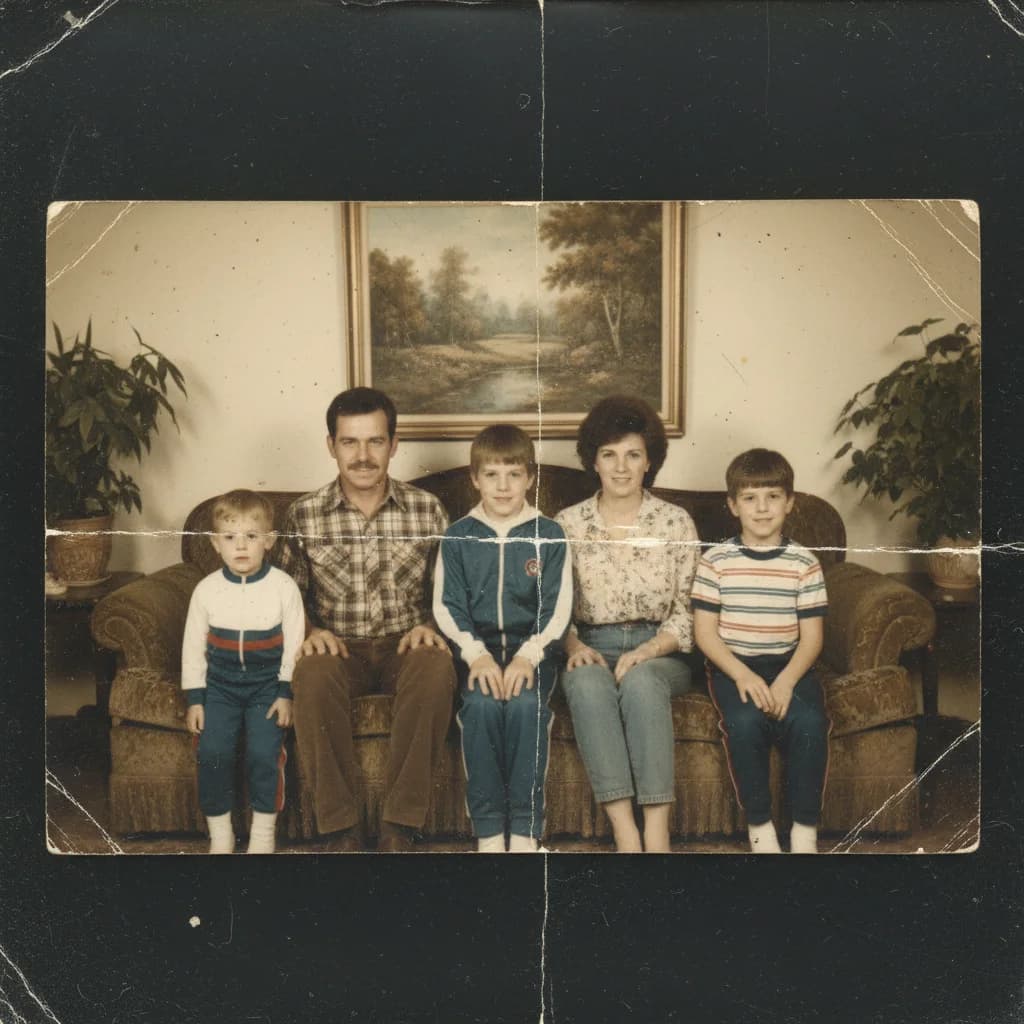
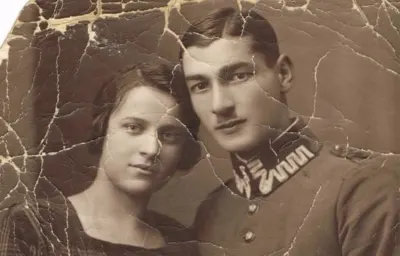
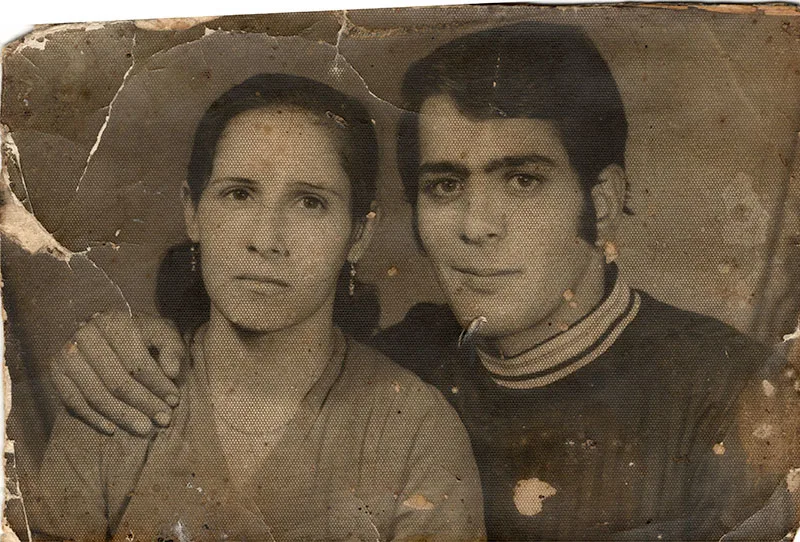
Original photo before AI transformation, example 1
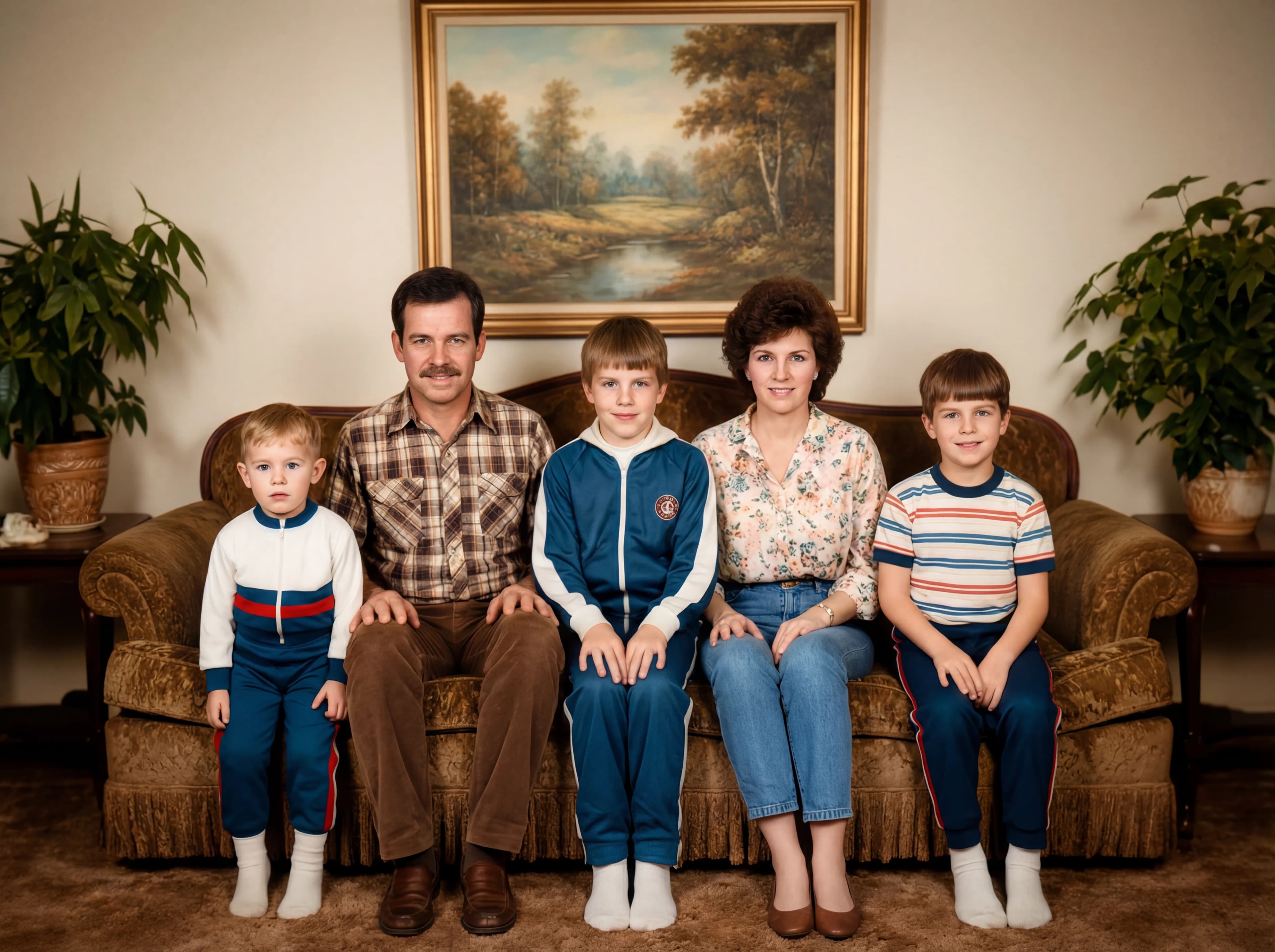
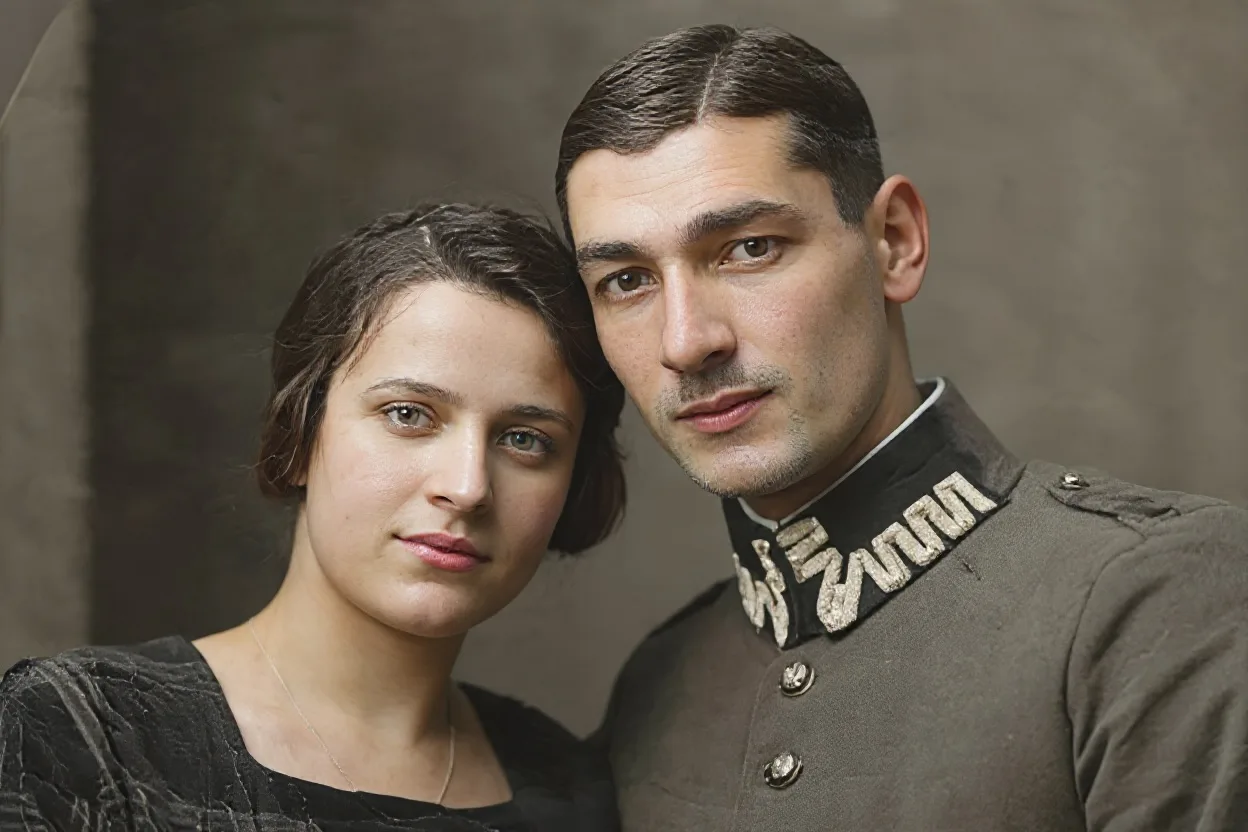
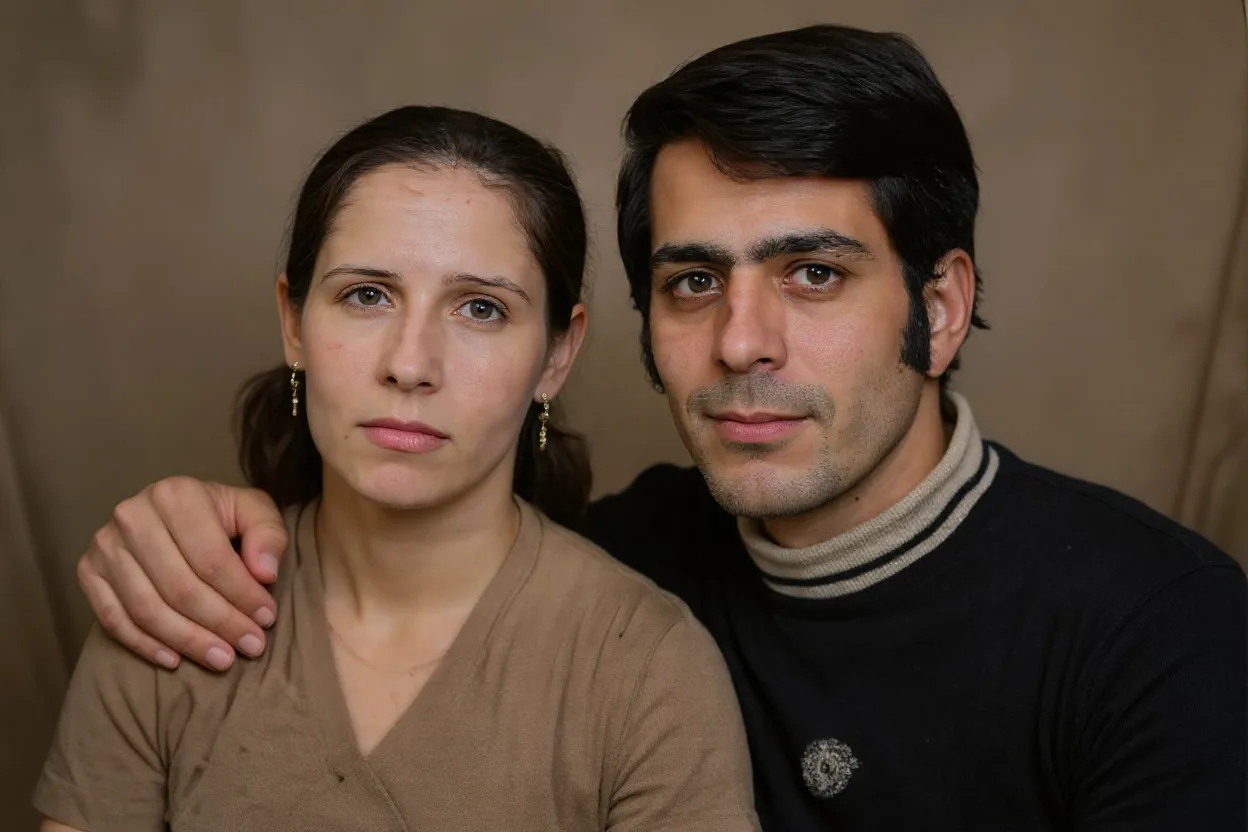
AI image generated with Nano Banana Pro, example 1
Before
After
Original photo before AI transformation, example 2
AI image generated with Nano Banana Pro, example 2
Before
After
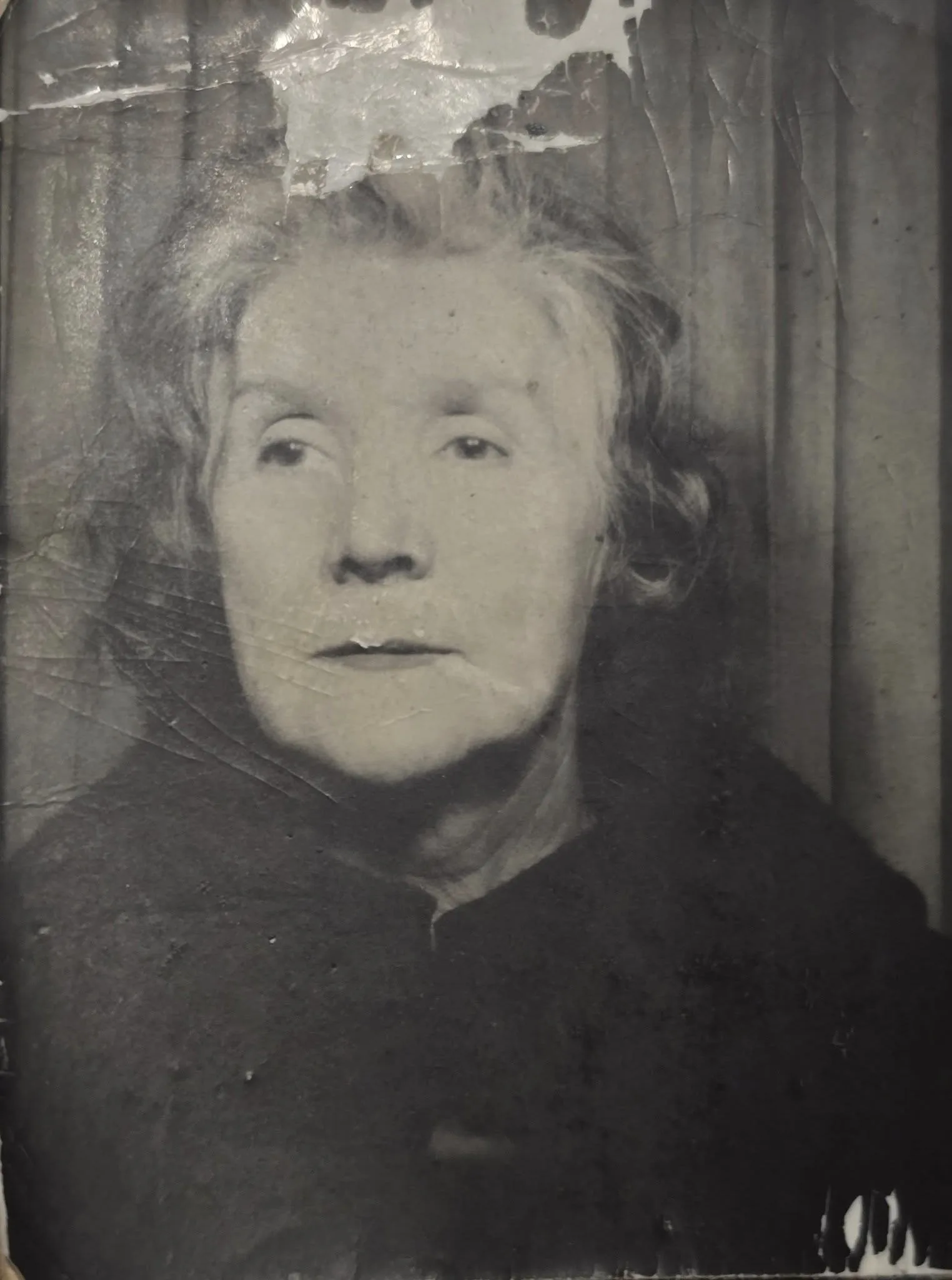
Original photo before AI transformation, example 3
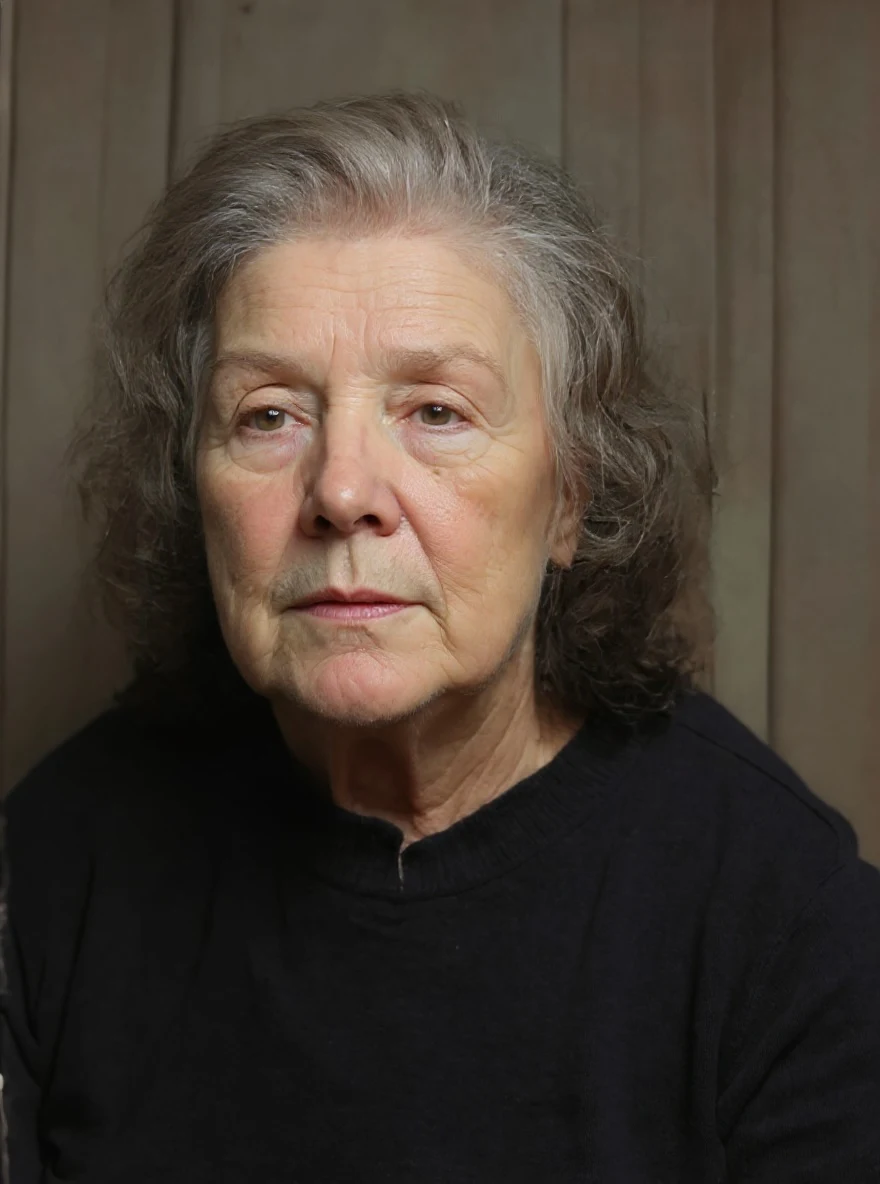
AI image generated with Nano Banana Pro, example 3
Before
After

Old Photo Restoration

Restore & Colorize & Upscale old photos with Nano Banana Pro

restore image

Old photo restoration: what comes back from a faded print

A faded print, a scratched scan, a black-and-white portrait. Drag the slider across each one to see how much detail the restoration brings back.

Original photo before Old Photo Restoration transformation, example 1
Old Photo Restoration result created with Nano Banana Pro, example 1
Before
After
01Transformations

What photo restoration actually recovers

Faded color is rebuilt, scratches and creases are filled in, and soft faces sharpen back into focus. The surviving detail in the print guides the restoration, though heavily damaged areas may still be reconstructed differently.
Original photo before Old Photo Restoration transformation, example 2
Old Photo Restoration result created with Nano Banana Pro, example 2
Before
After
02Transformations

Scans, phone shots and black-and-white prints

You can upload a flatbed scan or simply photograph the print on a table — both restore well. Keep the whole photo in frame and as sharp as the original allows: the clearer the face, the more detail comes back.

Original photo before Old Photo Restoration transformation, example 3
Old Photo Restoration result created with Nano Banana Pro, example 3
Before
After
03Transformations

Colorize, reprint or archive the restored copy

Most people restore old family photos to colorize black-and-white portraits, rescue damaged scans before they degrade further, or prepare a clean copy for reprinting and archiving.

How Old Photo Restoration works

Three steps, no design skills required.

  1. Step 1

    Upload your photo

    Add a JPG, PNG or WebP file up to 10MB. A sharp, well-lit photo gives the best result.

  2. Step 2

    Generate with Nano Banana Pro

    Old Photo Restoration handles the transformation automatically.

  3. Step 3

    Download your result

    Preview the generated image and download it, or run another variation.

Old Photo Restoration FAQ

Common questions about using Old Photo Restoration

Our AI analyzes damaged, faded, or low-quality images and automatically restores them by filling in missing details, enhancing colors, and improving resolution.

We can restore old family photos, faded documents, damaged portraits, black & white photos (with colorization), and low-resolution images.

Generation time varies with image complexity and server load — most results are ready within a minute.

Your restored images are processed securely and saved to your private gallery, so you can download or delete them anytime.

Still have questions? Contact support@nano-banana-pro.ai

More styles to try

Other Nano Banana Pro templates that work with the same photo.

View all styles