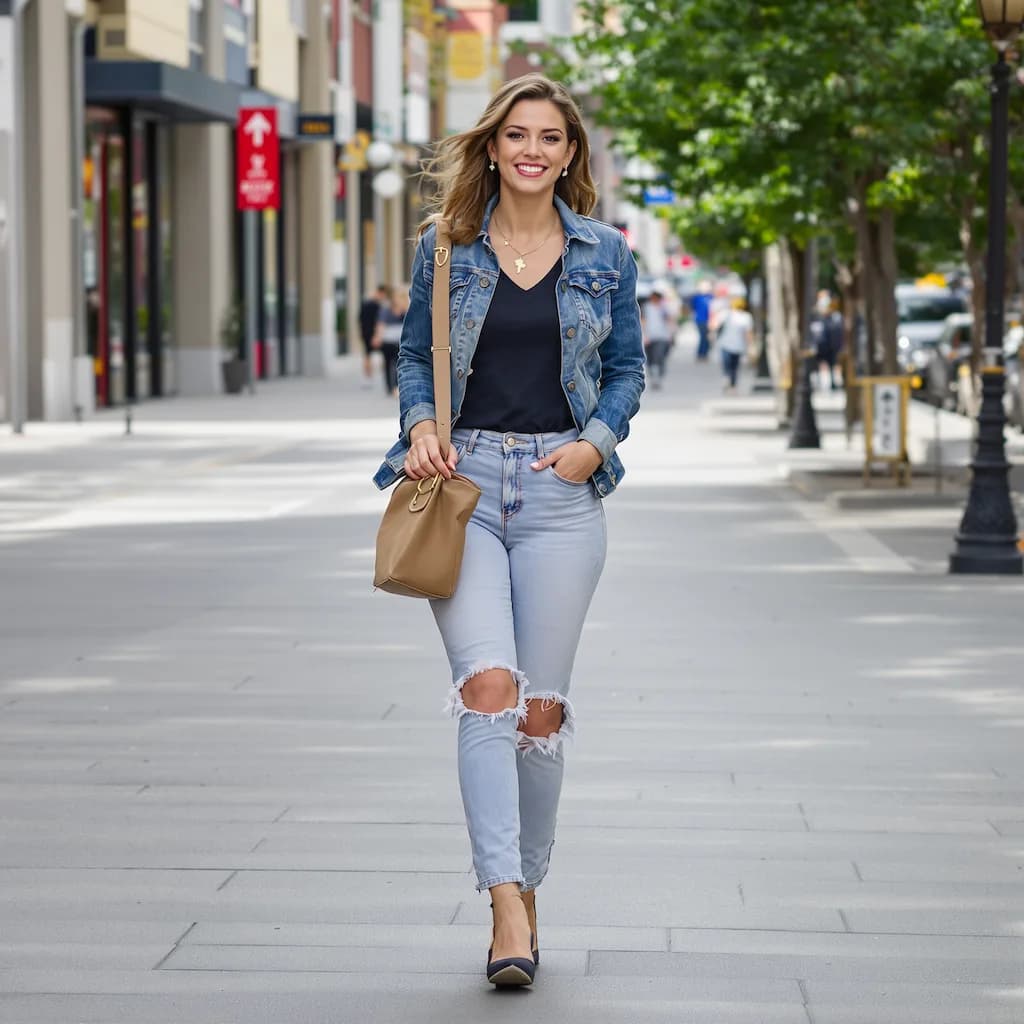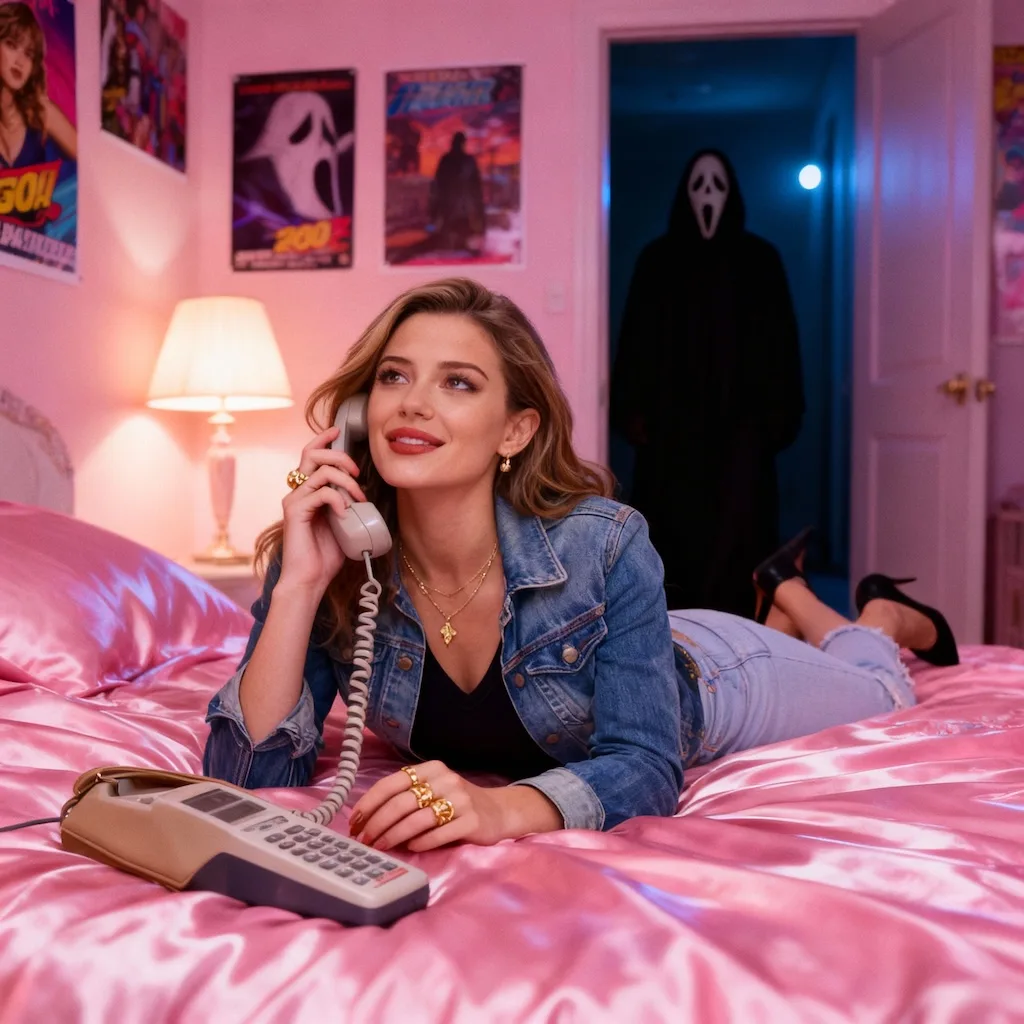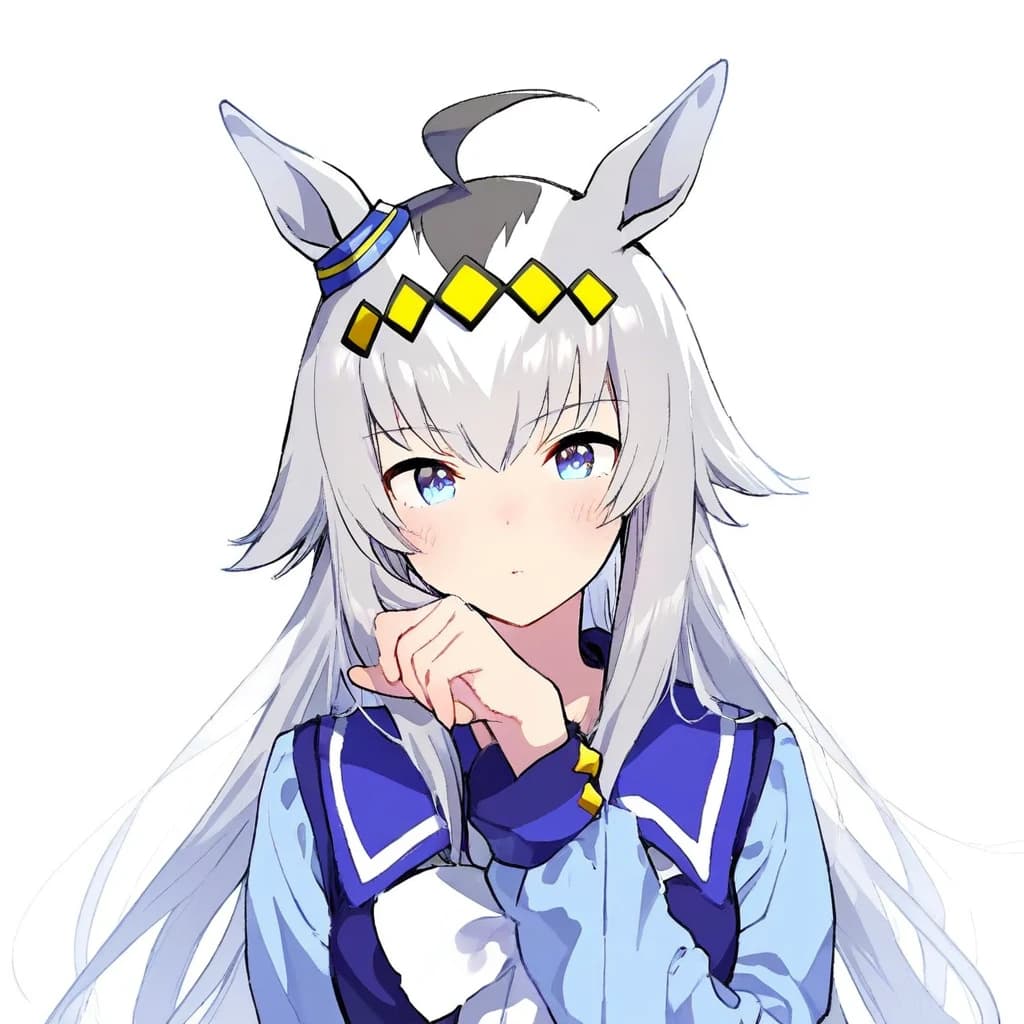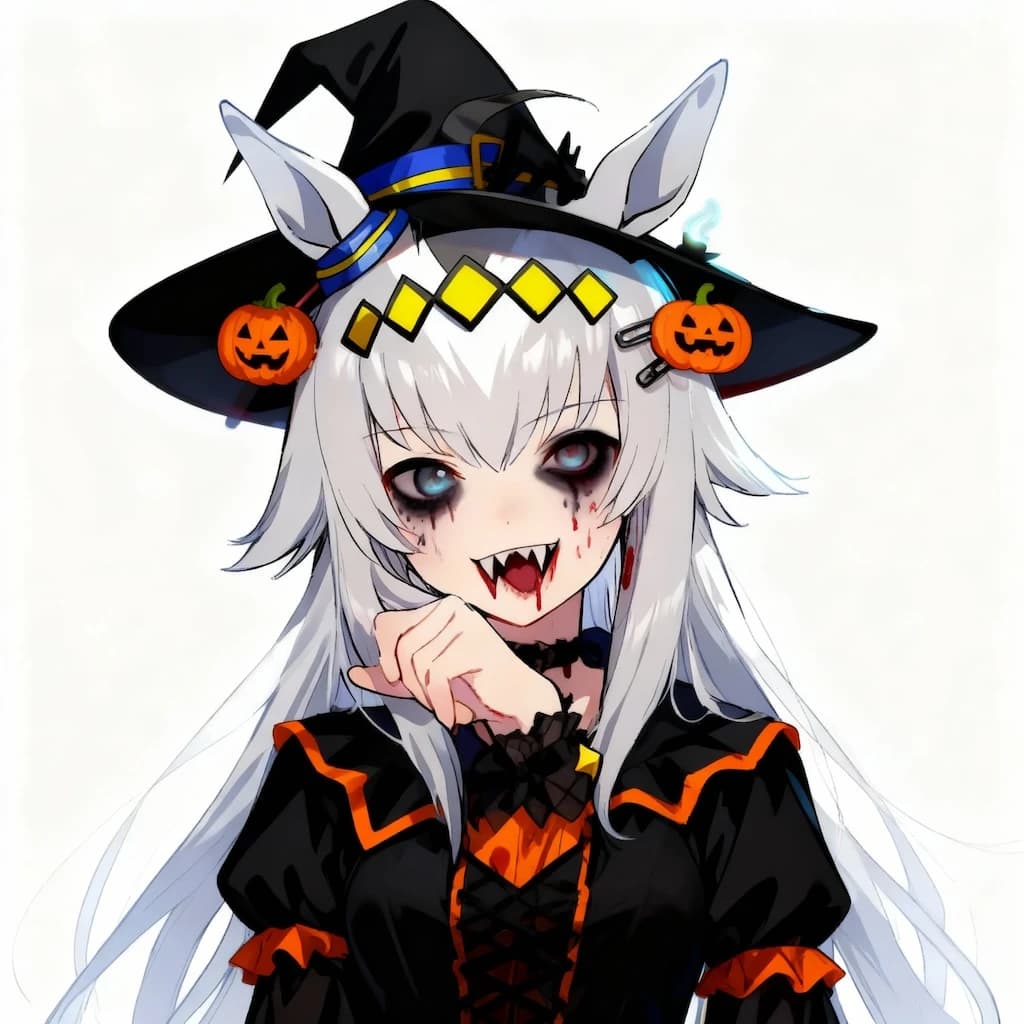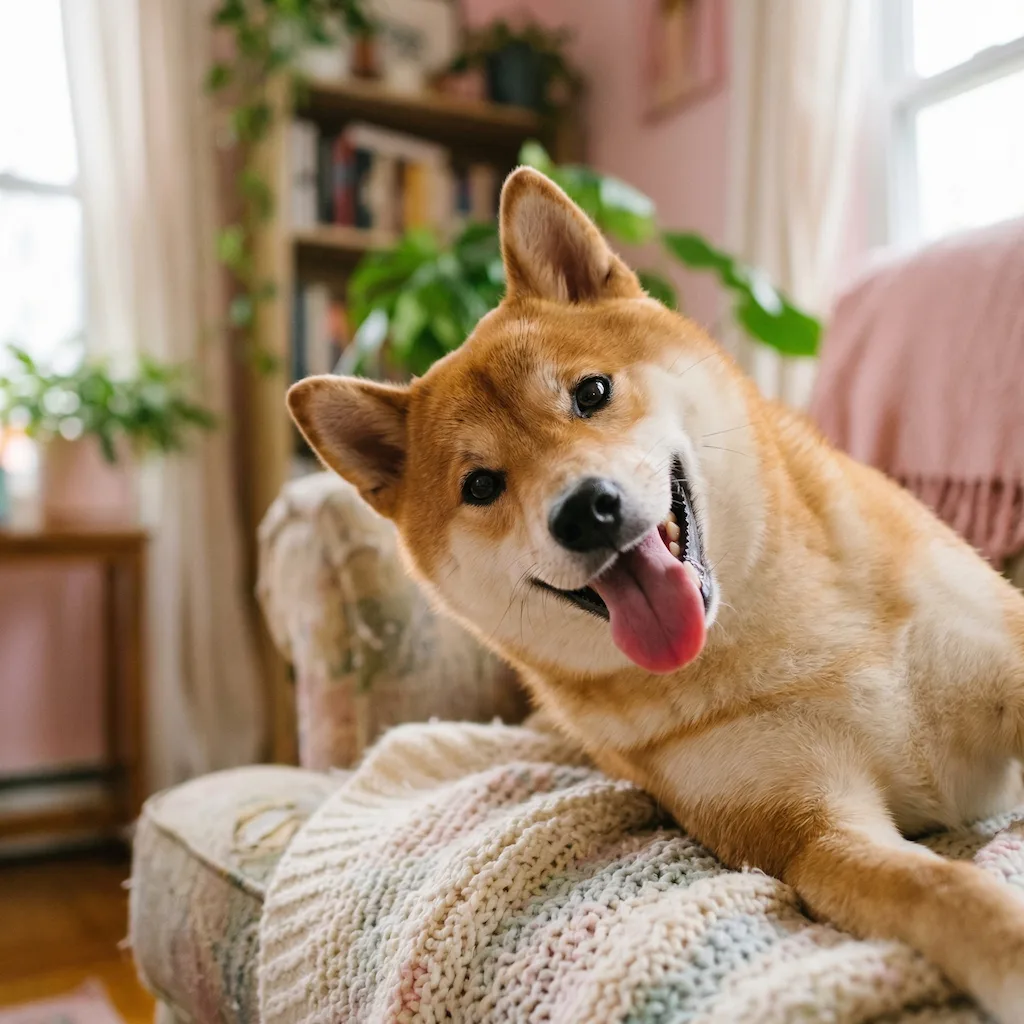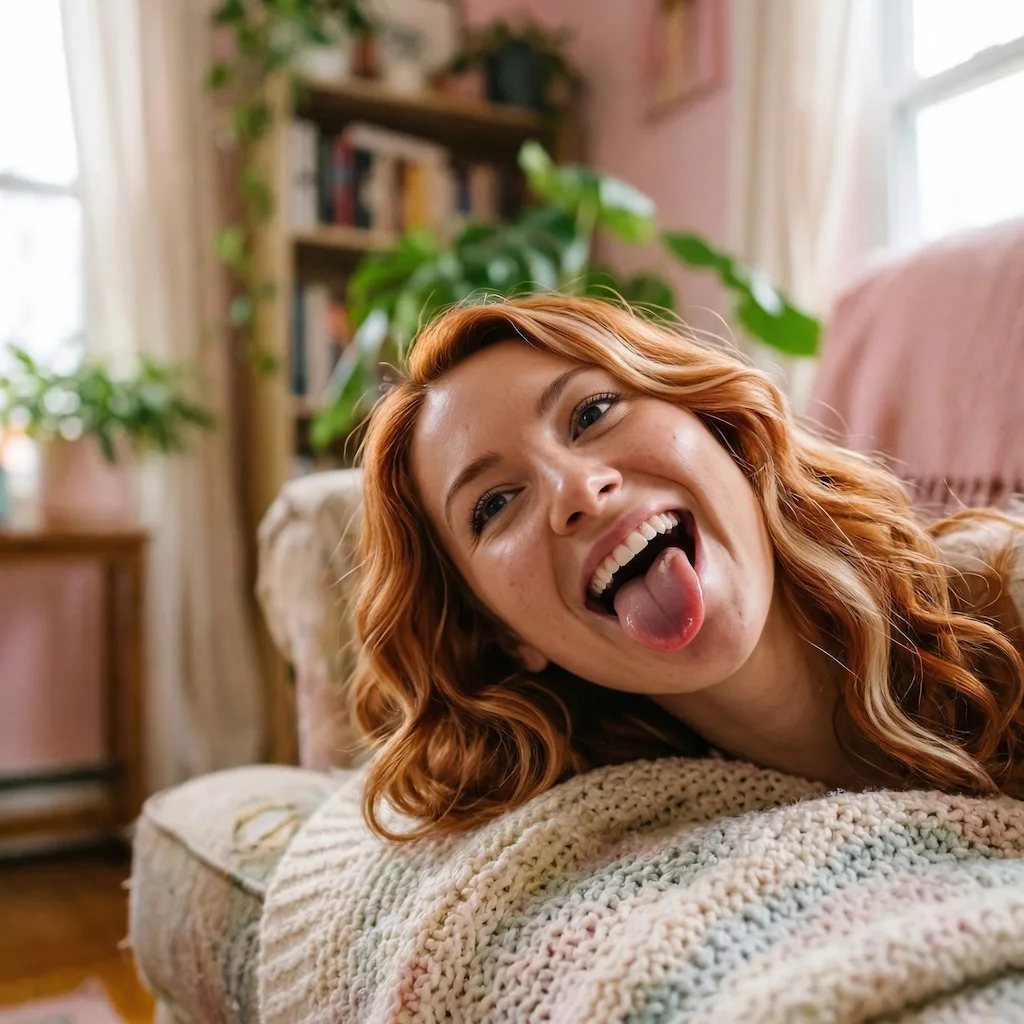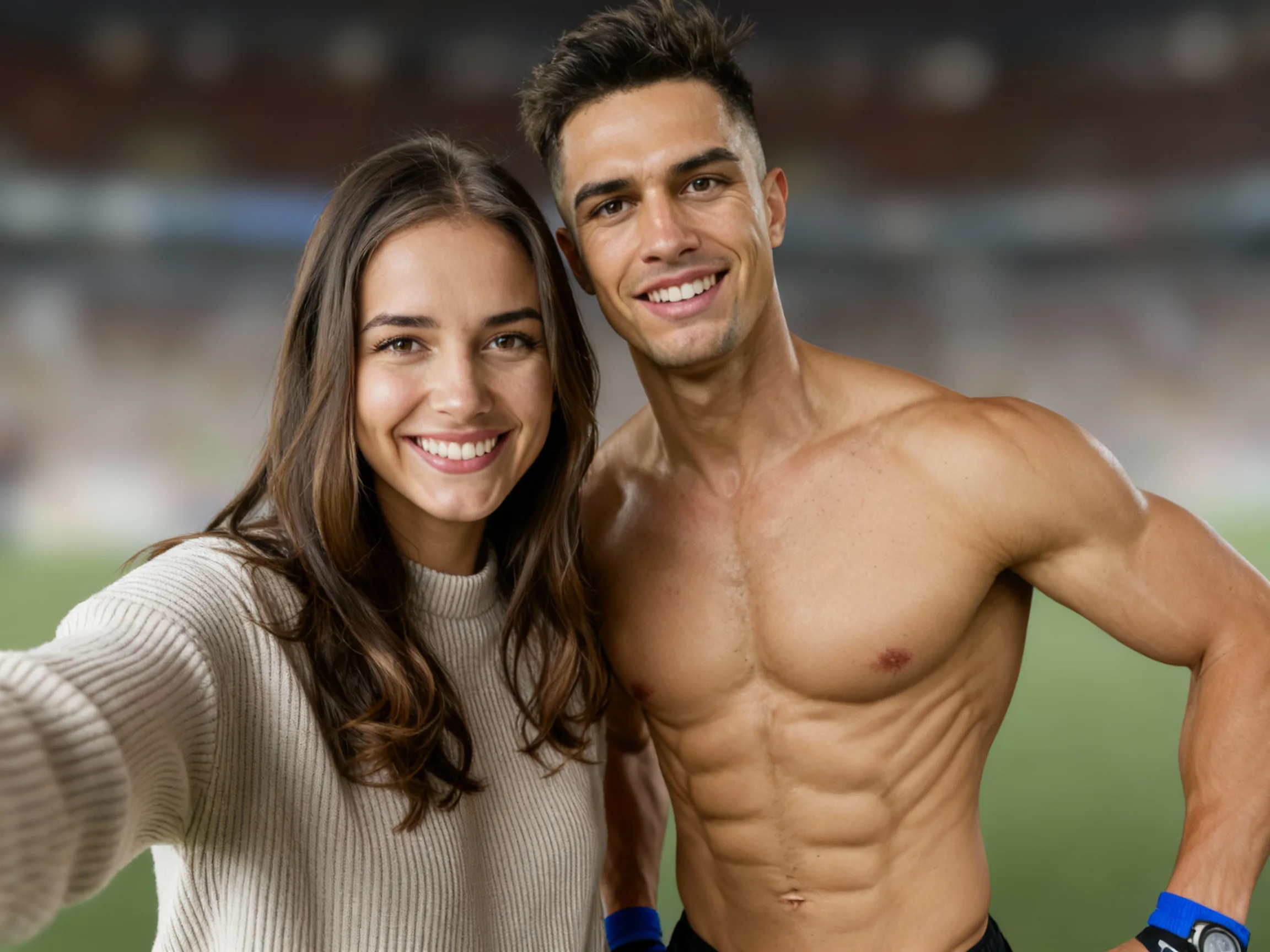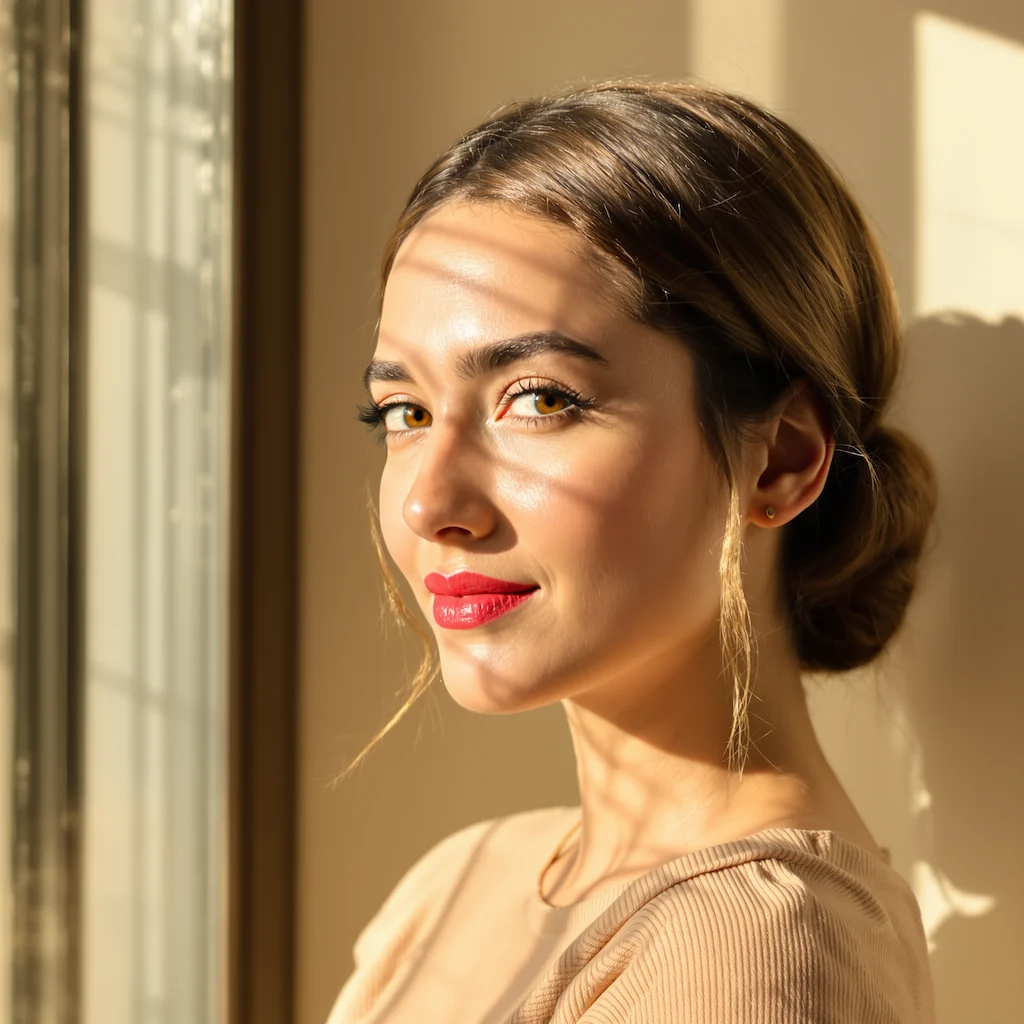
Before
After
01Transformations
The specific look it paints
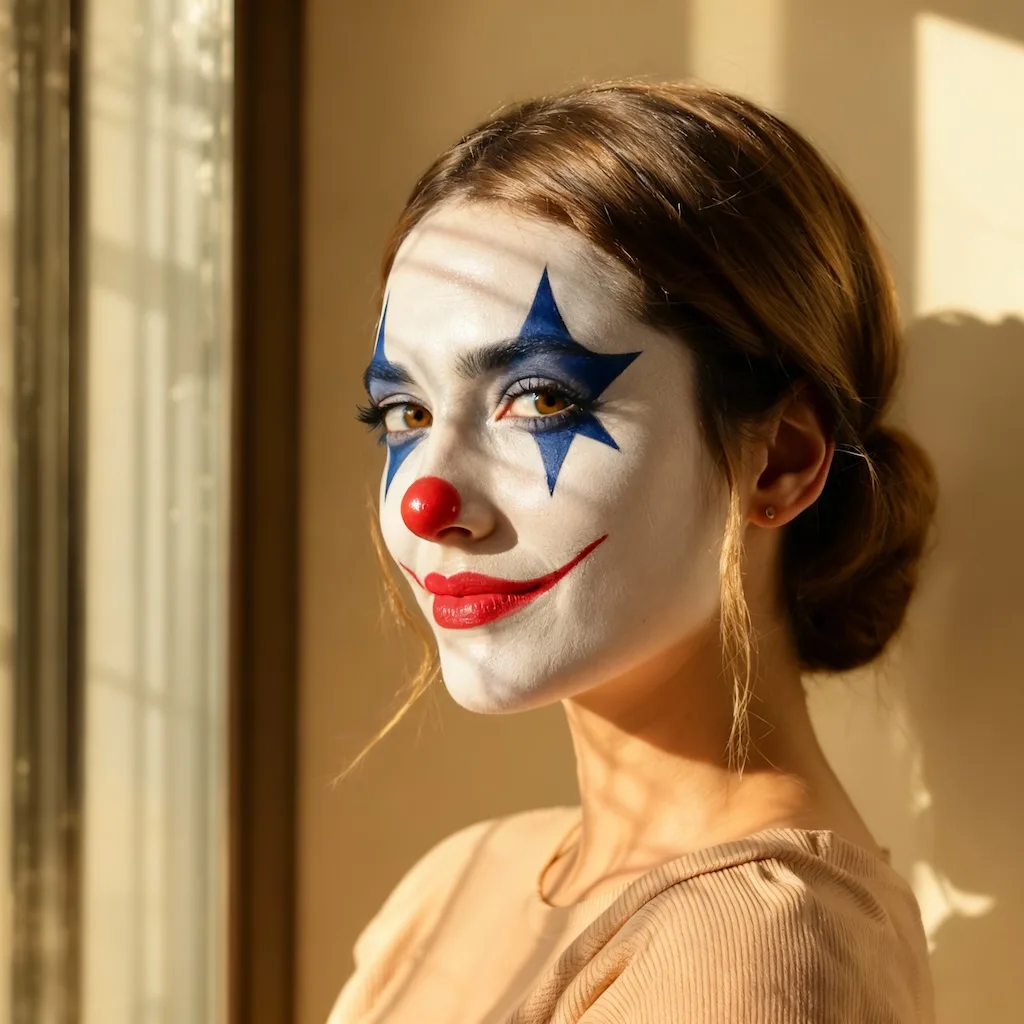
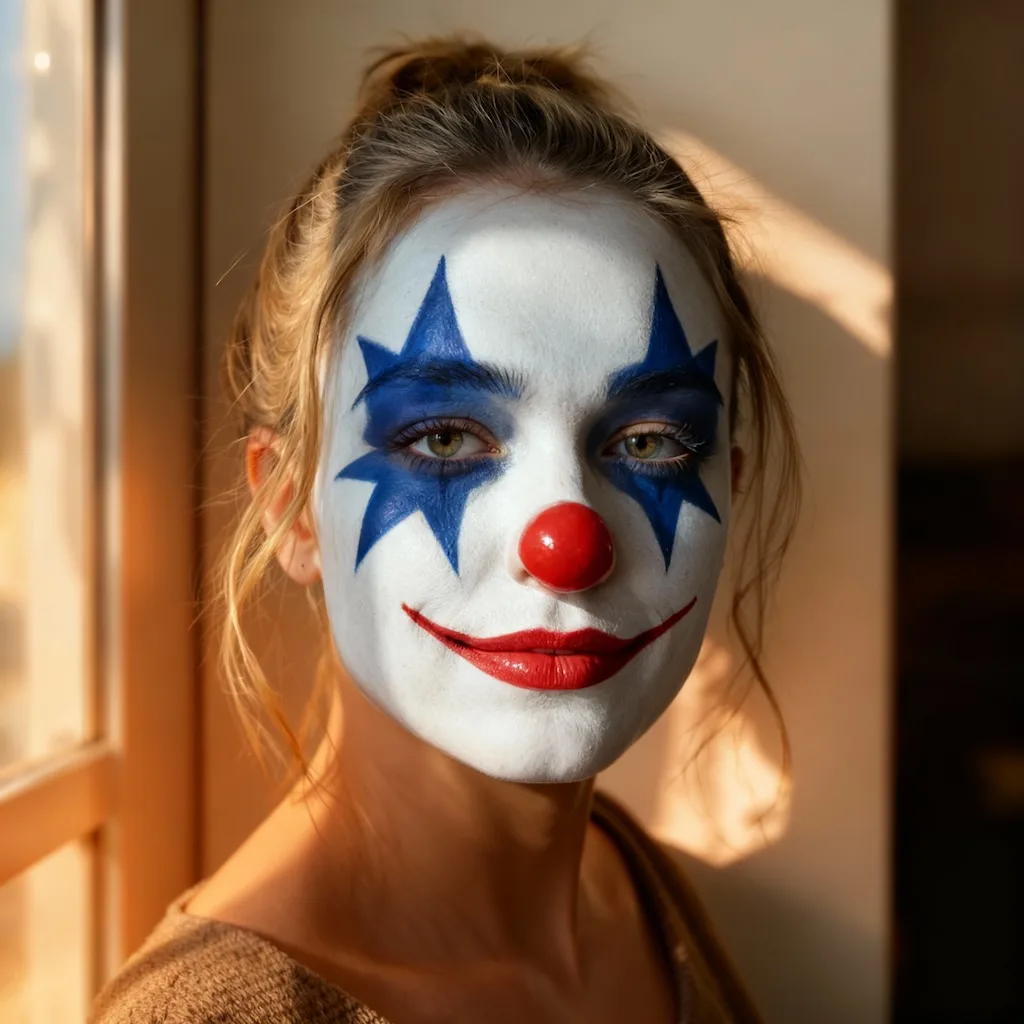
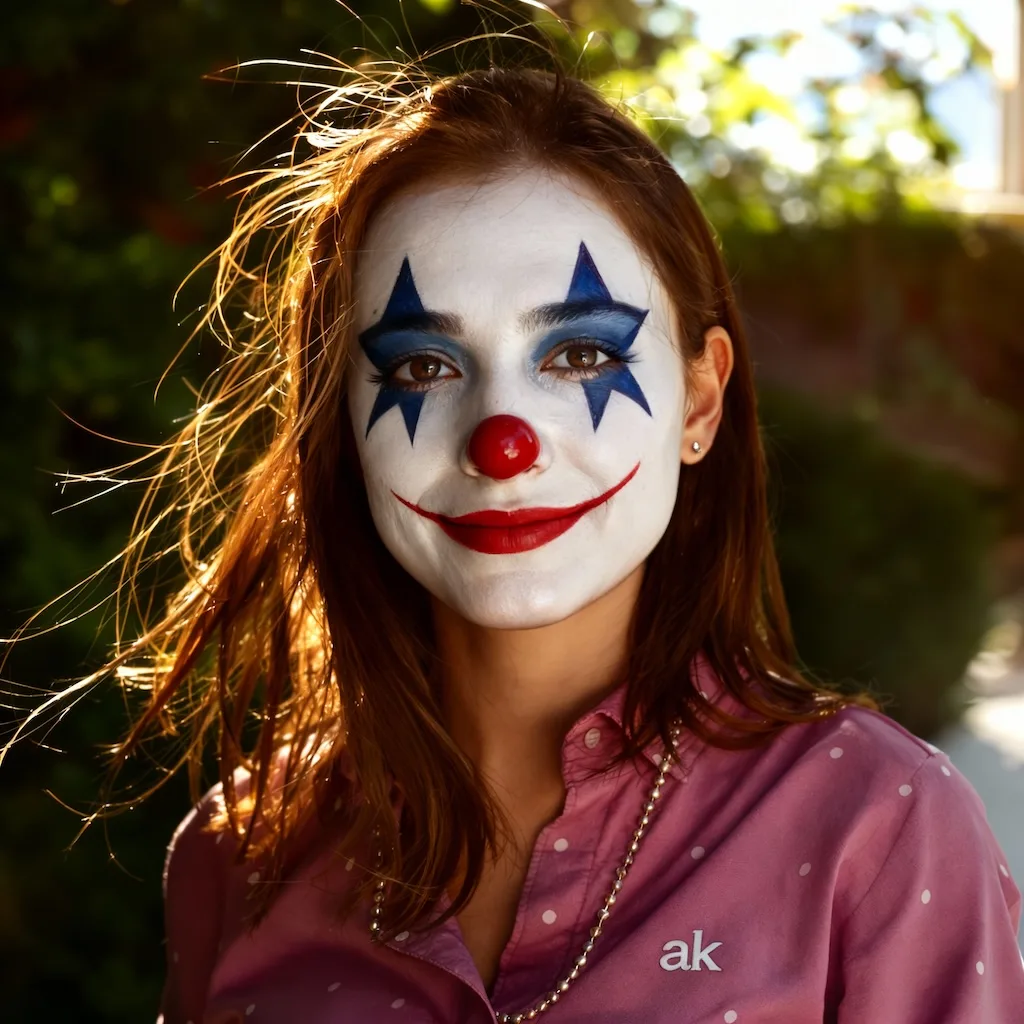
Symmetrical cobalt-blue stars around both eyes, a glossy red nose and a red smile line drawn upward from the lips — laid over your own skin texture rather than as a flat mask.
Create Horror Clown Look
Upload your photo and transform into a chilling horror clown with professional face paint effects powered by Nano Banana Pro
Your Horror Clown Transformation
Transform into a terrifying horror clown with Nano Banana Pro's specialized makeup filter. Our AI applies realistic horror clown face paint featuring symmetrical cobalt-blue star designs around the eyes, a glossy red nose, and an eerie upward smile—all while preserving your unique facial features and natural skin texture.
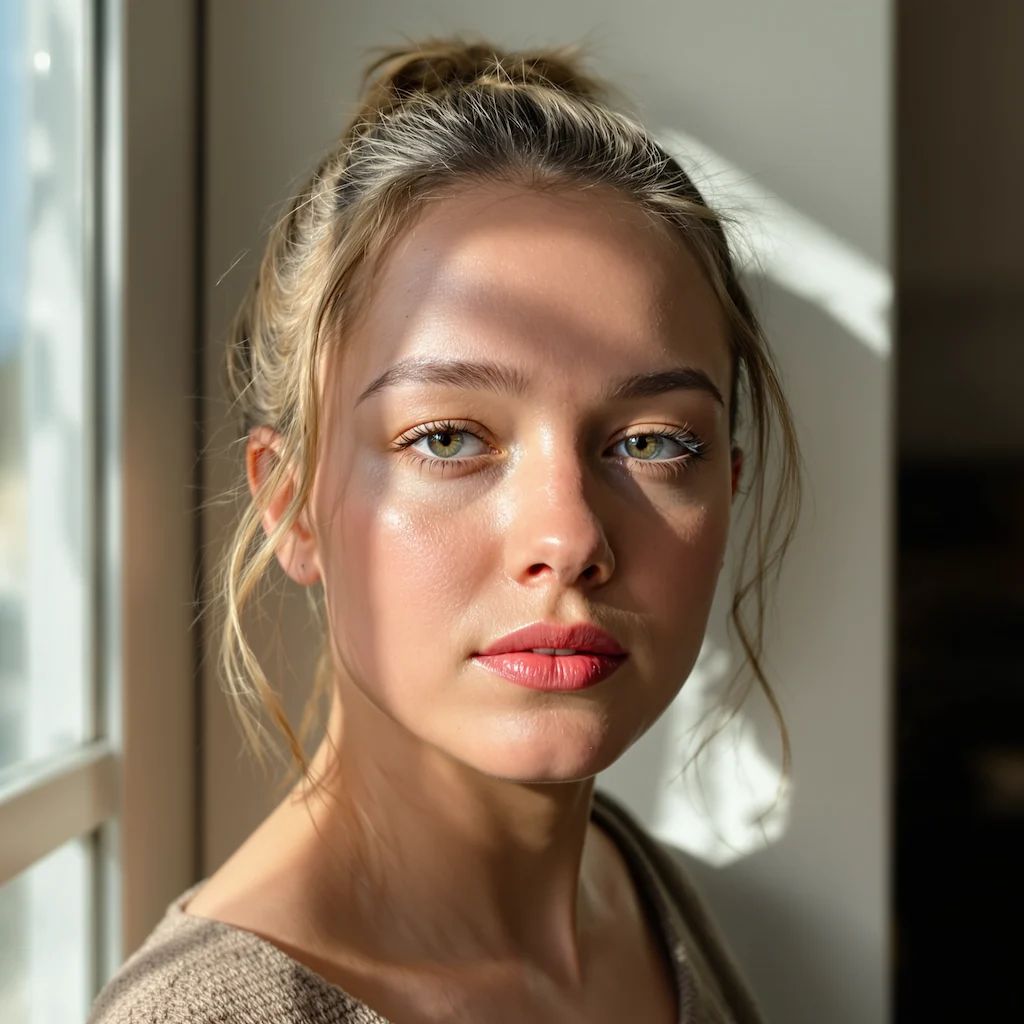
Bare portraits on one side, full clown paint on the other. Drag the slider to watch the stars and smile line go on.
Symmetrical cobalt-blue stars around both eyes, a glossy red nose and a red smile line drawn upward from the lips — laid over your own skin texture rather than as a flat mask.
Front-facing portraits with soft, even light work best. When both eyes are clearly visible, the stars mirror properly instead of drifting off-center.
Made for Halloween looks, horror-themed shoots and costume planning — and useful for deciding whether a look is worth two hours of real face paint.
Three steps, no design skills required.
Add a JPG, PNG or WebP file up to 10MB. A sharp, well-lit photo gives the best result.
Horror Clown Makeup handles the transformation. Add a prompt first if you want to fine-tune the look.
Preview the generated image and download it, or run another variation.
Common questions about using Horror Clown Makeup
The Horror Clown Makeup filter is an AI-powered tool that applies realistic horror clown face paint to your photos. It adds signature elements like symmetrical cobalt-blue stars around the eyes, a glossy red nose, and an unsettling upward smile—all on a white base coat with visible skin texture. Your identity, hairstyle, and background remain unchanged for authentically creepy results.
Single-person photos (half-body or full-body) deliver the best results, with medium-shot or close-up photos being the optimal option. Clear, well-lit images with your face clearly visible work best. The AI preserves your natural features while applying the horror clown makeup, so good lighting helps achieve the most realistic transformation.
Each generation uses 2 credits. You can purchase credit packages for additional credits.
This feature supports single person only. For best results, upload photos with one person clearly visible. Photos with multiple people may produce unexpected results.
There is an extremely low probability that the person appears overly large and out of proportion to the background. If this occurs, try uploading a different photo with better framing, or adjust the distance between the camera and subject for more balanced proportions.
The Horror Clown Makeup filter is perfect for:
Still have questions? Contact support@nano-banana-pro.ai
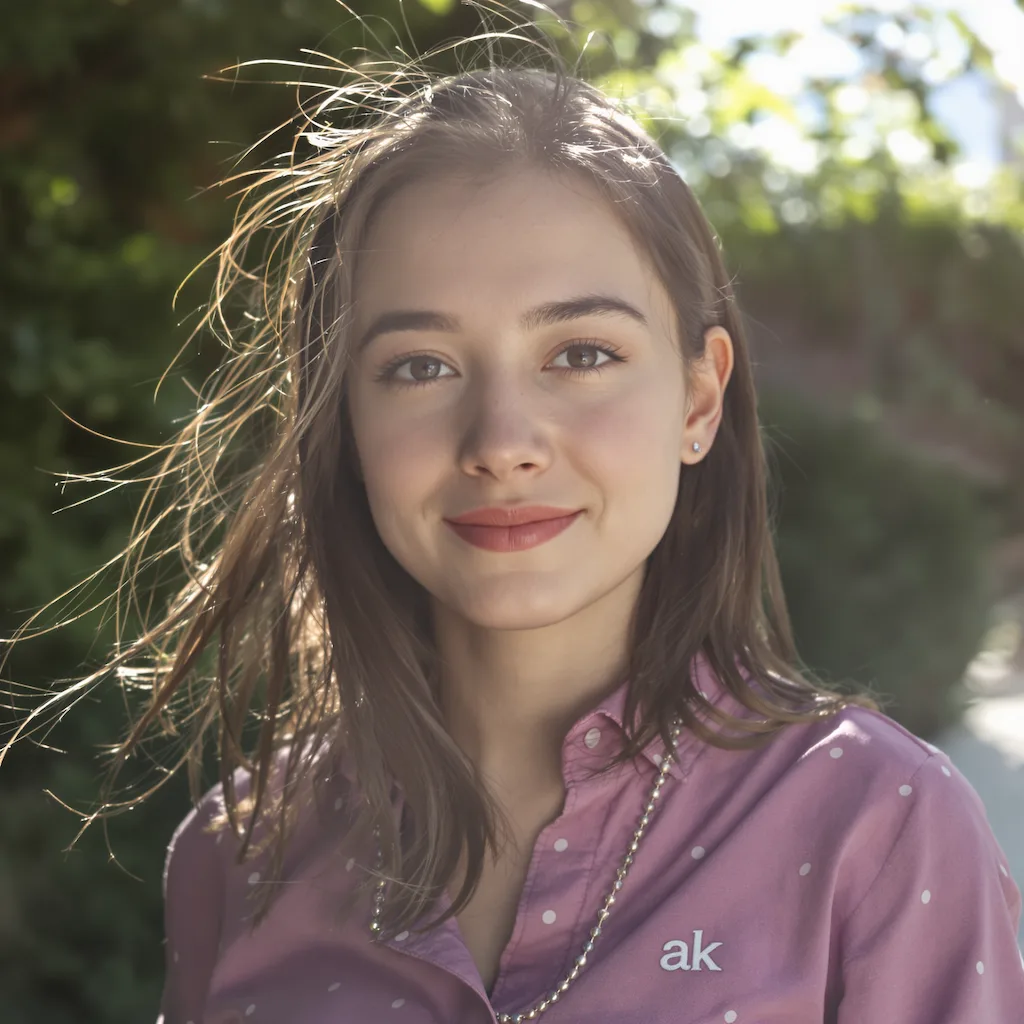
Other Nano Banana Pro templates that work with the same photo.