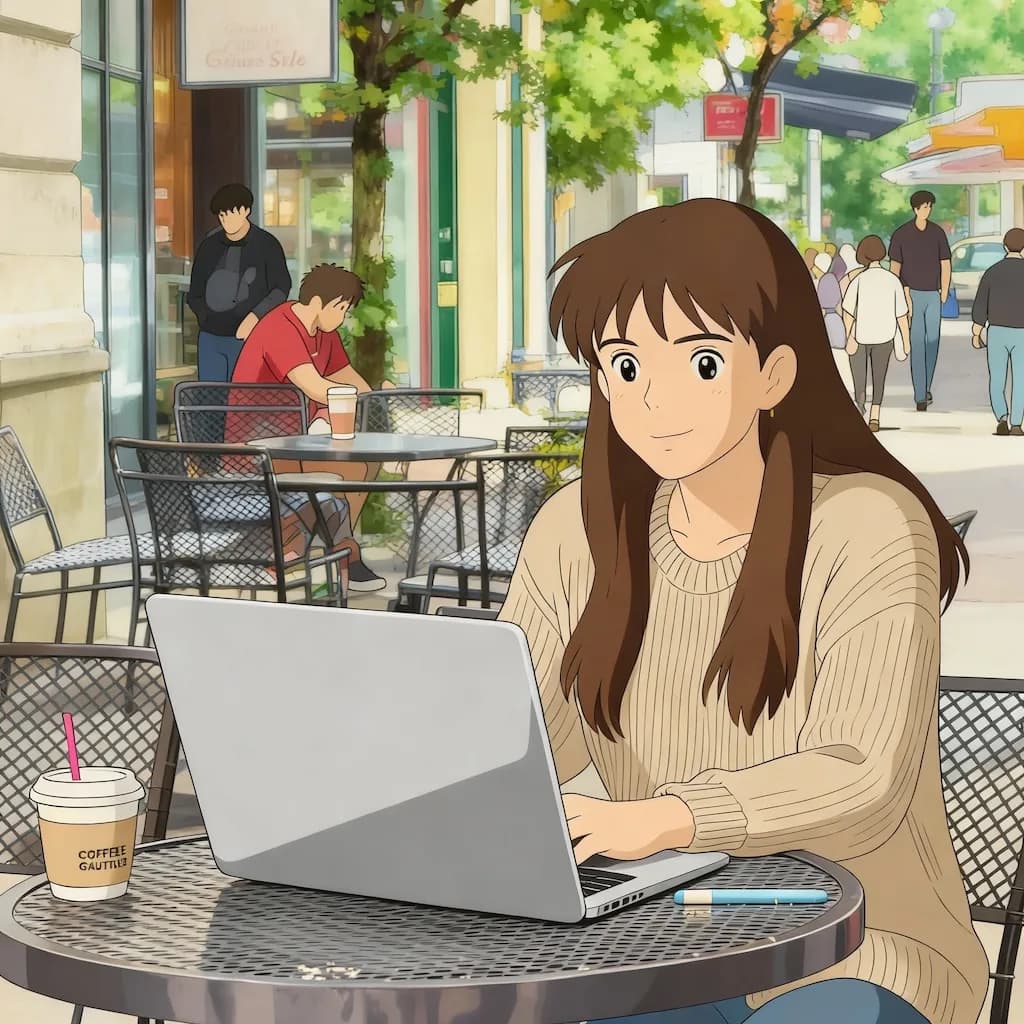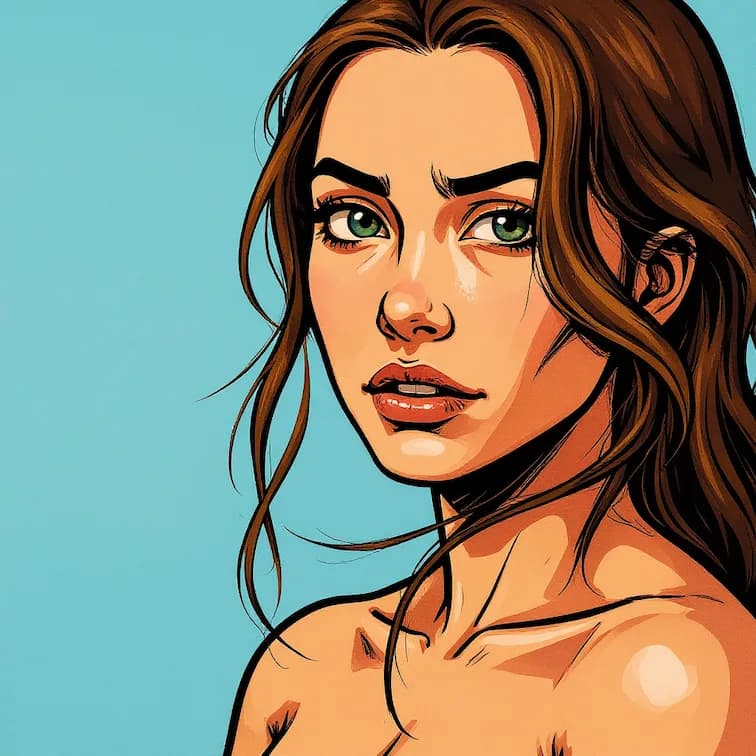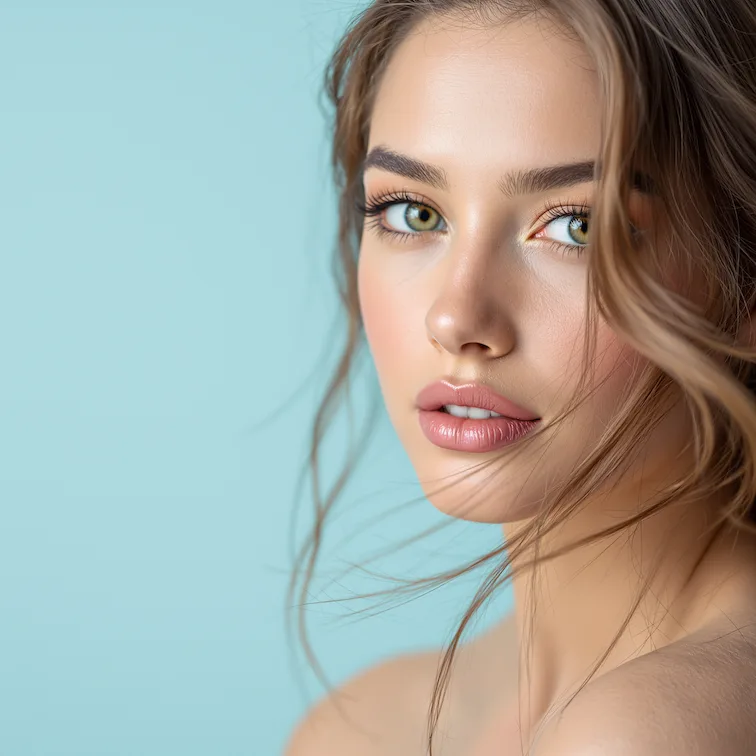
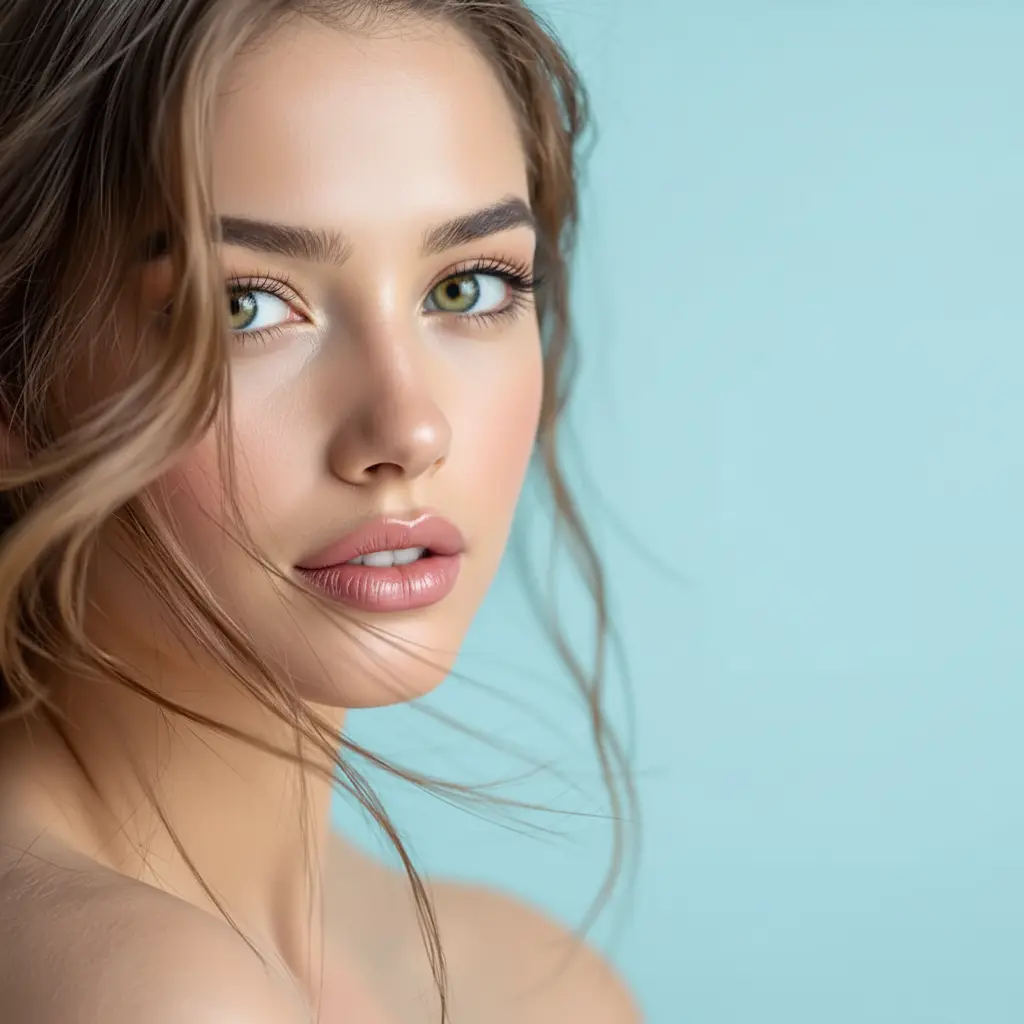
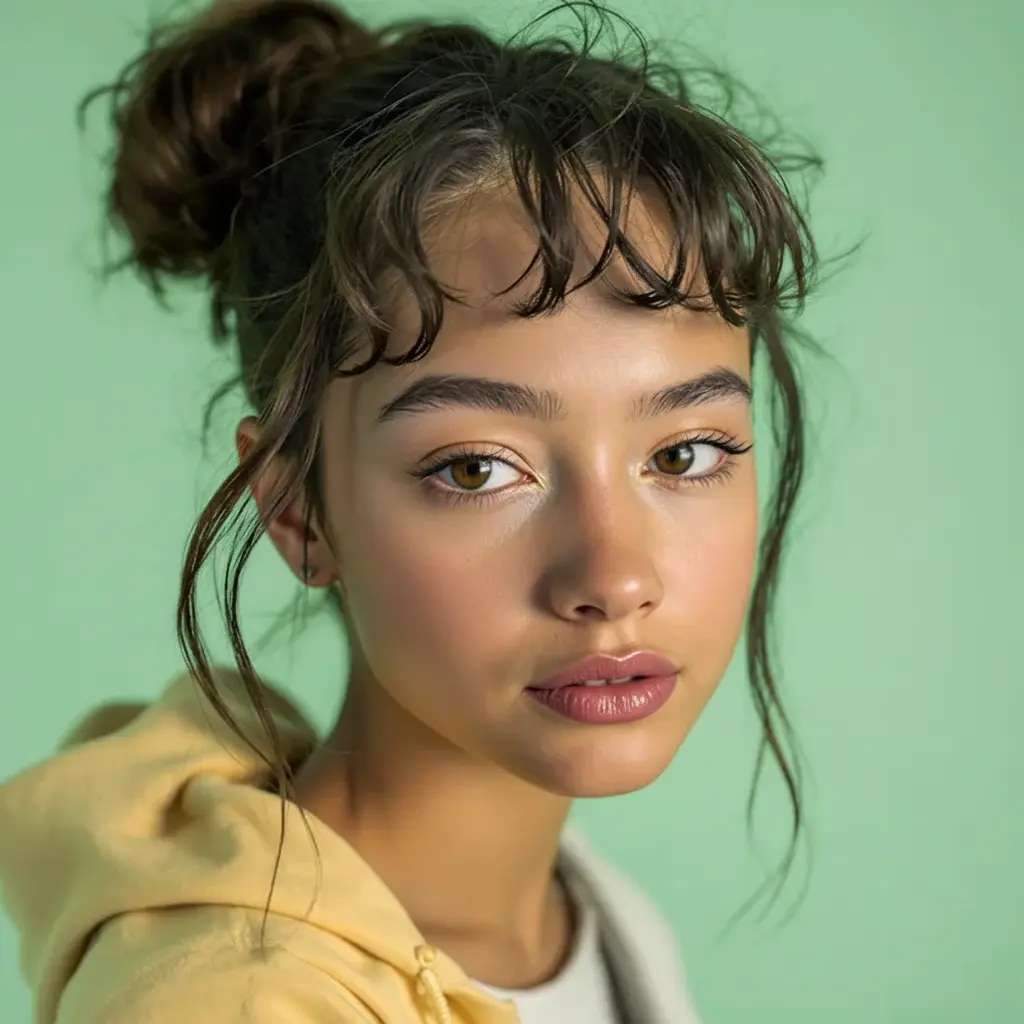


Before
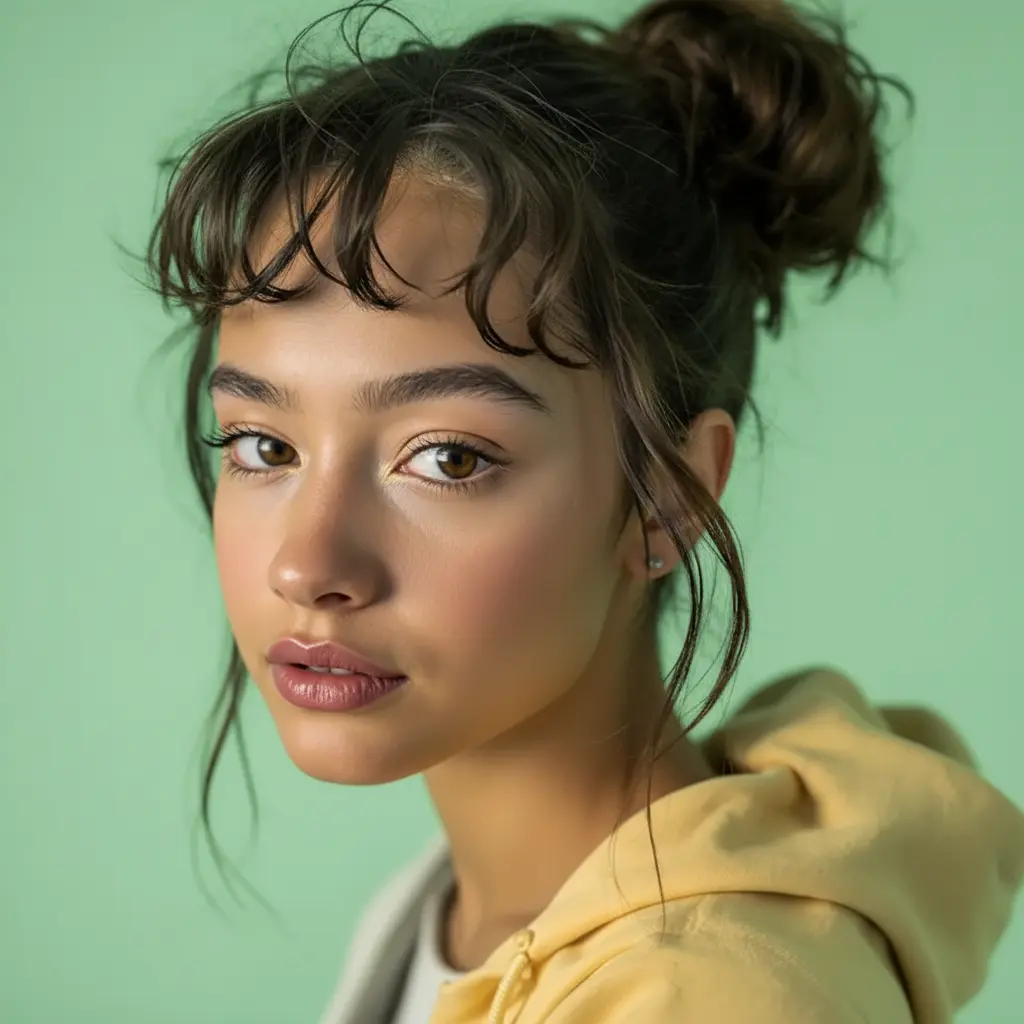
After
01Transformations
What the inversion filter flips
The image is regenerated with a horizontal mirror effect. The model aims to preserve the rest of the photo, though small details may vary.
Face Inversion Tool
Upload your photos to create horizontal mirror effects with Nano Banana Pro - perfect for discovering how you look when flipped
Inverted Images
Create fun mirrored face effects that flip your image horizontally, giving you a unique perspective on your appearance with Nano Banana Pro
The same face, flipped. Drag the slider to swap between the version in your photos and the version in your mirror.
The image is regenerated with a horizontal mirror effect. The model aims to preserve the rest of the photo, though small details may vary.
Facial asymmetry reads clearest head-on, so a straight-on portrait shows the biggest difference. Angled shots flip too, but the change is far subtler.
People run the inversion filter to work out why they prefer their reflection to their photos — and because the flipped pair makes a good side-by-side post.
Three steps, no design skills required.
Add a JPG, PNG or WebP file up to 10MB. A sharp, well-lit photo gives the best result.
Inversion Filter handles the transformation automatically.
Preview the generated image and download it, or run another variation.
Common questions about using Inversion Filter
The Inversion Filter is a fun and unique effect that flips your face from left to right, creating a mirrored version of yourself. It's playful, quirky, and a cool way to have some fun with your selfies or videos. Often used in selfies and videos, this filter adds an amusing twist to your appearance, making it look like you're seeing your face in reverse.
The AI creates a horizontal flip effect by swapping the left side with the right side, just like a mirror effect. This gives you a totally new perspective on how you look and is popular on social media platforms as a playful way to engage with your audience.
Upload photos where your face is clearly visible and well-lit with bright, clear backgrounds. Front-facing selfies and portraits work best for the most dramatic inversion effects.
Each generation uses 2 credits.
Commercial use may be permitted, subject to our Terms of Service, applicable law, and third-party rights. You are responsible for reviewing generated outputs before any commercial use.
While it creates a horizontal flip effect, the image is processed with AI enhancement to ensure optimal quality and natural-looking results that go beyond simple image flipping.
Still have questions? Contact support@nano-banana-pro.ai
Other Nano Banana Pro templates that work with the same photo.