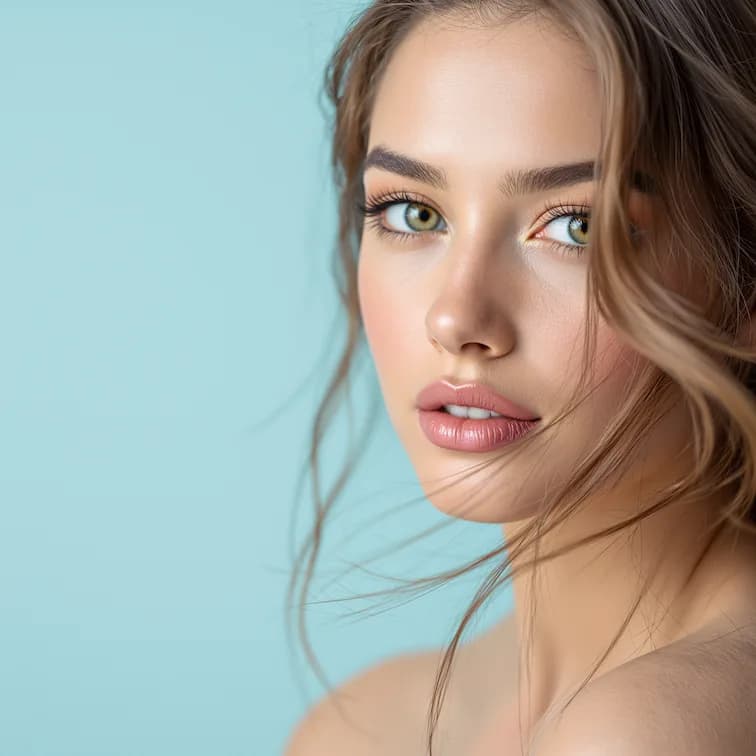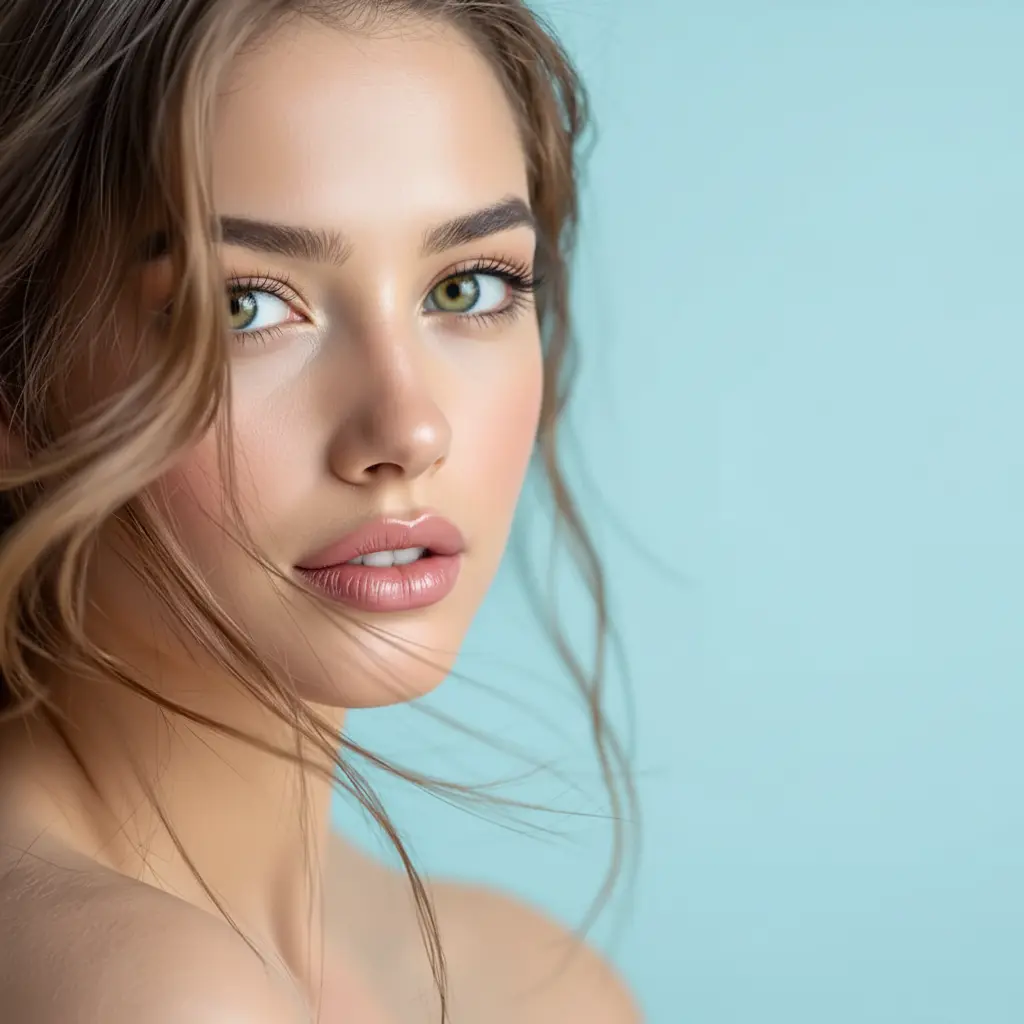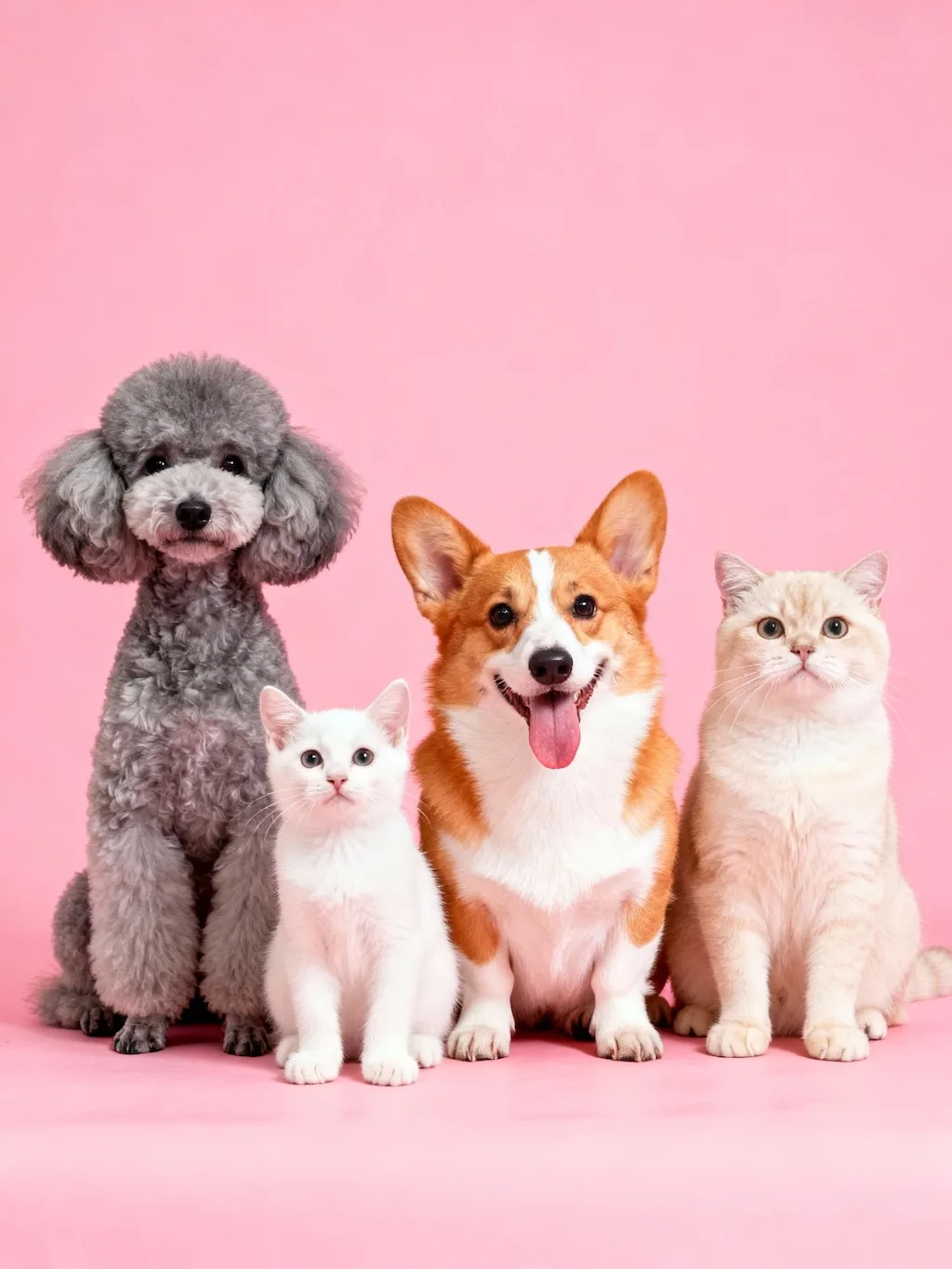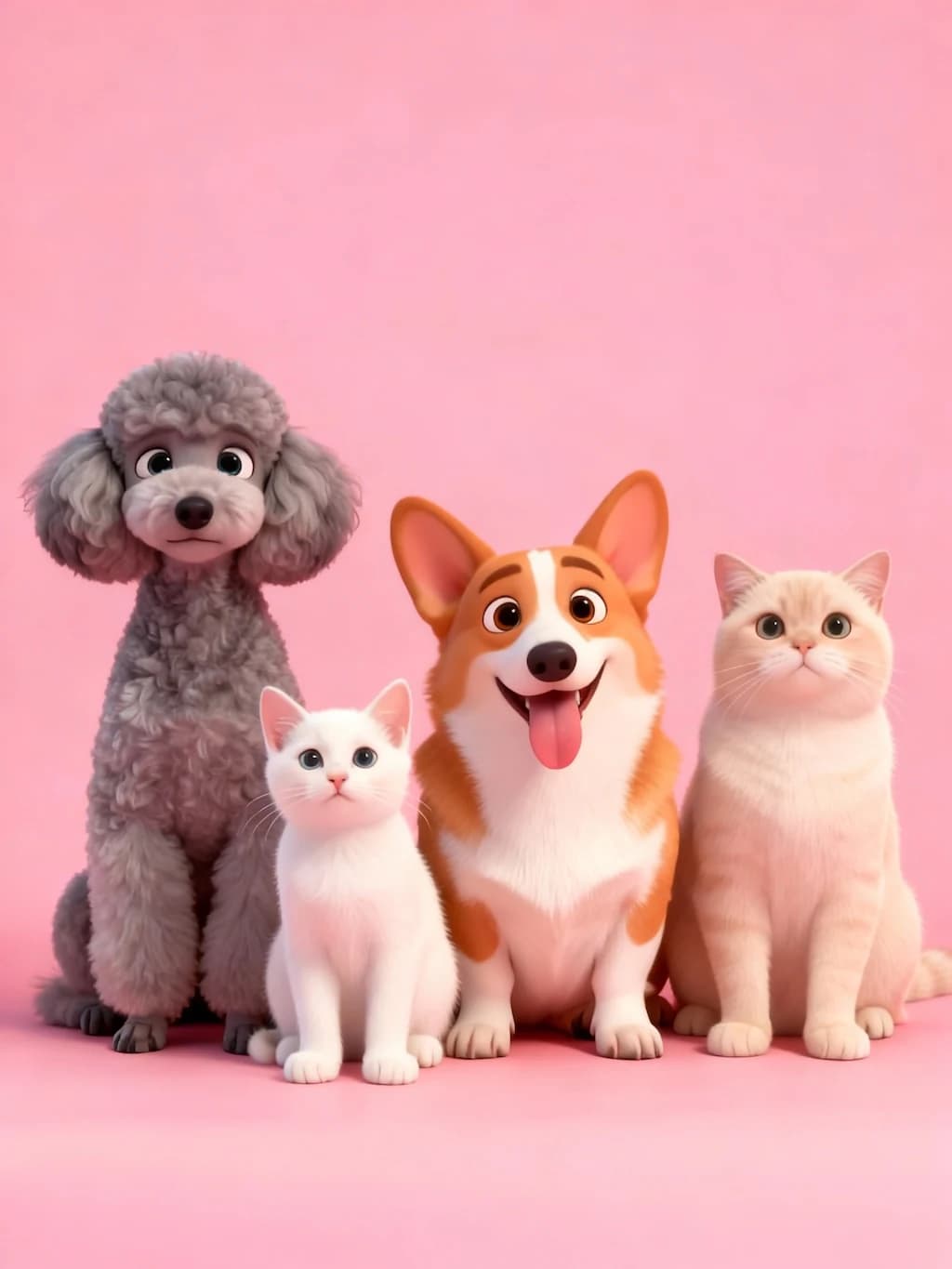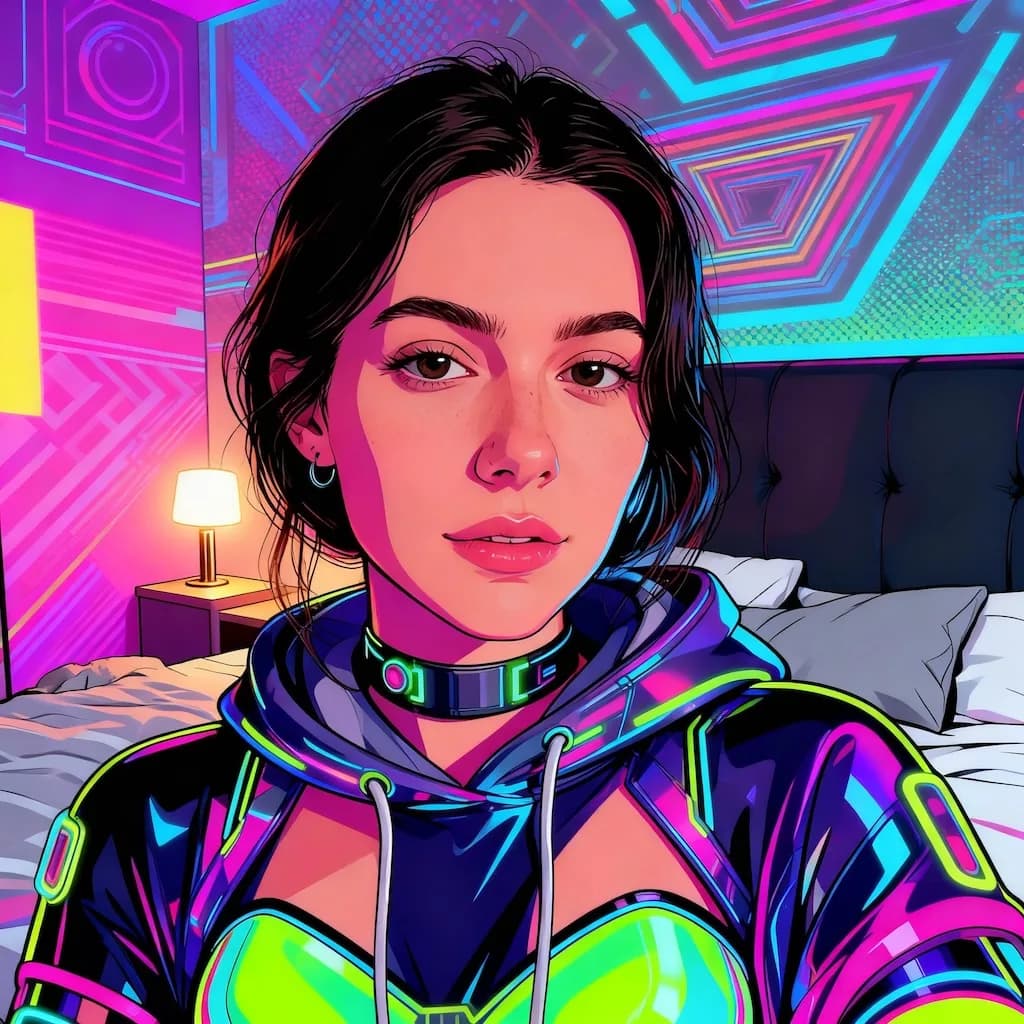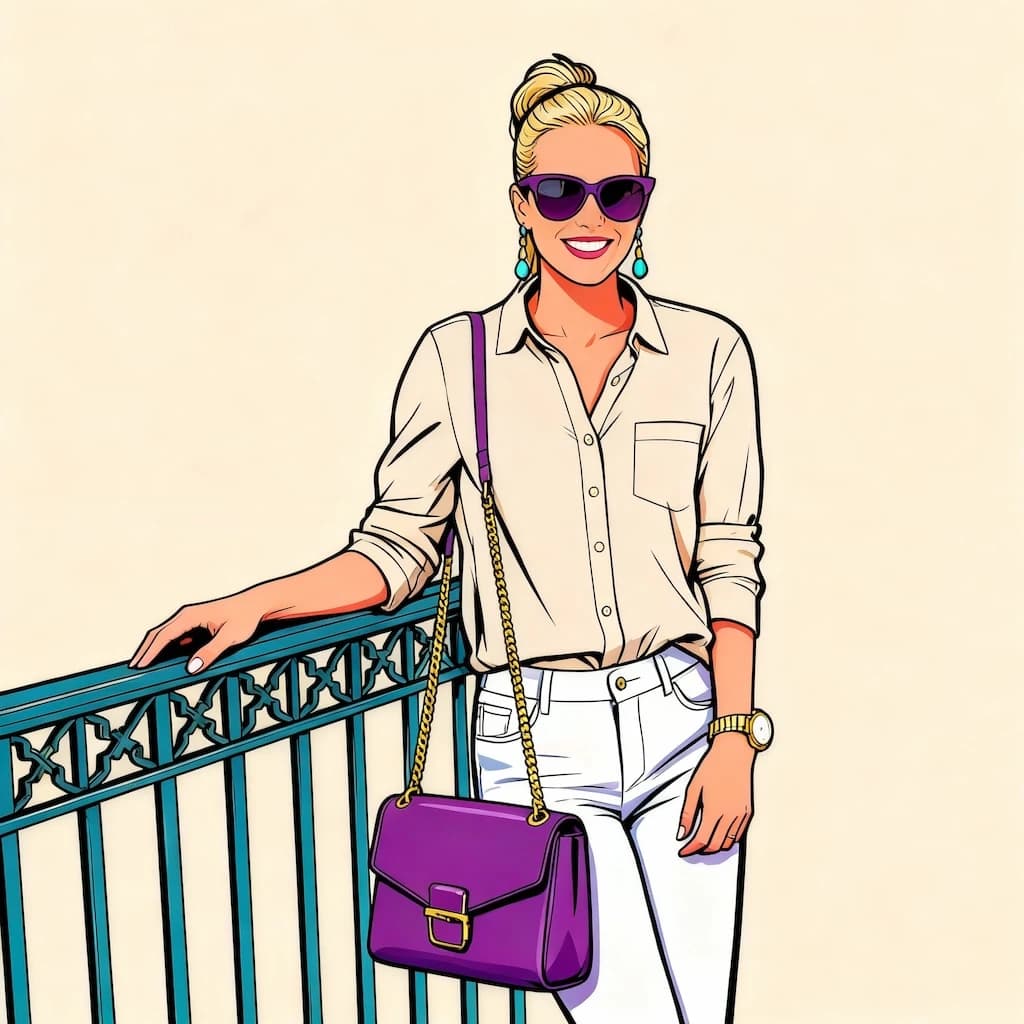
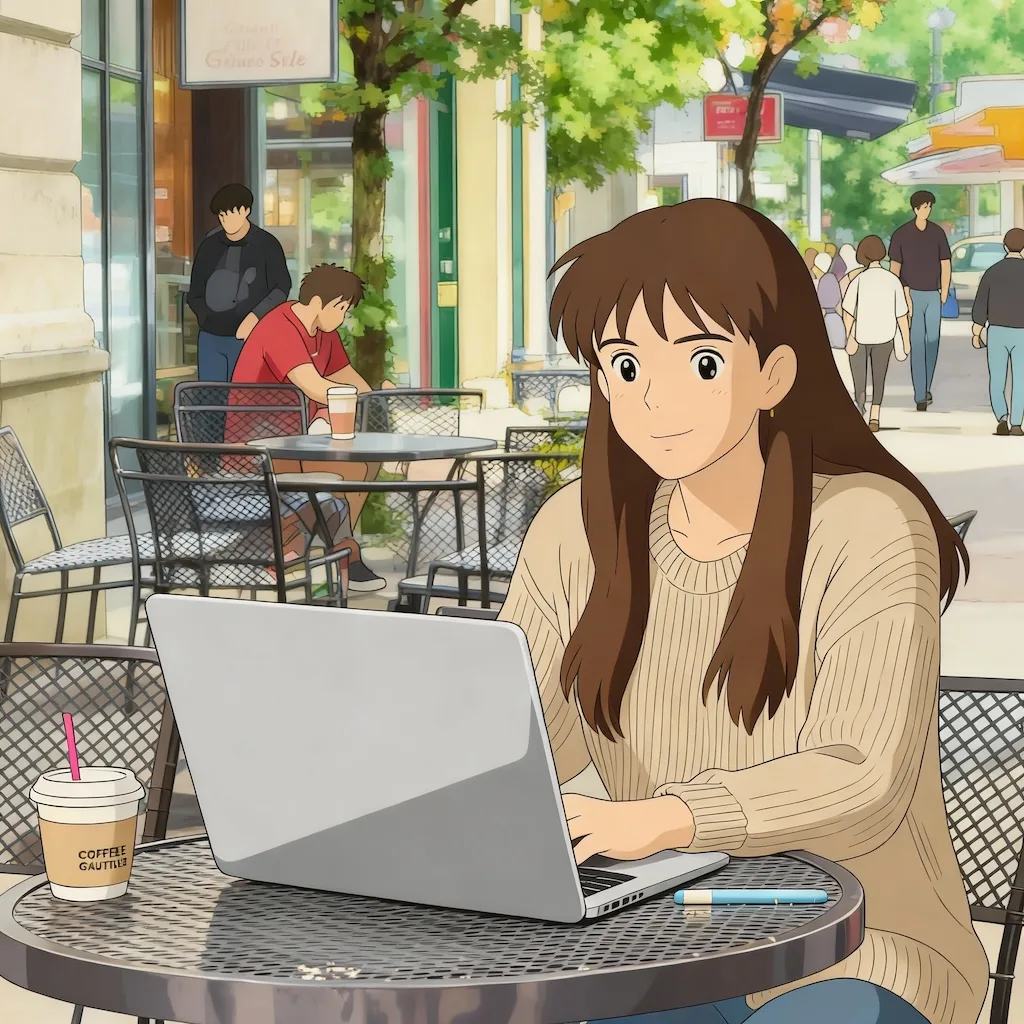

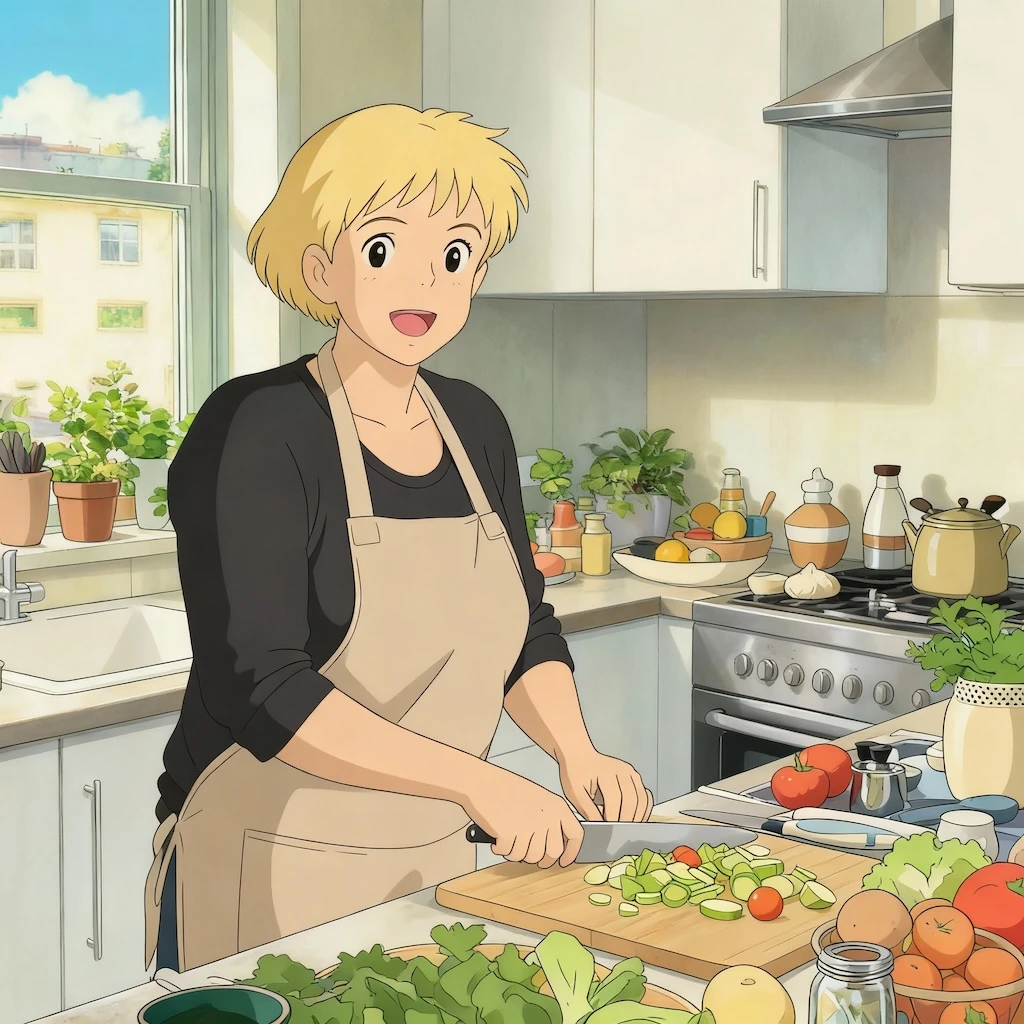

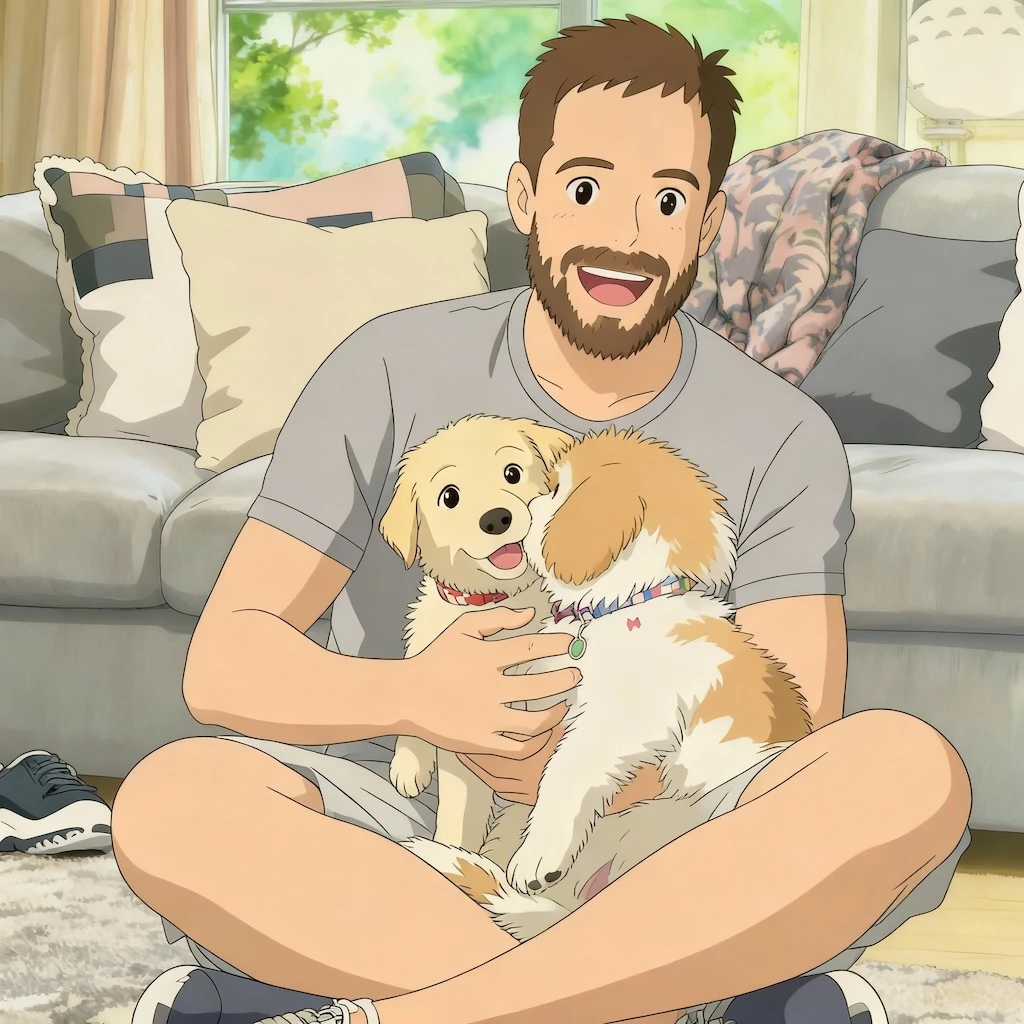
Before
After
01Transformations
What the Ghibli filter paints in
Soft pastel color, hand-drawn linework and painted skies replace the photographic surface, while the composition you shot stays intact underneath.
Create Your Studio Ghibli Portrait
Upload your photo to transform it into a magical Studio Ghibli-style artwork with Nano Banana Pro
Your Studio Ghibli Artwork
Reimagine your photos as magical Studio Ghibli-style artwork with Nano Banana Pro. Our AI recreates the enchanting hand-drawn aesthetic, soft pastel colors, and dreamlike atmosphere that makes Hayao Miyazaki's animations beloved worldwide.
Photographs repainted as hand-drawn scenes. Drag the slider to see pastel color and painted skies come in.
Soft pastel color, hand-drawn linework and painted skies replace the photographic surface, while the composition you shot stays intact underneath.
Scenery, skies and wide outdoor shots convert most beautifully, since the style is built around painted backgrounds. Portraits work, but the scenery is where it sings.
Most people turn a favorite place or a trip photo into a wallpaper or a print. The style references a studio's protected work, so keep commercial use in mind.
Three steps, no design skills required.
Add a JPG, PNG or WebP file up to 10MB. A sharp, well-lit photo gives the best result.
Studio Ghibli AI Filter handles the transformation automatically.
Preview the generated image and download it, or run another variation.
Common questions about using Studio Ghibli AI Filter
The filter works best with clear photos featuring people, pets, or landscapes. Images with good lighting and visible details produce the most enchanting results. The AI particularly excels at transforming portraits and scenic backgrounds into the characteristic Ghibli aesthetic with its soft, dreamlike quality.
The Studio Ghibli style features soft pastel colors, hand-drawn aesthetics, gentle shading, and a dreamlike atmosphere. It includes characteristic elements like detailed backgrounds, naturalistic movement, expressive character features, and the magical realism that defines Miyazaki's work.
Each Studio Ghibli transformation uses 2 credits. You can purchase credit packages for additional credits.
Generated artwork is yours for personal and creative use — social media, prints, or personal projects. For commercial use involving third-party art styles or characters, make sure you have the necessary rights.
The AI preserves your original features while applying the Studio Ghibli aesthetic. The system carefully maintains facial characteristics, expressions, and proportions while transforming the overall style to match the soft, hand-drawn look of Ghibli animations.
The filter excels with portraits, nature scenes, cityscapes, and everyday moments. Photos with clear subjects, interesting backgrounds, or emotional expressions produce particularly magical results. The AI transforms ordinary scenes into the whimsical, emotionally resonant artwork characteristic of Studio Ghibli films.
Still have questions? Contact support@nano-banana-pro.ai
Other Nano Banana Pro templates that work with the same photo.