GTA Style Filter Tool

Upload your photos to transform them into the iconic art style of Grand Theft Auto V

Transformed Images

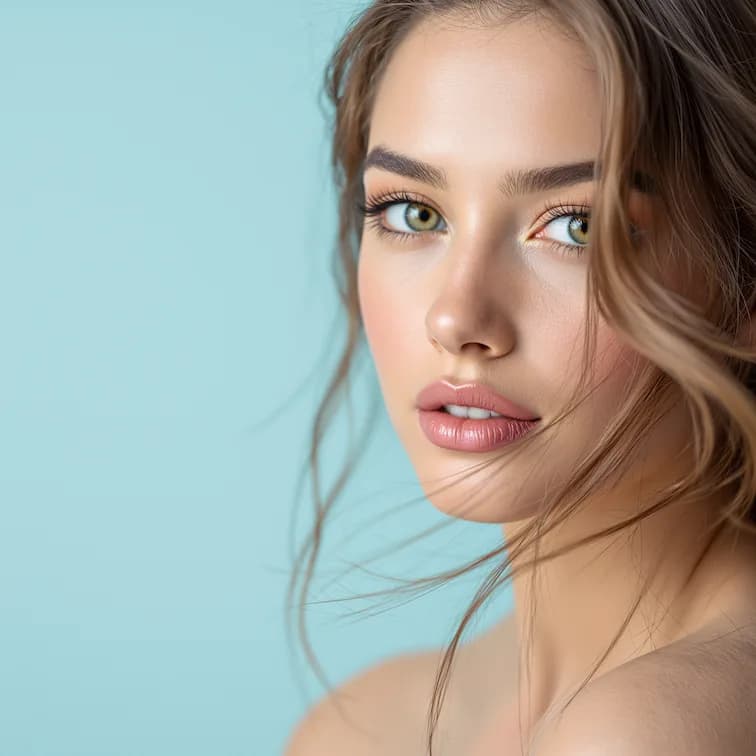
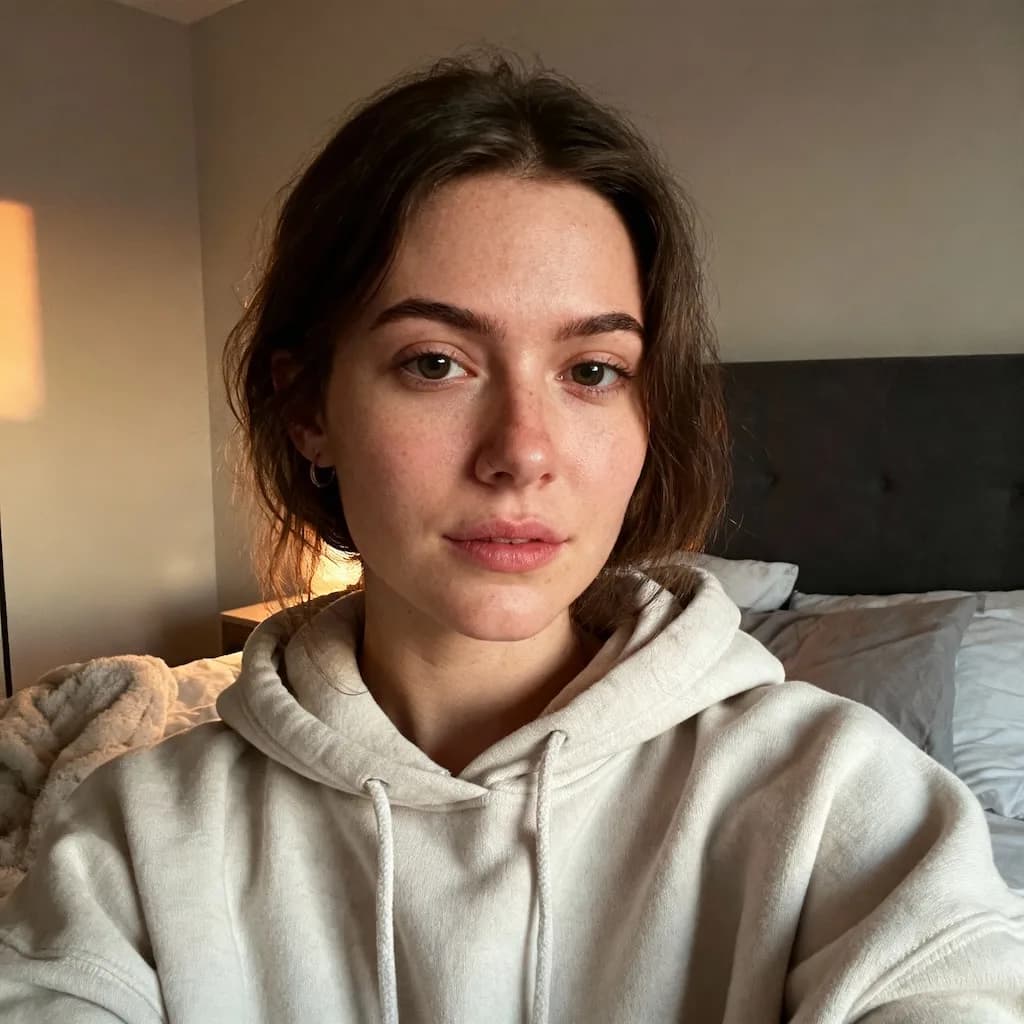
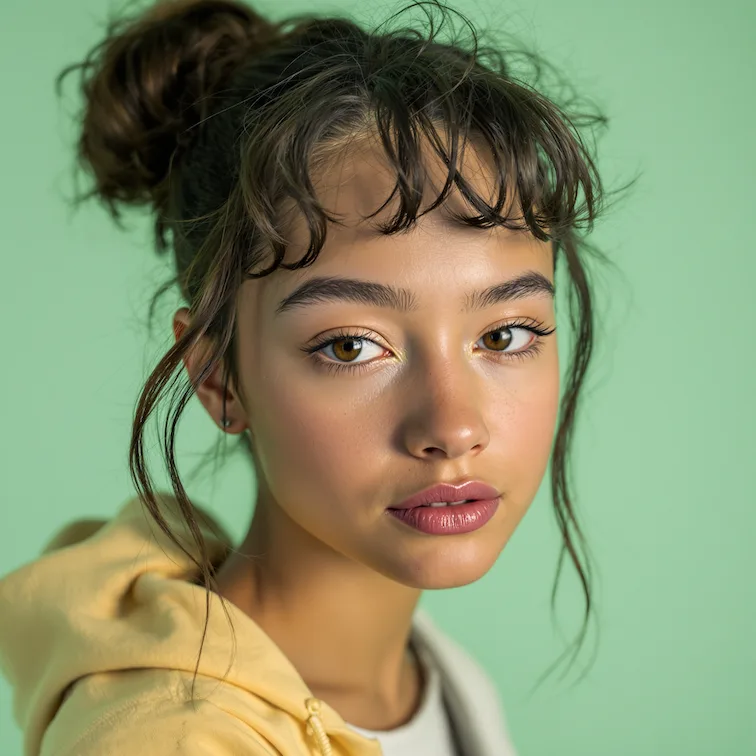
Original photo before AI transformation, example 1
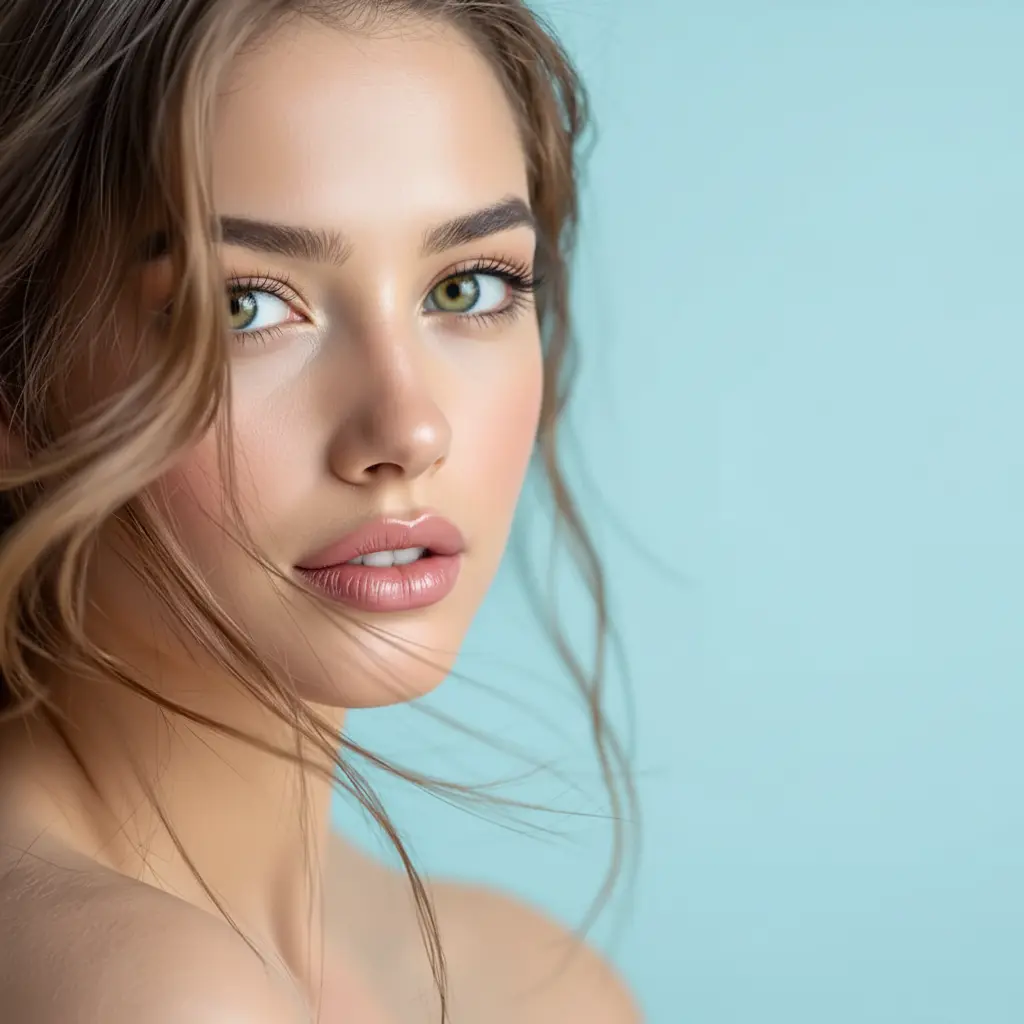
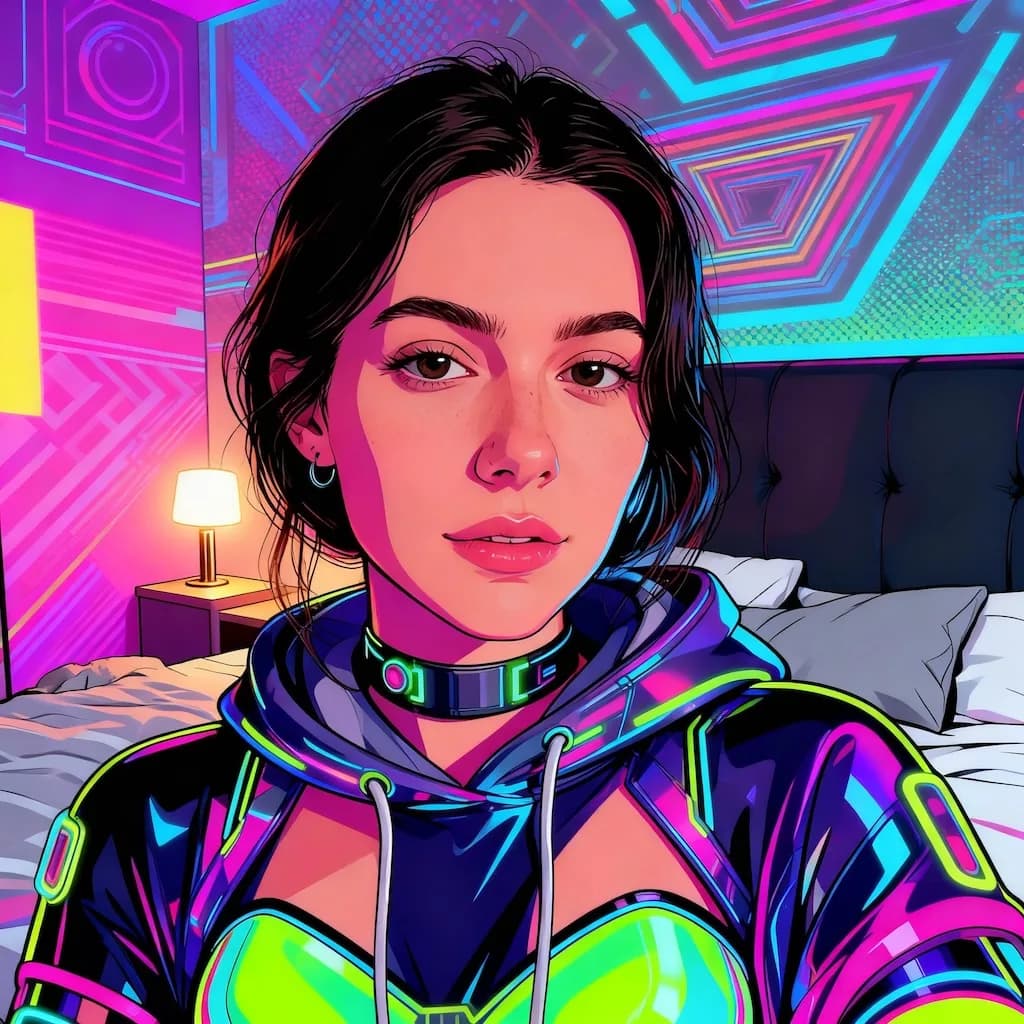
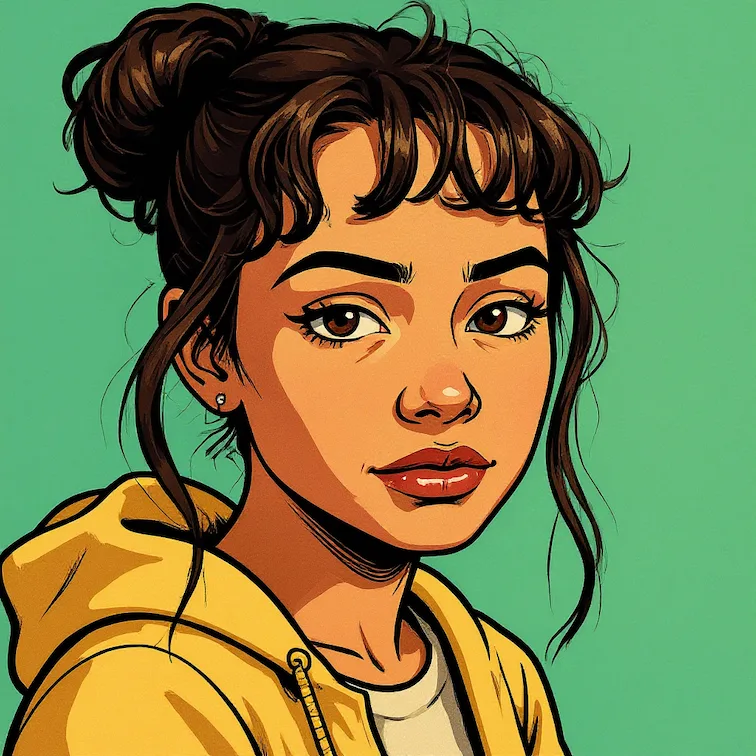
AI image generated with Nano Banana Pro, example 1
Before
After
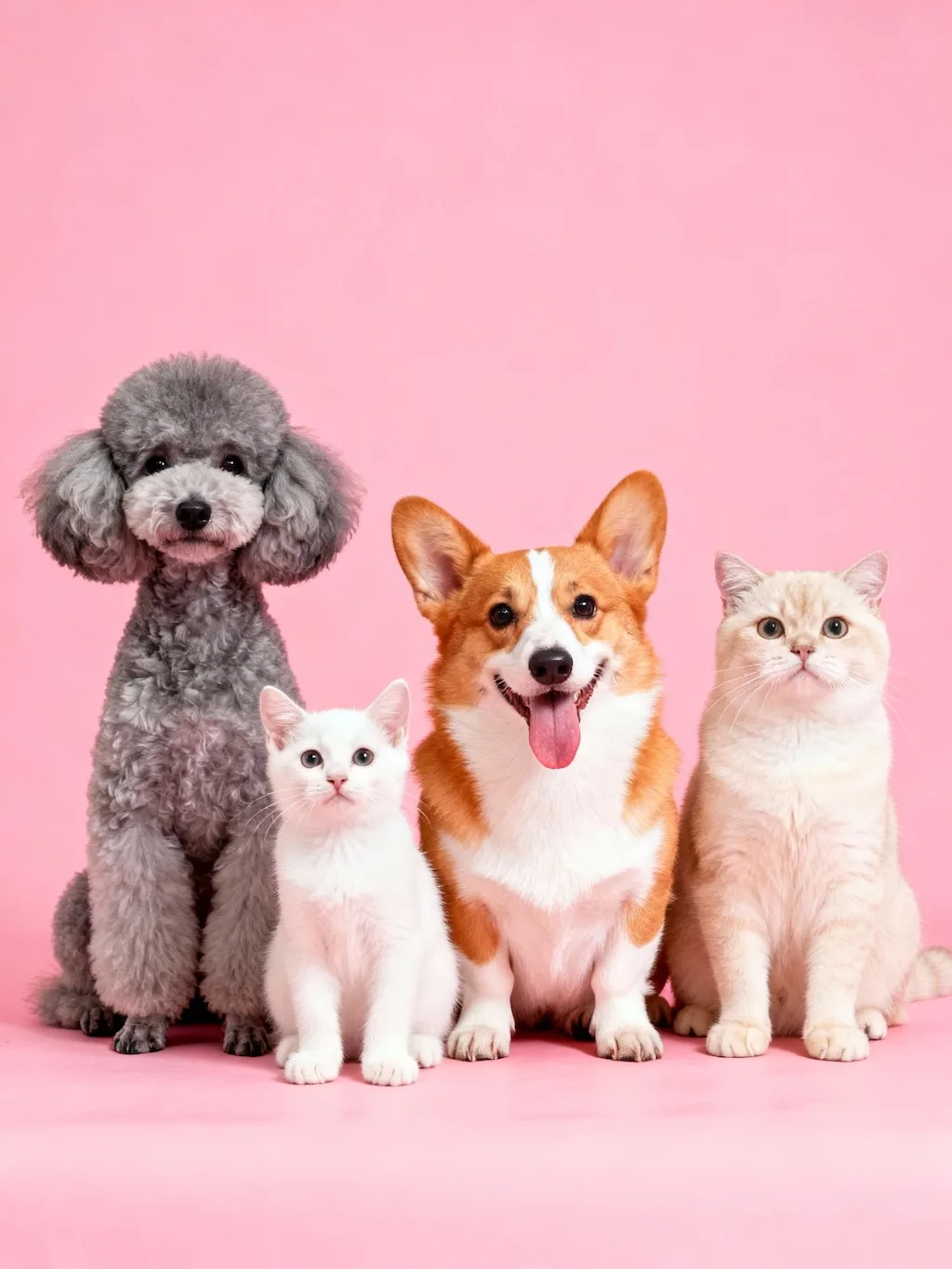
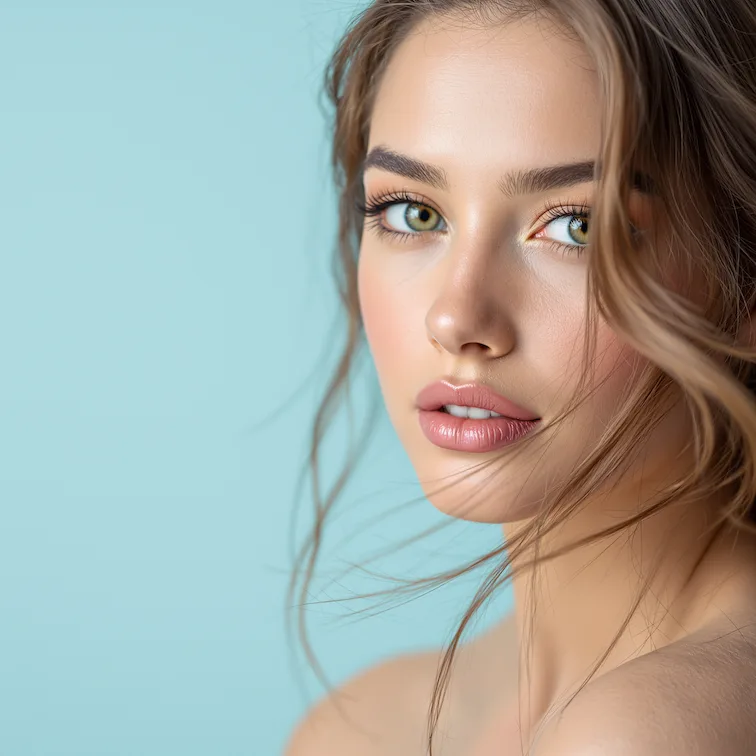
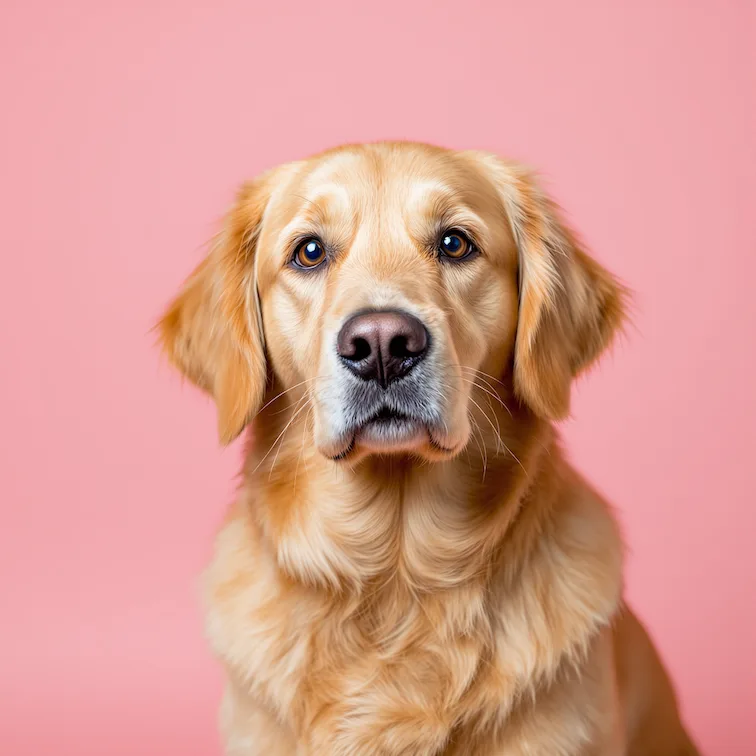
Original photo before AI transformation, example 2
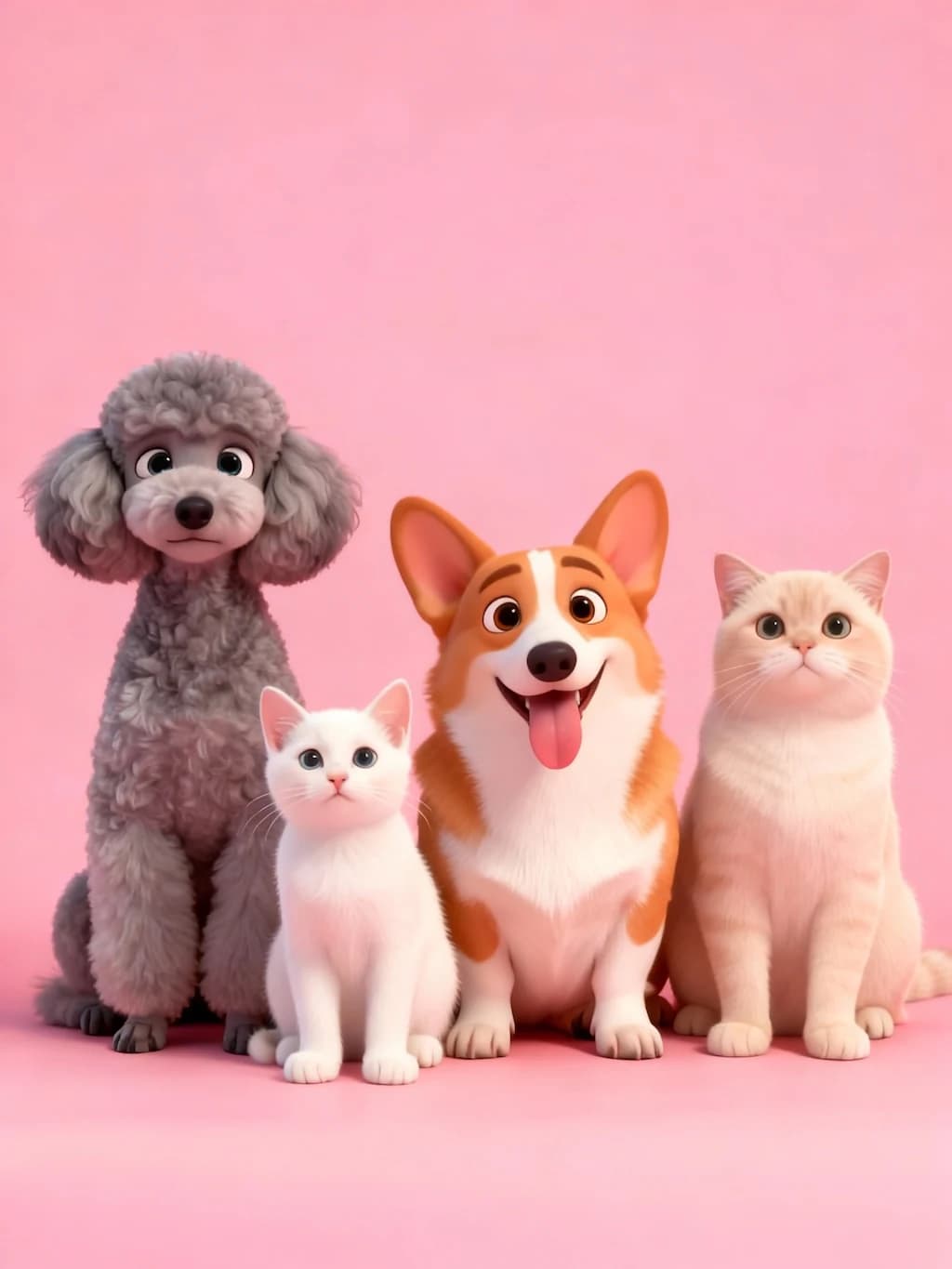
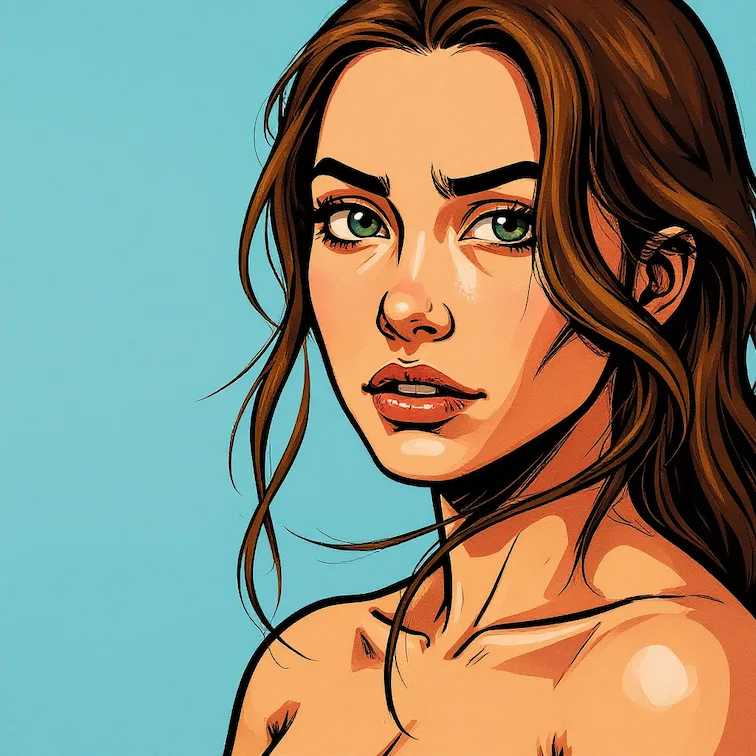
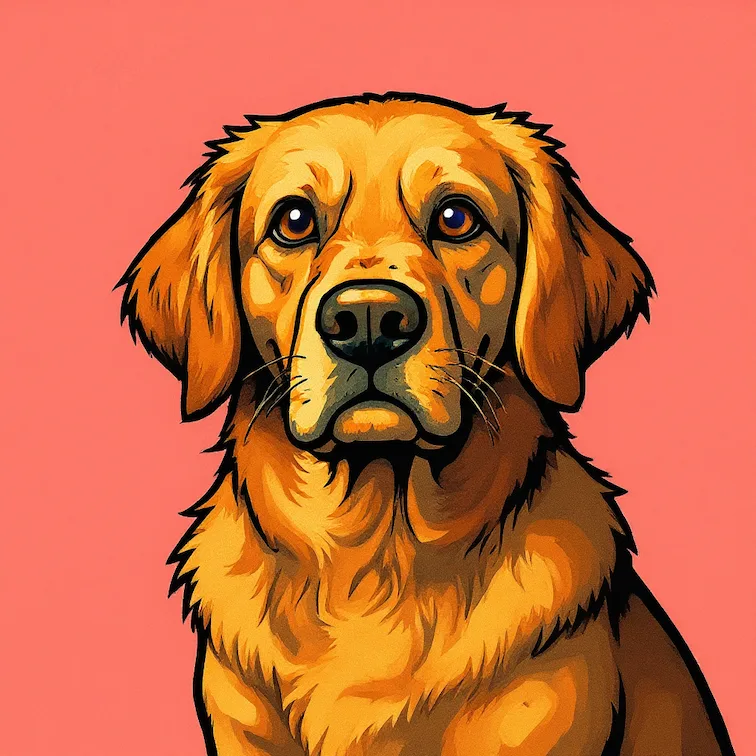
AI image generated with Nano Banana Pro, example 2
Before
After
Original photo before AI transformation, example 3
AI image generated with Nano Banana Pro, example 3
Before
After

GTA Style Filter

Give your photos the iconic art style of Grand Theft Auto V

GTA Style Filter

GTA style filter: your photo as game cover art

Real photos on one side, GTA-style game art on the other. Drag the slider to see where the repaint takes over.

Original photo before GTA Style Filter transformation, example 1
GTA Style Filter result created with Nano Banana Pro, example 1
Before
After
01Transformations

What the GTA filter repaints

Your photo is redrawn as hand-painted cover art: heavy outlines, saturated color and the high-contrast lighting of a loading screen. The result aims to preserve the original pose and outfit while changing the rendering style.

Original photo before GTA Style Filter transformation, example 2
GTA Style Filter result created with Nano Banana Pro, example 2
Before
After
02Transformations

Poses that make the strongest GTA art

Confident stances and bold outfits convert best, because the style exaggerates attitude. Clear light on the face keeps you recognizable once the heavy outlines go in.

Original photo before GTA Style Filter transformation, example 3
GTA Style Filter result created with Nano Banana Pro, example 3
Before
After
03Transformations

Gaming profile pictures, overlays and group posters

The GTA style filter is used most for gaming profile pictures and stream overlays, and it holds up with several friends run through the same style for a group poster.

How GTA Style Filter works

Three steps, no design skills required.

  1. Step 1

    Upload your photo

    Add a JPG, PNG or WebP file up to 10MB. A sharp, well-lit photo gives the best result.

  2. Step 2

    Generate with Nano Banana Pro

    GTA Style Filter handles the transformation automatically.

  3. Step 3

    Download your result

    Preview the generated image and download it, or run another variation.

GTA Style Filter FAQ

Common questions about using GTA Style Filter

This filter transforms your photos into the distinctive art style of Grand Theft Auto V, giving them a unique video game aesthetic with enhanced colors and stylized effects.

Portrait photos, urban scenes, vehicles, and action shots work particularly well. The filter adds dramatic lighting and vibrant colors characteristic of GTA V's visual style.

The generated images are great for social media posts, profile pictures, and personal creative projects. For commercial use involving third-party brands or art styles, make sure you have the necessary rights.

Our AI creates authentic GTA-style transformations with enhanced saturation, comic-book-like shading, and the signature visual atmosphere of the game.

Still have questions? Contact support@nano-banana-pro.ai

More styles to try

Other Nano Banana Pro templates that work with the same photo.

View all styles