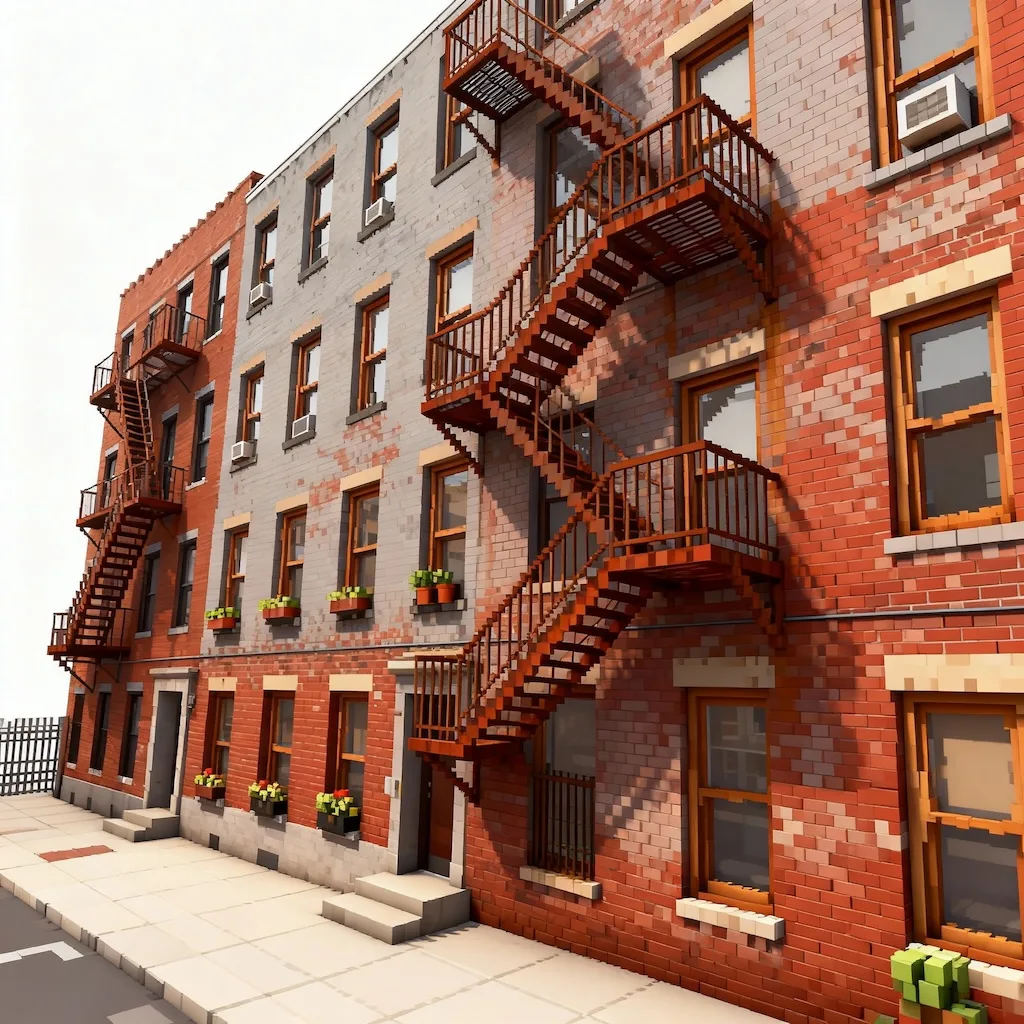
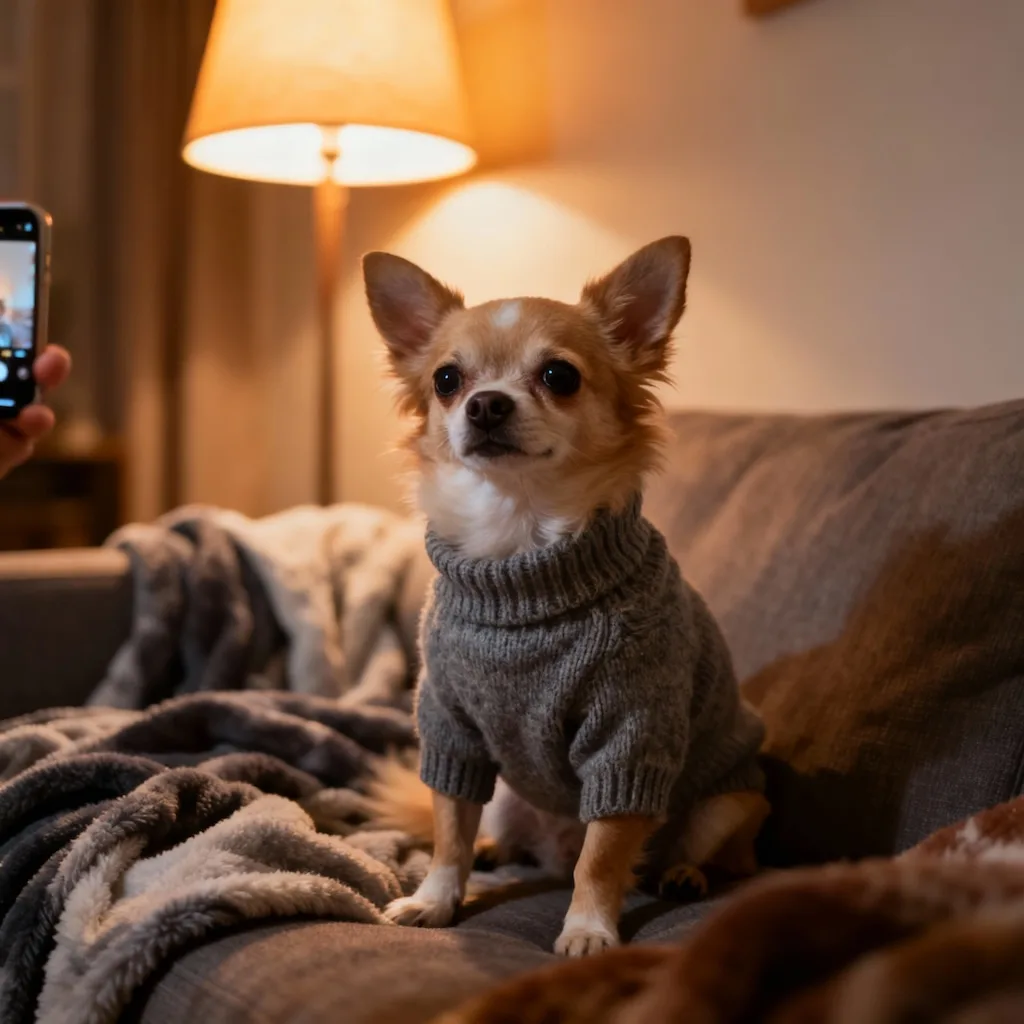
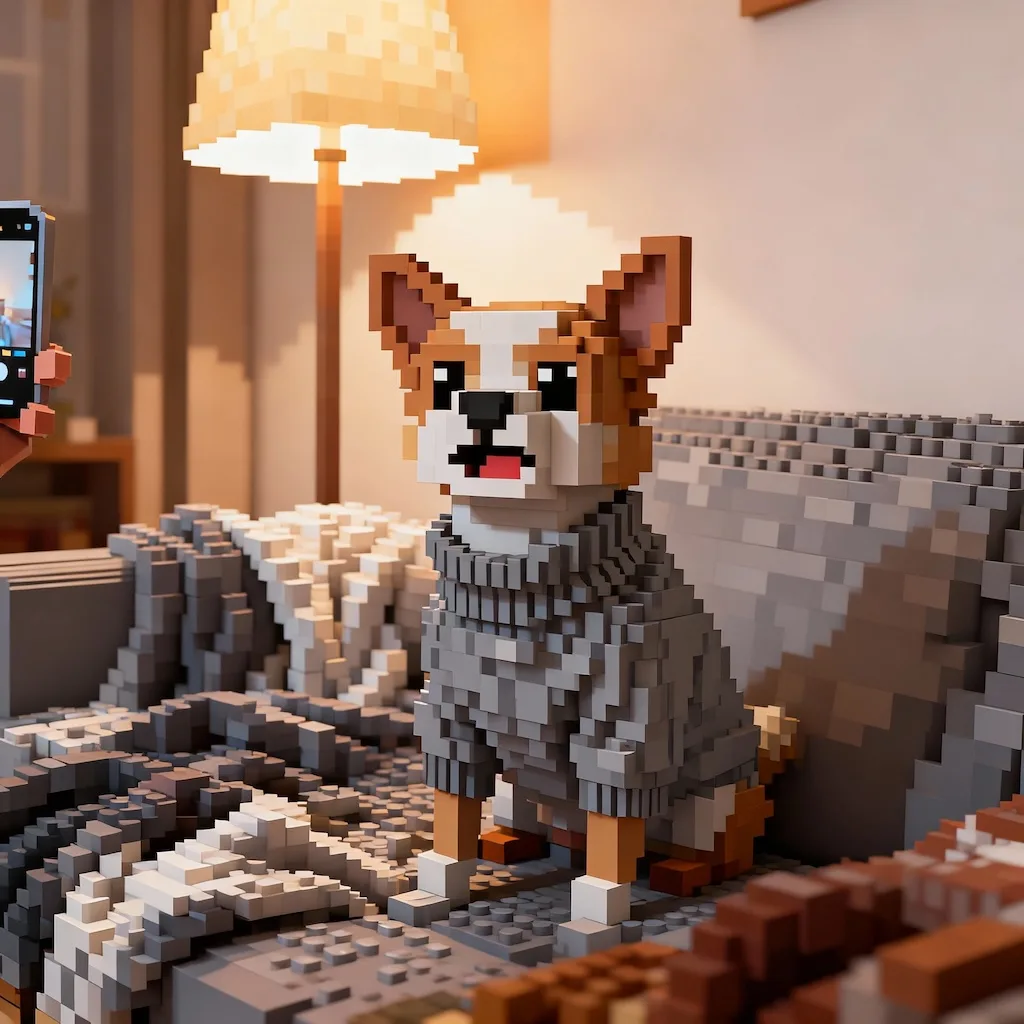
What the Minecraft filter does to a photo
Your photo is reconstructed as an isometric voxel scene: each head becomes a single cube with pixel eyes, buildings stack into blocks, and the original composition and colors stay recognizable.
Create Your Minecraft Voxel Art
Upload your photo to transform it into amazing Minecraft-style 3D voxel art with Nano Banana Pro
Your Minecraft Voxel Creation


Rebuild your photos as stunning Minecraft-style 3D voxel art with Nano Banana Pro. Our AI creates isometric pixel art scenes with vibrant blocks, sharp edges, and ultra-crisp quality while preserving your original composition and key details.
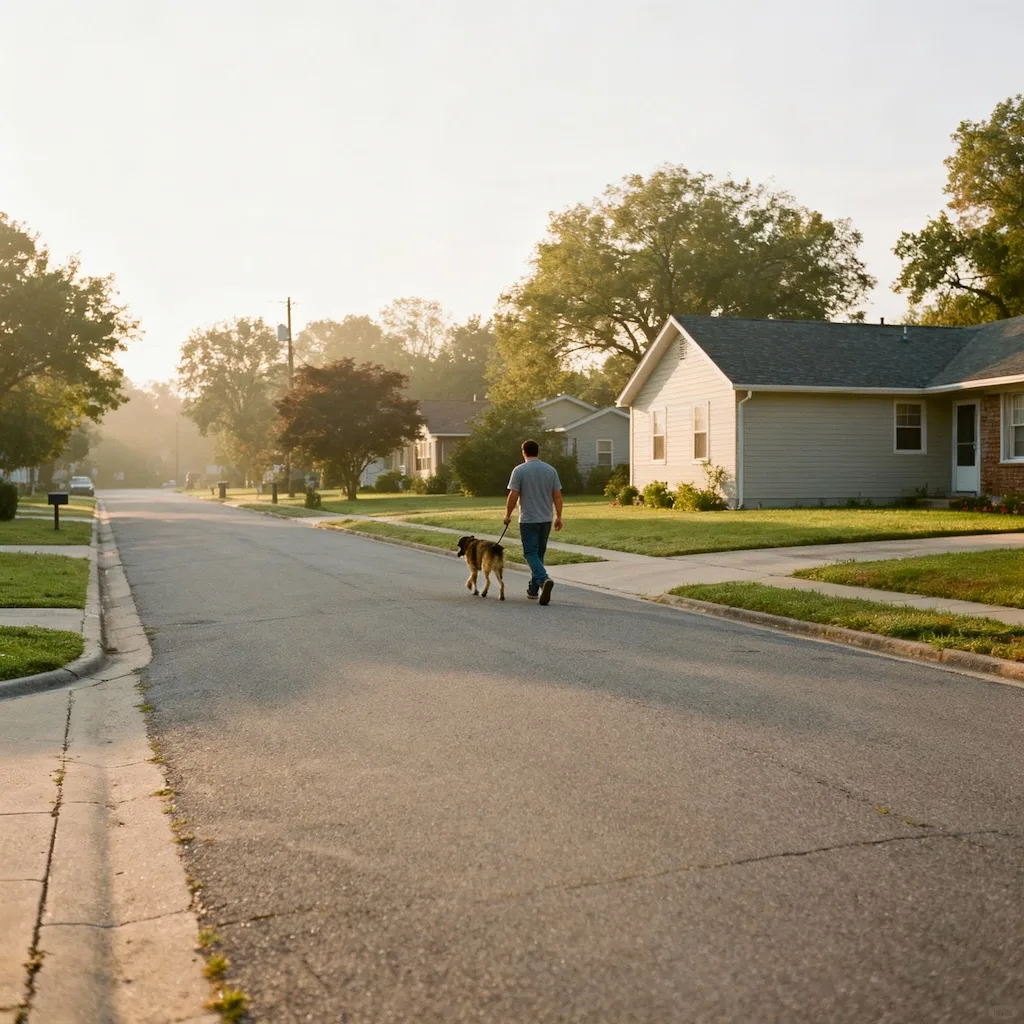
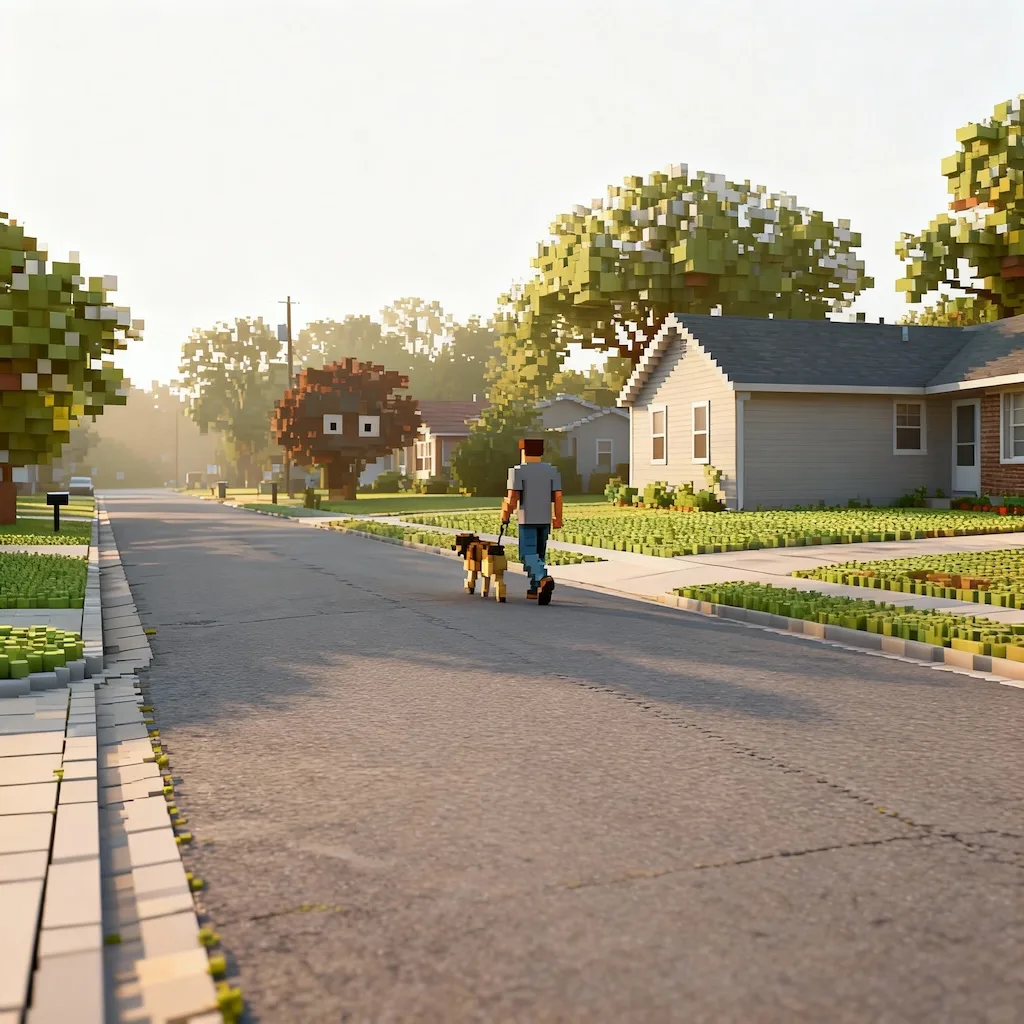
Ordinary photos rebuilt out of blocks. Drag the slider to see the voxel scene take shape.


Your photo is reconstructed as an isometric voxel scene: each head becomes a single cube with pixel eyes, buildings stack into blocks, and the original composition and colors stay recognizable.

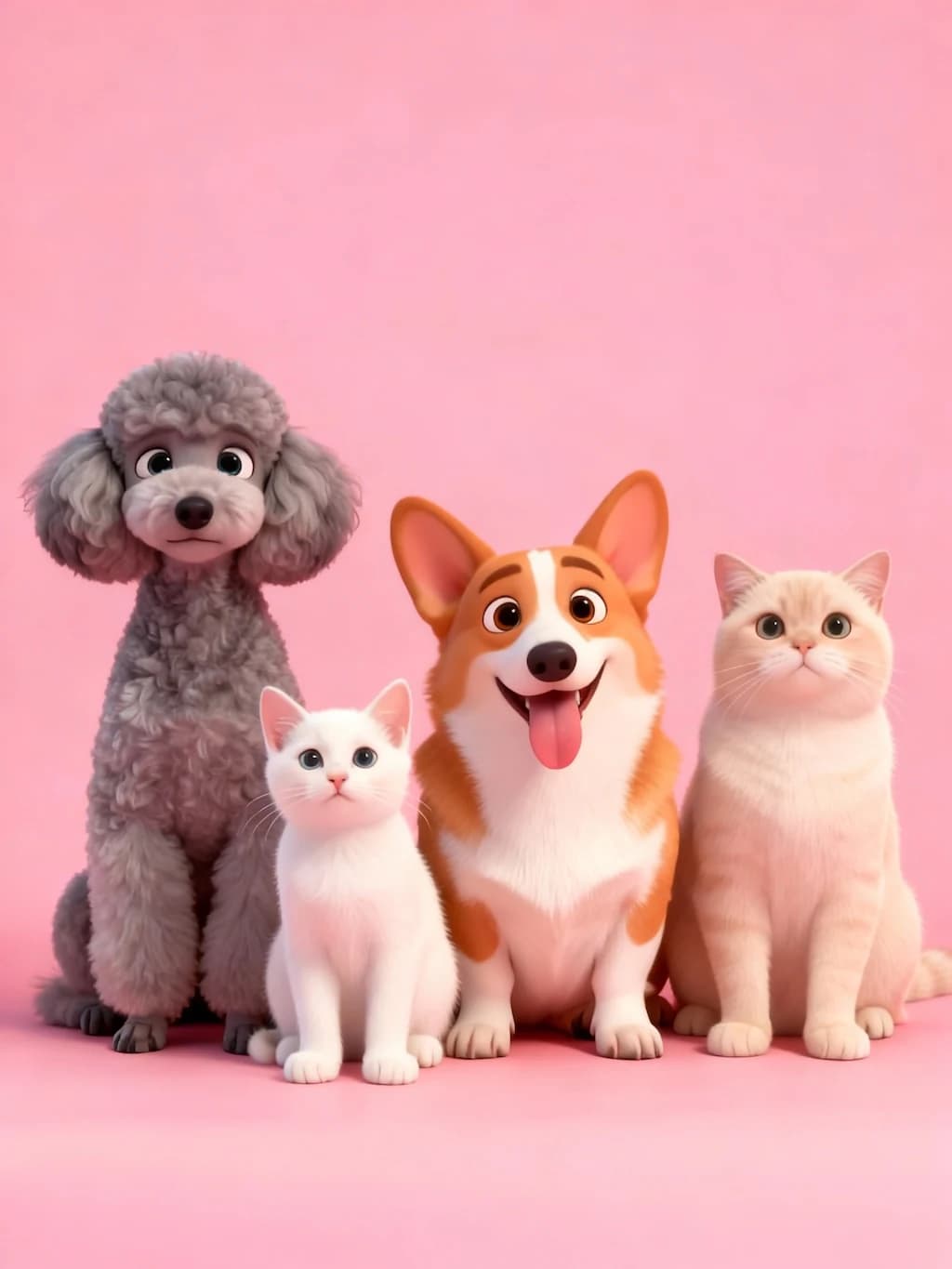
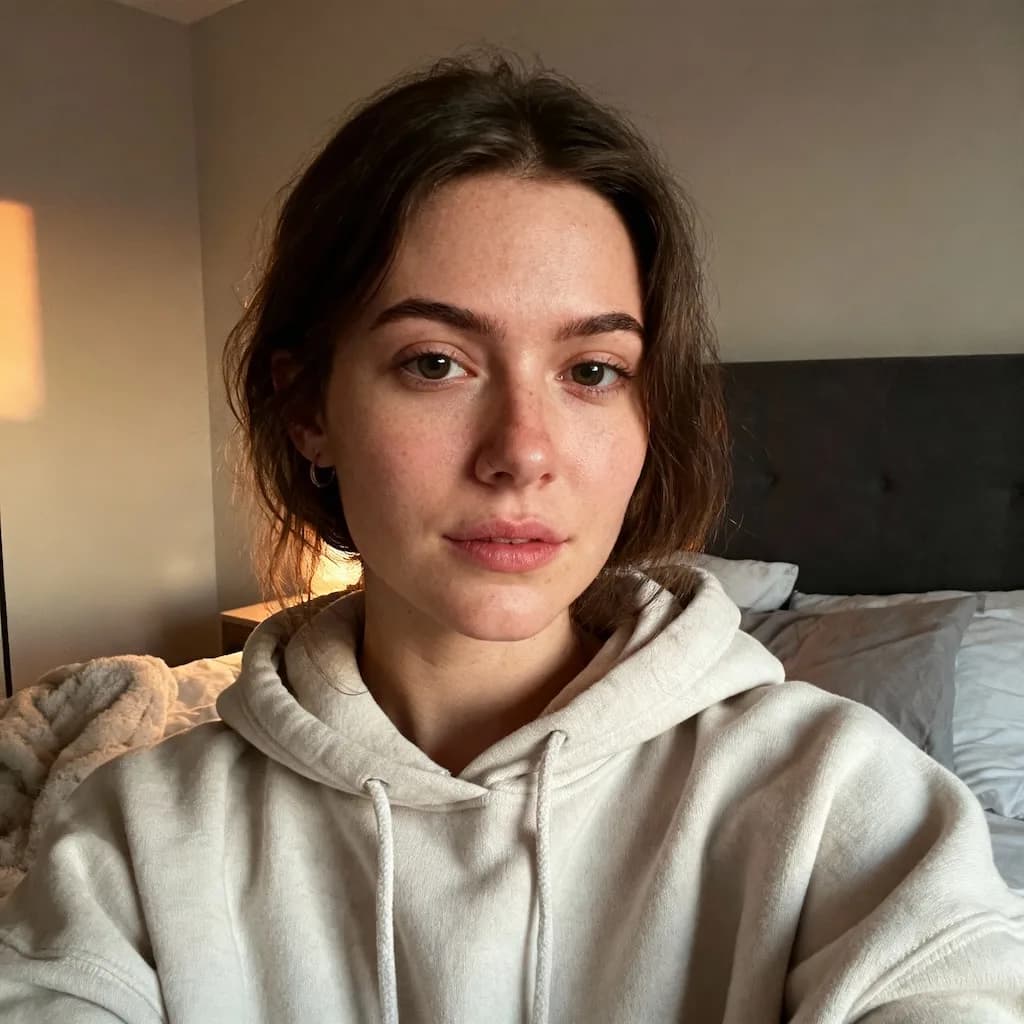
Scenes with clear shapes convert most legibly — a person in front of a building, a landscape, a room interior. The more separation between subject and background, the more readable the blocks.


Popular as a Minecraft profile picture, a server banner, a birthday invite or printed voxel art. Run it a couple of times and keep the build that reads clearest at small sizes.
Three steps, no design skills required.
Add a JPG, PNG or WebP file up to 10MB. A sharp, well-lit photo gives the best result.
AI Minecraft Filter handles the transformation automatically.
Preview the generated image and download it, or run another variation.
Common questions about using AI Minecraft Filter
The filter works excellently with portraits, group photos, pets, and scenic images. Photos with clear subjects and good lighting produce the best voxel art results. The AI excels at maintaining composition while transforming everything into the iconic blocky Minecraft aesthetic.
The AI transforms your photo into an isometric 3D scene built entirely from small cubes. Characters' heads become single solid cubes with pixel eyes and mouths, while bodies and environments use detailed voxels. The result features bright neutral lighting, sharp edges, and subtle ambient occlusion for that authentic Minecraft look.
Each Minecraft filter transformation uses 2 credits. You can purchase credit packages for additional credits.
Generated images are yours for personal and creative use — social media, gaming content, or fan projects. For commercial use involving third-party characters, brands, or art styles, make sure you have the necessary rights.
The filter generates ultra-crisp voxel art with sharp edges and clean details, so your Minecraft-style creation looks stunning whether shared on social media, printed, or used in digital projects. Every block and pixel is rendered with exceptional clarity.
The AI intelligently preserves your original composition, colors, poses, and key details while transforming everything into voxels. The AI maintains the essence of your photo - expressions, arrangements, and important elements - all recreated in the charming blocky Minecraft aesthetic.
Still have questions? Contact support@nano-banana-pro.ai
Other Nano Banana Pro templates that work with the same photo.