Before
After
01Transformations
How the pencil work is built up
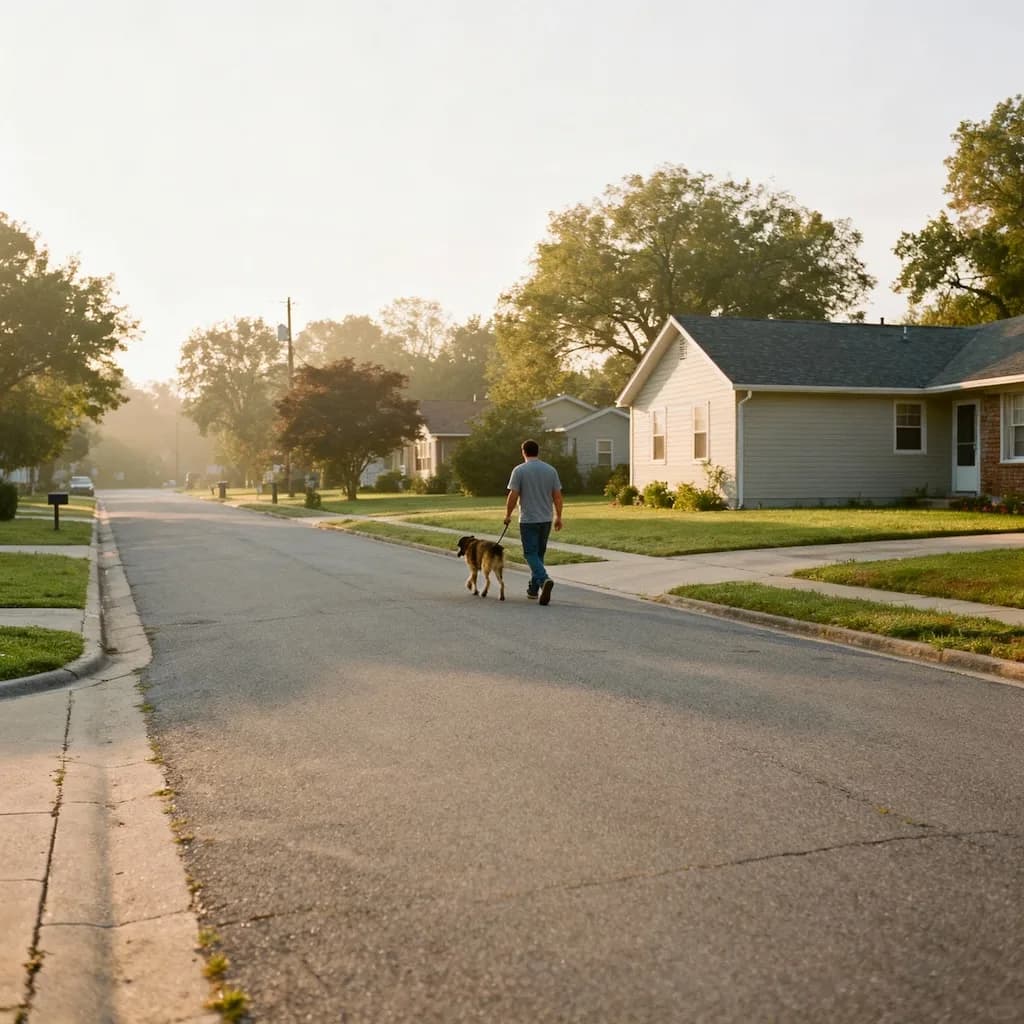
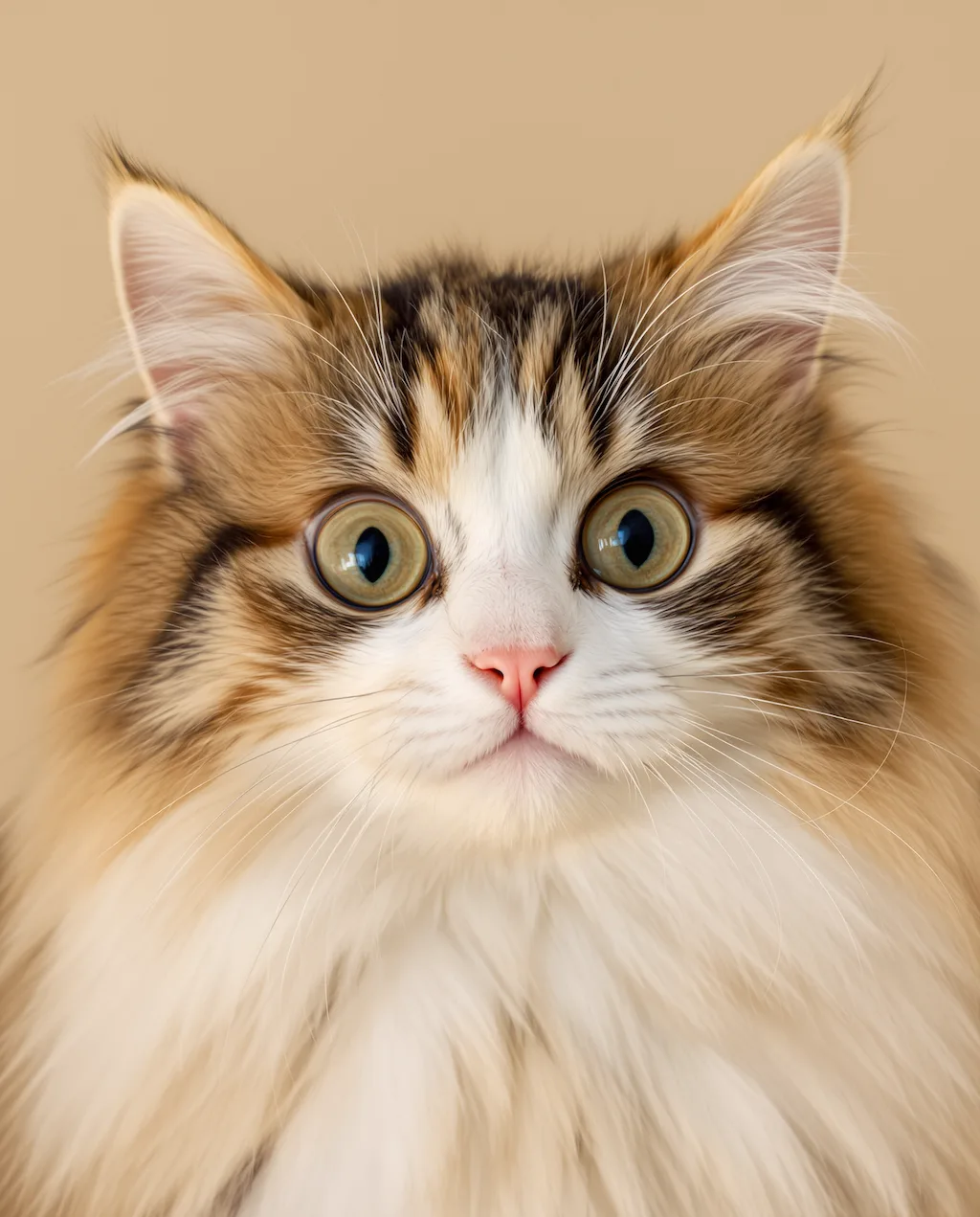
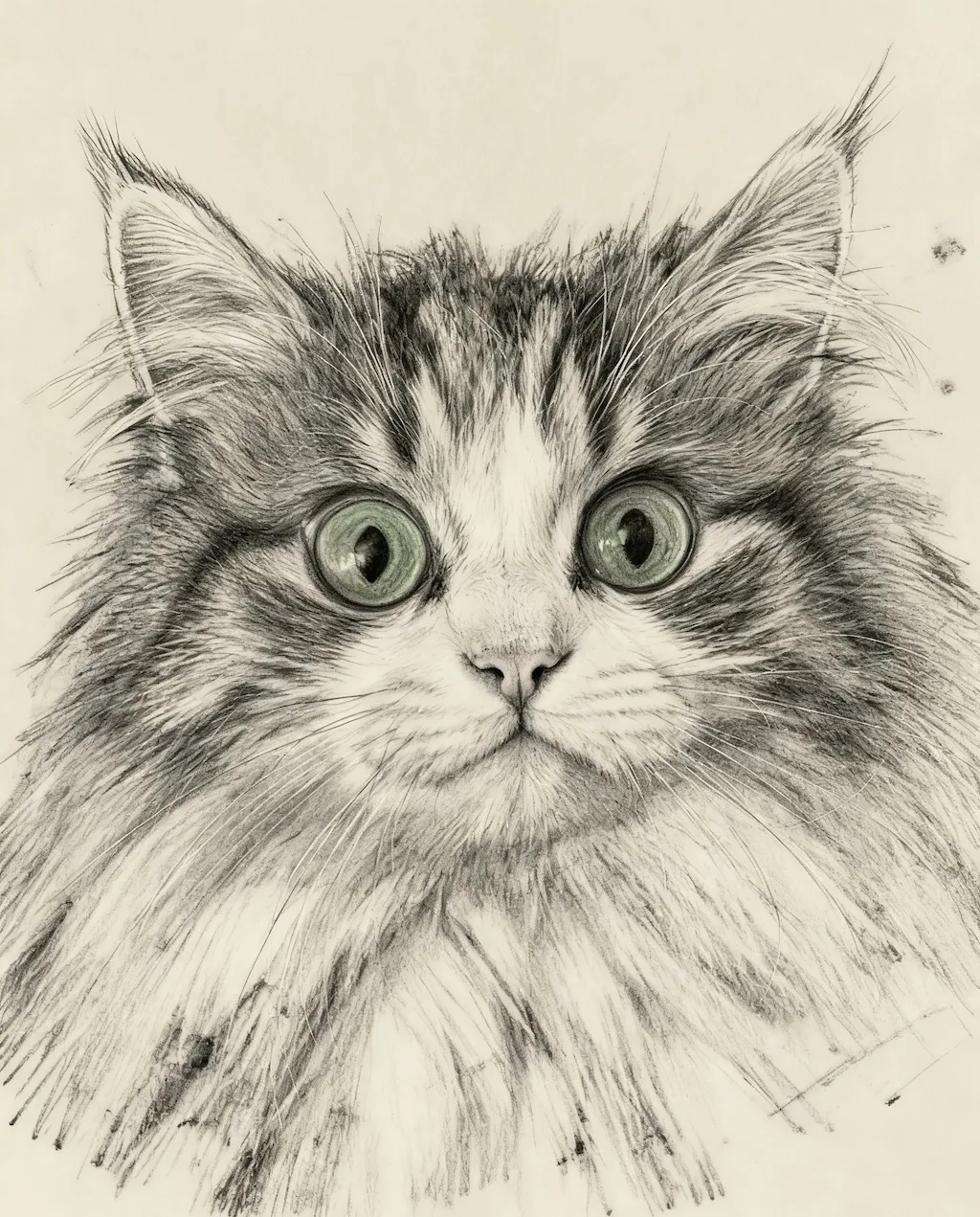
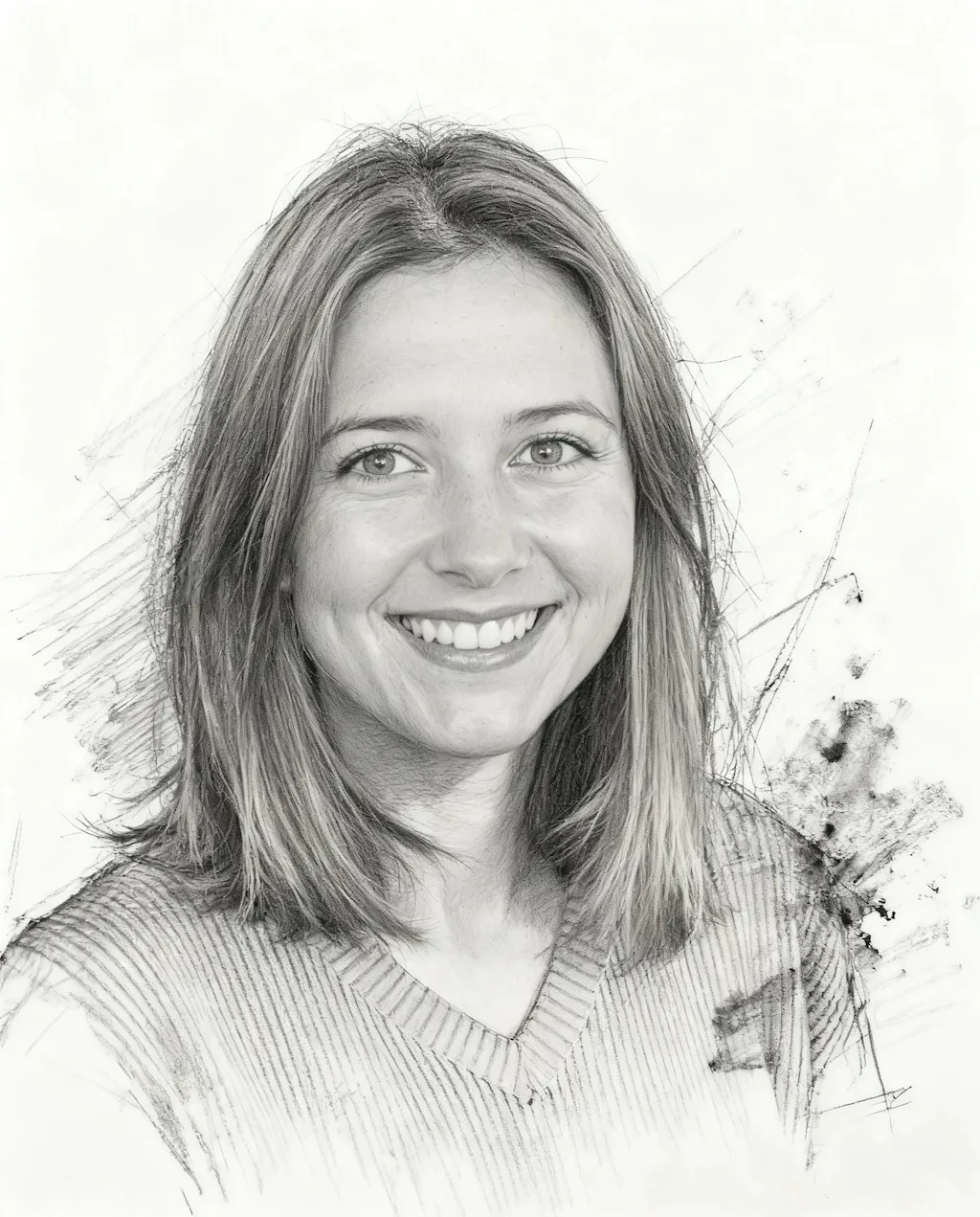
Tones are redrawn as graphite strokes with visible cross-hatching and paper grain — a drawing of your photo rather than a filter laid over it. Pose and framing stay as shot.
Sketch Conversion Tool
Turn your photos into hand-drawn pencil sketches with graphite textures and artistic shading
Pencil Sketches
Convert photos into artistic pencil sketches with Nano Banana Pro
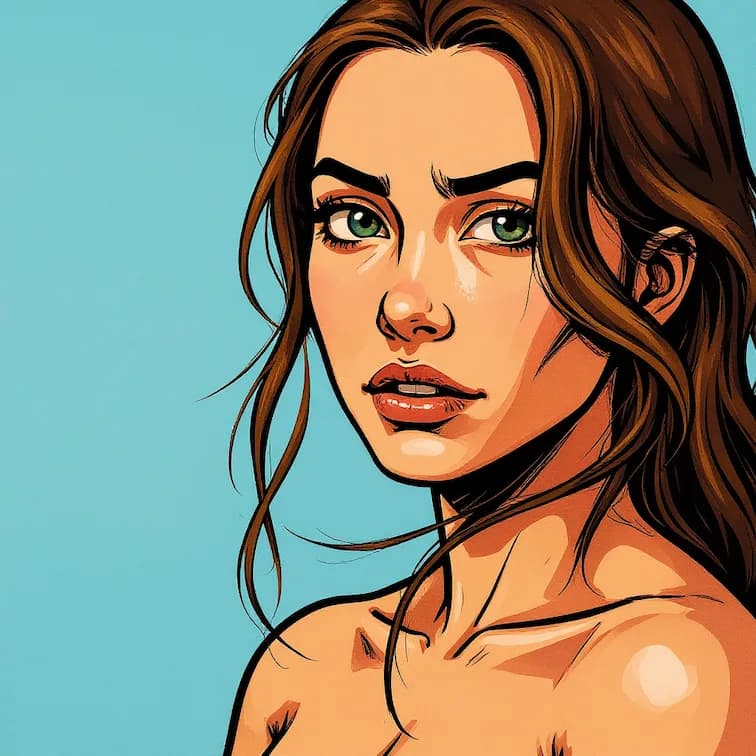
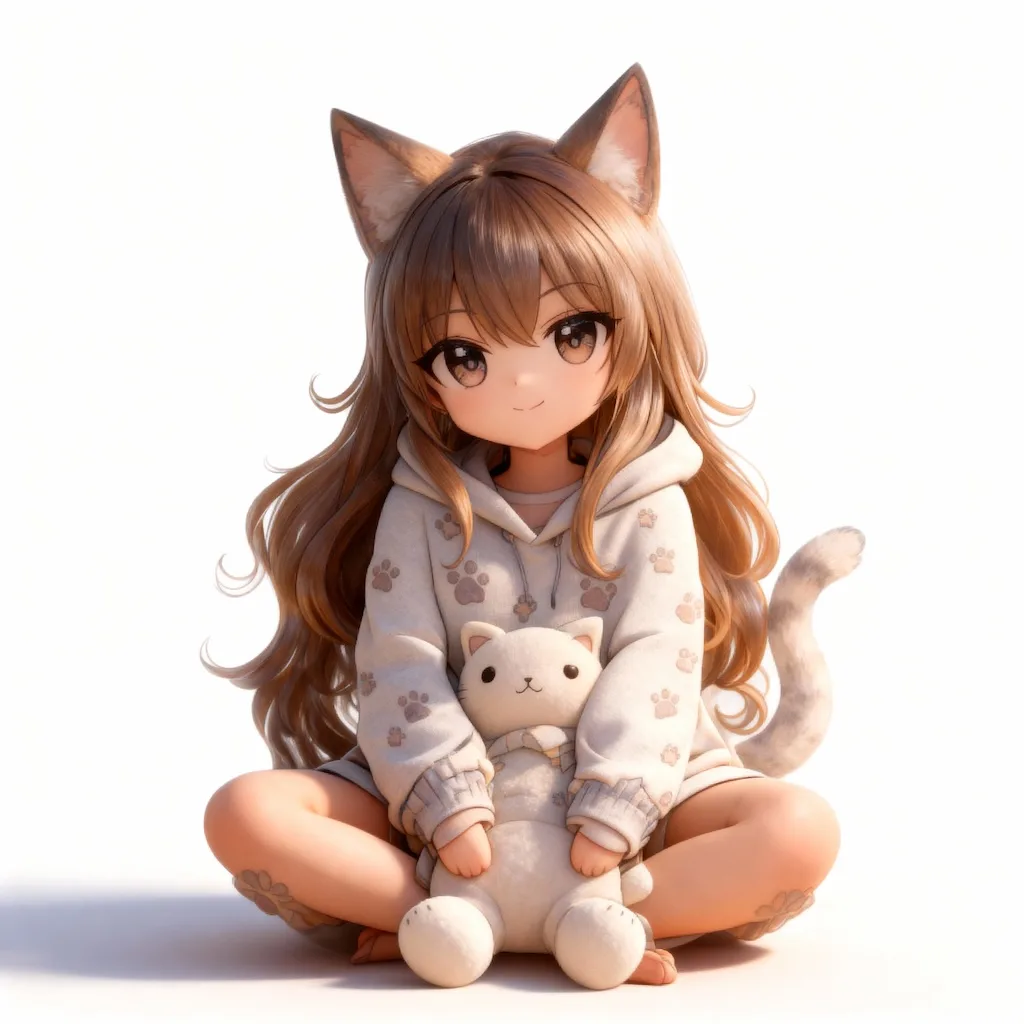
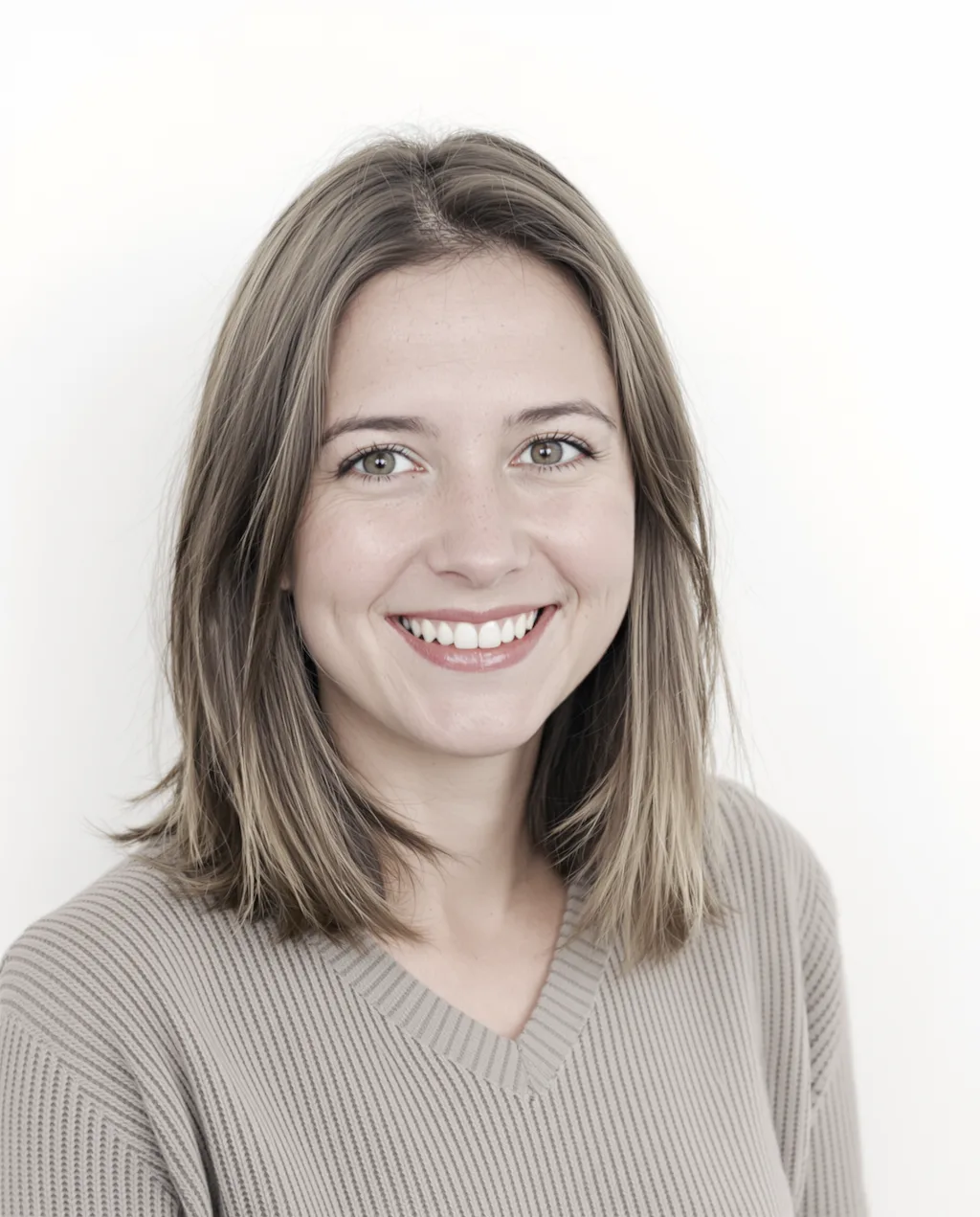
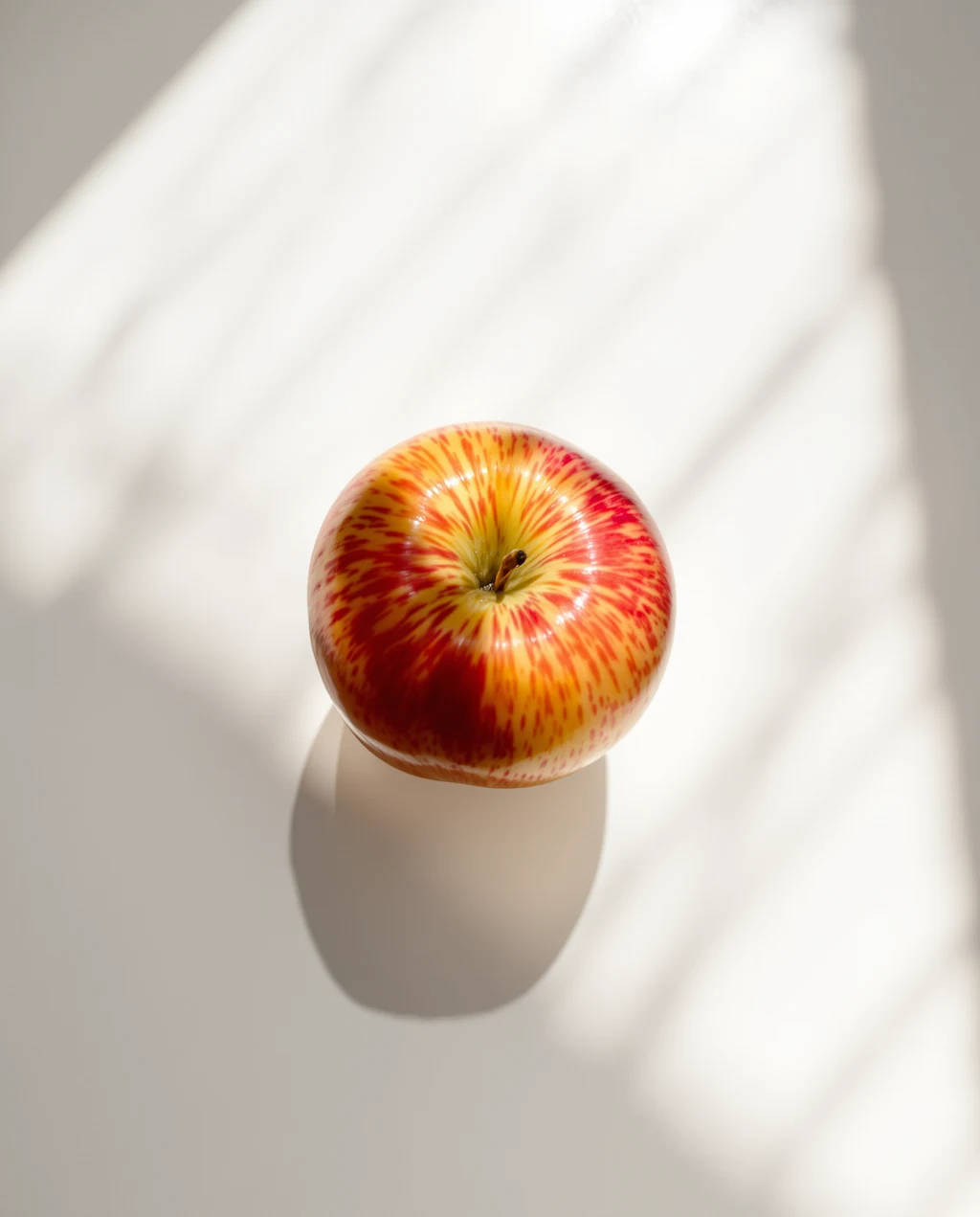
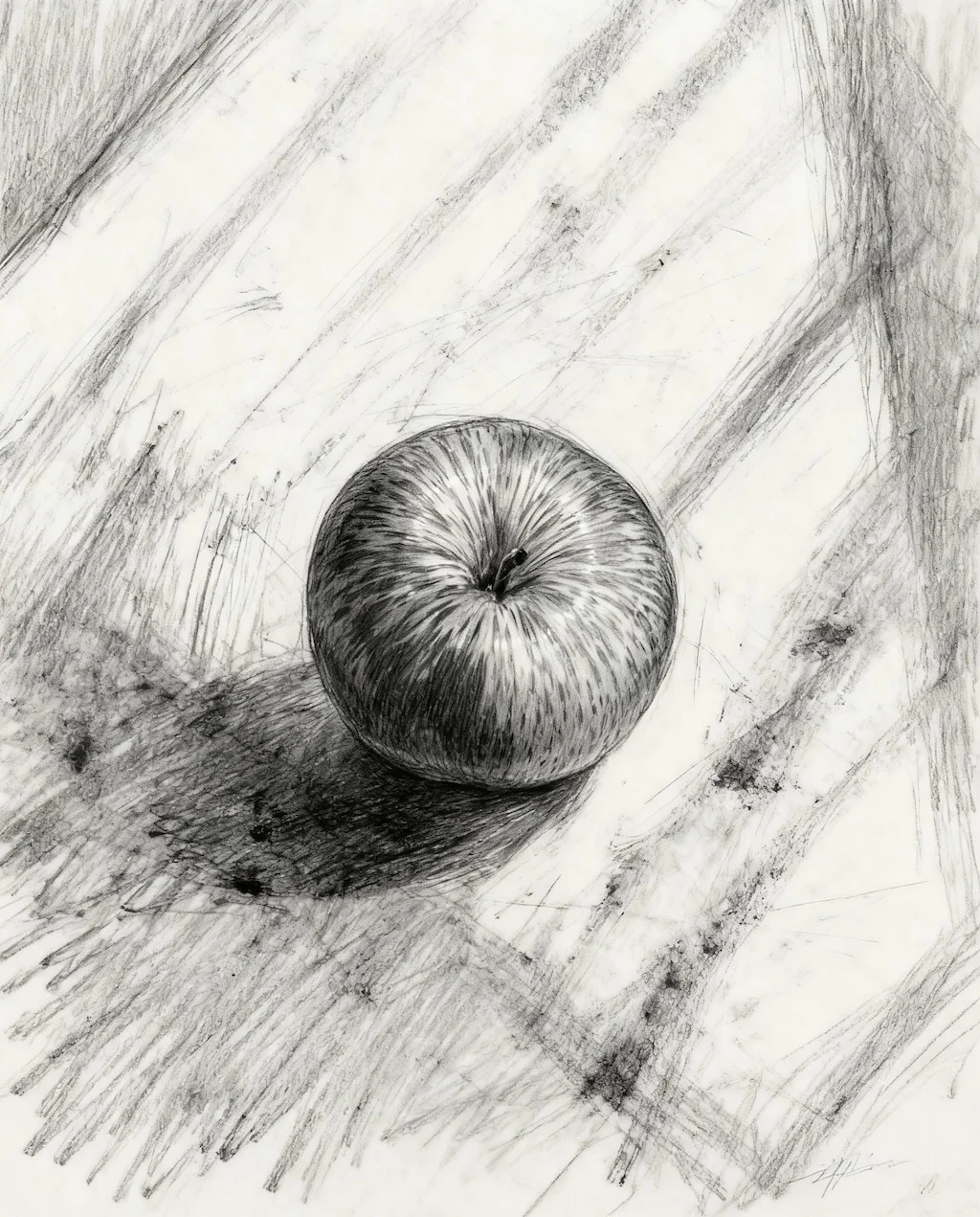
Photographs redrawn in graphite. Drag the slider to see cross-hatching and paper grain replace the photo.
Tones are redrawn as graphite strokes with visible cross-hatching and paper grain — a drawing of your photo rather than a filter laid over it. Pose and framing stay as shot.
Strong contrast between subject and background gives the drawing its structure. Evenly lit, flat photos produce fainter, more hesitant linework.
Common uses are portrait gifts, wedding and pet keepsakes, references to take to a tattoo artist, and prints made large enough to frame.
Three steps, no design skills required.
Add a JPG, PNG or WebP file up to 10MB. A sharp, well-lit photo gives the best result.
Photo to Sketch Converter handles the transformation automatically.
Preview the generated image and download it, or run another variation.
Common questions about using Photo to Sketch Converter
Nano Banana Pro analyzes your photo and recreates it as a pencil sketch with rough drawing lines, cross-hatching, shading strokes, and authentic graphite textures.
Portraits, landscapes, architecture, and objects with clear details work wonderfully. The AI preserves composition while adding artistic sketch marks and charcoal effects.
Yes. The sketches feature loose linework, visible sketch marks, and traditional drawing techniques that closely mimic authentic hand-drawn artwork.
Yes. These sketches are perfect for art portfolios, illustration projects, or as reference drawings. The grayscale tones and paper texture add authentic artistic value.
Still have questions? Contact support@nano-banana-pro.ai
Other Nano Banana Pro templates that work with the same photo.