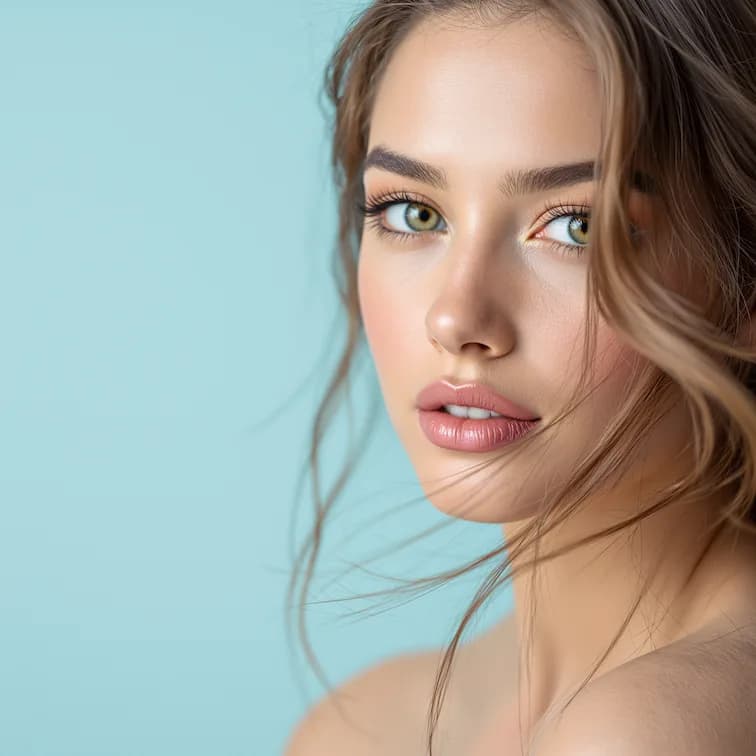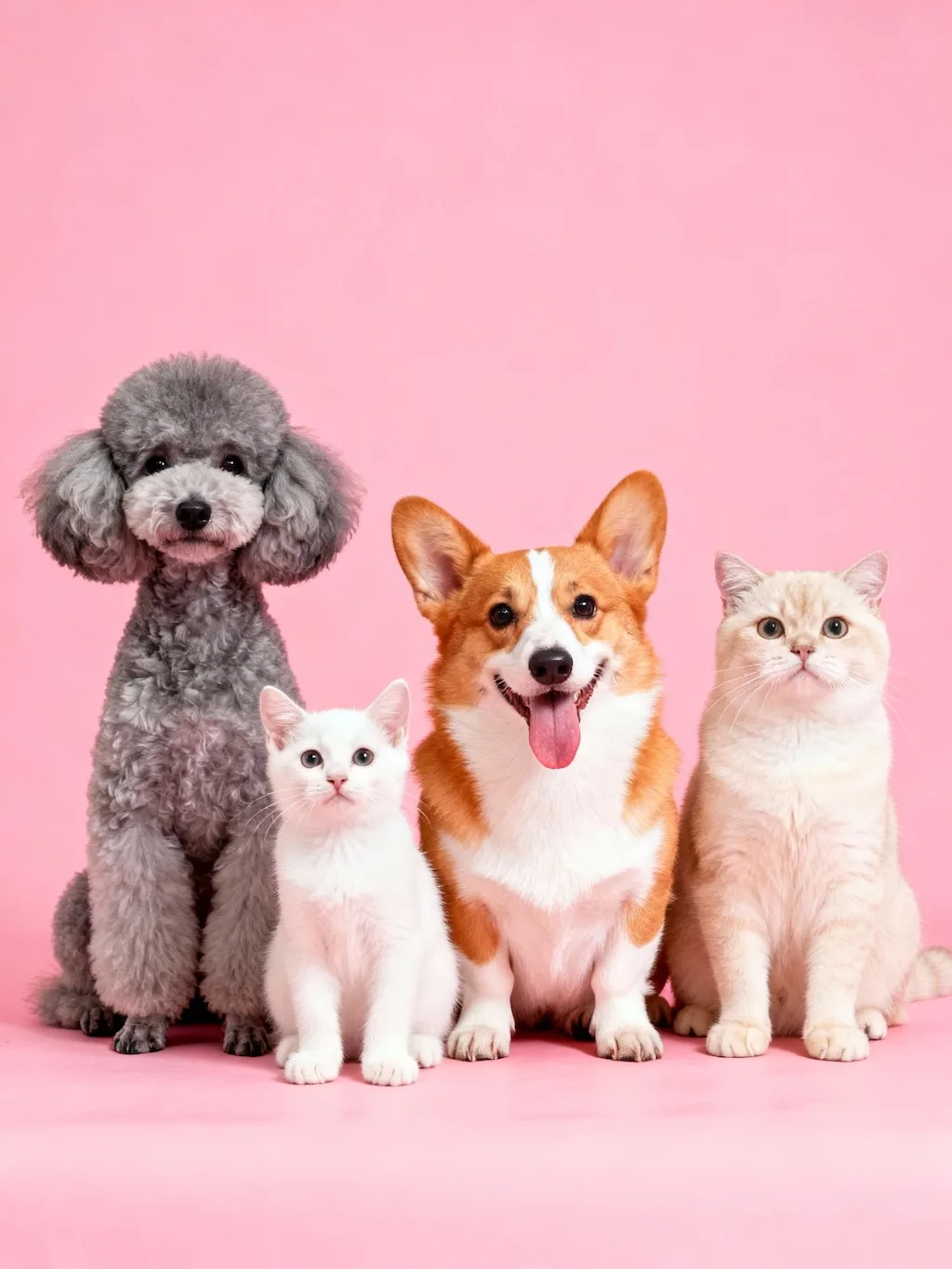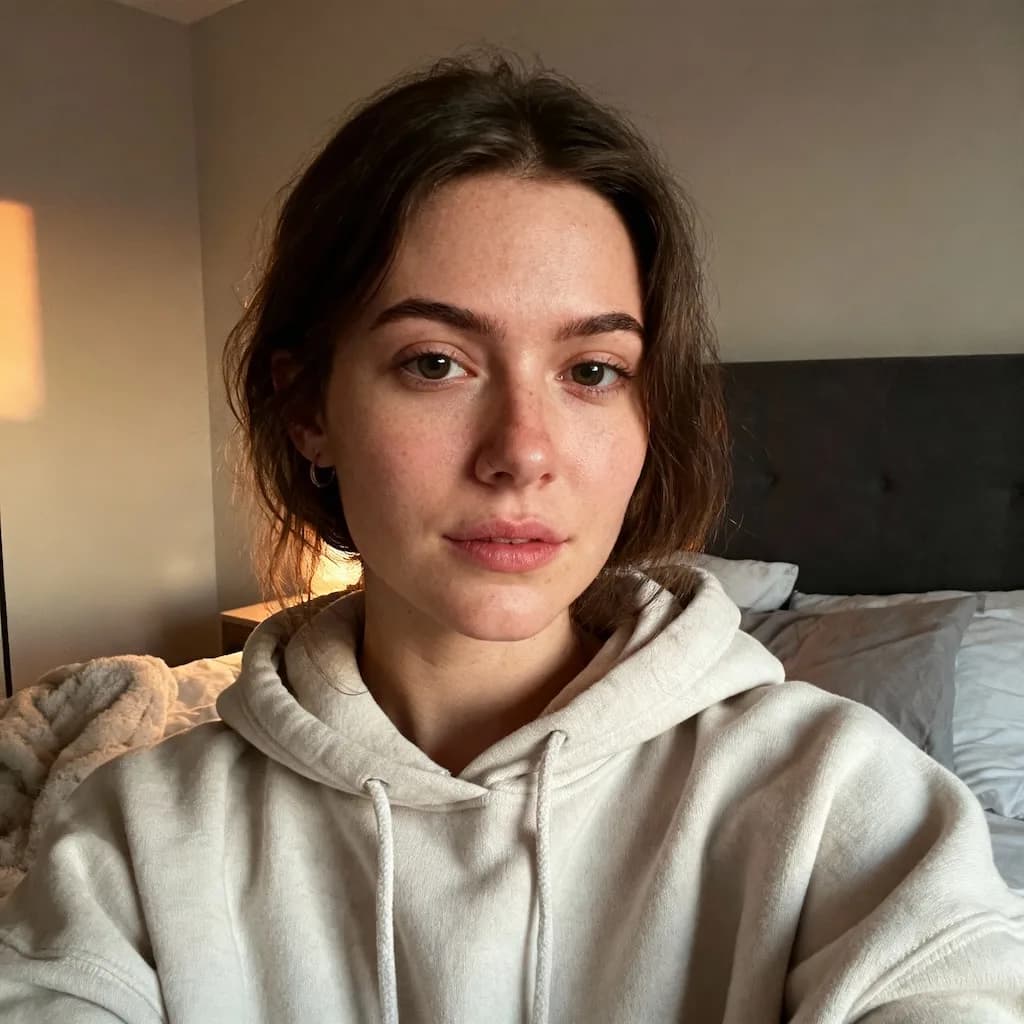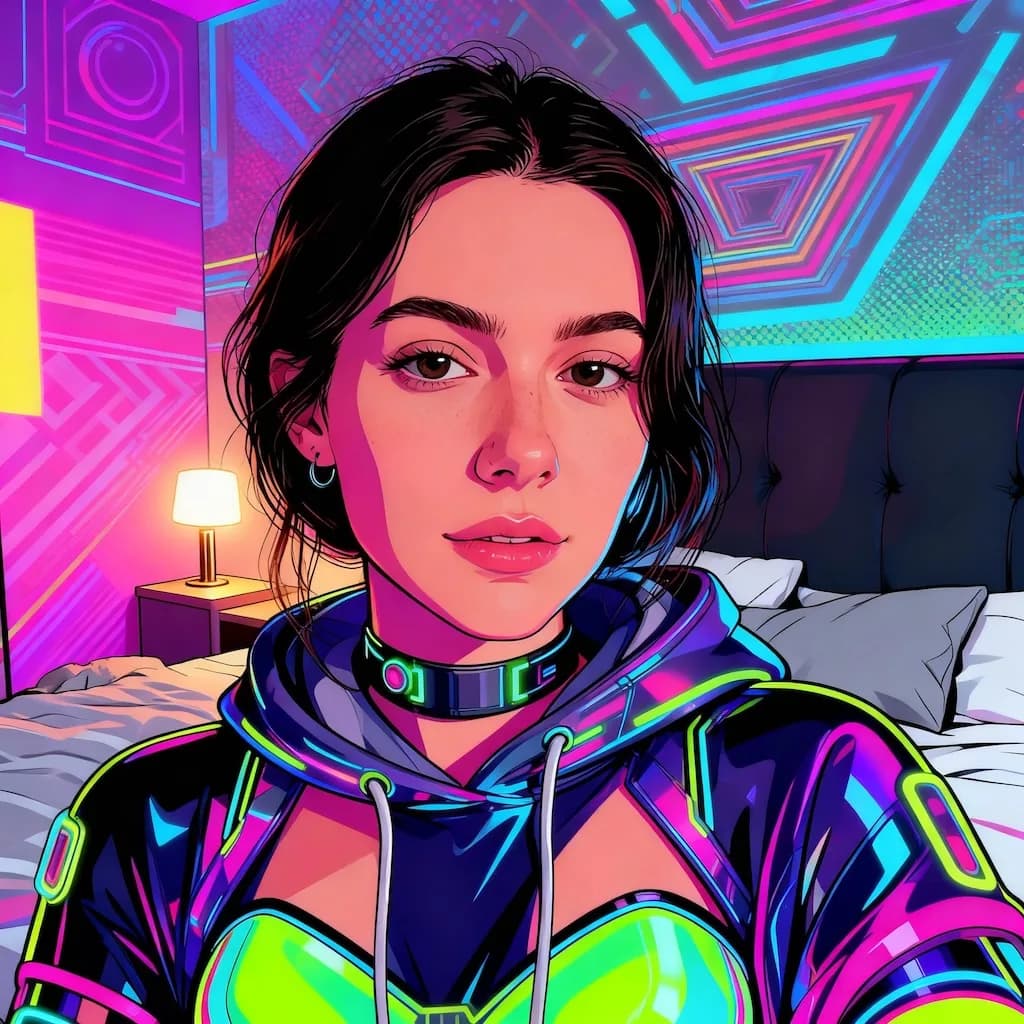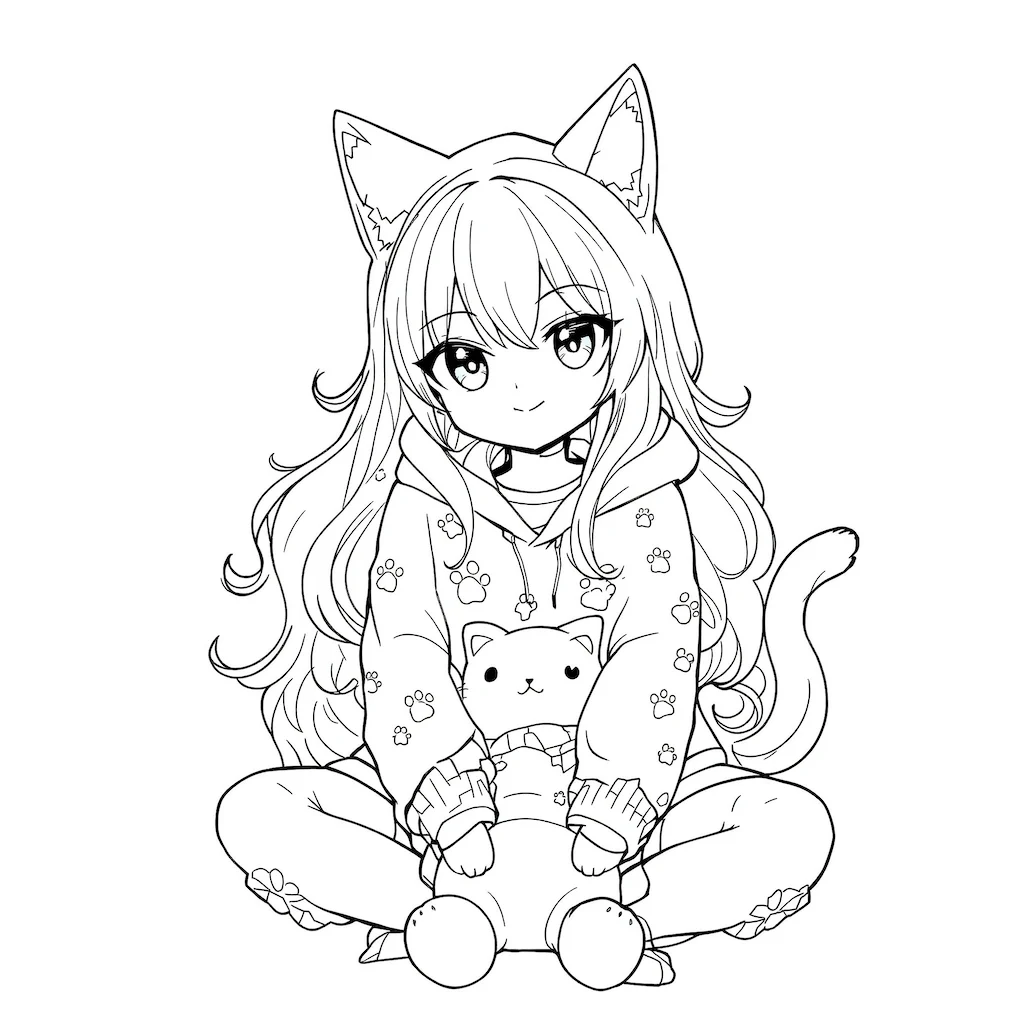
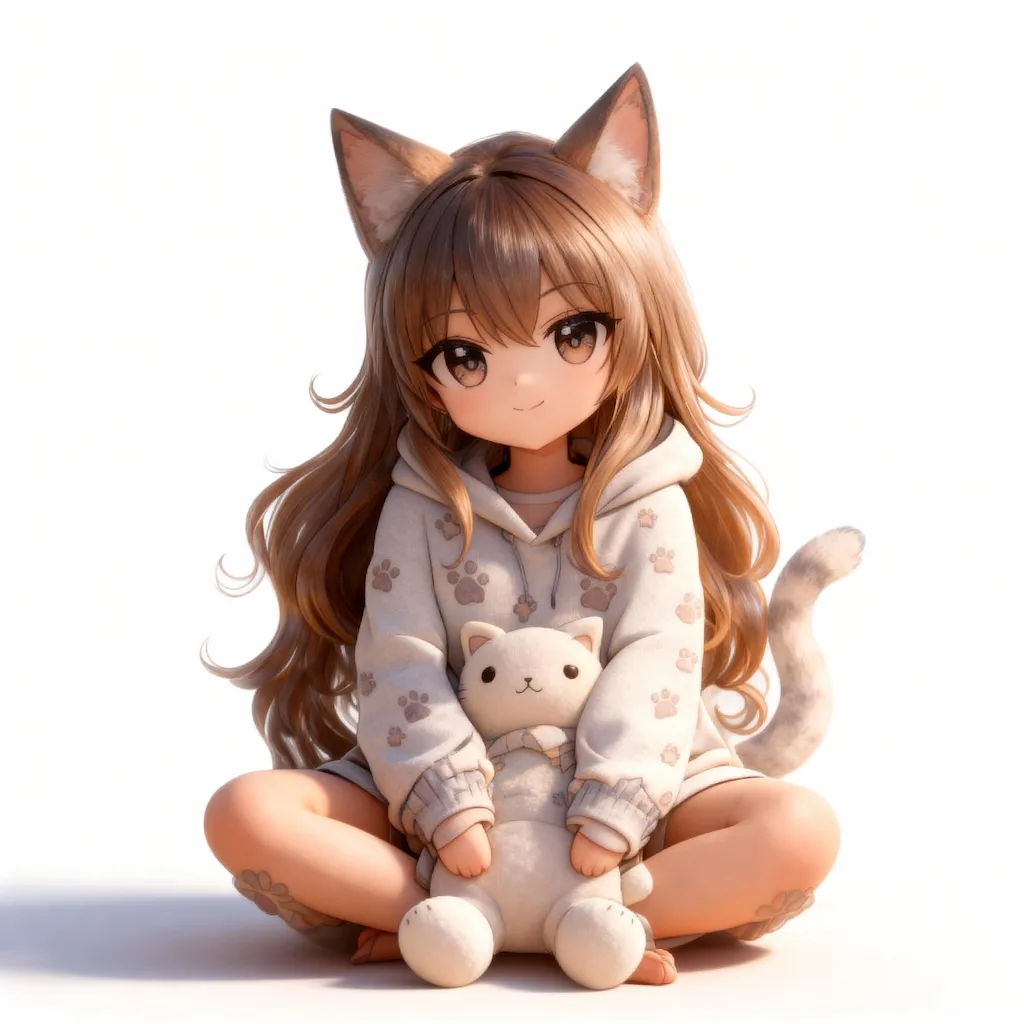
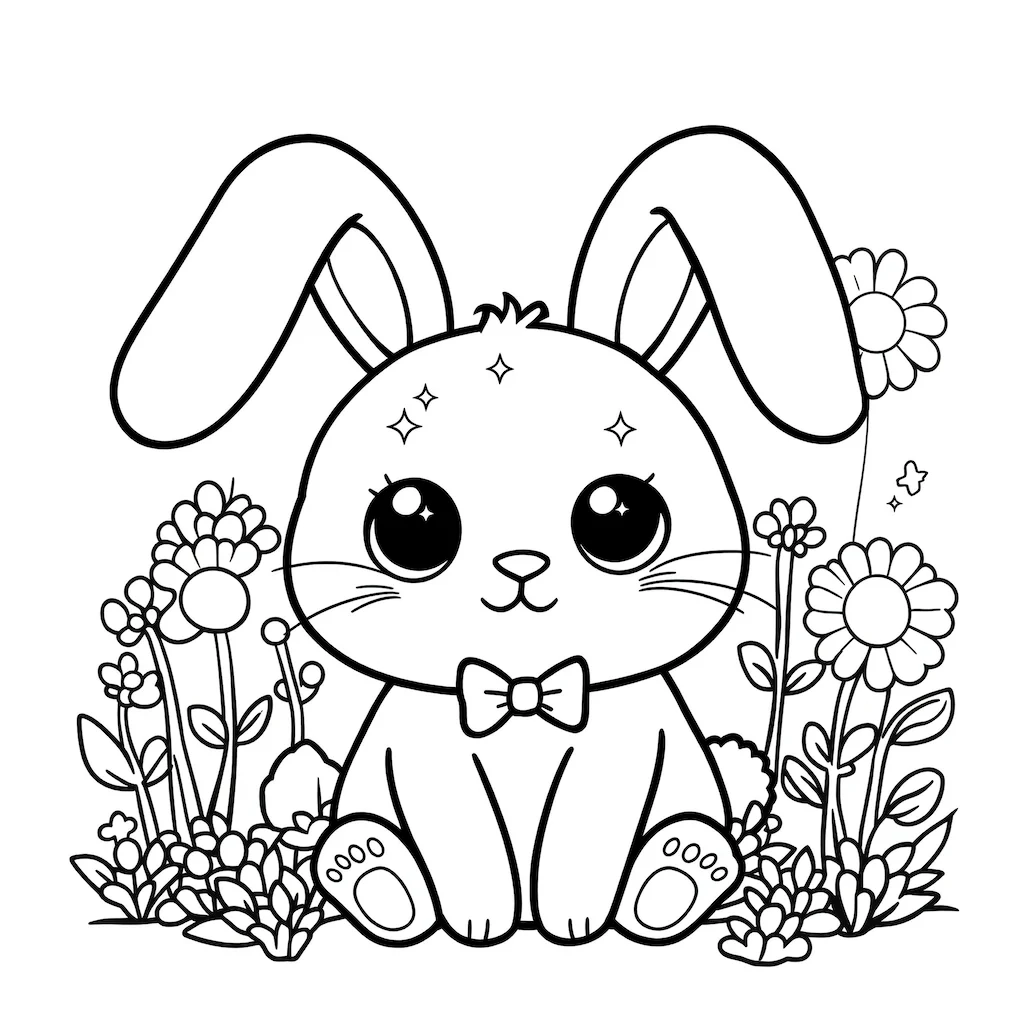
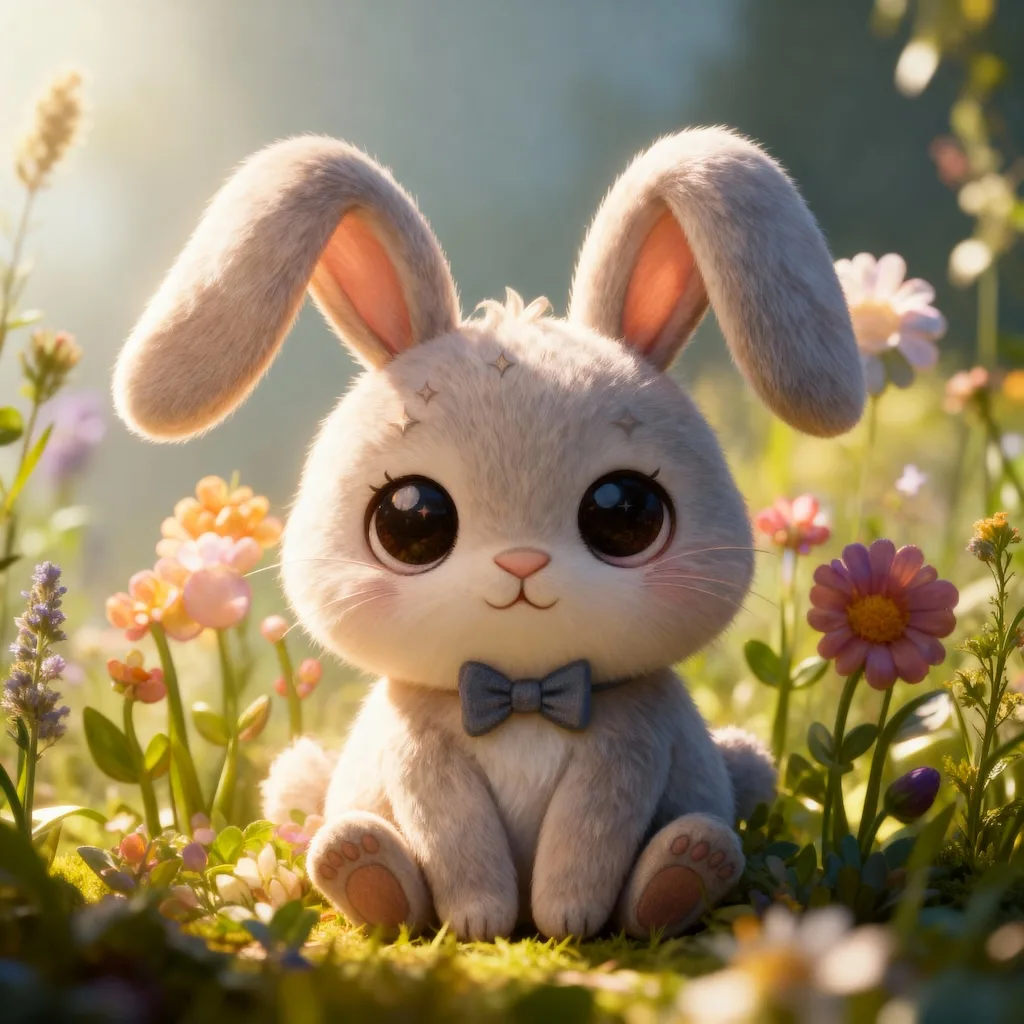
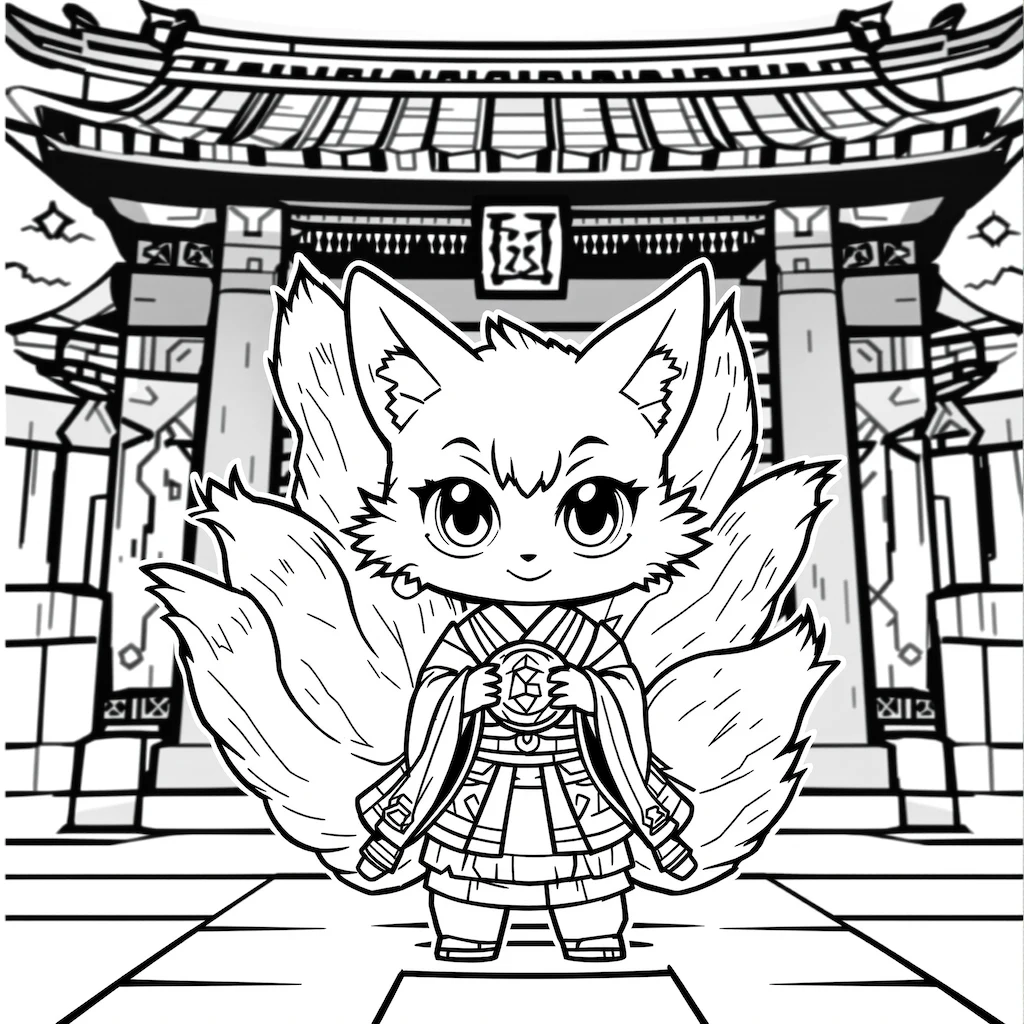
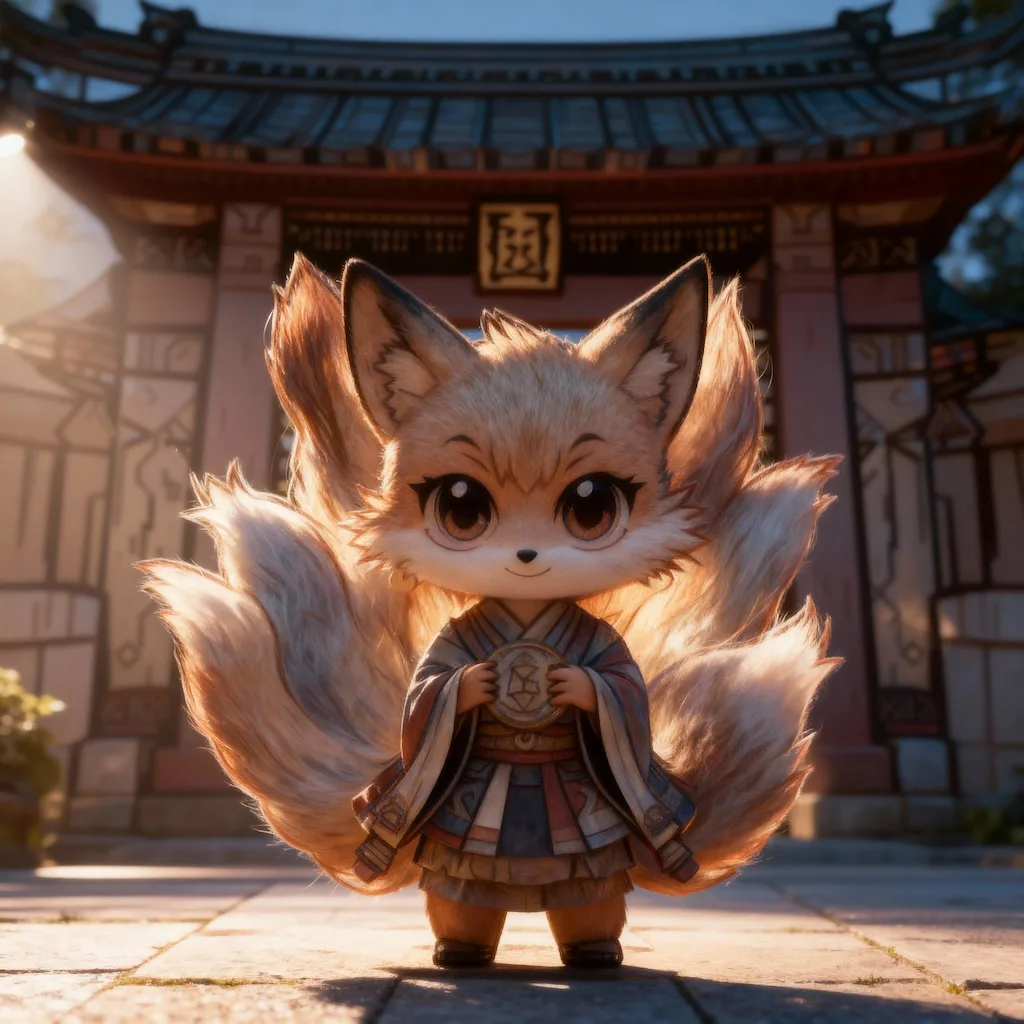
Before
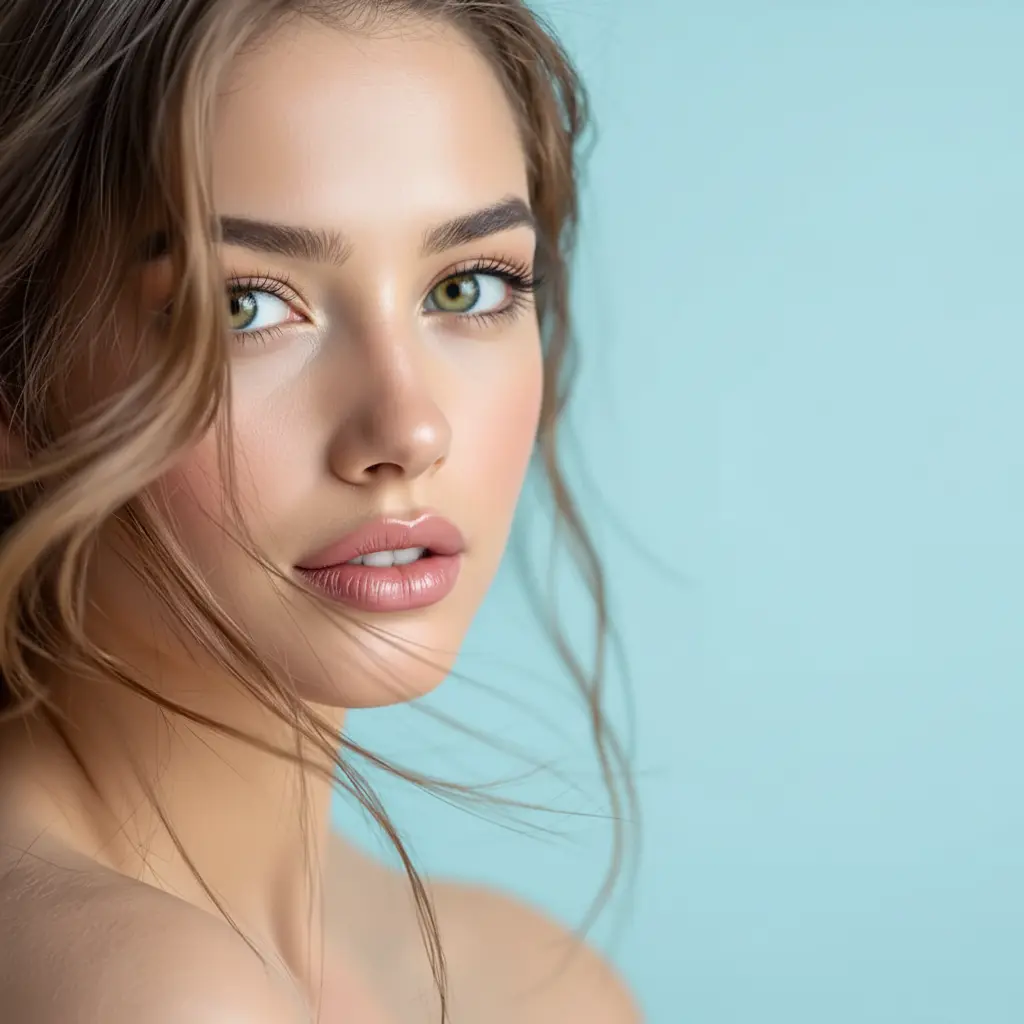
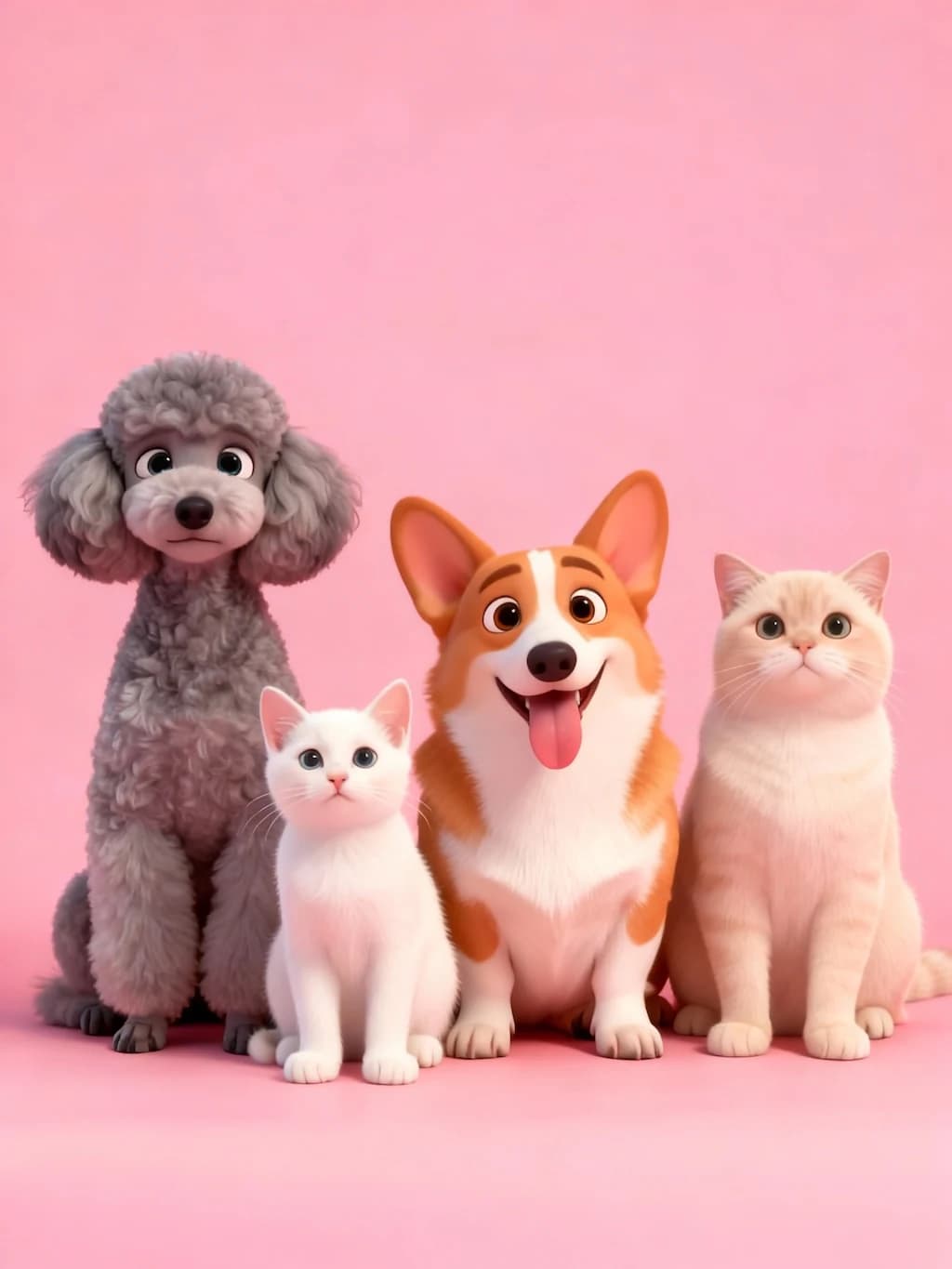
After
01Transformations
Your linework survives the render
The render aims to follow your original linework while color, material and light fill in around it — skin tones, fabric folds and individual hair strands all rendered in.
Convert Line Art to Full Image
Upload your line art, sketch, or drawing to transform it into a fully colored and detailed image with Nano Banana Pro. Works with pencil sketches, digital line art, or any outline drawing.
Rendered Images
Bring your line art and sketches to life as fully rendered, colored images with Nano Banana Pro. Perfect for converting hand-drawn sketches, technical drawings, or simple line art into photorealistic or stylized artwork.
Line drawings on one side, fully rendered artwork on the other. Drag across to see color and light fill in around your linework.
The render aims to follow your original linework while color, material and light fill in around it — skin tones, fabric folds and individual hair strands all rendered in.
Clean, closed outlines give the most predictable result. Faint pencil lines and leftover construction marks tend to be read as part of the drawing and rendered along with it.
Comic and character artists use it to color drafts, designers to present a concept, and anyone with an old sketchbook to see a page properly finished for the first time.
Three steps, no design skills required.
Add a JPG, PNG or WebP file up to 10MB. A sharp, well-lit photo gives the best result.
Line to Image Converter handles the transformation automatically.
Preview the generated image and download it, or run another variation.
Common questions about using Line to Image Converter
Line To Image transforms simple line drawings, sketches, or outlines into fully rendered images with professional coloring, realistic lighting, and detailed textures. It maintains your original composition while adding depth, color, and life to your artwork.
Clear line drawings with distinct outlines work best - including pencil sketches, digital line art, architectural drawings, character outlines, or technical diagrams. The clearer your lines, the better the AI can interpret and enhance them.
Each line-to-image conversion uses 2 credits. You can adjust the style from photorealistic to artistic renderings.
Commercial use may be permitted, subject to our Terms of Service, applicable law, and third-party rights. You are responsible for reviewing generated outputs before any commercial use.
Still have questions? Contact support@nano-banana-pro.ai
Other Nano Banana Pro templates that work with the same photo.