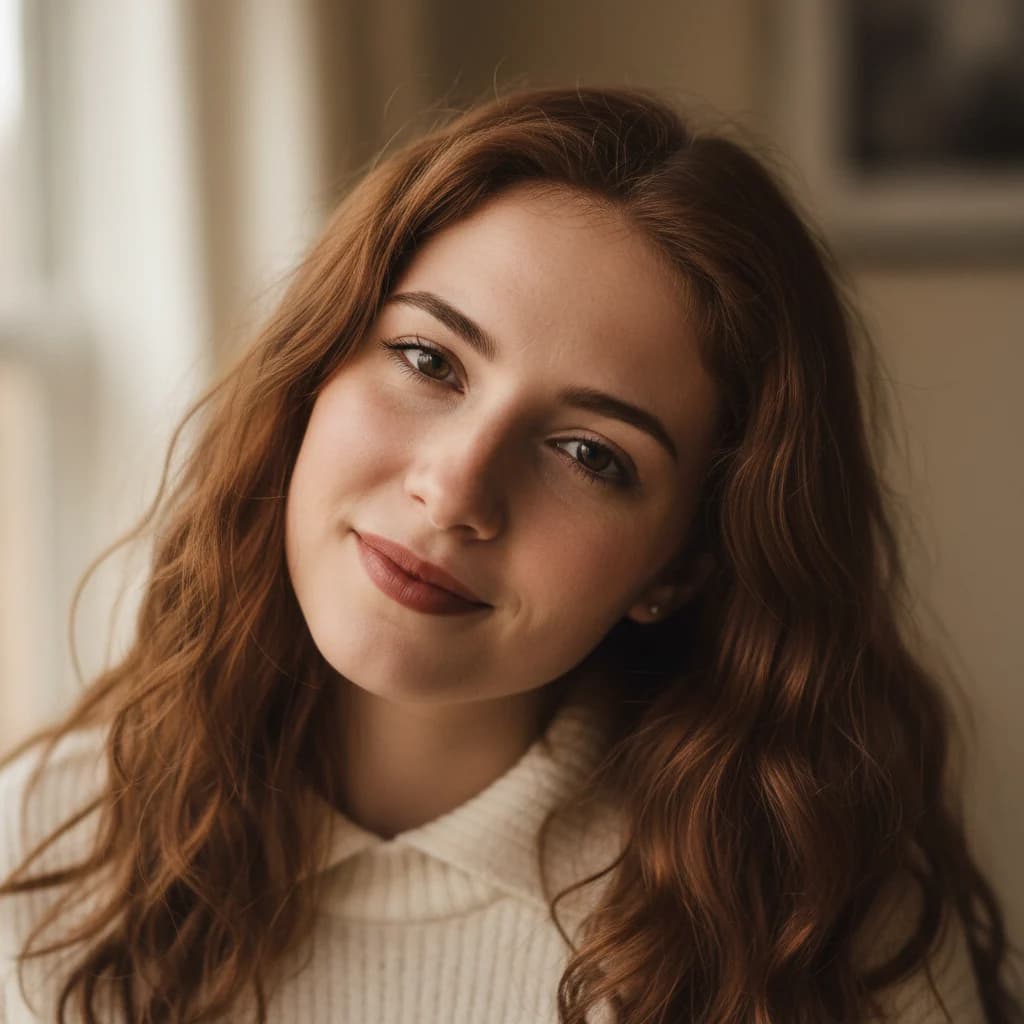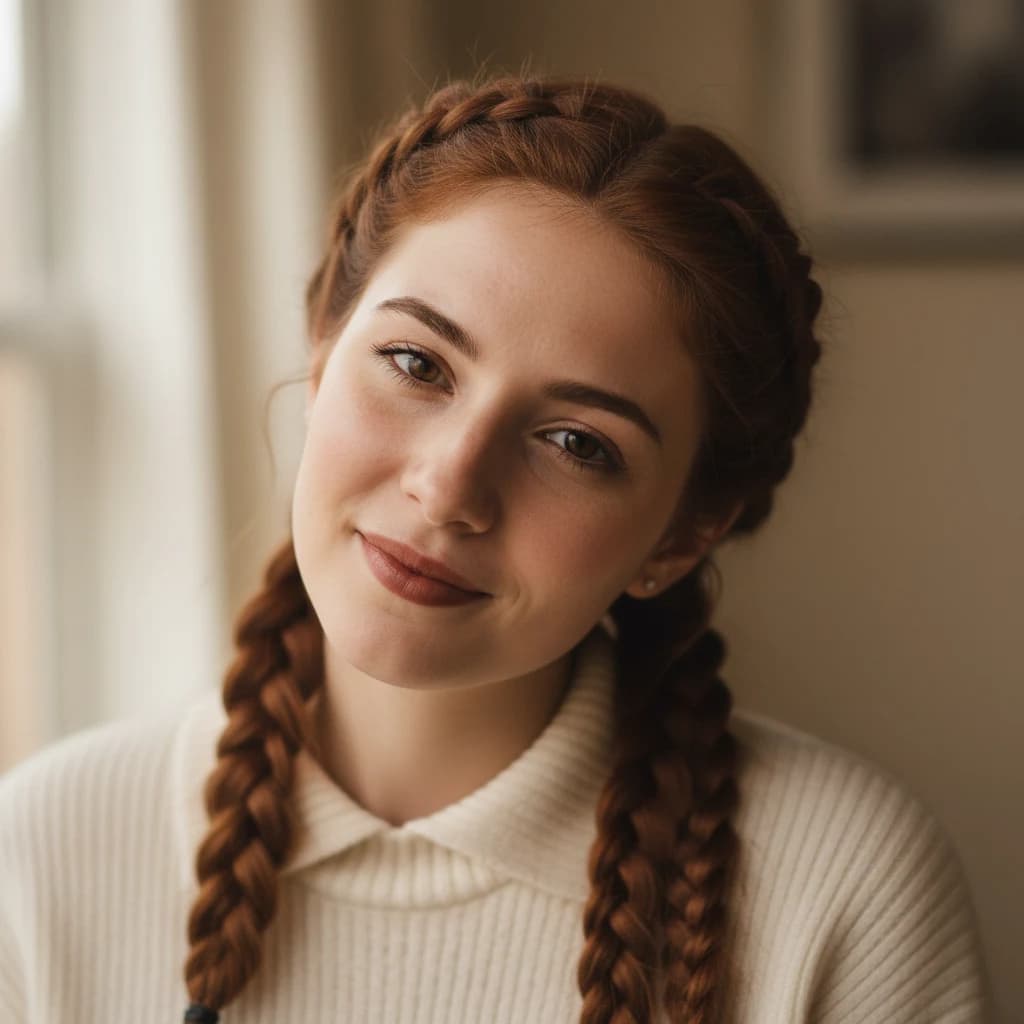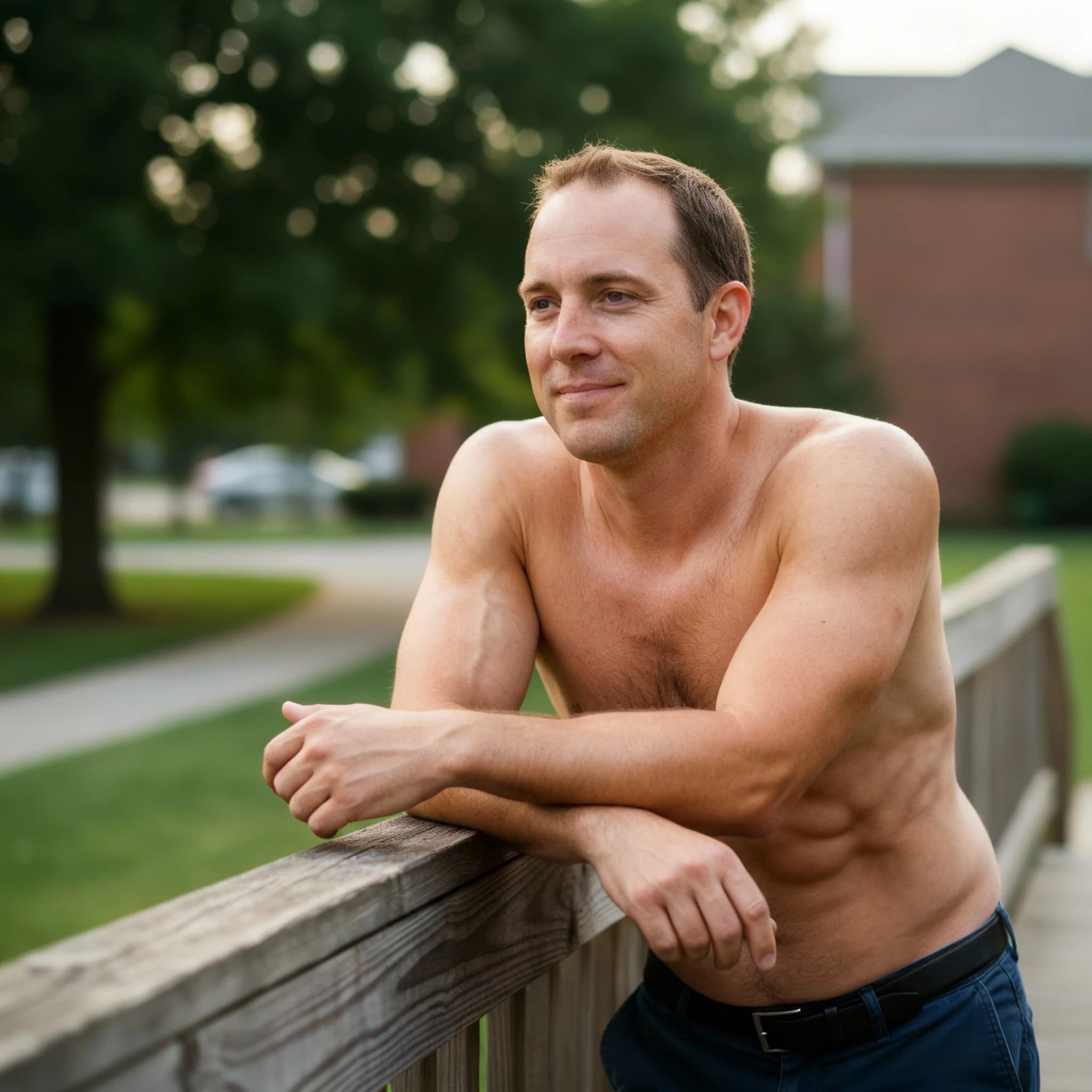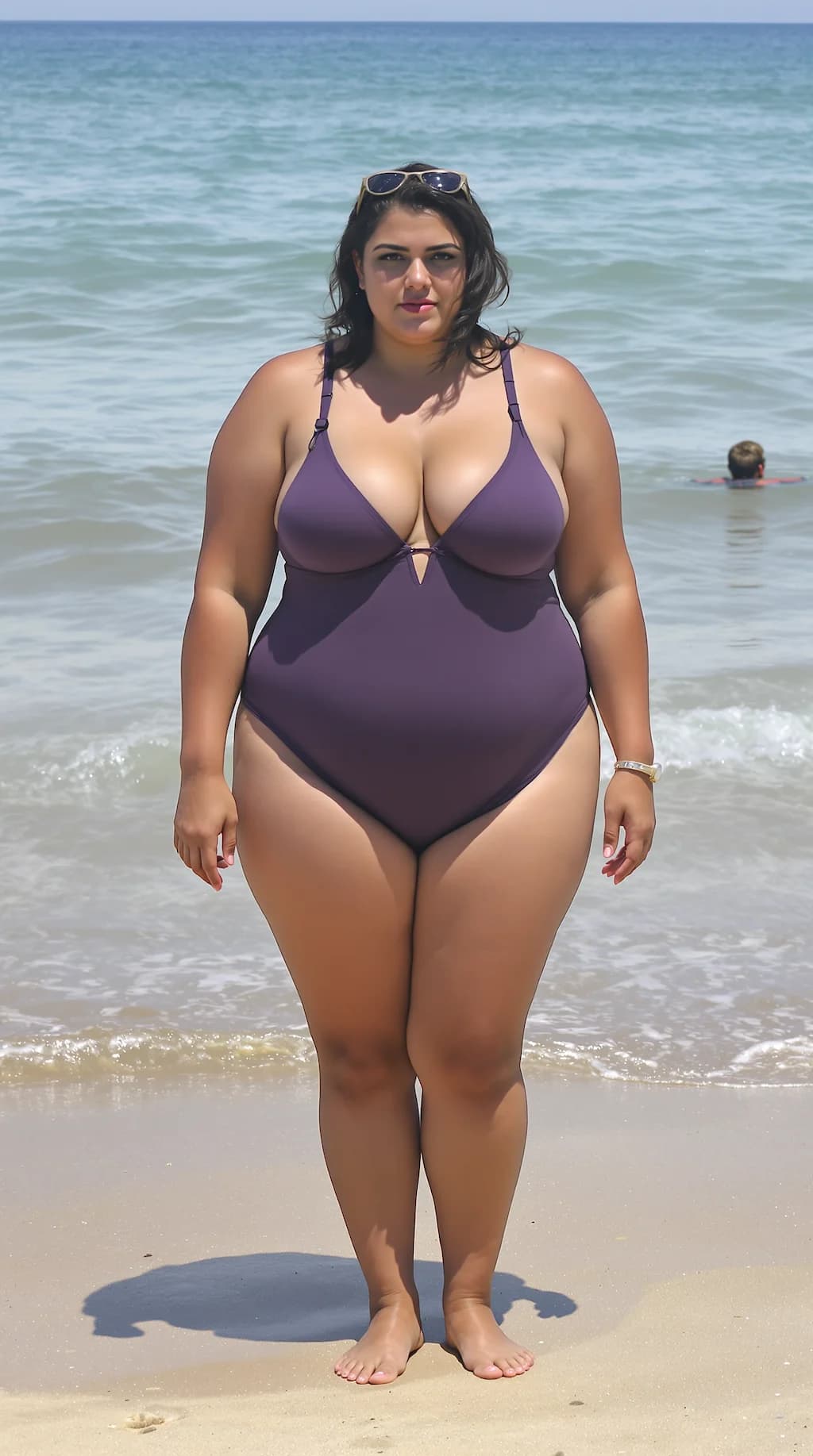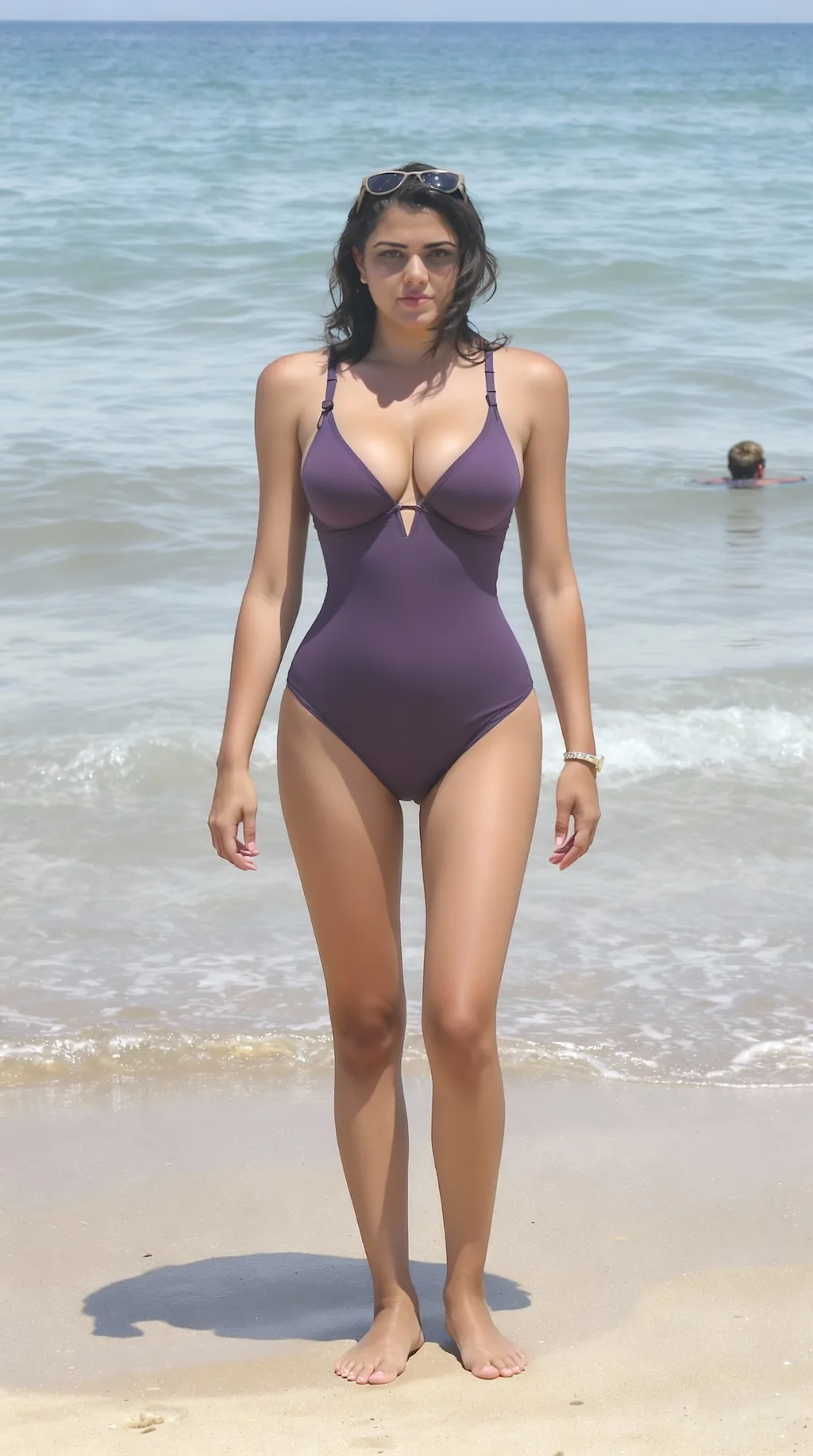
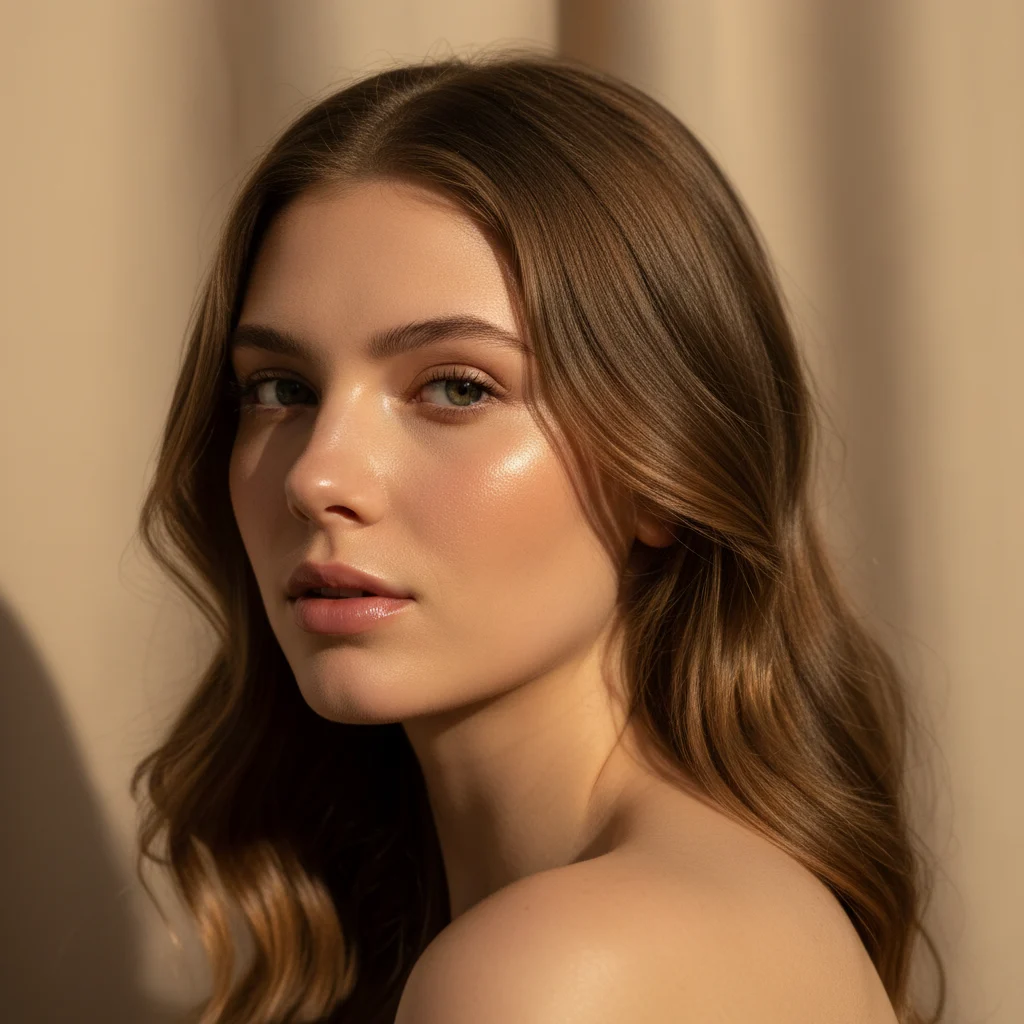
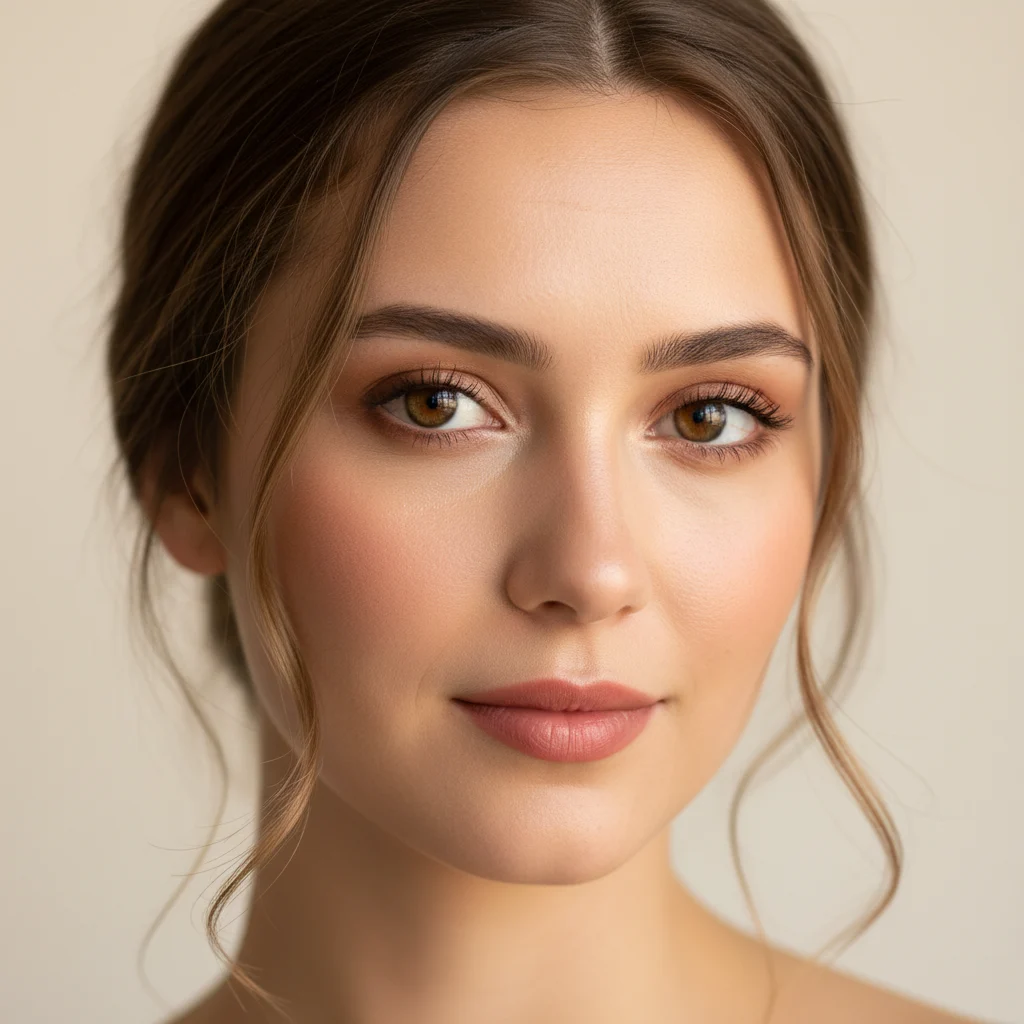
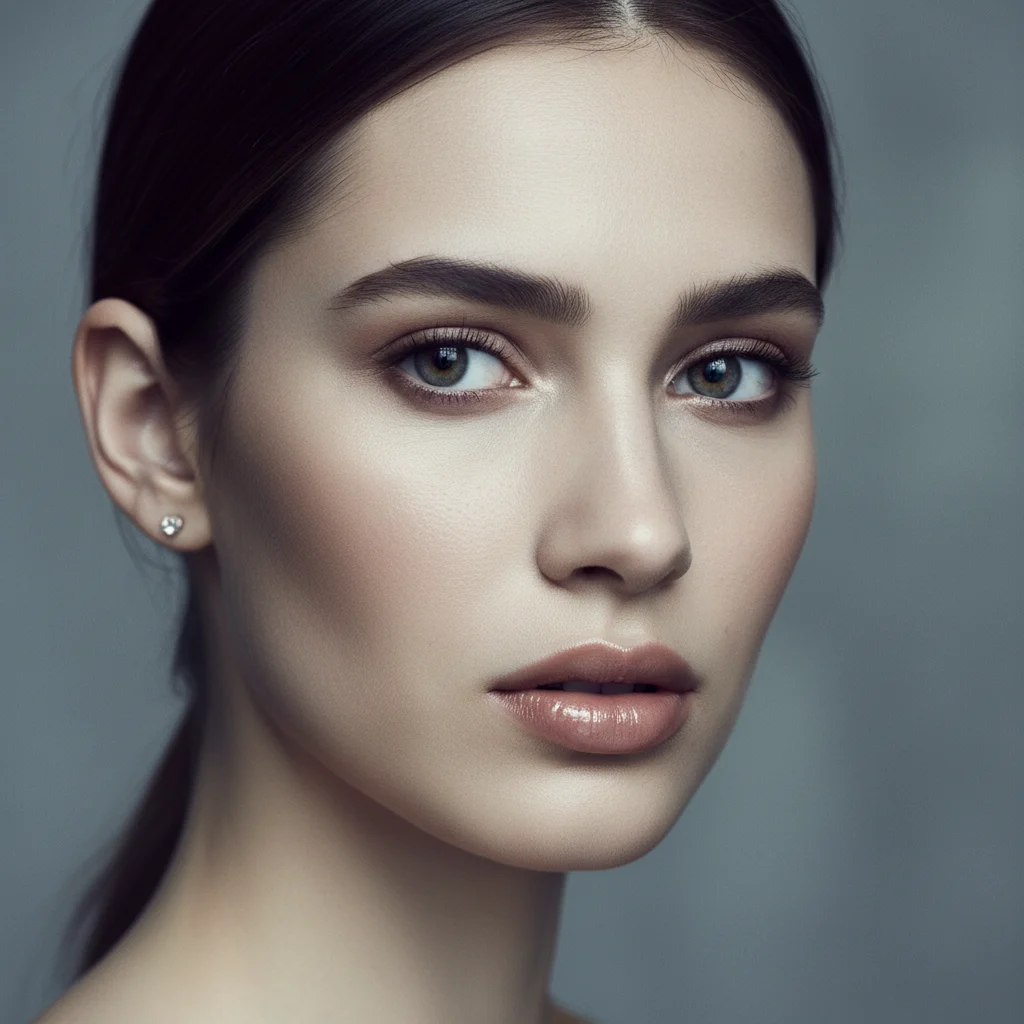
Before
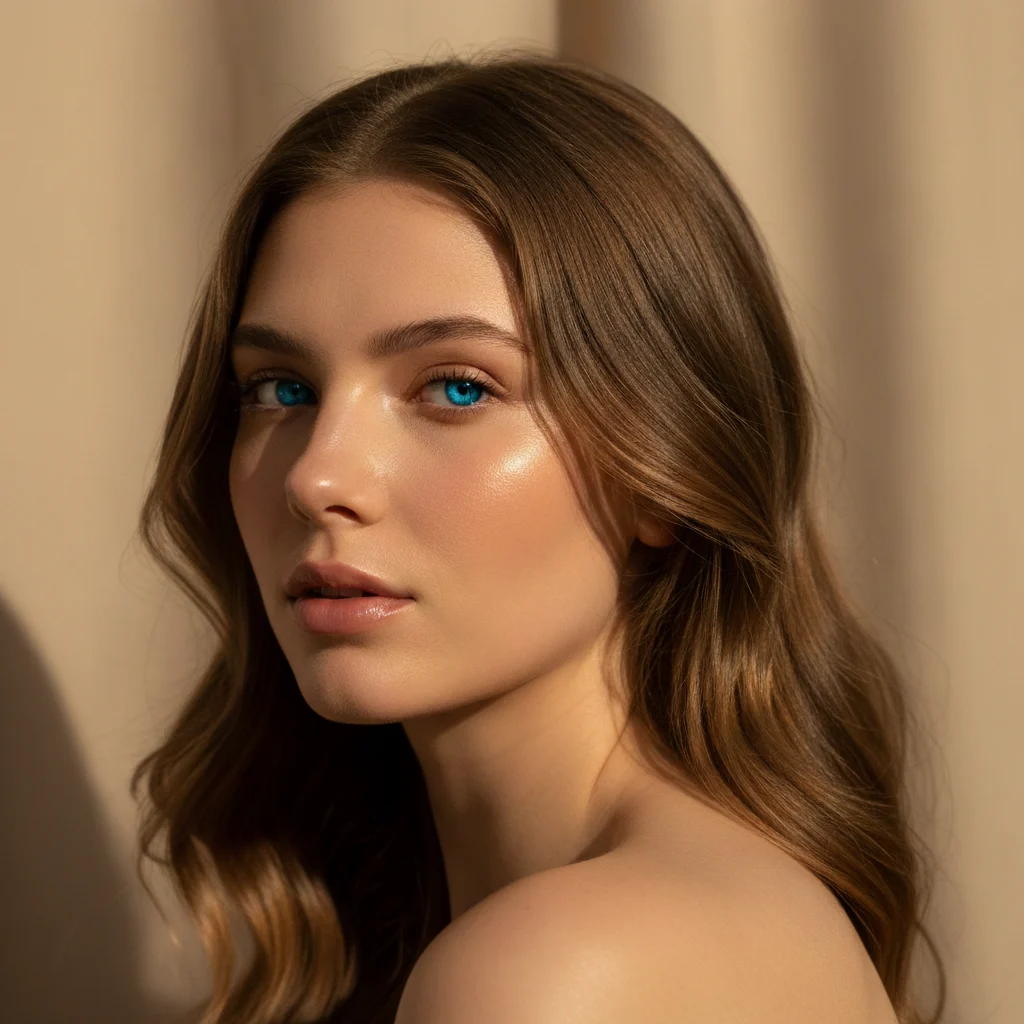
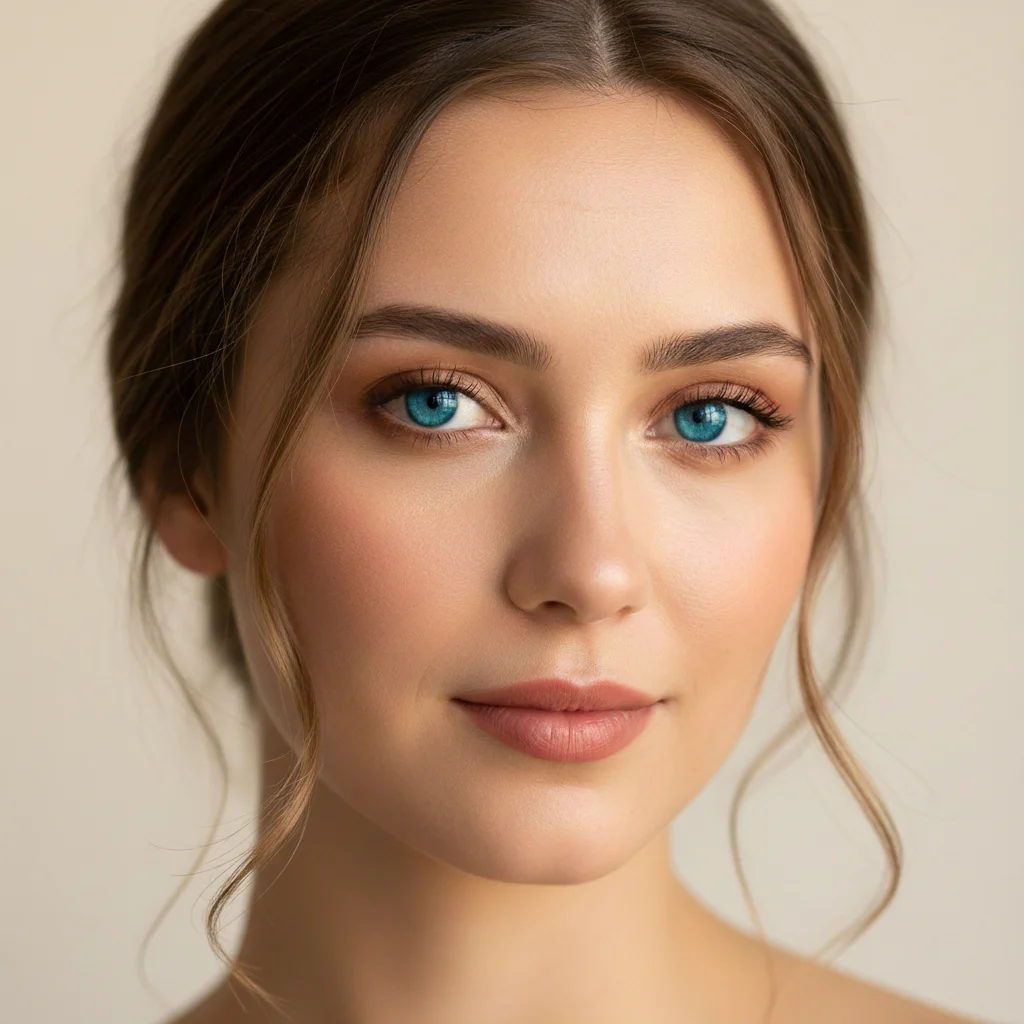
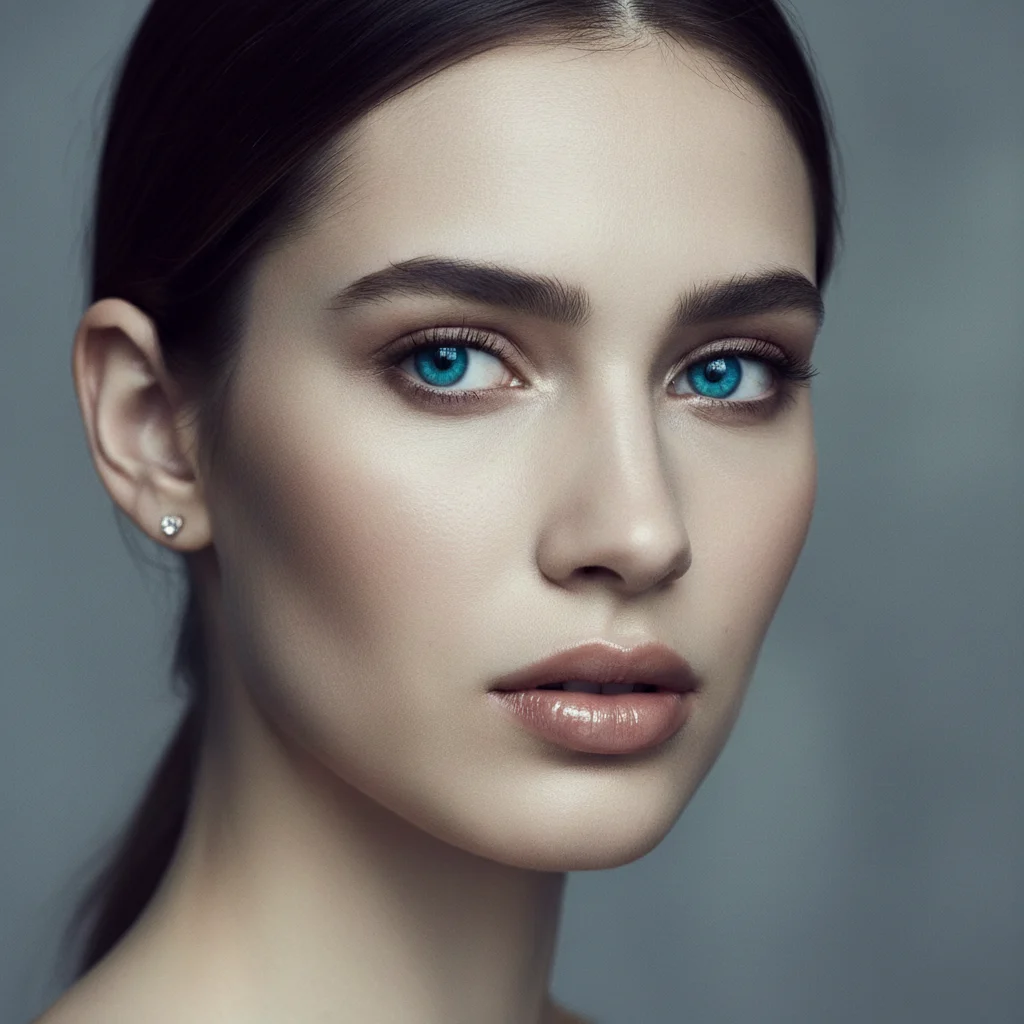
After
01Transformations
Iris color is the focus
The iris shifts to a bright cerulean blue with fine lighter streaks radiating from the pupil. The model aims to preserve pupils, lashes, the whites of the eyes, skin tone and lighting.
Preview Your Blue Eye Look
Upload a clear portrait to preview a realistic blue-eye transformation powered by Nano Banana Pro
Your Blue Eye Preview
See how you look with natural blue eyes in seconds. Upload a photo for a realistic AI eye-color preview.
Your real eye color on one side, blue on the other. Drag the slider to see how little else changes.
The iris shifts to a bright cerulean blue with fine lighter streaks radiating from the pupil. The model aims to preserve pupils, lashes, the whites of the eyes, skin tone and lighting.
Close-ups and head-and-shoulders shots work best. Dark, squinting or blurred eyes leave too little iris visible for the change to look natural.
The most practical use is seeing how blue lenses would actually sit on your face — considerably cheaper than ordering a pair to find out.
Three steps, no design skills required.
Add a JPG, PNG or WebP file up to 10MB. A sharp, well-lit photo gives the best result.
AI Blue Eye Filter handles the transformation automatically.
Preview the generated image and download it, or run another variation.
Common questions about using AI Blue Eye Filter
The AI Blue Eye Filter changes your iris to a natural-looking blue while preserving your facial identity and overall photo details. In most cases, features like the pupil, sclera, eyelashes, skin tone, and background stay consistent with the original image.
Clear, well-lit photos with your eyes clearly visible deliver the best results. Close-up portraits or headshots where the iris is easy to see work optimally. Avoid photos with sunglasses, heavily squinted eyes, or very dark lighting that obscures eye details.
Each generation uses 2 credits. You can purchase credit packages for additional credits.
Usually yes. The filter works well on most natural eye colors, including brown, hazel, green, gray, and blue. Results can vary based on lighting, iris visibility, and overall photo quality.
In clear, well-lit portraits, results usually look realistic. The model can preserve natural eye shape and render believable iris color transitions, depth, and light reflections.
Yes. Results are suitable for social media posts and profile pictures. For commercial or broader use cases, please follow the Terms of Service.
Still have questions? Contact support@nano-banana-pro.ai
Other Nano Banana Pro templates that work with the same photo.