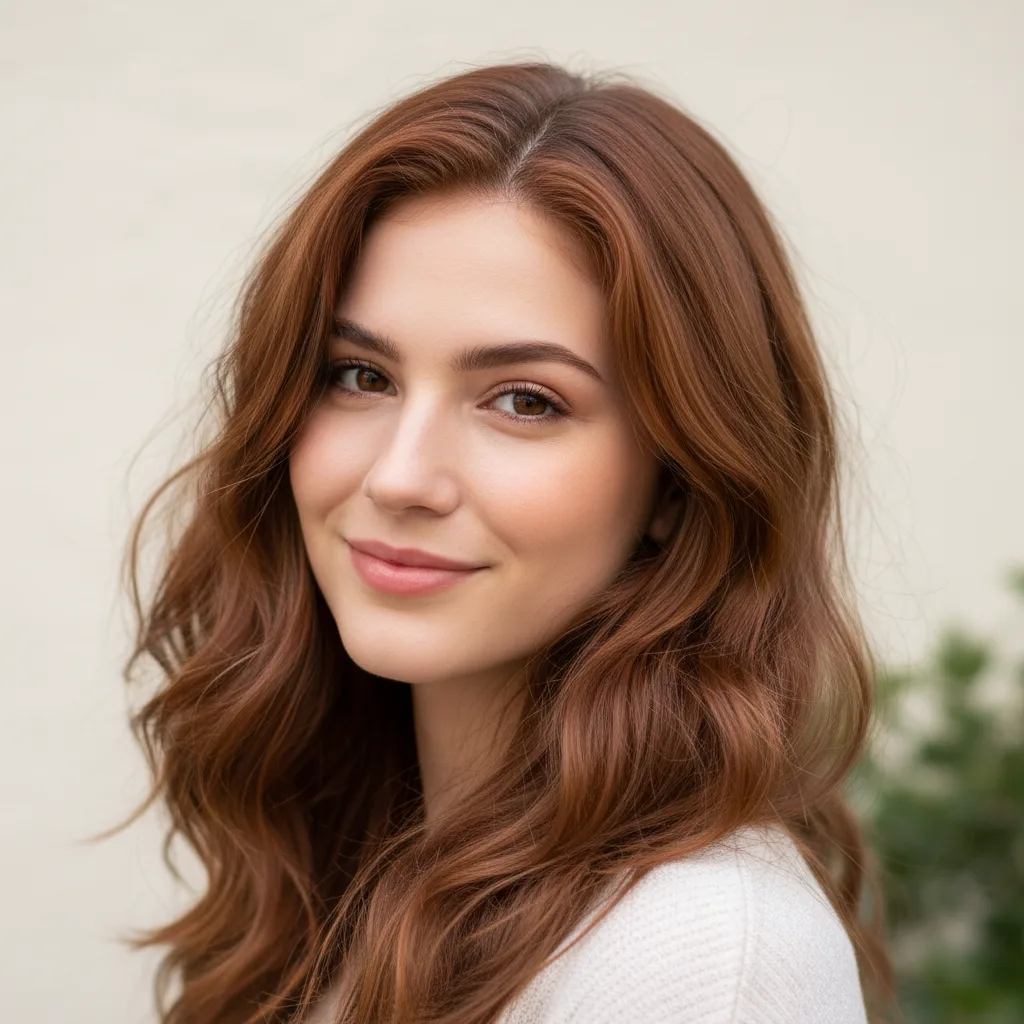
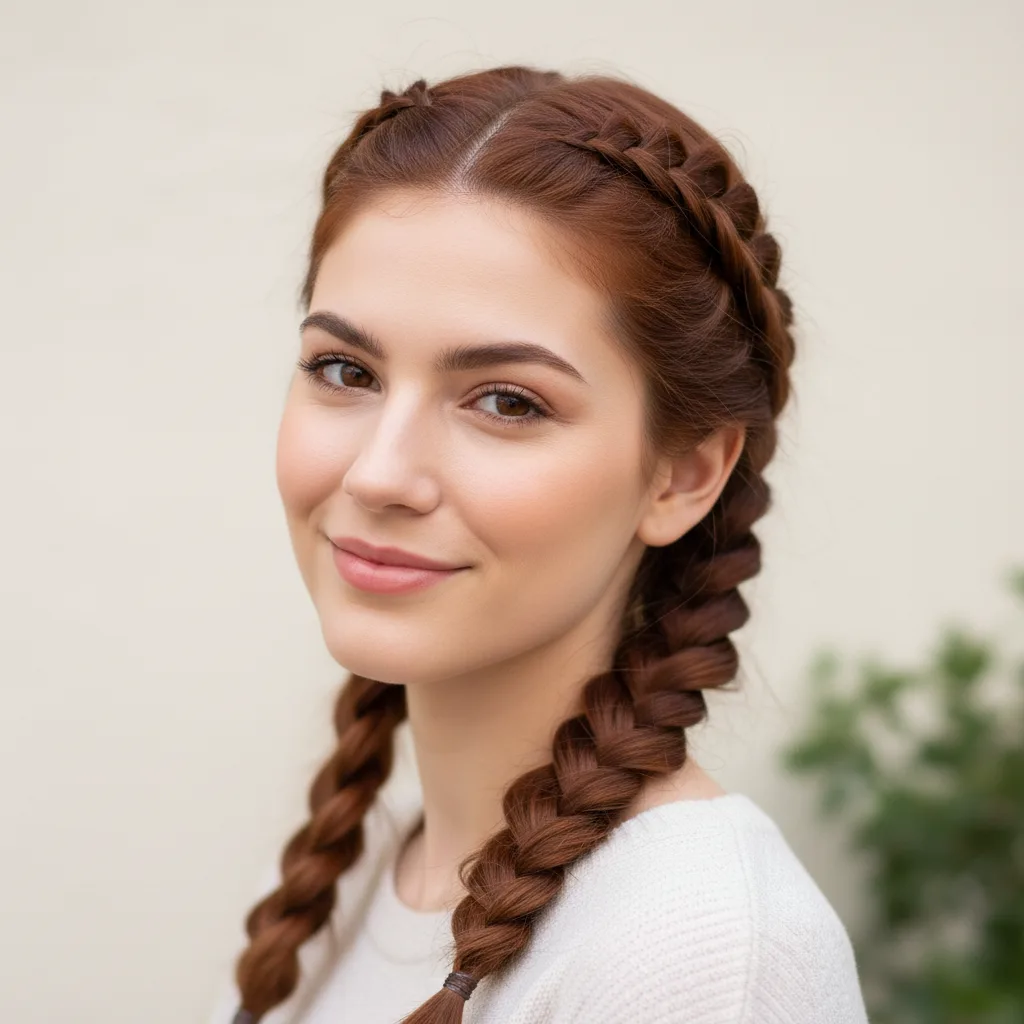
Try Braided Hairstyles

Upload a clear portrait to preview realistic braided hairstyles with Nano Banana Pro

Your Braided Hairstyle Preview

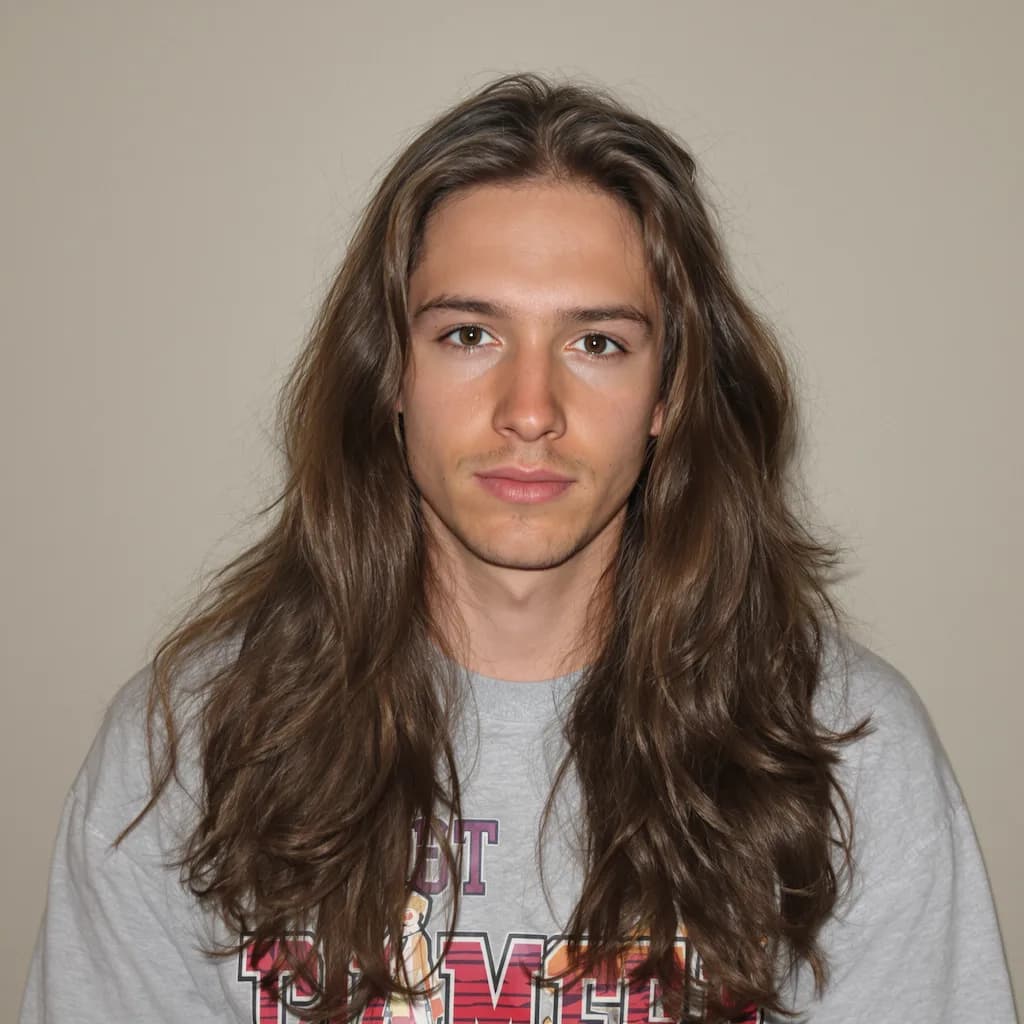
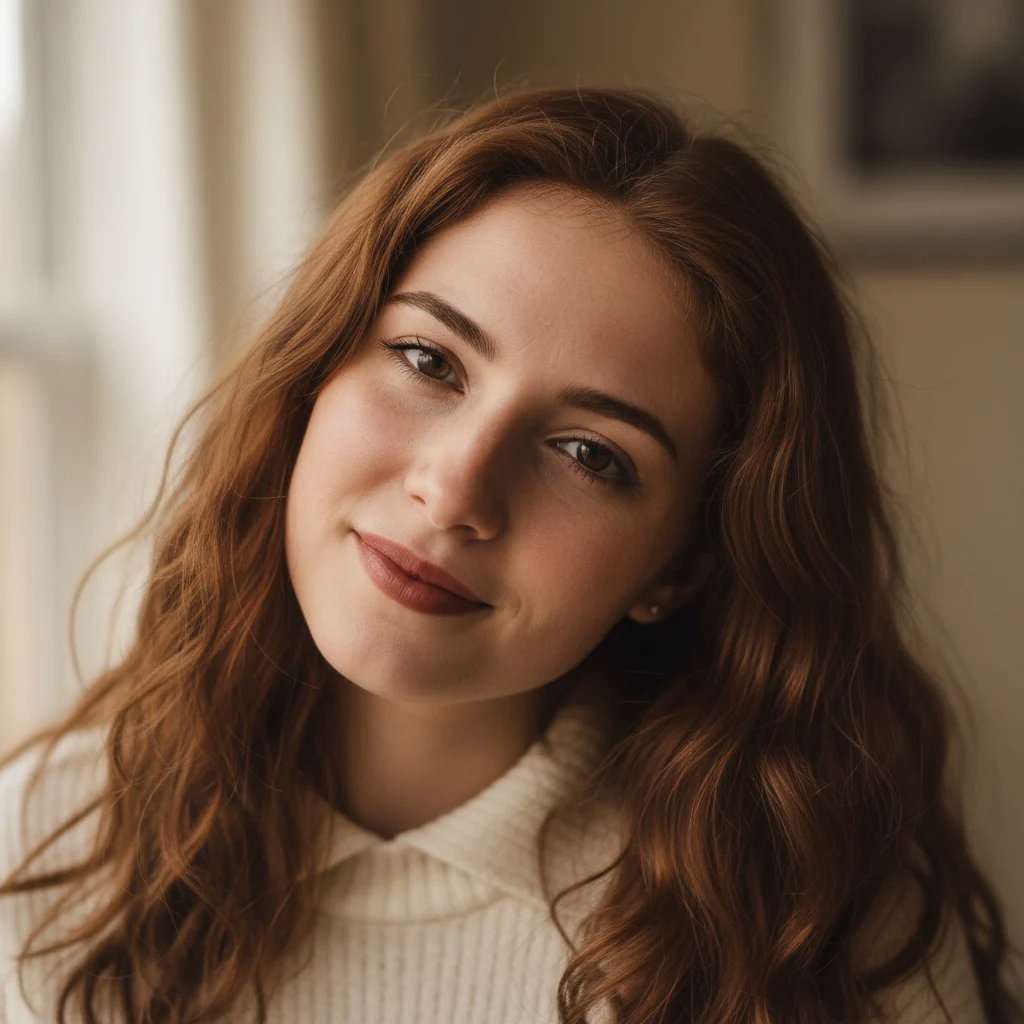
Original photo before AI transformation, example 1
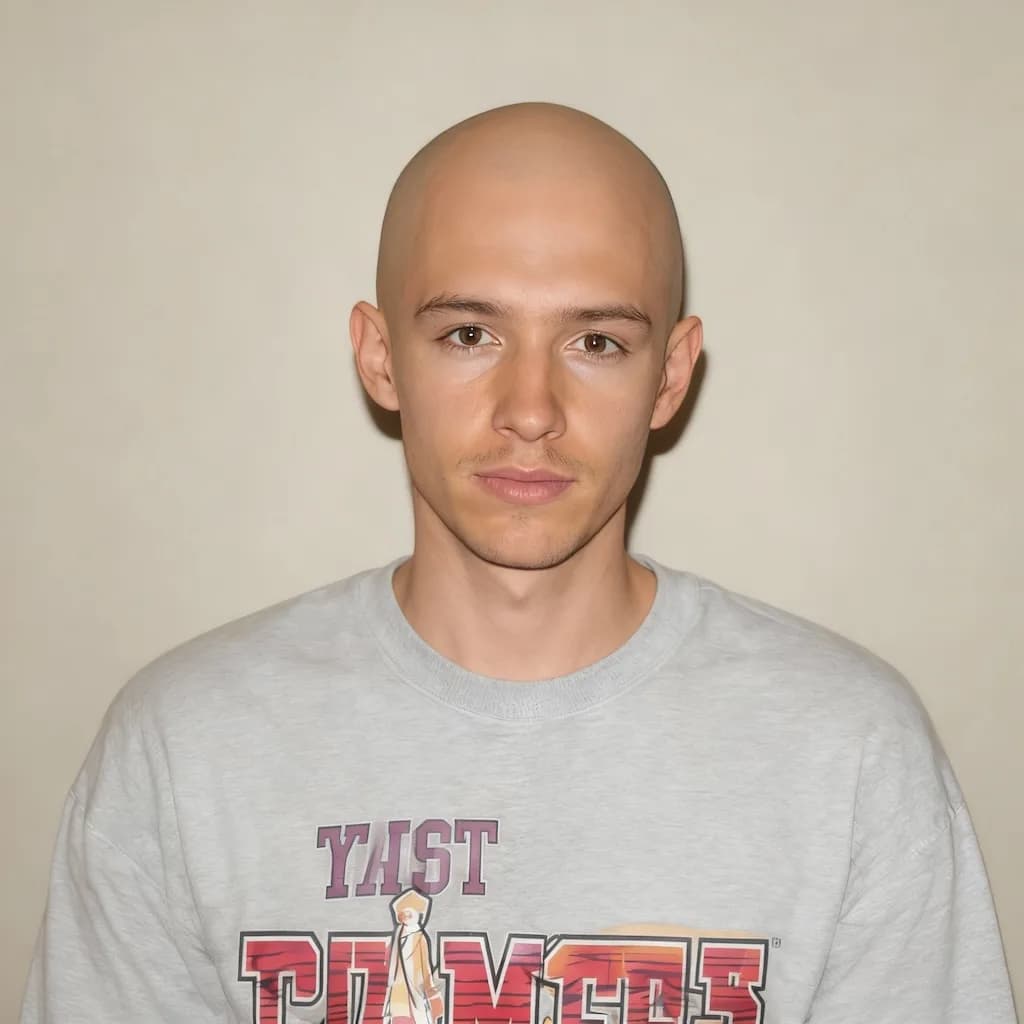
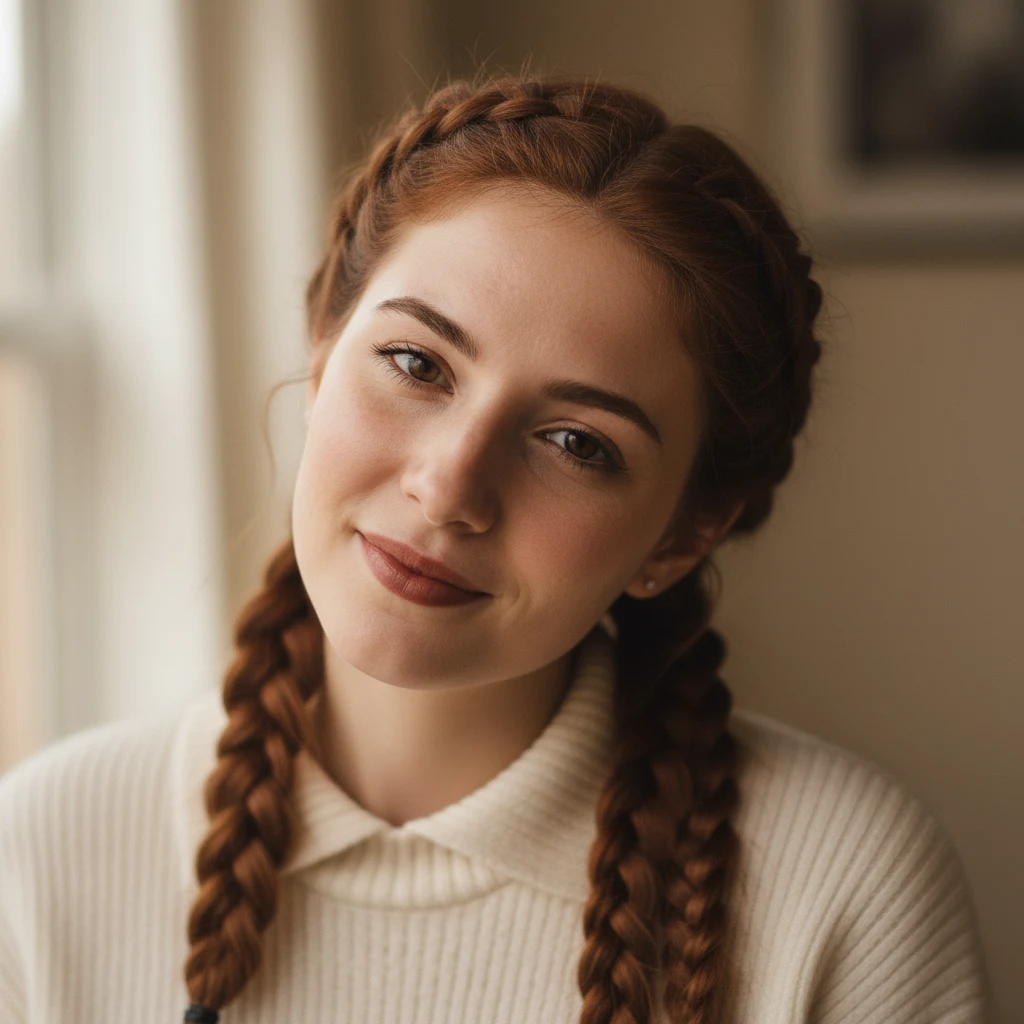
AI image generated with Nano Banana Pro, example 1
Before
After
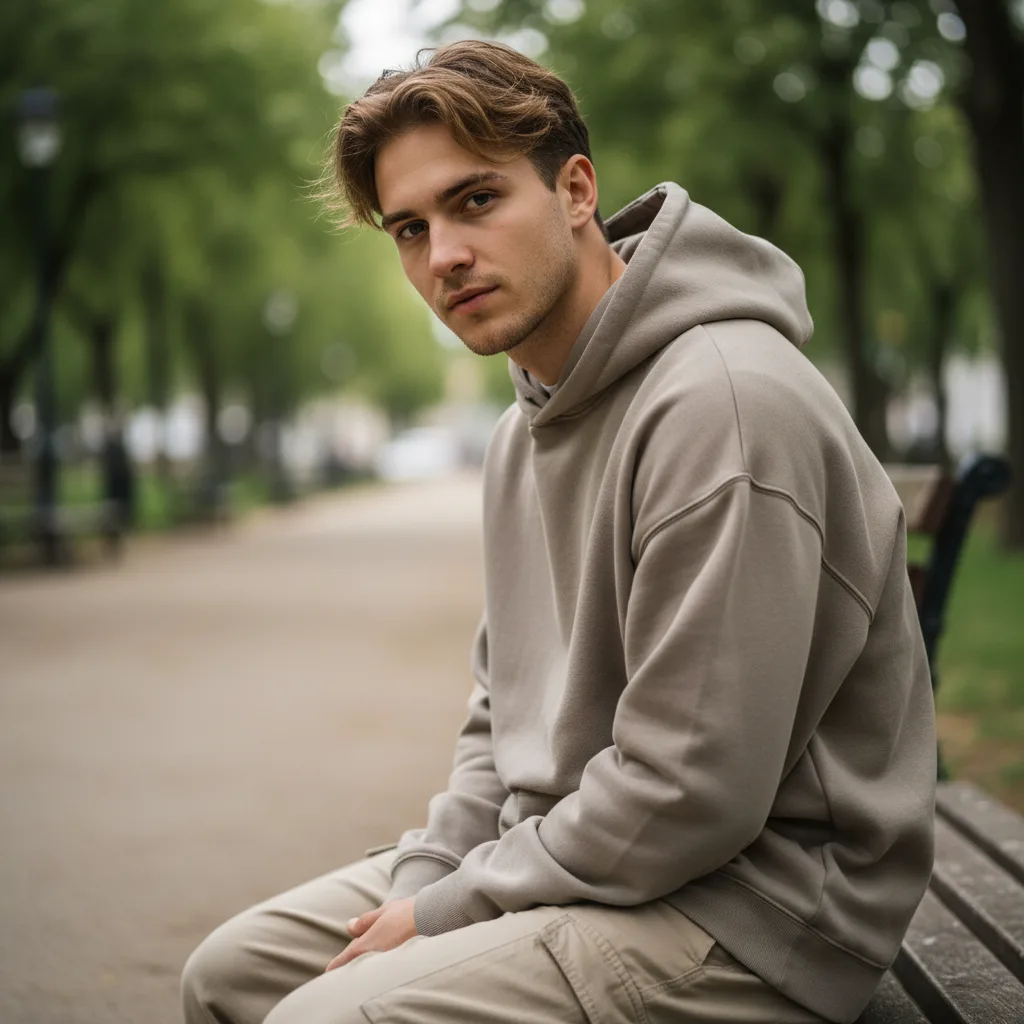
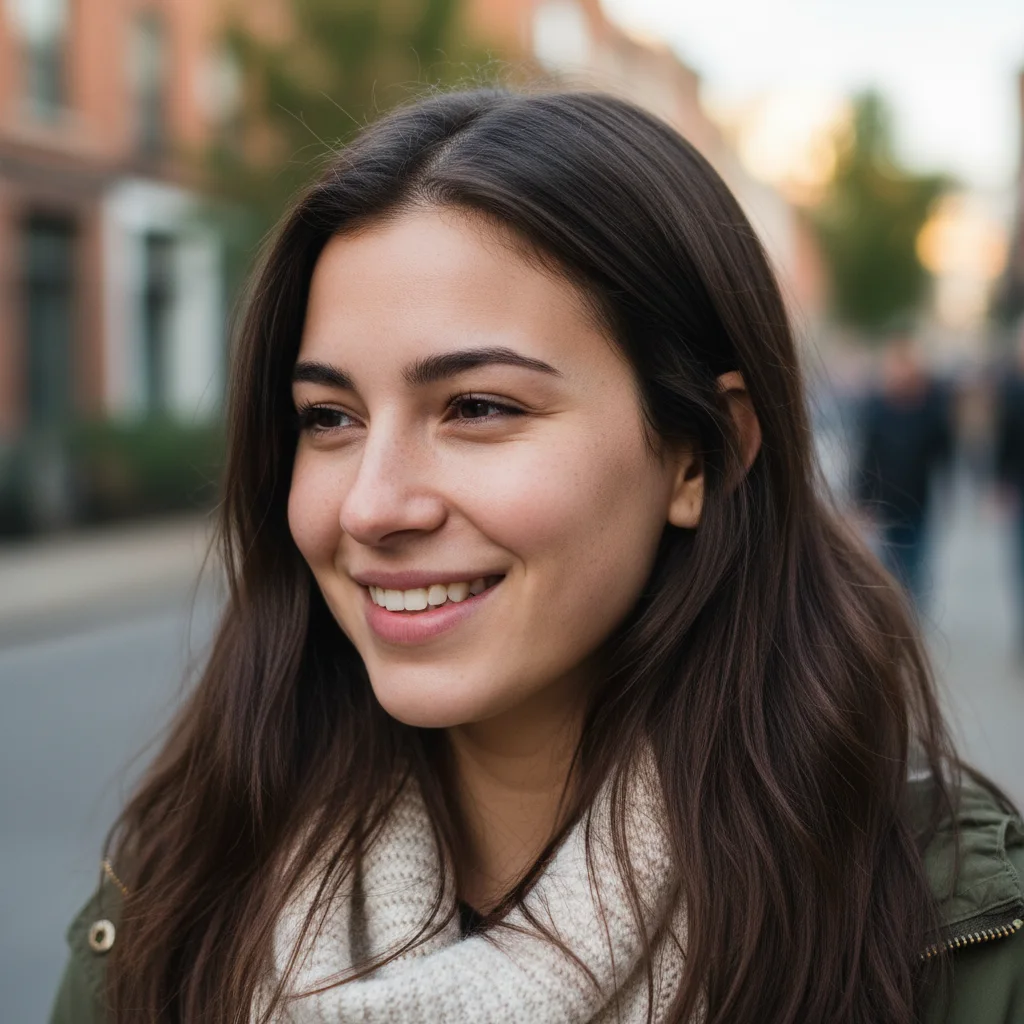
Original photo before AI transformation, example 2
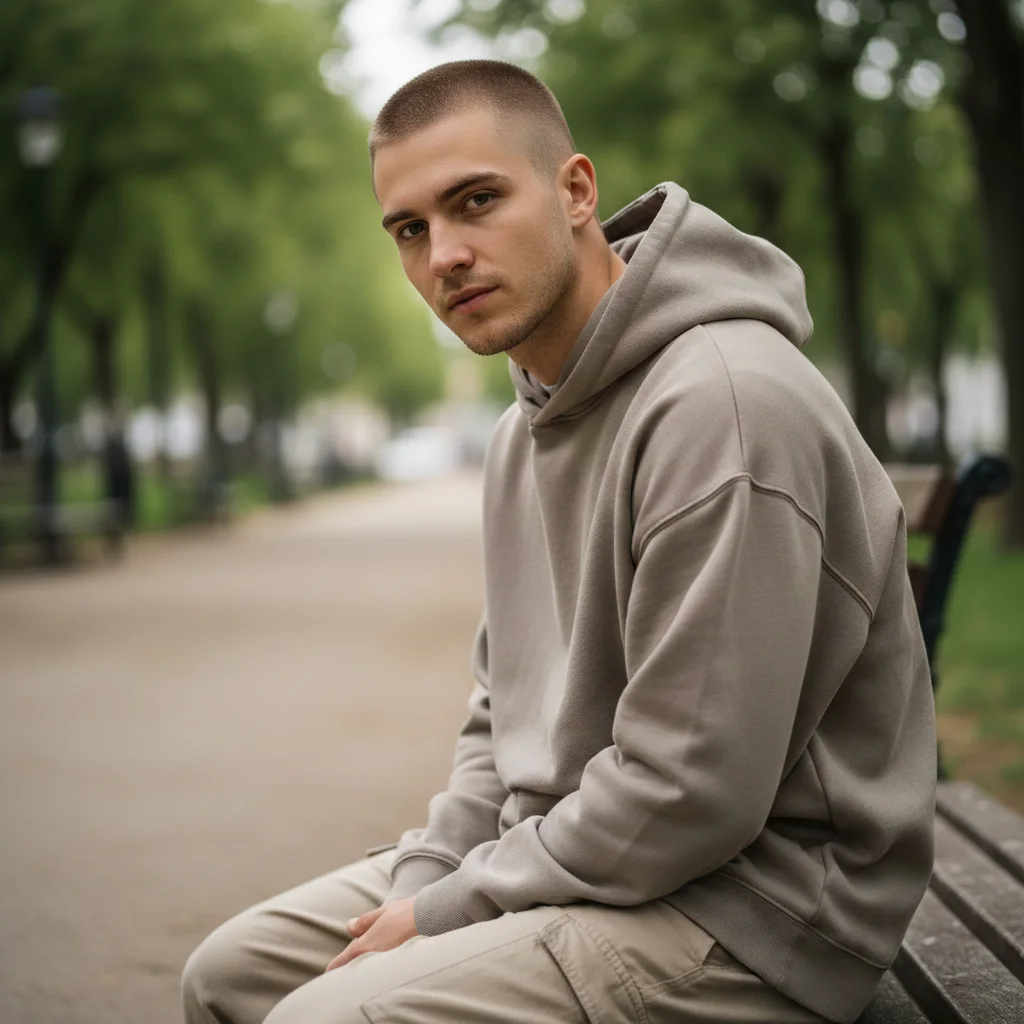
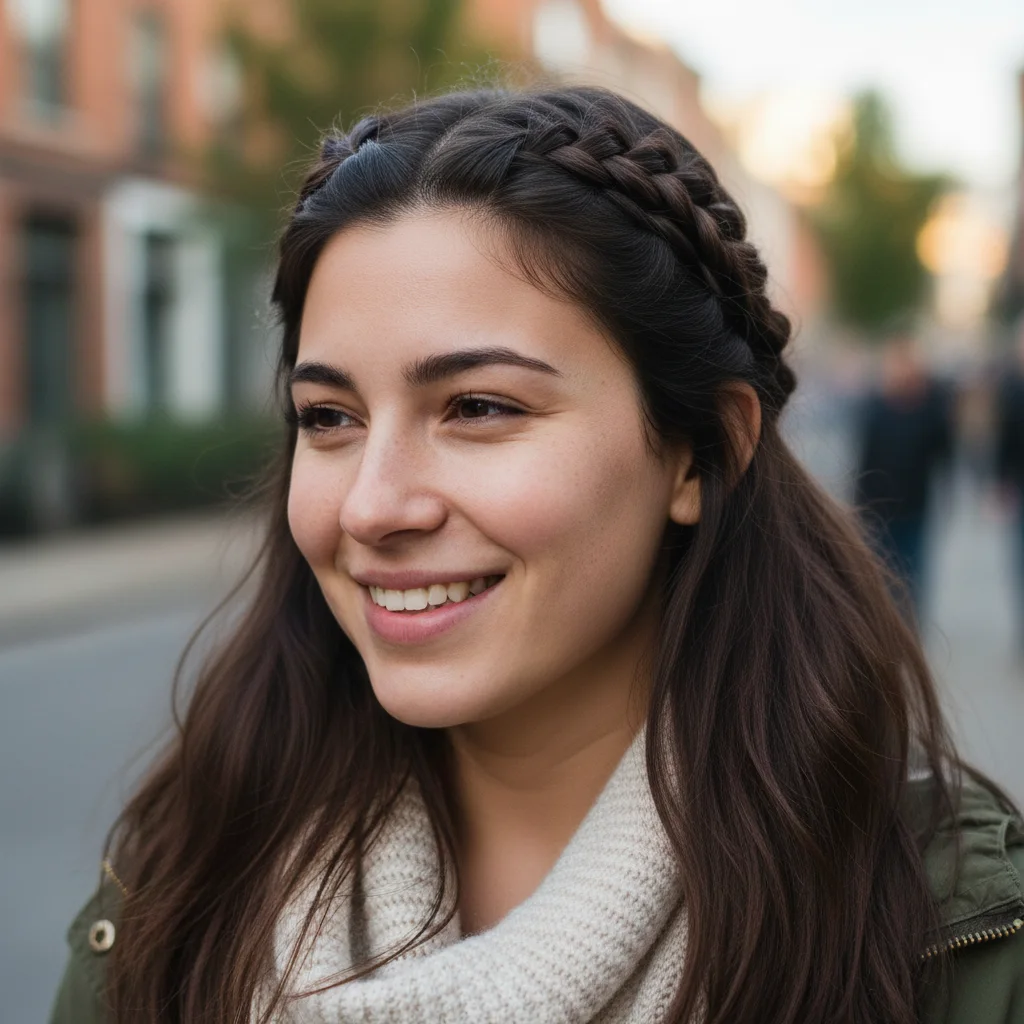
AI image generated with Nano Banana Pro, example 2
Before
After
Original photo before AI transformation, example 3
AI image generated with Nano Banana Pro, example 3
Before
After

AI Braided Hairstyle Filter

Preview elegant braided hairstyles in seconds. Nano Banana Pro maps realistic braids to your face shape, hair texture, and natural hair flow for a polished, share-ready look.

AI Braided Hairstyle Filter
Braids Try-On

Braided hairstyle filter: braids mapped to your own hair

Your own hair on one side, finished braids on the other. Drag the slider to see how they follow your hairline.

Original photo before AI Braided Hairstyle Filter transformation, example 1
AI Braided Hairstyle Filter result created with Nano Banana Pro, example 1
Before
After
01Transformations

Braids that follow your hairline, not a template

The pattern is mapped to your head shape and the direction your hair actually falls, matching your existing color and texture so it sits like hair instead of a pasted-on layer.


Original photo before AI Braided Hairstyle Filter transformation, example 2
AI Braided Hairstyle Filter result created with Nano Banana Pro, example 2
Before
After
02Transformations

Get the whole head in frame

Clear portraits showing the hairline and the full head work best, and even lighting keeps individual braid detail visible instead of merging it into one mass.

Original photo before AI Braided Hairstyle Filter transformation, example 3
AI Braided Hairstyle Filter result created with Nano Banana Pro, example 3
Before
After
03Transformations

Choose a style before the appointment

Braiding takes hours, which is the whole point of previewing first: settle on a look for an event, or save a few options to show your stylist.

How AI Braided Hairstyle Filter works

Three steps, no design skills required.

  1. Step 1

    Upload your photo

    Add a JPG, PNG or WebP file up to 10MB. A sharp, well-lit photo gives the best result.

  2. Step 2

    Generate with Nano Banana Pro

    AI Braided Hairstyle Filter handles the transformation automatically.

  3. Step 3

    Download your result

    Preview the generated image and download it, or run another variation.

AI Braided Hairstyle Filter FAQ

Common questions about using AI Braided Hairstyle Filter

The AI Braided Hairstyle Filter is a virtual hairstyle try-on. It turns your current hair into clean, detailed braids while keeping your identity, facial features, and overall photo intact.

Clear solo portraits with visible hair, hairline, and facial details work best. Well-lit close-up or medium-shot photos usually produce the most natural braided results.

Each generation uses 2 credits. You can purchase credit packages for additional credits.

Yes. The filter matches braid placement, hair direction, texture, shine, and color to your original hair so the final look feels integrated instead of pasted on.

Yes. It works with straight, wavy, curly, and coily hair, and it can preview braided looks on short, medium, or long hairstyles as long as the hair is clearly visible in the photo.

Use it for hairstyle planning, salon references, profile photos, beauty content, and social posts before you commit to a real braided style.

Still have questions? Contact support@nano-banana-pro.ai

More styles to try

Other Nano Banana Pro templates that work with the same photo.

View all styles