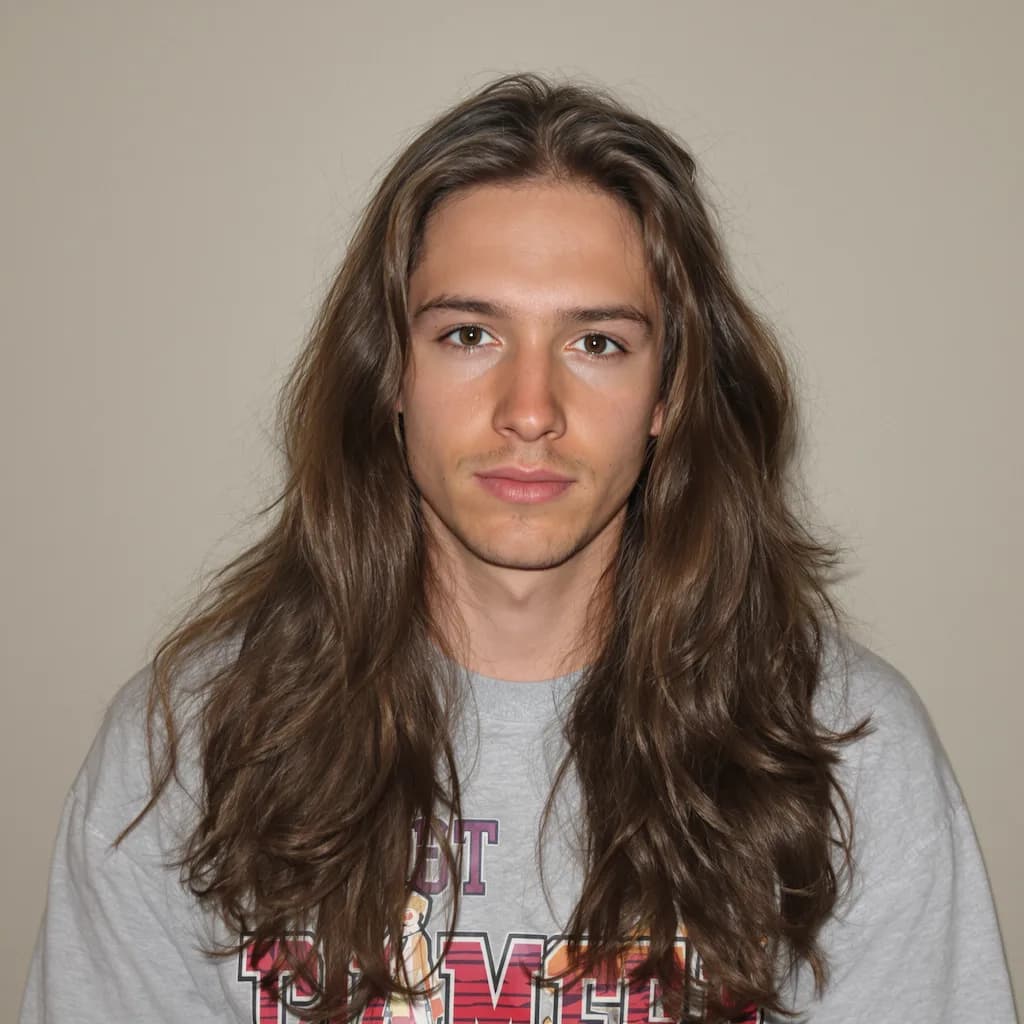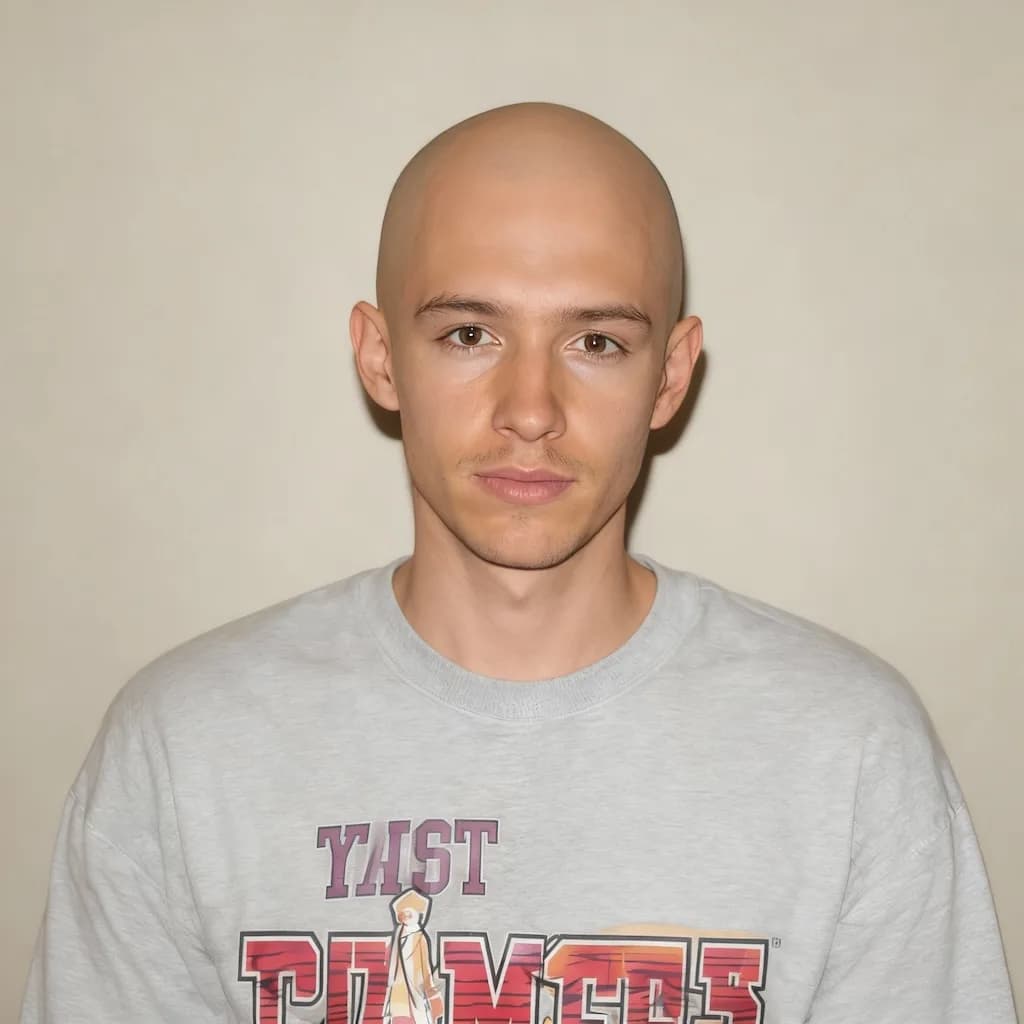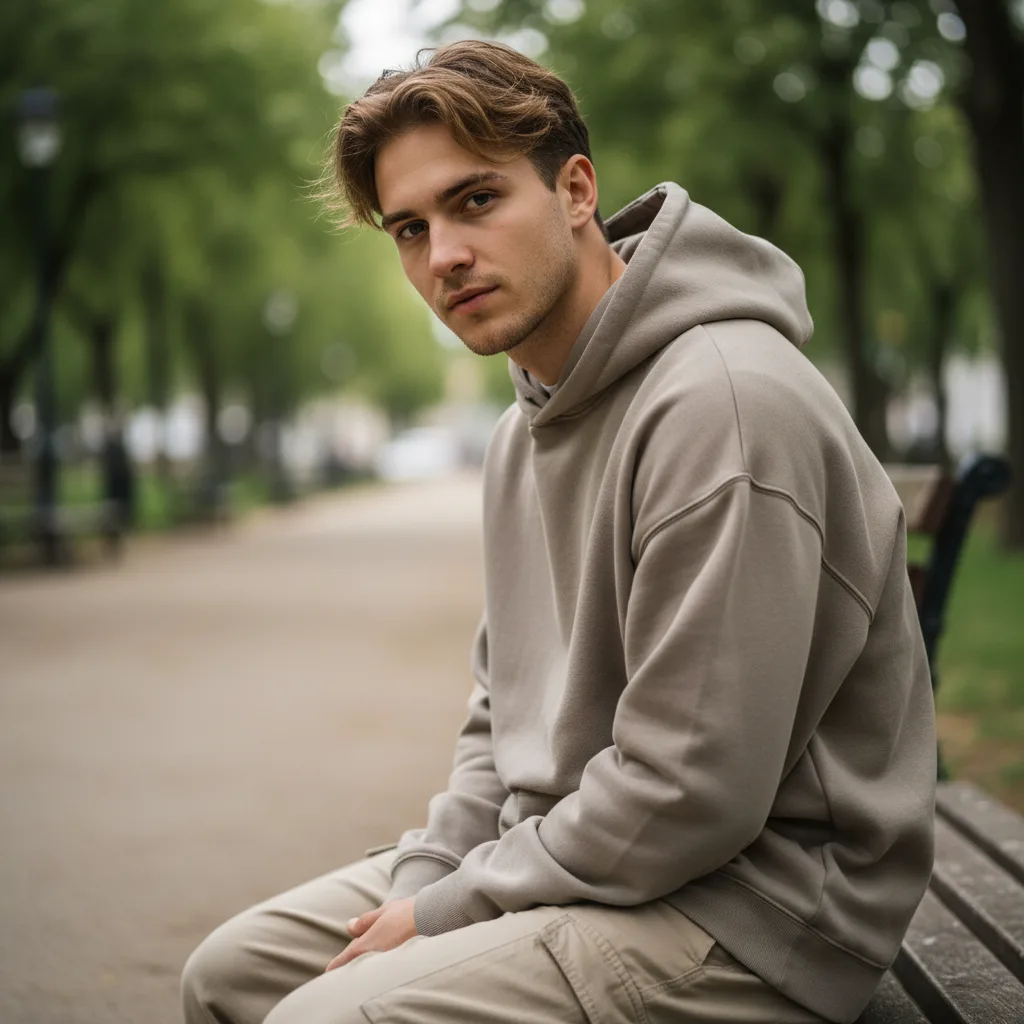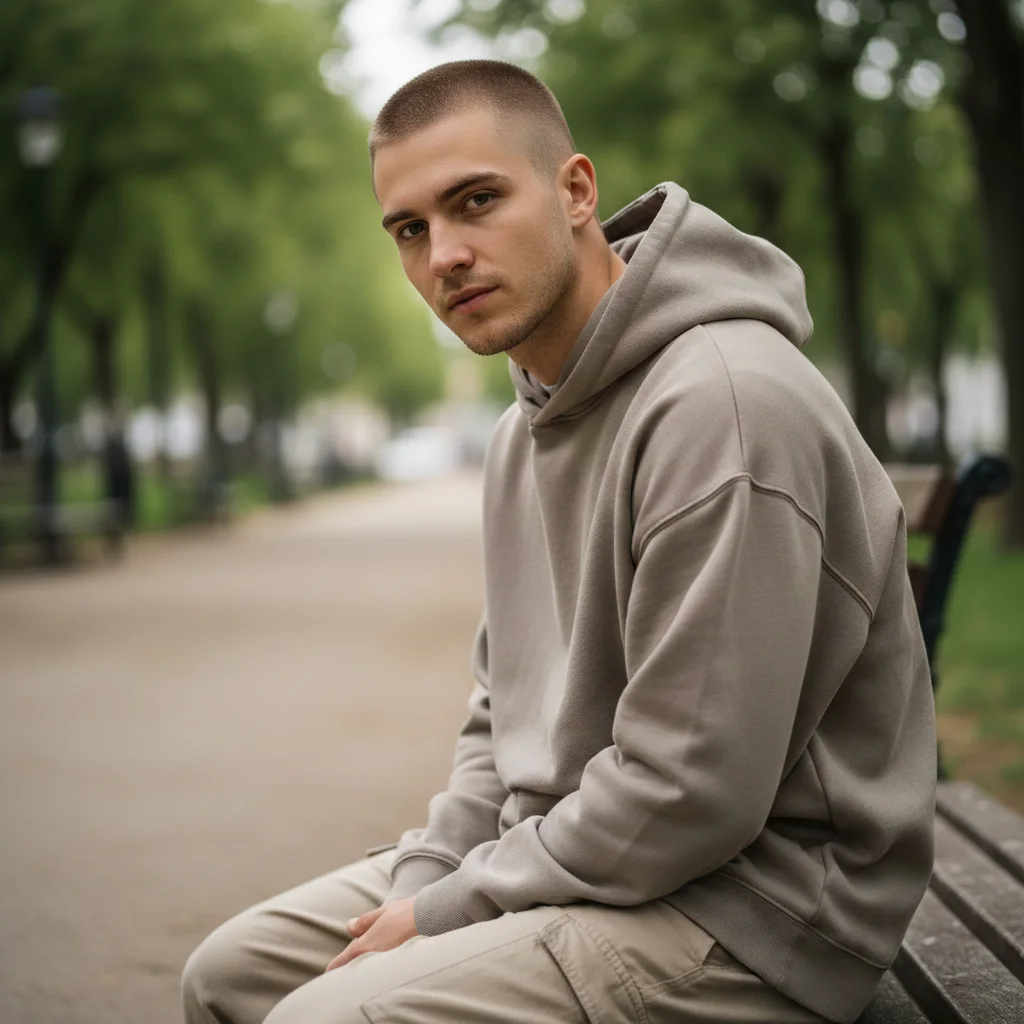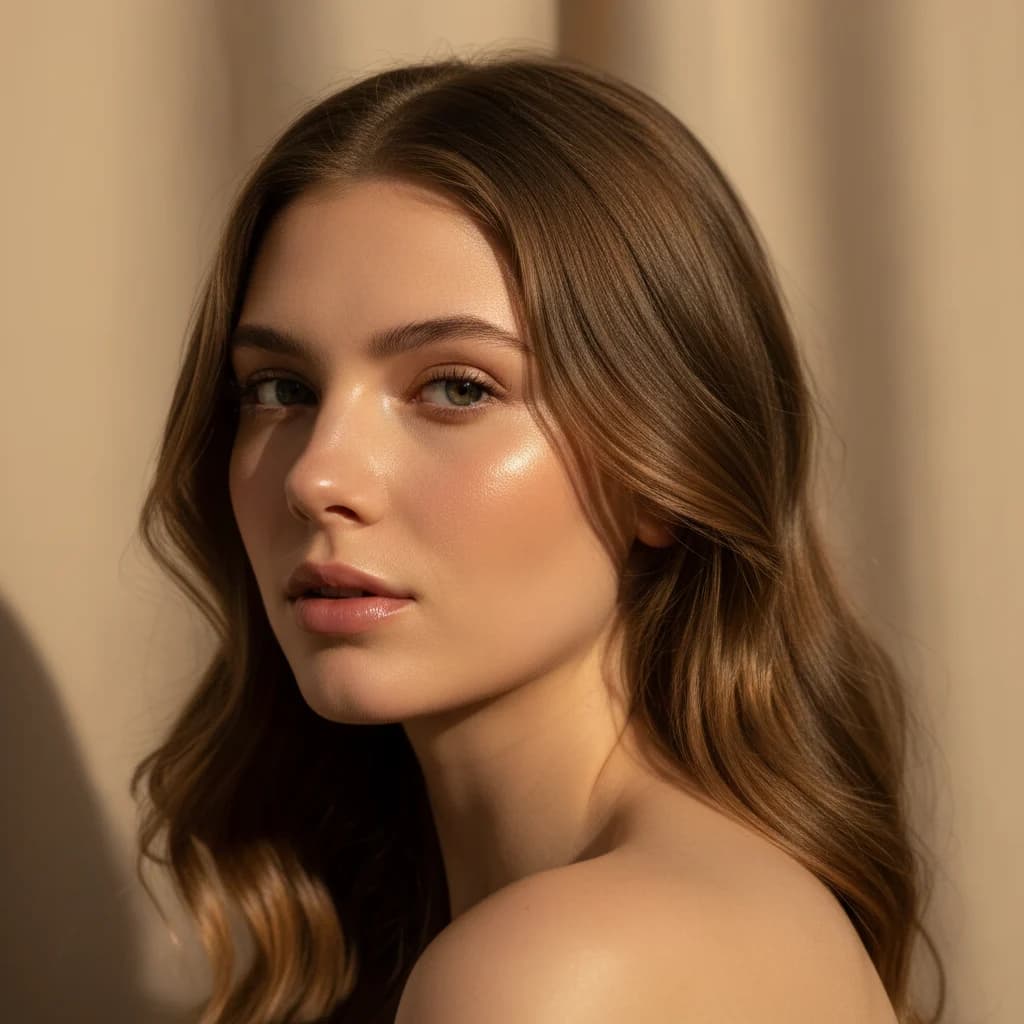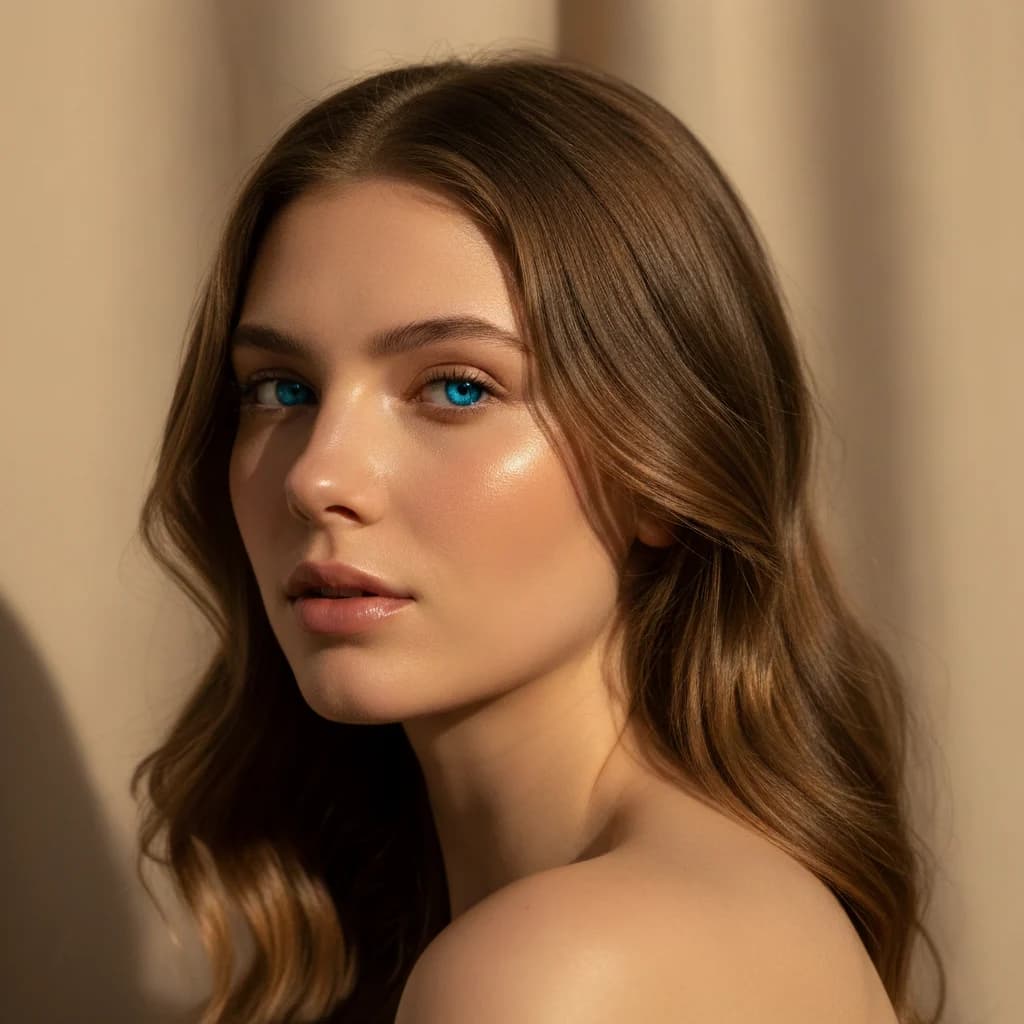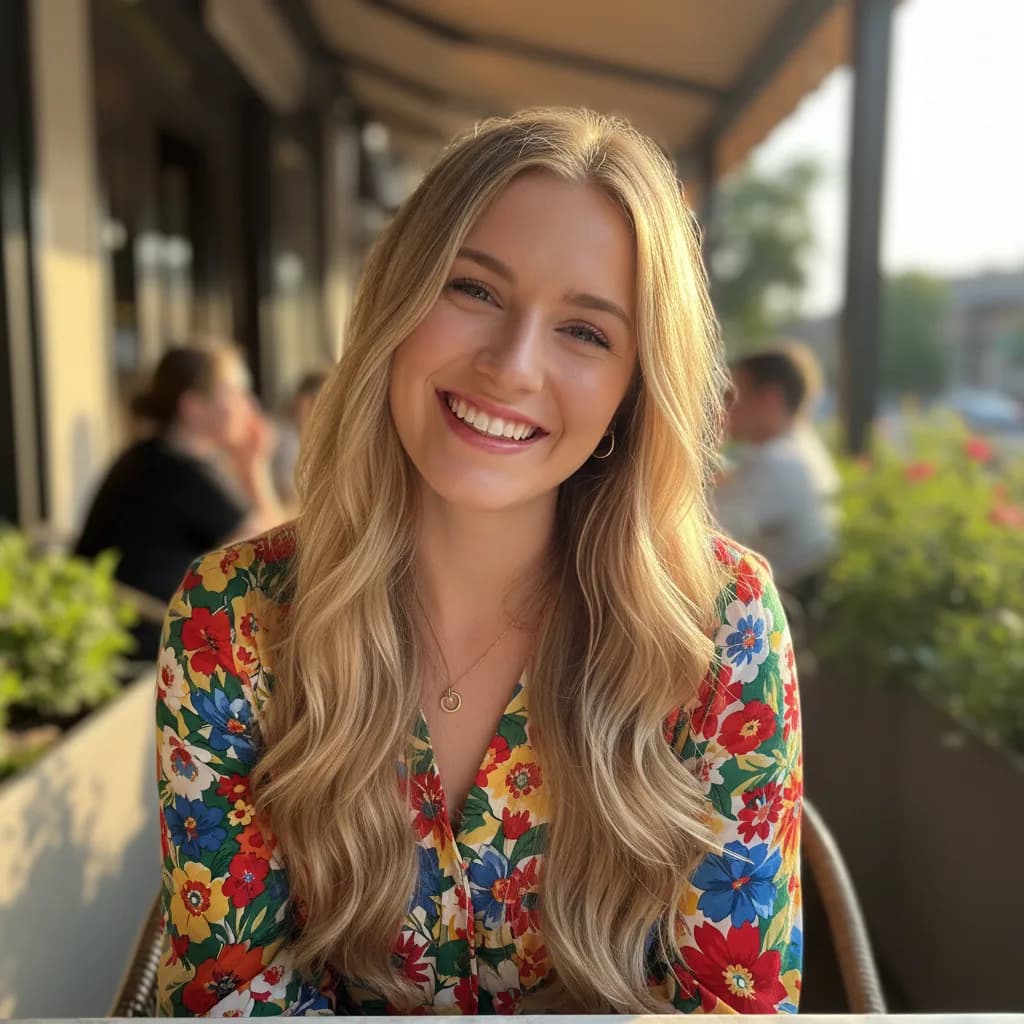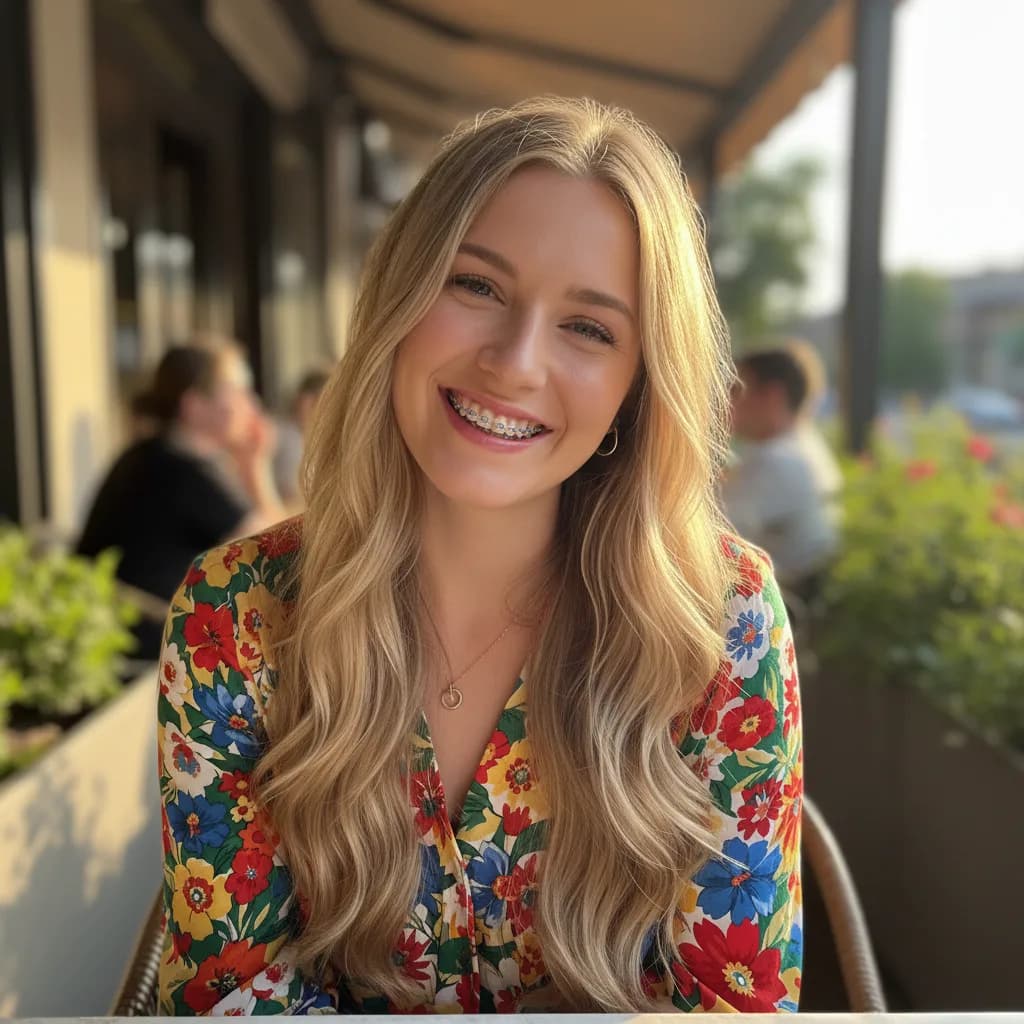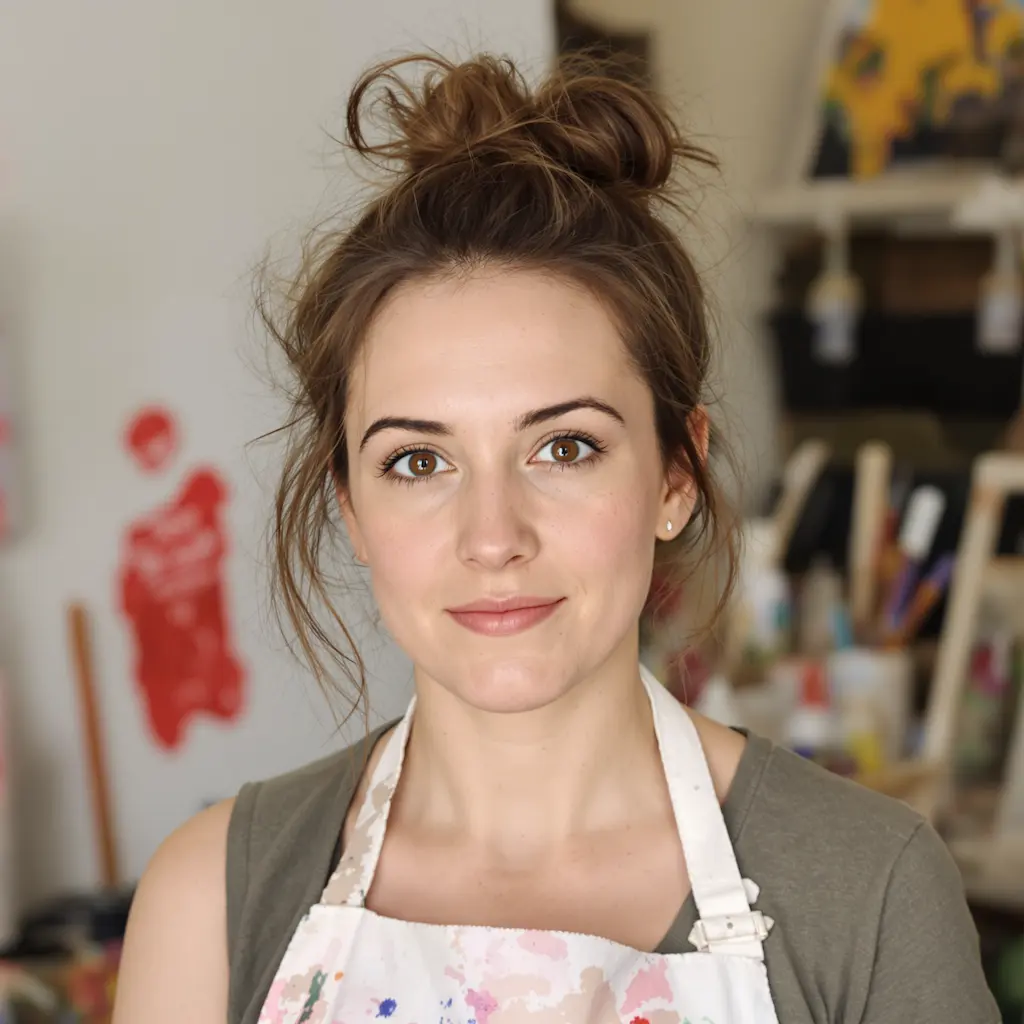
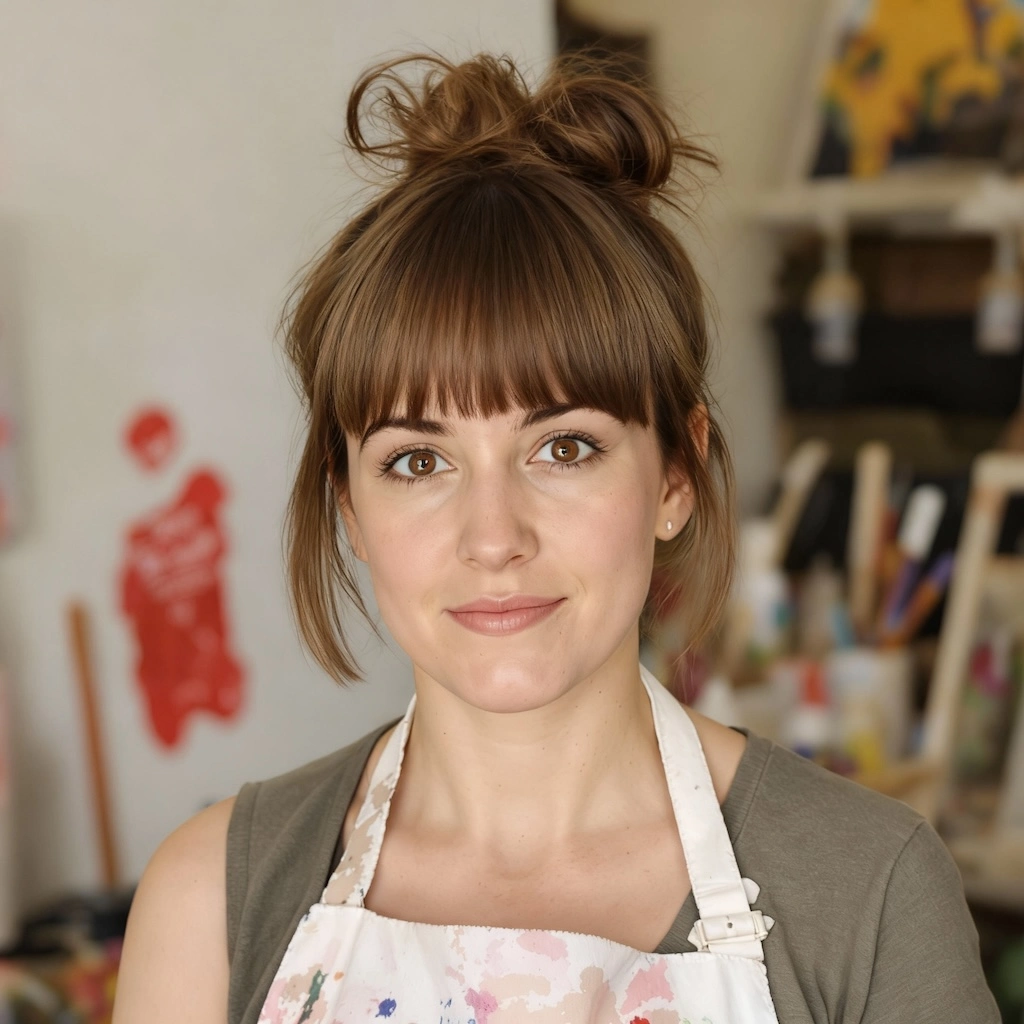
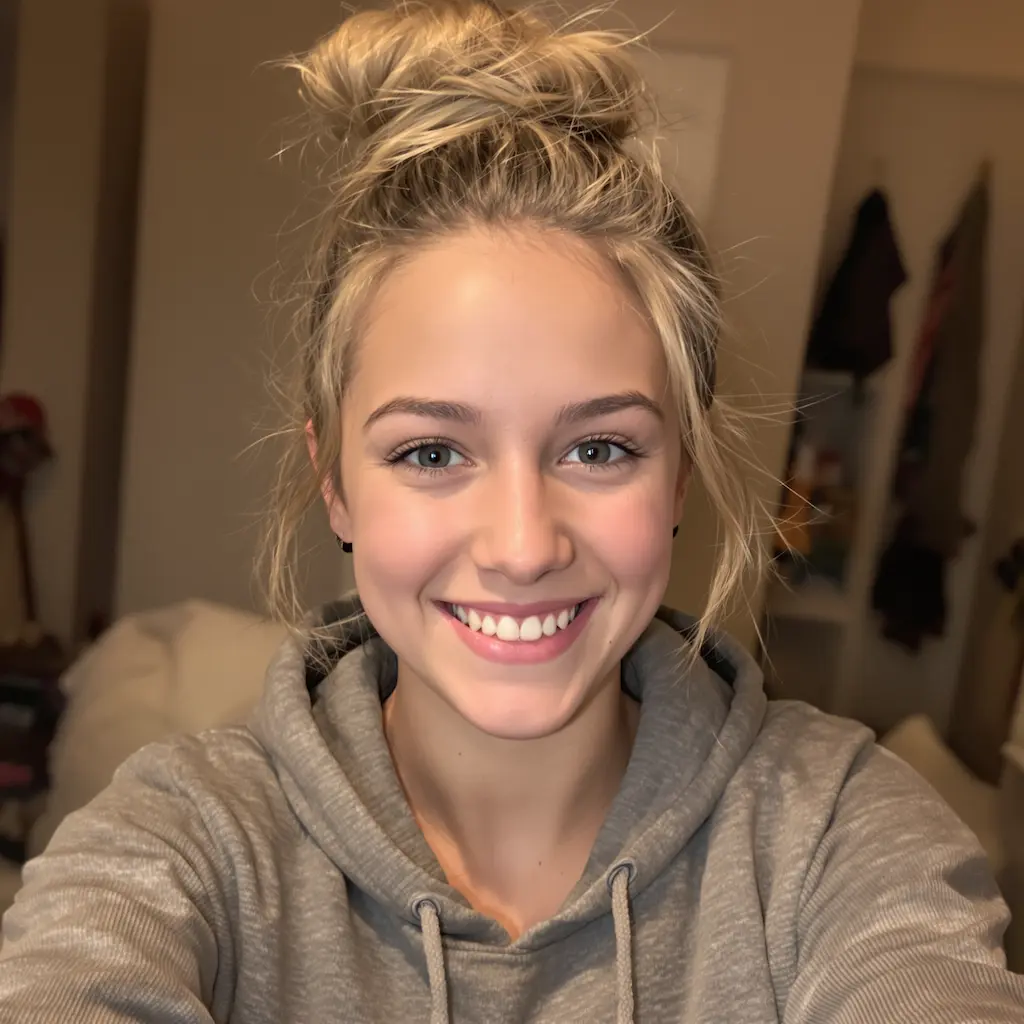
Before
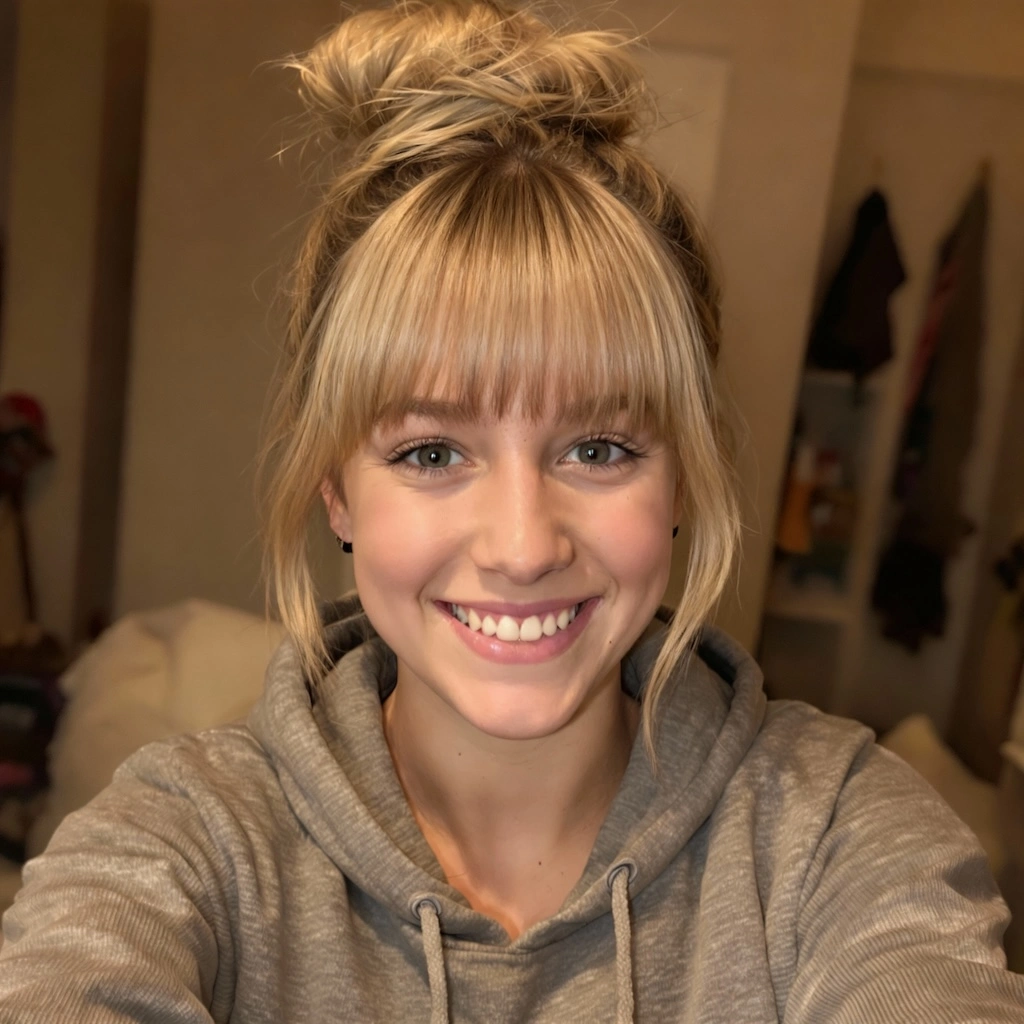
After
01Transformations
What you'd look like with bangs
The filter reads your hairline and face shape, then adds a fringe in your own hair color and texture. The model aims to keep the rest of your hairstyle, features and lighting consistent.
Try Bangs Virtually
Upload your photo and see yourself with natural bangs powered by Nano Banana Pro
Your New Look with Bangs
Want to see how you'd look with bangs before making the cut? With Nano Banana Pro's Bangs Filter, you can virtually try on different bang styles instantly! Our AI analyzes your facial features and hair to generate natural-looking bangs that perfectly match your hair color and texture.
Real, untouched hair on one side, a fringe on the other. Drag the slider to see how the bangs sit on your hairline.
The filter reads your hairline and face shape, then adds a fringe in your own hair color and texture. The model aims to keep the rest of your hairstyle, features and lighting consistent.
Front-facing shots with the forehead and hairline visible work best. Push your hair back off your face first: a clean hairline gives the filter a better base to build on.
A virtual bangs try-on is a low-commitment way to test a fringe — and a clearer brief for your stylist than a description ever is.
Three steps, no design skills required.
Add a JPG, PNG or WebP file up to 10MB. A sharp, well-lit photo gives the best result.
Bangs Filter handles the transformation. Add a prompt first if you want to fine-tune the look.
Preview the generated image and download it, or run another variation.
Common questions about using Bangs Filter
The Bangs Filter is an AI-powered virtual try-on tool that lets you see how you'd look with bangs before actually cutting your hair. Using sophisticated facial recognition and hair analysis technology, our AI scans your facial contours and existing hair, then generates realistic bangs that match your natural hair color, texture, and hairline for seamless, professional-looking results.
Simply upload a clear photo showing your face and hair. The AI instantly analyzes your facial features, face shape, hair texture, color, and natural hairline. Within seconds, it generates natural-looking bangs that complement your face shape and blend seamlessly with your existing hair. The process is completely risk-free—if you don't like the result, you haven't committed to an actual haircut!
Each generation uses 2 credits. You can purchase credit packages for additional credits.
The Bangs Filter supports various popular styles including:
Simply describe your desired style in the text prompt for customized results.
The Bangs Filter is perfect for:
Generation time varies with image complexity and server load — most results are ready within a minute. That leaves plenty of time to try multiple styles, experiment with different photos, and build a collection of potential looks before your salon appointment.
Still have questions? Contact support@nano-banana-pro.ai
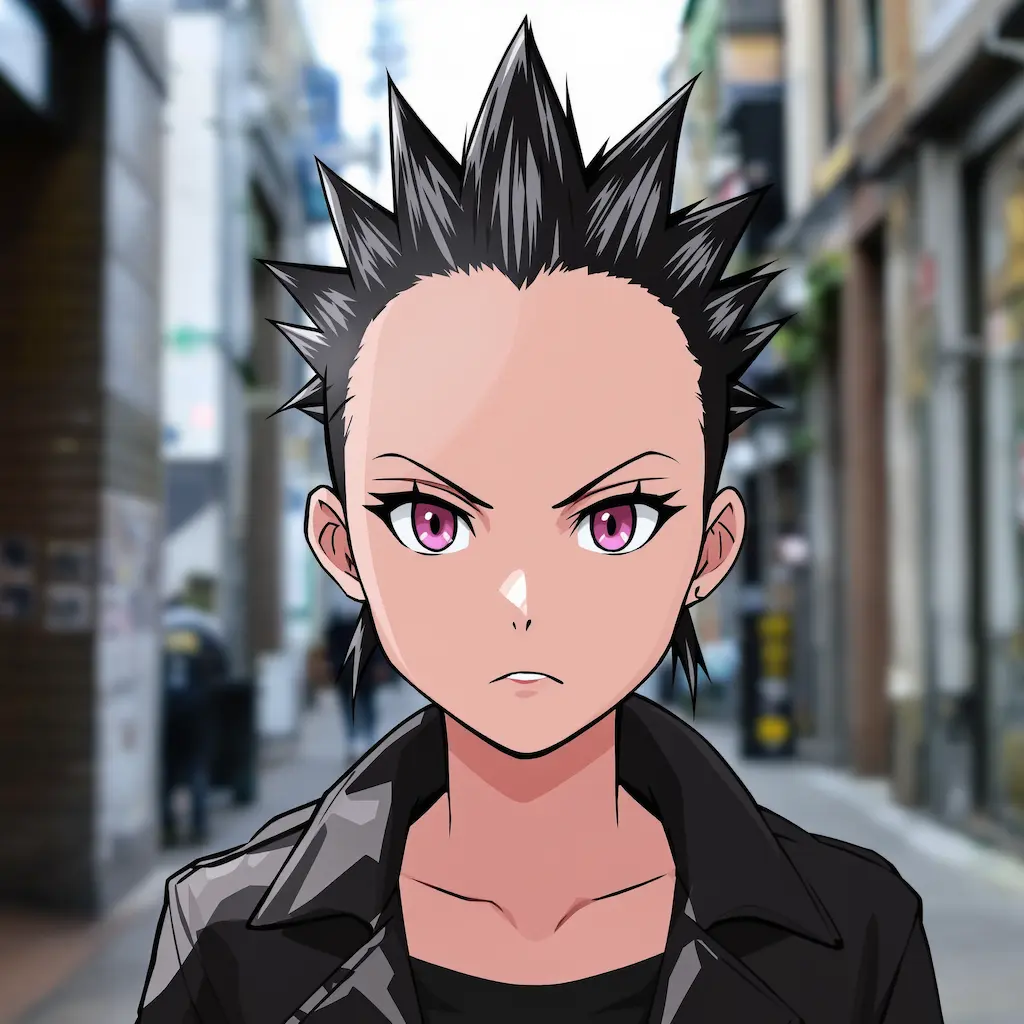
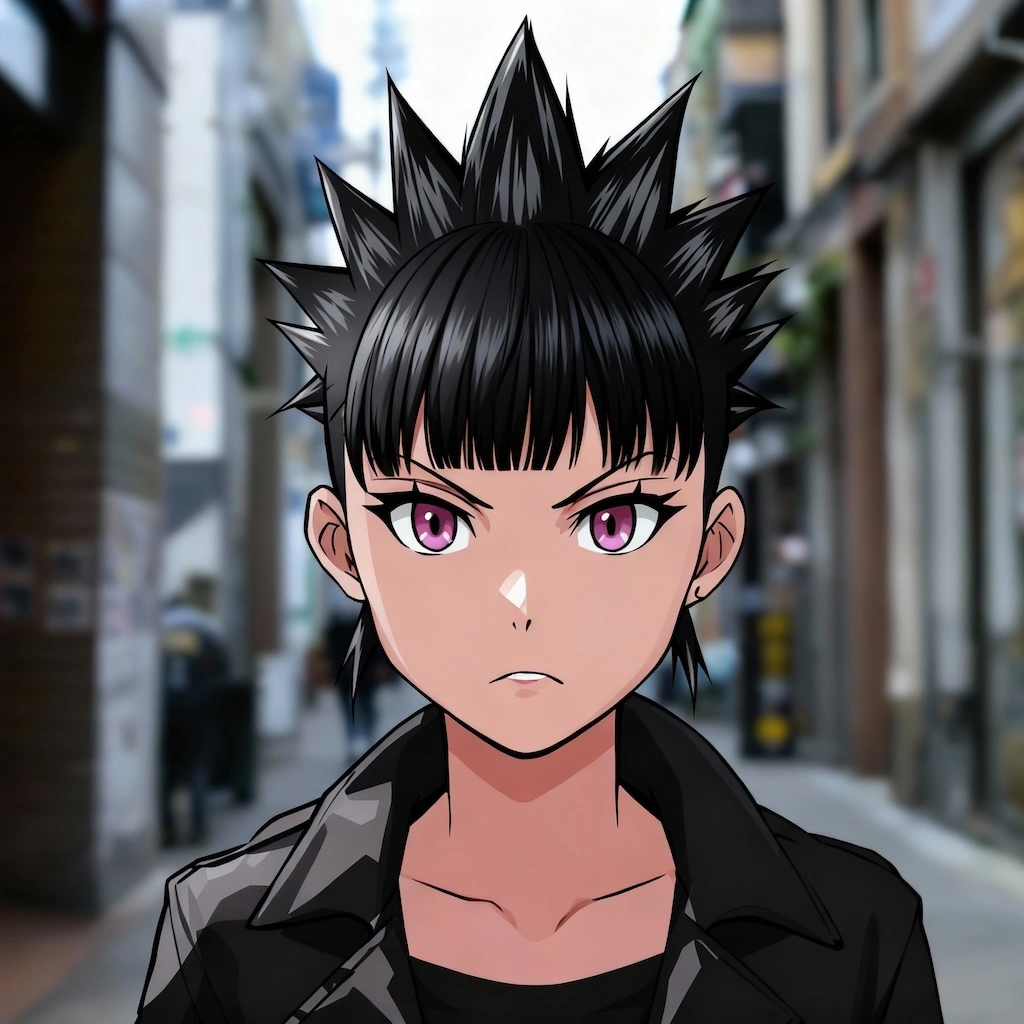
Other Nano Banana Pro templates that work with the same photo.