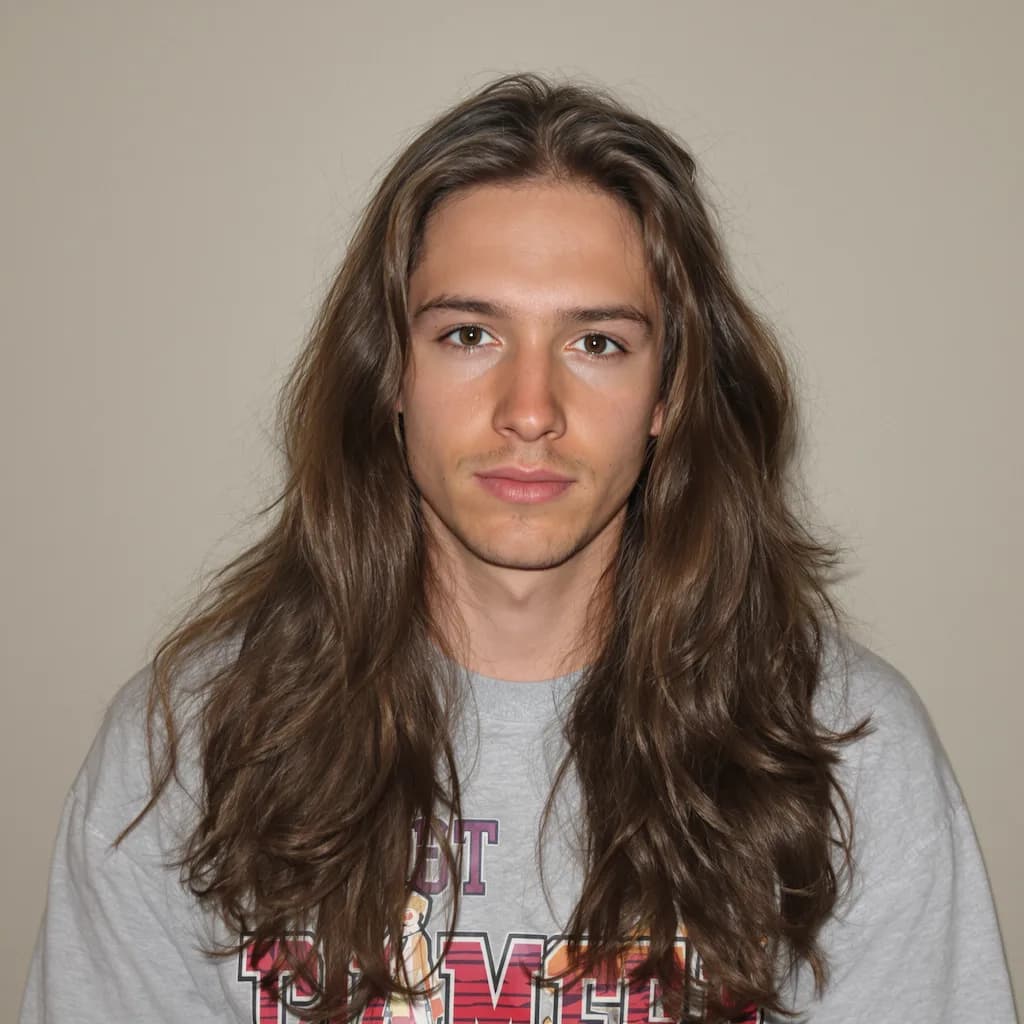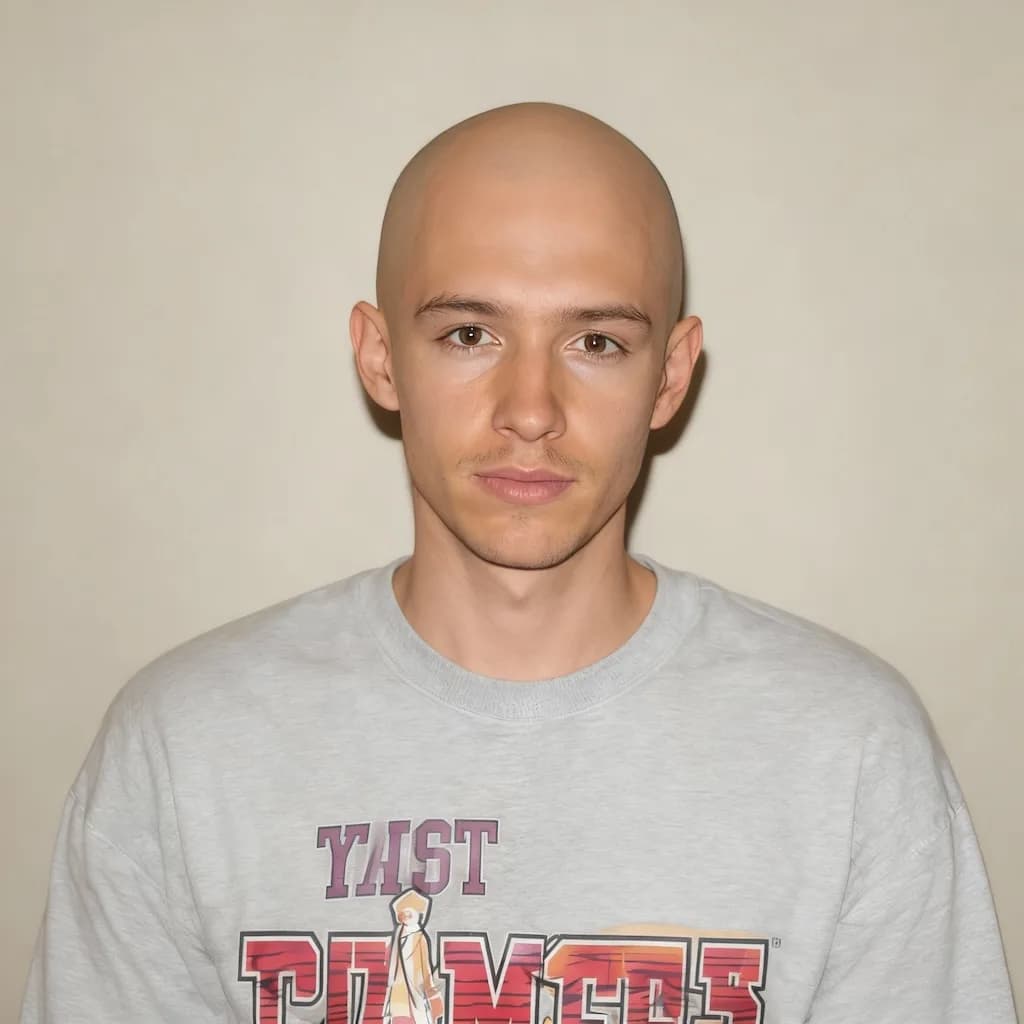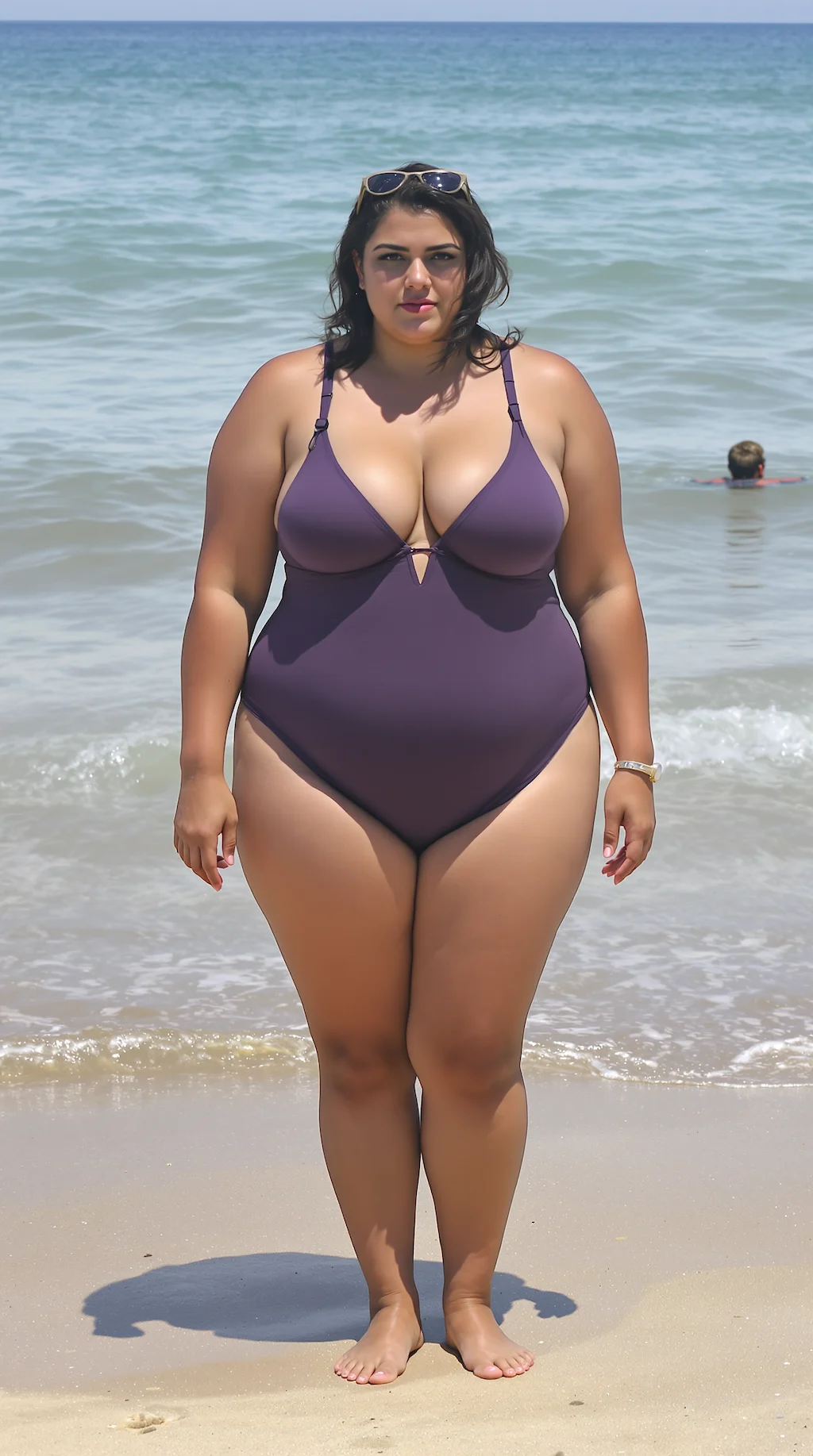
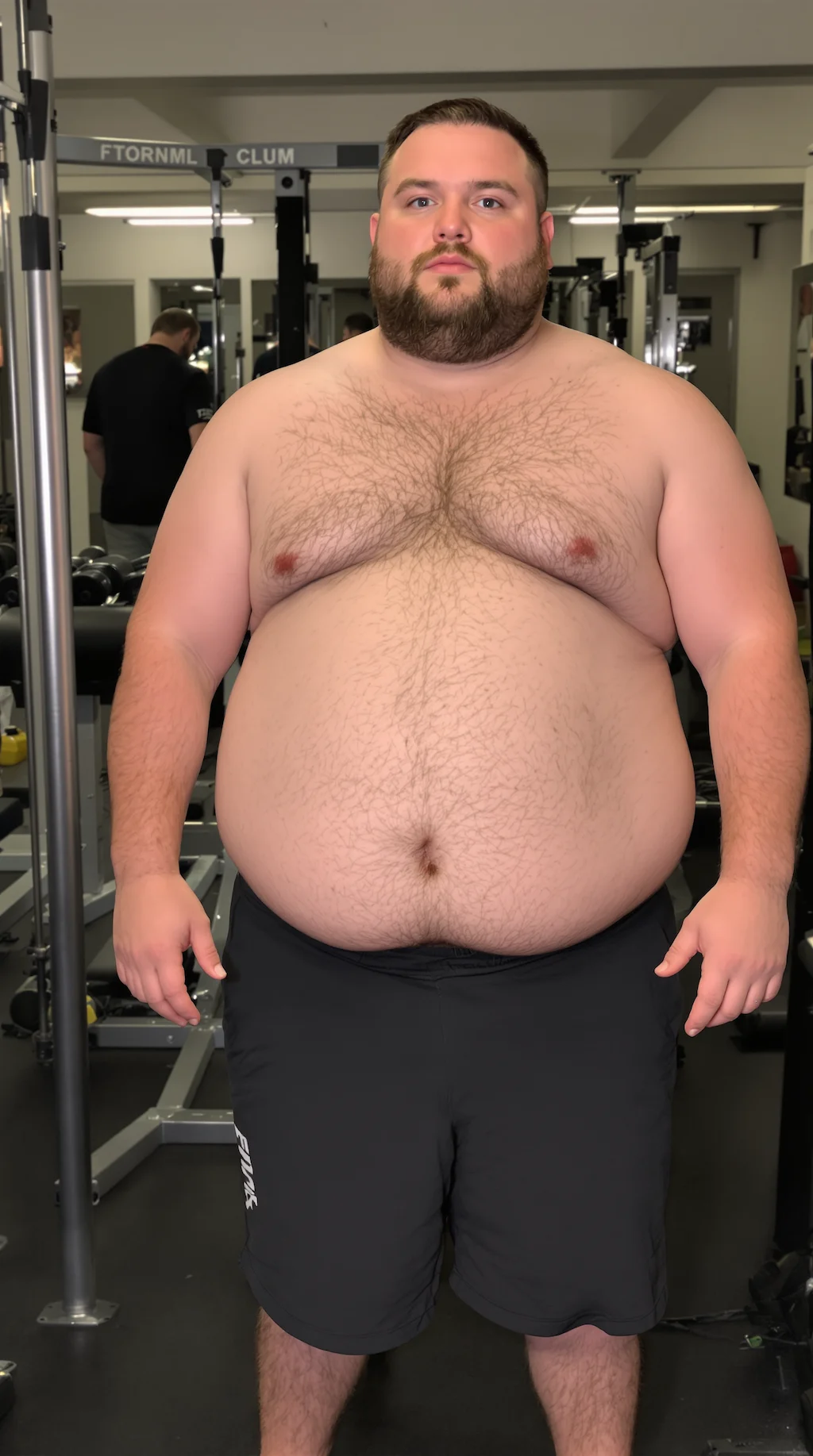
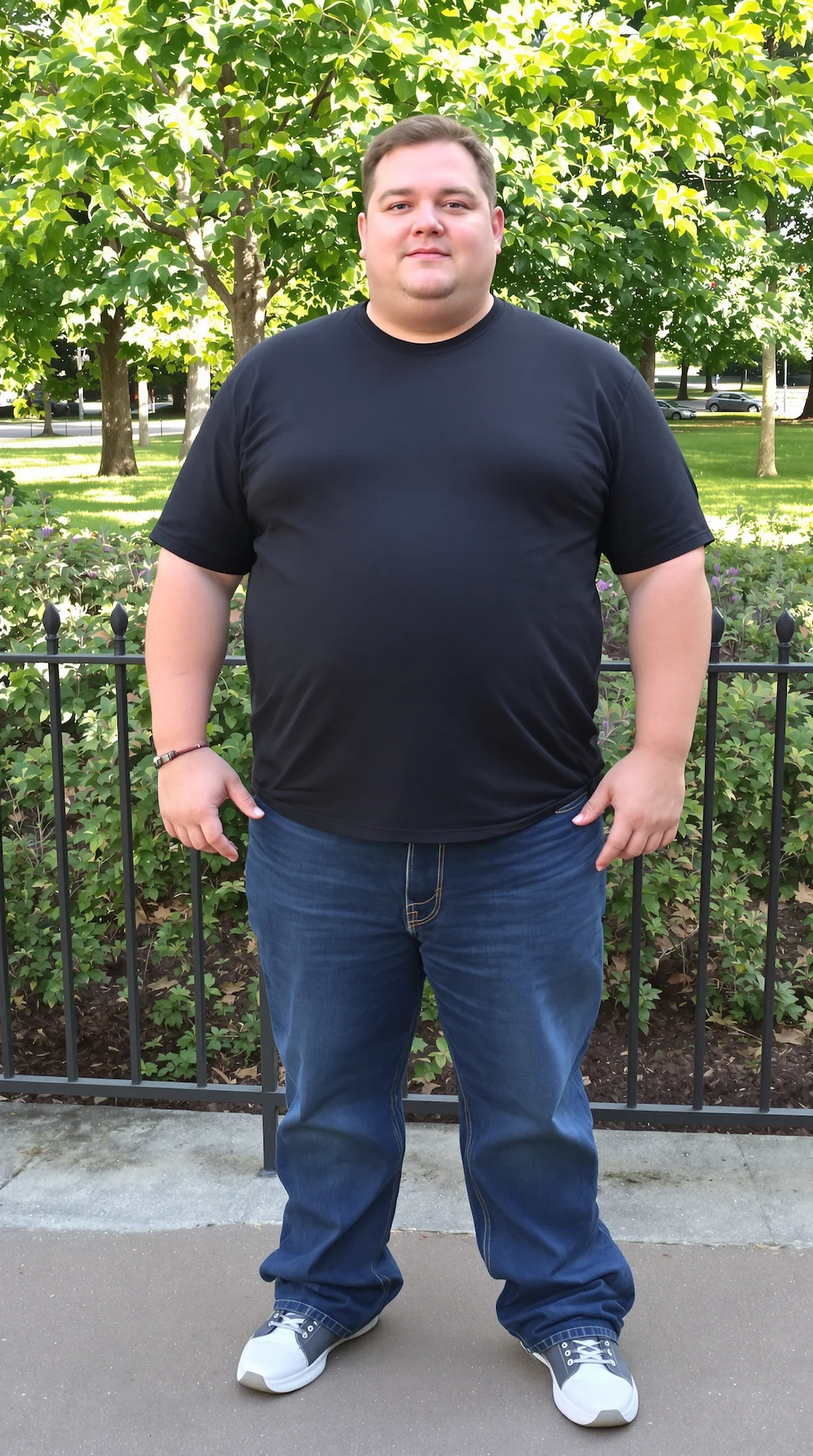
Before
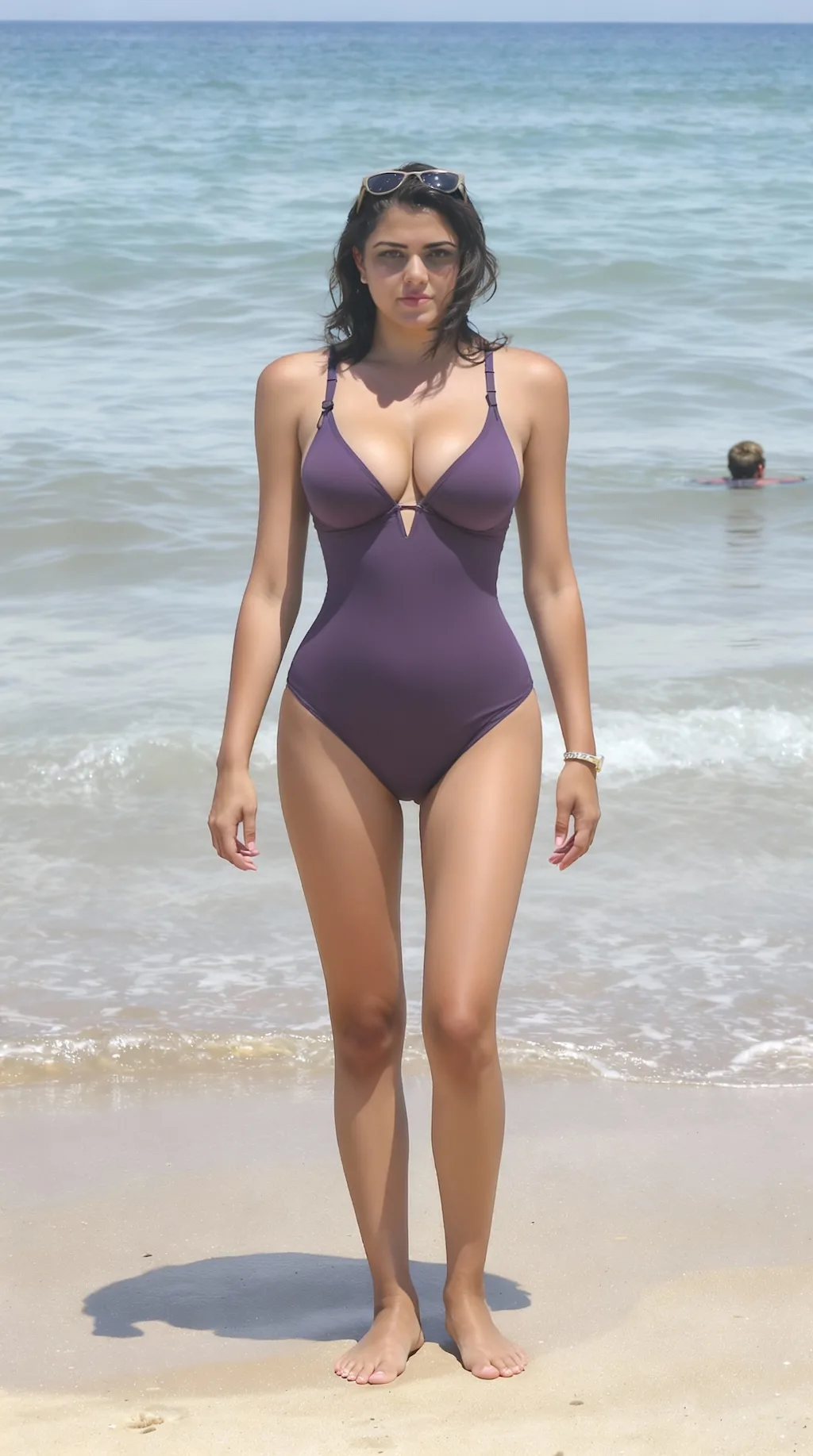
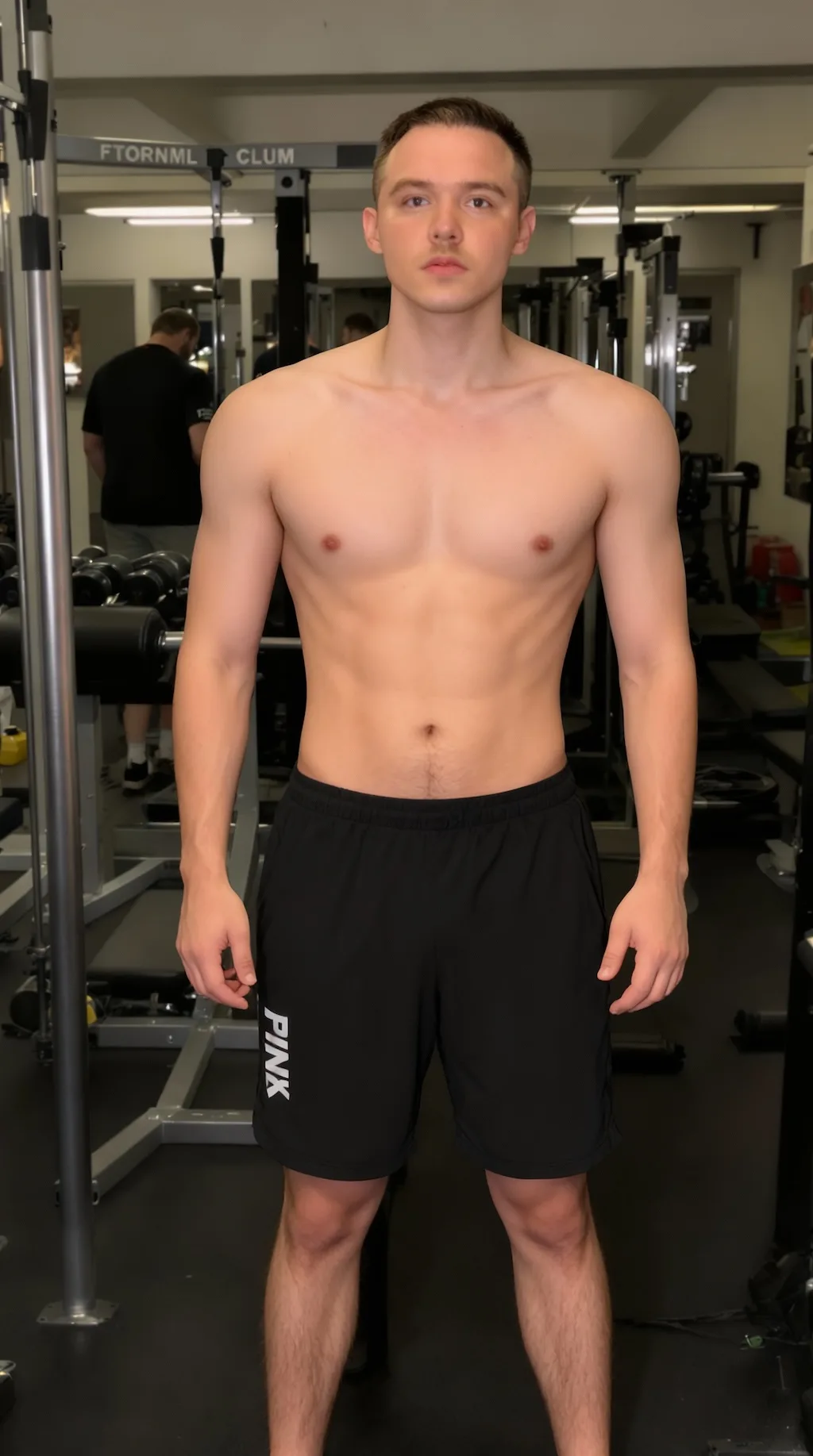
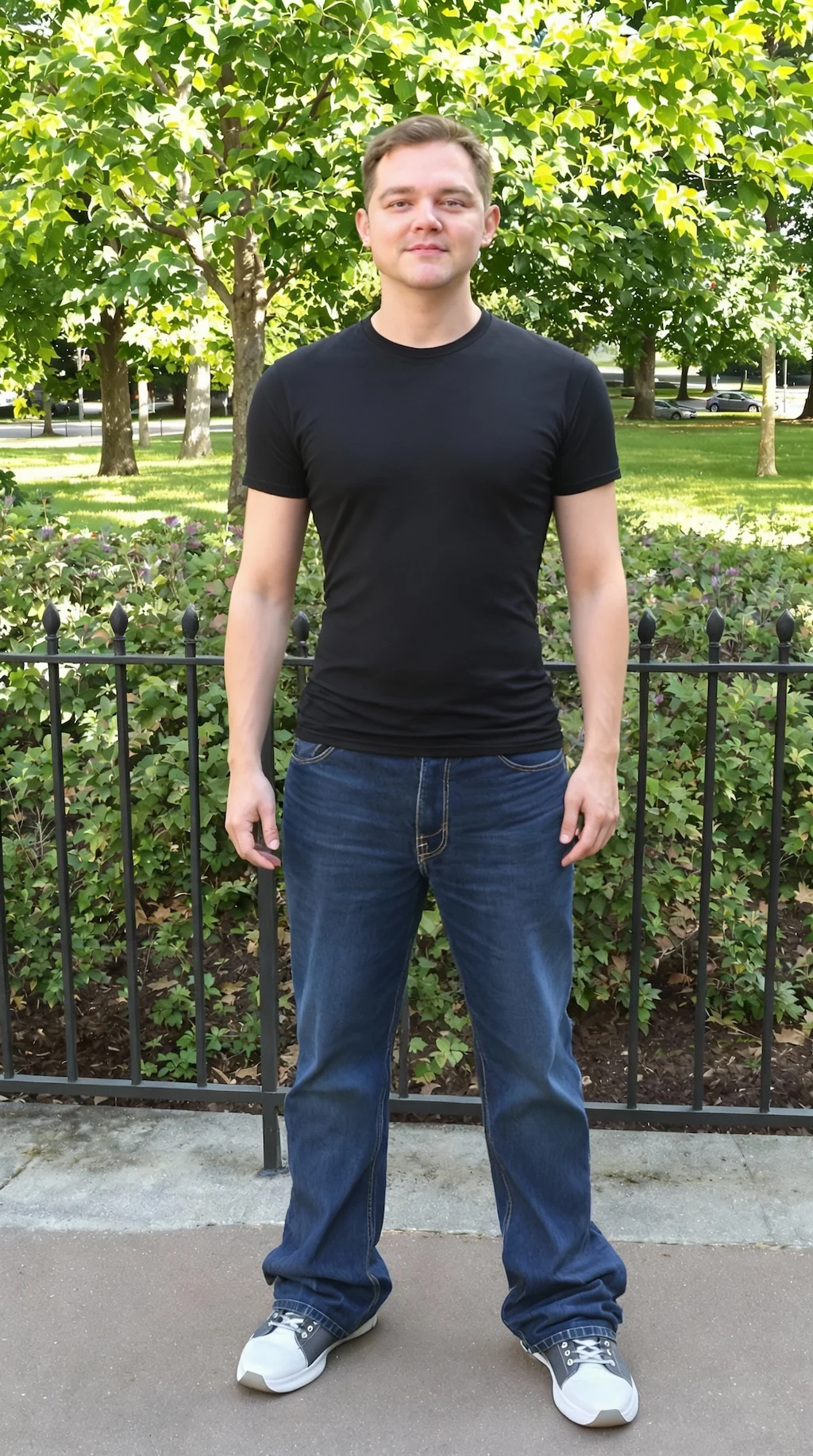
After
01Transformations
What the skinny filter adjusts
Body proportions narrow while posture, the way clothing hangs and your facial identity stay intact — which is what keeps the edit from looking warped.
Create Your Slimmed Photo
Upload your photo to apply natural body slimming effects with Nano Banana Pro
Your Transformed Photo
Give your photos a natural body slimming effect with Nano Banana Pro. Create a toned, slender appearance while maintaining healthy, realistic proportions and facial features for social media, before/after comparisons, or creative visualization.
The original photo on one side, the adjusted version on the other. Drag the slider to see exactly what changed.
Body proportions narrow while posture, the way clothing hangs and your facial identity stay intact — which is what keeps the edit from looking warped.
Full or half-body shots where the silhouette separates from the background work best. Loose, draped clothing hides the body line and is harder to adjust convincingly.
People use it to picture a fitness goal or make a personal comparison, and it's worth being straight about what it is: a retouched image, nothing more.
Three steps, no design skills required.
Add a JPG, PNG or WebP file up to 10MB. A sharp, well-lit photo gives the best result.
AI Skinny Filter handles the transformation automatically.
Preview the generated image and download it, or run another variation.
Common questions about using AI Skinny Filter
AI Skinny Filter creates natural slimming effects on photos. The technology analyzes body shapes and proportions, then applies subtle transformations to create a toned, slender appearance. It focuses on reducing body width proportionally across waist, arms, legs, and other areas while maintaining healthy, realistic proportions and keeping facial features completely unchanged.
Full-body or three-quarter length photos with good lighting and clear visibility work best. The AI performs optimally with photos where the subject is standing or sitting in a natural pose against a simple background. Clear body outlines help the AI detect and transform the shape accurately while maintaining natural proportions. Both casual and professional photos can be transformed effectively.
Each AI Skinny Filter transformation uses 2 credits. You can purchase credit packages for additional credits.
Yes. Your transformed photos are yours to keep — share them on social media, use them as profile pictures, or include them in before/after comparisons and creative projects. They can be shared, edited, or used as you wish.
Yes. The AI creates subtle, natural-looking slimming effects that maintain healthy proportions. The AI avoids extreme distortion and focuses on creating a toned, slender appearance that looks realistic. Facial features remain completely unchanged, and the body transformations are proportional and balanced to ensure the result looks authentic rather than artificially edited.
AI Skinny Filter automates the complex process of body reshaping that would normally require professional editing skills. Instead of manually adjusting specific areas, the AI intelligently detects body contours and applies proportional slimming effects across the entire figure. This saves time, ensures natural results, and requires no technical photo editing knowledge - simply upload your photo and let the AI handle the transformation in seconds.
Still have questions? Contact support@nano-banana-pro.ai
Other Nano Banana Pro templates that work with the same photo.