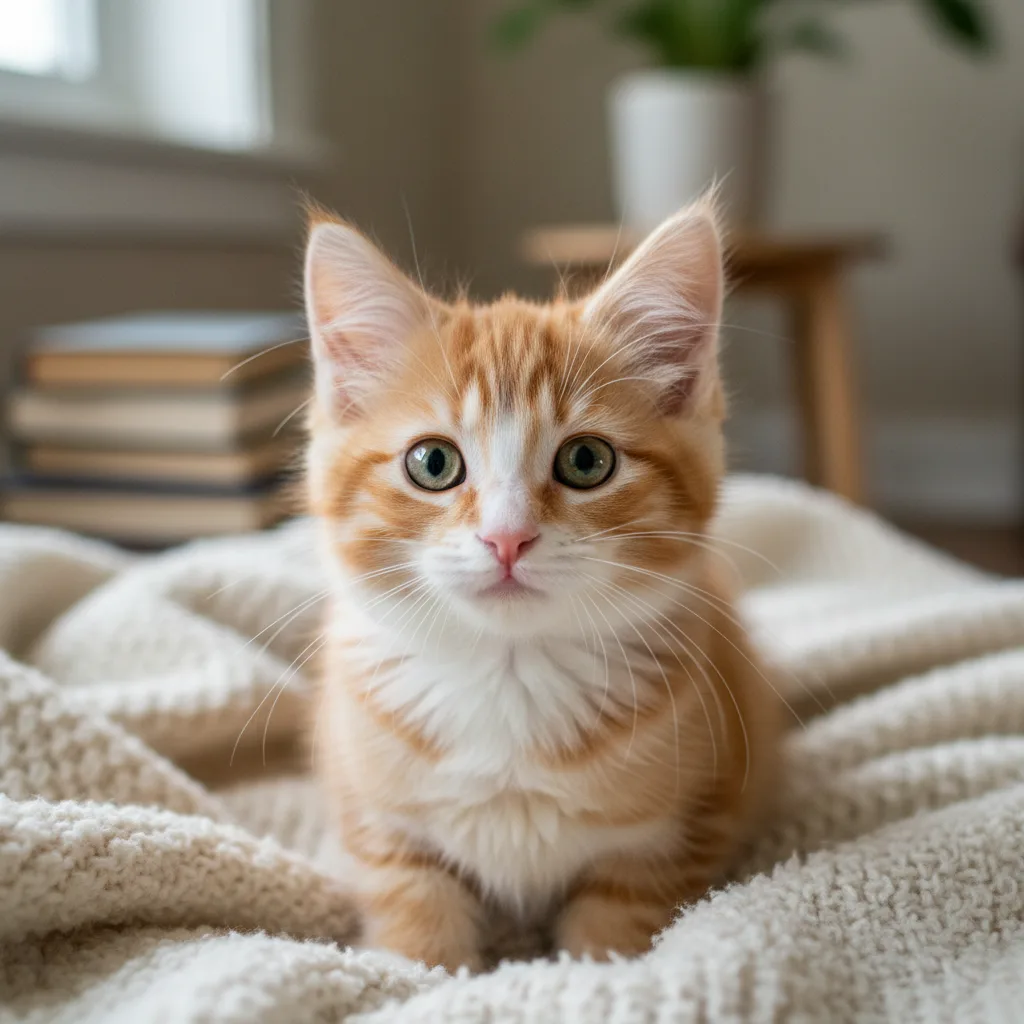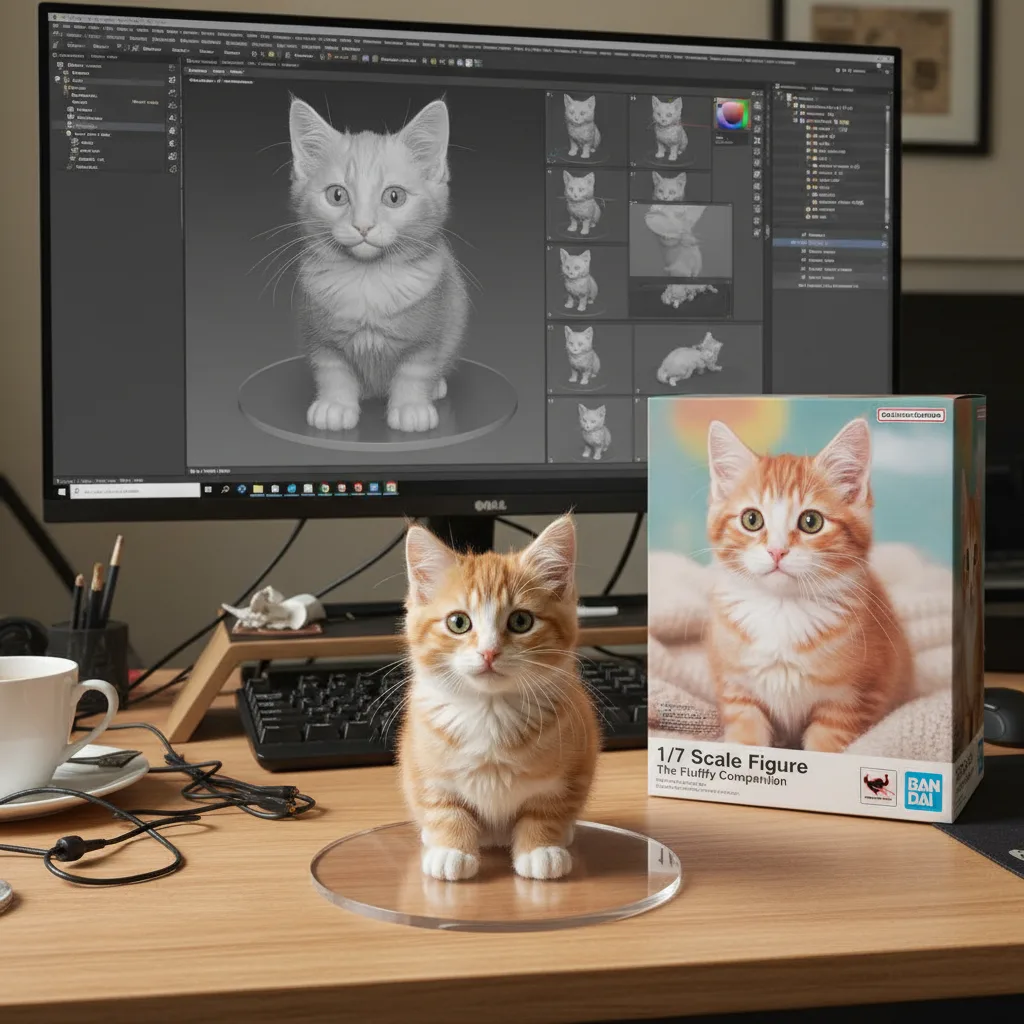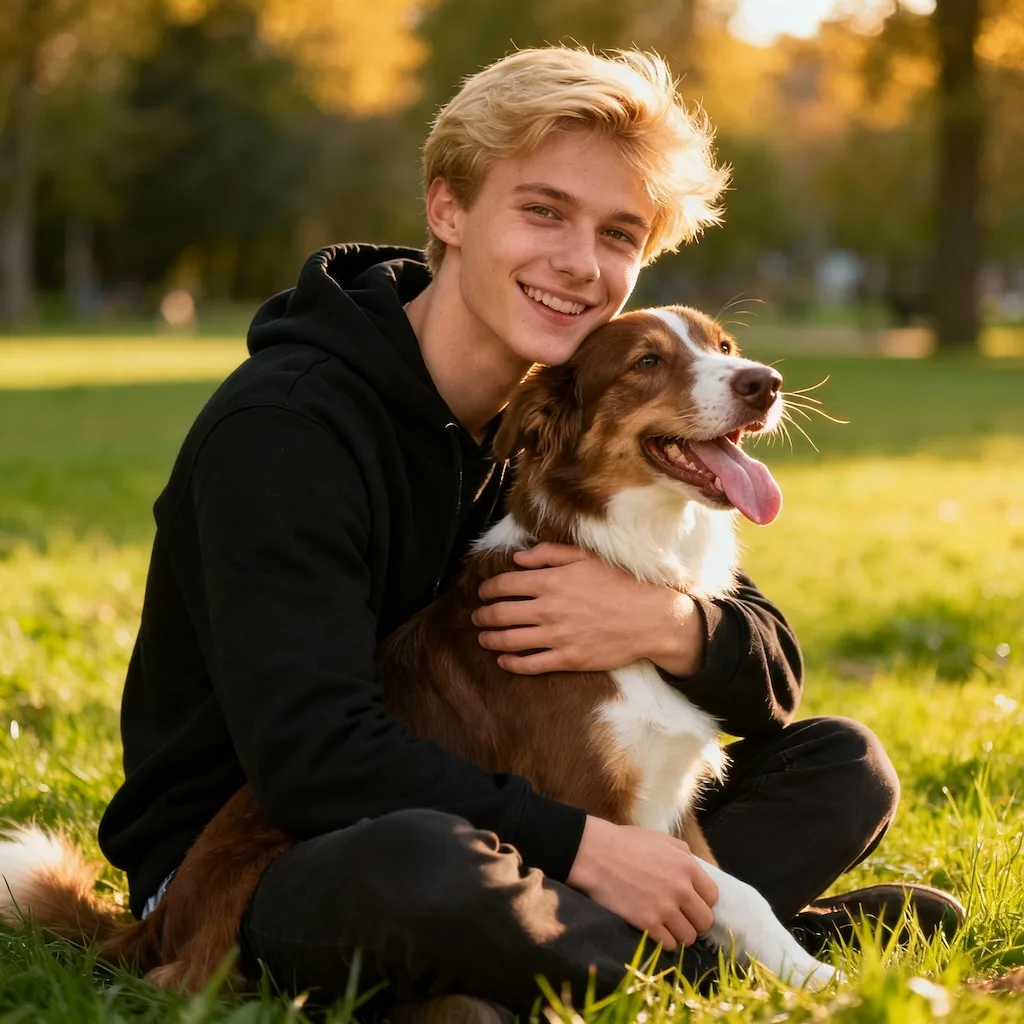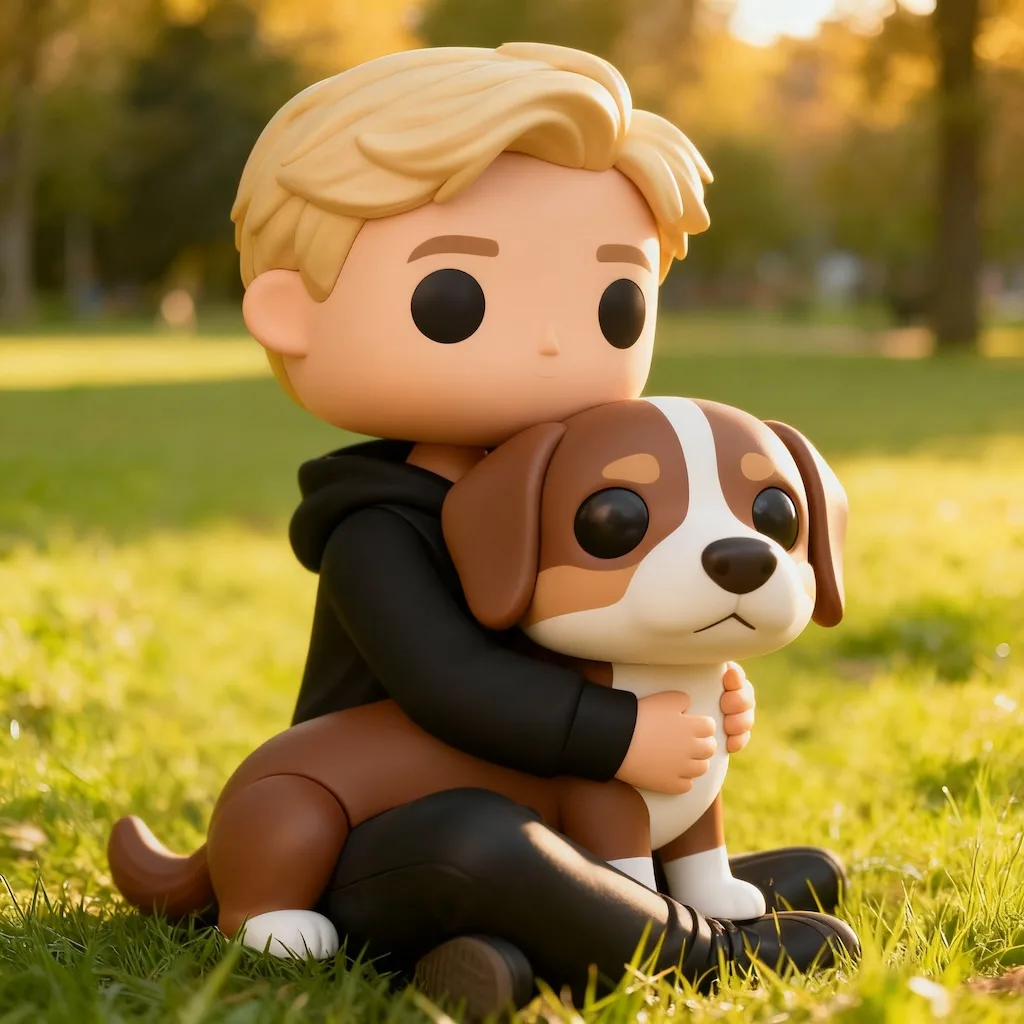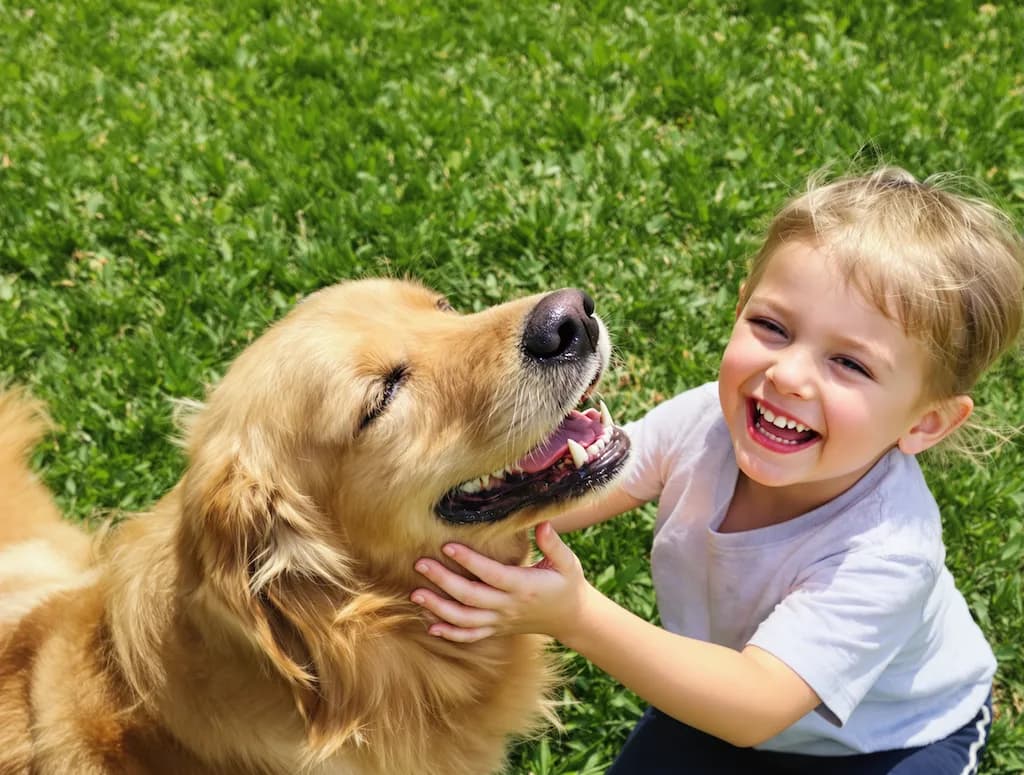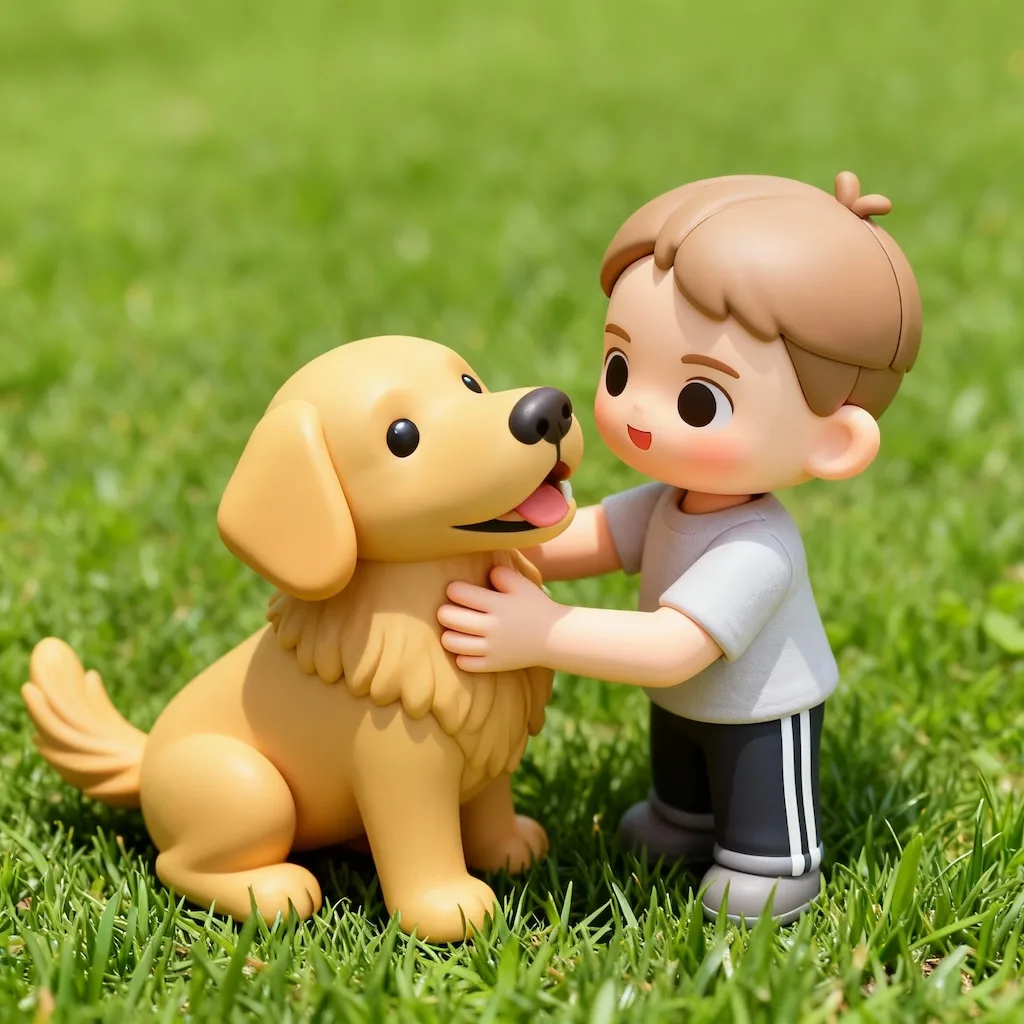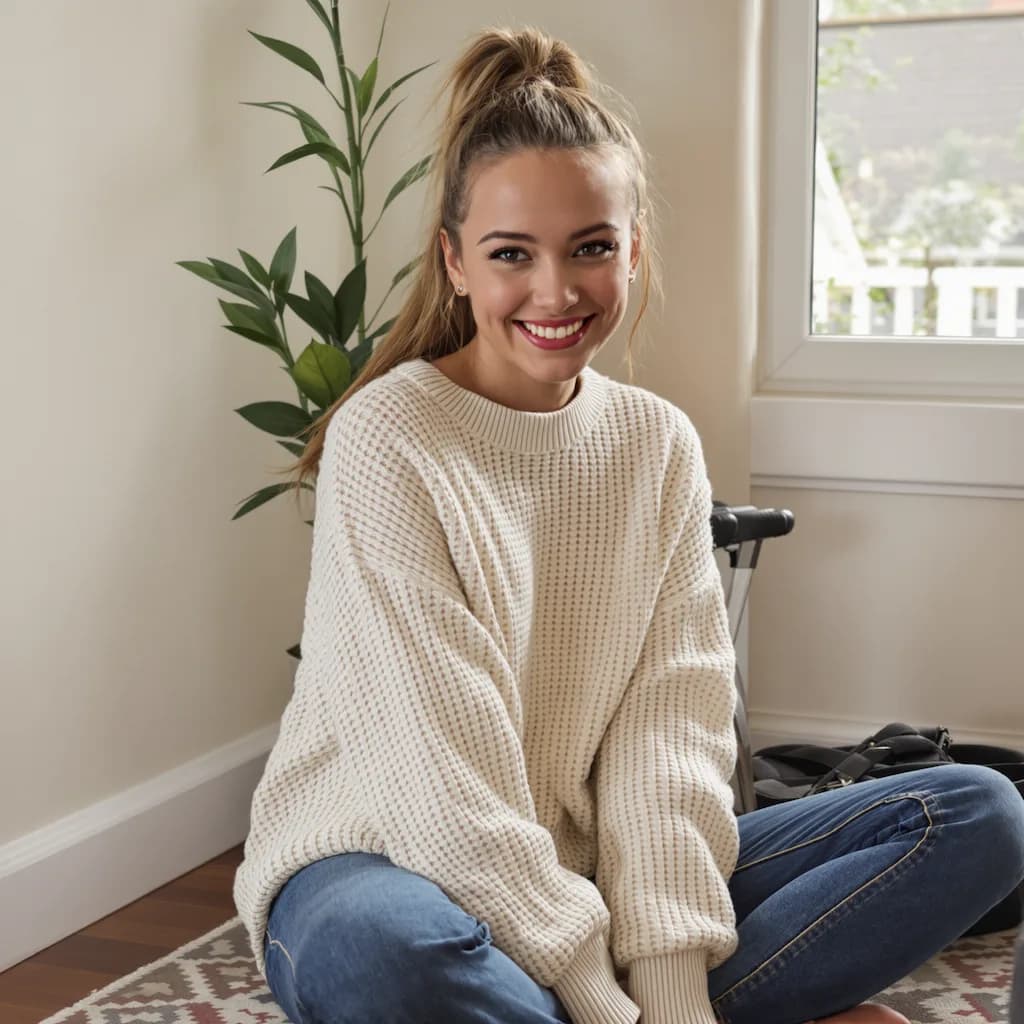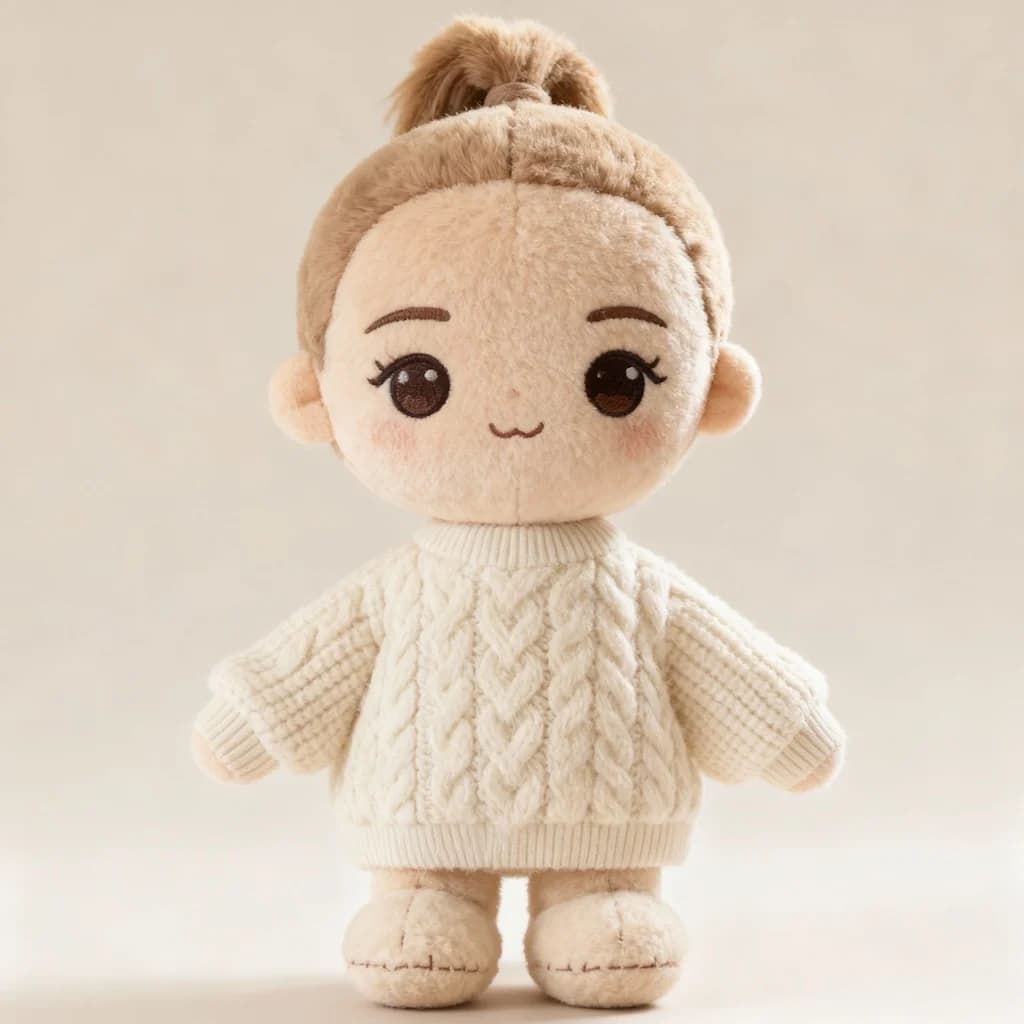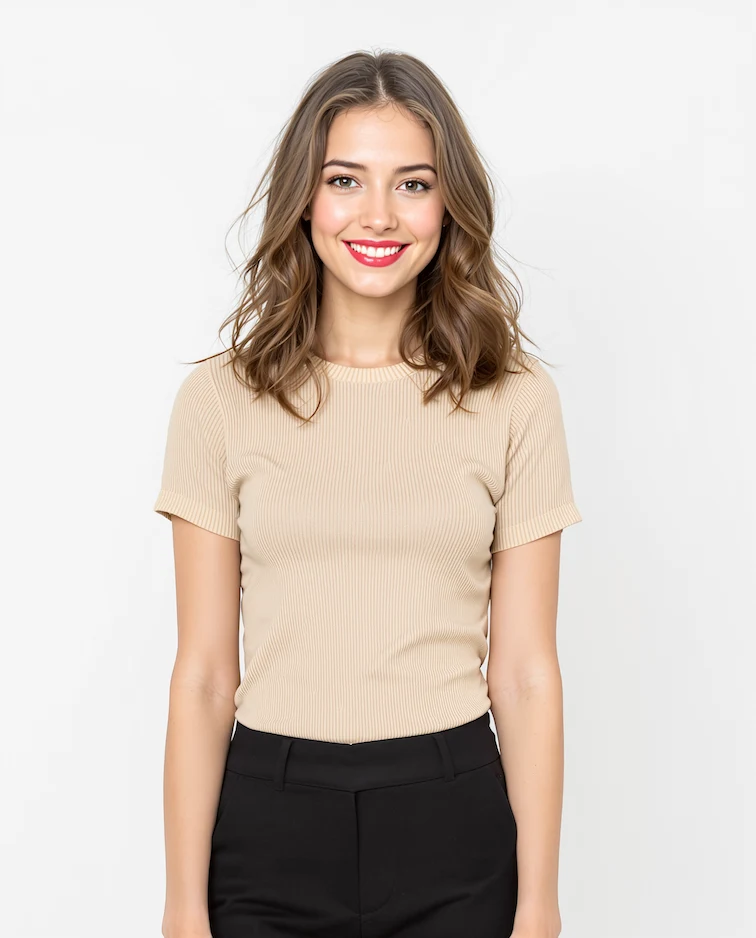
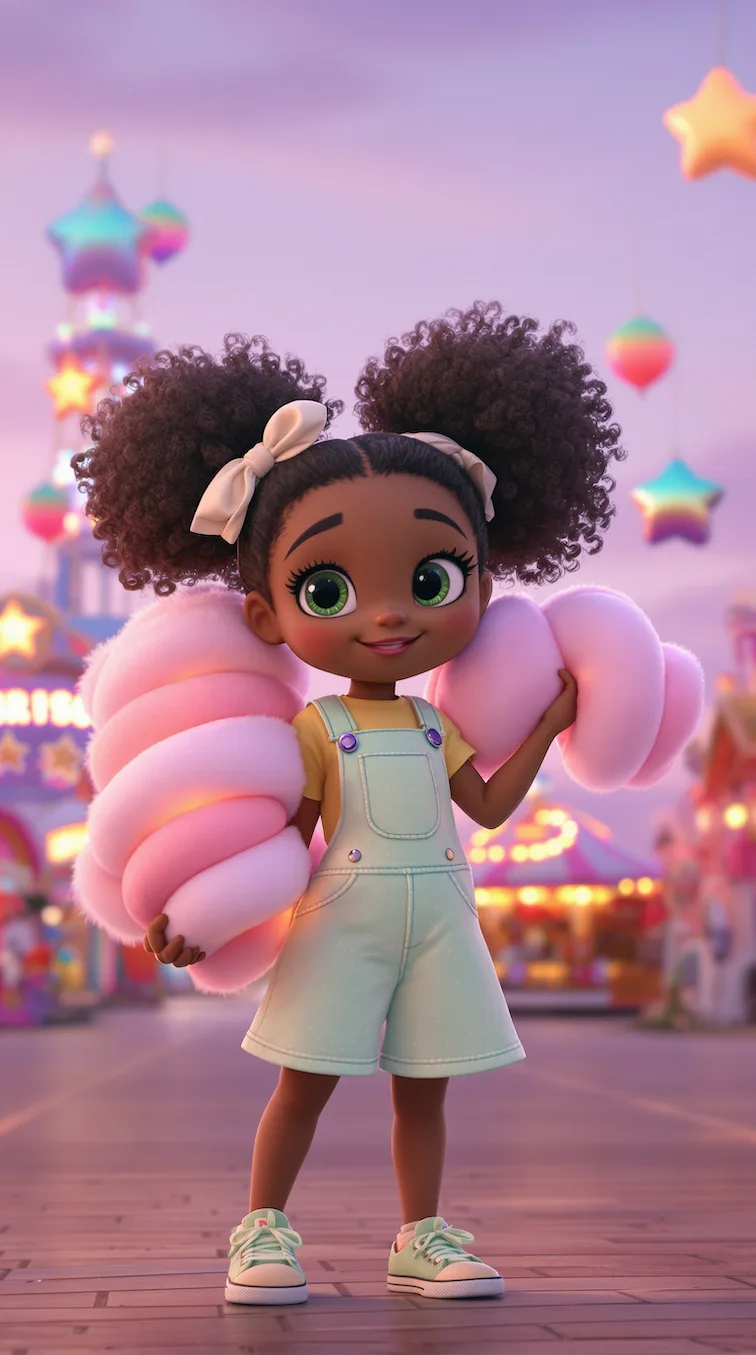
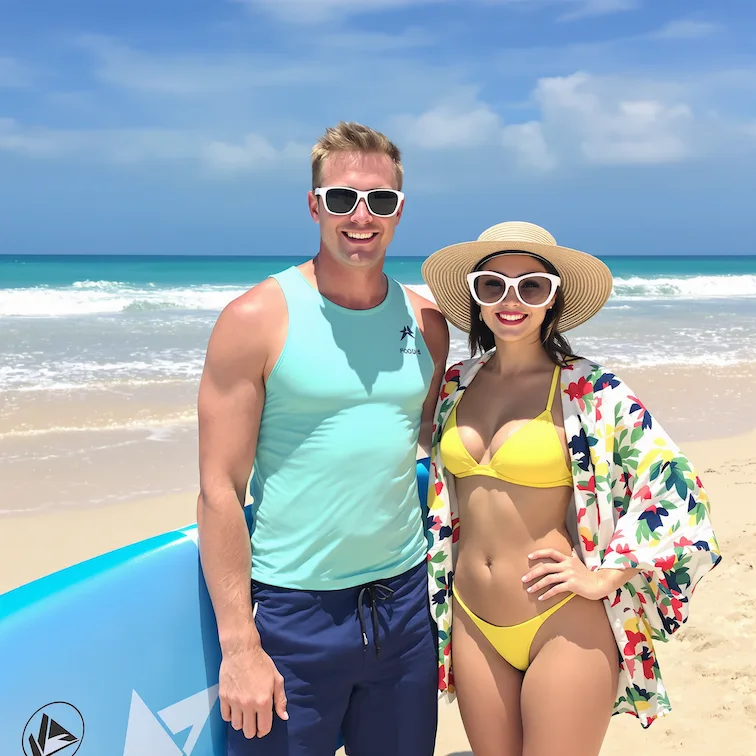
Before
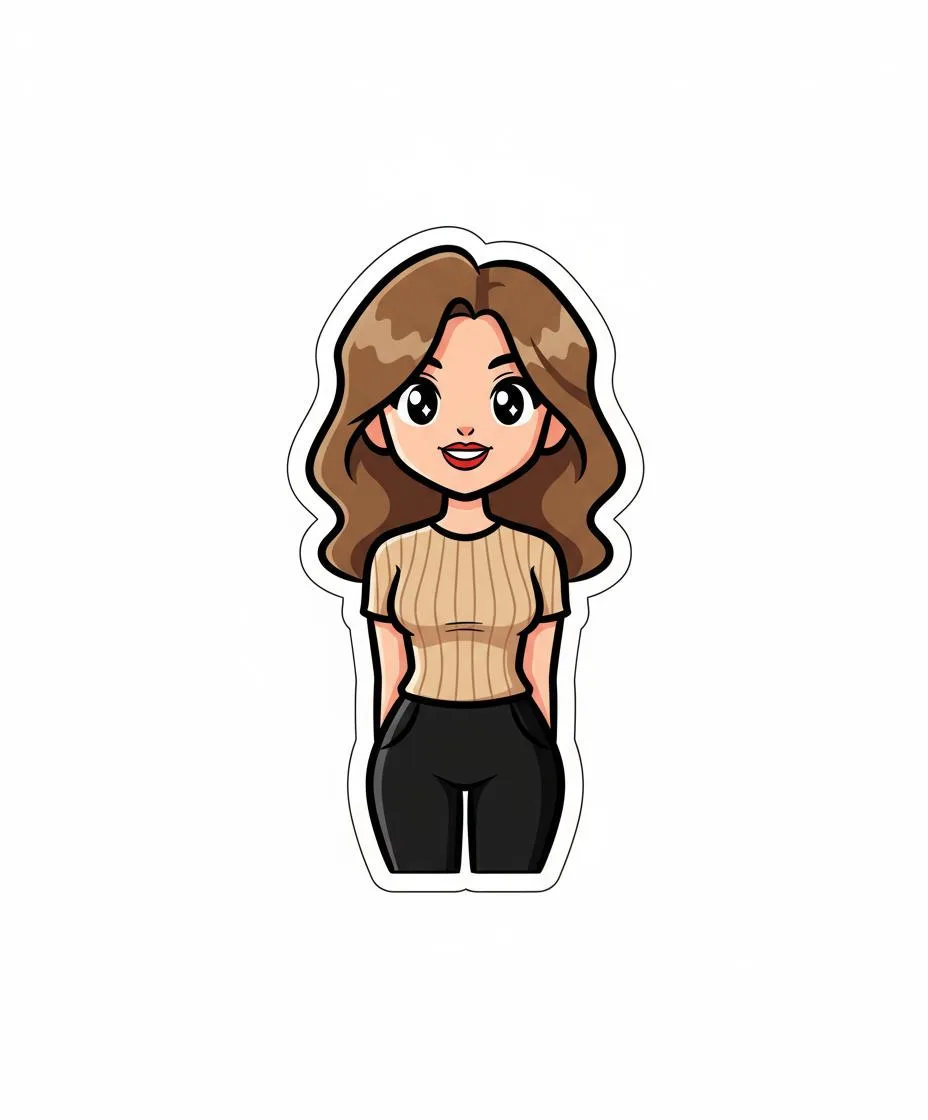
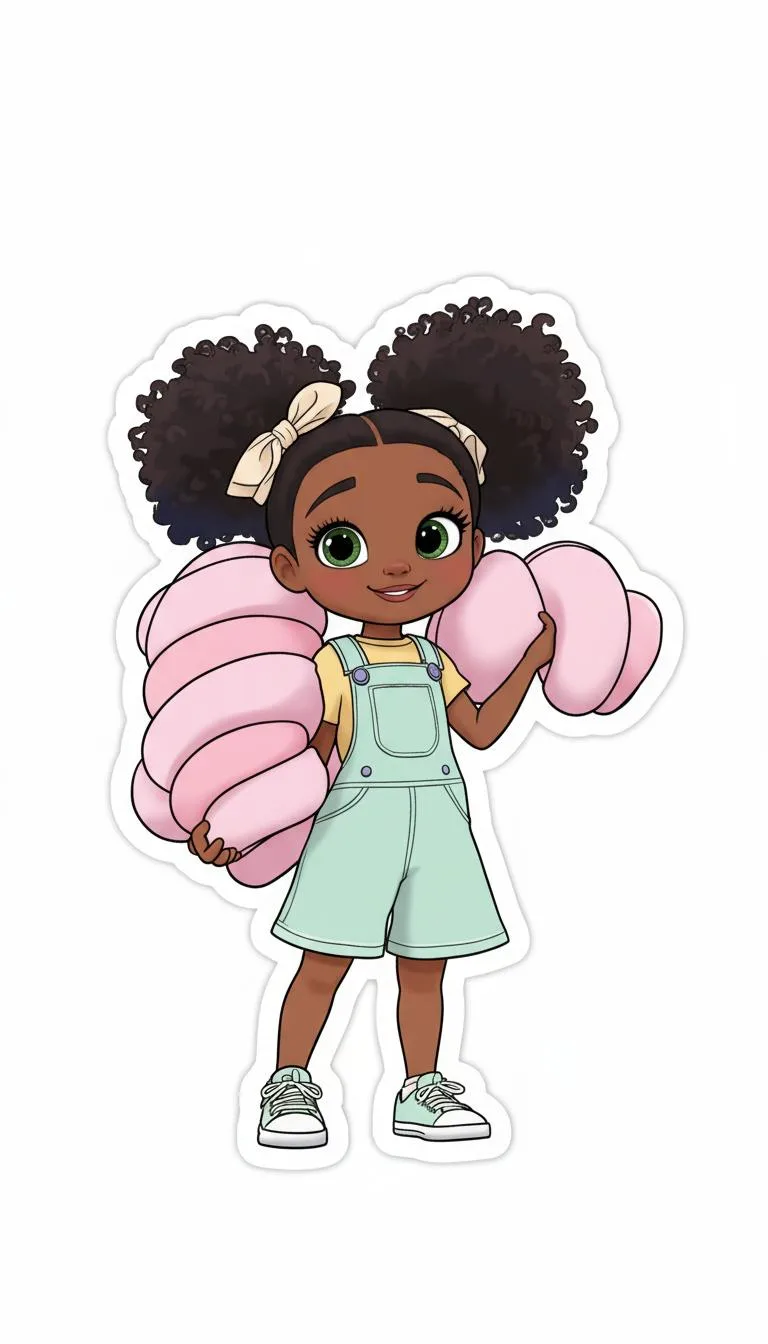
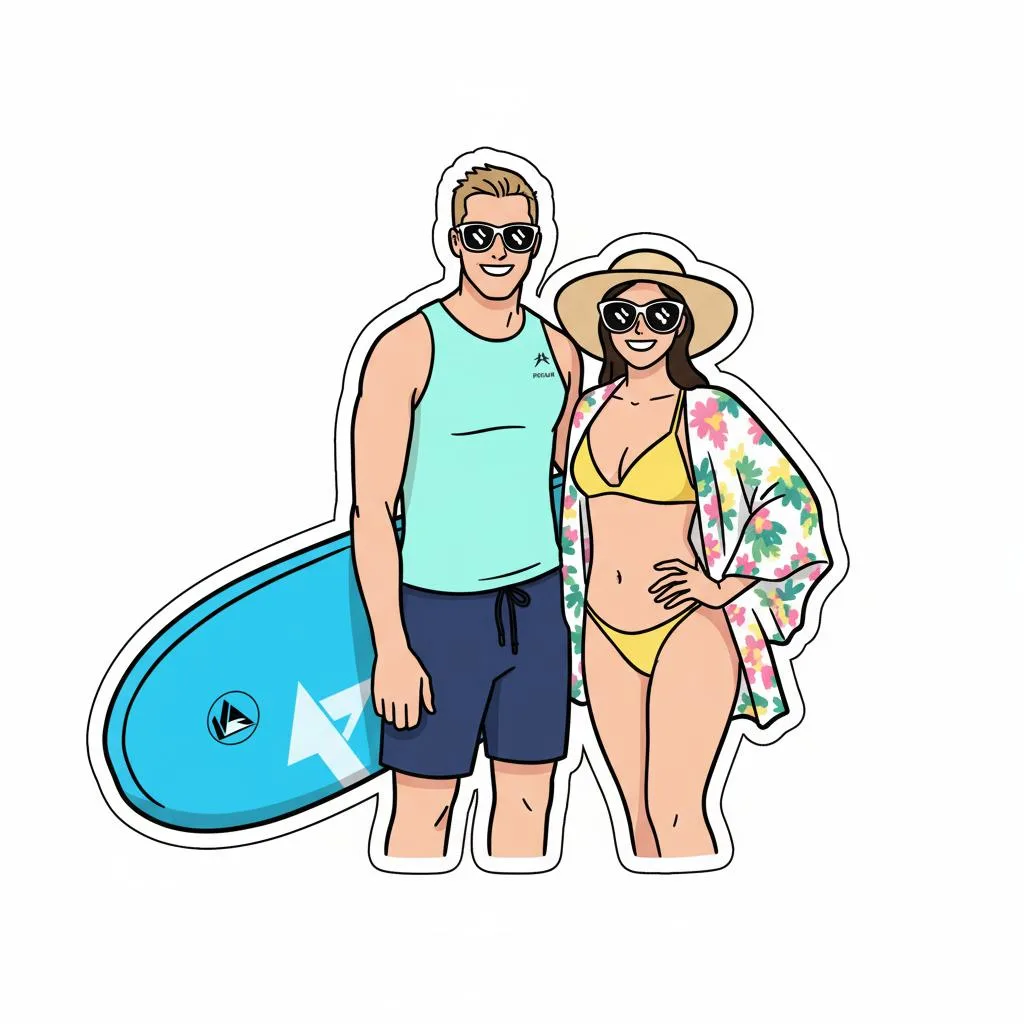
After
01Transformations
What makes it read as a real sticker
Bold clean outlines, simple cel shading and a flat white cut-out — the three things that let a sticker sit properly on a chat bubble or a laptop lid.
Sticker Generation Tool
Turn any image into adorable kawaii-style stickers with bold outlines and vibrant colors
Generated Stickers
Create kawaii-style stickers from any image with Nano Banana Pro
Ordinary pictures turned into cut-out kawaii stickers. Drag the slider to see what gets kept and what gets dropped.
Bold clean outlines, simple cel shading and a flat white cut-out — the three things that let a sticker sit properly on a chat bubble or a laptop lid.
A subject filling most of the frame with a clear outline works best. Busy backgrounds matter far less here, since everything behind the subject is dropped in the cut-out.
Most people build sticker packs for messaging apps, but the same cut-outs print well on vinyl for laptops, bottles and short merch runs.
Three steps, no design skills required.
Add a JPG, PNG or WebP file up to 10MB. A sharp, well-lit photo gives the best result.
Kawaii Sticker Creator handles the transformation automatically.
Preview the generated image and download it, or run another variation.
Common questions about using Kawaii Sticker Creator
This Nano Banana Pro style creates kawaii-inspired sticker designs with bold outlines, simple cel-shading, and vibrant colors on a white background.
Clear subjects like characters, pets, objects, or simple scenes work best. The AI will automatically simplify complex images into sticker-friendly designs.
Yes. The generated stickers are high-resolution and perfect for printing. They include clean edges ideal for cutting and creating physical stickers.
Commercial use may be permitted, subject to our Terms of Service, applicable law, and third-party rights. You are responsible for reviewing generated outputs before any commercial use.
Still have questions? Contact support@nano-banana-pro.ai
Other Nano Banana Pro templates that work with the same photo.