
Create Your Plush Toy Version

Upload your photo to transform it into an adorable plush toy collectible with Nano Banana Pro

Your Plush Toy Creation

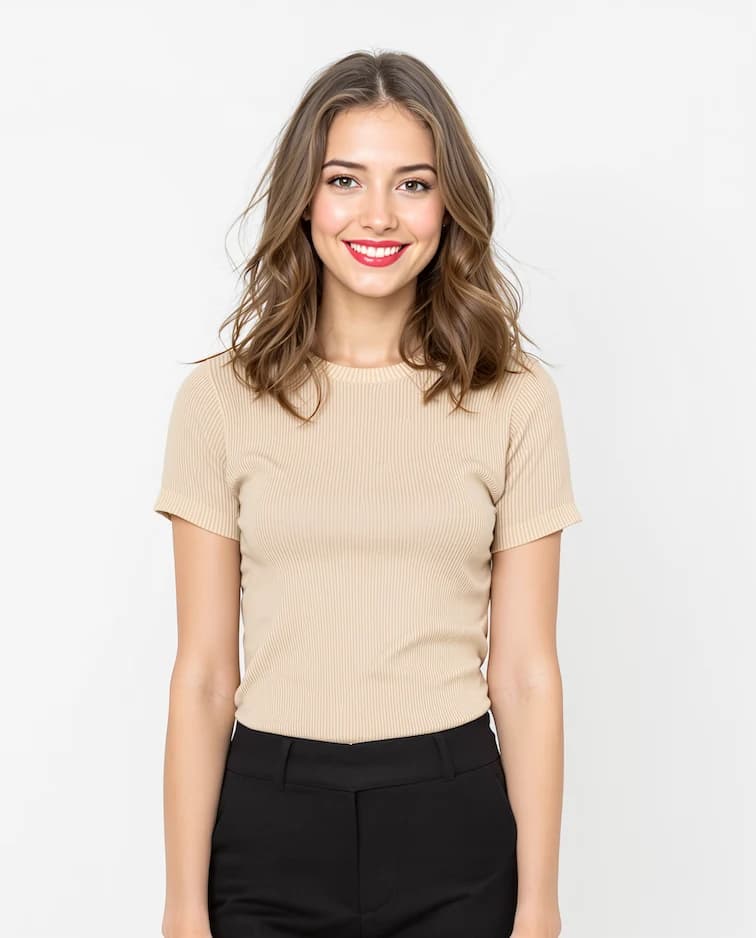
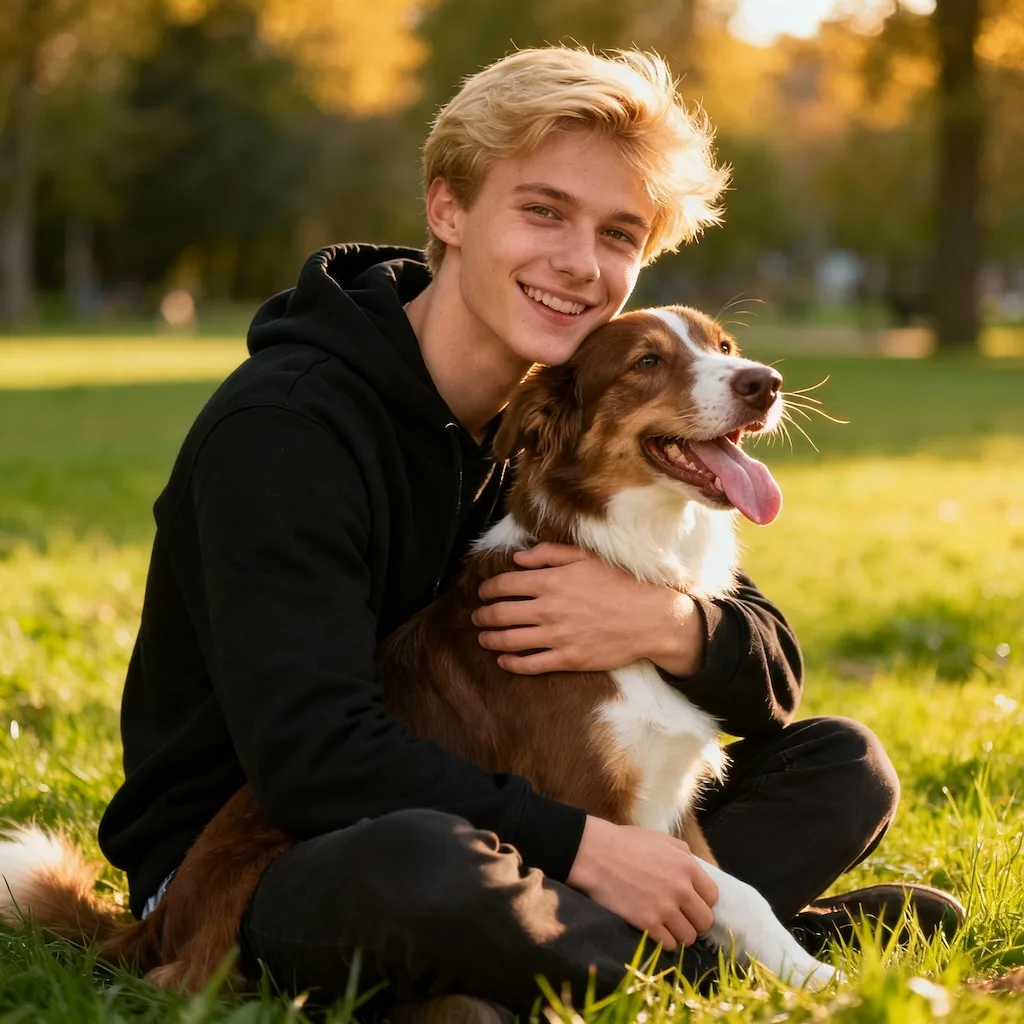
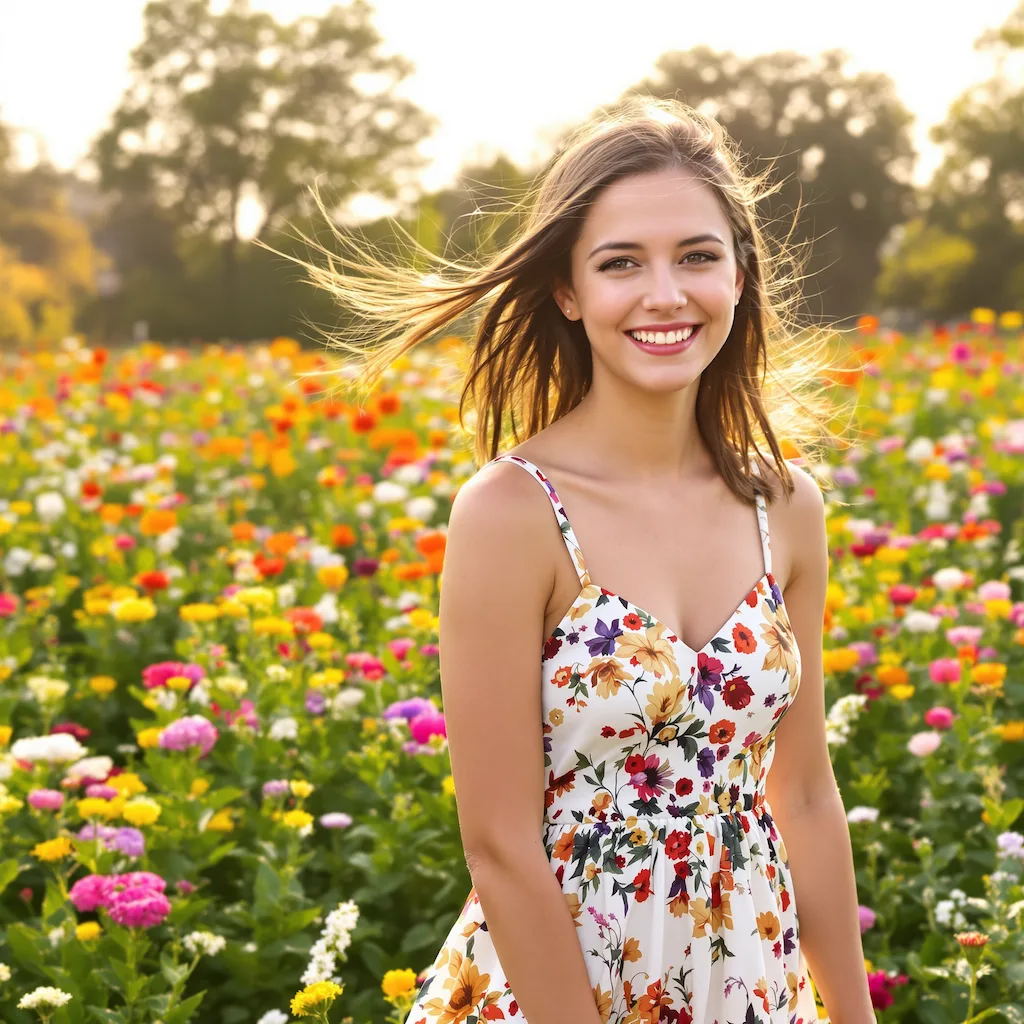
Original photo before AI transformation, example 1
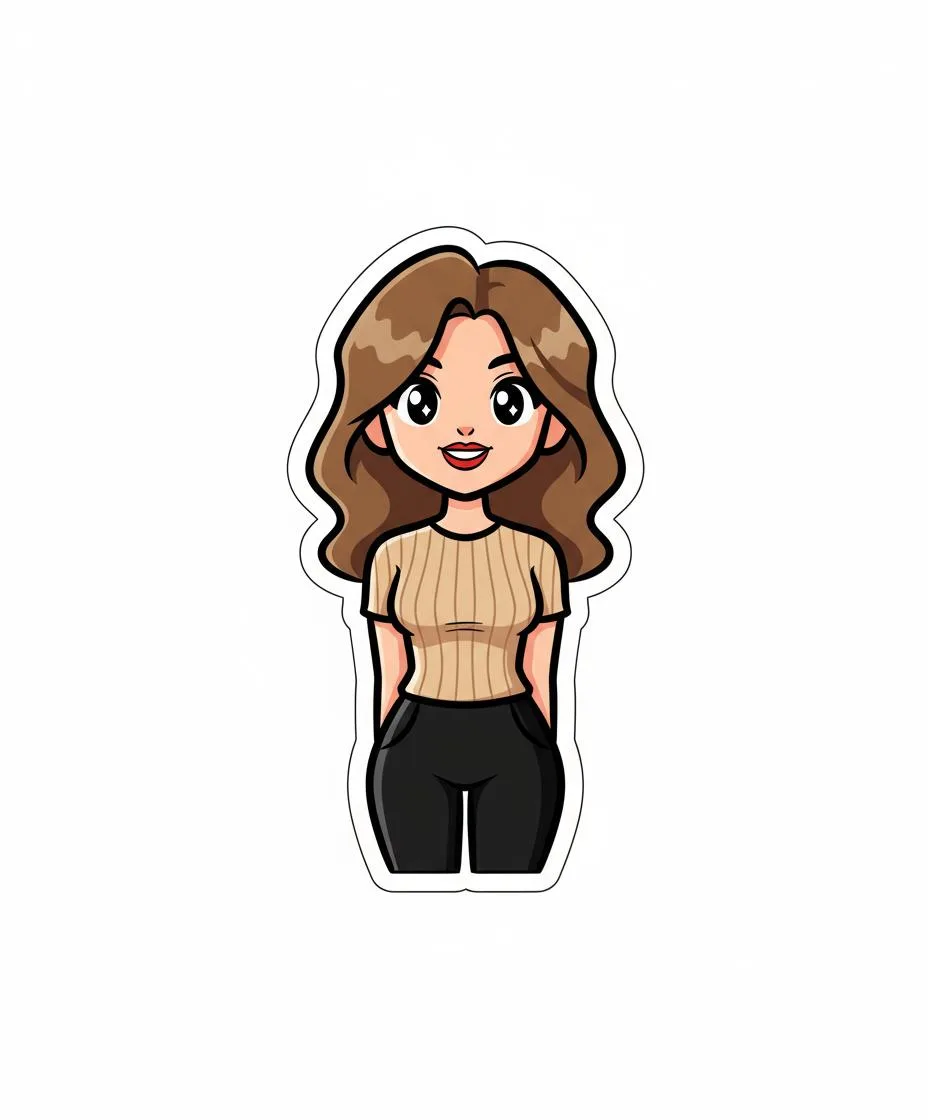
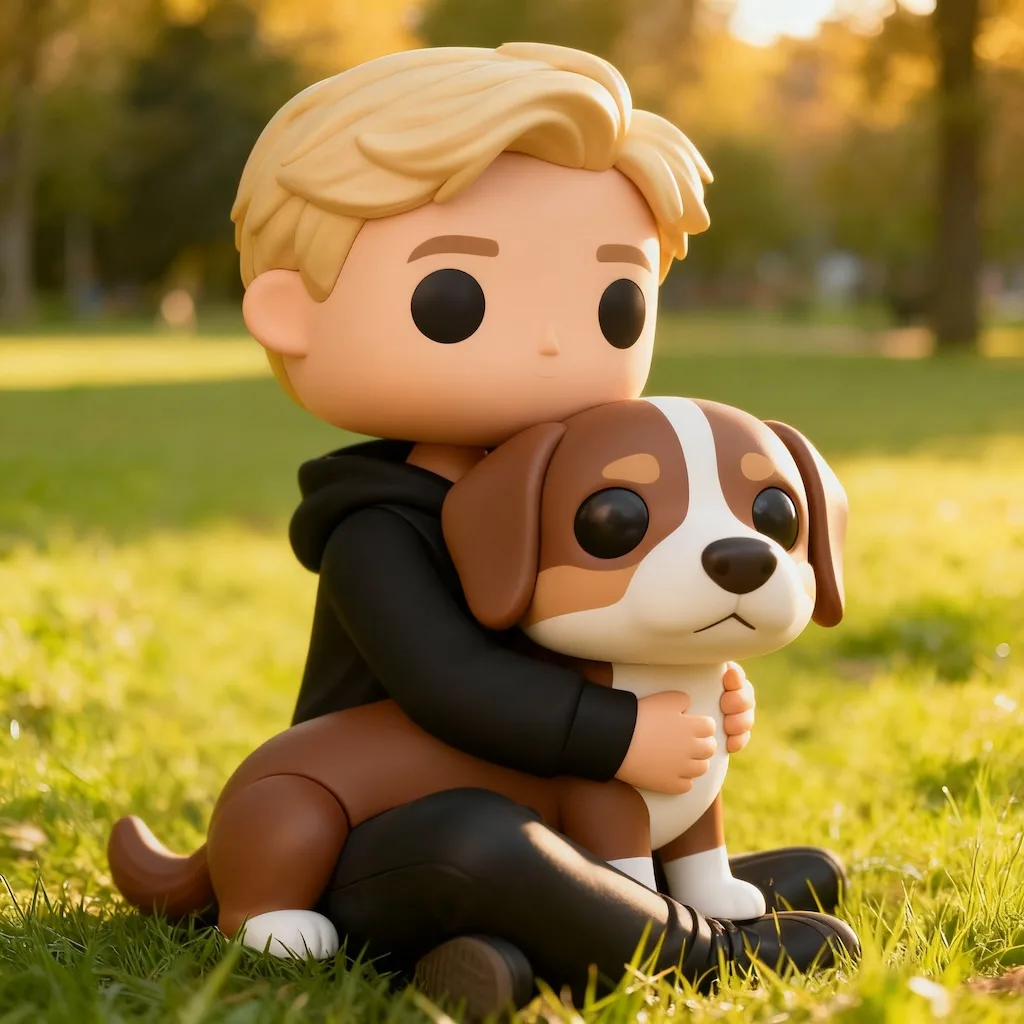
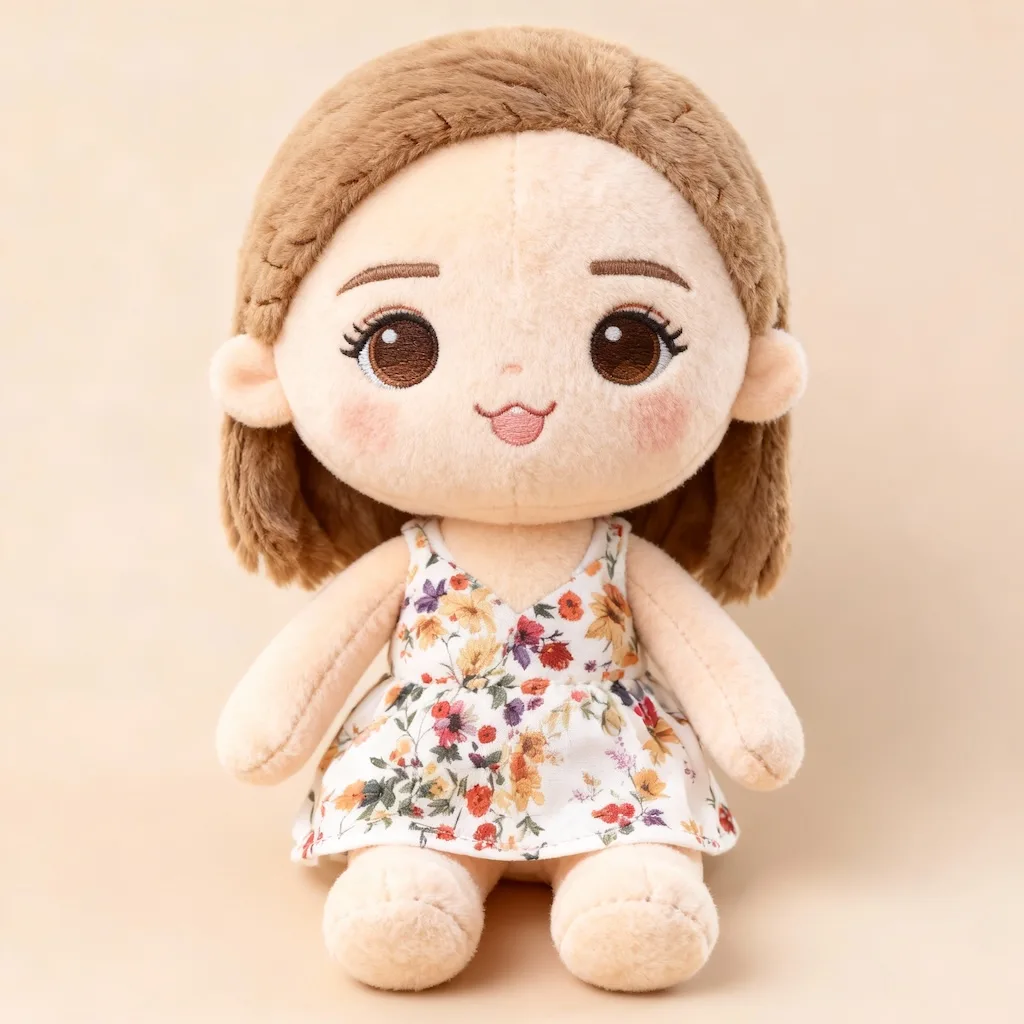
AI image generated with Nano Banana Pro, example 1
Before
After
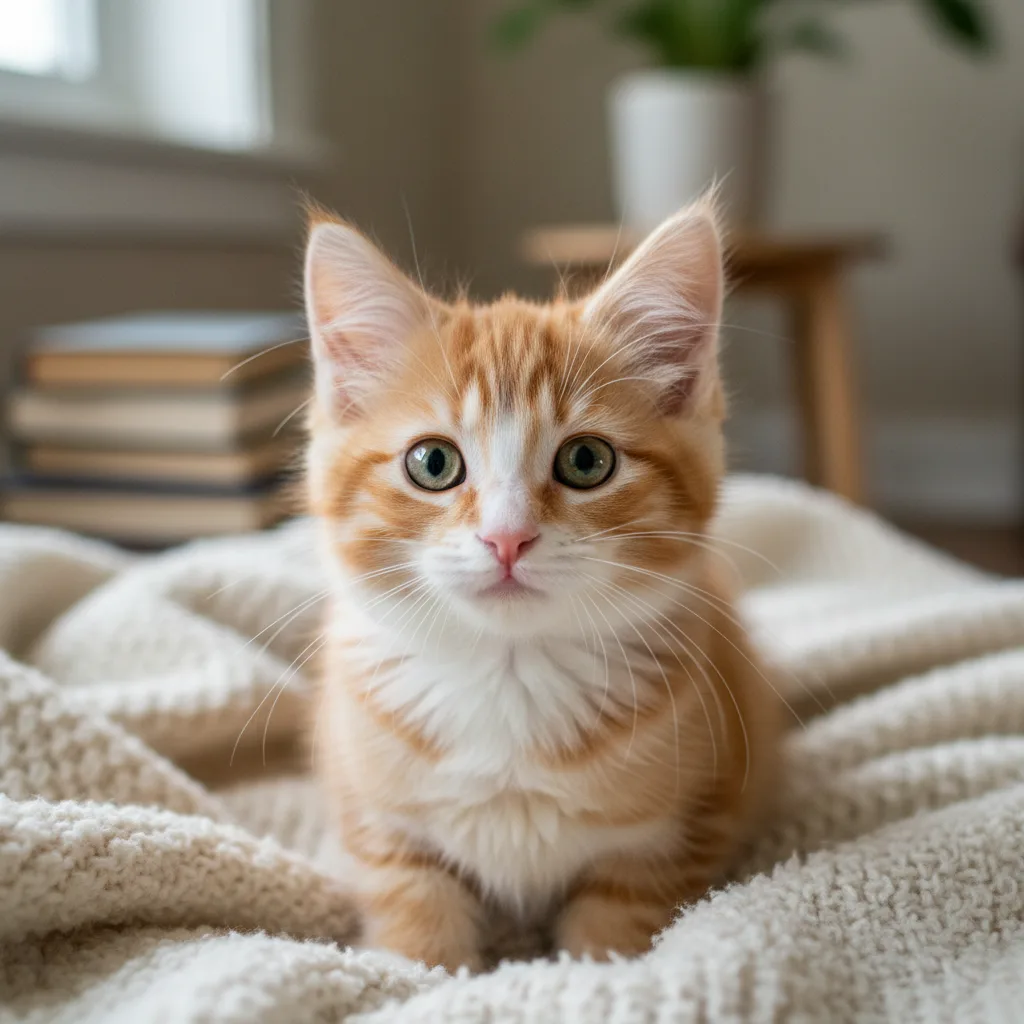
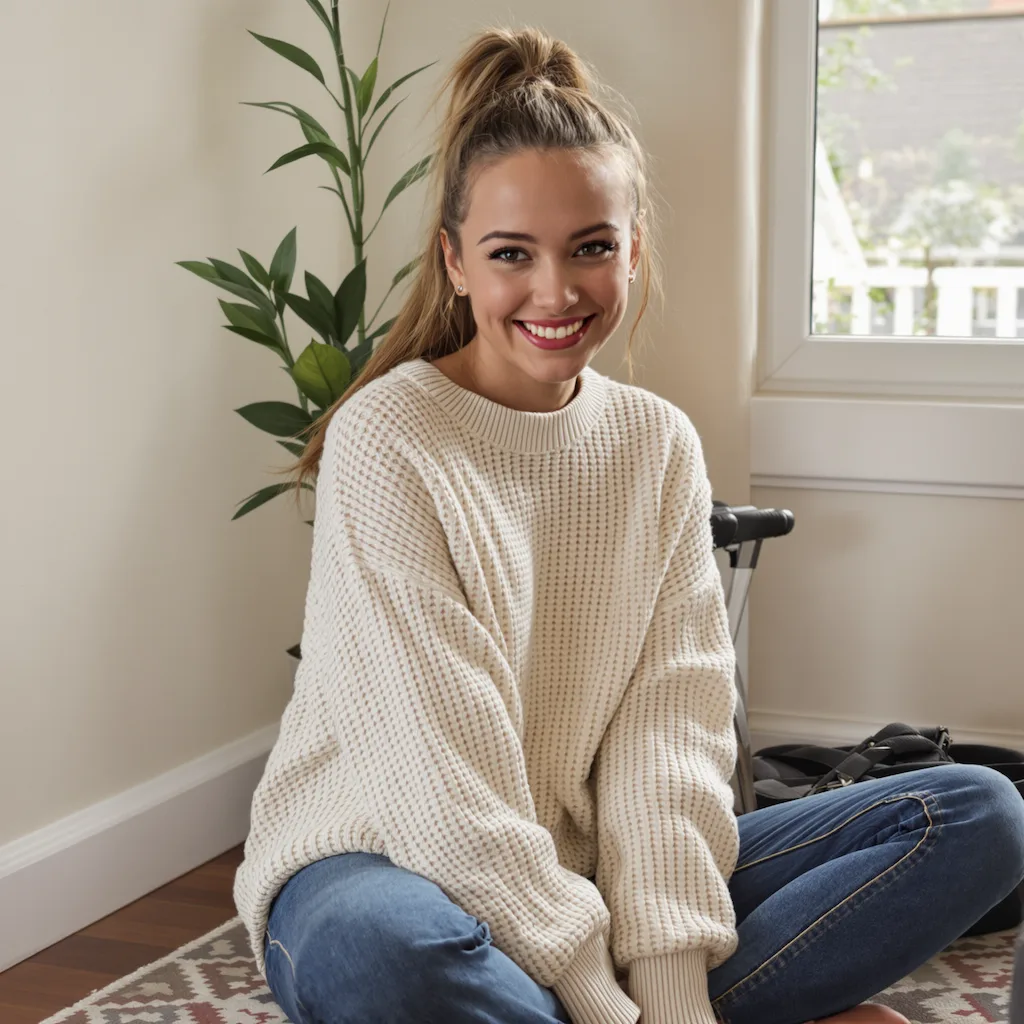
Original photo before AI transformation, example 2
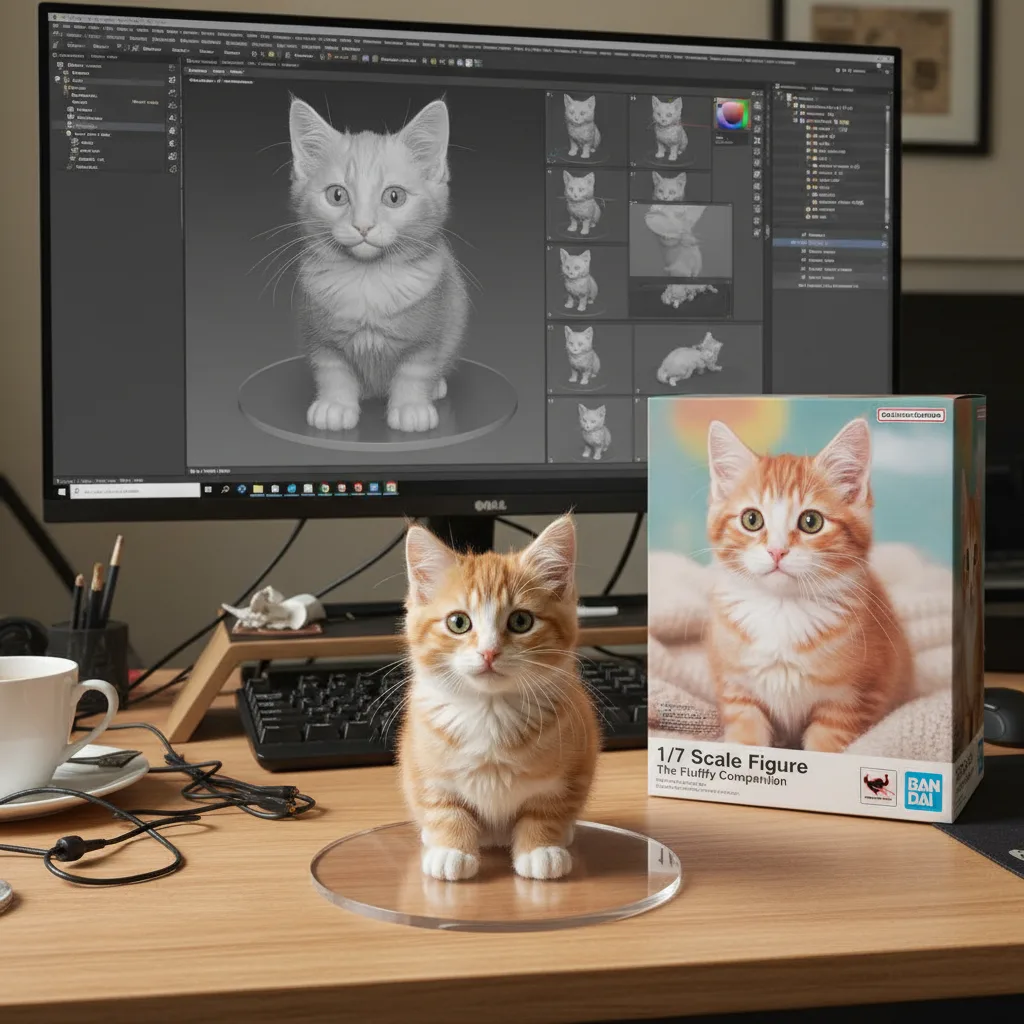
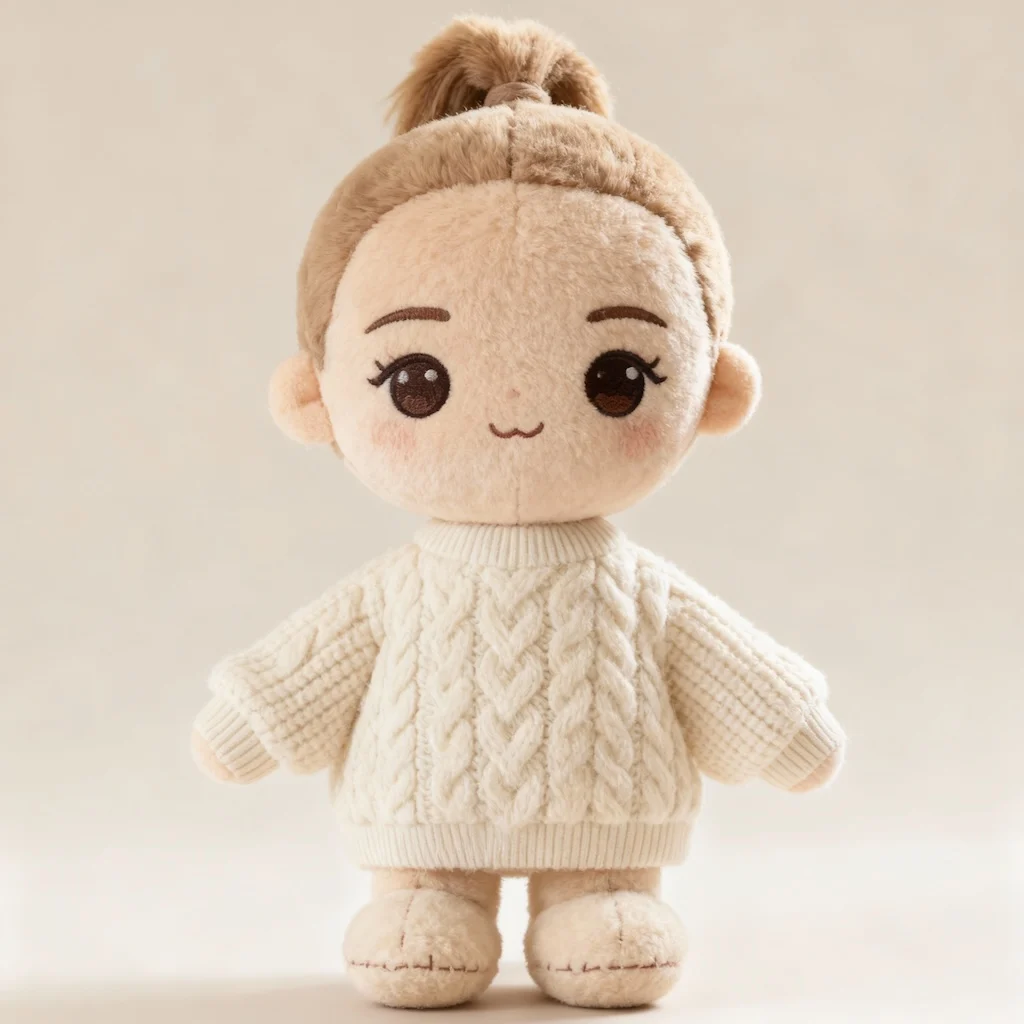
AI image generated with Nano Banana Pro, example 2
Before
After
Original photo before AI transformation, example 3
AI image generated with Nano Banana Pro, example 3
Before
After

Doll Filter

Turn your photos into adorable plush toy versions with Nano Banana Pro. Our AI creates soft, cuddly collectible dolls with oversized heads, fuzzy fabric textures, and embroidered features that look like real high-quality plush toys.

Plush Toy
Doll Filter
Collectible

Doll filter: your photo remade as a plush toy

Photos remade as plush toys. Drag the slider to see skin and clothing turn into fabric and stitching.

Original photo before Doll Filter transformation, example 1
Doll Filter result created with Nano Banana Pro, example 1
Before
After
01Transformations

Fabric, stitching and embroidered features

The doll filter rebuilds you in fuzzy fabric with visible seams and embroidered eyes and mouth, translating hair color and outfit into plush materials rather than painting them on.
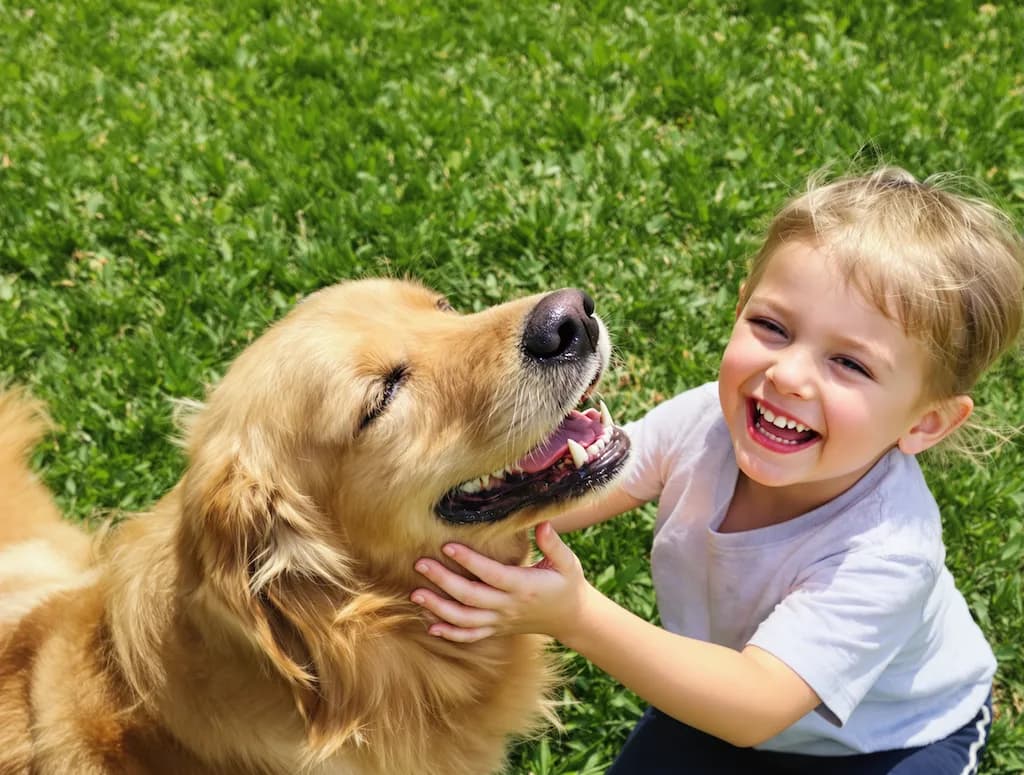
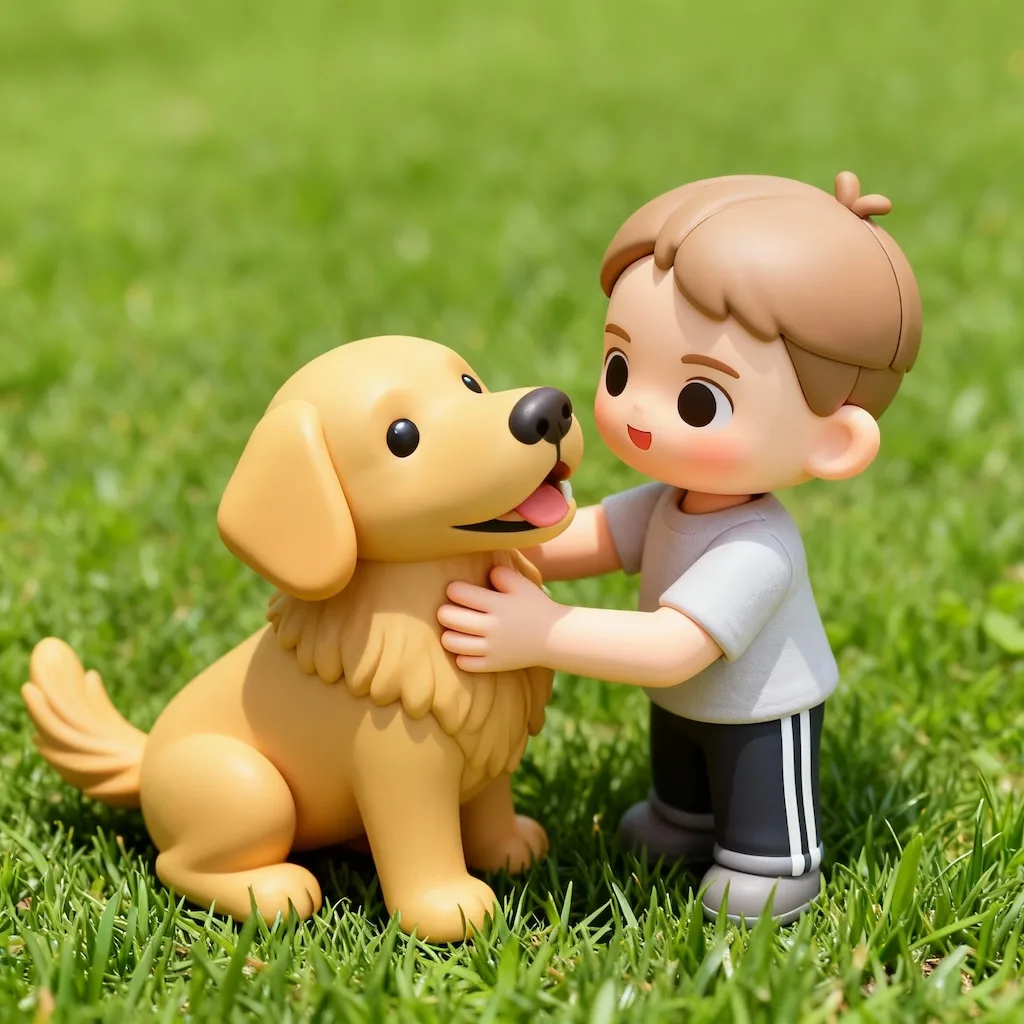
Original photo before Doll Filter transformation, example 2
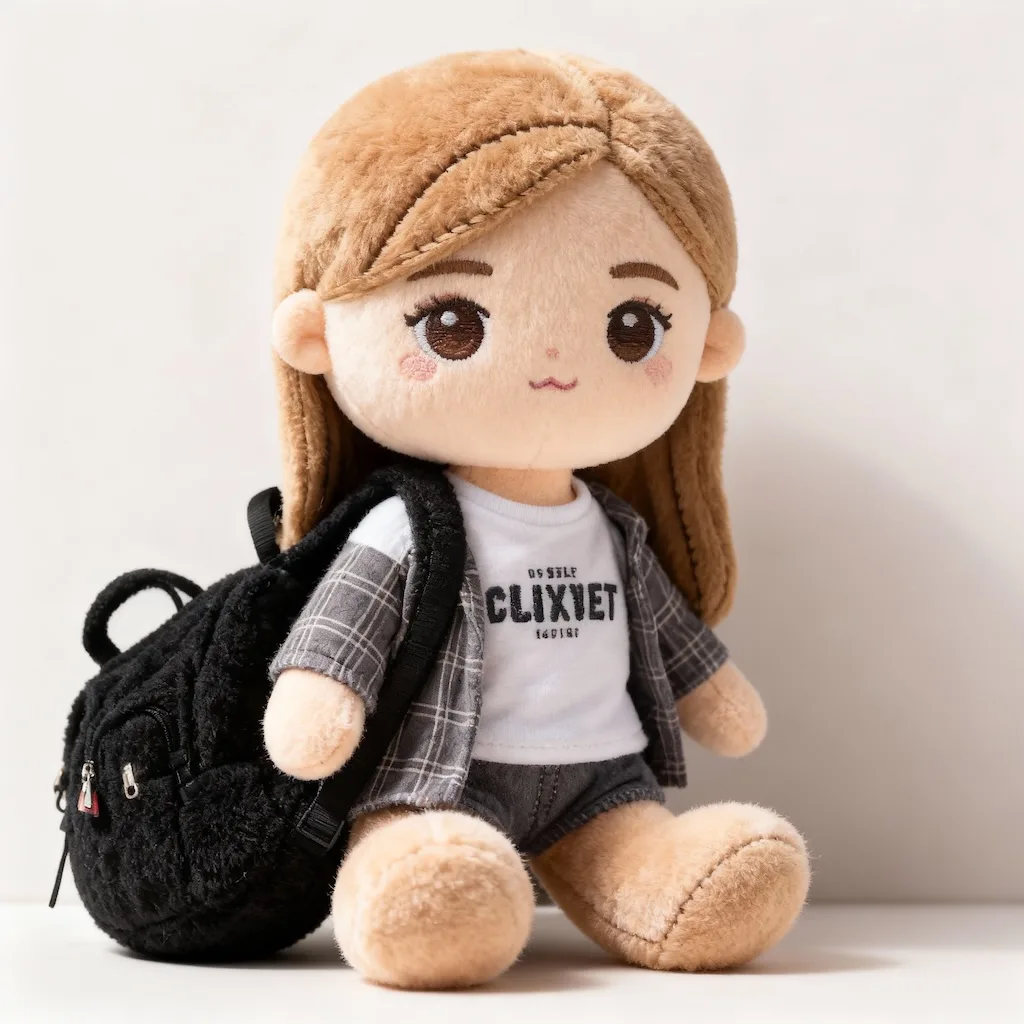
Doll Filter result created with Nano Banana Pro, example 2
Before
After
02Transformations

Clear colors make better fabric choices

Well-lit photos where hair and clothing colors read plainly give the best plush, because those exact colors decide which fabrics the doll ends up made from.

Original photo before Doll Filter transformation, example 3
Doll Filter result created with Nano Banana Pro, example 3
Before
After
03Transformations

Gift mockups, nursery prints, pet plushies

Used for gift mockups and nursery prints, and for plush versions of pets — which is how most people find the doll filter in the first place.

How Doll Filter works

Three steps, no design skills required.

  1. Step 1

    Upload your photo

    Add a JPG, PNG or WebP file up to 10MB. A sharp, well-lit photo gives the best result.

  2. Step 2

    Generate with Nano Banana Pro

    Doll Filter handles the transformation automatically.

  3. Step 3

    Download your result

    Preview the generated image and download it, or run another variation.

Doll Filter FAQ

Common questions about using Doll Filter

The Doll Filter works beautifully with any subject - people, pets, characters, or even objects. The AI excels at transforming portraits into adorable plush versions with oversized heads and cute expressions. For best results, use clear photos with good lighting and simple backgrounds.

The AI intelligently preserves key identifying features while applying the plush aesthetic. Facial features become embroidered details, hair transforms into fuzzy fabric texture, and clothing turns into miniature plush outfits. The AI ensures your subject remains recognizable in their cuddly new form.

Each Doll Filter transformation uses 2 credits. You can purchase credit packages for additional credits.

Commercial use may be permitted, subject to our Terms of Service, applicable law, and third-party rights. You are responsible for reviewing generated outputs before any commercial use.

The AI creates plush toys with authentic details like visible stitching, fuzzy fabric textures, and embroidered features. The AI adds soft, even lighting and realistic material properties that make the dolls look like actual collectible plush toys you could buy in stores.

The filter automatically creates the optimal plush toy version based on your input image. The AI determines the best fabric textures, colors, and proportions to create a cohesive, adorable result. Each transformation produces a unique, high-quality plush toy that captures the essence of your original photo.

Still have questions? Contact support@nano-banana-pro.ai

More styles to try

Other Nano Banana Pro templates that work with the same photo.

View all styles