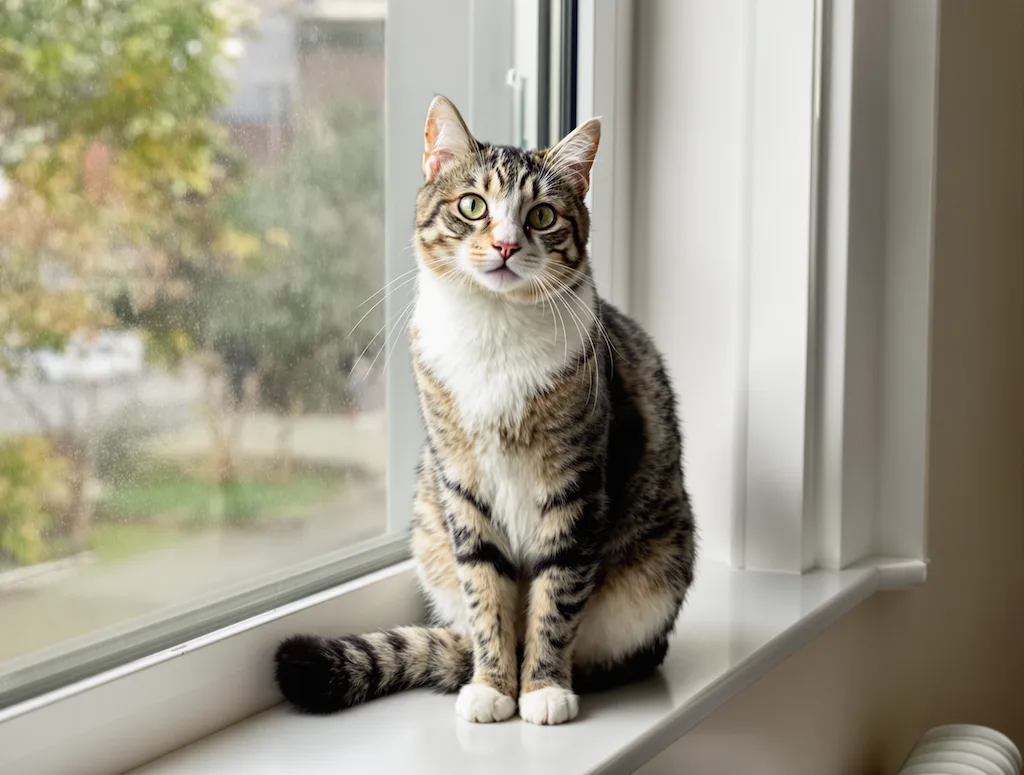
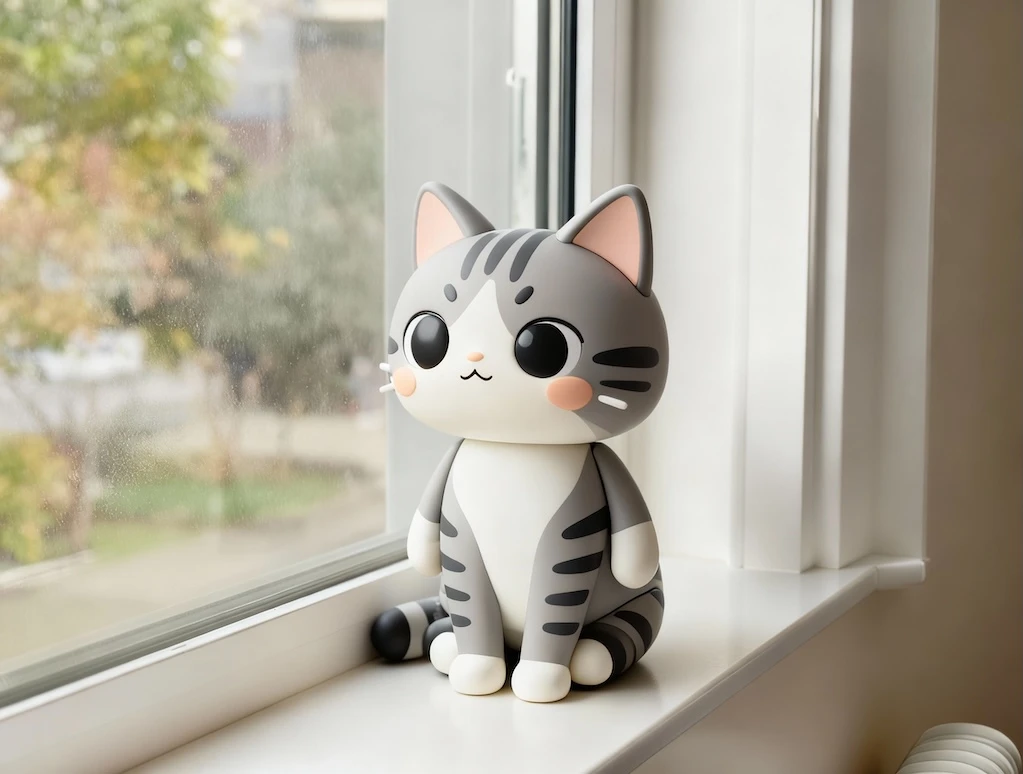
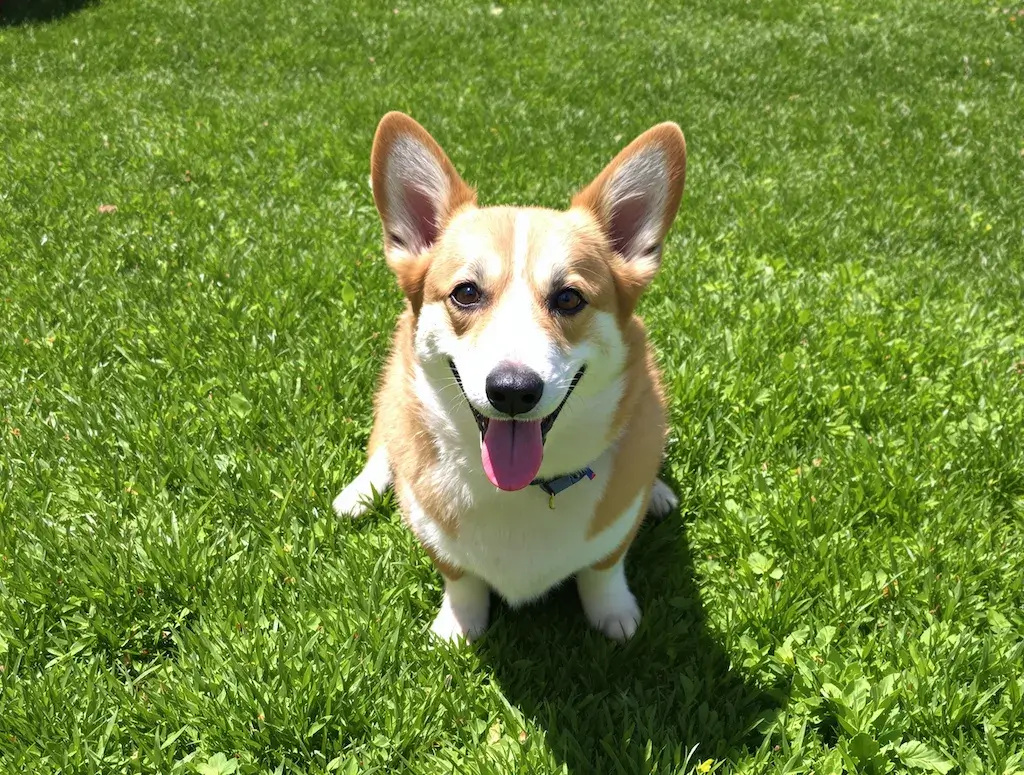
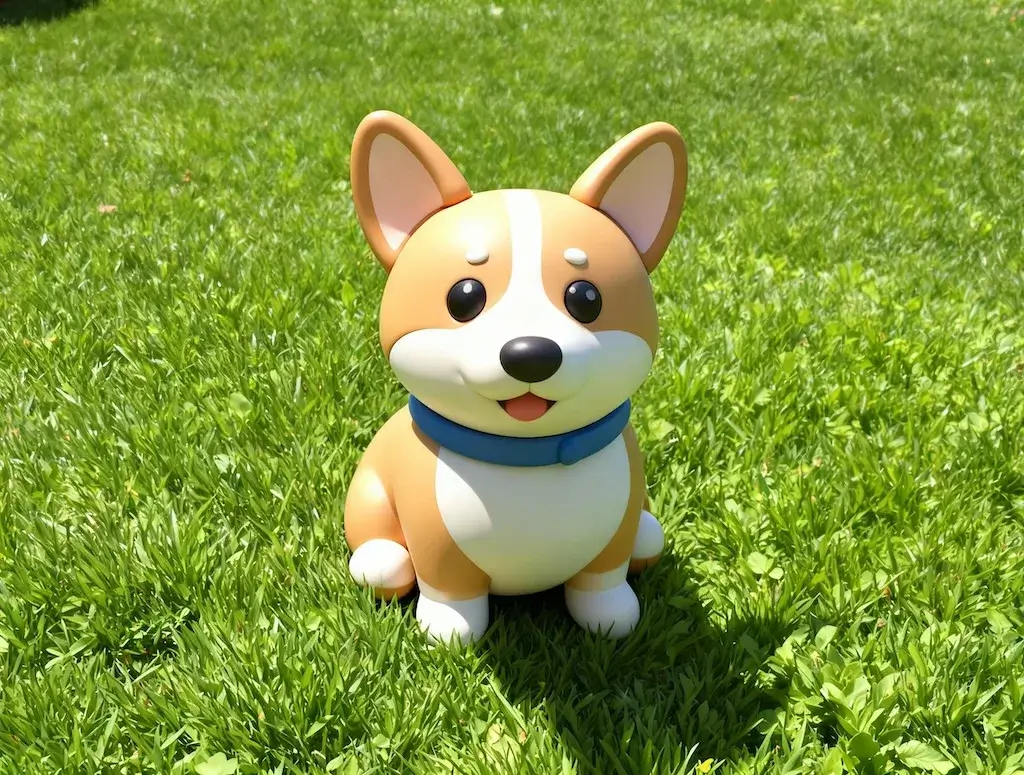
Before
After
01Transformations
Chibi proportions, toy-plastic surface
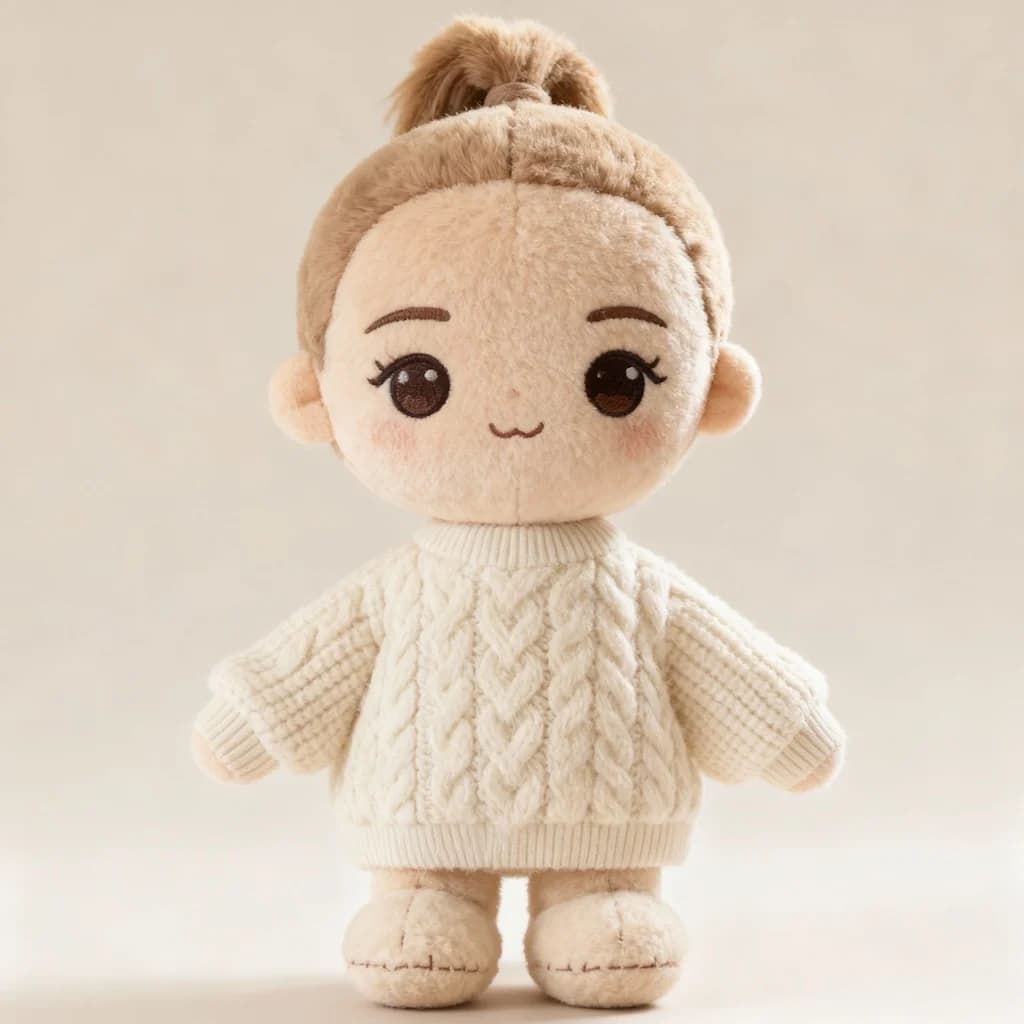
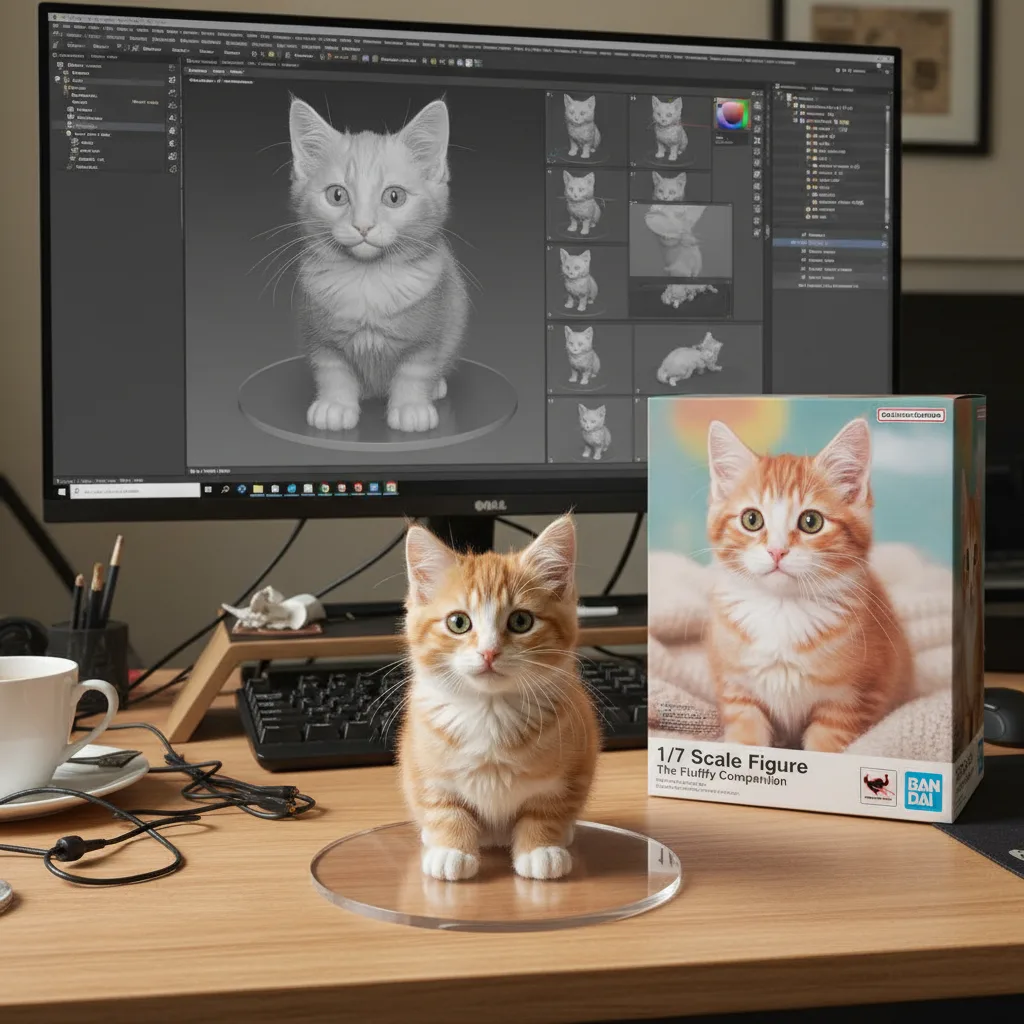
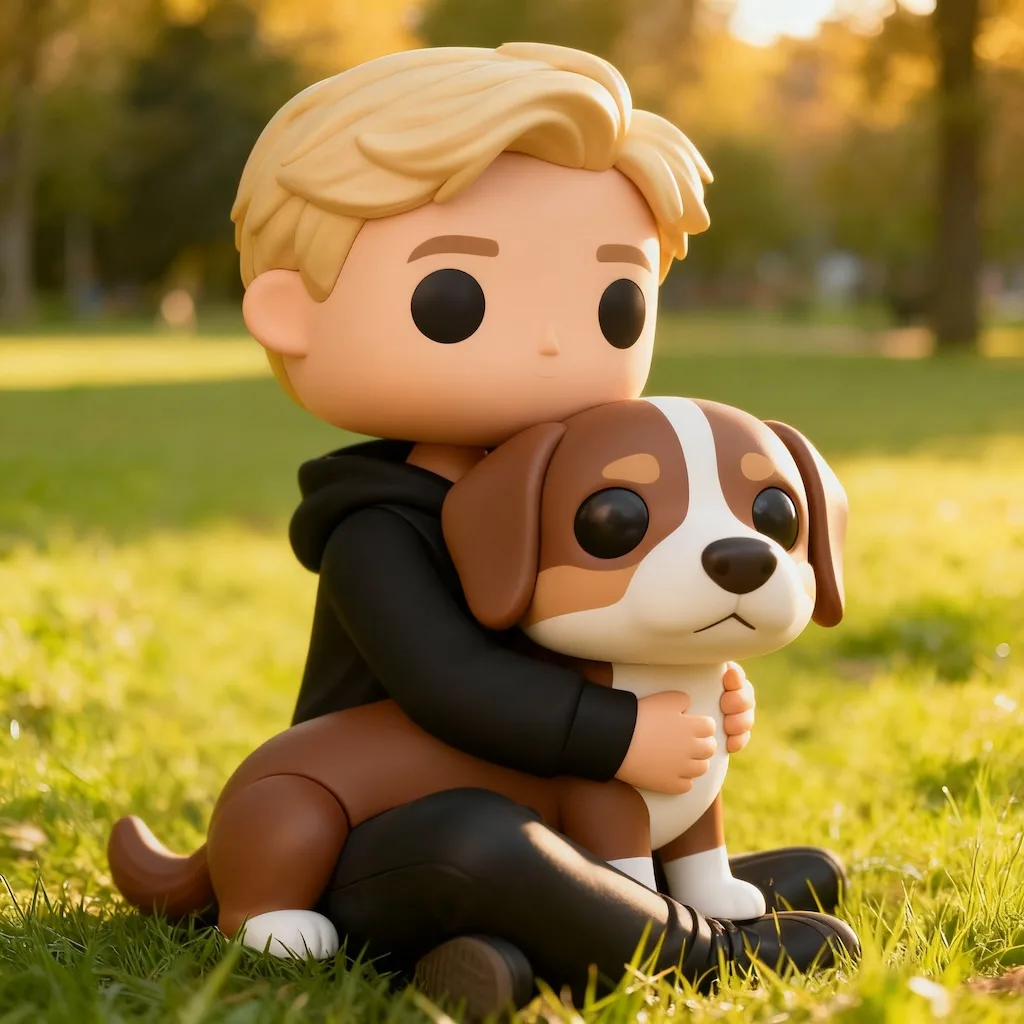
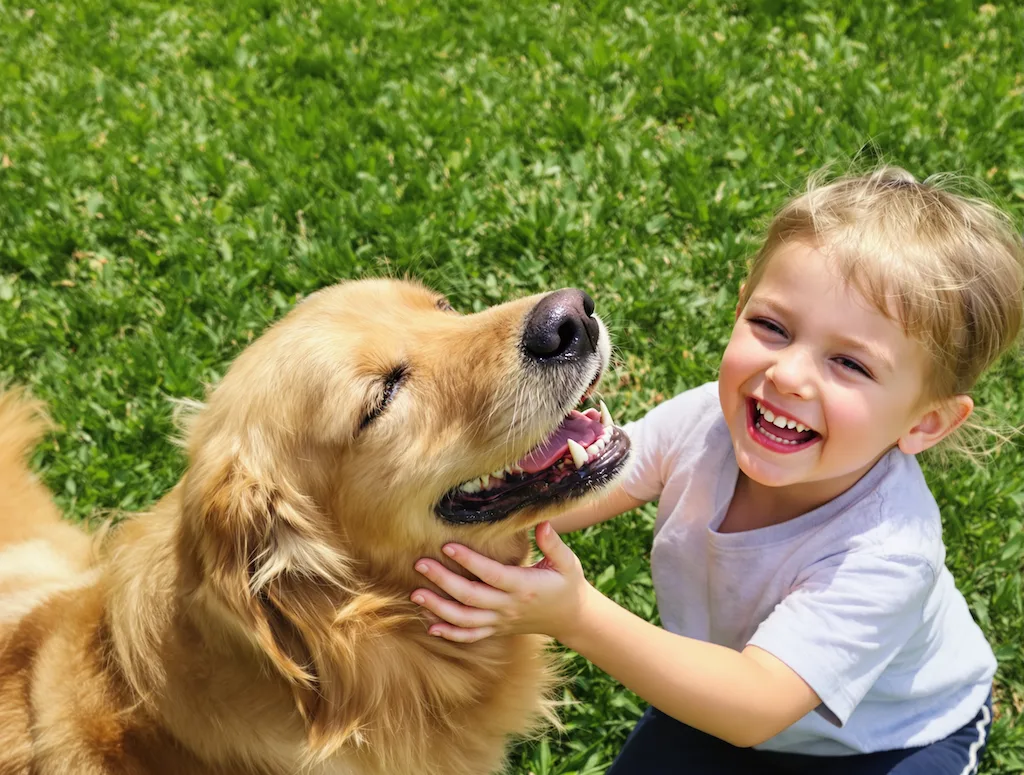
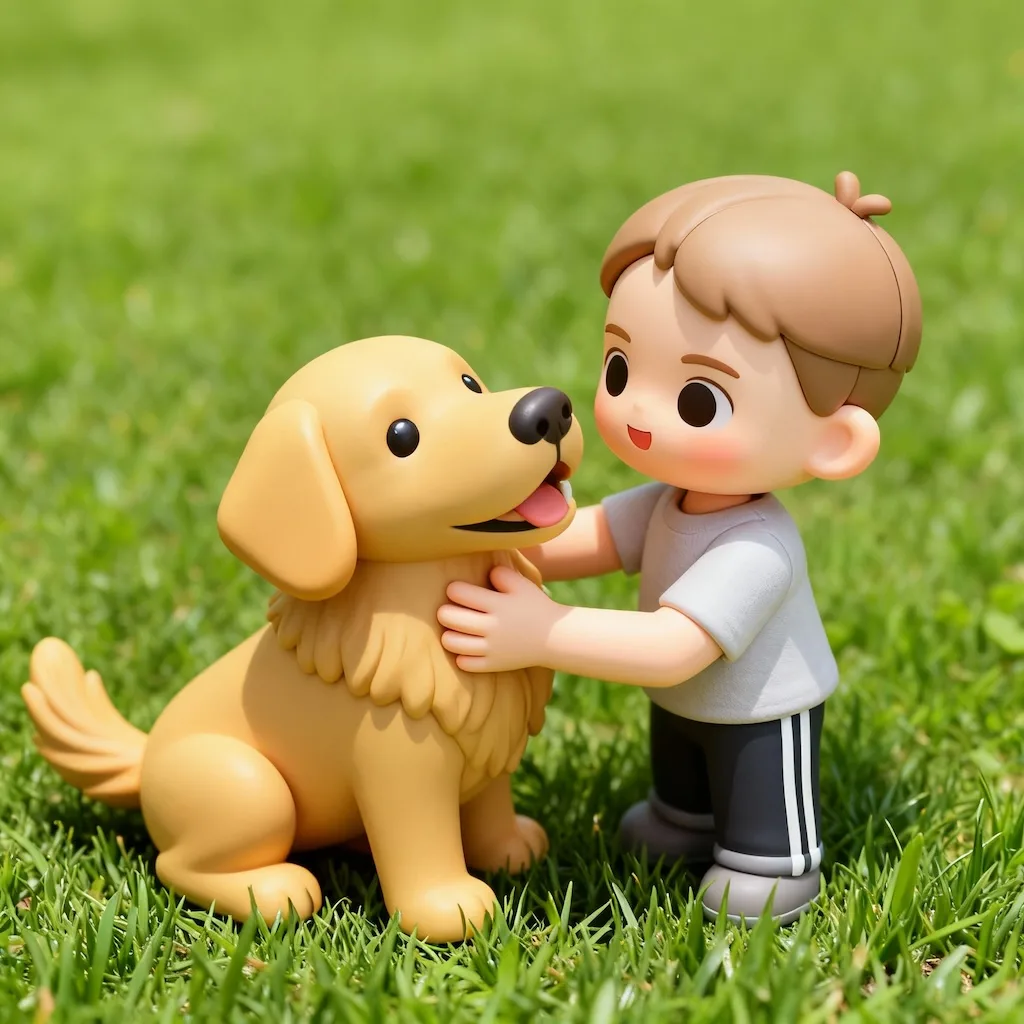
The body shortens to a big-head chibi build and the surface is re-rendered as smooth toy plastic under soft studio light — the way a product shot of a real figure looks.
Upload Your Photo
Upload your photo to create a cute chibi-style 3D toy character
Your 3D Toy Character
Turn your photos into adorable chibi-style 3D toy characters. This AI-powered tool creates cute, miniature-style renders with cartoon aesthetics, perfect for creating collectible-style images, playful avatars, or fun social media content.
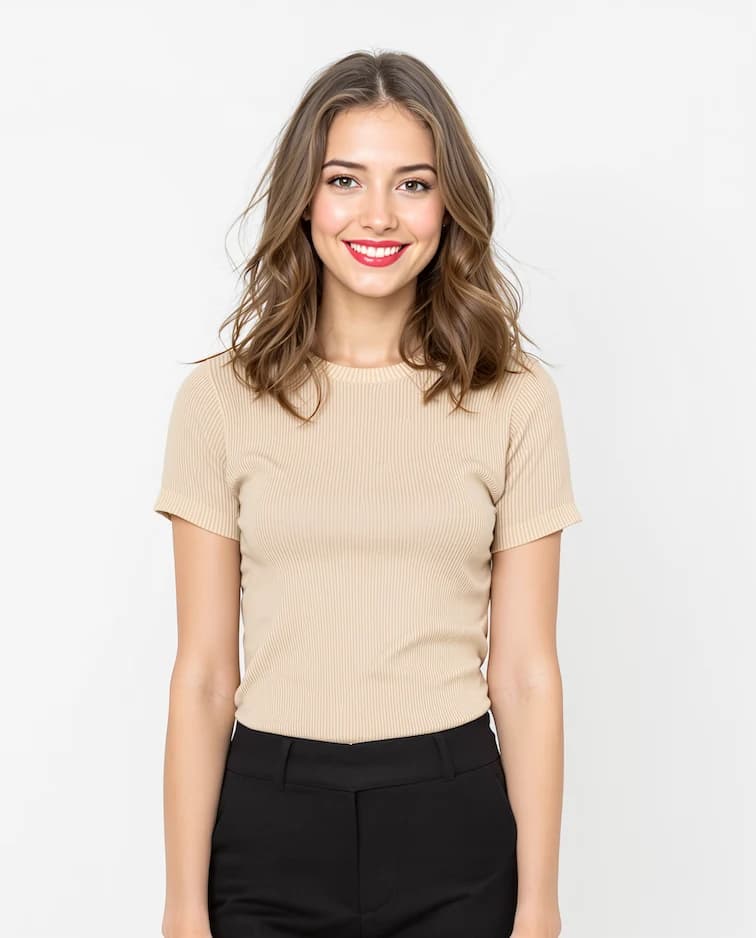
Photos rebuilt as chibi toy renders. Drag the slider to see the proportions shift and the surface turn to plastic.
The body shortens to a big-head chibi build and the surface is re-rendered as smooth toy plastic under soft studio light — the way a product shot of a real figure looks.
At chibi scale, fine features disappear. What makes the toy recognizably you is a distinctive hair color and a clearly visible outfit in the original photo.
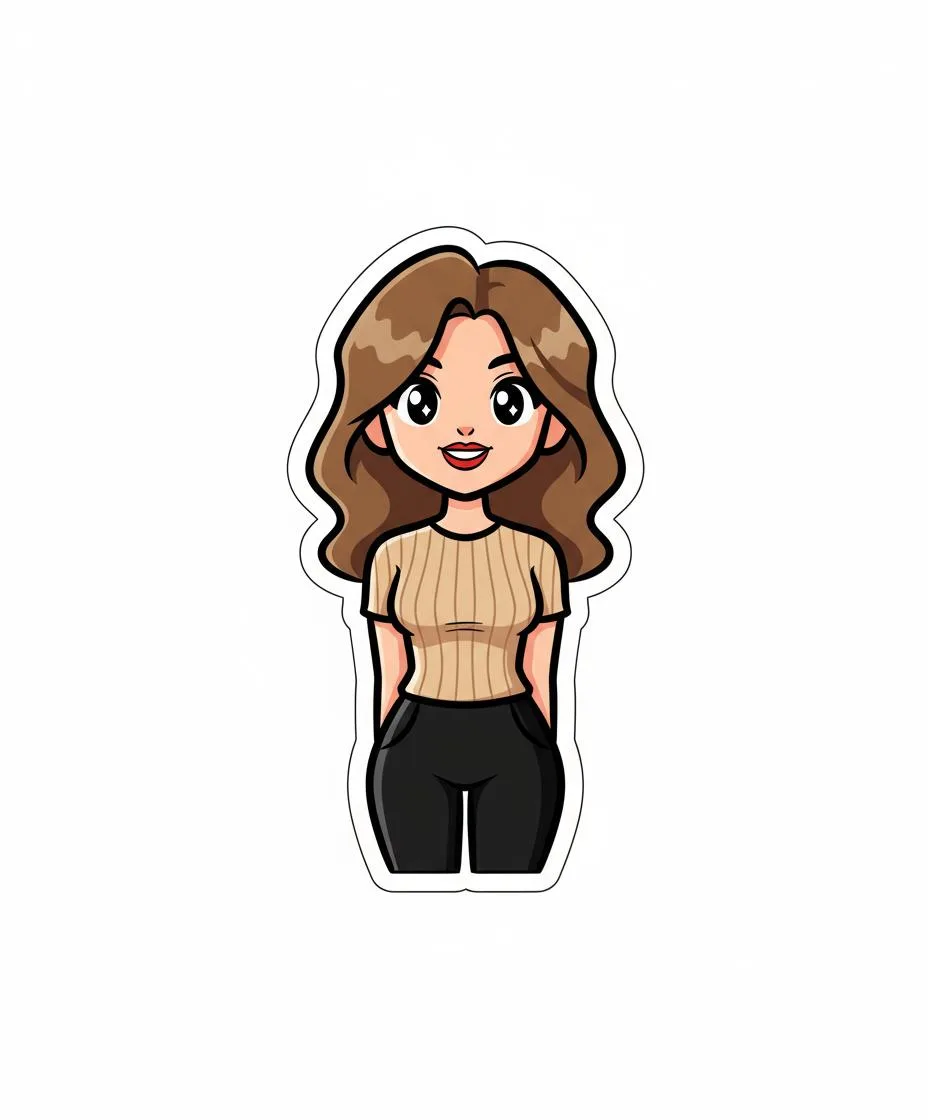
Popular as an avatar or a sticker set, and as a mockup when you want to show what a character would look like turned into merchandise.
Three steps, no design skills required.
Add a JPG, PNG or WebP file up to 10MB. A sharp, well-lit photo gives the best result.
3D Toy Generator handles the transformation automatically.
Preview the generated image and download it, or run another variation.
Common questions about using 3D Toy Generator
This tool transforms your regular photos into adorable chibi-style 3D toy characters. It creates miniature-style renders with cartoon aesthetics, making your images look like collectible toy figures with cute proportions and playful designs.
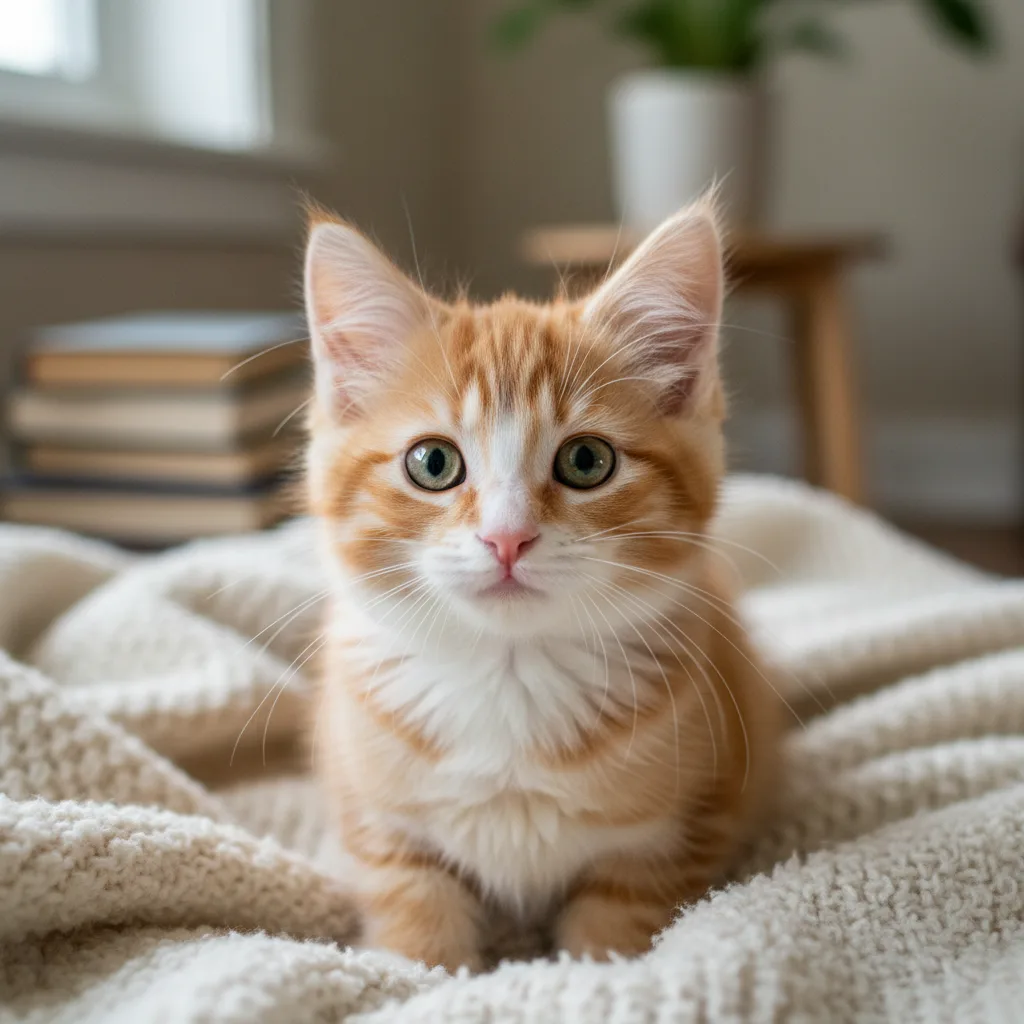
Clear photos with good lighting work best. The AI can transform portraits, pets, objects, or even landscapes into cute toy versions while maintaining the signature chibi-style toy aesthetic.
Each 3D toy generation uses 2 credits. You can purchase credit packages for additional credits.
Commercial use may be permitted, subject to our Terms of Service, applicable law, and third-party rights. You are responsible for reviewing generated outputs before any commercial use.
Generation time varies with image complexity and server load — most results are ready within a minute, with high-quality output optimized for sharing.
Unlike simple filters, this tool completely reimagines your photo as a chibi-style 3D toy. It maintains character identity while adding depth, toy-like materials, and collectible figure aesthetics that look professionally rendered.
Still have questions? Contact support@nano-banana-pro.ai
Other Nano Banana Pro templates that work with the same photo.