How to Use Nano Banana Pro: Complete Step-by-Step Guide for Beginners (2025)
Learn how to use Nano Banana Pro with this complete guide. Transform your images with AI in 3 simple steps. Free tools, pro features & expert tips included.

What You'll Learn: Master Nano Banana Pro in under 15 minutes. From your first upload to creating stunning AI transformations—this complete guide covers everything you need to start creating today.
Table of Contents
- What is Nano Banana Pro?
- Quick Start: 3 Simple Steps
- Essential Features Guide
- Advanced Tips & Tricks
- Pricing & Credits
- Troubleshooting
- FAQ
Looking for a simple way to transform your images with AI? You've found it.
Powered by Google DeepMind • Built on Gemini 3 Pro • Professional 2K/4K output
Nano Banana Pro makes AI image generation accessible to everyone—whether you're a complete beginner or an experienced creator. No complex settings, no steep learning curve. Just upload, choose your style, and watch the magic happen.
This guide will walk you through everything you need to know to start creating stunning AI images in minutes.
What is Nano Banana Pro?
Nano Banana Pro is Google DeepMind's advanced AI image generation and editing model, powered by Gemini 3 Pro. It represents a massive leap from the original Nano Banana, delivering professional-grade image generation with studio-quality control and precision.
Core Capabilities
🎨 Professional Image Generation
- Native 2K resolution (2048x2048) as standard
- Optional 4K ultra-HD output for maximum quality
- Leverages Google Search's knowledge for contextually accurate results
- Perfect for professional design, marketing, and creative projects
🌍 Superior CJK Typography
- Optimized text rendering for Chinese, Japanese, and Korean
- Crystal-clear multilingual text in generated images
- Ideal for international markets and localized content
- In-image text translation while preserving fonts and styles
🎯 Advanced Creative Control
- Multi-image fusion: Combine up to 10-14 reference images
- Precise camera control: Adjust angles, depth-of-field, and perspective
- Professional lighting: Studio-level light transformation and color grading
- Style consistency: Maintain visual coherence across multiple characters
- Multiple aspect ratios: From square to widescreen formats
🔄 Versatile Transformations
- Sketch to reality: Convert hand-drawn concepts to photorealistic images
- 3D rendering: Transform 2D sketches to architectural visualizations
- Style transfer: Apply artistic styles powered by Seedream-4 model
- Image restoration: Enhance and restore old or damaged photos
- Background manipulation: Remove, replace, or enhance backgrounds
Built on Google's Most Advanced AI:
- 🧠 Gemini 3 Pro multimodal intelligence
- 📊 Real-time Google Search data integration
- ⚡ Optimized for speed and quality balance
- 🎨 Seedream-4 style templates for creative variety
🎯 Who Is This Guide For?
This tutorial is perfect for:
- 🎨 Content Creators - Enhance social media visuals and create unique content
- 💼 Small Business Owners - Professional product photos without a photographer
- 👨👩👧👦 Families - Restore old photos and create fun memories
- 🎓 Students & Hobbyists - Explore AI art and learn creative techniques
Time Investment: 10-15 minutes to master the basics • No technical skills required
Quick Start: 3 Simple Steps
⏱️ Total Time: Under 2 Minutes
Step 1: Upload Your Image
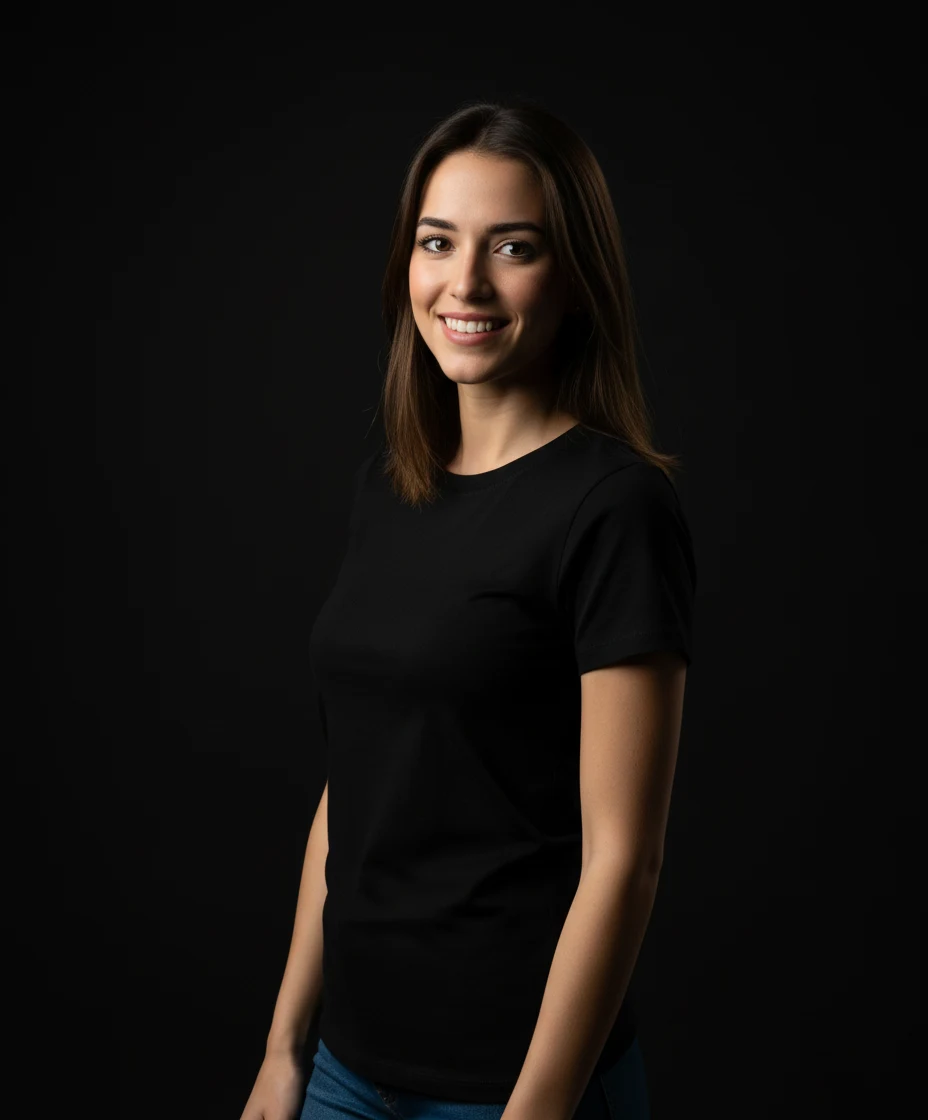
- Go to Nano Banana Pro homepage
- Click the "Upload Image" button or drag and drop your photo
- Supported formats: JPG, PNG, WEBP (up to 10MB)
The homepage features a clean, intuitive interface where you can describe what you want to edit. You'll see example transformations in the "Use Cases" section showing before and after results.
Pro Tip: For best results, use clear, well-lit photos with good resolution (at least 512x512 pixels).
Step 2: Choose Your Transformation Style
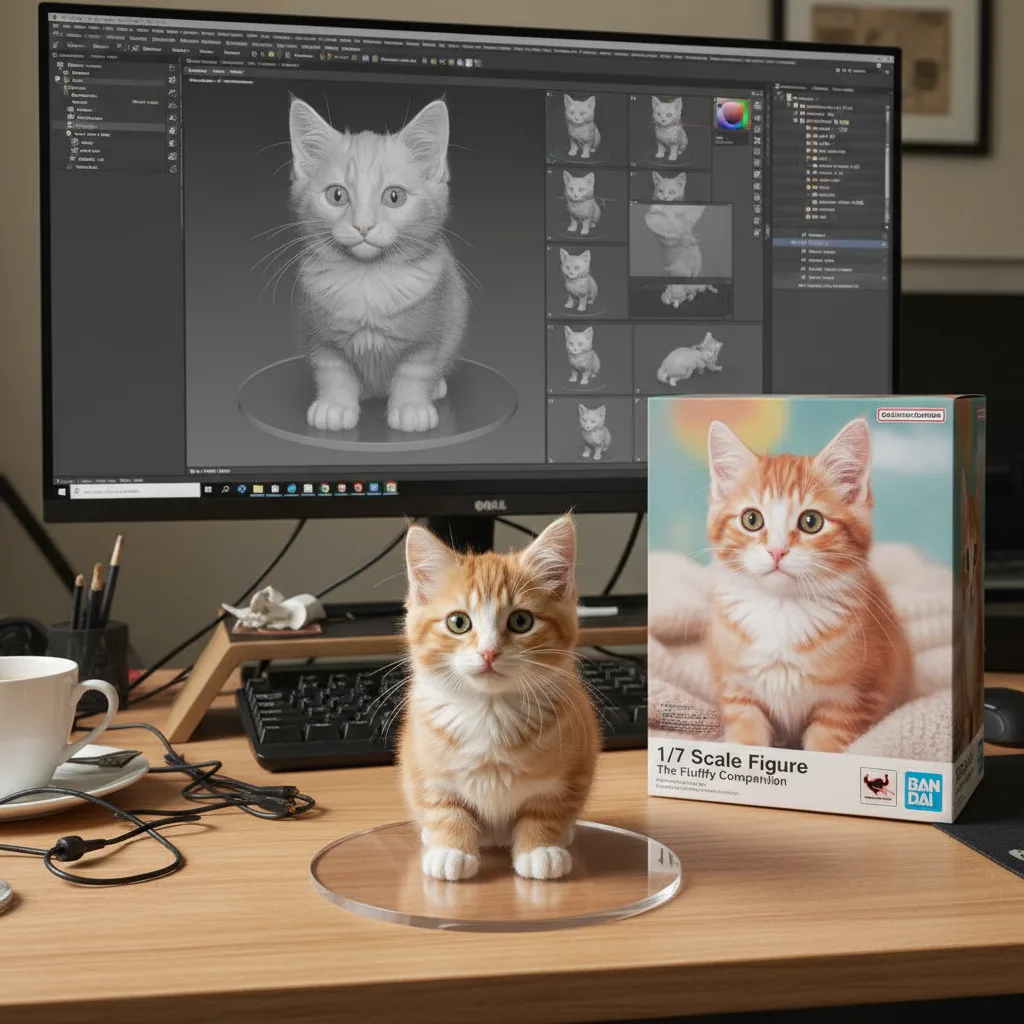
Once your image is uploaded, you'll see dozens of style options:
Popular Categories:
- Portrait Enhancement - Professional headshots, beauty filters
- Artistic Styles - Oil painting, watercolor, anime, sketch
- Creative Themes - Cyberpunk, fantasy, vintage, modern
- Seasonal Effects - Halloween, Christmas, seasonal transformations
- Restoration - Old photo restoration, colorization, quality enhancement
How to Choose:
- Browse the gallery to preview style examples
- Click on any style to see "before & after" samples
- Each style shows processing time (typically 5-15 seconds)
Step 3: Generate & Download
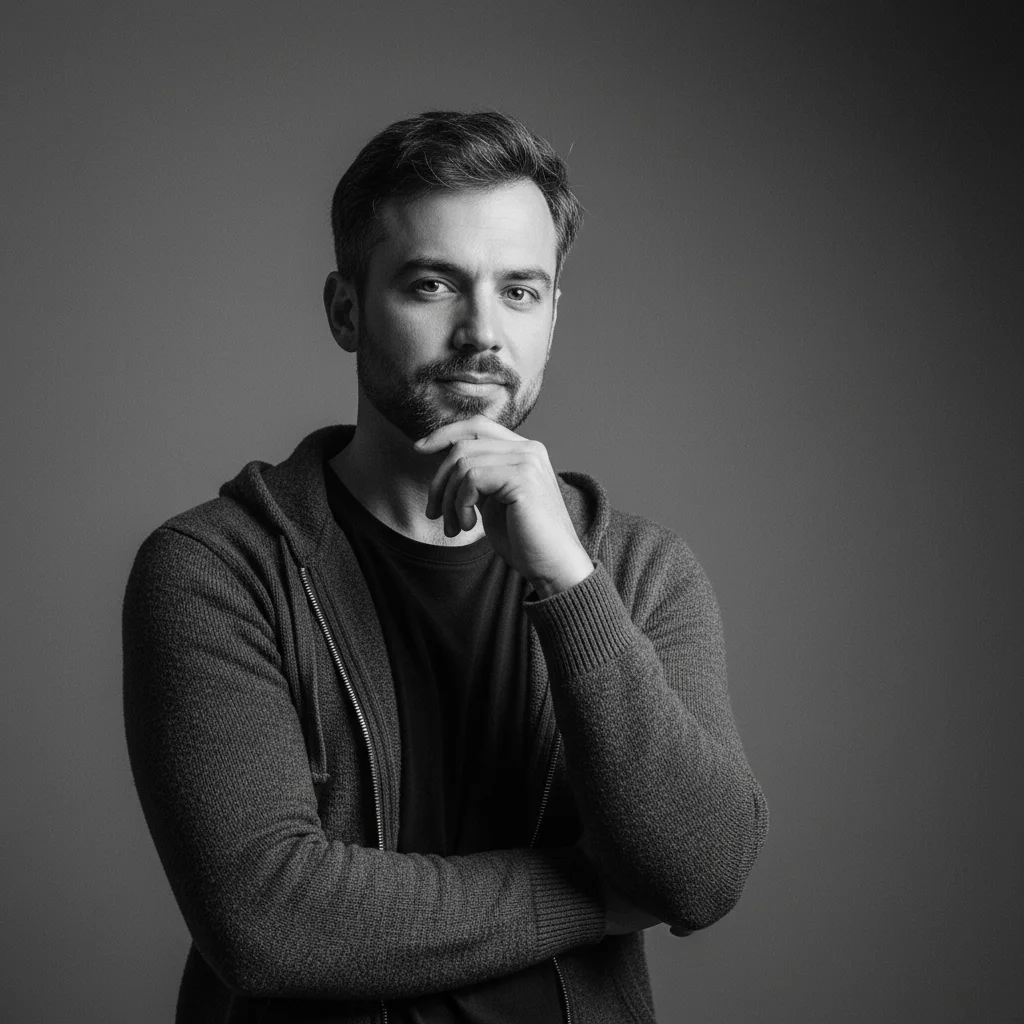
- Click "Generate" button
- Wait 10-30 seconds for AI processing
- Preview your result
- Download in high quality (original resolution maintained)
Free Trial vs Paid Credits:
- Free Trial: 2 credits (test both 2K and 4K quality)
- Paid Packs: No watermarks, full commercial rights, credits never expire
💡 Pro Tip: Start with the 2 free credits to test different resolutions and styles. Most users purchase the Creator Pack after seeing the professional quality!
📊 By The Numbers
- ⚡ Processing Speed: 15-30 seconds (2K) | 30-45 seconds (4K)
- 🎨 Available Styles: 45+ Seedream-4 templates + custom controls
- 📸 Max Resolution: Native 2K (2048x2048) or Ultra HD 4K
- 🖼️ Multi-Image Fusion: Combine up to 10-14 reference images
- 🌏 Language Support: Optimized for CJK (Chinese, Japanese, Korean) + global languages
- 💾 Input Formats: JPG, PNG, WEBP up to 10MB
- 🎯 Aspect Ratios: Square, portrait, landscape, and custom ratios
Essential Features Guide
🎨 AI Style Transfer
Transform your photo into any artistic style:
Example Use Cases:
- Turn selfies into professional portraits
- Convert photos to anime characters
- Create vintage-style family photos
- Generate fantasy character versions
Best Practices:
- Start with front-facing photos for portraits
- Use high-contrast images for artistic styles
- Try multiple styles to compare results
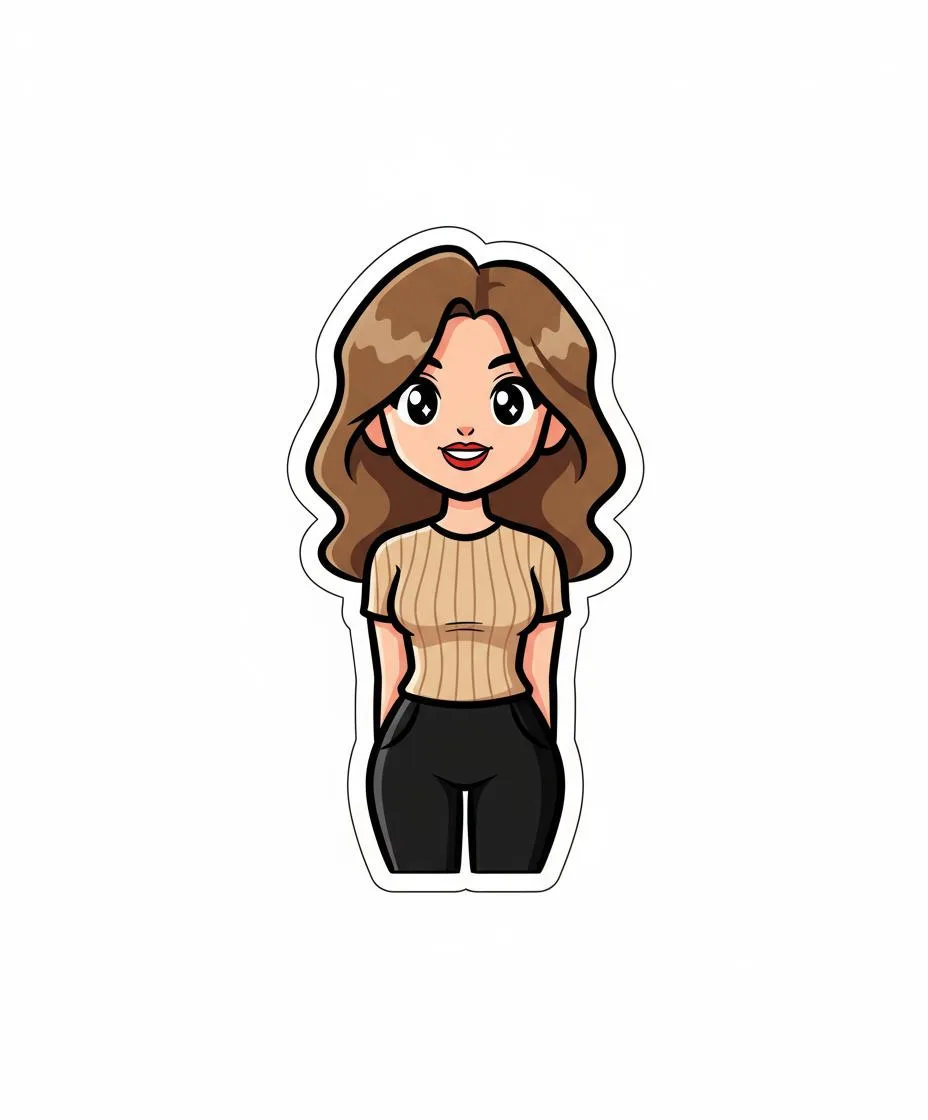
🖼️ Image Restoration
Bring old, damaged photos back to life:
What It Does:
- Removes scratches, stains, and damage
- Enhances faded colors
- Improves sharpness and clarity
- Upscales resolution
How to Use:
- Upload your old/damaged photo
- Select "Image Restoration" from the style menu
- Generate and compare before/after
- Download restored version
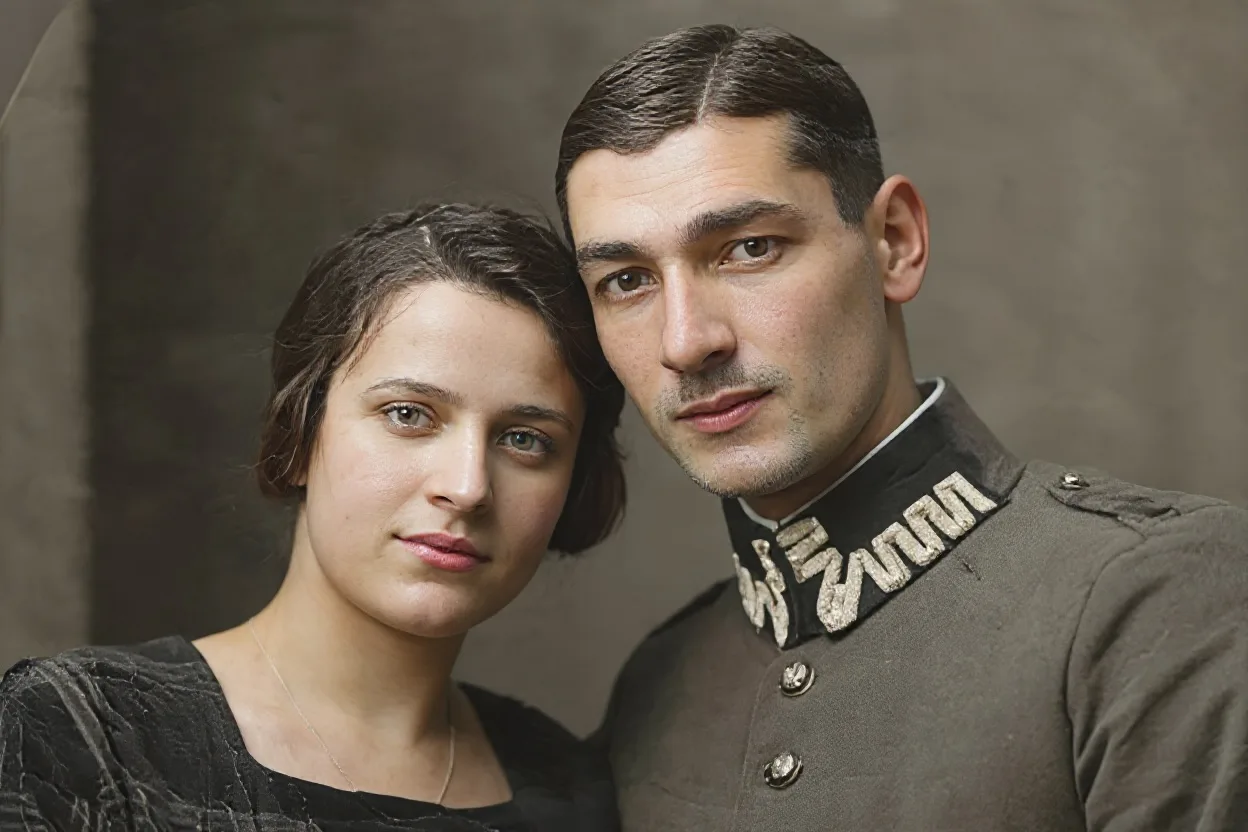
🎭 Gender Swap Filter
See yourself as the opposite gender:
Features:
- Natural facial structure transformation
- Maintains your recognizable features
- Realistic hair, makeup, and styling
- 10-second processing
Popular For:
- Social media content
- Identity exploration
- Fun profile pictures
- Creative projects
🔍 Image to Prompt
Reverse-engineer any image to discover its prompt:
How It Works:
- Upload any AI-generated image
- AI analyzes visual elements
- Generates detailed text prompt
- Use prompt to create similar images
Great For:
- Learning prompt engineering
- Recreating styles you love
- Understanding AI art techniques
💡 Quick Tip: Use Image to Prompt on competitor's images to recreate similar styles for your own brand. It's like reverse-engineering their creative process!
✂️ Background Removal
Remove image backgrounds instantly:
Perfect For:
- Product photography
- Profile pictures
- Design projects
- Marketing materials
Features:
- Automatic detection
- Clean edge preservation
- Transparent PNG output
- Batch processing available (Pro)
⬆️ AI Image Upscaler
Enhance image resolution without quality loss:
Capabilities:
- 2x, 4x, or 8x upscaling
- AI-powered detail enhancement
- Maintains natural look
- Reduces noise and artifacts
Advanced Tips & Tricks
Getting Better Results
1. Image Quality Matters
- Use well-lit, clear photos
- Avoid blurry or low-resolution images
- Centered subjects work best
2. Experiment with Styles
- Try variations of similar styles
- Combine effects (restore → style → upscale)
- Save your favorites for reference
3. Optimize Processing Time
- Process during off-peak hours for faster results
- Resize very large images before upload
- Use Pro account for priority queue
🎯 Common Use Cases
For Personal Use:
- 📸 Enhance social media photos
- 👤 Create unique profile pictures
- 📷 Restore family photo albums
- 🎨 Generate creative avatars
For Business:
- 🛍️ Product photography backgrounds
- 📊 Marketing visual content
- 💼 Professional headshots
- 🎯 Brand imagery creation
For Creators:
- 🖼️ Generate reference images
- 🎭 Create concept art
- 👥 Develop character designs
- 📐 Build visual mood boards
🆚 Nano Banana Pro vs Competitors
| Feature | Nano Banana Pro | Midjourney | DALL-E 3 | Stable Diffusion | |---------|-----------------|------------|----------|------------------| | Max Resolution | Native 2K, Optional 4K | 1024x1024 | 1024x1024 | 1024x1024 | | Multi-Image Fusion | 10-14 images ✅ | Limited | No | Via extensions | | CJK Typography | Optimized ✅ | Basic | Good | Limited | | Google Search Integration | Real-time data ✅ | No | No | No | | Commercial License | Included | Paid plans only | Included | Varies | | Pricing Model | Pay-per-use credits | Monthly subscription | Monthly subscription | Free/Paid tiers | | Professional Controls | Camera, lighting, color ✅ | Limited | No | Advanced (technical) |
Why Professionals Choose Nano Banana Pro:
- 🎯 Superior resolution: Native 2K and optional 4K vs. competitors' 1K output
- 🌏 Best-in-class CJK support: Perfect Chinese, Japanese, Korean text rendering
- 🔗 Real-time knowledge: Powered by Google Search for accurate, contextual results
- 🎨 Studio controls: Professional-grade camera, lighting, and color adjustments
- 💼 Enterprise ready: Multi-image fusion (10-14 images) maintains brand consistency
- 💰 Flexible pricing: Pay-per-use credits, no subscription lock-in, credits never expire
- ⚡ Google-powered: Built on DeepMind's Gemini 3 Pro for cutting-edge AI capabilities
Pricing & Credits
💰 Flexible Pay-Per-Use Pricing
Nano Banana Pro uses a credit-based system - pay only for what you generate, no monthly commitments.
Available Resolutions:
- 2K Standard (2048x2048) - Perfect for social media, web content, and digital use
- 4K Ultra HD (4096x4096) - Professional print, marketing materials, and large displays
🎁 Getting Started
Free Trial:
- Get free credits to test all features
- Full commercial usage rights included
- No credit card required
- Experience both 2K and 4K quality before buying
Credit Packs Available:
- Starter Pack - Perfect for testing and occasional use
- Creator Pack - Best value for active content creators
- Pro Pack - Ideal for professionals and agencies
- Enterprise - Custom volumes for large teams
✅ What's Included in All Plans
- ✅ Full commercial license
- ✅ 2K and 4K resolution options
- ✅ All Seedream-4 style templates (45+ styles)
- ✅ Multi-image fusion (up to 10 references)
- ✅ Advanced camera and lighting controls
- ✅ Priority generation queue
- ✅ JPG, PNG, WebP format downloads
- ✅ API access available
- ✅ Credits never expire
Troubleshooting Common Issues
"Upload Failed"
- Check file size (up to 10MB)
- Ensure supported format (JPG/PNG/WEBP)
- Try converting image format
"Generation Taking Too Long"
- High traffic periods may slow processing
- Upgrade to Pro for priority queue
- Try refreshing if stuck over 2 minutes
"Result Doesn't Look Right"
- Try different source image
- Choose alternative style
- Check image quality/resolution
- Adjust image cropping
"Can't Download Image"
- Check browser download settings
- Try different browser
- Clear cache and retry
- Contact support if persists
Frequently Asked Questions
Q: Is Nano Banana Pro free to use? A: Yes! You get 2 free credits to test all features. After that, purchase credit packs as needed—no subscription required.
Q: Can I use generated images commercially? A: Absolutely! All generated images include full commercial usage rights, even with free trial credits.
Q: What's the difference between 2K and 4K output? A: 2K (2048x2048) is perfect for web, social media, and digital use. 4K offers ultra-HD quality ideal for print, large displays, and professional marketing materials.
Q: How long does image generation take? A: 2K images typically process in 15-30 seconds. 4K ultra-HD may take 30-45 seconds depending on complexity.
Q: What image formats are supported? A: Input: JPG, PNG, WEBP up to 10MB. Output: JPG, PNG, or WEBP in your chosen resolution.
Q: Do credits expire? A: No! Credits never expire. Buy once, use whenever you need.
Q: Can I combine multiple reference images? A: Yes! Nano Banana Pro can fuse up to 10-14 reference images to maintain brand consistency and style coherence.
Q: Is my data private and secure? A: Yes. All uploads are encrypted and processed securely. Images are automatically deleted after 24 hours for privacy.
Q: What AI technology powers Nano Banana Pro? A: Built on Google DeepMind's Gemini 3 Pro with Seedream-4 style models for creative transformations.
Q: Can I get a refund if I'm not satisfied? A: Yes, we offer a satisfaction guarantee. Contact support within 7 days for credit refunds on unused credits.
Getting Started Checklist
Ready to create professional AI images? Follow this 5-minute setup:
- [ ] Sign up at Nano Banana Pro - Get 2 free credits instantly
- [ ] Prepare your image - JPG, PNG, or WEBP (up to 10MB)
- [ ] Choose resolution - Test both 2K (faster) and 4K (ultra-HD)
- [ ] Select a style - Browse 45+ Seedream-4 templates or use custom controls
- [ ] Generate - Wait 15-45 seconds for professional results
- [ ] Download - Get full-resolution output with commercial rights
- [ ] Experiment - Try multi-image fusion, camera angles, and lighting controls
- [ ] Purchase credits - Buy a pack when ready for regular use (credits never expire)
Next Steps
Now that you know how to use Nano Banana Pro, here are some ways to level up:
- Explore the Style Gallery - Browse hundreds of style examples
- Read Our Prompt Guide - 45+ Best Prompts for Stunning Results
- Try Specialized Tools - Gender swap, Halloween effects, image restoration
- Follow Our Blog - Learn new techniques and use cases
- Join the Community - Share creations and get feedback
Why Users Choose Nano Banana Pro
🌟 Real User Success Stories
Sarah M. - Family Photo Restoration
"I restored my grandmother's wedding photo from 1950. The results were incredible—better than I imagined possible. The AI even enhanced details I thought were lost forever."
Result: Restored 15 family photos in one afternoon
James L. - Small Business Owner
"As a small business owner, the background removal tool saves me hours. I use it for all my product photos now instead of hiring a photographer for every shoot."
Saved: $500+/month on product photography
Emily R. - Content Creator
"The anime style filter is addictive! I've transformed all my vacation photos and my friends love them. My Instagram engagement went up 40% since I started posting these."
Created: 200+ unique images for social media
📈 What Users Achieve With Nano Banana Pro
| Use Case | Time Saved | Results | |----------|------------|---------| | Product Photography | 5-10 hours/week | Professional backgrounds in seconds | | Social Media Content | 3-5 hours/week | Unique, eye-catching posts | | Photo Restoration | 2-4 hours/photo | Bring old memories back to life | | Creative Projects | Varies | Unlimited artistic possibilities |
🎉 Ready to Create Your First AI Transformation?
You now have everything you need to start transforming images like a pro. Nano Banana Pro makes professional-quality AI image transformation accessible to everyone—whether you're restoring precious memories, creating social media content, or exploring creative possibilities.
Your Next Steps:
Option 1: Start with Free Credits (Recommended for everyone)
- 2 free credits to test 2K and 4K quality
- Full commercial rights included
- No credit card required
- Experience professional quality first
Option 2: Purchase Credit Packs (Best value for active users)
- Multiple pack sizes available
- More credits = better value per image
- Credits never expire
- Perfect for regular content creation
View All Credit Packs & Pricing →
💬 Still Have Questions?
Quick Response Options:
- 📧 Email our support team: support@nanobanana.pro
- 💬 Live chat available 9AM-6PM EST
- 📚 Browse our Help Center
- 🎥 Watch video tutorials on our YouTube channel
📚 Continue Learning
Want to level up your AI image creation skills? Check out these resources:
Popular Guides:
- 45+ Best Seedream 4.0 Prompts for Stunning Results
- Gender Swap Filter: Complete Tutorial
- AI Halloween Costume Generator Guide
Latest Updates:
- New styles added weekly
- Feature releases every month
- Join our newsletter for tips and updates
⭐ Was This Guide Helpful?
Help us improve! Let us know:
- ✅ What worked well for you
- 💡 What could be clearer
- 🚀 What features you'd like to see next
Share this guide with someone who could benefit from AI image transformation!
Related Articles:
- 45+ Best Seedream 4.0 Prompts Guide
- Gender Swap Filter: Complete Guide
- AI Halloween Costume Generator Tutorial
Need Help? Contact our support team or check our FAQ section for more information.